TouchGap: Touch Screen Test
Multitouch Dropout Analyzer
Được thiết kế cho iPhone, iPad
Miễn phí
- Độ tuổi4+
- Danh mụcTiện Ích
- Nhà phát triểnnowApp Inc.
- Ngôn ngữTiếng Anh+ 7 ngôn ngữ khác
- Kích thước6,6 MB
Liên kết đến trang App Store chính thức
Download.org không lưu trữ tệp nào của TouchGap: Touch Screen Test. Nút này mở trang ứng dụng trên App Store, nơi nowApp Inc. phát hành ứng dụng. Trang được kiểm tra lần cuối: 14/11/2026.
Ảnh chụp màn hình


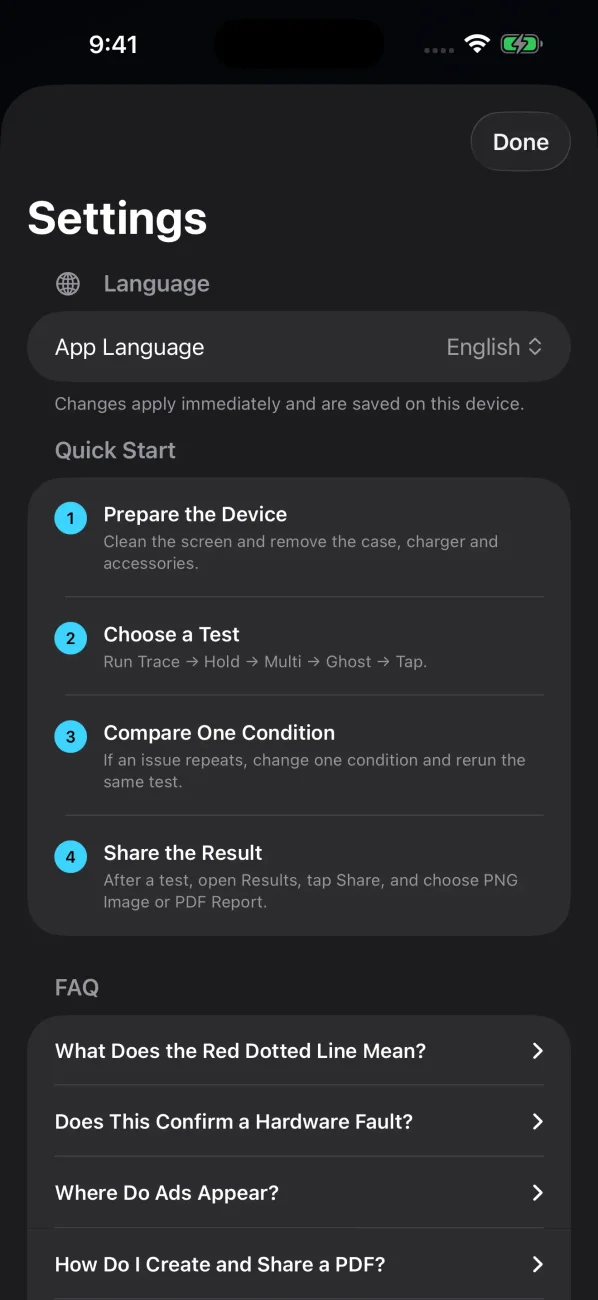
Giới thiệu
Nhà phát triển chưa cung cấp nội dung này bằng ngôn ngữ của bạn.
Does your screen sometimes seem to miss a touch, but you cannot show exactly when or where it happens?
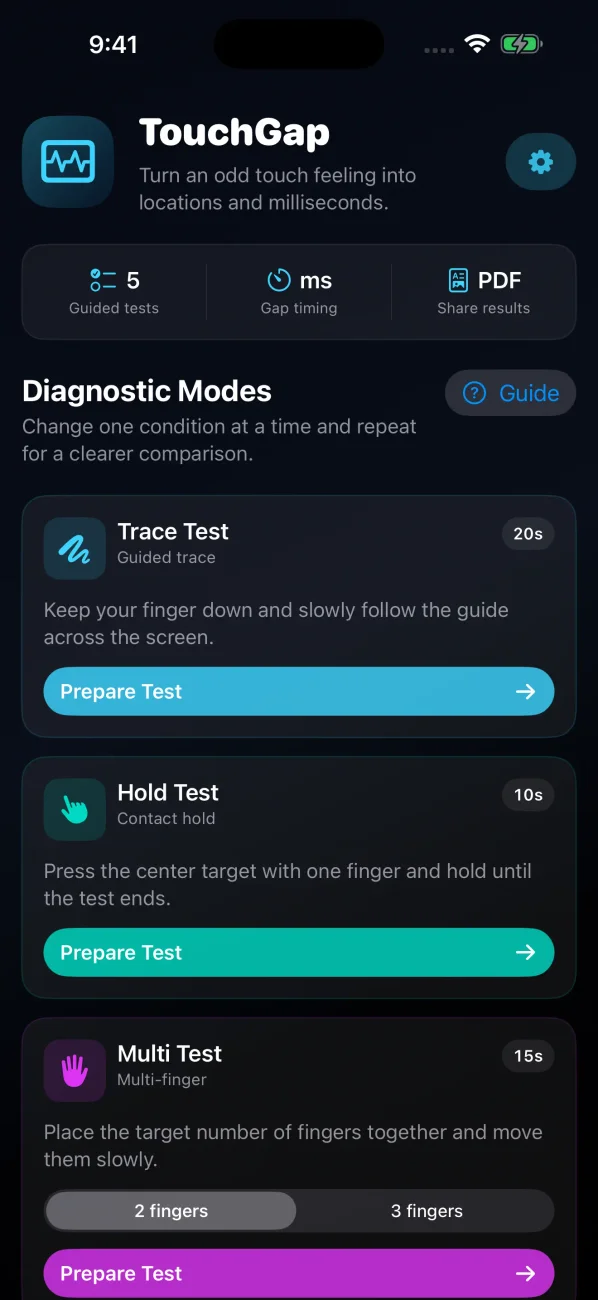
TouchGap is a visual diagnostic tool that draws the touch events delivered to the app by your iPhone or iPad. It goes beyond drawing lines by showing time between events, samples per second, cancellations, and recurring locations so you can examine touch continuity.
Five guided test modes
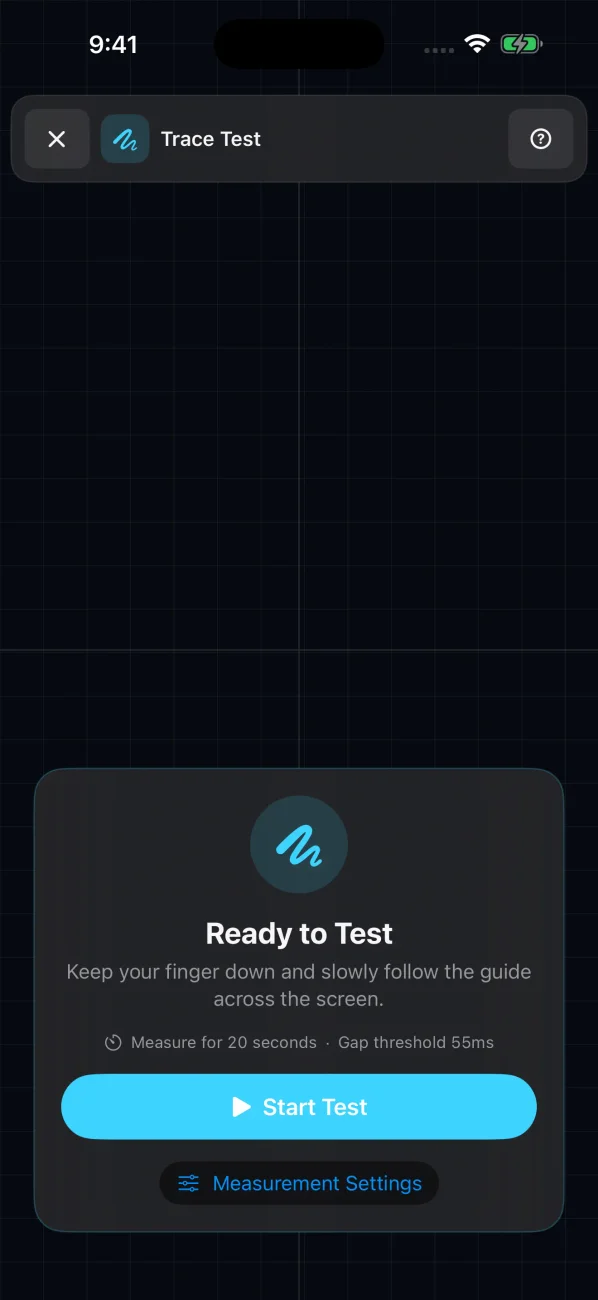
• Trace Test: Follow a guide to review the input path across different screen areas.
• Hold Test: Keep a finger down and watch whether contact remains continuous.
• Multi Test: Move one, two, or three fingers together to check multitouch input.
• Ghost Watch: Leave the screen untouched and record unexpected input delivered to the app.
• Tap Test: Review recognition of single, double, and triple taps.
See the path. Measure the timing.
• A different colored trail and live contact point for each finger
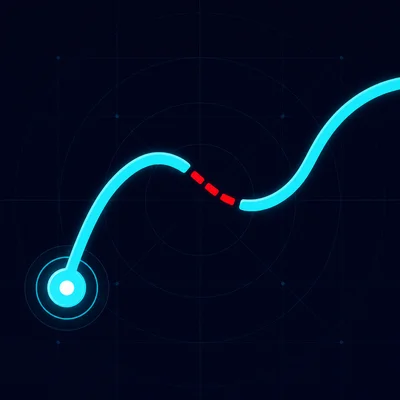
• Red dotted segments when the interval between received events exceeds your selected threshold
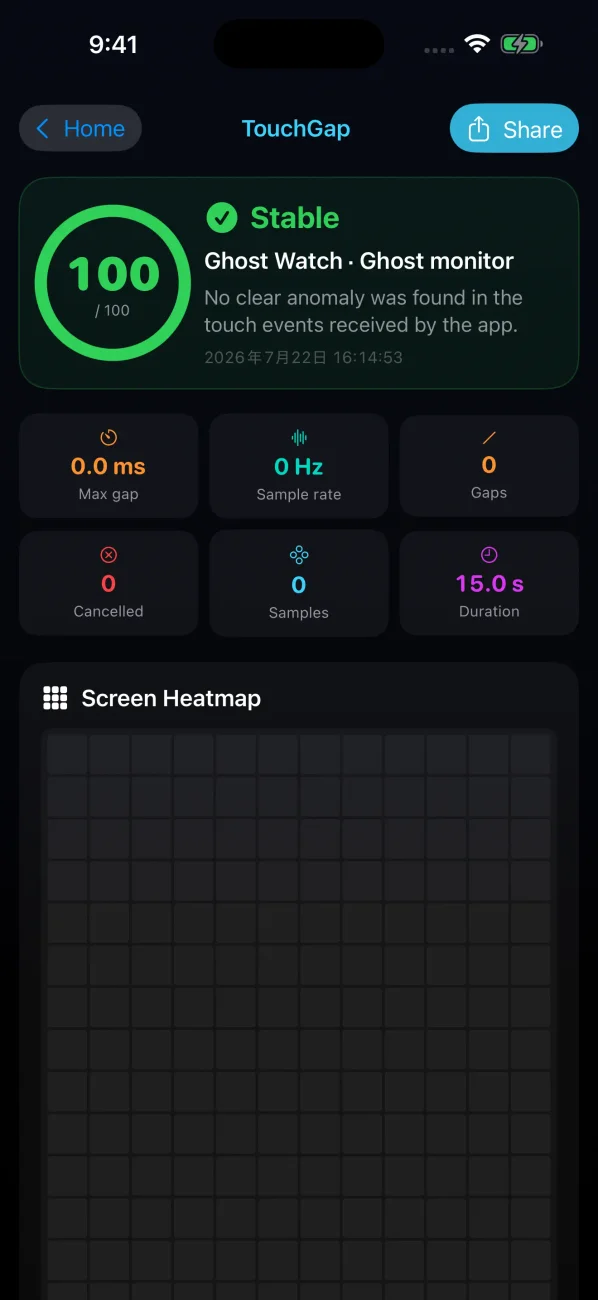
• Samples per second, maximum event interval, suspected gap count, and cancellation count
• A result summary marked Stable, Caution, or Retest
• Diagnostic records with device model, OS version, and test time
• Save a result image or share a PDF report
Repeat the same test before and after removing a case or charger, or before and after a repair, to compare results under different conditions. No ads are shown on the active test screen, keeping the touch area clear.
Important limitation
TouchGap does not confirm or guarantee a hardware diagnosis. Every value and visual is based only on events that iOS delivers to TouchGap. Slow movement, system load, display refresh-rate changes, system gestures, and accessories can also affect event timing. Compare several repeated tests under the same conditions. If the issue continues, contact Apple or an authorized service provider for a hardware assessment.
Quyền riêng tư của ứng dụng
Những gì nowApp Inc. khai báo trên App Store về cách ứng dụng này xử lý dữ liệu.
-
Dữ liệu liên kết với bạn
Có thể được thu thập và liên kết với danh tính của bạn.
- Vị trí
- Mã định danh
- Dữ liệu sử dụng
- Chẩn đoán
-
Dữ liệu không liên kết với bạn
Có thể được thu thập nhưng không liên kết với danh tính của bạn.
- Chẩn đoán
Phương thức đảm bảo quyền riêng tư có thể khác nhau, chẳng hạn như tuỳ theo các tính năng bạn sử dụng hoặc độ tuổi của bạn.
Thông tin
- Người bán
- nowApp
- Danh mục
- Tiện Ích
- Phiên bản
- 1.0.0
- Cập nhật
- 04/08/2026
- Phát hành
- 04/08/2026
- Kích thước
- 6,6 MB
- Yêu cầu
- iOS 16.0 trở lên
- Độ tuổi
- 4+
- Giá
- Miễn phí
- Ngôn ngữ
- Tiếng Anh, Tiếng Ả Rập, Hindi, Tiếng Indonesia, Tiếng Nhật, Tiếng Hàn, Tiếng Bồ Đào Nha, Tiếng Tây Ban Nha
- Bản quyền
- © 2026 NowApp
Có thể bạn cũng thích
-
 Screen Test: Dead Pixel CheckTiện Ích
-
 Phone Touch Test - ScreenTiện Ích
-
 Test Điểm Chết - Screen CheckChẩn đoán màn hình & cảm ứng
-
 Touchscreen ProChẩn Đoán Màn Hình Cảm Ứng
-
 ScreenTest - Dead Pixel CheckTiện Ích
-
 Pixel Pulse: Chăm sóc OLEDLưu ảnh, kiểm tra điểm chết
-
 Ghost Dark Panel FF AuraTiện Ích
-
 SensiLag FF Sensitivity ProTiện Ích
-
 SenXit - Sensi FF PackTiện Ích
-
 Trick Button FFTiện Ích