
TwinKey: Two-Factor Security
TOTP Authenticator
Conçue pour iPhone, iPad, Mac, iPod touch
Achats intégrés
- Classification d’âge4+
- CatégorieUtilitaires
- DéveloppeurArtem Bolotov
- LanguesAnglais+ 2 de plus
- Taille13,0 Mo
TwinKey: Two-Factor Security n’est peut-être pas disponible sur App Store pour le moment
La fiche de la boutique était inaccessible lors de notre dernière vérification. Le lien mène toujours à la page App Store officielle.
Captures d’écran


À propos
Le développeur n’a pas fourni ce texte dans votre langue.
Introducing TwinKey — a reliable two-factor authentication app
With TwinKey, you can conveniently store and manage your authentication codes, ensuring the security of your accounts.
Key Features:
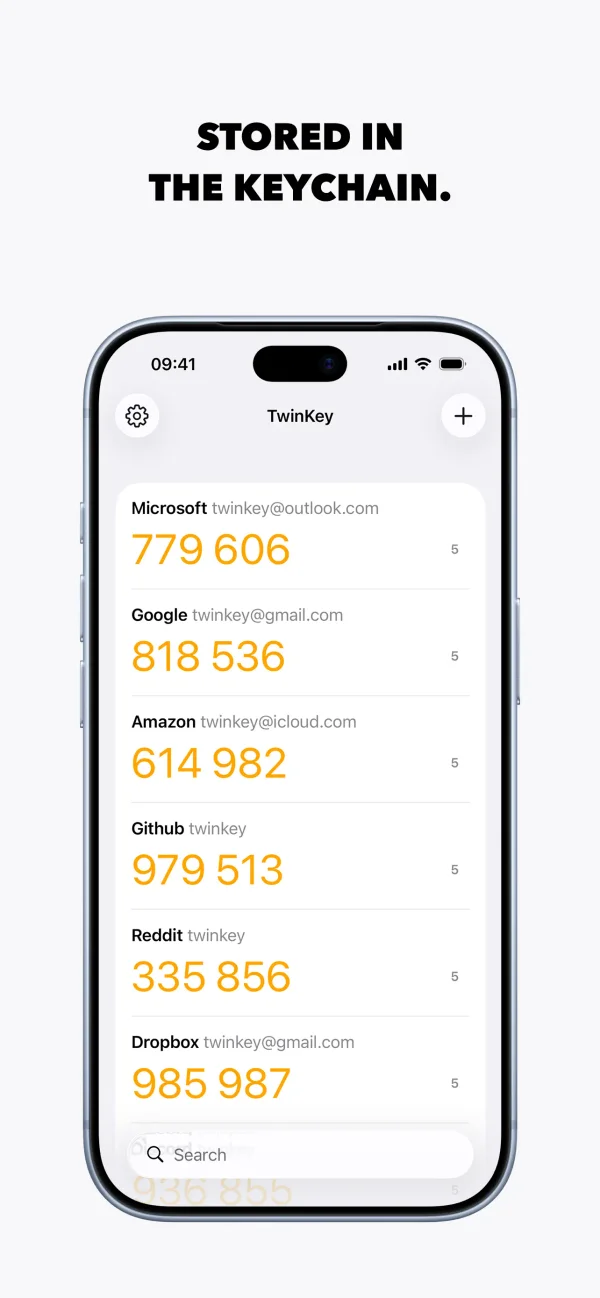
- Secure Data Storage: TwinKey securely stores your data in the Keychain, guaranteeing that only you can access it.
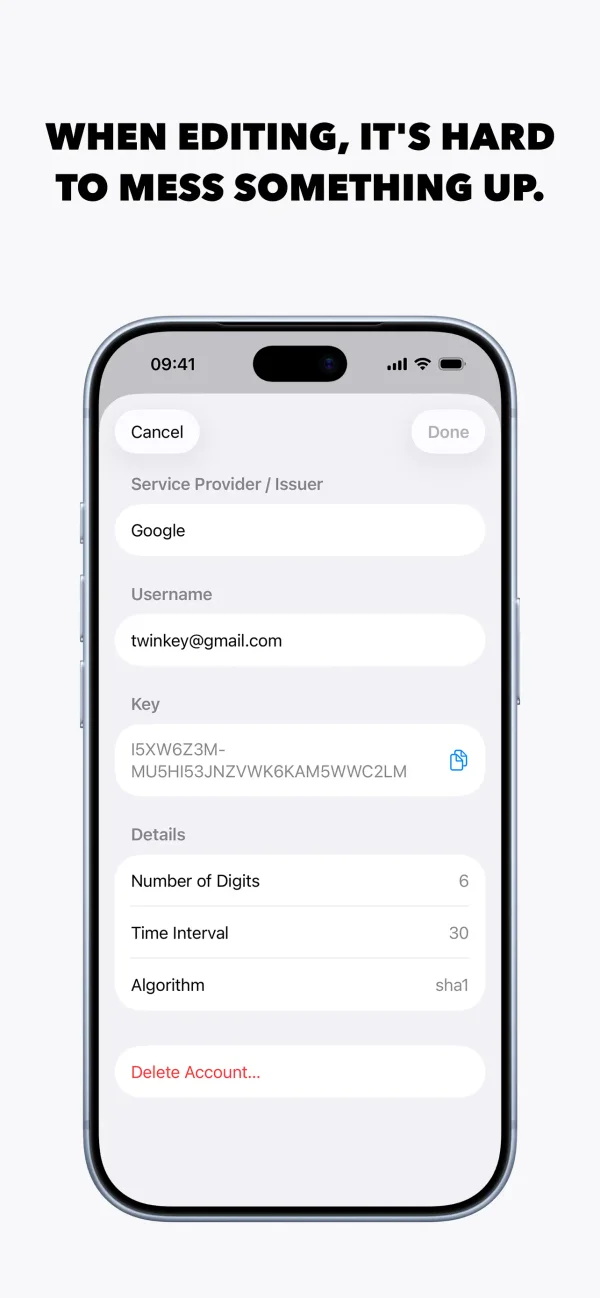
- Easy Setup: Adding accounts to TwinKey is effortless. Simply scan QR codes using your device's camera, import images with embedded QR codes from your photo albums, or - manually enter account information.
- Migration from Google Authenticator: Quickly transfer all your accounts from Google Authenticator without data loss.
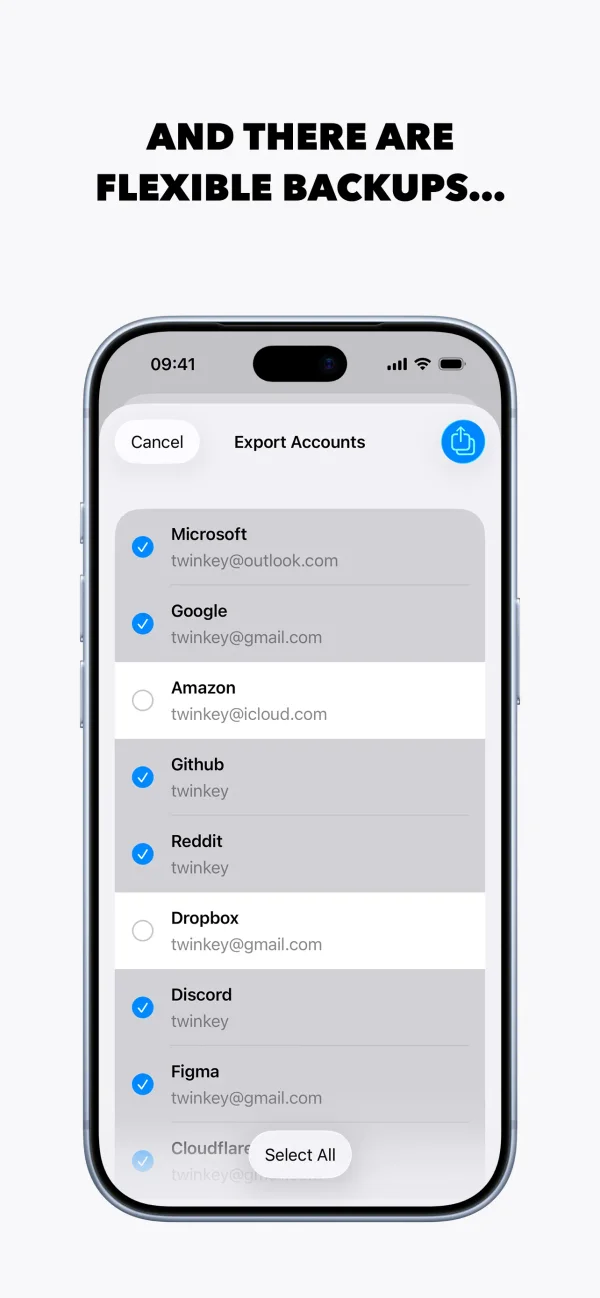
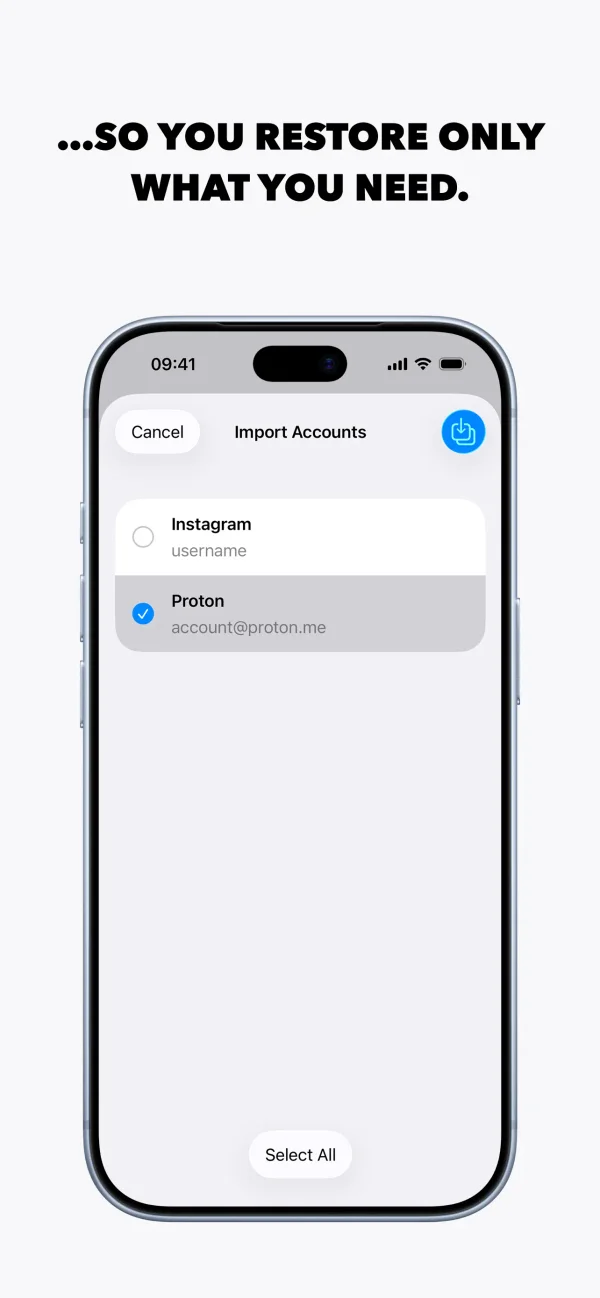
- Backup and Restore: TwinKey allows you to create full or partial backups of your accounts. Restore only what you need when necessary.
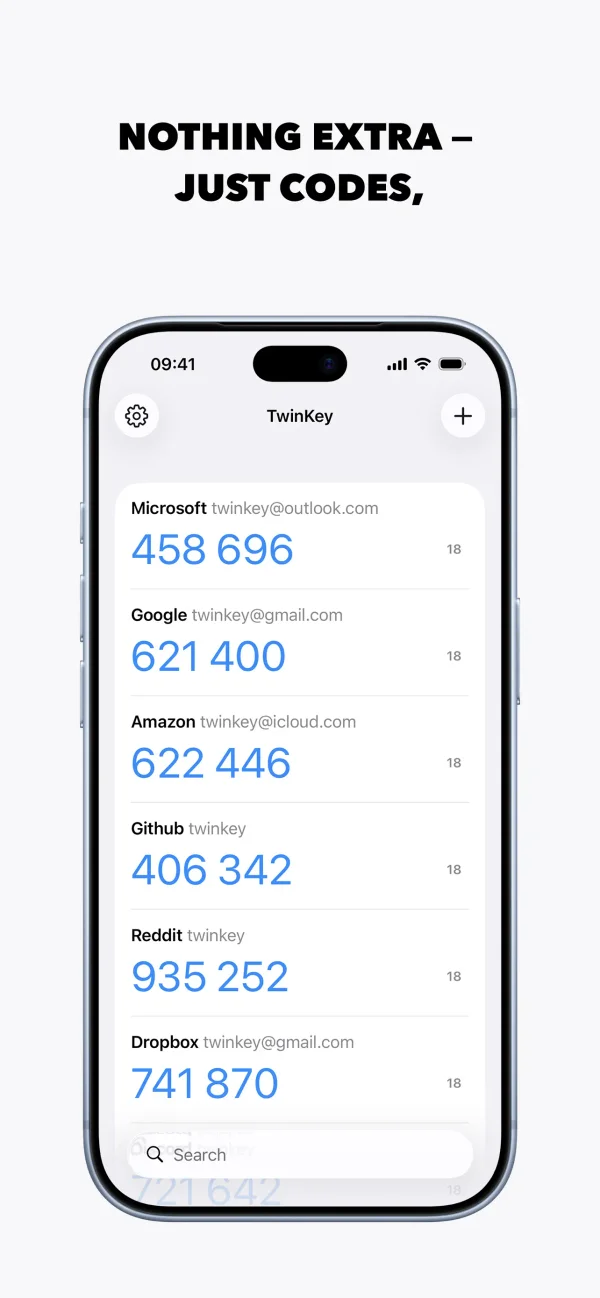
- User-Friendly Interface: TwinKey is designed for simplicity and efficiency. There are no folders or unnecessary icons — just the essential codes for your accounts.
TwinKey is also available for Mac. Enable iCloud Keychain sync and your accounts will appear on both devices automatically — no extra setup needed.
TwinKey makes two-factor authentication easy and straightforward. Protect your accounts if you haven't already done so. Download TwinKey now!
Nouveautés
Version 1.2.7 · 04/10/2026
• TwinKey now works on iPad. The layout adapts to the screen width: on iPad, on iPhone in landscape, and in a wide window on Mac, accounts are shown as cards in several columns. Drag the cards to change their order.
• Open a .twinkey backup right from Files or Finder: the app takes you straight to the import screen, even if another screen was open.
• Backups from the iOS and Android versions are now fully compatible: a file created on one platform restores on the other with nothing lost.
• If an account in a backup is damaged, all the others are still imported, and the import screen shows what was skipped and why.
• The introduction on first launch is now faster.
Fixes:
• The search field no longer jumps when you rotate the screen.
• Accounts with a colon in their name now import correctly.
Confidentialité de l’application
Ce que Artem Bolotov déclare sur l’App Store au sujet du traitement des données par cette application.
-
Données n’établissant aucun lien avec vous
Peuvent être collectées, mais ne sont pas liées à votre identité.
- Données d’utilisation
- Diagnostic
Les pratiques en matière de confidentialité peuvent varier, notamment en fonction des fonctionnalités que vous utilisez ou de votre âge.
Informations
- Vendeur
- Artem Bolotov
- Catégorie
- Utilitaires
- Version
- 1.2.7
- Mis à jour
- 04/10/2026
- Publié
- 23/06/2023
- Taille
- 13,0 Mo
- Nécessite
- iOS 15.0 ou version ultérieure
- Classification d’âge
- 4+
- Achats intégrés
- Oui
- Langues
- Anglais, Russe, Espagnol
- Copyright
- © 2023 Artem Bolotov
Vous aimerez peut-être aussi
-
 Two Factor: AuthenticatorUtilitaires
-
 KeyConfigUtilitaires
-
 Least Common Multiple (LCM)Utilitaires
-
 FuelAtom: Gas TrackerUtilitaires
-
 EvoKeyUtilitaires
-
 Granted: 2FA AuthenticatorCodes de vérification
-
 Multimère Countdown: CountKitHEURE DATE Compteur de progrès
-
 2FA Authentification AutherisCodes OTP & TOTP, hors ligne