UltraNotes - Note Taking & PDF
Type, Write & Annotate PDF
Conçue pour iPhone, iPad, Mac
Gratuit · Achats intégrés
- Classification d’âge4+
- CatégorieProductivité
- DéveloppeurSkyjos Co., Ltd.
- LanguesAnglais+ 5 de plus
- Taille38,7 Mo
Renvoie vers la page App Store officielle
Download.org n’héberge aucun fichier de UltraNotes - Note Taking & PDF. Le bouton ouvre la page de l’application sur App Store, où Skyjos Co., Ltd. la publie. Fiche vérifiée pour la dernière fois le 27/11/2026.
Captures d’écran
À propos
Le développeur n’a pas fourni ce texte dans votre langue.
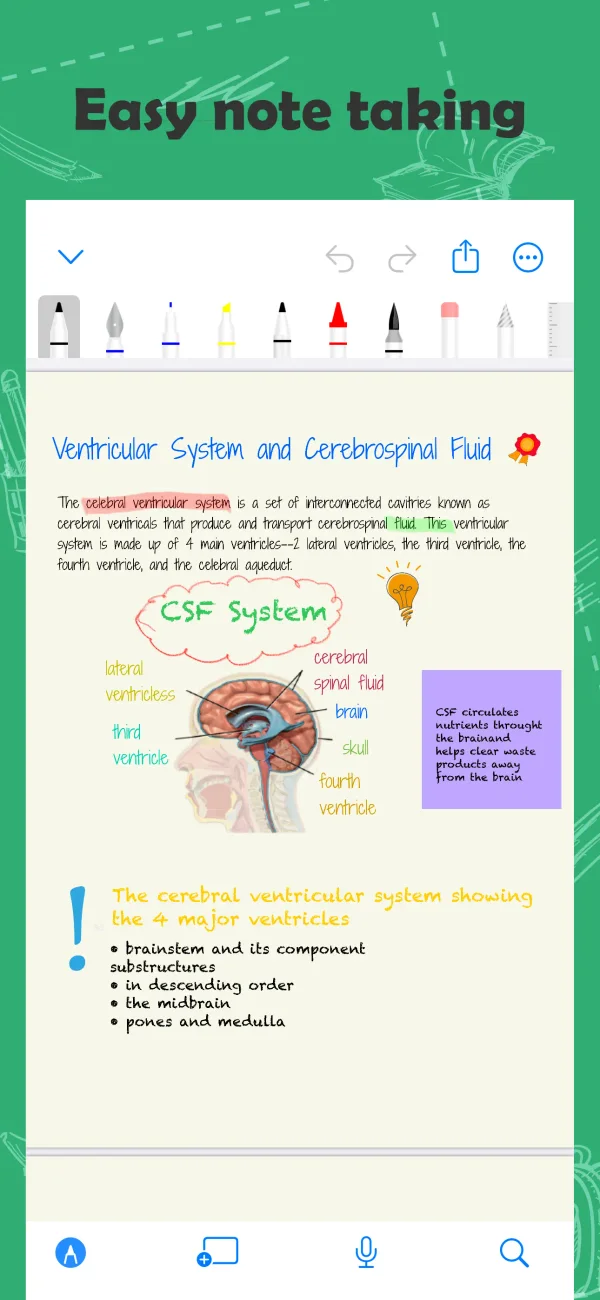
UltraNotes is a powerful note-taking app and writing app that supports handwriting with Apple Pencil, typing with a keyboard, and annotating PDFs.
Handwritten Notes
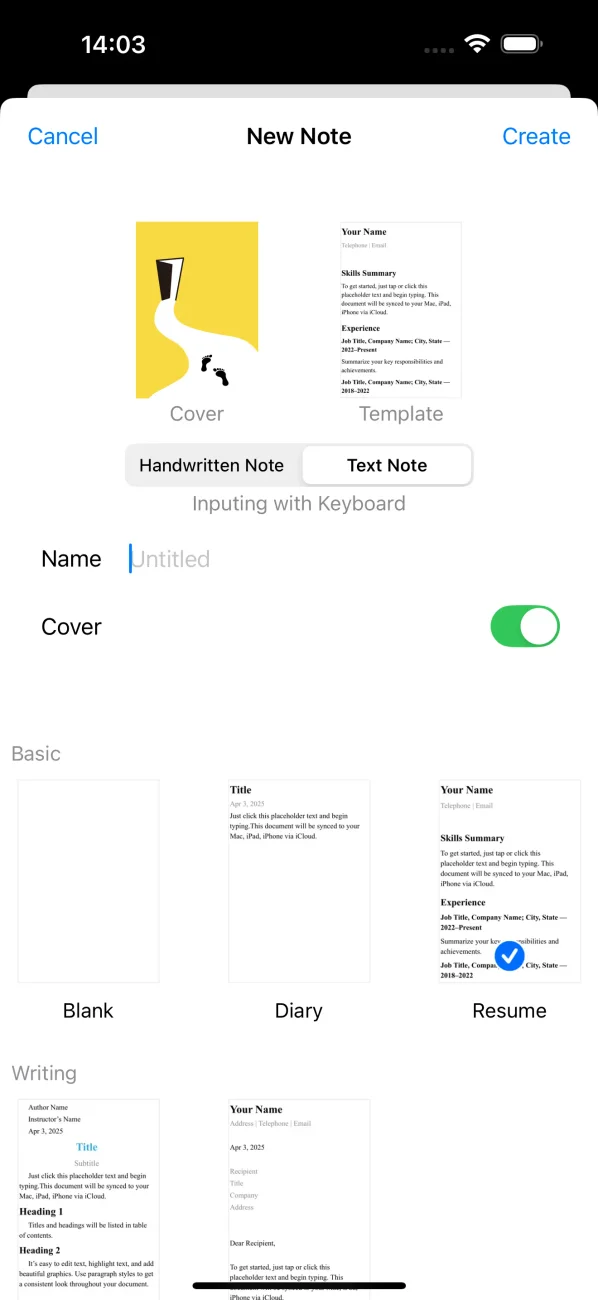
• Create notes with covers and paper templates. Built-in 19 covers and 17 templates. And you could also import your own covers and templates.
• 10+ Pens and Tools: Ball Pen, Fountain Pen, Marker, Crayon, Water Color, Laser, Scribble, Tape etc.
• Adjust the thickness and color of the pen tip
• Draw perfect shapes and lines.
• Layers (Pro): separate content into layers, show or hide them anytime.
• Lasso: Convert handwriting to text, Take screenshot, Change color of handwriting.
• Scribble to erase handwriting.
• Write with scribble tool by using Apple Pencil, and it will convert to text instantly.
• Squeeze Apple Pencil Pro to show contextual palette.
• Add text box, stickers and images to make your note more beautiful.
• Export note to PDF and image
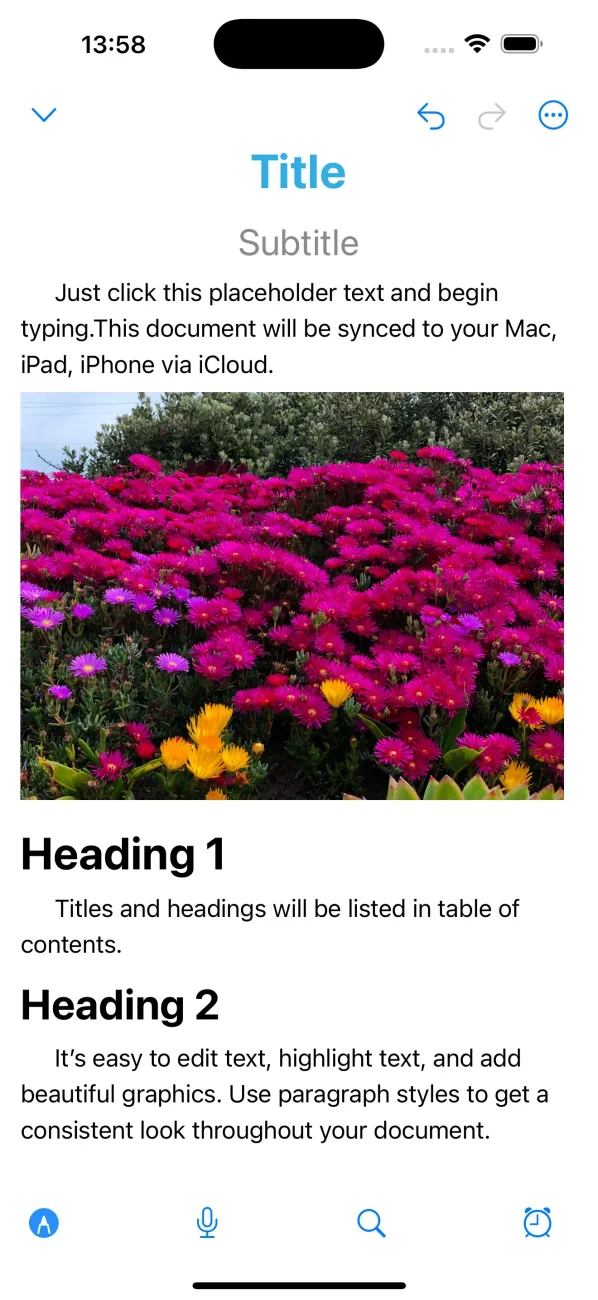
Text Notes
• Set headings to make TOC(Table of Contents).
• Format text with bold, italics, strikethrough, underline
• Highlight text with colors
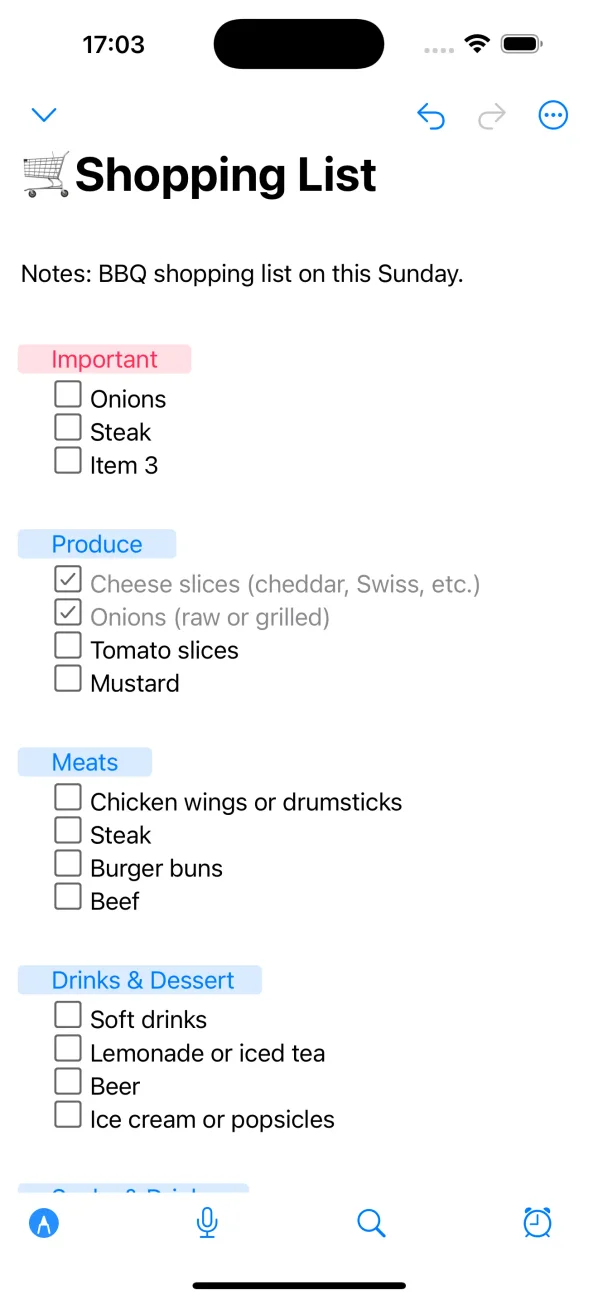
• Bullet List, Numbered List and To-Do List.
• Set your own font, font size, line spacing, paragraph spacing, and more
• Attach files and images on note.
• Templates: Resume, Essay, Shopping List, To-Do List, Weekly Planner etc.
• Export note to PDF, RTF, HTML, Markdown and Plain TXT
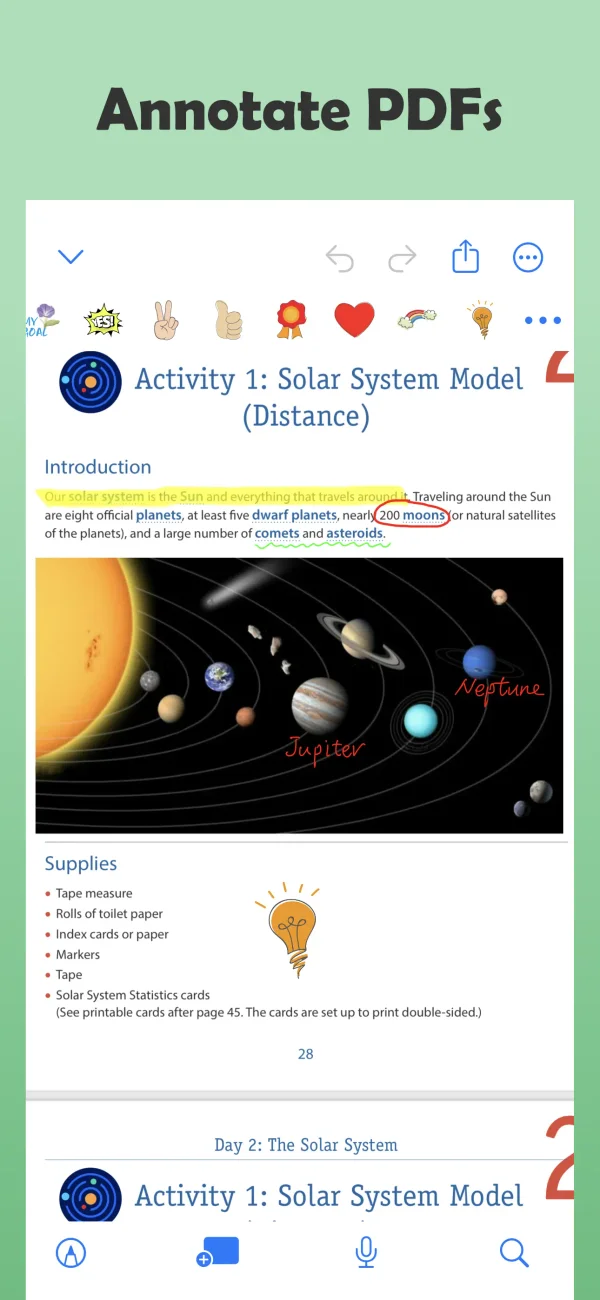
Annotation
• Mark up PDFs.
• Sign documents
Search
• Search text and handwritting in notes and PDFs.
Multi-task
• Work with two notes side-by-side on iPad.
• Drag & Drop handwriting, typed text, and images between notes.
Presentation
• Present your notes on TV screen via AirPlay or HDMI cable.
• 3 Presentation Modes: Entire Screen, Current Page and All Pages.
• Use laser tool to point out the content what you’re presenting.
More
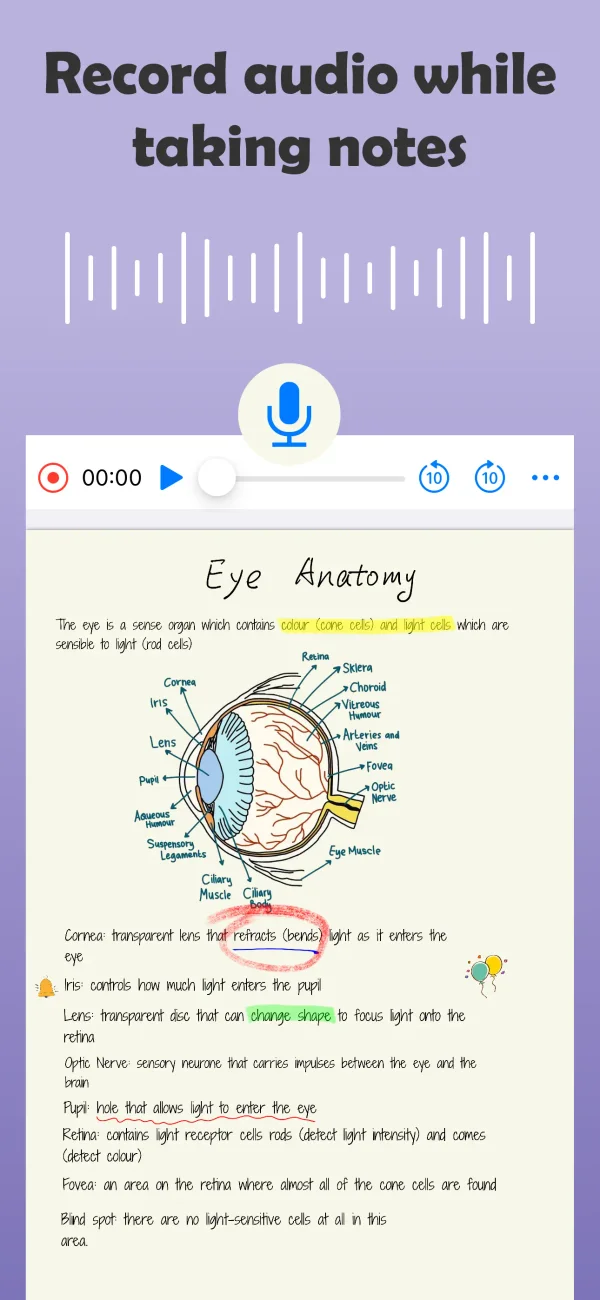
• Record audio while you’re taking note.
• Set reminder on note.
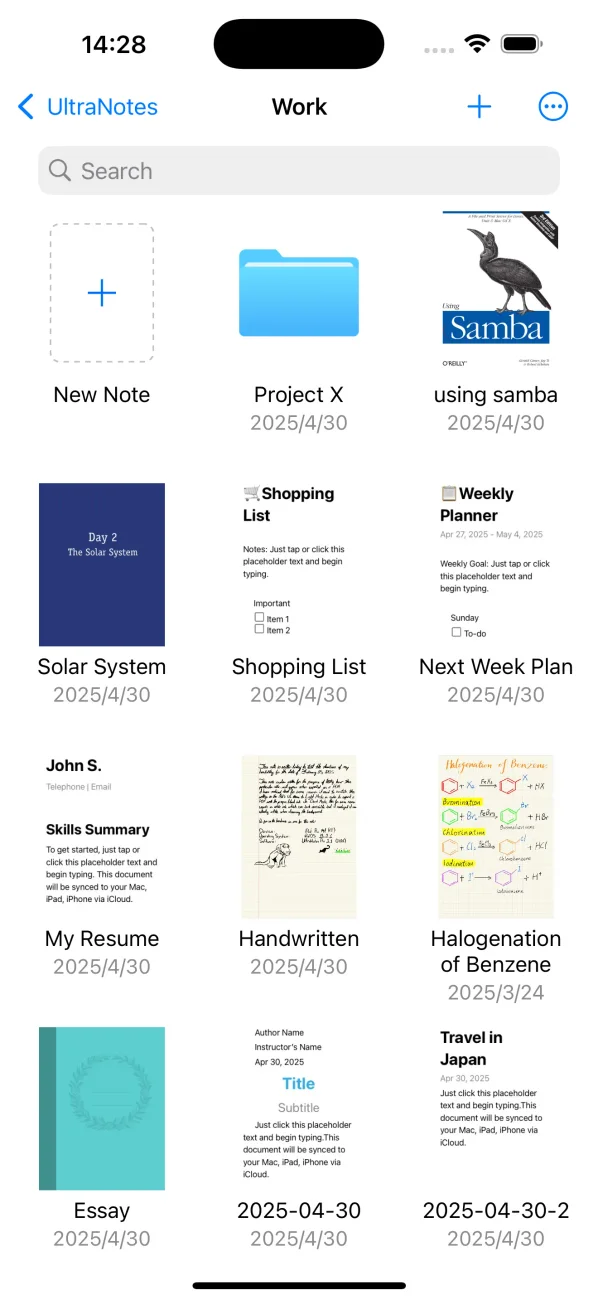
• Organize notes into categories and folders.
• Move, copy and delete notes and folders.
• Show notes in grid view and list view.
• Sort notes by name, date etc.
• Scan physical documents and import to UltraNotes.
• Import PDFs and images.
• Lock app with password or Face ID.
Synchronization & Backup (Pro)
• Synchronize notes among your iPhone, iPad, and Mac via iCloud.
• Backup notes to Google Drive.
===== CONTACT US =====
Email: support@skyjos.com
Twitter: @SkyjosApps
Facebook: @SkyjosApp
Nouveautés
Version 2.6.1 · 09/11/2026
Bug fixes and stability improvements
Confidentialité de l’application
Ce que Skyjos Co., Ltd. déclare sur l’App Store au sujet du traitement des données par cette application.
-
Données non collectées
Le développeur ne collecte aucune donnée à partir de cette application.
Les pratiques en matière de confidentialité peuvent varier, notamment en fonction des fonctionnalités que vous utilisez ou de votre âge.
Informations
- Vendeur
- Skyjos Co., Ltd.
- Catégorie
- Productivité
- Version
- 2.6.1
- Mis à jour
- 09/11/2026
- Publié
- 20/08/2024
- Taille
- 38,7 Mo
- Nécessite
- iOS 16.0 ou version ultérieure
- Classification d’âge
- 4+
- Prix
- Gratuit
- Achats intégrés
- Oui
- Langues
- Anglais, Allemand, Italien, Japonais, Chinois simplifié, Chinois traditionnel
- Copyright
- © Skyjos Ltd.
Vous aimerez peut-être aussi
-
 Notedrafts: Note TakingProductivité
-
 Kanban - DoneitTo do list
-
 PDF Document Editor - CaptizePDF & de cartes de visite
-
 Usine PDFOutils PDF
-
 Moodboard - CreativitVision board
-
 Remote Print: Wireless PrinterProductivité
-
 OrigNotesProductivité
-
 Patagonia AI - Chat PrivéRespecte votre vie privée
-
 Bloquer Application | AttenTemps d'écran et Focus
-
 Scan PDF-Convert DocumentProductivité