UltraNotes - Note Taking & PDF
Type, Write & Annotate PDF
Được thiết kế cho iPhone, iPad, Mac
Miễn phí · Mua hàng trong ứng dụng
- Độ tuổi4+
- Danh mụcHiệu Suất
- Nhà phát triểnSkyjos Co., Ltd.
- Ngôn ngữTiếng Anh+ 5 ngôn ngữ khác
- Kích thước38,7 MB
Liên kết đến trang App Store chính thức
Download.org không lưu trữ tệp nào của UltraNotes - Note Taking & PDF. Nút này mở trang ứng dụng trên App Store, nơi Skyjos Co., Ltd. phát hành ứng dụng. Trang được kiểm tra lần cuối: 27/11/2026.
Ảnh chụp màn hình
Giới thiệu
Nhà phát triển chưa cung cấp nội dung này bằng ngôn ngữ của bạn.
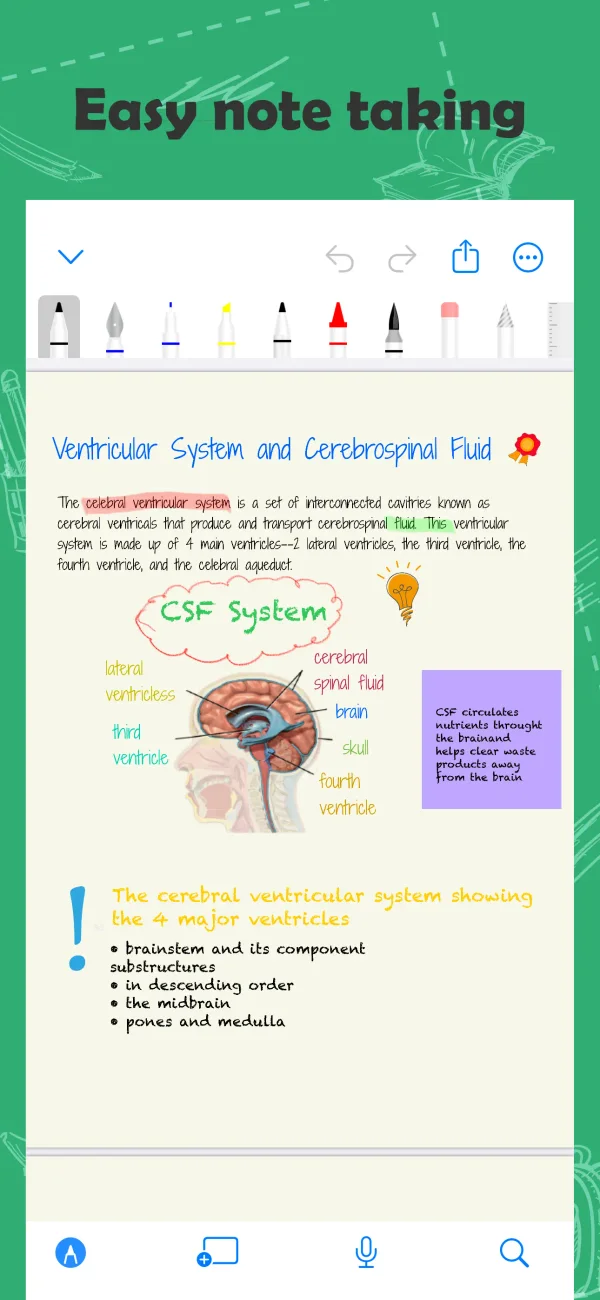
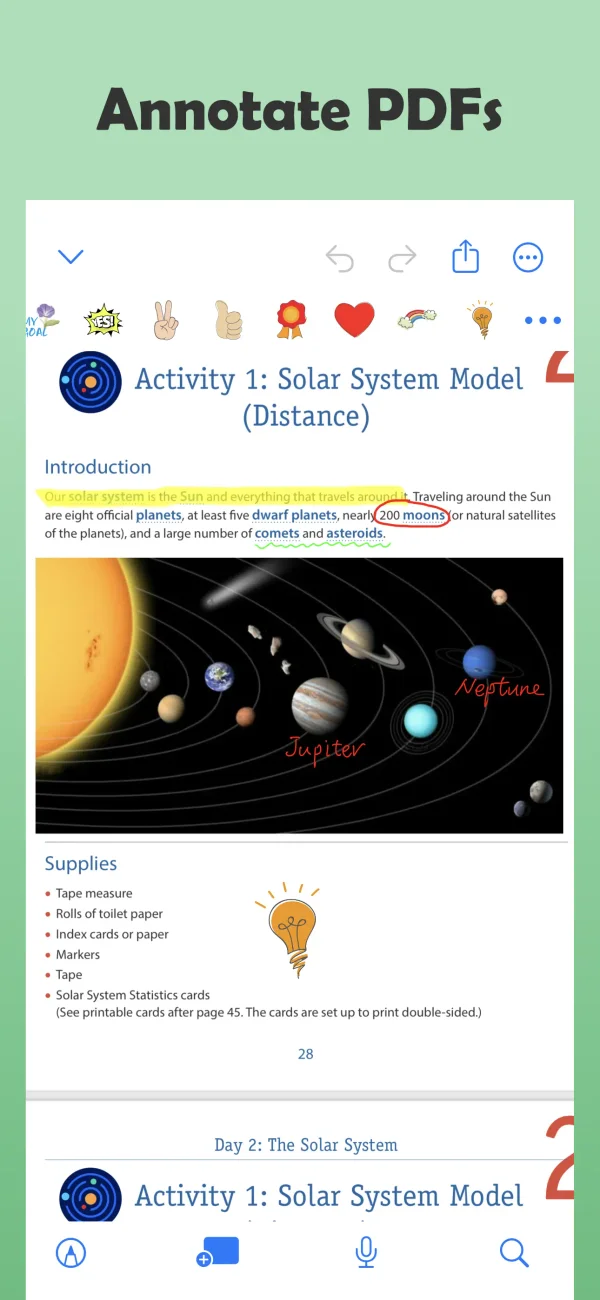
UltraNotes is a powerful note-taking app and writing app that supports handwriting with Apple Pencil, typing with a keyboard, and annotating PDFs.
Handwritten Notes
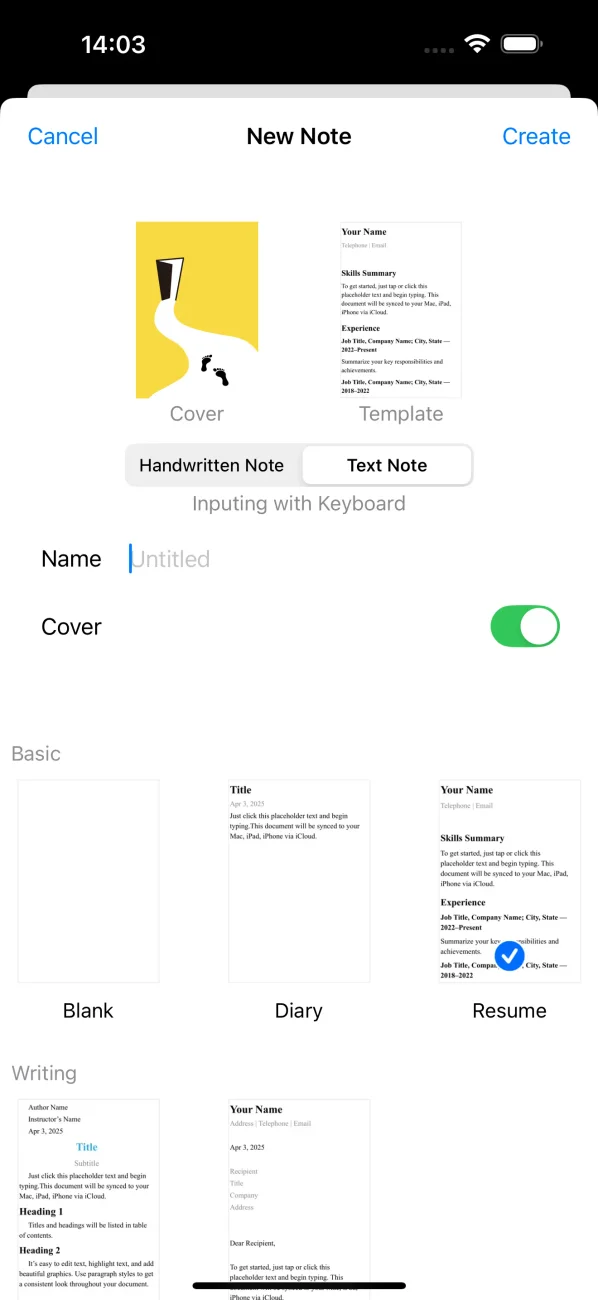
• Create notes with covers and paper templates. Built-in 19 covers and 17 templates. And you could also import your own covers and templates.
• 10+ Pens and Tools: Ball Pen, Fountain Pen, Marker, Crayon, Water Color, Laser, Scribble, Tape etc.
• Adjust the thickness and color of the pen tip
• Draw perfect shapes and lines.
• Layers (Pro): separate content into layers, show or hide them anytime.
• Lasso: Convert handwriting to text, Take screenshot, Change color of handwriting.
• Scribble to erase handwriting.
• Write with scribble tool by using Apple Pencil, and it will convert to text instantly.
• Squeeze Apple Pencil Pro to show contextual palette.
• Add text box, stickers and images to make your note more beautiful.
• Export note to PDF and image
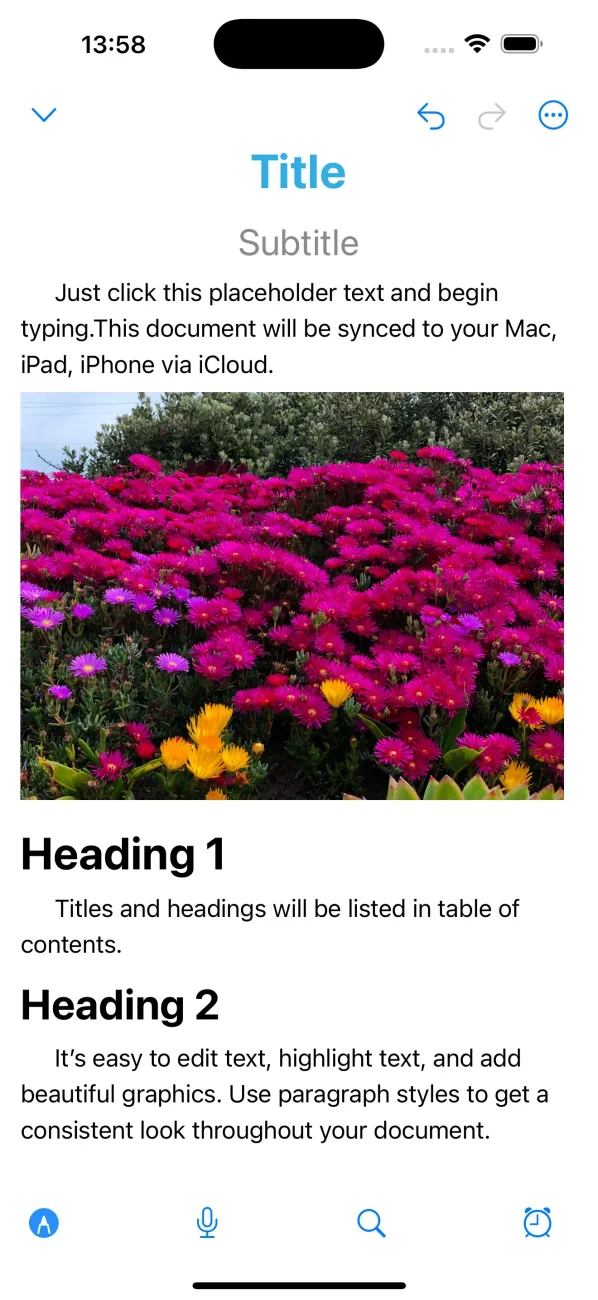
Text Notes
• Set headings to make TOC(Table of Contents).
• Format text with bold, italics, strikethrough, underline
• Highlight text with colors
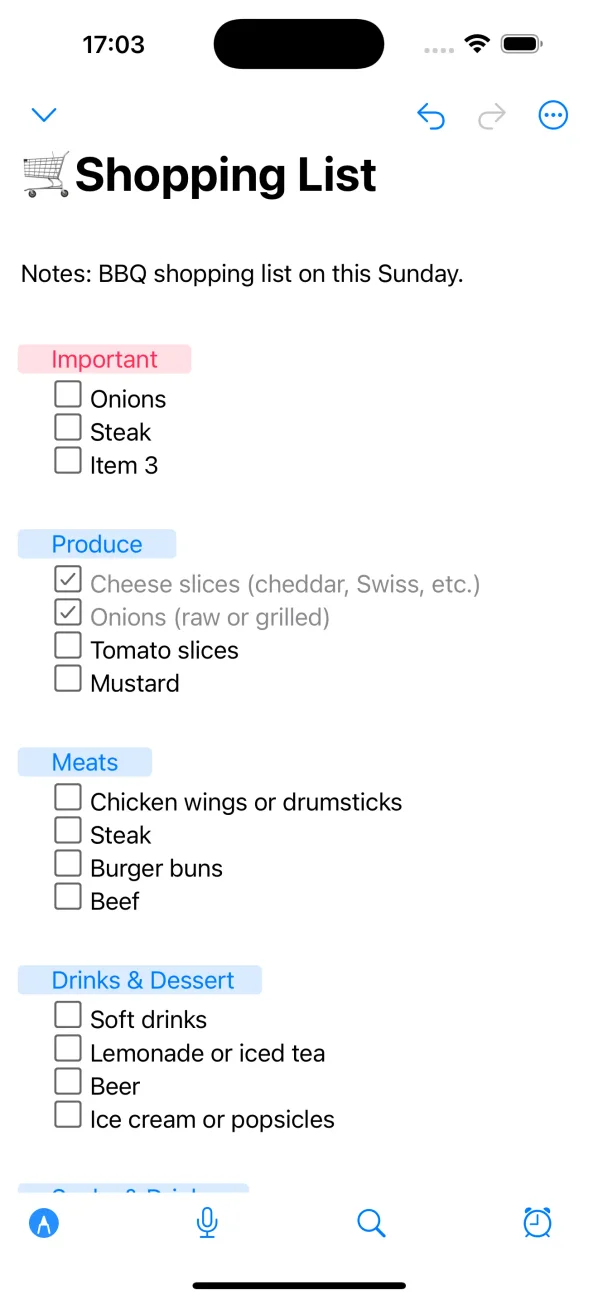
• Bullet List, Numbered List and To-Do List.
• Set your own font, font size, line spacing, paragraph spacing, and more
• Attach files and images on note.
• Templates: Resume, Essay, Shopping List, To-Do List, Weekly Planner etc.
• Export note to PDF, RTF, HTML, Markdown and Plain TXT
Annotation
• Mark up PDFs.
• Sign documents
Search
• Search text and handwritting in notes and PDFs.
Multi-task
• Work with two notes side-by-side on iPad.
• Drag & Drop handwriting, typed text, and images between notes.
Presentation
• Present your notes on TV screen via AirPlay or HDMI cable.
• 3 Presentation Modes: Entire Screen, Current Page and All Pages.
• Use laser tool to point out the content what you’re presenting.
More
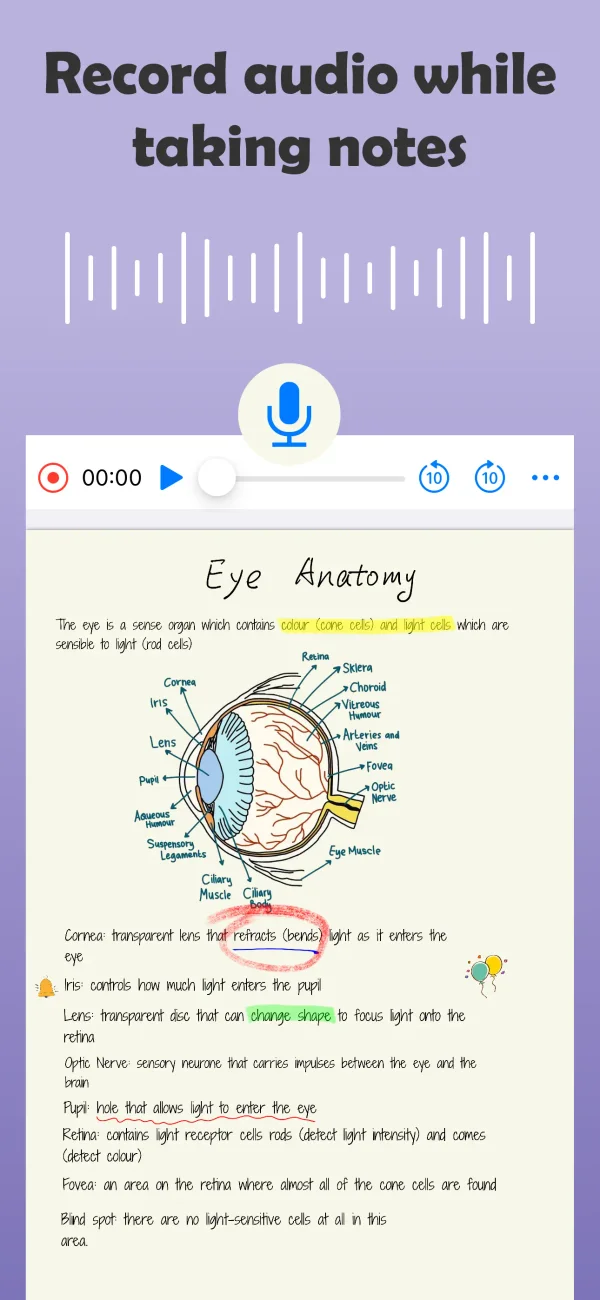
• Record audio while you’re taking note.
• Set reminder on note.
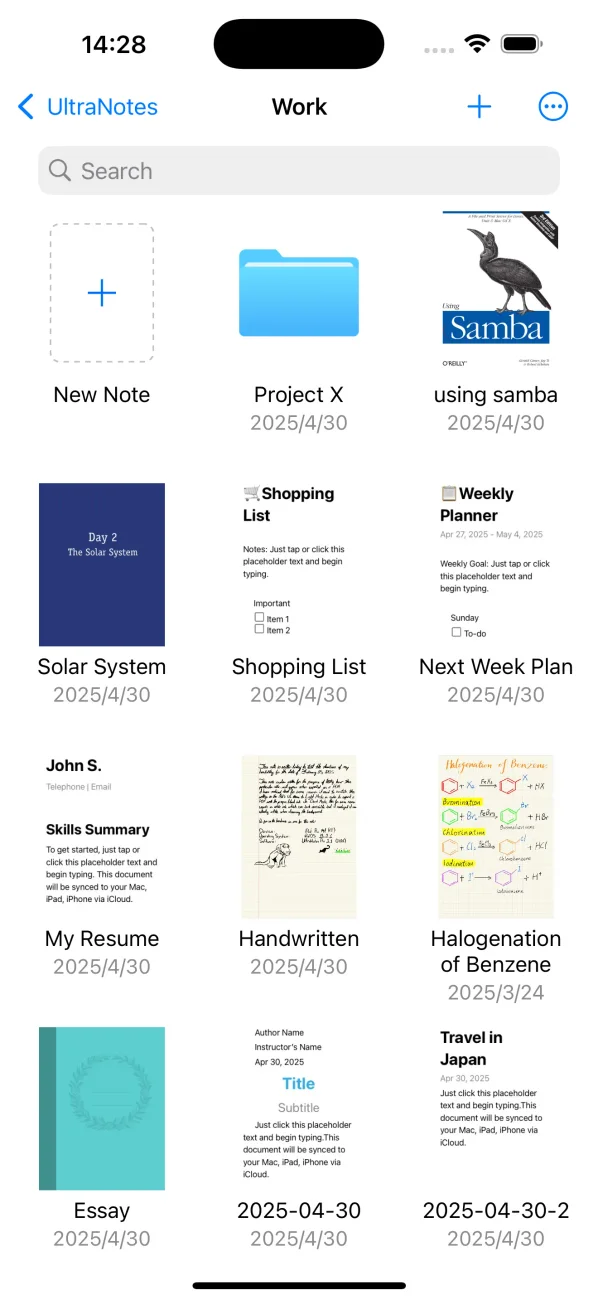
• Organize notes into categories and folders.
• Move, copy and delete notes and folders.
• Show notes in grid view and list view.
• Sort notes by name, date etc.
• Scan physical documents and import to UltraNotes.
• Import PDFs and images.
• Lock app with password or Face ID.
Synchronization & Backup (Pro)
• Synchronize notes among your iPhone, iPad, and Mac via iCloud.
• Backup notes to Google Drive.
===== CONTACT US =====
Email: support@skyjos.com
Twitter: @SkyjosApps
Facebook: @SkyjosApp
Có gì mới
Phiên bản 2.6.1 · 09/11/2026
Bug fixes and stability improvements
Quyền riêng tư của ứng dụng
Những gì Skyjos Co., Ltd. khai báo trên App Store về cách ứng dụng này xử lý dữ liệu.
-
Dữ liệu không được thu thập
Nhà phát triển không thu thập bất kỳ dữ liệu nào từ ứng dụng này.
Phương thức đảm bảo quyền riêng tư có thể khác nhau, chẳng hạn như tuỳ theo các tính năng bạn sử dụng hoặc độ tuổi của bạn.
Thông tin
- Người bán
- Skyjos Co., Ltd.
- Danh mục
- Hiệu Suất
- Phiên bản
- 2.6.1
- Cập nhật
- 09/11/2026
- Phát hành
- 20/08/2024
- Kích thước
- 38,7 MB
- Yêu cầu
- iOS 16.0 trở lên
- Độ tuổi
- 4+
- Giá
- Miễn phí
- Mua hàng trong ứng dụng
- Có
- Ngôn ngữ
- Tiếng Anh, Tiếng Đức, Tiếng Ý, Tiếng Nhật, Tiếng Trung Giản thể, Tiếng Trung Phồn thể
- Bản quyền
- © Skyjos Ltd.
Có thể bạn cũng thích
-
 Notedrafts: Note TakingHiệu Suất
-
 Kanban - DoneitHiệu Suất
-
 PDF Document Scanner - CaptizeHiệu Suất
-
 PDF Factory PlusPDF Tools
-
 Mood Board - CreativitHiệu Suất
-
 Remote Print: Wireless PrinterHiệu Suất
-
 OrigNotesHiệu Suất
-
 Patagonia AI - Chat bí mậtAI bảo vệ sự riêng tư của bạn
-
 Atten - App BlockerHiệu Suất
-
 Scan PDF-Convert DocumentHiệu Suất