
Video Editing Controller
Video editor controller
Conçue pour iPhone, iPod touch
Gratuit · Achats intégrés
- Classification d’âge4+
- CatégorieUtilitaires
- DéveloppeurBence Kiraly
- LanguesAnglais
- Taille24,9 Mo
Renvoie vers la page App Store officielle
Download.org n’héberge aucun fichier de Video Editing Controller. Le bouton ouvre la page de l’application sur App Store, où Bence Kiraly la publie. Fiche vérifiée pour la dernière fois le 18/11/2026.
Captures d’écran
À propos
Le développeur n’a pas fourni ce texte dans votre langue.
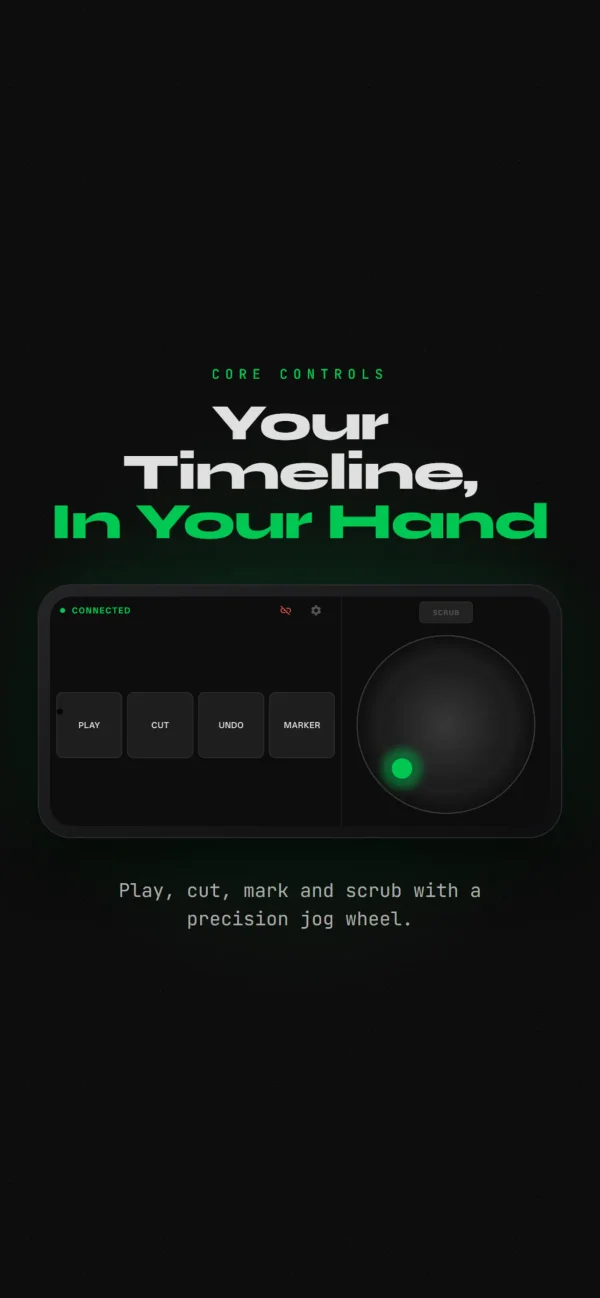
Turn your phone into a wireless controller for your video editing software. Video Editing Controller is a remote control for editors — it connects to a free companion server app on your computer and turns taps and gestures into real keyboard shortcuts. No special hardware, no macro pad, no driver installation required.
Whether you cut in DaVinci Resolve or Premiere Pro, your phone becomes a customizable shortcut deck and jog wheel that speeds up your editing workflow.
HOW IT WORKS
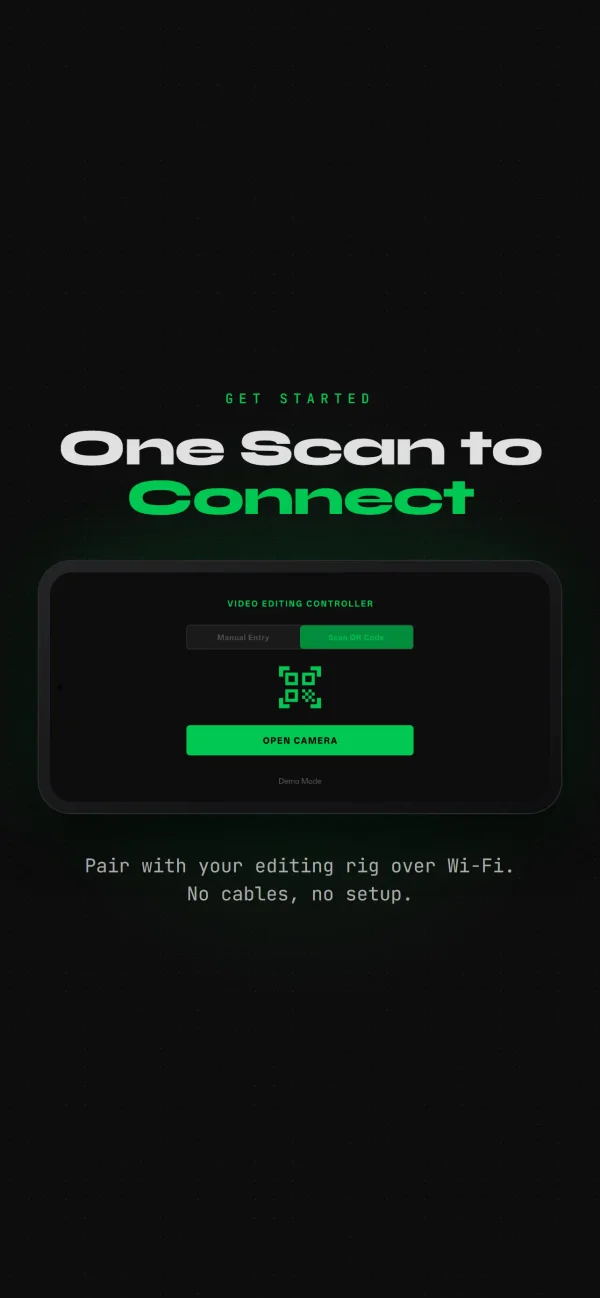
Install the free server app on your Windows, macOS, or Linux computer. Open it, scan the QR code with your phone, and you're ready to go. The server app translates commands from your phone into real keypresses on your computer — over your local Wi-Fi, with no account and no cloud.
FEATURES
• Wireless remote control for any video editor — works over Wi-Fi
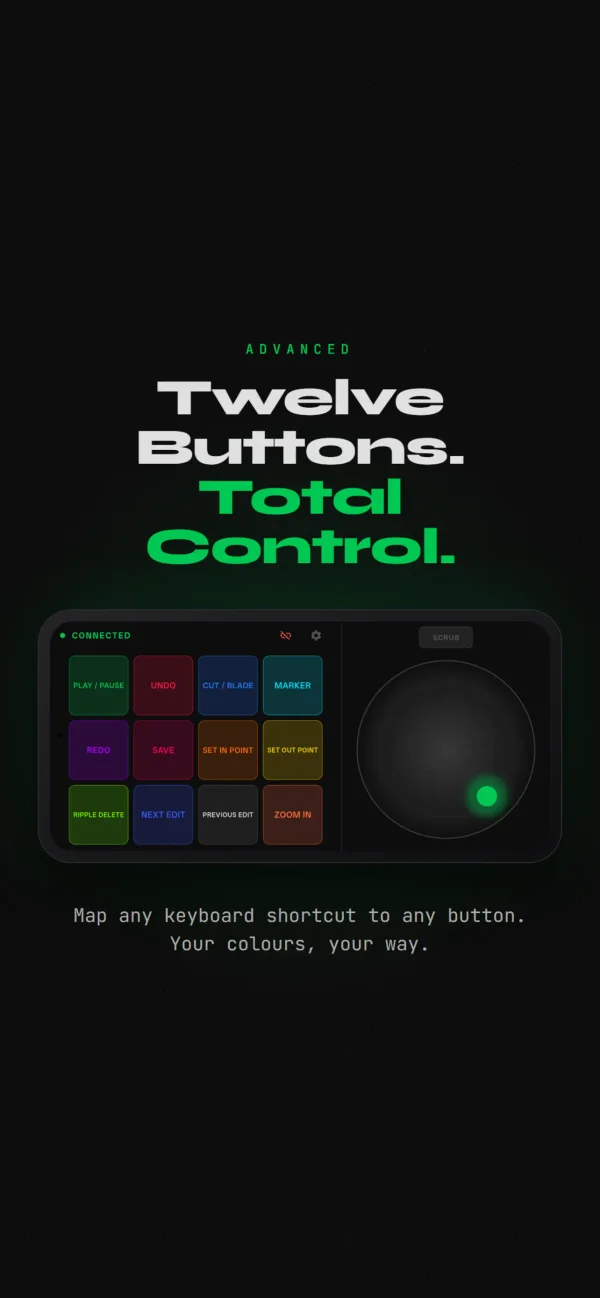
• Customizable button layout — assign any keyboard shortcut or key combination to each button
• Jog wheel for precise frame-by-frame scrubbing
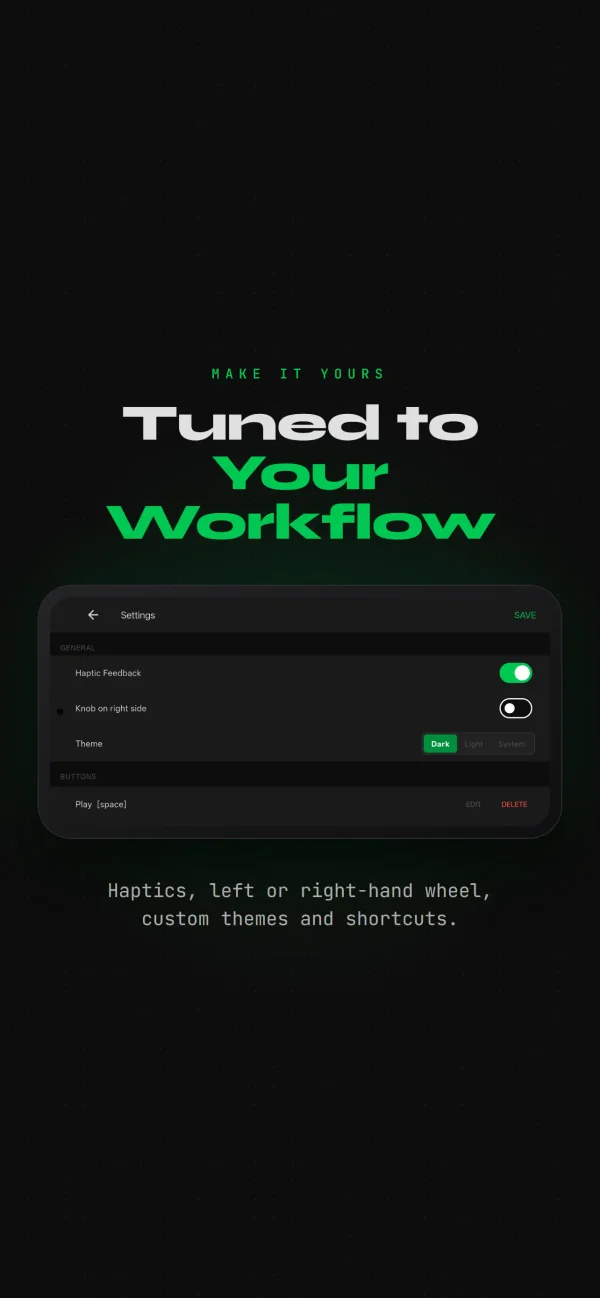
• Dark, Light, and System themes — match your editing environment and lighting
• Works with any software that accepts keyboard shortcuts, including DaVinci Resolve and Adobe Premiere
• Lightweight, fast, and account-free
PERFECT FOR
Video editors, colorists, and content creators who want a faster, hardware-free alternative to an editing keyboard or shuttle controller — using the phone that's already on your desk.
PREMIUM
Custom button layout editing and mode switching are unlocked with a single one-time Premium purchase. The basic layout is free forever — no subscription.
REQUIREMENTS
• The free companion server app must be running on your computer (Windows, macOS, and Linux — download at kibelab.com)
• Both devices must be on the same Wi-Fi network
The server app is free to download and does not require an account.
Confidentialité de l’application
Ce que Bence Kiraly déclare sur l’App Store au sujet du traitement des données par cette application.
-
Données utilisées pour vous suivre
Peuvent être utilisées pour vous suivre sur des applications et des sites web appartenant à d’autres sociétés.
- Identifiants
- Données d’utilisation
-
Données n’établissant aucun lien avec vous
Peuvent être collectées, mais ne sont pas liées à votre identité.
- Identifiants
- Données d’utilisation
- Diagnostic
Les pratiques en matière de confidentialité peuvent varier, notamment en fonction des fonctionnalités que vous utilisez ou de votre âge.
Informations
- Vendeur
- Bence Kiraly
- Catégorie
- Utilitaires
- Version
- 1.0
- Mis à jour
- 30/06/2026
- Publié
- 30/06/2026
- Taille
- 24,9 Mo
- Nécessite
- iOS 14.0 ou version ultérieure
- Classification d’âge
- 4+
- Prix
- Gratuit
- Achats intégrés
- Oui
- Langues
- Anglais
- Copyright
- © 2026 Bence Király
Vous aimerez peut-être aussi
-
 OSCAR: contrôle OSC, MIDI, DMXPilotez vos shows du téléphone
-
 Géométrie : Geometry AIAide aux maths et aux devoirs
-
 Humanize Studio: AI HumanizerRéécriture IA & anti-plagiat
-
 Balance BloomUtilitaires
-
 Solveur Géométrie IA: TrigoSolution photo étape par étape
-
 Yiddish Keyboard: TranslatorUtilitaires
-
 Passes Cartes : PassPopDes passes qui claquent !
-
 Docksy: Macro DeckUtilitaires
-
 Video Editor - Edit Tools ProUtilitaires
-
 QuickPad - Touch & ControlSouris, clavier et macros