
Video Editing Controller
Video editor controller
Designed for iPhone, iPod touch
Free · In-app purchases
- Age rating4+
- CategoryUtilities
- DeveloperBence Kiraly
- LanguagesEnglish
- Size24.9 MB
Links to the official App Store page
Download.org hosts no file of Video Editing Controller. The button opens its official App Store page, published by Bence Kiraly. Listing last checked on Nov 18, 2026.
Screenshots
About
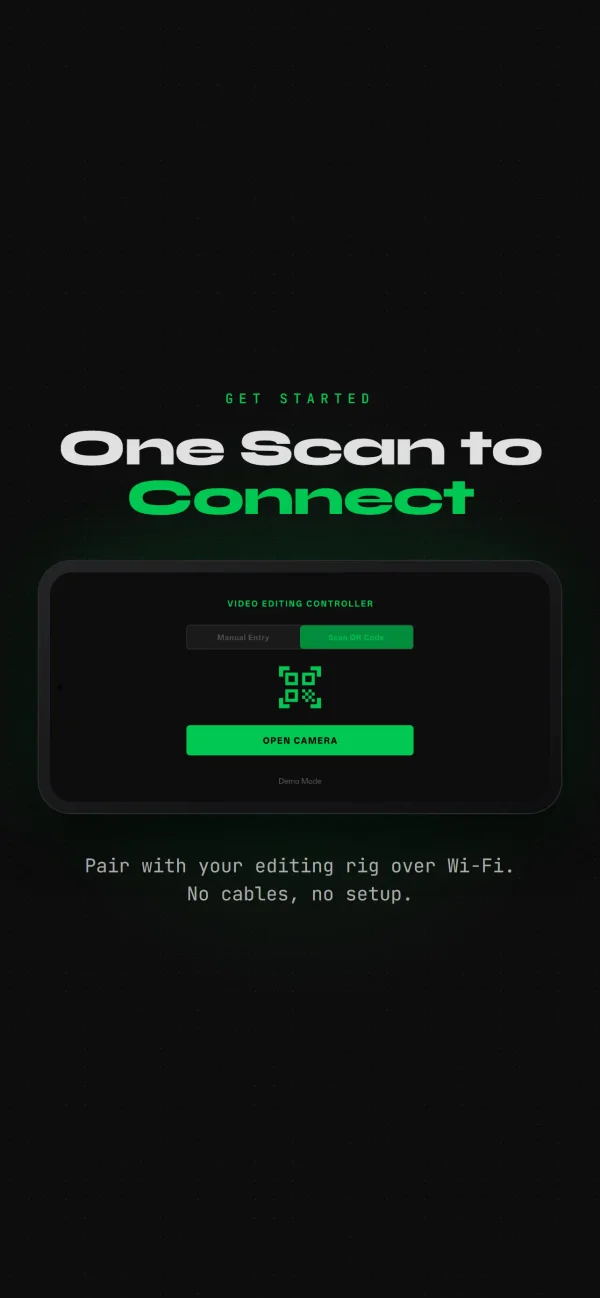
Turn your phone into a wireless controller for your video editing software. Video Editing Controller is a remote control for editors — it connects to a free companion server app on your computer and turns taps and gestures into real keyboard shortcuts. No special hardware, no macro pad, no driver installation required.
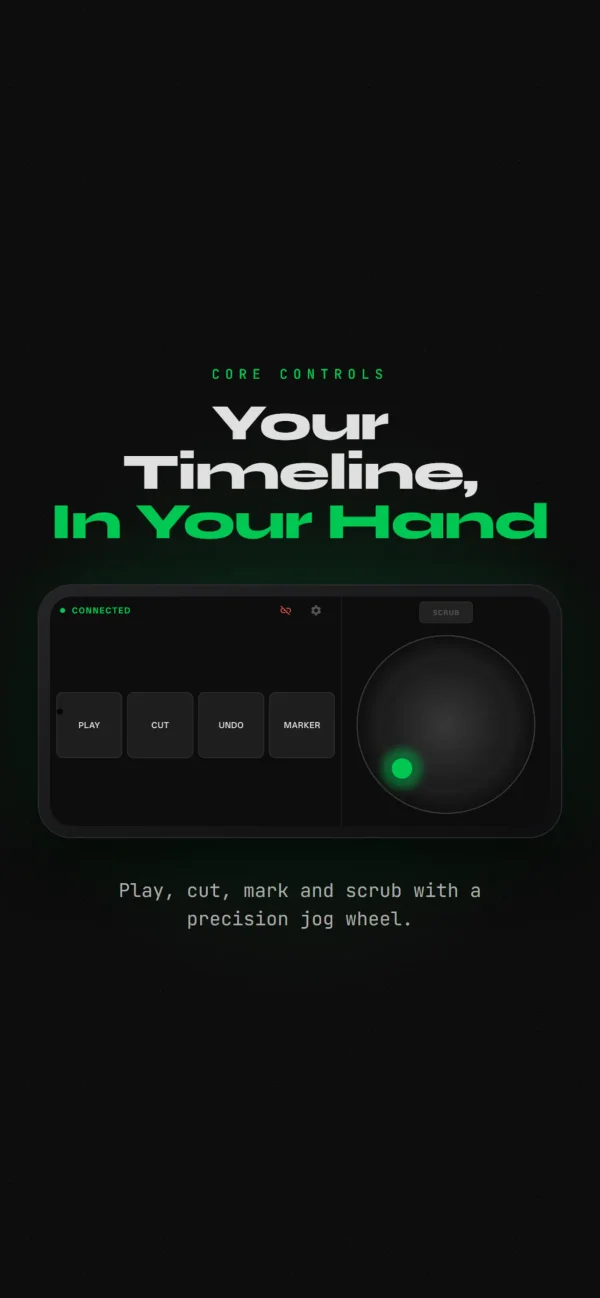
Whether you cut in DaVinci Resolve or Premiere Pro, your phone becomes a customizable shortcut deck and jog wheel that speeds up your editing workflow.
HOW IT WORKS
Install the free server app on your Windows, macOS, or Linux computer. Open it, scan the QR code with your phone, and you're ready to go. The server app translates commands from your phone into real keypresses on your computer — over your local Wi-Fi, with no account and no cloud.
FEATURES
• Wireless remote control for any video editor — works over Wi-Fi
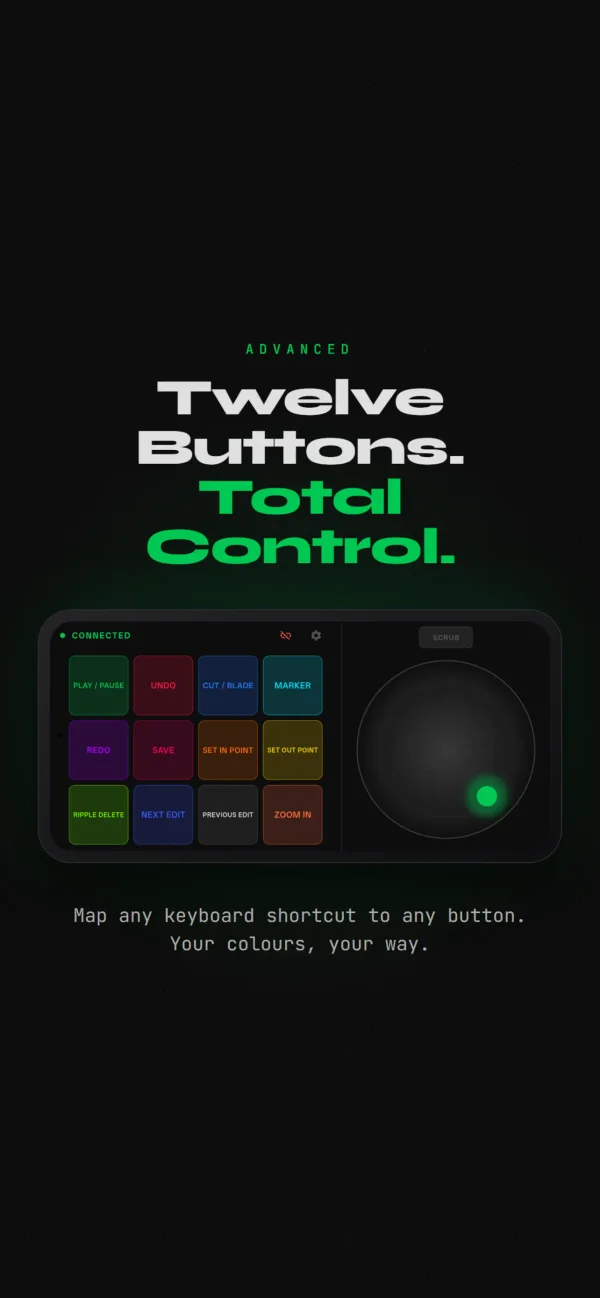
• Customizable button layout — assign any keyboard shortcut or key combination to each button
• Jog wheel for precise frame-by-frame scrubbing
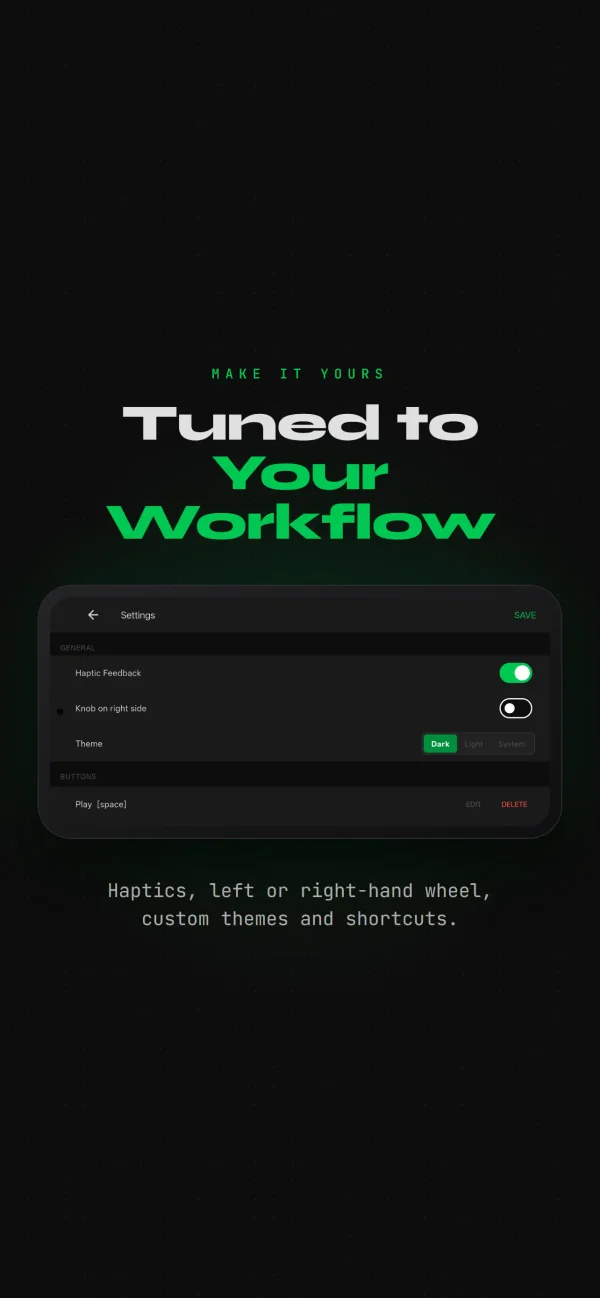
• Dark, Light, and System themes — match your editing environment and lighting
• Works with any software that accepts keyboard shortcuts, including DaVinci Resolve and Adobe Premiere
• Lightweight, fast, and account-free
PERFECT FOR
Video editors, colorists, and content creators who want a faster, hardware-free alternative to an editing keyboard or shuttle controller — using the phone that's already on your desk.
PREMIUM
Custom button layout editing and mode switching are unlocked with a single one-time Premium purchase. The basic layout is free forever — no subscription.
REQUIREMENTS
• The free companion server app must be running on your computer (Windows, macOS, and Linux — download at kibelab.com)
• Both devices must be on the same Wi-Fi network
The server app is free to download and does not require an account.
App privacy
What Bence Kiraly declares on the App Store about how this app handles data.
-
Data used to track you
May be used to track you across apps and websites owned by other companies.
- Identifiers
- Usage data
-
Data not linked to you
May be collected but is not linked to your identity.
- Identifiers
- Usage data
- Diagnostics
Privacy practices may vary, for example with the features you use or your age.
Information
- Seller
- Bence Kiraly
- Category
- Utilities
- Version
- 1.0
- Updated
- Jun 30, 2026
- Released
- Jun 30, 2026
- Size
- 24.9 MB
- Requires
- iOS 14.0 or later
- Age rating
- 4+
- Price
- Free
- In-app purchases
- Yes
- Languages
- English
- Copyright
- © 2026 Bence Király
You might also like
-
 OSCAR: OSC, MIDI & DMX ControlControl shows from your phone
-
 Geometry Solver: Geometry AIMath Solver & Homework Helper
-
 Humanize Studio: AI HumanizerAI Text Rewriter & Detector
-
 Balance BloomChange store & plant seeds
-
 Geometry Solver AI: Trig HelpPhoto answers, step by step
-
 Yiddish Keyboard: TranslatorYiddish type made fun & easy!
-
 Wallet Pass Maker: PassPopMake passes that pop!
-
 Docksy: Macro DeckUtilities
-
 Video Editor - Edit Tools ProEdit Videos in one go.
-
 QuickPad - Touch & ControlWireless Mouse, Keys & Macros