VideoCreateEditor
it will make your life easy
Conçue pour iPhone, iPad, Mac
Gratuit · Achats intégrés
- Classification d’âge4+
- CatégorieProductivité
- DéveloppeurSami Kumar
- LanguesAnglais
- Taille7,2 Mo
Renvoie vers la page App Store officielle
Download.org n’héberge aucun fichier de VideoCreateEditor. Le bouton ouvre la page de l’application sur App Store, où Sami Kumar la publie. Fiche vérifiée pour la dernière fois le 15/11/2026.
Captures d’écran

À propos
Le développeur n’a pas fourni ce texte dans votre langue.
Turn your ideas into professional-quality videos with VideoCreator Pro, the all-in-one macOS editing studio designed for creators, influencers, marketers, and everyday storytellers.
From the sleek, modern interface to powerful editing tools, everything is built for speed, simplicity, and cinematic results.
What Makes It Powerful?
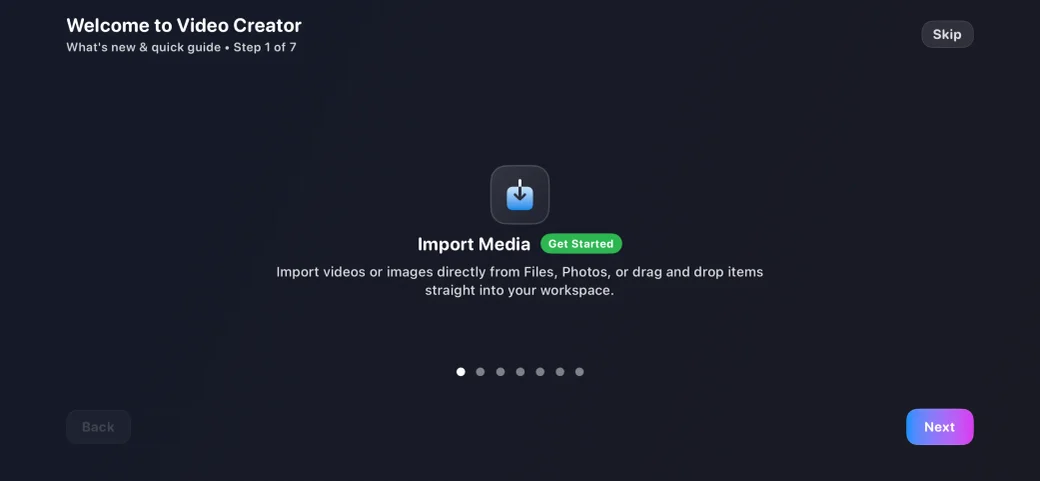
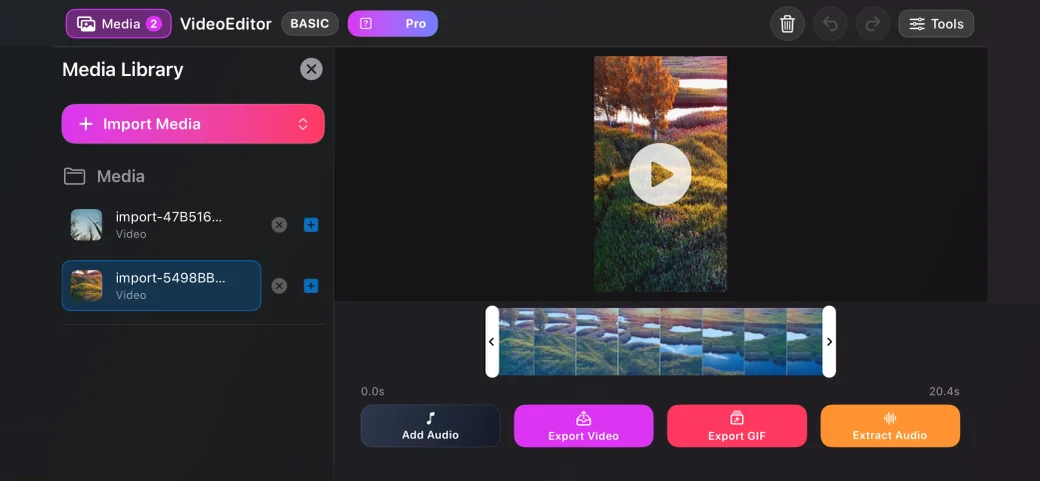
Instant Media Import
Drag and drop videos, images, and audio effortlessly into your project.
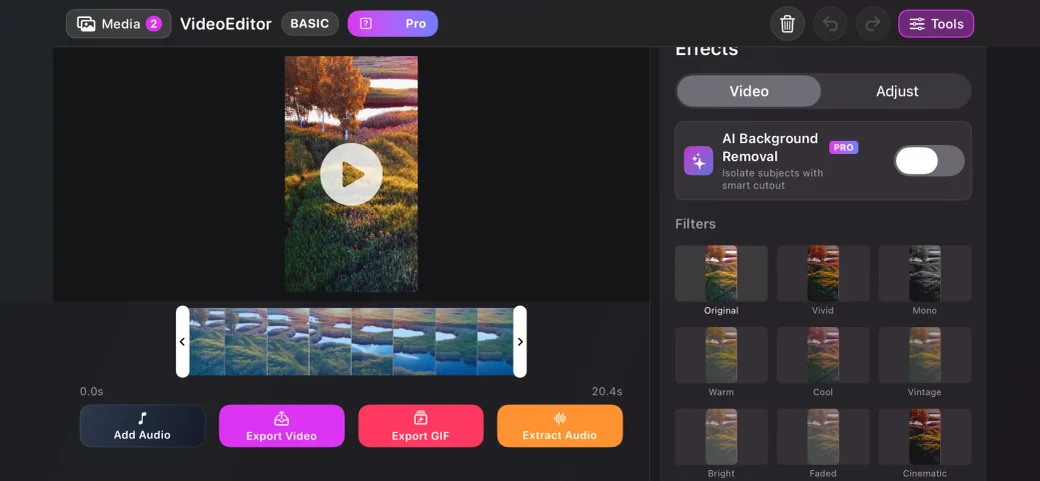
Smart Filters & Effects
Choose from cinematic presets like Vivid, Warm, Cool, High Contrast, Teal & Orange, and more — all optimized for social media impact.
Custom Watermarks
Add branded text with full control over font, size, color, and style (Bold, Italic, Background options). Perfect for creators building their brand.
Multiple Aspect Ratios
Export in 16:9, 9:16, or 1:1 — ready for YouTube, Instagram Reels, Shorts, or professional presentations.
Built-in Audio Control
Import audio, visualize waveforms, sync perfectly, and even extract audio with one click.
High-Quality Export
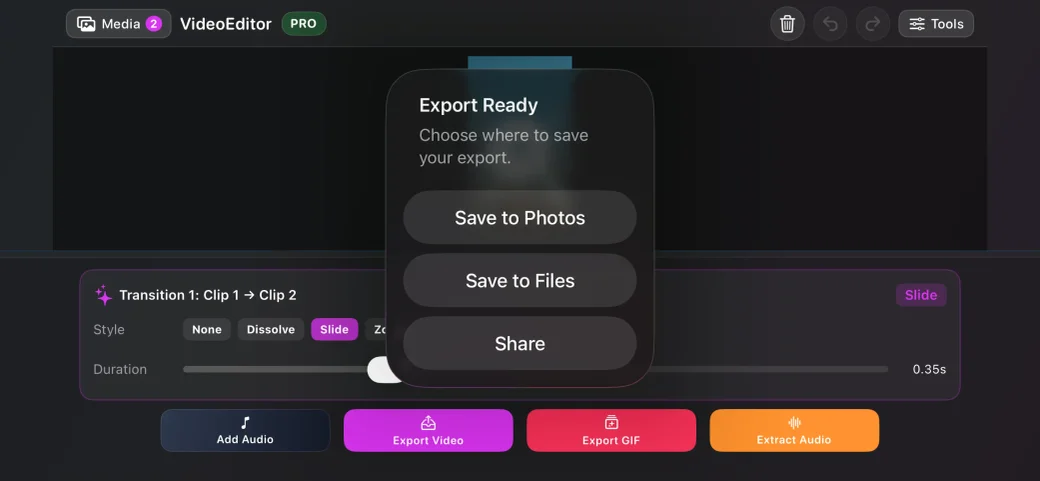
Export crisp MP4 videos in 1080p, 720p, or 480p — optimized for performance and clarity.
Designed for macOS Creators
Smooth, native macOS performance
Clean dark UI for distraction-free editing
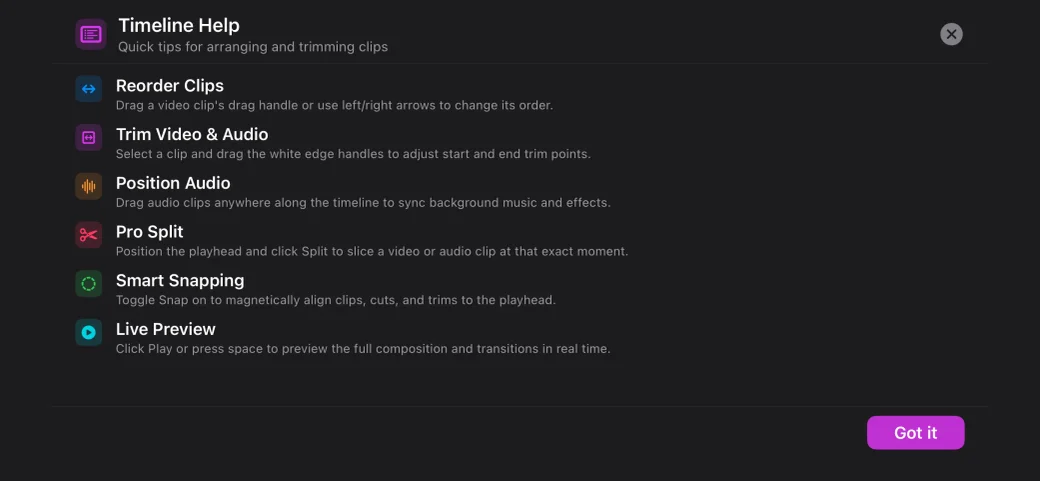
Fast timeline trimming and preview
One-click export workflow
Whether you're editing cricket highlights, social content, tutorials, or promotional videos — VideoCreator Pro gives you studio-level control without the complexity.
http://www.touristguideindiainfo.com/touristguide/termsofuse.html
Nouveautés
Version 1.1 · 24/09/2026
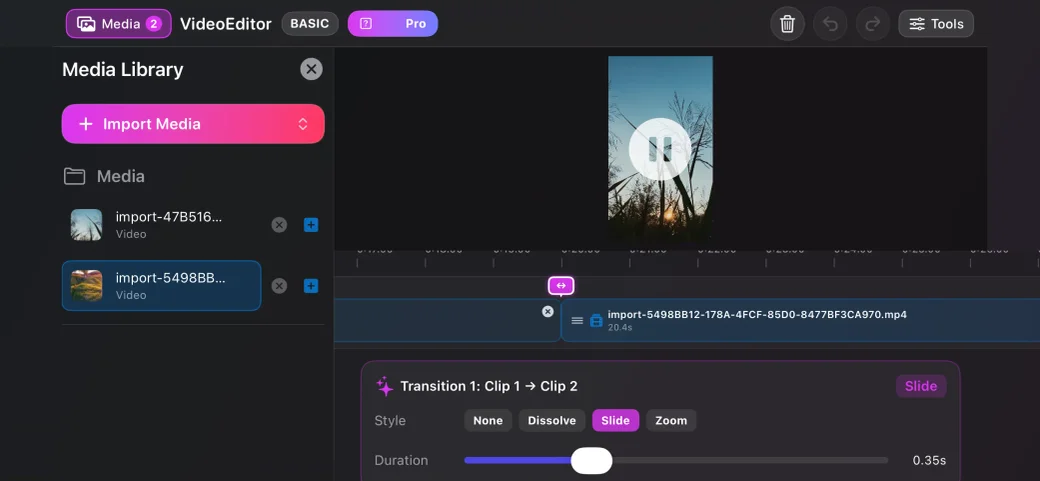
• New Transitions: Add smooth Dissolve, Zoom, and Slide transitions between video clips with adjustable durations.
• Live Transition Previews: Preview all transition effects in real time directly on the playback monitor.
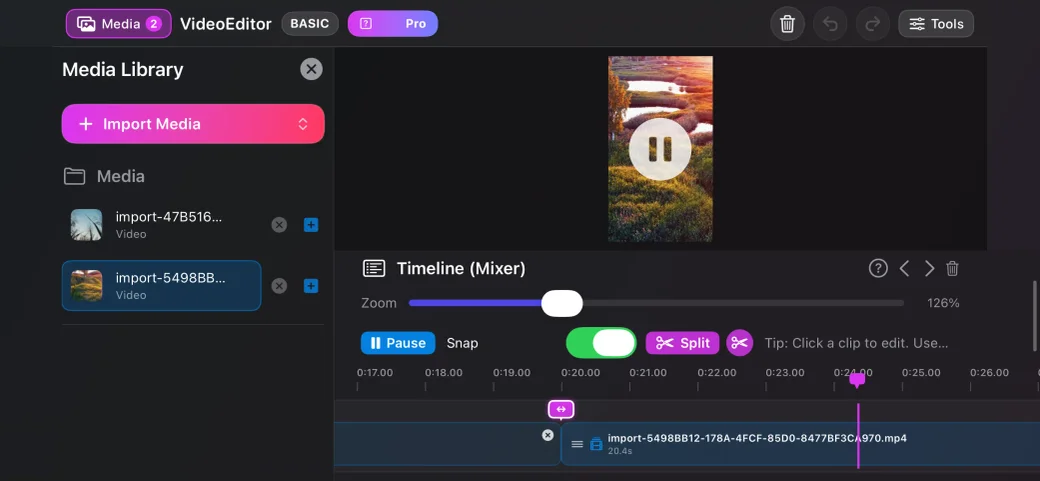
• Improved Timeline Mixer: Redesigned multi-track timeline layout for cleaner clip trimming, reordering, and split actions without overlapping controls.
• Better Playhead Sync: Jitter-free scrubbing and seamless timeline synchronization.
• Audio & Color Upgrades: Advanced volume controls, audio fading, and live visual filters.
• Performance & Bug Fixes: Faster export rendering and improved playback stability.
Confidentialité de l’application
Ce que Sami Kumar déclare sur l’App Store au sujet du traitement des données par cette application.
-
Données non collectées
Le développeur ne collecte aucune donnée à partir de cette application.
Les pratiques en matière de confidentialité peuvent varier, notamment en fonction des fonctionnalités que vous utilisez ou de votre âge.
Informations
- Vendeur
- Sami Kumar
- Catégorie
- Productivité
- Version
- 1.1
- Mis à jour
- 24/09/2026
- Publié
- 16/02/2026
- Taille
- 7,2 Mo
- Nécessite
- iOS 16.0 ou version ultérieure
- Classification d’âge
- 4+
- Prix
- Gratuit
- Achats intégrés
- Oui
- Langues
- Anglais
- Copyright
- © 2026 Video Creator
Vous aimerez peut-être aussi
-
 AI Recaps - Video SummarizerProductivité
-
 Pippa – Music Business ManagerProductivité
-
 AI Content Writer & GeneratorProductivité
-
 Wisdom Eye- YouTube Ai NotesProductivité
-
 Video Maker+Productivité
-
 YuBrief: Résumé YouTube par IATranscrire & résumer la vidéo
-
 Perfect Film Maker Movi EditorProductivité
-
 Kaption : Sous-titres & texteTranscription et style facile
-
 Cyber Help Desk: Scam HelplineProductivité
-
 Fabrication Tools CalculatorProductivité