- 対象年齢4+
- カテゴリ仕事効率化
- 開発元Sami Kumar
- 言語英語
- サイズ7.2 MB
App Storeの公式ページにリンクしています
Download.orgはVideoCreateEditorのファイルを一切ホストしていません。ボタンを押すと、Sami Kumarが公開しているApp Storeのアプリページが開きます。ページの最終確認:2026/11/15。
スクリーンショット

概要
開発元はこのテキストをお使いの言語で提供していません。
Turn your ideas into professional-quality videos with VideoCreator Pro, the all-in-one macOS editing studio designed for creators, influencers, marketers, and everyday storytellers.
From the sleek, modern interface to powerful editing tools, everything is built for speed, simplicity, and cinematic results.
What Makes It Powerful?
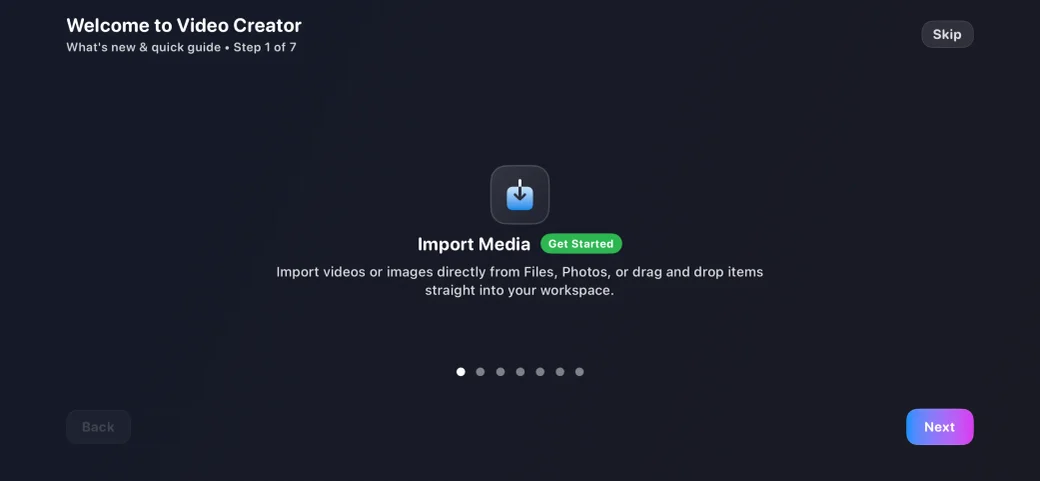
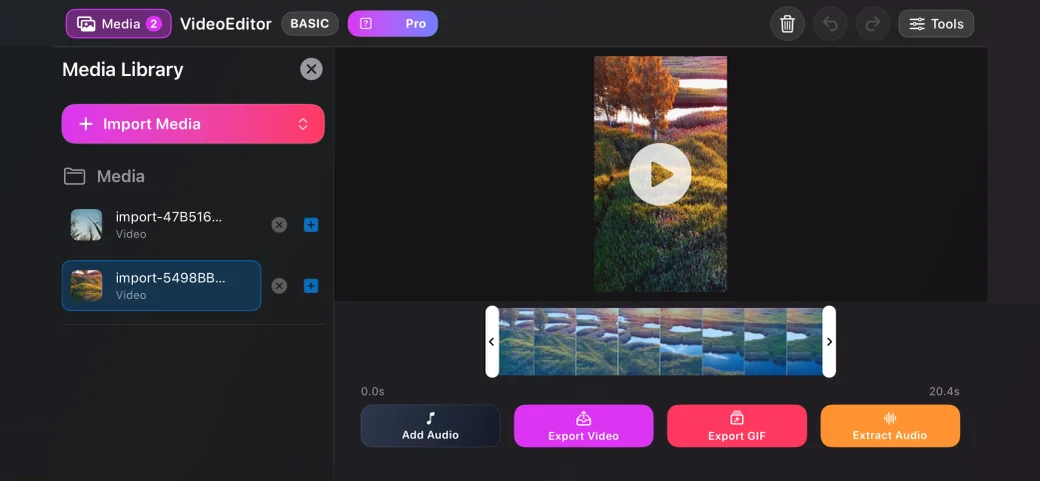
Instant Media Import
Drag and drop videos, images, and audio effortlessly into your project.
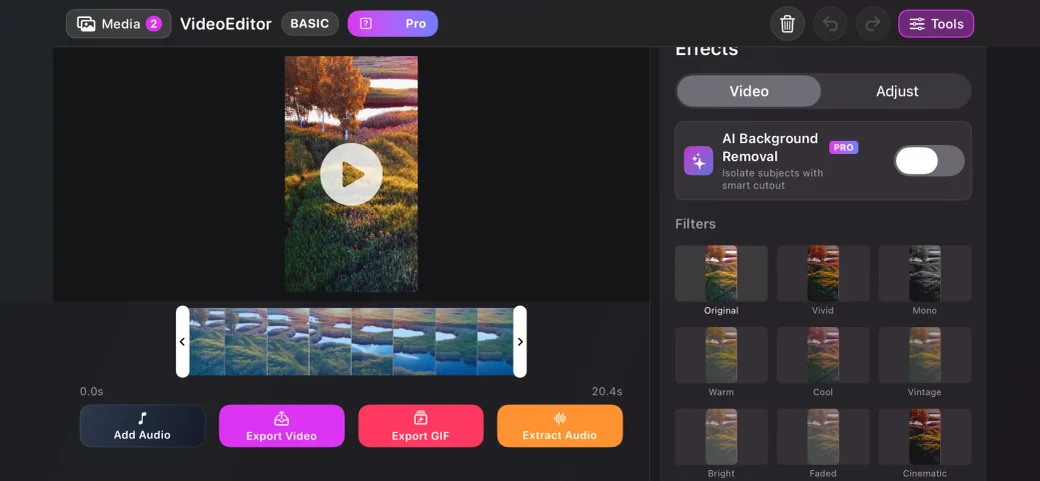
Smart Filters & Effects
Choose from cinematic presets like Vivid, Warm, Cool, High Contrast, Teal & Orange, and more — all optimized for social media impact.
Custom Watermarks
Add branded text with full control over font, size, color, and style (Bold, Italic, Background options). Perfect for creators building their brand.
Multiple Aspect Ratios
Export in 16:9, 9:16, or 1:1 — ready for YouTube, Instagram Reels, Shorts, or professional presentations.
Built-in Audio Control
Import audio, visualize waveforms, sync perfectly, and even extract audio with one click.
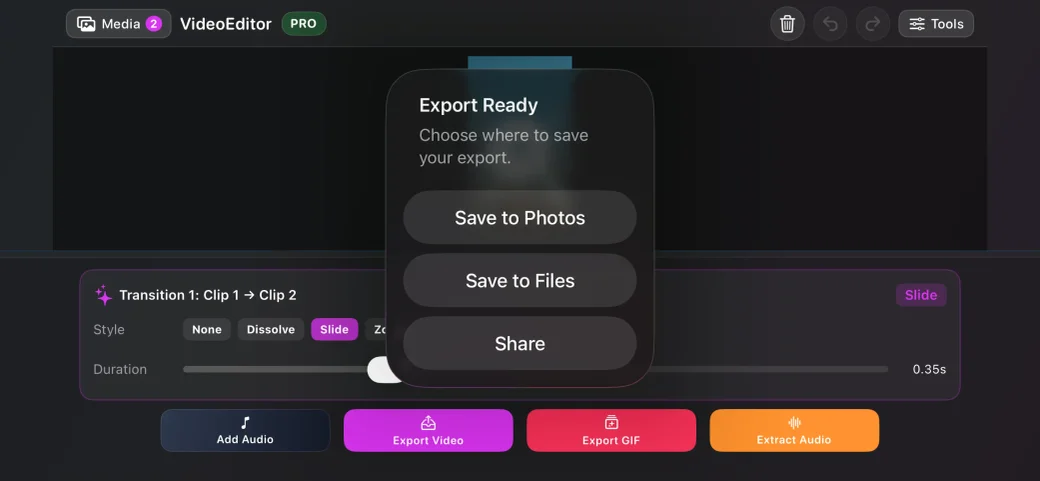
High-Quality Export
Export crisp MP4 videos in 1080p, 720p, or 480p — optimized for performance and clarity.
Designed for macOS Creators
Smooth, native macOS performance
Clean dark UI for distraction-free editing
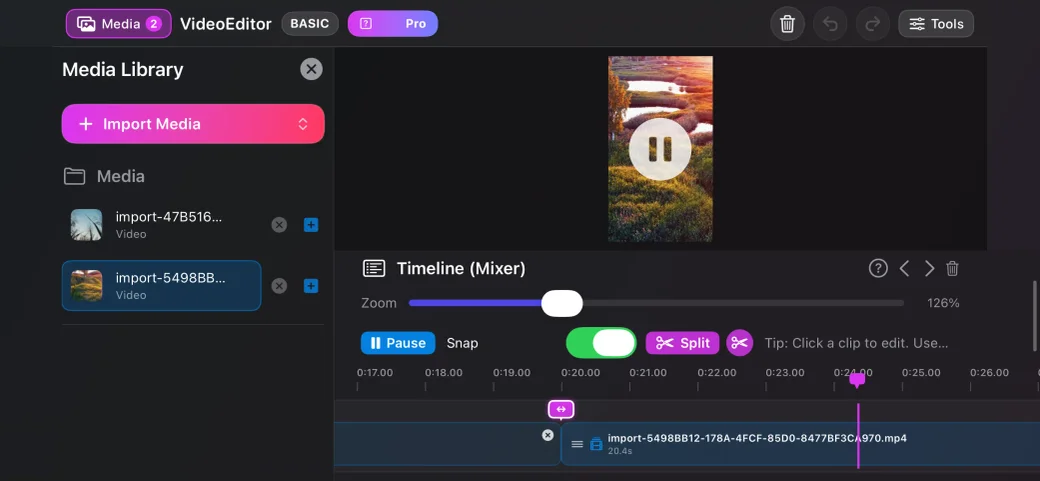
Fast timeline trimming and preview
One-click export workflow
Whether you're editing cricket highlights, social content, tutorials, or promotional videos — VideoCreator Pro gives you studio-level control without the complexity.
http://www.touristguideindiainfo.com/touristguide/termsofuse.html
新機能
バージョン 1.1 · 2026/9/24
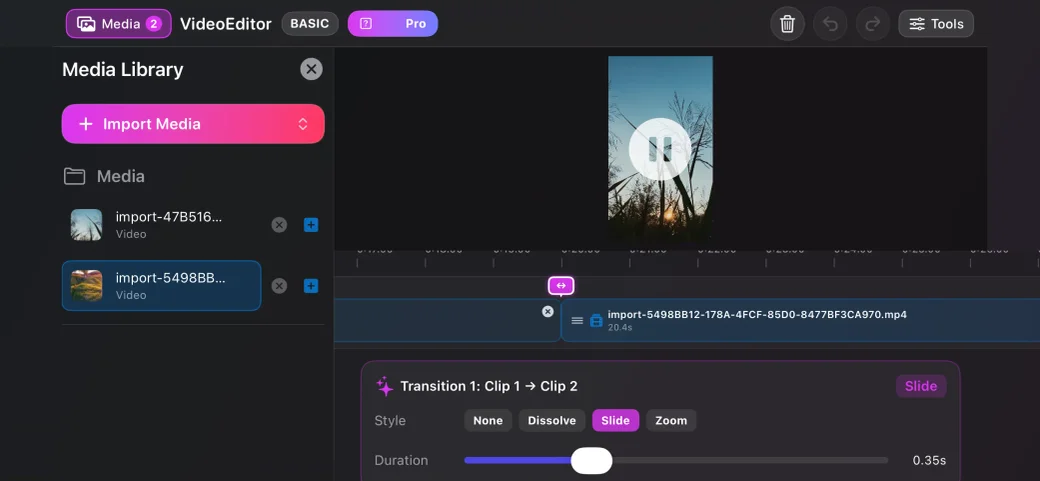
• New Transitions: Add smooth Dissolve, Zoom, and Slide transitions between video clips with adjustable durations.
• Live Transition Previews: Preview all transition effects in real time directly on the playback monitor.
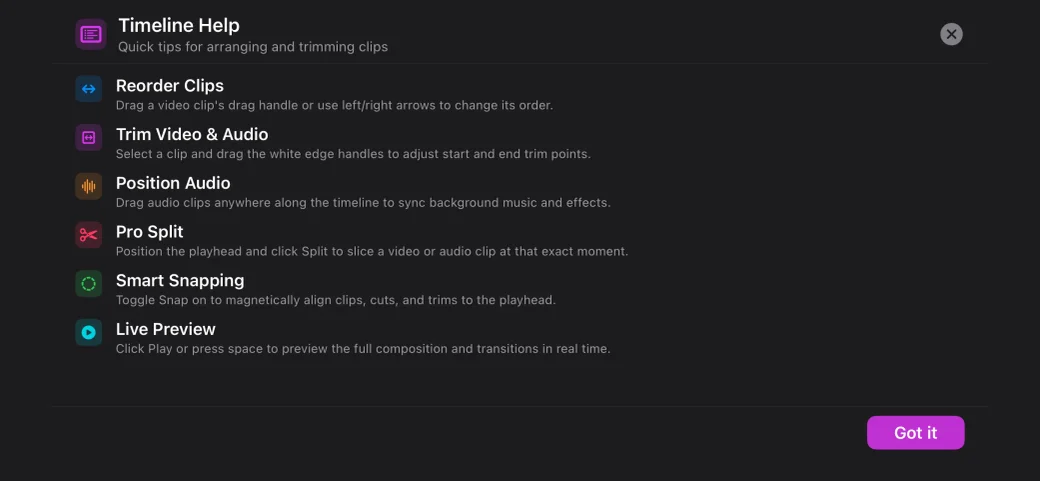
• Improved Timeline Mixer: Redesigned multi-track timeline layout for cleaner clip trimming, reordering, and split actions without overlapping controls.
• Better Playhead Sync: Jitter-free scrubbing and seamless timeline synchronization.
• Audio & Color Upgrades: Advanced volume controls, audio fading, and live visual filters.
• Performance & Bug Fixes: Faster export rendering and improved playback stability.
アプリのプライバシー
このアプリのデータの取り扱いについて、Sami KumarがApp Storeで申告している内容です。
-
データの収集なし
開発元はこのアプリからデータを収集しません。
プライバシーの取り扱いは、ご利用の機能やお客様の年齢などに応じて異なる場合があります。
情報
- 販売元
- Sami Kumar
- カテゴリ
- 仕事効率化
- バージョン
- 1.1
- 更新日
- 2026/9/24
- リリース
- 2026/2/16
- サイズ
- 7.2 MB
- 必要条件
- iOS 16.0以降
- 対象年齢
- 4+
- 価格
- 無料
- アプリ内課金
- あり
- 言語
- 英語
- 著作権
- © 2026 Video Creator
こちらもおすすめ
-
 AI Recaps - Video Summarizer仕事効率化
-
 Pippa – Music Business Manager仕事効率化
-
 AI Content Writer & Generator仕事効率化
-
 Wisdom Eye- YouTube Ai Notes仕事効率化
-
 Video Maker+仕事効率化
-
 YuBrief: AI YouTube動画要約動画の文字起こしと要約
-
 Perfect Film Maker Movi Editor仕事効率化
-
 Kaption:動画の自動字幕文字起こし・編集・フォントのカスタマイズ
-
 Cyber Help Desk: Scam Helpline仕事効率化
-
 Fabrication Tools Calculator仕事効率化