Website Blocker: Focus & Block
App & Site Screen Time Limit
Conçue pour iPhone, iPad
Gratuit · Achats intégrés
- Classification d’âge4+
- CatégorieProductivité
- DéveloppeurVsevolod Fedotov
- LanguesAnglais
- Taille40,7 Mo
Renvoie vers la page App Store officielle
Download.org n’héberge aucun fichier de Website Blocker: Focus & Block. Le bouton ouvre la page de l’application sur App Store, où Vsevolod Fedotov la publie. Fiche vérifiée pour la dernière fois le 12/11/2026.
Captures d’écran



À propos
Le développeur n’a pas fourni ce texte dans votre langue.
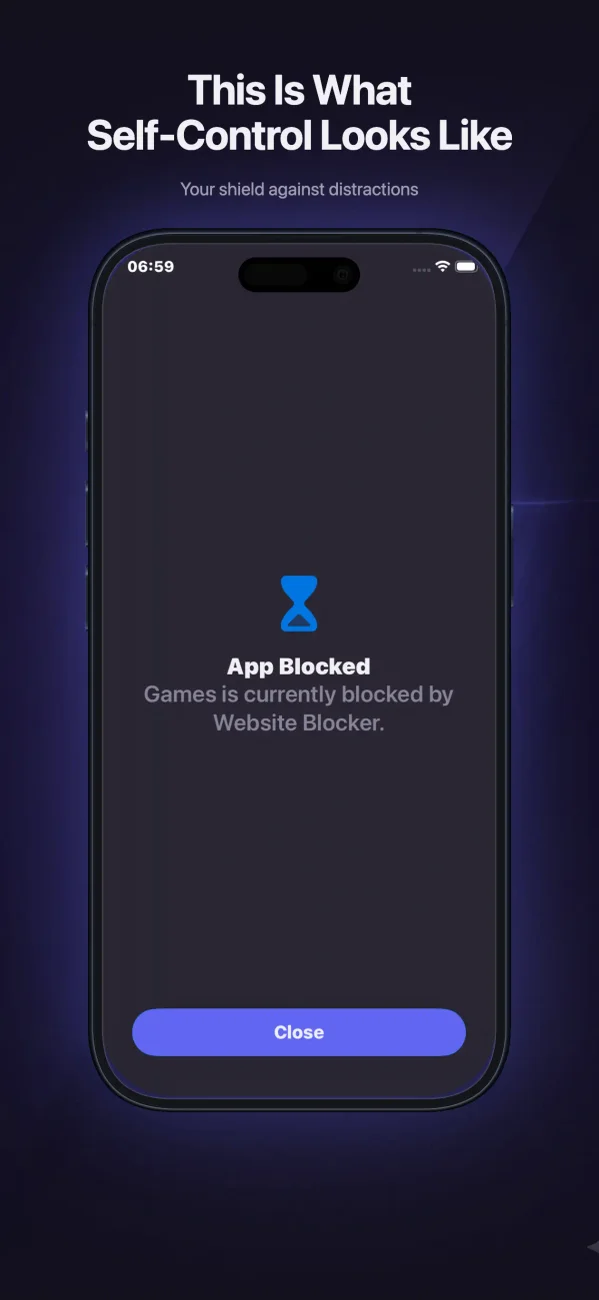
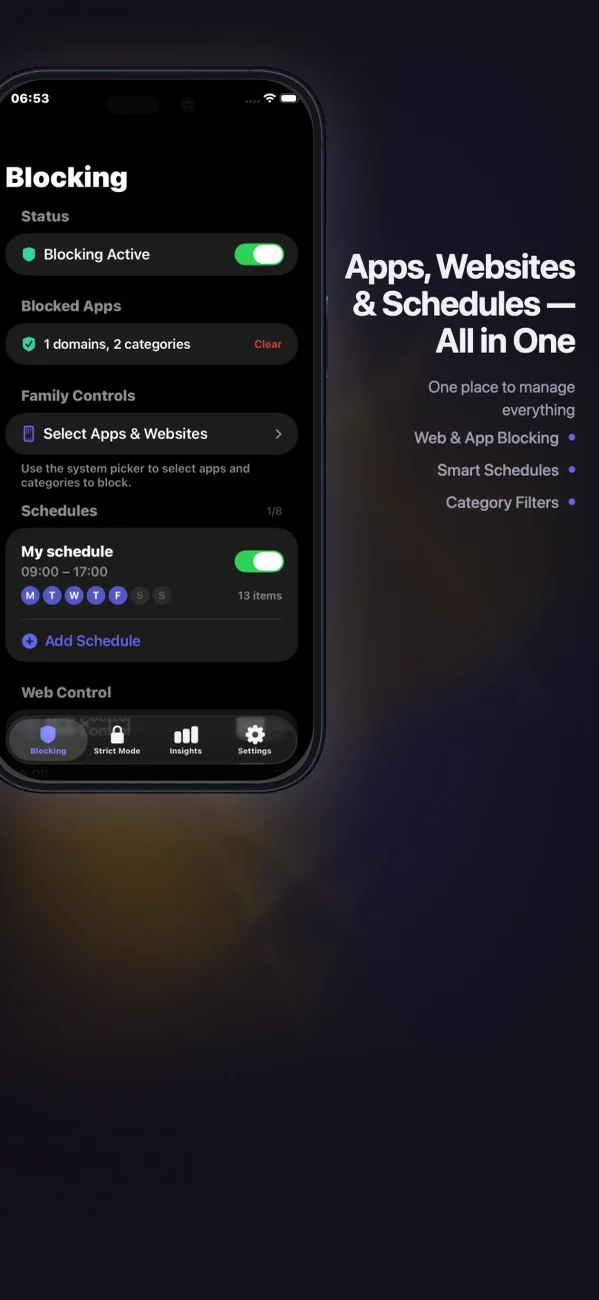
Take back control of your screen time. Website Blocker uses Apple's native Screen Time API to help you stay focused by blocking distracting apps and websites — no VPN required.
Smart Blocking
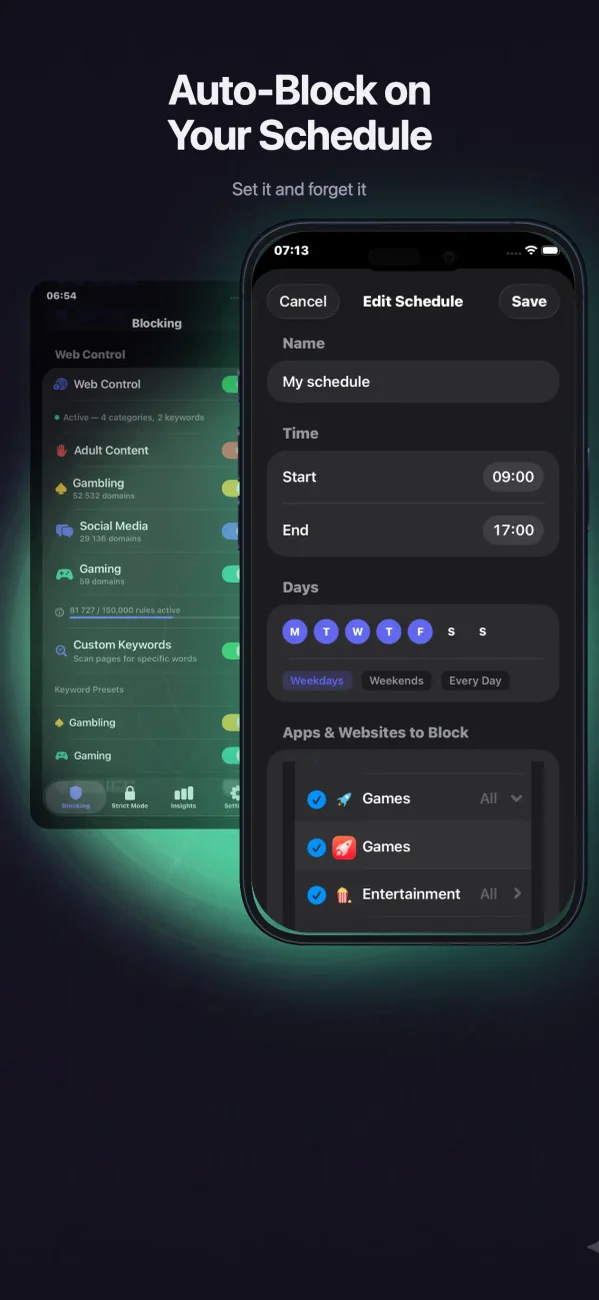
Block specific apps, websites, or entire categories like Social Media, Games, and Dating. Use keyword and pattern matching to filter content across Safari. Set up daily schedules to automate your focus routine.
Strict Mode
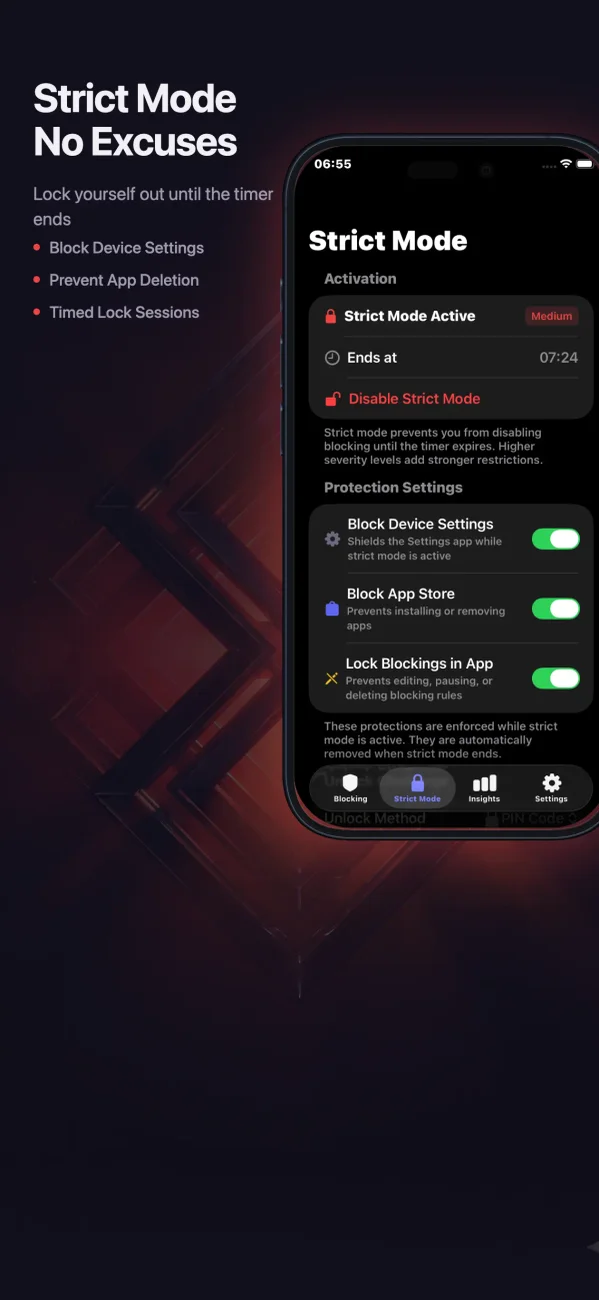
Lock your blocking settings so you can't give in to temptation. Choose your severity level — from a simple unlock challenge to a full lockdown until the timer expires. Protect yourself from impulsive decisions with PIN codes, text challenges, or wait timers.
Live Activities & Dynamic Island
See your focus session timer right on your Lock Screen and Dynamic Island. Track remaining time, severity level, and blocked items count — without opening the app.
Home Screen & Lock Screen Widgets
Add widgets to your Home Screen and Lock Screen to monitor your blocking status and active sessions at a glance. Three widget sizes available for quick access to your focus data.
Siri Shortcuts
Control your focus hands-free. Say "Start focus session in Website Blocker" to begin, check your status, or toggle blocking — all through Siri voice commands.
Safari Web Extension
Block websites directly in Safari with domain-level and keyword-based filtering. No VPN, no proxy — pure native performance.
Subscription Options
Monthly: auto-renewable subscription
Yearly: auto-renewable subscription with a 3-day free trial
Lifetime: one-time purchase, use forever
All blocking is powered by Apple's FamilyControls, ManagedSettings, and DeviceActivity frameworks — your data stays on your device.
Privacy Policy: https://sevas727.github.io/roku-terms-of-use/website-blocker-privacy-policy.html
Terms of Use (EULA): https://sevas727.github.io/roku-terms-of-use/website-blocker-terms-of-use.html
Confidentialité de l’application
Ce que Vsevolod Fedotov déclare sur l’App Store au sujet du traitement des données par cette application.
-
Données établissant un lien avec vous
Peuvent être collectées et liées à votre identité.
- Achats
- Coordonnées
- Identifiants
-
Données n’établissant aucun lien avec vous
Peuvent être collectées, mais ne sont pas liées à votre identité.
- Données d’utilisation
- Diagnostic
Les pratiques en matière de confidentialité peuvent varier, notamment en fonction des fonctionnalités que vous utilisez ou de votre âge.
Informations
- Vendeur
- Vsevolod Fedotov
- Catégorie
- Productivité
- Version
- 1.4
- Mis à jour
- 23/03/2026
- Publié
- 23/03/2026
- Taille
- 40,7 Mo
- Nécessite
- iOS 17.0 ou version ultérieure
- Classification d’âge
- 4+
- Prix
- Gratuit
- Achats intégrés
- Oui
- Langues
- Anglais
- Copyright
- © Fedotov Vsevolod
Vous aimerez peut-être aussi
-
 Website Blocker - FocusProductivité
-
 FrictionBlock: App BlockerProductivité
-
 Daybreak: Block Adult ContentProductivité
-
 SlowPebble: AI Website BlockerProductivité
-
 Sisyphus: Web BlockerProductivité
-
 KickIt: App & Website BlockerProductivité
-
 Lights Out: App BlockerProductivité
-
 ReadLock: App BlockerProductivité
-
 Bastion: Screen Time ControlProductivité
-
 Screen Limit: App BlockerProductivité