Website Blocker: Focus & Block
App & Site Screen Time Limit
Designed for iPhone, iPad
In-app purchases
- Age rating4+
- CategoryProductivity
- DeveloperVsevolod Fedotov
- LanguagesEnglish
- Size40.7 MB
Links to the official App Store page
Download.org hosts no file of Website Blocker: Focus & Block. The button opens its official App Store page, published by Vsevolod Fedotov. Listing last checked on Nov 12, 2026.
Screenshots



About
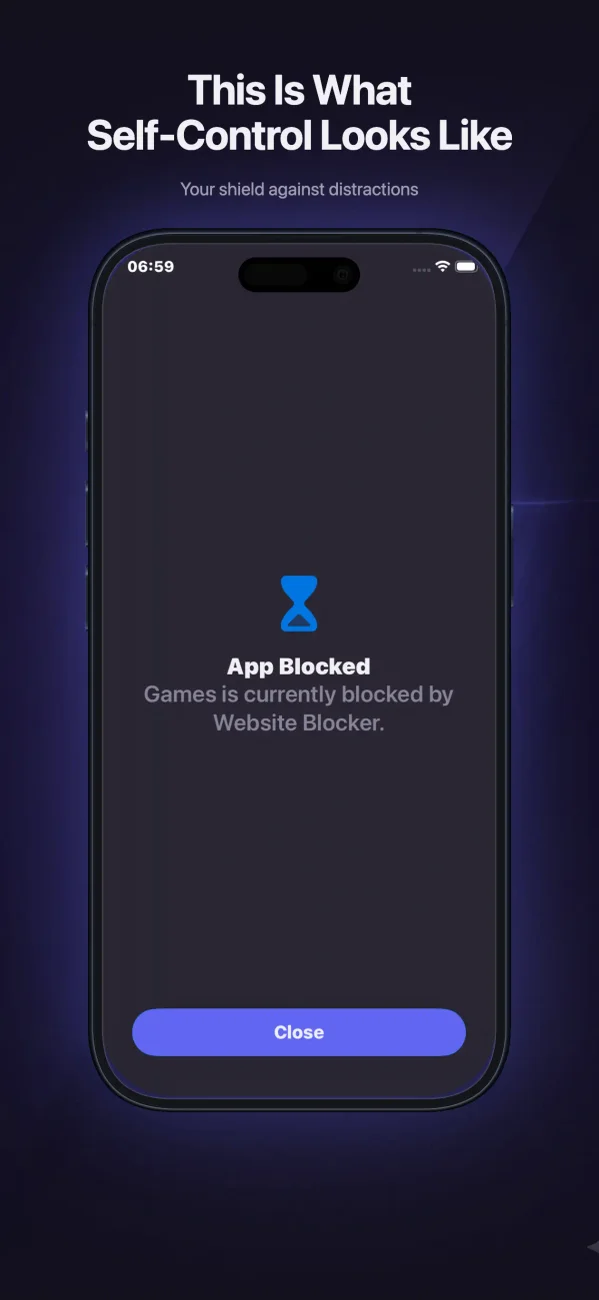
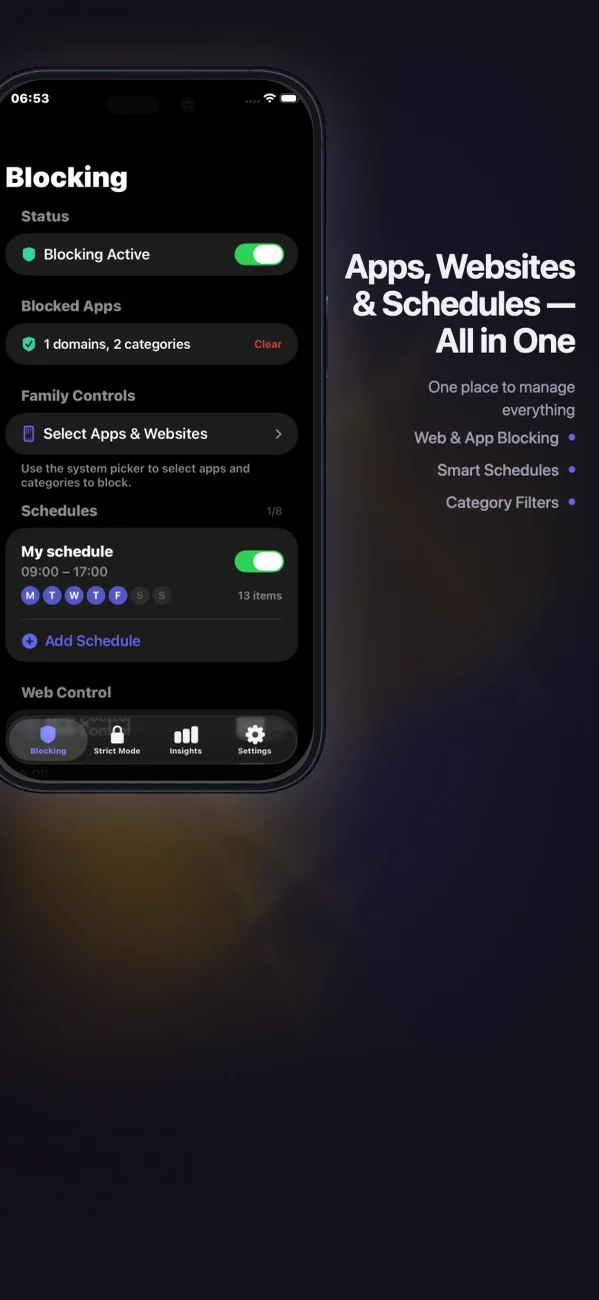
Take back control of your screen time. Website Blocker uses Apple's native Screen Time API to help you stay focused by blocking distracting apps and websites — no VPN required.
Smart Blocking
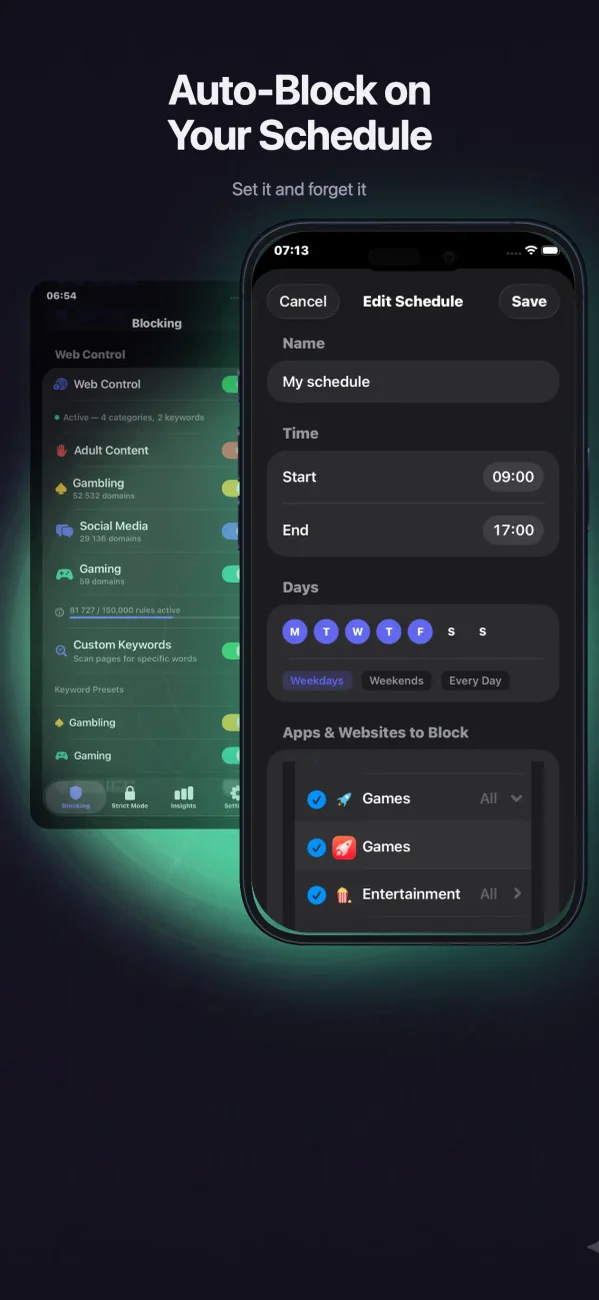
Block specific apps, websites, or entire categories like Social Media, Games, and Dating. Use keyword and pattern matching to filter content across Safari. Set up daily schedules to automate your focus routine.
Strict Mode
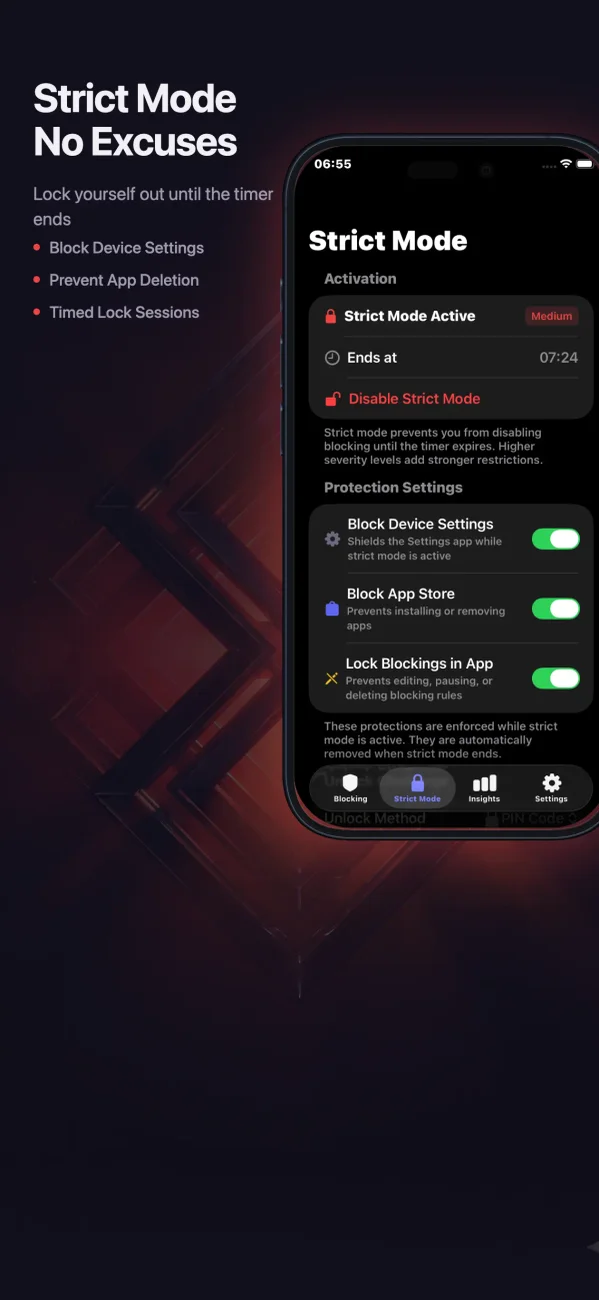
Lock your blocking settings so you can't give in to temptation. Choose your severity level — from a simple unlock challenge to a full lockdown until the timer expires. Protect yourself from impulsive decisions with PIN codes, text challenges, or wait timers.
Live Activities & Dynamic Island
See your focus session timer right on your Lock Screen and Dynamic Island. Track remaining time, severity level, and blocked items count — without opening the app.
Home Screen & Lock Screen Widgets
Add widgets to your Home Screen and Lock Screen to monitor your blocking status and active sessions at a glance. Three widget sizes available for quick access to your focus data.
Siri Shortcuts
Control your focus hands-free. Say "Start focus session in Website Blocker" to begin, check your status, or toggle blocking — all through Siri voice commands.
Safari Web Extension
Block websites directly in Safari with domain-level and keyword-based filtering. No VPN, no proxy — pure native performance.
Subscription Options
Monthly: auto-renewable subscription
Yearly: auto-renewable subscription with a 3-day free trial
Lifetime: one-time purchase, use forever
All blocking is powered by Apple's FamilyControls, ManagedSettings, and DeviceActivity frameworks — your data stays on your device.
Privacy Policy: https://sevas727.github.io/roku-terms-of-use/website-blocker-privacy-policy.html
Terms of Use (EULA): https://sevas727.github.io/roku-terms-of-use/website-blocker-terms-of-use.html
App privacy
What Vsevolod Fedotov declares on the App Store about how this app handles data.
-
Data linked to you
May be collected and linked to your identity.
- Purchases
- Contact info
- Identifiers
-
Data not linked to you
May be collected but is not linked to your identity.
- Usage data
- Diagnostics
Privacy practices may vary, for example with the features you use or your age.
Information
- Seller
- Vsevolod Fedotov
- Category
- Productivity
- Version
- 1.4
- Updated
- Mar 23, 2026
- Released
- Mar 23, 2026
- Size
- 40.7 MB
- Requires
- iOS 17.0 or later
- Age rating
- 4+
- In-app purchases
- Yes
- Languages
- English
- Copyright
- © Fedotov Vsevolod
You might also like
-
 Website Blocker - FocusBlock Distracting Websites
-
 FrictionBlock: App BlockerScreen Time Focus Helper
-
 Daybreak: Block Adult ContentBlocks adult sites, fast.
-
 SlowPebble: AI Website BlockerThe blocker you never turn off
-
 Sisyphus: Web BlockerBLOCK THE WEB
-
 KickIt: App & Website BlockerProductivity
-
 Lights Out: App BlockerEnd work. Reclaim your evening
-
 ReadLock: App BlockerScreen Time blocker for focus
-
 Bastion: Screen Time ControlBlock Distracting Apps
-
 Screen Limit: App BlockerFocus, Study & Digital Detox