- Classification d’âge4+
- CatégorieGraphisme et design
- DéveloppeurAli An Nuur
- LanguesAnglais
- Taille157,3 Mo
Renvoie vers la page App Store officielle
Download.org n’héberge aucun fichier de WeDraw: Trace & Create. Le bouton ouvre la page de l’application sur App Store, où Ali An Nuur la publie. Fiche vérifiée pour la dernière fois le 16/11/2026.
Captures d’écran

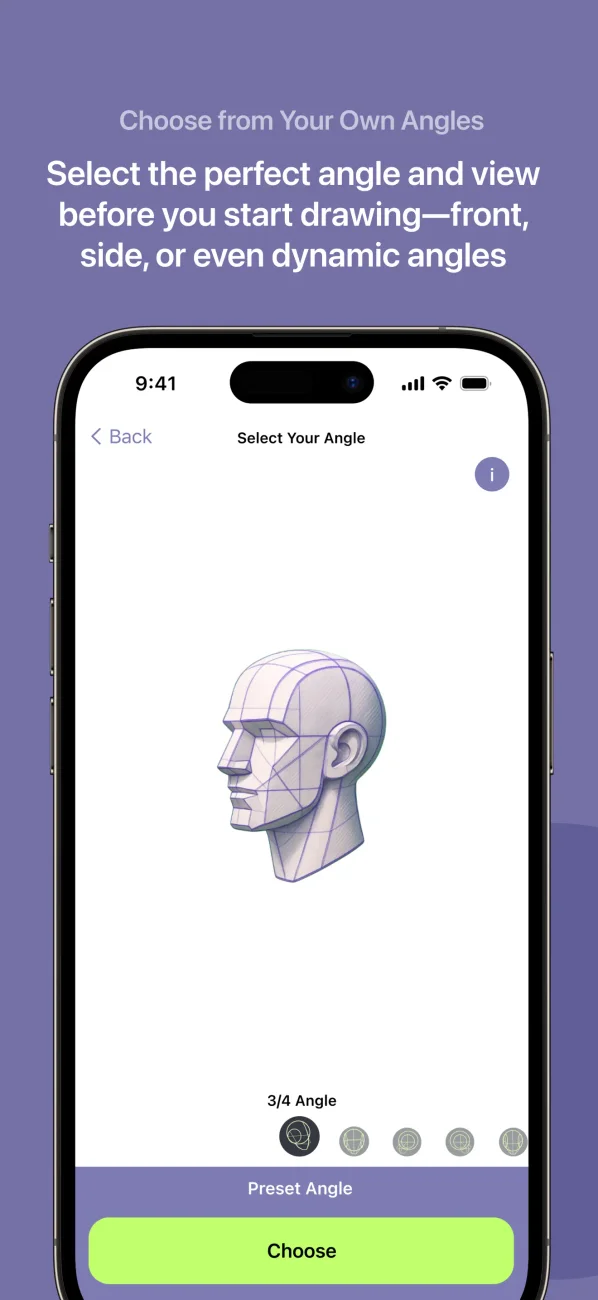
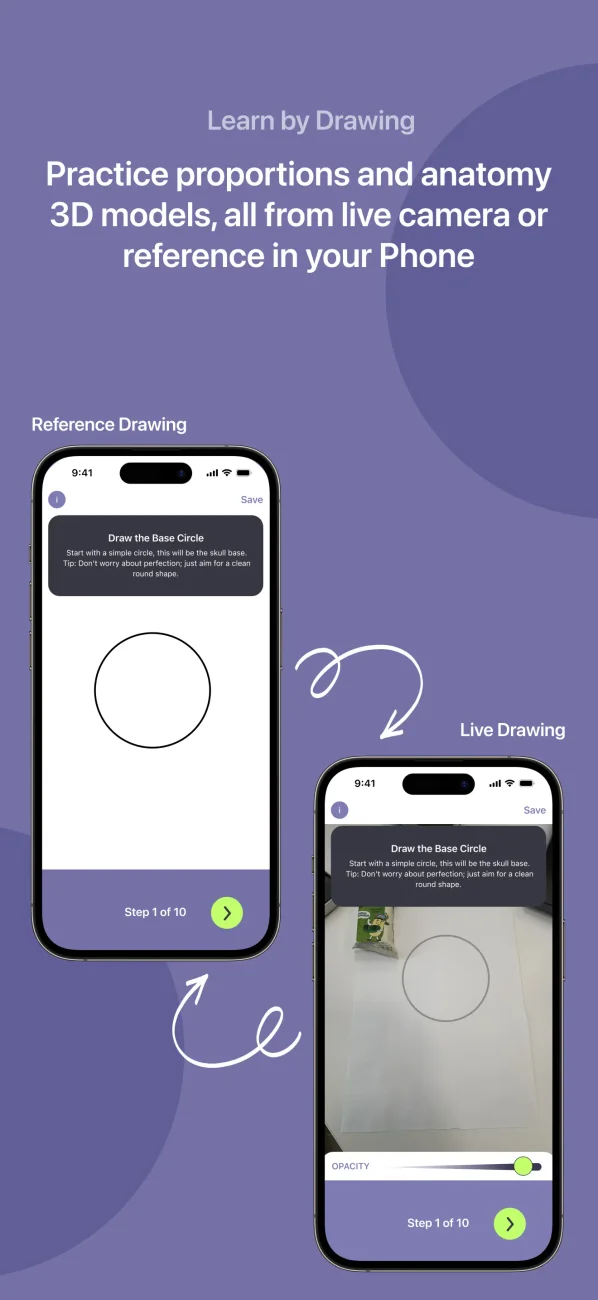
À propos
Le développeur n’a pas fourni ce texte dans votre langue.
Bring your imagination into the real world — one trace at a time.
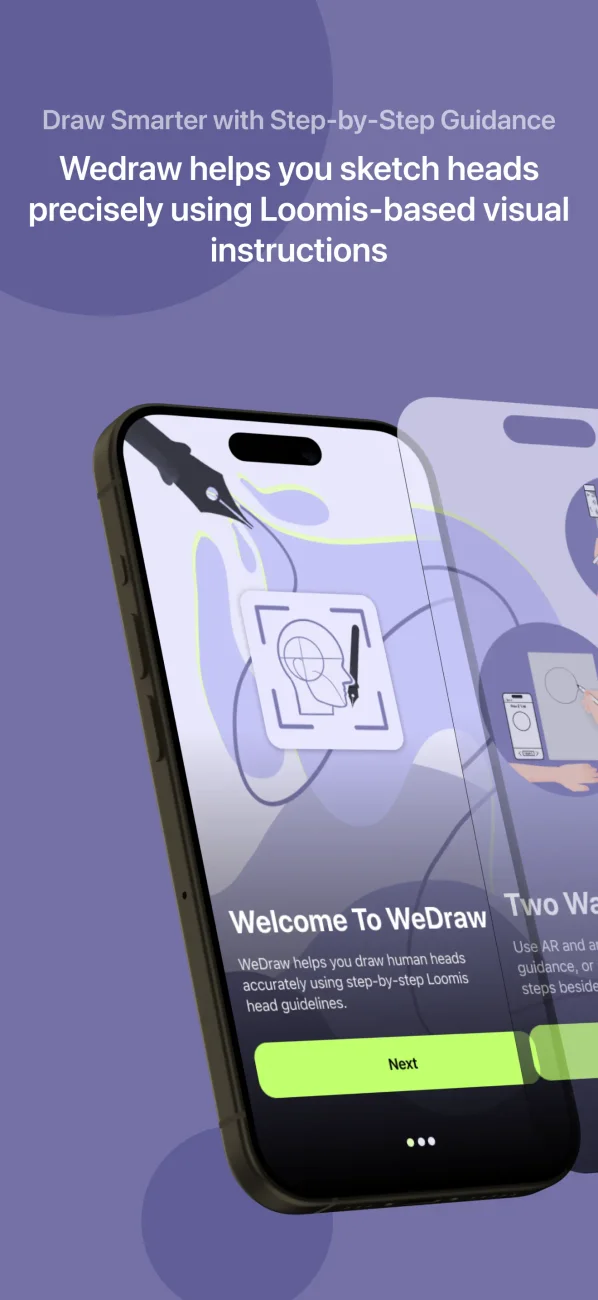
Wedraw is an intuitive Augmented Reality (AR) tracing app that helps you learn, practice, and express your creativity by overlaying real-world reference images directly onto your environment. Whether you're an aspiring artist, student, or just someone who loves to draw, Wedraw transforms your device into a smart digital projector that helps you trace and sketch with ease.
And it doesn’t stop at AR.
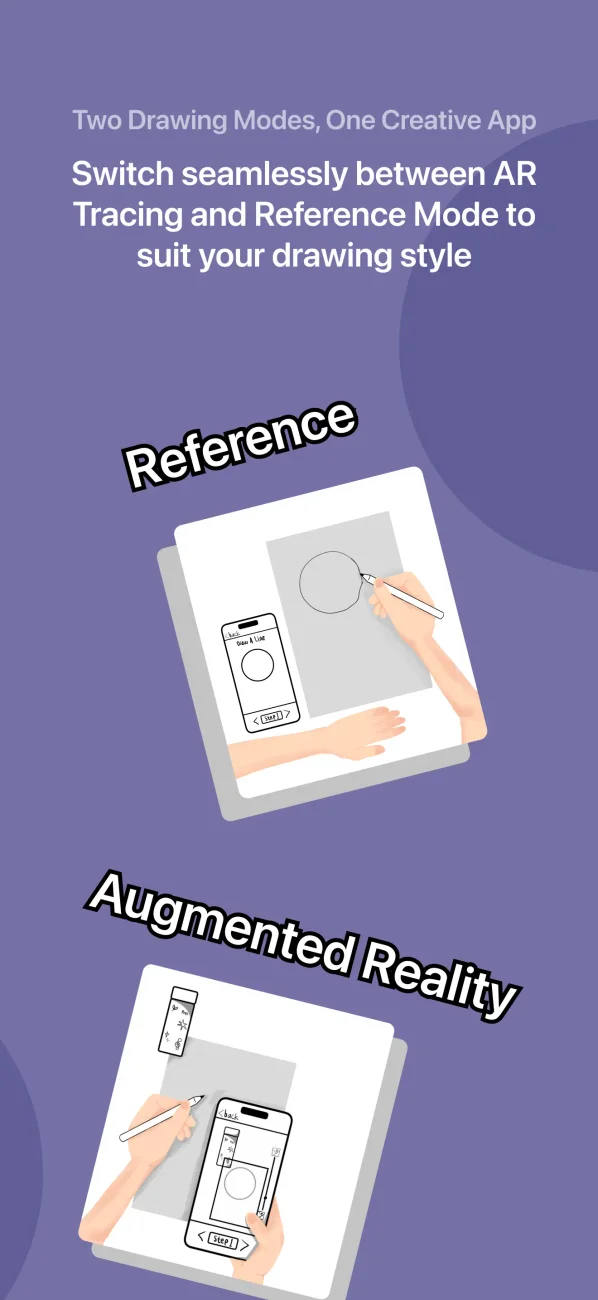
You can also draw with reference images right inside the app without AR mode. Use our focused drawing space to sketch from references in a distraction-free interface, perfect for when you want to practice anatomy, still life, or characters in a more traditional digital setup.
How It Works
1. Open the App — Launch Wedraw and dive straight into a curated collection of drawing models.
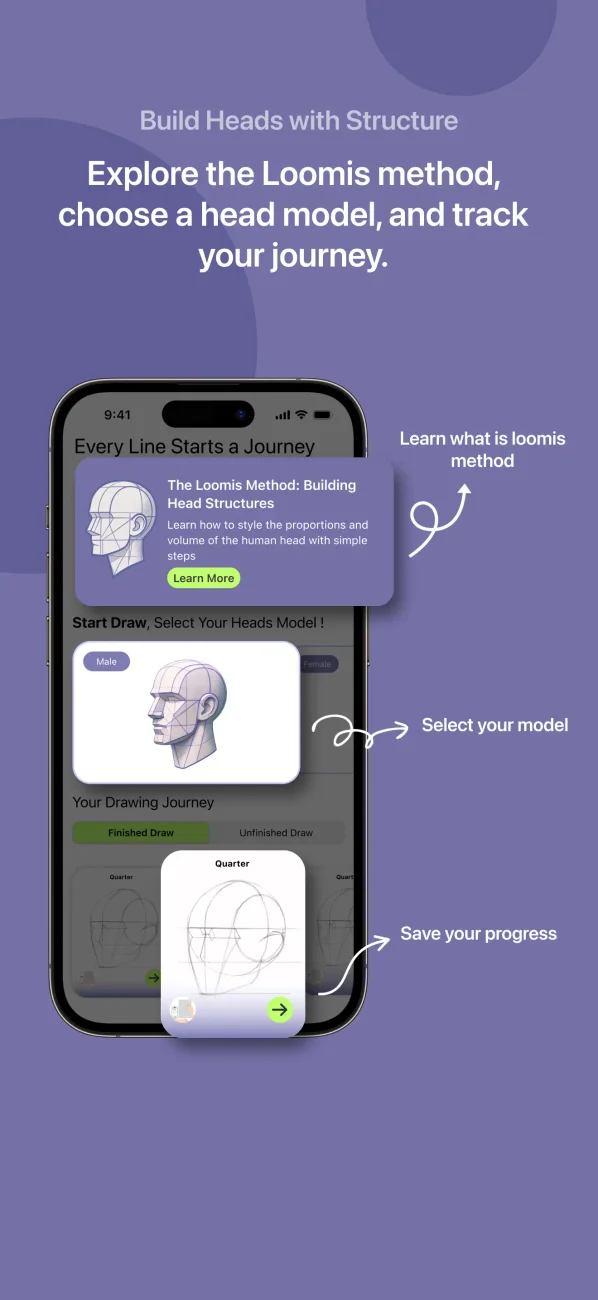
2. Choose a Model to Draw — Select from a range of reference images designed to support your practice and creativity.
3. Pick Your Angle — Decide which perspective or pose of the model best suits your drawing intent.
4. Select a Mode — Choose between:
- Draw with Reference (side-by-side view, no AR), or
- Draw with AR (overlay image on real-world surface)
5. (For AR Mode) Take a photo of your anchor — a flat, real-world surface that the app will use to place your image.
6. Crop & Adjust the Image — Refine the area you want to draw and position it exactly as needed.
7. Start Drawing — Trace over the AR projection or sketch directly from the reference. Create at your own pace, your way.
Features You'll Love
- Smart AR Tracing: Overlay images onto real surfaces and trace with accuracy.
- Draw with Reference: Prefer classic reference drawing? Use side-by-side mode to sketch without AR.
- Flexible Anchoring: Image stays even if AR tracking is temporarily lost.
- Gesture Controls: Move, scale, and rotate images intuitively.
- Minimal Interface: A clean design that stays out of your way and lets your art take the spotlight.
Perfect For:
- Art Students & Teachers — Practice fundamentals and structure.
- Hobbyists & Creators — Recreate your favorite characters, logos, or scenery.
- Beginners & Kids — Build drawing confidence at your own pace.
- Digital Nomads — Sketch anywhere, anytime, with nothing but your phone.
Whether you’re tracing over an anchor or free-sketching from a reference image, Wedraw is your creative companion. It’s not just a tool, it’s a bridge between your ideas and the page.
No sign-up. No ads. Just you and your art.
Download Wedraw and start creating today.
Meet the Wedraw Squad
Crafted with passion by
Ali An Nuur
M. Evan Cendekia Suryandaru
Rudi Juandi Butarbutar
Rizky Dwi Putra
Widia Sania
Nouveautés
Version 1.1 · 18/08/2025
- Fixed image overlay issues
Confidentialité de l’application
Ce que Ali An Nuur déclare sur l’App Store au sujet du traitement des données par cette application.
-
Données non collectées
Le développeur ne collecte aucune donnée à partir de cette application.
Les pratiques en matière de confidentialité peuvent varier, notamment en fonction des fonctionnalités que vous utilisez ou de votre âge.
Informations
- Vendeur
- Ali An Nuur
- Catégorie
- Graphisme et design
- Version
- 1.1
- Mis à jour
- 18/08/2025
- Publié
- 28/07/2025
- Taille
- 157,3 Mo
- Nécessite
- iOS 17.6 ou version ultérieure
- Classification d’âge
- 4+
- Prix
- Gratuit
- Langues
- Anglais
- Copyright
- © 2025 Wedraw Team. All rights reserved.
Vous aimerez peut-être aussi
-
 Sketch Steps: AI Loomis DrawLearn Drawing AI & Tracing
-
 Comment dessiner un animeTout le monde peut dessiner !
-
 Application pour Dessiner DrawDessin Projecteur, Calque Art
-
 AR Drawing:: Sketch & TraceDraw Pictures, Easy & Paint
-
 Mastering Anime - Draw in StepGraphisme et design
-
 AR Drawing: Draw KawaiiGraphisme et design
-
 Apprendre le dessinMaîtriser l'art du dessin
-
 AR dessin projecteur | DrawTooApprendre à dessiner au calque
-
 Apprendre à Dessiner AnimeTutoriels vidéo personnages
-
 iArt: AR Croquis et dessinDessinez avec caméra et trace