- 対象年齢4+
- カテゴリグラフィック/デザイン
- 開発元Ali An Nuur
- 言語英語
- サイズ157.3 MB
App Storeの公式ページにリンクしています
Download.orgはWeDraw: Trace & Createのファイルを一切ホストしていません。ボタンを押すと、Ali An Nuurが公開しているApp Storeのアプリページが開きます。ページの最終確認:2026/11/16。
スクリーンショット

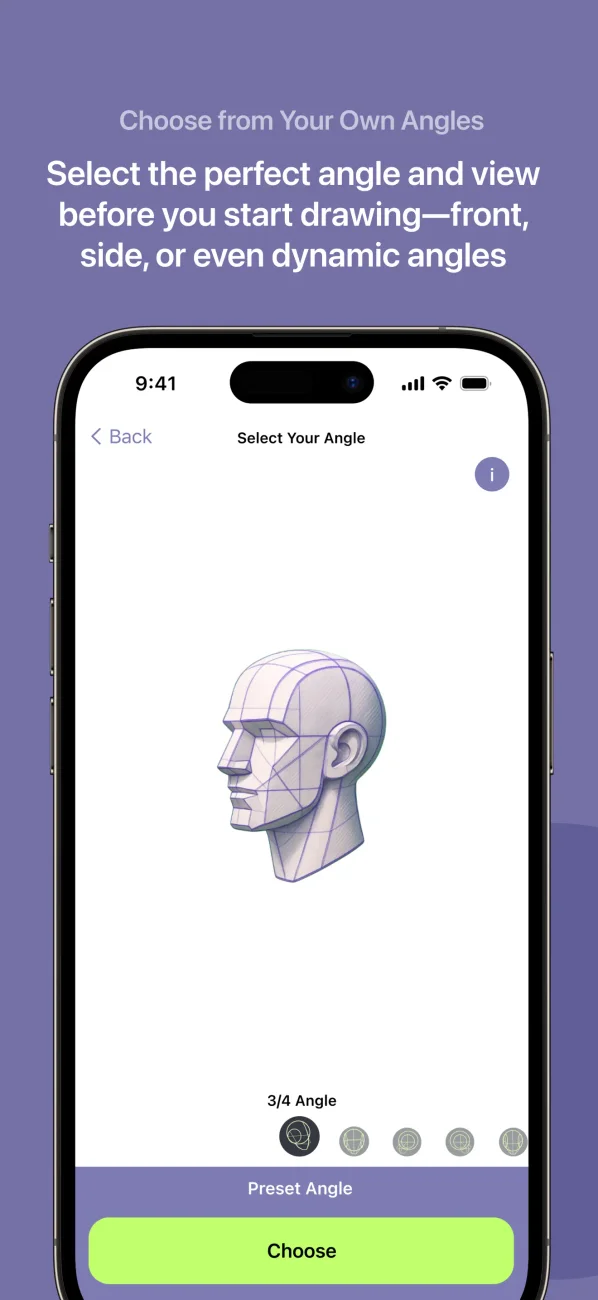
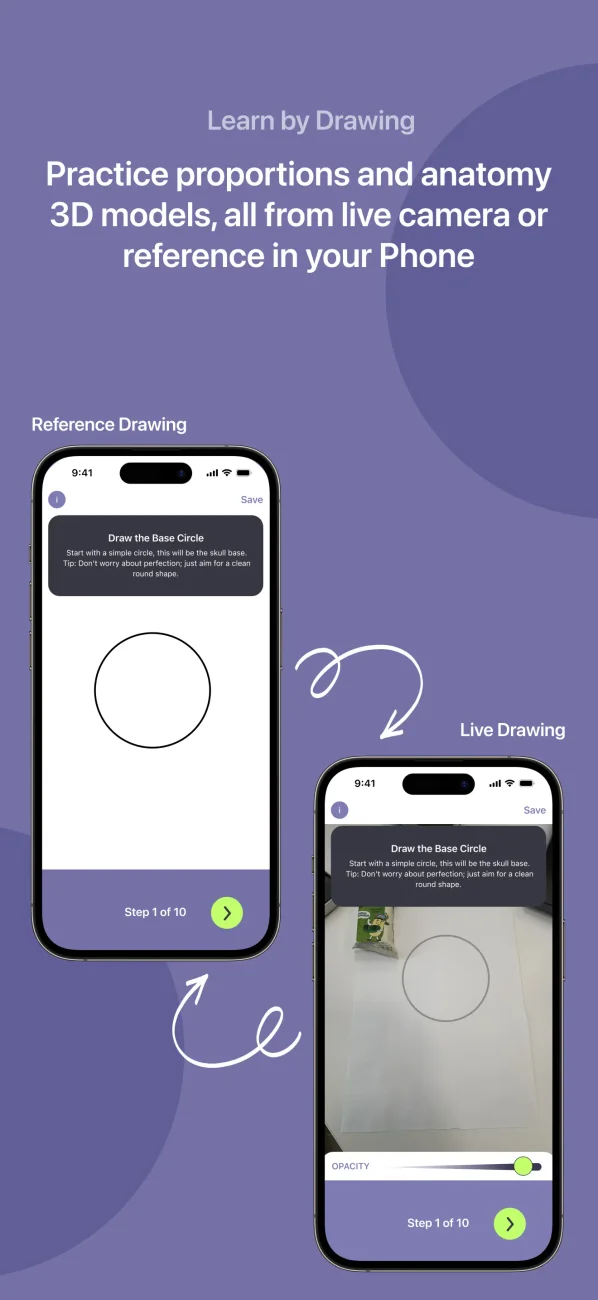
概要
開発元はこのテキストをお使いの言語で提供していません。
Bring your imagination into the real world — one trace at a time.
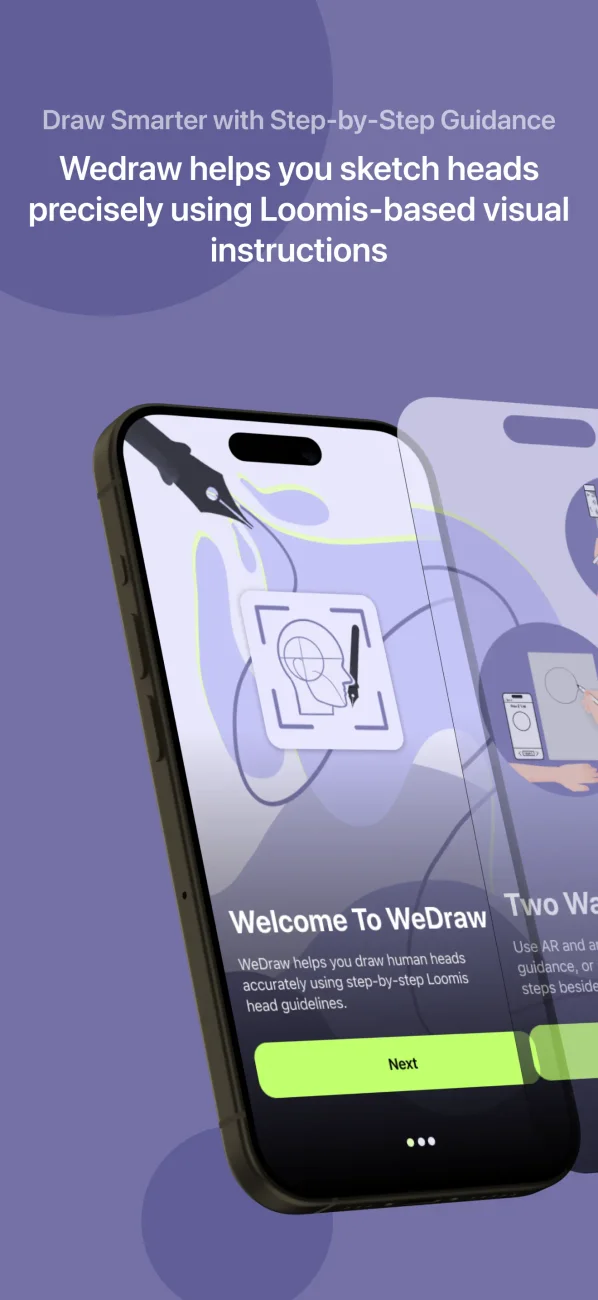
Wedraw is an intuitive Augmented Reality (AR) tracing app that helps you learn, practice, and express your creativity by overlaying real-world reference images directly onto your environment. Whether you're an aspiring artist, student, or just someone who loves to draw, Wedraw transforms your device into a smart digital projector that helps you trace and sketch with ease.
And it doesn’t stop at AR.
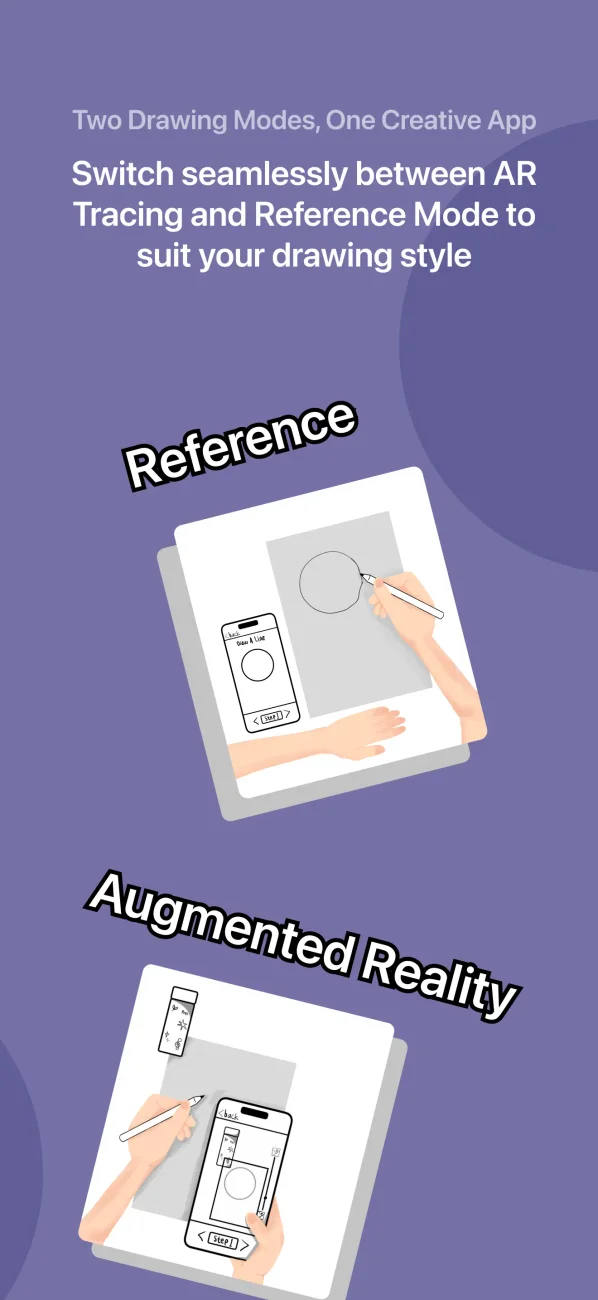
You can also draw with reference images right inside the app without AR mode. Use our focused drawing space to sketch from references in a distraction-free interface, perfect for when you want to practice anatomy, still life, or characters in a more traditional digital setup.
How It Works
1. Open the App — Launch Wedraw and dive straight into a curated collection of drawing models.
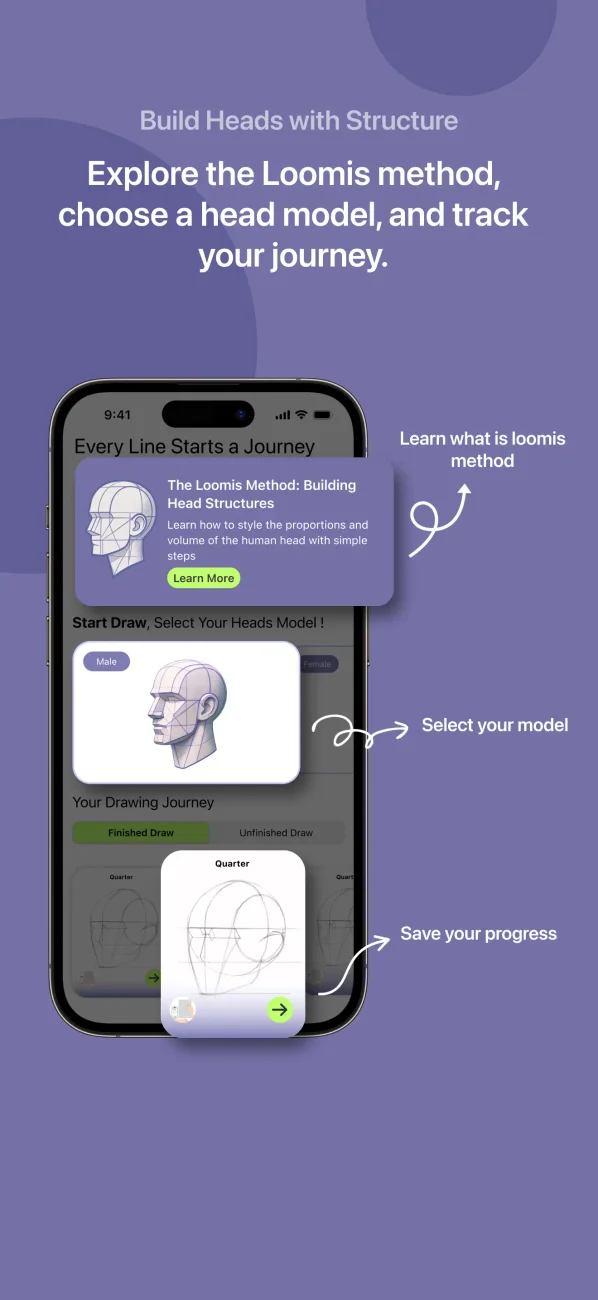
2. Choose a Model to Draw — Select from a range of reference images designed to support your practice and creativity.
3. Pick Your Angle — Decide which perspective or pose of the model best suits your drawing intent.
4. Select a Mode — Choose between:
- Draw with Reference (side-by-side view, no AR), or
- Draw with AR (overlay image on real-world surface)
5. (For AR Mode) Take a photo of your anchor — a flat, real-world surface that the app will use to place your image.
6. Crop & Adjust the Image — Refine the area you want to draw and position it exactly as needed.
7. Start Drawing — Trace over the AR projection or sketch directly from the reference. Create at your own pace, your way.
Features You'll Love
- Smart AR Tracing: Overlay images onto real surfaces and trace with accuracy.
- Draw with Reference: Prefer classic reference drawing? Use side-by-side mode to sketch without AR.
- Flexible Anchoring: Image stays even if AR tracking is temporarily lost.
- Gesture Controls: Move, scale, and rotate images intuitively.
- Minimal Interface: A clean design that stays out of your way and lets your art take the spotlight.
Perfect For:
- Art Students & Teachers — Practice fundamentals and structure.
- Hobbyists & Creators — Recreate your favorite characters, logos, or scenery.
- Beginners & Kids — Build drawing confidence at your own pace.
- Digital Nomads — Sketch anywhere, anytime, with nothing but your phone.
Whether you’re tracing over an anchor or free-sketching from a reference image, Wedraw is your creative companion. It’s not just a tool, it’s a bridge between your ideas and the page.
No sign-up. No ads. Just you and your art.
Download Wedraw and start creating today.
Meet the Wedraw Squad
Crafted with passion by
Ali An Nuur
M. Evan Cendekia Suryandaru
Rudi Juandi Butarbutar
Rizky Dwi Putra
Widia Sania
新機能
バージョン 1.1 · 2025/8/18
- Fixed image overlay issues
アプリのプライバシー
このアプリのデータの取り扱いについて、Ali An NuurがApp Storeで申告している内容です。
-
データの収集なし
開発元はこのアプリからデータを収集しません。
プライバシーの取り扱いは、ご利用の機能やお客様の年齢などに応じて異なる場合があります。
情報
- 販売元
- Ali An Nuur
- カテゴリ
- グラフィック/デザイン
- バージョン
- 1.1
- 更新日
- 2025/8/18
- リリース
- 2025/7/28
- サイズ
- 157.3 MB
- 必要条件
- iOS 17.6以降
- 対象年齢
- 4+
- 価格
- 無料
- 言語
- 英語
- 著作権
- © 2025 Wedraw Team. All rights reserved.
こちらもおすすめ
-
 Sketch Steps: AI似顔絵ルーミス推し顔をルーミス法で描く&トレース
-
 Learn to Draw Anime - Offlineグラフィック/デザイン
-
 お絵描きアプリ 絵を描く,スケッチ,ペイント,トレーシングマArtworkout: お絵描きアプリ、ペイント、塗 り絵
-
 AR Drawing:: 写し絵・絵を写すアプリDraw Pictures, Sketch & Trace
-
 Mastering Anime - Draw in Stepグラフィック/デザイン
-
 AR Drawing: Draw Kawaiiグラフィック/デザイン
-
 オフラインで絵を学ぶ描画技術をマスターする
-
 ARお絵かき:絵を写すアプリ&クロッキー | DrawTooトレーシングマットで楽しく描ける、なぞり書き&イラストアプリ
-
 アニメ お絵かき & ステップバイステップ チュートリアルアニメお絵かき& チュートリアルアプリ
-
 iArt: ARスケッチとお絵描きカメラでなぞって簡単描画