
Wireless Display TV+
Conçue pour iPhone, iPad, iPod touch
Gratuit · Achats intégrés
- Classification d’âge17+
- CatégorieUtilitaires
- DéveloppeurShraddha Limbasiya
- LanguesAnglais+ 14 de plus
- Taille45,5 Mo
Renvoie vers la page App Store officielle
Download.org n’héberge aucun fichier de Wireless Display TV+. Le bouton ouvre la page de l’application sur App Store, où Shraddha Limbasiya la publie. Fiche vérifiée pour la dernière fois le 17/11/2026.
Captures d’écran

À propos
Le développeur n’a pas fourni ce texte dans votre langue.
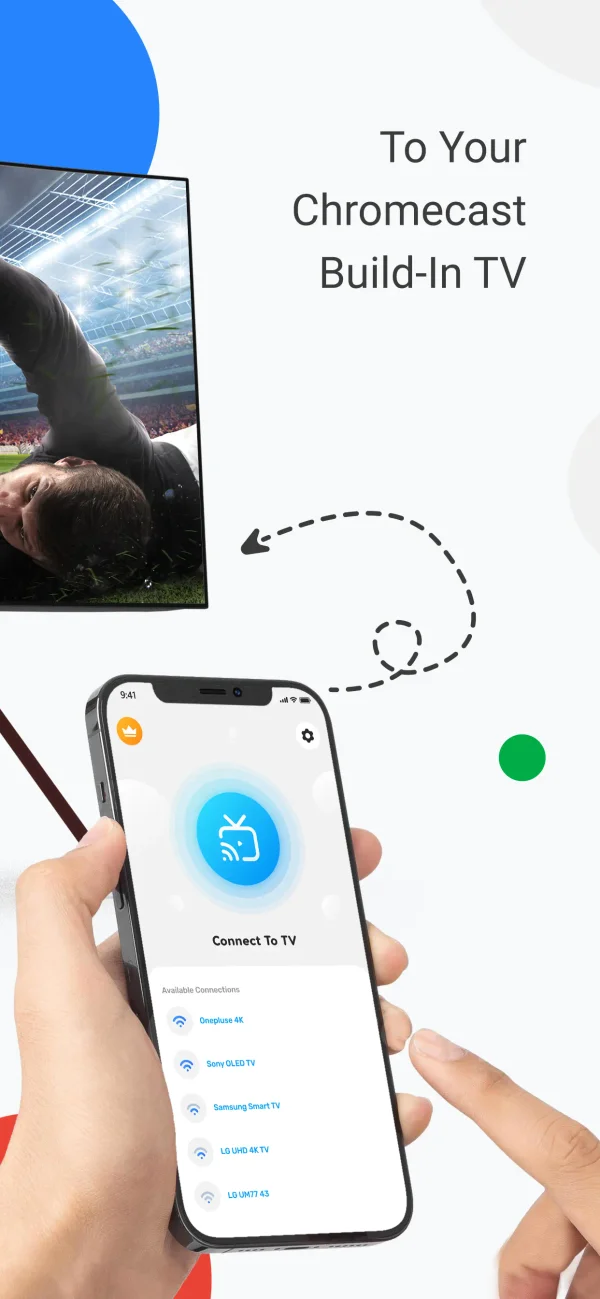
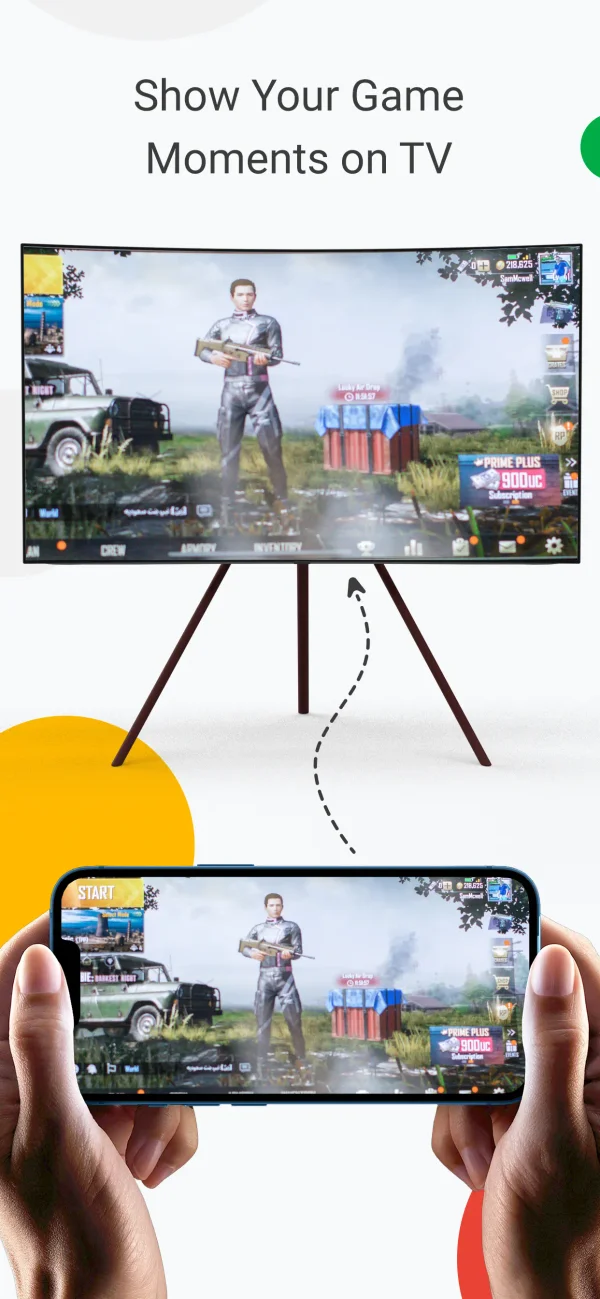
Cast to TV - Screen Mirroring app will help you to scan and mirror your iPhone or tablet screen on your Smart TV display. Enjoy your mobile screen contents or tablet screen in your smart tv screen using screen mirroring.
Cast to TV - Screen Mirroring phone display to TV is helpful when you are showing photos, videos, streaming movies, etc.. Mirror screen is a powerful tool for mirroring and screen sharing phone in real-time!
Use Screen Mirroring App to cast your phones screen to a smart TV. Screen Mirroring with TV App will assist you to scan and mirror your phone screen on smart TV/Display. With the Screen Mirror app, screen share is fast and straightforward.
You can play videos on Mobile phone and share mobile screen to TV and videocast on TV. Mirroring your phone screen to a TV or any other iPhone with a screen mirroring feature. Screen share has never been easier!
Screen Mirroring App contains both a video and audio player. Now You can enjoy all popular video and audio formats on your Phone or TV if you connect through a Screen Mirror.
Screen Mirroring with TV App will assist you with mirroring your iPhone or tablet on smart TV/Display (cast to TV) or Wireless dongles or adapters. Screen Mirroring can play videos, music, photos on any device (phone, smartTV, laptop, tablet...), screen sharing anywhere.
If you are not having fun by looking at your small cellular phone screen, you will get a great big screen phone experience by connecting your phone to a TV screen with screen mirroring with all tv app. When you're watching any shows with your family or in a group small mobile screen size will not be enough. Connect your iPhone mobile with TV and enjoy it in larger screen. Your Smart TV should support wireless display for using Screen mirroring features. TV must be connected to same wireless network with your iPhone is connected for Screen Mirroring.
Screen Mirroring app mirrors entire mobile screen to your smart TV without any lag or buffering so you can Play Videos, Music and Photos very easily from your mobile. Sharing your screen with TV is very easy with Screen Mirroring with All TV app. Screen Mirroring - Screen Casting Phone to TV app provides you a secure connection between your mobile and TV to protect your data, files and applications.
Screen Mirroring with all TV - Mirror your mobile screen to play games and videos. Screen Mirroring helps you for presentation of your work. screen mirroring is able to play videos, music, photos from your smartphone to your tv.
FEATURES:-
* Cast to TV and enjoy the best experience of watching videos and movies.
* Simple & fast connection with just a click
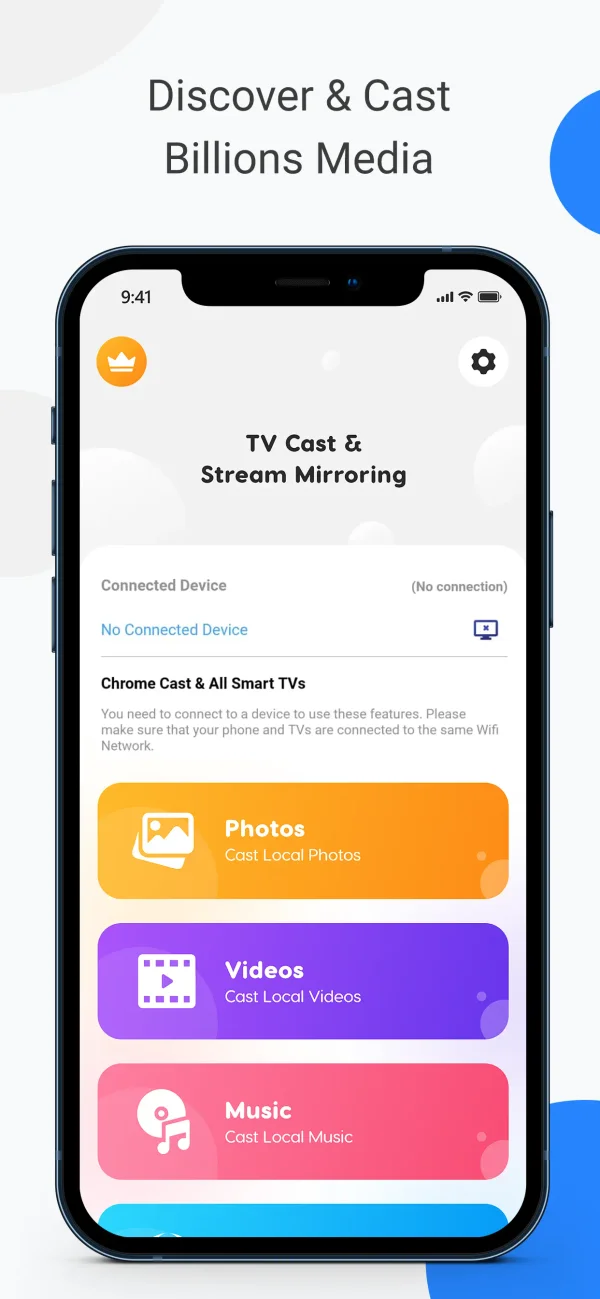
* All media files supported, videos, photos, audios, PDFs, etc.
* Multiple Devices Supported
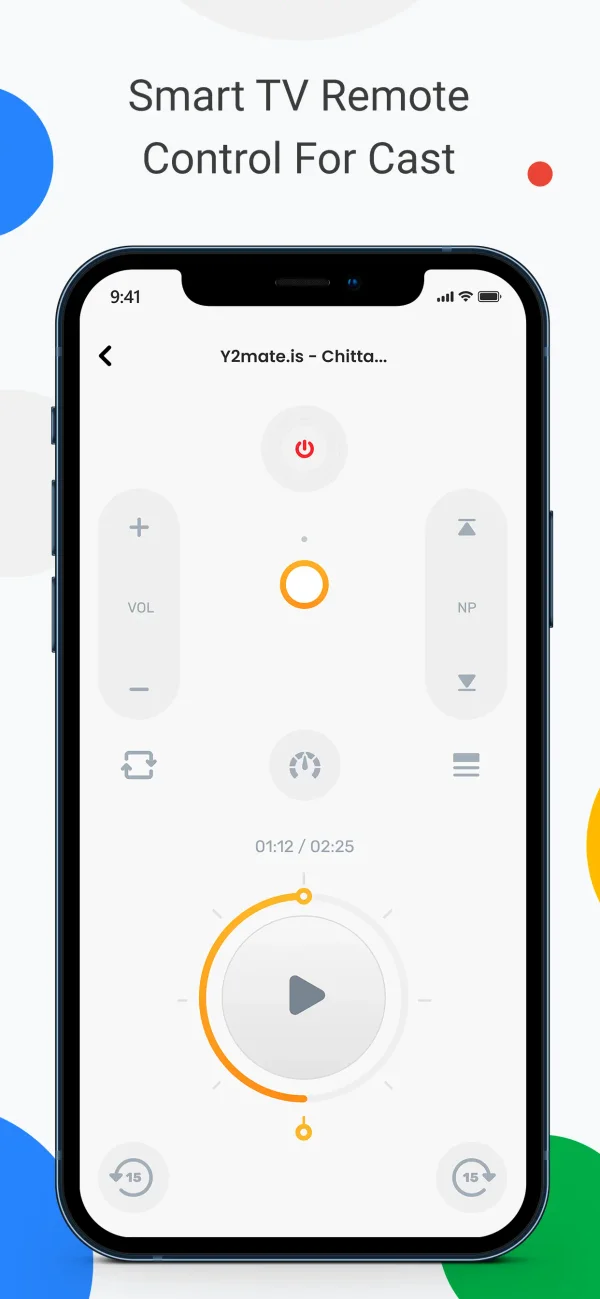
* Fast and easy to use
* Cast phone screen to big TV screen faster.
* play the mobile games to your TV screen.
* Cast Live video on browser.
Play games in your smart tv display with Screen Mirroring or ScreenCast app. Screen Mirroring with TV is a very useful application for mirroring your mobile screen and audio to your smart TV using screen mirroring.
Subscription Details:
- Payment will be charged to iTunes Account at confirmation of purchase.
- Subscription automatically renews unless auto-renew is turned off at least 24 hours before the end of the current period.
- Account will be charged for renewal within 24 hours before the end of the current period, and identify the renewal cost.
- No cancellation of the current subscription is allowed during the active subscription period.
- Any unused portion of a free trial period, if offered, will be forfeited when the user purchases a subscription to that publication, where applicable.
Important:
Privacy Policy: https://www.privacypolicycenter.com/view_custom.php?v=QkRoRFh3Q1IzcTlaaE1EaGQ0cTBYQT09&n=Privacy-Policy
Terms of Use :- https://sites.google.com/jksol.com/casttvscreenmirroring/home
Nouveautés
Version 2.0 · 27/05/2025
- Performance Improvement.
- Bugs Fixing.
Confidentialité de l’application
Ce que Shraddha Limbasiya déclare sur l’App Store au sujet du traitement des données par cette application.
-
Données utilisées pour vous suivre
Peuvent être utilisées pour vous suivre sur des applications et des sites web appartenant à d’autres sociétés.
- Identifiants
- Données d’utilisation
-
Données n’établissant aucun lien avec vous
Peuvent être collectées, mais ne sont pas liées à votre identité.
- Contenu utilisateur
- Identifiants
- Données d’utilisation
- Diagnostic
Les pratiques en matière de confidentialité peuvent varier, notamment en fonction des fonctionnalités que vous utilisez ou de votre âge.
Informations
- Vendeur
- Shraddha Limbasiya
- Catégorie
- Utilitaires
- Version
- 2.0
- Mis à jour
- 27/05/2025
- Publié
- 13/04/2022
- Taille
- 45,5 Mo
- Nécessite
- iOS 15.0 ou version ultérieure
- Classification d’âge
- 17+
- Prix
- Gratuit
- Achats intégrés
- Oui
- Langues
- Anglais, Arabe, Bengali, Français, Allemand, Hindi, Italien, Japonais, Malais, Persan, Portugais, Russe + 3 de plus
- Copyright
- © @Shraddha Limbasiya 2025
Vous aimerez peut-être aussi
-
 Wireless Display AdapterUtilitaires
-
 TV Cast 4K: Recopie d'écranCaster photos, vidéos sur TV
-
 Screen Mirroring : Miracast™Utilitaires
-
 Display Sharing - WirelessUtilitaires
-
 Screen Mirror - Smart View TVUtilitaires
-
 TV Cast & Screen Mirroring HDUtilitaires
-
 Cast TV & Miroir ÉcranMiroir d’Écran & Media Cast
-
 Web Videos for Google Cast™Utilitaires
-
 Casting TVCast vidéo Web
-
 Screening Mirror - Smart TVUtilitaires