
- Classification d’âge4+
- CatégorieUtilitaires
- Développeurj5create
- LanguesAnglais+ 15 de plus
- Taille48,2 Mo
Renvoie vers la page App Store officielle
Download.org n’héberge aucun fichier de Display Sharing - Wireless. Le bouton ouvre la page de l’application sur App Store, où j5create la publie. Fiche vérifiée pour la dernière fois le 18/11/2026.
Captures d’écran
À propos
Le développeur n’a pas fourni ce texte dans votre langue.
This companion application is designed to be used with MCT MagicSwitch Wireless Dongle.
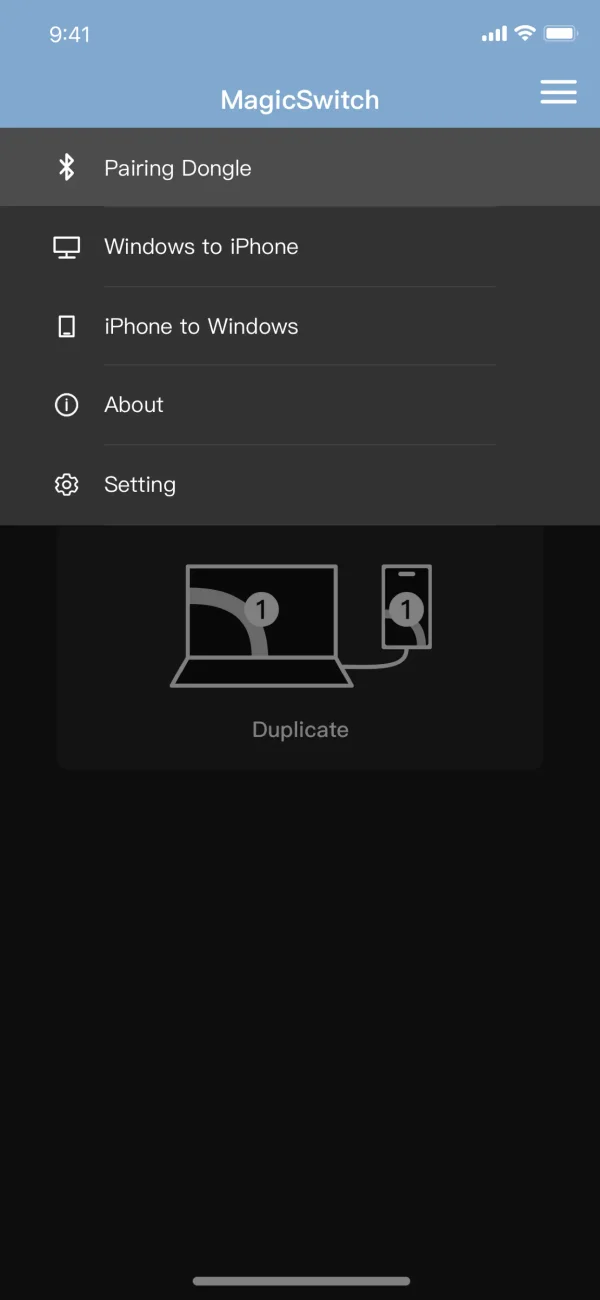
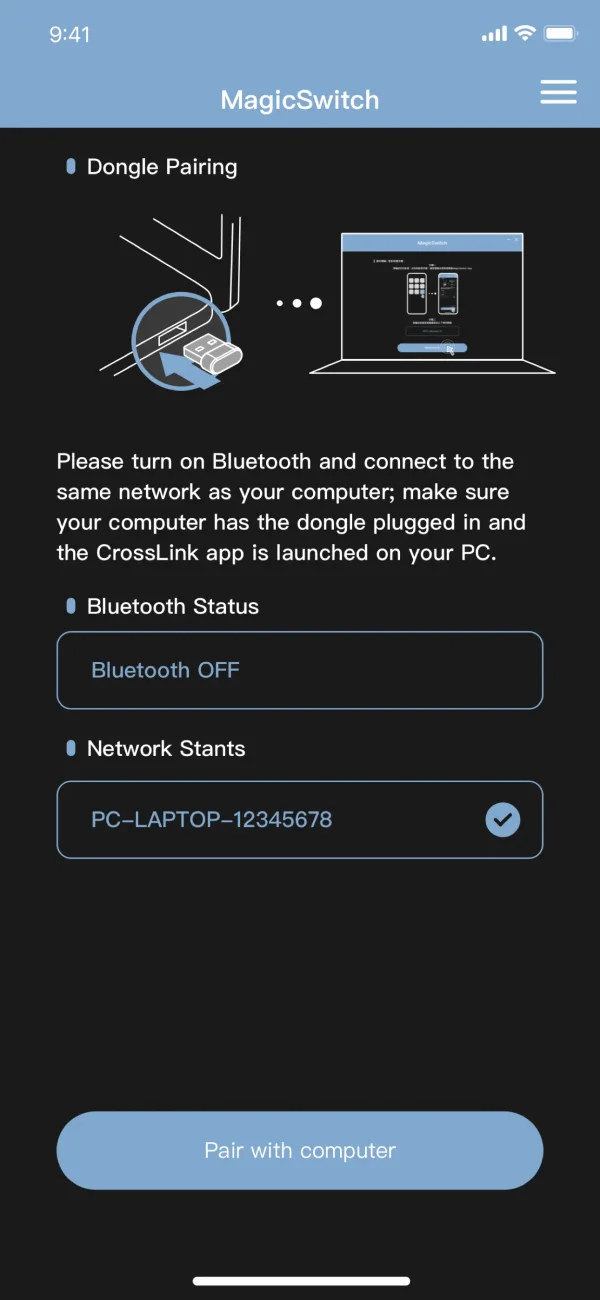
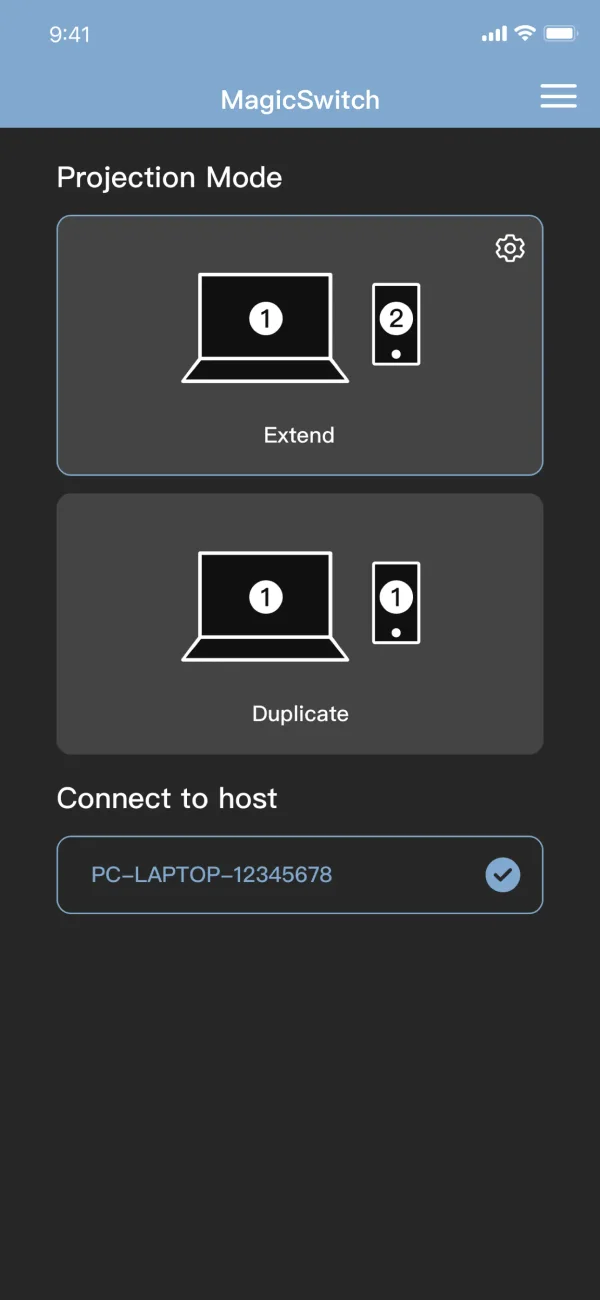
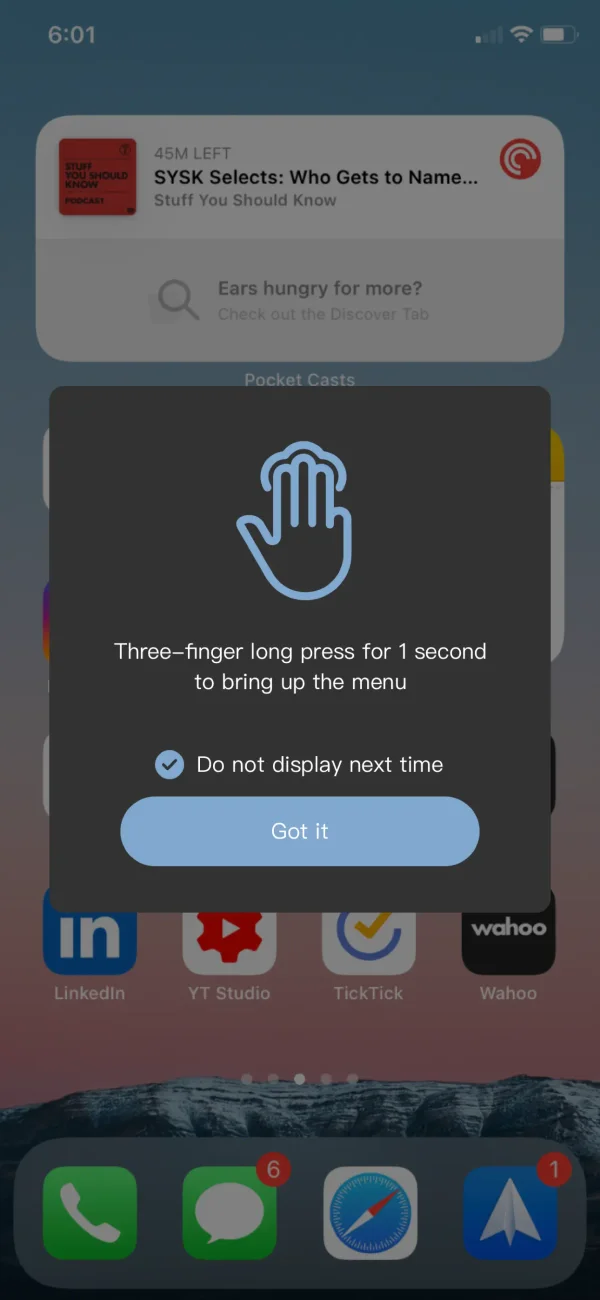
The MCT MagicSwitch Wireless Dongle is a USB Dongle with host-to-host wireless connectivity feature. The USB dongle with Bluetooth inside provides pairing identification to help Windows PC and iPad/iPhone connect wirelessly via local Wi-Fi or hotspot connection. After the connection is successful, you can use this APP to mirror the Windows PC main screen and view and operate it directly on iPad/iPhone. Gesture events or stylus trajectories and pen pressure on iPad/iPhone can also be reflected in Windows, just like having an extra touch screen in Windows. In addition to this mirror mode, this APP also provides the function of generating a virtual second screen in Windows, and this second screen can be projected to iPad/iPhone for viewing and operation.
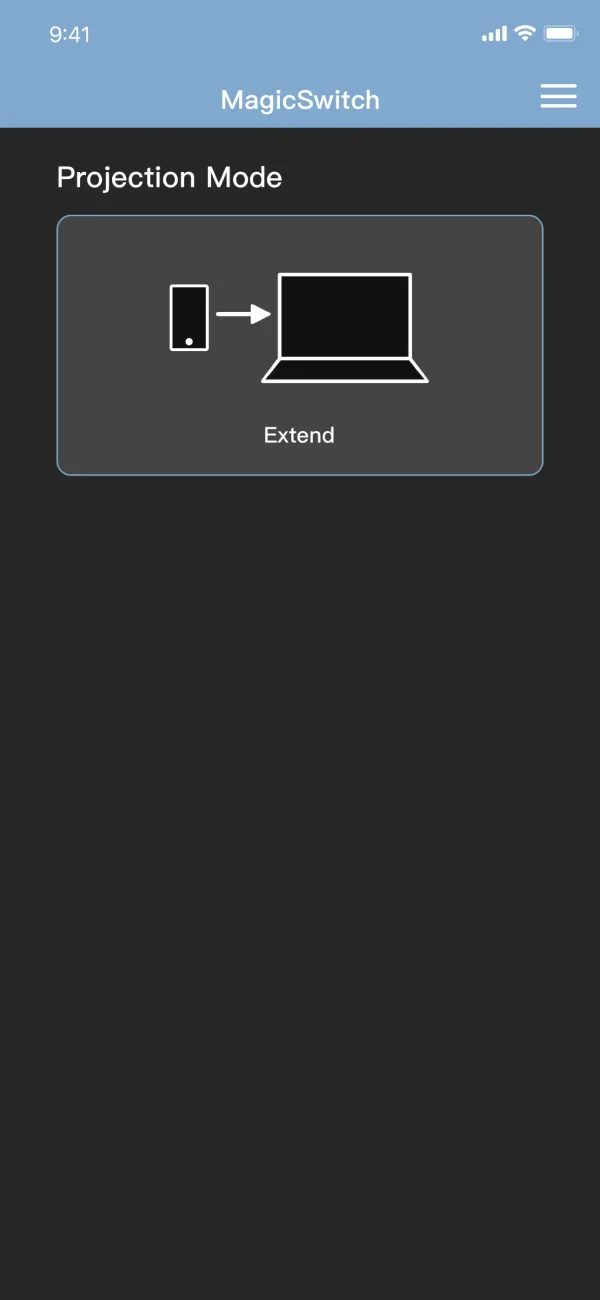
Conversely, we can also project the content of iPad/iPhone to Windows PC through this wireless connection. This function is just like AirPlay. You can see iPad/iPhone screen content and operations directly on the Windows PC screen. In addition, through the Bluetooth dongle, users can switch the keyboard and mouse from Windows to iPad/iPhone, allowing users to use the mouse connected to Windows to control iPad/iPhone while watching the projected content, or Use the keyboard connected to Windows to input text directly on iPad/iPhone.
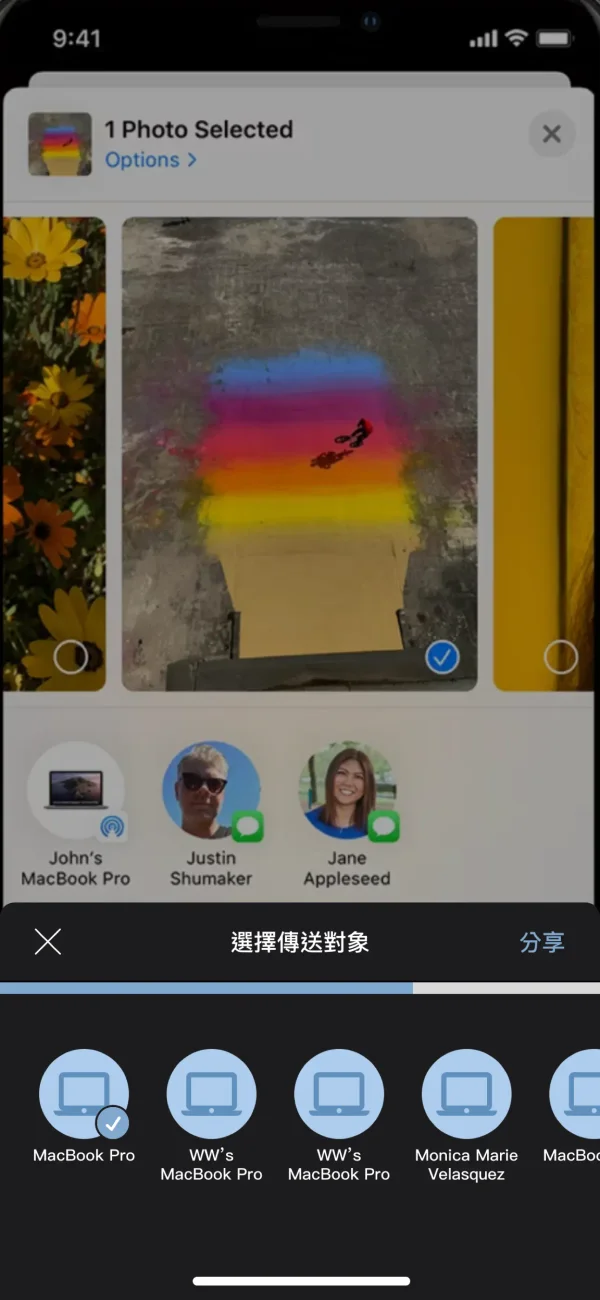
In addition to video screen projection and duplication, the app also supports an AirDrop-like feature that allows you to easily share media content such as videos, photos, or files to the "Downloads" location on your Windows PC. You can also share files to your iPad/iPhone by right-clicking the file in Windows Explorer and selecting the Share menu function, just like using AirDrop on a Mac. In addition, we also provide a file selector located in the main panel to directly select the file to be transferred.
Nouveautés
Version 1.0.19 · 15/05/2025
Addresses an issue where a black screen appears when duplicating and extending displays.
Confidentialité de l’application
Ce que j5create déclare sur l’App Store au sujet du traitement des données par cette application.
-
Données non collectées
Le développeur ne collecte aucune donnée à partir de cette application.
Les pratiques en matière de confidentialité peuvent varier, notamment en fonction des fonctionnalités que vous utilisez ou de votre âge.
Informations
- Vendeur
- Magic Control Technology Corporation
- Catégorie
- Utilitaires
- Version
- 1.0.19
- Mis à jour
- 15/05/2025
- Publié
- 28/04/2025
- Taille
- 48,2 Mo
- Nécessite
- iOS 11.0 ou version ultérieure
- Classification d’âge
- 4+
- Prix
- Gratuit
- Langues
- Anglais, Danois, Néerlandais, Finnois, Français, Allemand, Hongrois, Italien, Japonais, Coréen, Norvégien, Portugais + 4 de plus
- Copyright
- © @2023 Magic Control Technology Corporation
Vous aimerez peut-être aussi
-
 AURGA Viewer: Wireless DisplayUtilitaires
-
 Wireless Display TV+Utilitaires
-
 Wireless Display AdapterUtilitaires
-
 Fast Cast - Miroir d'écranEasy to cast,Screencast rapide
-
 HDMIUtilitaires
-
 Miracast ®ᅠUtilitaires
-
 Screen Mirroring ®Utilitaires
-
 StarDesk - Bureau à distanceAccès distant : jeu & travail
-
 Duplication d'écran:PigeonCastPhone, Pad et PC vers la TV
-
 HDMI Monitor - OrionUtilitaires