Word Document: Edit Docs,Share
Read & Edit Office Word Docs
Conçue pour iPhone, iPad
Gratuit · Achats intégrés
- Classification d’âge4+
- CatégorieProductivité
- DéveloppeurNupur Choudhary
- LanguesAnglais
- Taille30,7 Mo
Renvoie vers la page App Store officielle
Download.org n’héberge aucun fichier de Word Document: Edit Docs,Share. Le bouton ouvre la page de l’application sur App Store, où Nupur Choudhary la publie. Fiche vérifiée pour la dernière fois le 16/11/2026.
Captures d’écran
À propos
Le développeur n’a pas fourni ce texte dans votre langue.
Word Editor is an all-in-one workspace for creating, editing, converting, and managing documents, spreadsheets, presentations, PDFs, templates, and more. With built-in AI writing tools and powerful file management features, everything you need to stay productive is available in one simple app.
Whether you're writing a report, updating a document, reviewing a spreadsheet, creating a presentation, or converting files to PDF, Word Editor helps you get more done from your iPhone or iPad.
Designed for students, professionals, freelancers, business users, and anyone who works with documents, Word Editor makes everyday productivity simple, fast, and reliable.
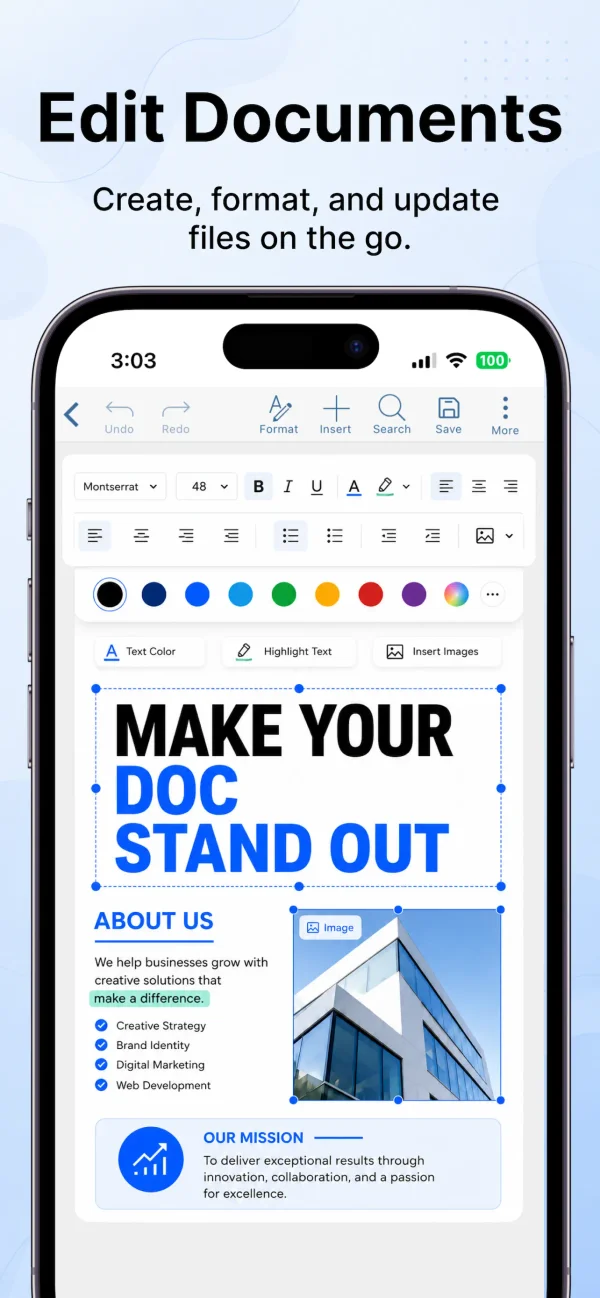
DOCUMENTS
Create new documents or edit existing ones with professional formatting tools.
• Create, open, edit, view, and save DOC, DOCX, TXT, RTF, and ODT files
• Change fonts, text size, colors, and styles
• Apply bold, italic, underline, alignment, bullets, and numbering
• Highlight important text
• Insert images and organize content
• Prepare reports, resumes, letters, proposals, notes, and business documents
• Export, print, and share your work
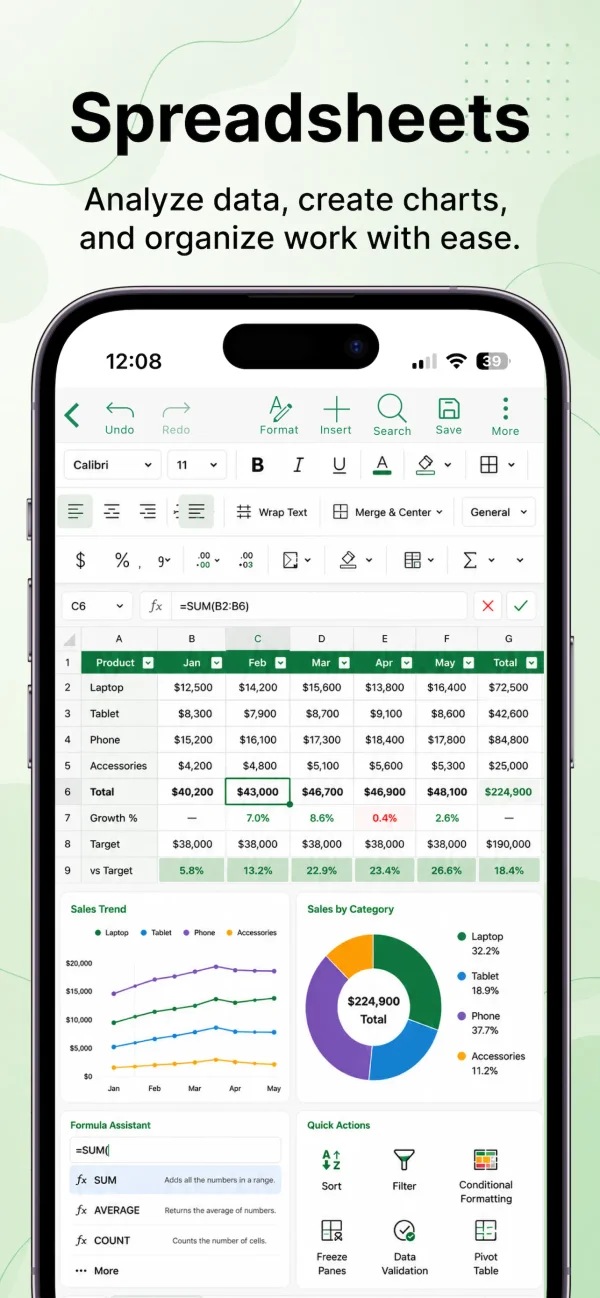
SPREADSHEETS
Manage data, budgets, schedules, and reports wherever you are.
• Open and edit XLS, XLSX, CSV, and ODS files
• Edit cells, rows, and columns
• Use formulas and calculations
• Sort and filter data
• Create charts for better visualization
• Work with budgets, expense trackers, schedules, reports, and planning sheets
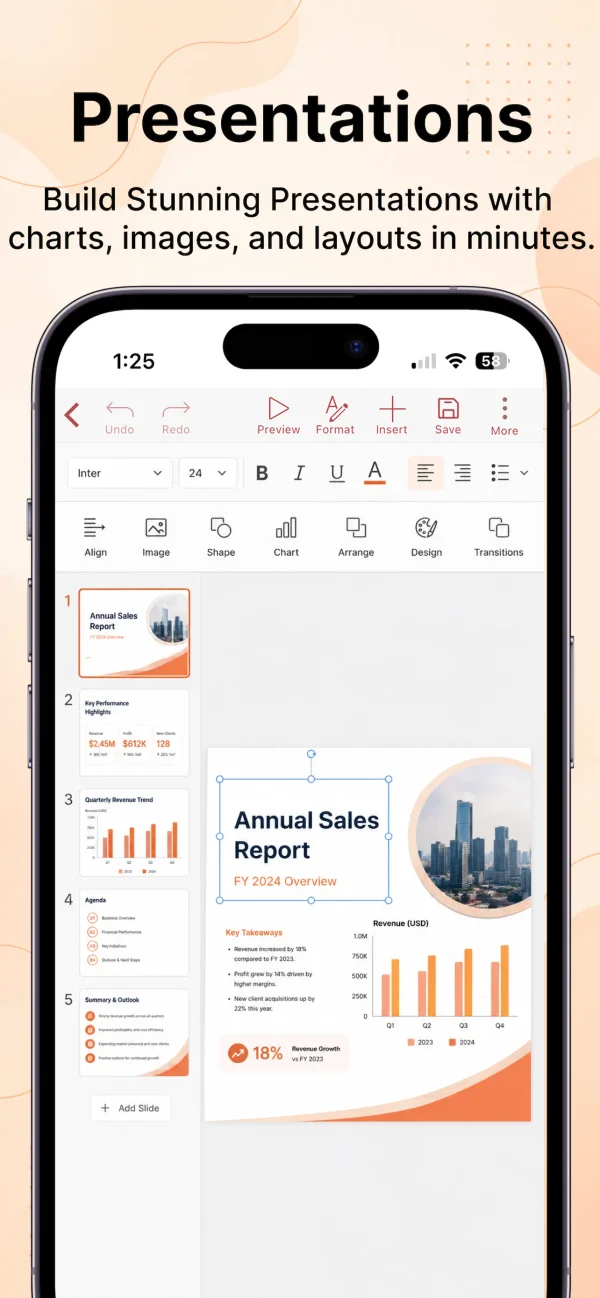
PRESENTATIONS
Create and edit presentations for work, study, or personal projects.
• Create, open, edit, view, and save PPT, PPTX, and ODP files
• Add text, images, shapes, and charts
• Organize slide layouts
• Prepare presentations for meetings, classes, business, and personal projects
• Export, print, and share your presentations
PDF TOOLS
Handle your PDF files with built-in productivity tools.
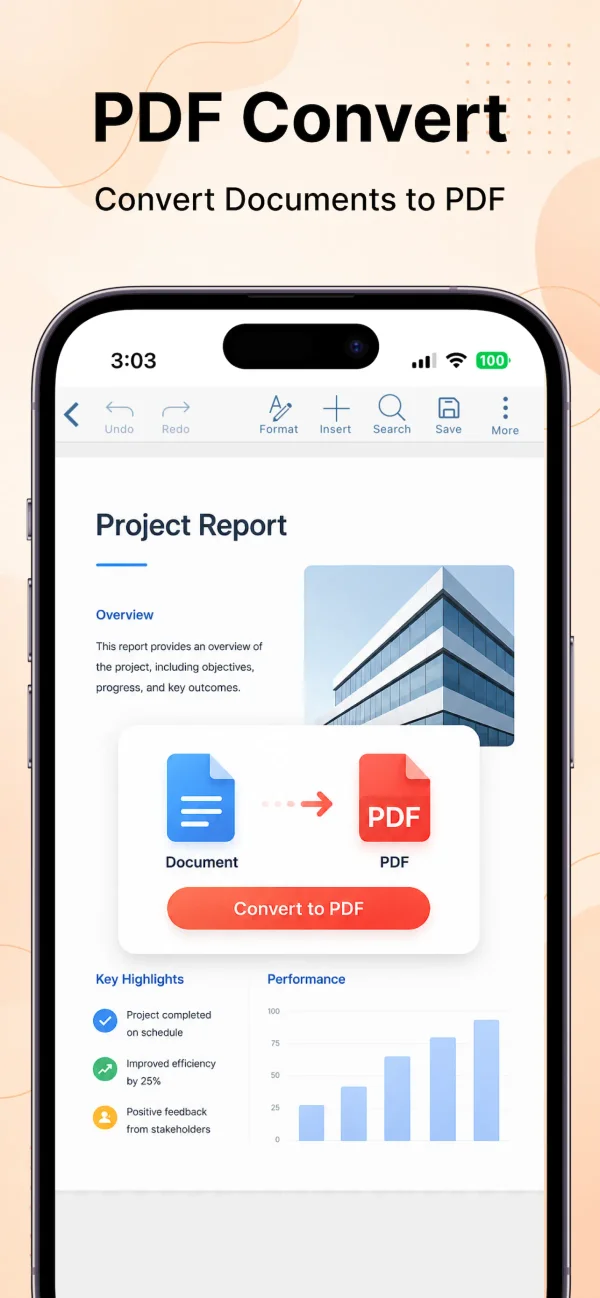
• Convert documents, spreadsheets, presentations, and images to PDF
• Convert PDF files into editable documents
• Merge and split PDF files
• Rearrange, insert, or delete pages
• Add watermarks
• Organize PDFs for sharing, printing, and storage
AI WRITING
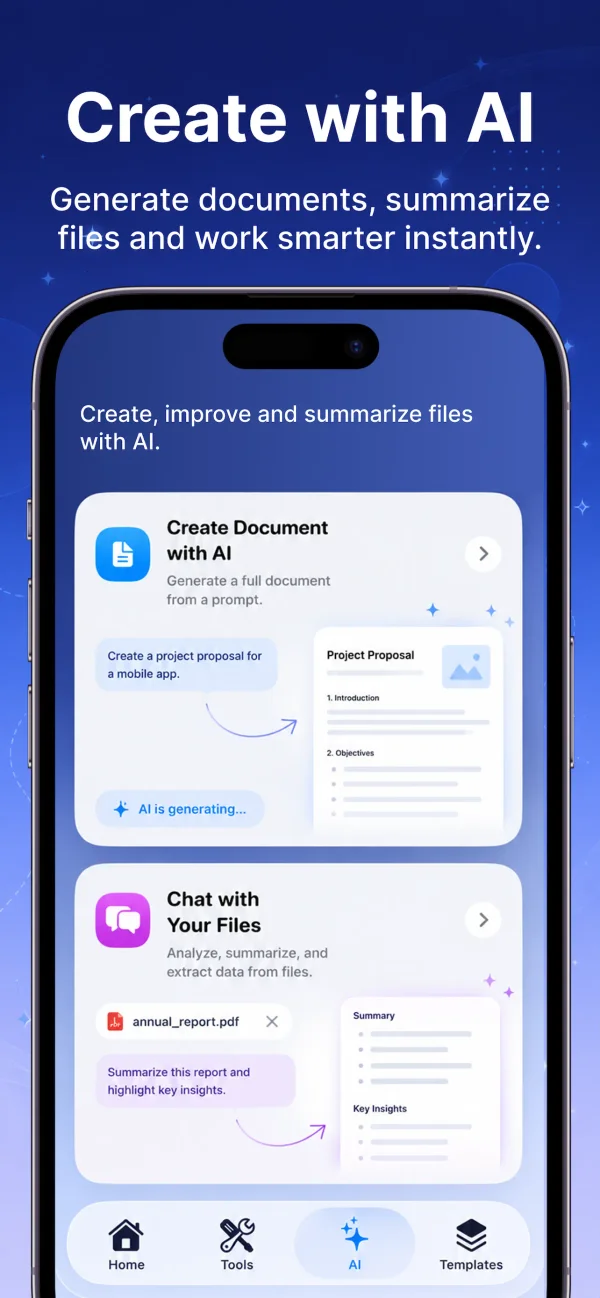
Write faster and save time with built-in AI assistance.
• Generate content from simple prompts
• Draft reports, letters, summaries, and other documents
• Ask questions about attached files
• Summarize long documents
• Extract key information
• Improve and refine your writing
• Export your finished content
TEMPLATES
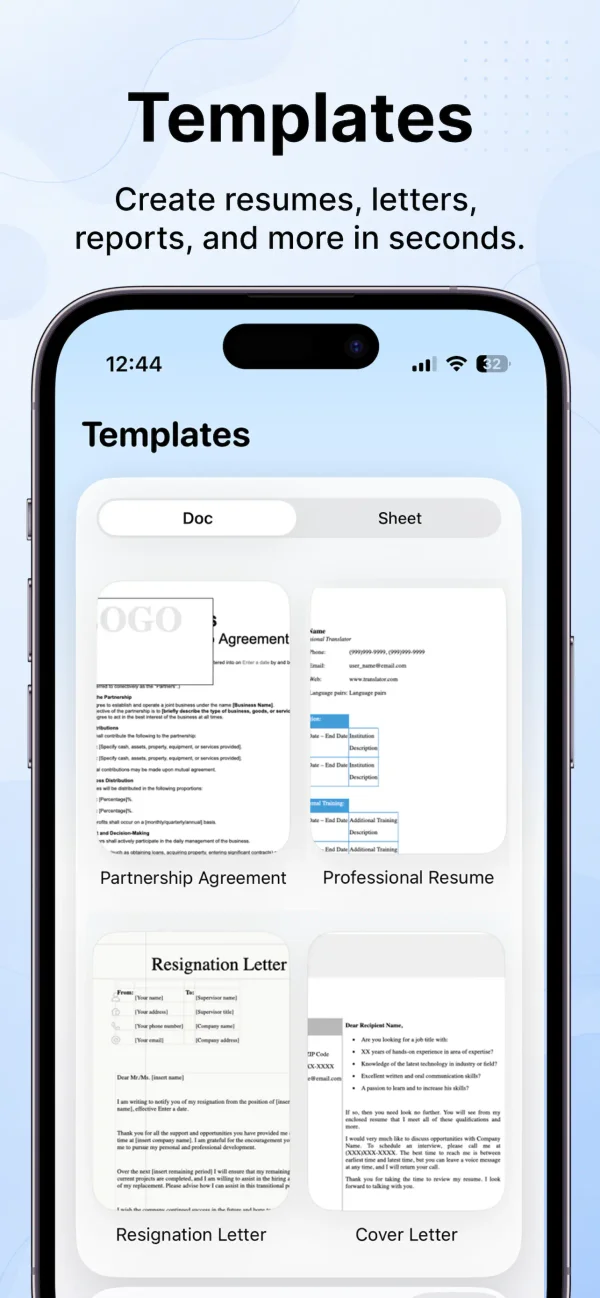
Create polished documents in minutes with ready-to-use templates.
• Resumes
• Cover letters
• Reports
• Memos
• Business documents
• Organization charts
• Everyday office templates
SHARE, PRINT, AND ORGANIZE
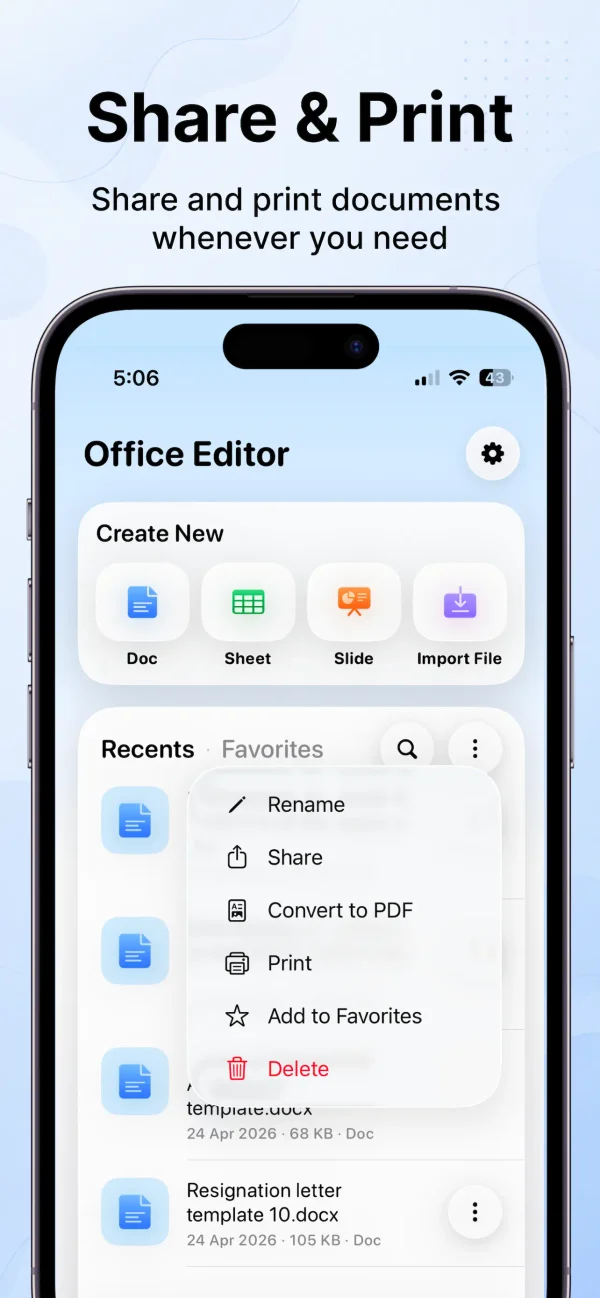
Keep your files organized and within easy reach.
• Manage recent files
• Organize documents and folders
• Share files in just a few taps
• Export in multiple formats
• Print directly from your device
Whether you're working on business documents, study materials, personal files, or everyday paperwork, Word Editor brings your essential productivity tools together in one fast, reliable, and easy-to-use app.
SUBSCRIPTION INFORMATION
Unlock premium features with a subscription.
• Weekly and yearly subscription plans are available.
• Payment will be charged to your Apple ID account when your purchase is confirmed.
• Your subscription renews automatically unless auto-renew is turned off at least 24 hours before the end of the current billing period.
• Your account will be charged for renewal within 24 hours before the end of the current billing period.
• You can manage your subscription and turn off auto-renew at any time from your App Store account settings.
• Any unused portion of a free trial, if offered, will be forfeited when you purchase a subscription.
Support: highqualityapps@outlook.com
Privacy Policy: https://api.documenteditor.app/api/legal/privacy
Terms of Use: https://api.documenteditor.app/api/legal/terms
Nouveautés
Version 1.3 · 13/07/2026
Bug Fixes and Performance improvements
Confidentialité de l’application
Ce que Nupur Choudhary déclare sur l’App Store au sujet du traitement des données par cette application.
-
Données utilisées pour vous suivre
Peuvent être utilisées pour vous suivre sur des applications et des sites web appartenant à d’autres sociétés.
- Achats
- Identifiants
-
Données établissant un lien avec vous
Peuvent être collectées et liées à votre identité.
- Achats
- Coordonnées
- Identifiants
- Données d’utilisation
- Diagnostic
-
Données n’établissant aucun lien avec vous
Peuvent être collectées, mais ne sont pas liées à votre identité.
- Contenu utilisateur
Les pratiques en matière de confidentialité peuvent varier, notamment en fonction des fonctionnalités que vous utilisez ou de votre âge.
Informations
- Vendeur
- Nupur Choudhary
- Catégorie
- Productivité
- Version
- 1.3
- Mis à jour
- 13/07/2026
- Publié
- 26/05/2026
- Taille
- 30,7 Mo
- Nécessite
- iOS 16.0 ou version ultérieure
- Classification d’âge
- 4+
- Prix
- Gratuit
- Achats intégrés
- Oui
- Langues
- Anglais
- Copyright
- © 2026 Document Editor. All rights reserved.
Vous aimerez peut-être aussi
-
 Word Editor: DOCX DocumentsProductivité
-
 All Document Reader: PDF,ExcelProductivité
-
 Docx Editor & Create DocumentProductivité
-
 Spreadsheet - XLSX SheetsProductivité
-
 All Document Reader: PDF, WordProductivité
-
 Word Editor: DOCX, Office, PDFProductivité
-
 Word DocumentProductivité
-
 All Document Reader - PDF ReadProductivité
-
 Office Suite: Word, Sheet, PDFProductivité
-
 Éditeur Word: Docs,Office,PDFModifier des Docs · Signer PDF