
Spreadsheet - XLSX Sheets
Conçue pour iPhone, iPad, iPod touch
Gratuit · Achats intégrés
- Classification d’âge12+
- CatégorieProductivité
- DéveloppeurNeon Infotech FZ-LLC
- LanguesAnglais+ 16 de plus
- Taille56,2 Mo
Renvoie vers la page App Store officielle
Download.org n’héberge aucun fichier de Spreadsheet - XLSX Sheets. Le bouton ouvre la page de l’application sur App Store, où Neon Infotech FZ-LLC la publie. Fiche vérifiée pour la dernière fois le 20/11/2026.
Captures d’écran
À propos
Le développeur n’a pas fourni ce texte dans votre langue.
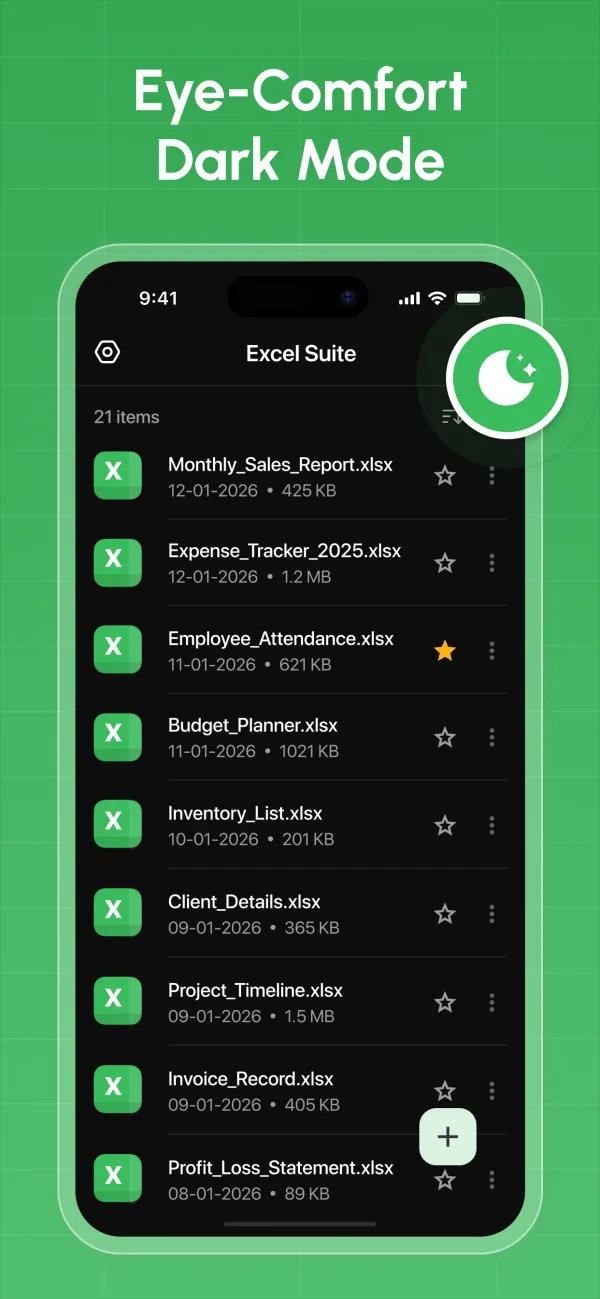
Excel Suite is a simple and powerful spreadsheet app for iPhone. Open, edit, organise, and manage Excel-compatible files easily from one clean workspace.
The app is designed for smooth mobile use with a clear layout, fast performance, and easy file management.
App Features
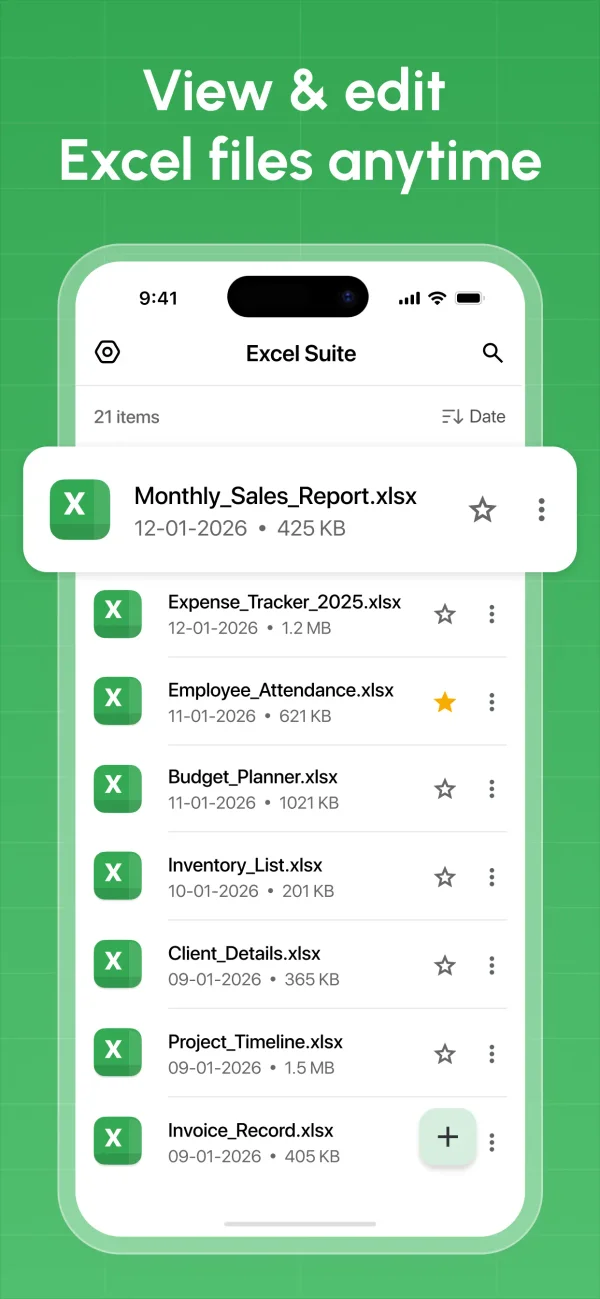
File Management:
• View all your spreadsheet files in one place.
• See file name, date, and size
• Import new files easily
• Empty workspace screen when no files are available.
You can manage each file with options:
• Edit.
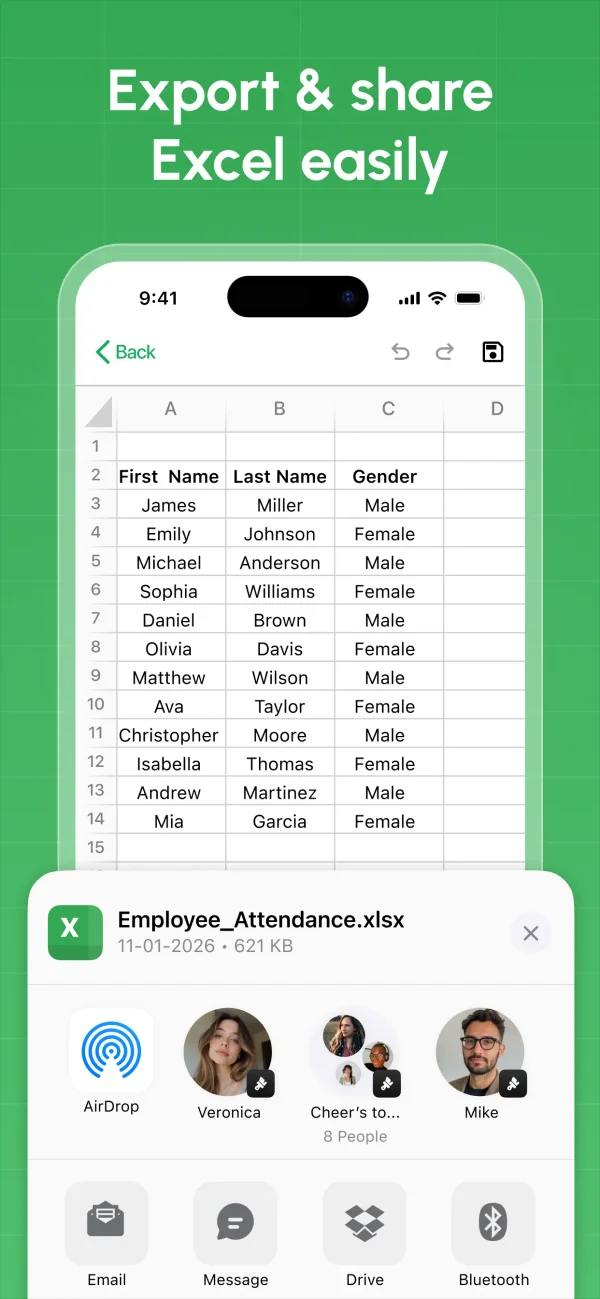
• Share.
• Rename.
• Delete.
Sorting Option:
• Organize your files by:
• Date Modified.
• Size.
• Ascending Order.
• Descending Order.
Search Option:
• Search files instantly by name.
• Real-time results while typing.
• Clear “No matching search” message.
Favorites:
• Mark important files as favorites
• Access them quickly from the My Favorites section
Spreadsheet Editor:
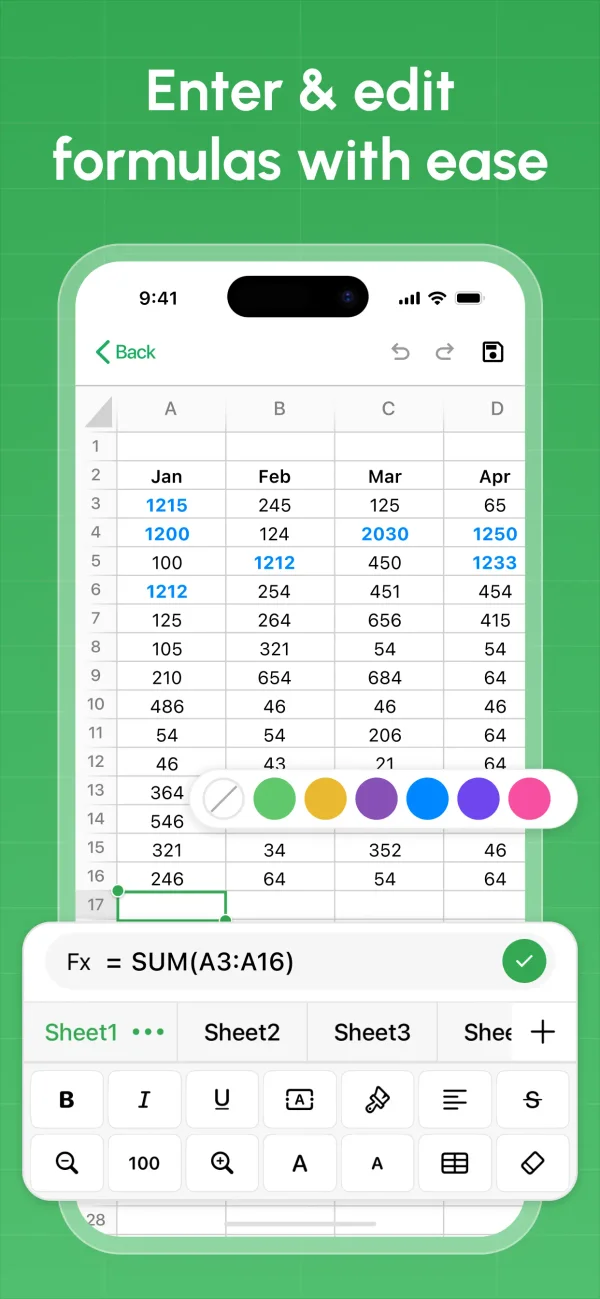
Excel Suite allows you to open and edit spreadsheets easily.
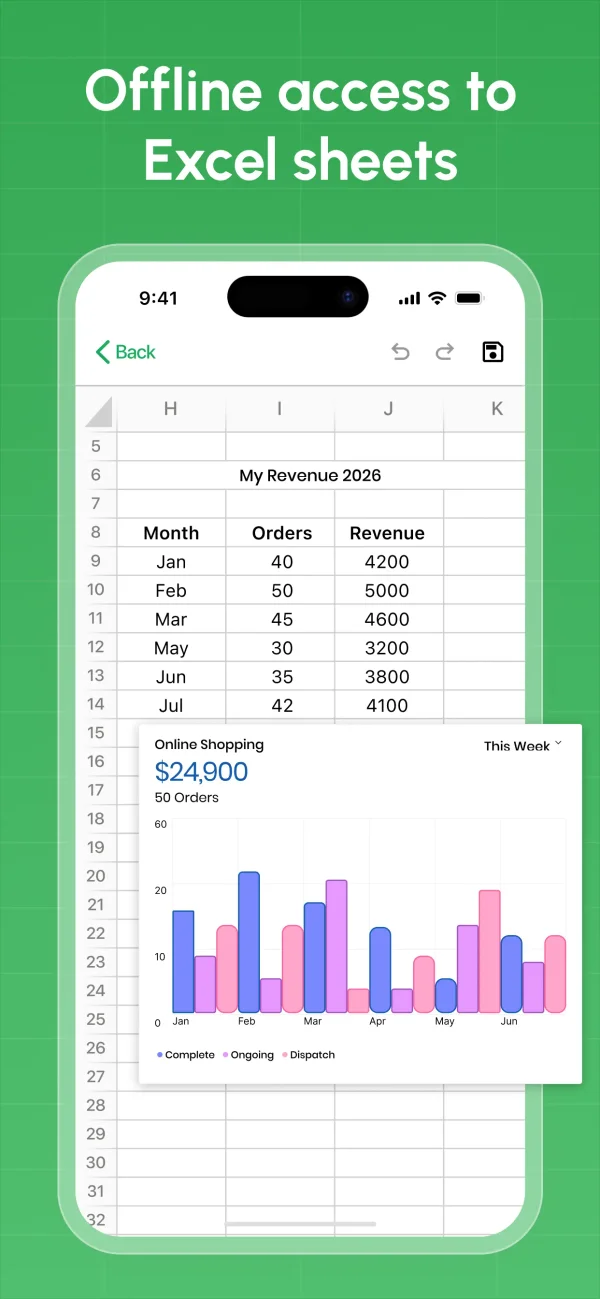
Grid View
• Smooth scrolling rows and columns.
• Tap any cell to select and edit.
• Highlighted active cell.
Cell Editing:
• Edit numbers and text.
• Formula bar with fx support.
• Keyboard input with quick confirmation.
Multiple Sheet Support
• Switch between sheets (Sheet 1, Sheet 2, Sheet 3, etc.)
• Select sheet from a sheet list dialog.
• Rename sheet.
• Delete sheet.
• Duplicate sheet.
Subscription Details
- Payment will be charged to iTunes Account at confirmation of purchase.
- Subscription automatically renews unless auto-renew is turned off 24 hours before the end of the current period.
- Account will be charged for renewal within 24 hours prior to the end of the current period.
- No cancellation of the current subscription is allowed during the active subscription period.
- Any unused portion of a free trial, if offered, will be forfeited upon purchase.
Privacy Policy: https://privacypolicycenter.com/new/view/id6757513063
Terms Of Use: https://privacypolicycenter.com/new/terms/id6757513063
EULA: https://privacypolicycenter.com/new/eula/id6757513063
Nouveautés
Version 2.1 · 01/09/2026
- Performance Improvement.
- Bugs Fixing.
Confidentialité de l’application
Ce que Neon Infotech FZ-LLC déclare sur l’App Store au sujet du traitement des données par cette application.
-
Données utilisées pour vous suivre
Peuvent être utilisées pour vous suivre sur des applications et des sites web appartenant à d’autres sociétés.
- Données d’utilisation
- Diagnostic
-
Données n’établissant aucun lien avec vous
Peuvent être collectées, mais ne sont pas liées à votre identité.
- Identifiants
- Données d’utilisation
- Diagnostic
Les pratiques en matière de confidentialité peuvent varier, notamment en fonction des fonctionnalités que vous utilisez ou de votre âge.
Informations
- Vendeur
- Neon Infotech FZ-LLC
- Catégorie
- Productivité
- Version
- 2.1
- Mis à jour
- 01/09/2026
- Publié
- 03/03/2026
- Taille
- 56,2 Mo
- Nécessite
- iOS 15.6 ou version ultérieure
- Classification d’âge
- 12+
- Prix
- Gratuit
- Achats intégrés
- Oui
- Langues
- Anglais, Danois, Néerlandais, Filipino, Français, Allemand, Hindi, Indonésien, Italien, Japonais, Coréen, Malais + 5 de plus
- Copyright
- © 2026 NeonFZ LLC
Vous aimerez peut-être aussi
-
 Tableur XLSX: Feuille CalculCSV XLS Visionneuse Hors Ligne
-
 Word Document: Edit Docs,ShareProductivité
-
 Word vers Excel ConvertisseurConvertir DOC et DOCX en XLSX
-
 XLSX Spreadsheet: Edit SheetsÉditez vos feuilles de calcul
-
 Éditeur Tableur: Lecteur XLSÉditer xlsx, photo en tableau
-
 Outil Search ConsoleSEO et suivi ranking
-
 Convertisseur Excel en PDFConvertir XLSX Feuilles en PDF
-
 Convertir PDF en Excel - XLSXConvertir PDF en feuille Excel
-
 Utility SpreadsheetProductivité
-
 Word Editor: DOCX, Office, PDFProductivité