
XPSView
Reader for XPS & OXPS document
Conçue pour iPhone, iPad, iPod touch
Gratuit · Achats intégrés
- Classification d’âge4+
- CatégorieProductivité
- DéveloppeurRootRise Technologies Pvt. Ltd.
- LanguesAnglais
- Taille3,5 Mo
Renvoie vers la page App Store officielle
Download.org n’héberge aucun fichier de XPSView. Le bouton ouvre la page de l’application sur App Store, où RootRise Technologies Pvt. Ltd. la publie. Fiche vérifiée pour la dernière fois le 17/11/2026.
Captures d’écran

À propos
Le développeur n’a pas fourni ce texte dans votre langue.
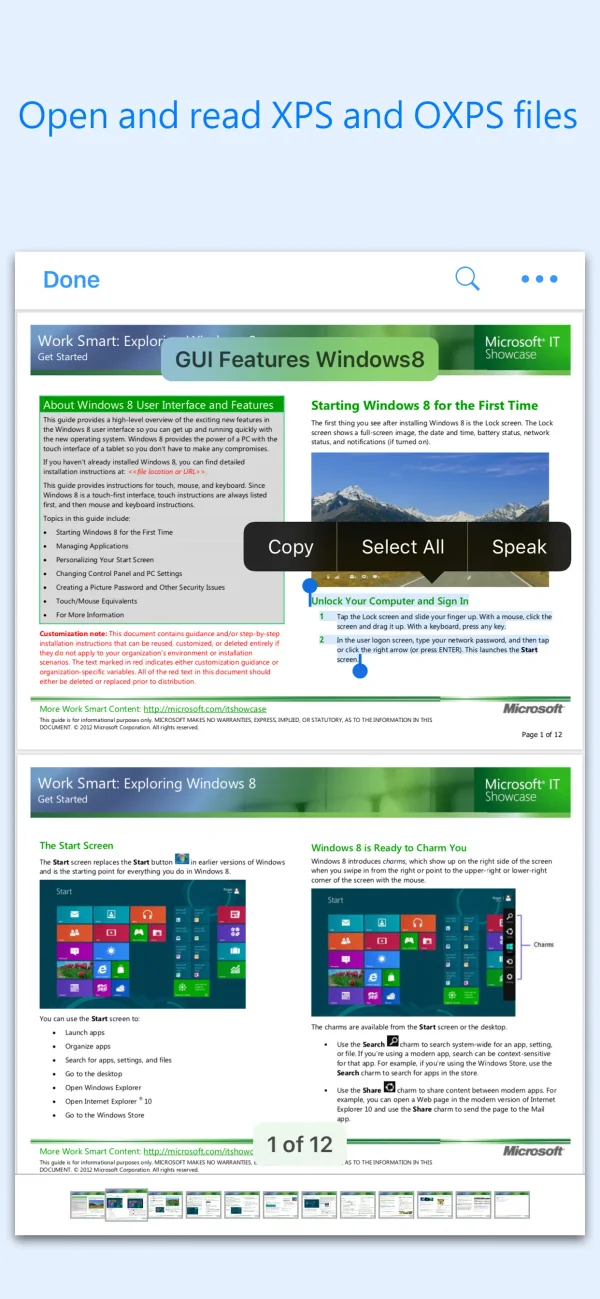
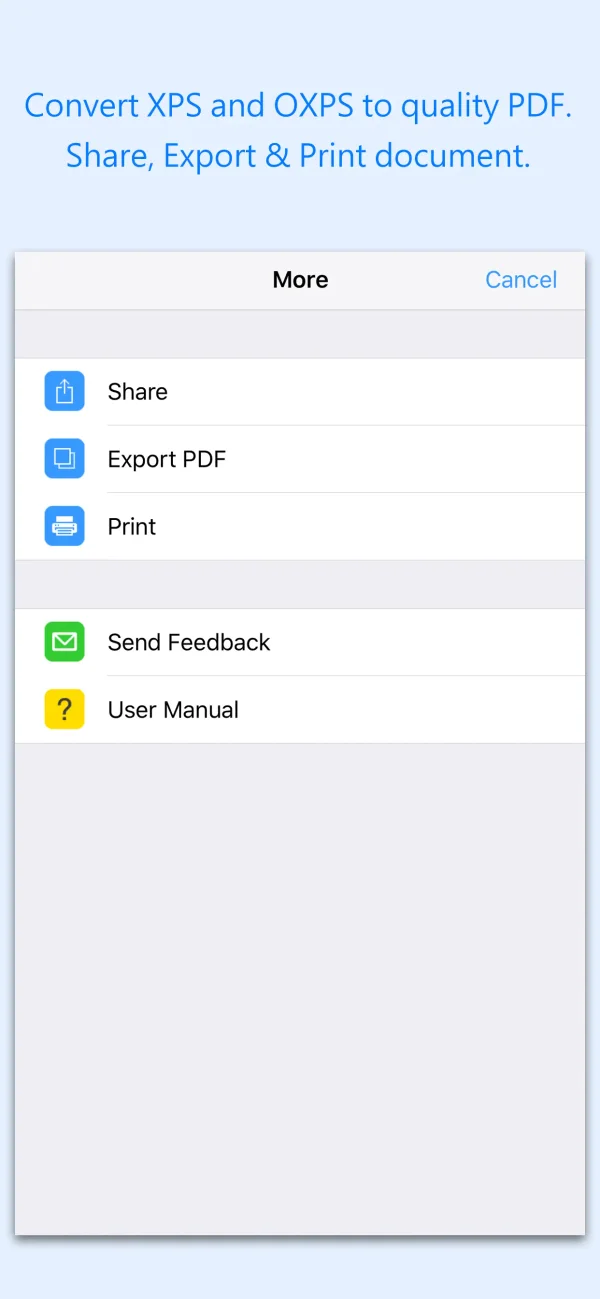
XPSView allows you to open and read XPS (XML Paper Specification, *.xps) and OpenXPS (*.oxps) documents on iOS device. It offers you fantastic reading experience using document outlines, page thumbnails and text search features. In addition, XPSView allows you to convert XPS and OXPS documents into PDF and make it available for any PDF viewing application.
Are you having plenty of XPS/OXPS files that no decent viewer available to open on your iPhone and iPad? Do you receive XPS/OXPS documents as email attachments on your iPhone and iPad? The easiest way to circumvent these problems is this XPSView app.
* * * XPSView is also available for macOS on the Mac App Store * * *
READING FEATURES:
- Fully selectable and searchable text contents. Select and copy text to clipboard for further use.
- Pinch out and Pinch in to ZoomIn and ZoomOut view.
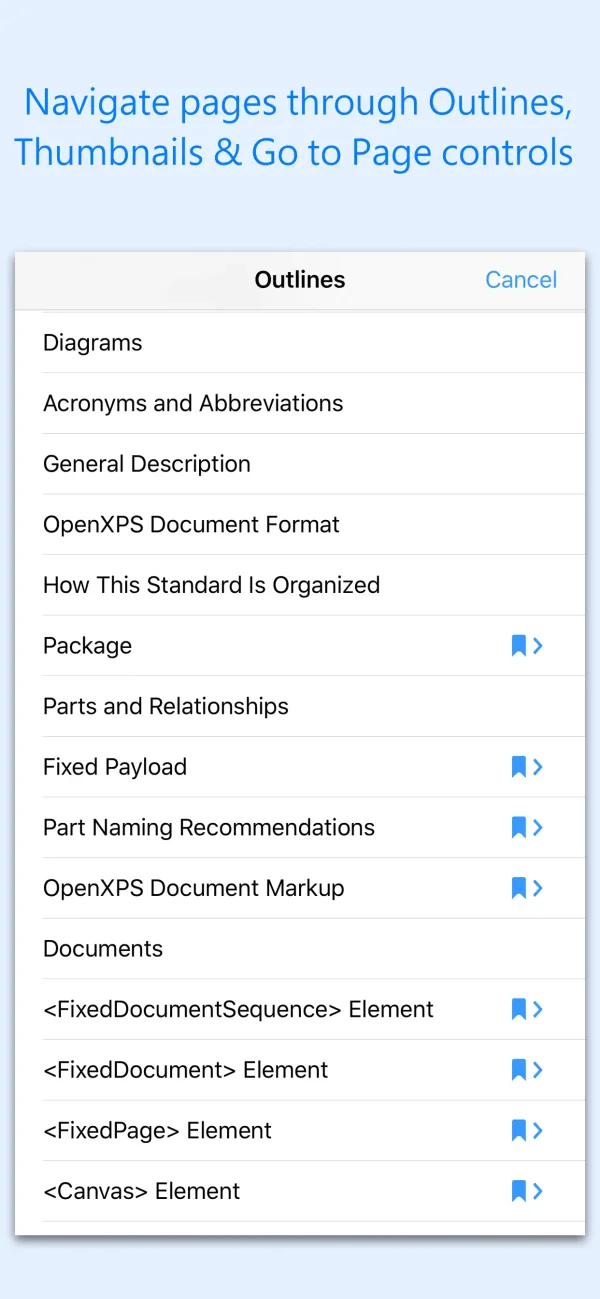
- Navigate through topics by document outlines, if exist.
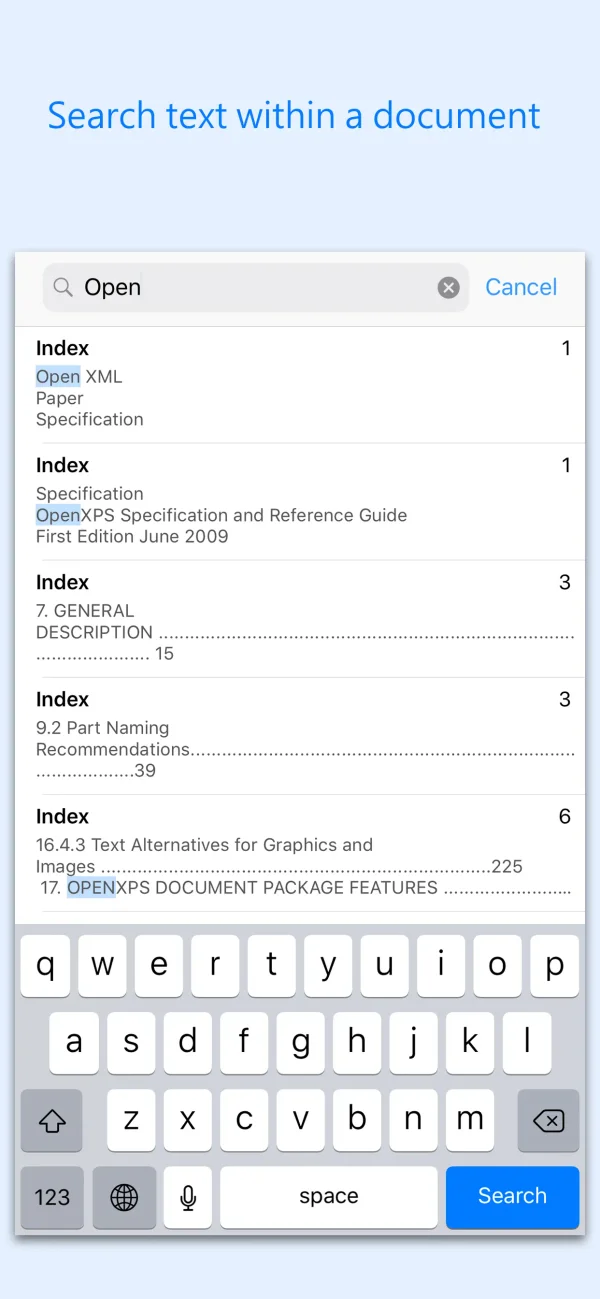
- Search text feature to find a character, word or sentence any where in a document.
- Scroll through your document by Page Thumbnails or Go to page feature.
XPS/OXPS to PDF CONVERSION FEATURES:
- Converts XPS/OXPS to fully vector-PDF documents. Preserves text, vector graphics and raster images as editable PDF contents.
- Preserves Bookmarks (Outline).
- Preserves XPS internal and external topic hyperlinks into PDF. It automatically maintains XPS topic and page navigation links into PDF compatible annotations.
- Preserves metadata properties.
DOCUMENT MANAGEMENT
- The inbuilt document browse view automatically gives you the option to share documents using the Share button or a drag-and-drop action. It also provides a standard interface for browsing and managing documents.
- Automatically handles access to iCloud for you within the app. It also provides access to documents managed by third-party storage service extensions installed on your device.
- Browse, find and sort documents to help you locate the document you want. Tap the file that you want to open.
- You can move, delete, duplicate and rename a document with document manager in browser view.
- In the document manager, you can group related documents into folders so they’re easy to find.
Note: XPSView is standalone application running natively to convert XPS and OXPS to PDF securely on your device.
You can refer User Manual for any assistance Or Contact Support.
Privacy Policy: http://rootrisetech.com/xpsview-privacy-policy
Terms of Use(EULA): https://www.apple.com/legal/internet-services/itunes/dev/stdeula/
Nouveautés
Version 4.0 · 25/01/2026
- Bug fixes and UI improvements to streamline with latest iOS.
We are thankful to all users for their valuable feedback :)
Confidentialité de l’application
Ce que RootRise Technologies Pvt. Ltd. déclare sur l’App Store au sujet du traitement des données par cette application.
-
Données n’établissant aucun lien avec vous
Peuvent être collectées, mais ne sont pas liées à votre identité.
- Identifiants
Les pratiques en matière de confidentialité peuvent varier, notamment en fonction des fonctionnalités que vous utilisez ou de votre âge.
Informations
- Vendeur
- RootRise Technologies Private Limited
- Catégorie
- Productivité
- Version
- 4.0
- Mis à jour
- 25/01/2026
- Publié
- 23/03/2014
- Taille
- 3,5 Mo
- Nécessite
- iOS 15.6 ou version ultérieure
- Classification d’âge
- 4+
- Prix
- Gratuit
- Achats intégrés
- Oui
- Langues
- Anglais
- Copyright
- © 2014-2026 RootRise Technologies Pvt. Ltd.
Vous aimerez peut-être aussi
-
 PDF Reader - Docs ViewerProductivité
-
 XPS OXPS File ViewerProductivité
-
 3D Model Viewer - AR ViewView model in AR and 3D mode
-
 3D Model Viewer - AR & PrintProductivité
-
 PDF Converter - PDF ScannerPDF Reader, PDF Editor
-
 Owlfiles - File ManagerProductivité
-
 Notepad ++Productivité
-
 Resilio SyncProductivité
-
 PRTG - MonitoringProductivité
-
 Project Plan 365Productivité