
- Classification d’âge4+
- CatégorieProductivité
- DéveloppeurThe Iconfactory
- LanguesAnglais
- Taille4,6 Mo
Renvoie vers la page App Store officielle
Download.org n’héberge aucun fichier de xScope Mirror. Le bouton ouvre la page de l’application sur App Store, où The Iconfactory la publie. Fiche vérifiée pour la dernière fois le 12/11/2026.
Captures d’écran


À propos
Le développeur n’a pas fourni ce texte dans votre langue.
••• Requires xScope 4 available from the Mac App Store •••
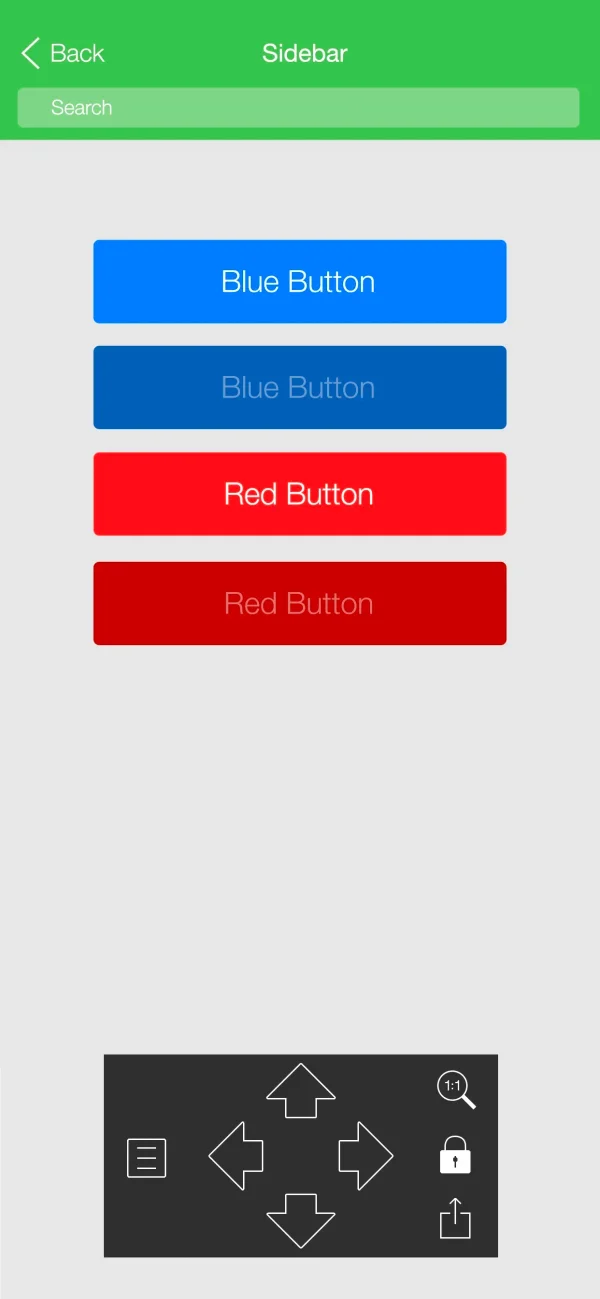
xScope Mirror lets designers and developers effortlessly preview any Mac desktop image directly on your iOS device or Apple Watch.
Unlike other preview apps, xScope Mirror doesn’t have any desktop chrome to get in your way while you work or require you to save files again and again. Simply launch xScope Mirror on iOS and then xScope on a Mac to begin. Confirm the connection on iOS and then drop an image file onto the Dock icon for xScope.
A remote connection to Photoshop is also supported: this lets you preview changes in your PSD while you edit. The Mirror can also display any window on your Mac or images copied to the clipboard.
Finally, any image that's displayed on the iOS device can be transferred to the Apple Watch by tapping on its screen. Layouts that are taller than the watch's screen are scrollable. Any file that matches the icon sizes for the Apple Watch will be presented with circular mask against a black background, allowing quick asset previews.
Features include:
• Remote Viewing – Easily view the contents of any Mac desktop window on your iOS device or Apple Watch
• Apple Watch – Includes a watch extension that makes previewing on your wrist a snap!
• Pin & Lock – Move the Mac window anywhere (even under other windows) & it always stays in focus on iOS
• Chromeless UI – No overlaid chrome to get in the way while you work
• Retina Scaling - Preview mirrored content 3:1, 2:1, 1:1, 1:2 or 1:3, great for testing on Retina devices
• Compatibility – Runs on all devices using iOS 5 or later
• Security – Toggle user authentication requests on/off via Preferences in the xScope desktop app
• Multi-client – Multiple iOS devices can connect and view the same Mac window – Great for demos or meetings
• Sharing – Copy the current image to the iOS clipboard or save it in your Photos
• Nudge – Nudge the selected window one pixel at a time (useful on Retina displays)
Nouveautés
Version 1.3.9 · 18/09/2026
Bug fixes and improvements.
Confidentialité de l’application
Ce que The Iconfactory déclare sur l’App Store au sujet du traitement des données par cette application.
-
Données non collectées
Le développeur ne collecte aucune donnée à partir de cette application.
Les pratiques en matière de confidentialité peuvent varier, notamment en fonction des fonctionnalités que vous utilisez ou de votre âge.
Informations
- Vendeur
- The Iconfactory
- Catégorie
- Productivité
- Version
- 1.3.9
- Mis à jour
- 18/09/2026
- Publié
- 19/01/2012
- Taille
- 4,6 Mo
- Nécessite
- iOS 16.6 ou version ultérieure
- Classification d’âge
- 4+
- Prix
- Gratuit
- Langues
- Anglais
- Copyright
- © 2026 The Iconfactory, Inc.
Vous aimerez peut-être aussi
-
 Emily: minimal bookmark saverProductivité
-
 AstolaProductivité
-
 Friendly MileageProductivité
-
 Explain This – Bills & LettersProductivité
-
 ScreenPlay RewardsProductivité
-
 Private PDF SignerProductivité
-
 Narration RoomTranscrire & synthèse vocale
-
 Altboard : Clavier Vocal IADictée hors-ligne, sans cloud
-
 LISTA SMARTCourses, prix et magasins
-
 Notes & Journal intime-CarnetÉcriture manuscrite & cadenas