Auto Folder Cleaner
RADEFFFACTORYBerisi iklan
- Rating 3+Batasan usia
- Alat Kategori
- 17/11/2025Diperbarui
- GratisHarga
Tertaut ke halaman resmi com.radefffactory.autofoldercleaner di Google Play. Terakhir diperiksa pada 22/11/2026.
Tangkapan layar

Tentang aplikasi ini
Terjemahan otomatis oleh Google. Bahasa asli: Inggris (Amerika Serikat).
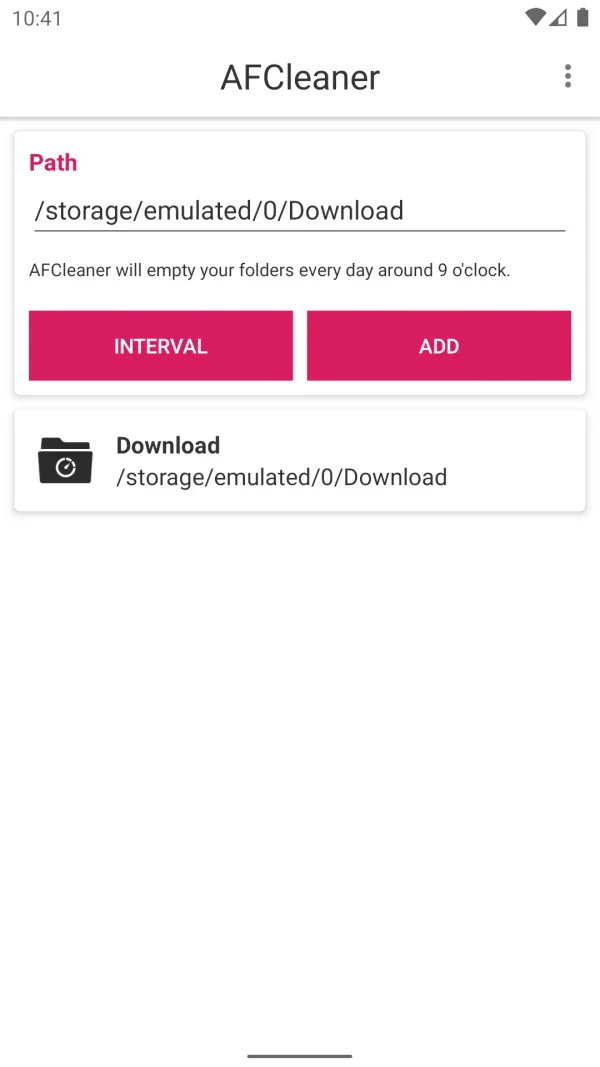
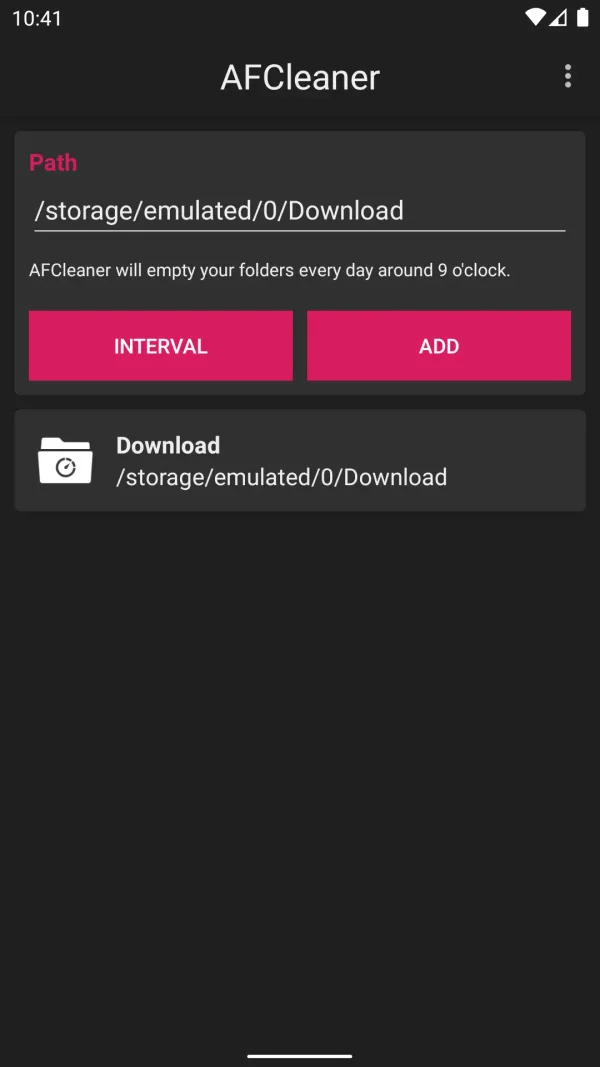
Bersihkan semua file yang tidak diinginkan secara otomatis!
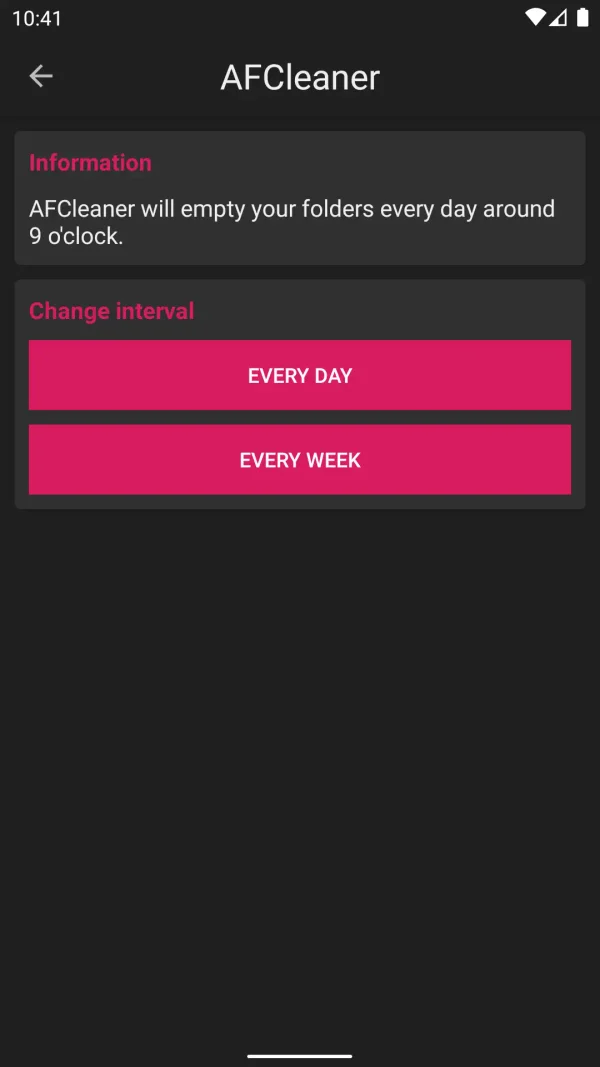
Aplikasi ini akan memungkinkan Anda untuk menambahkan daftar folder. Setiap hari atau setiap minggu sesuai dengan pengaturan Anda, aplikasi akan secara otomatis menghapus isi folder-folder ini. Ini sangat membantu jika Anda ingin menghapus otomatis misalnya semua gambar yang Anda unduh sementara di folder tertentu. Atau jika Anda ingin menghapus tangkapan layar secara otomatis secara berkala. Aplikasi akan mengotomatiskan proses ini.
Beberapa tips:
Konsumsi baterai seharusnya hampir tidak ada.
Jika Anda mengetahui bahwa aplikasi tidak lagi menghapus file di latar belakang setelah beberapa hari, mungkin perangkat Anda memiliki opsi untuk menghentikan aplikasi agar tidak berfungsi jika tidak dibuka selama beberapa hari. Beberapa ponsel Samsung terbaru memiliki opsi ini. Untuk terus menggunakan aplikasi, Anda harus menambahkannya ke daftar pengecualian baterai dan membiarkannya bekerja tidak peduli apakah dibuka atau tidak.
Jika Anda mengetahui bahwa setelah me-reboot perangkat Anda, aplikasi tidak lagi menghapus file di latar belakang, Anda harus mengizinkan aplikasi untuk diluncurkan secara otomatis setelah reboot. Biasanya ini tidak diperlukan tetapi pada beberapa perangkat Xiaomi dan Huawei ada opsi untuk memblokir aplikasi dari peluncuran otomatis dan ini mencegah aplikasi bekerja setelah reboot.
Tampilkan teks asli
The app will allow you to add a list of folders. Each day or each week according to your settings the app will automatically delete the contents of these folders. This is very helpful if you want to auto delete for example all of your temporary downloaded images in certain folder. Or if you want to auto delete your screenshots periodically. The app will automate this process.
A few tips:
Battery consumption should be almost non existent.
If you find out that the app is no longer deleting the files in the background after a few days then probably your device have an option to stop apps from working if they are not opened for a few days. Some of the latest Samsung phones have this option. To continue using the app you should add it to the battery exceptions list and allow it to work no matter if opened or not.
If you find out that after rebooting your device the app is no longer deleting the files in the background you should allow the app to auto launch after reboot. Usually this is not necessary but on some Xiaomi and Huawei devices there's an option to block apps from auto launching and this prevents app from working after reboot.
Keamanan data
Yang dinyatakan RADEFFFACTORY di Google Play tentang data yang dikumpulkan dan dibagikan aplikasi ini.
- Aplikasi ini dapat membagikan jenis data ini kepada pihak ketigaLokasi, Aktivitas aplikasi, dan 2 lainnya
- Aplikasi ini dapat mengumpulkan jenis data berikutLokasi, Aktivitas aplikasi, dan 2 lainnya
- Data dienkripsi saat dalam pengiriman
- Anda dapat meminta agar data dihapus
Yang baru
Versi 2.6 · 17/11/2025
- added option to change the day of the interval
- bug fixes and performance improvements
Kontak pengembang
- Situs webradefffactory.com
- Emailyohohoasakura@gmail.com
- Kebijakan Privasiradefffactory.com
- AlamatBorima 17 b 5100 Gorna Oryahovitsa Bulgaria
Informasi
- Ditawarkan oleh
- RADEFFFACTORY
- Kategori
- Alat
- Versi
- 2.6
- Diperbarui
- 17/11/2025
- Dirilis
- 15/4/2020
- Memerlukan
- Android 6.0 atau yang lebih baru
- Batasan usia
- Rating 3+
- Harga
- Gratis
- Nama paket
- com.radefffactory.autofoldercleaner