Auto Folder Cleaner
RADEFFFACTORY広告を含む
- 3 歳以上対象年齢
- ツールカテゴリ
- 2025/11/17更新日
- 無料価格
com.radefffactory.autofoldercleanerのGoogle Play公式ページにリンクしています。最終確認:2026/11/22。
スクリーンショット

このアプリについて
Googleによる英語 (アメリカ合衆国)からの自動翻訳です。
不要なファイルをすべて自動的にクリーンアップします!
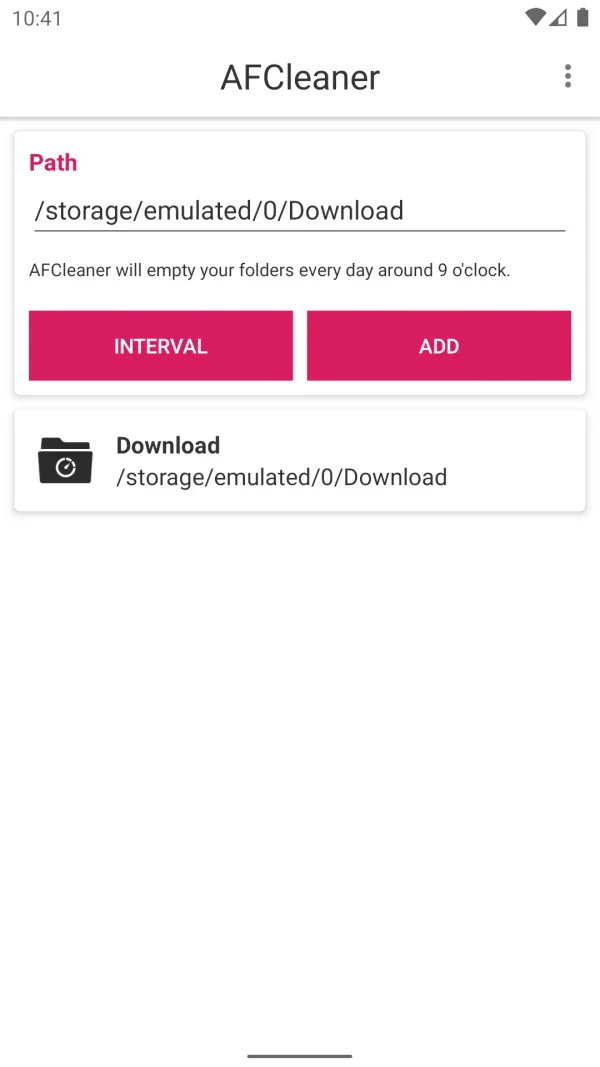
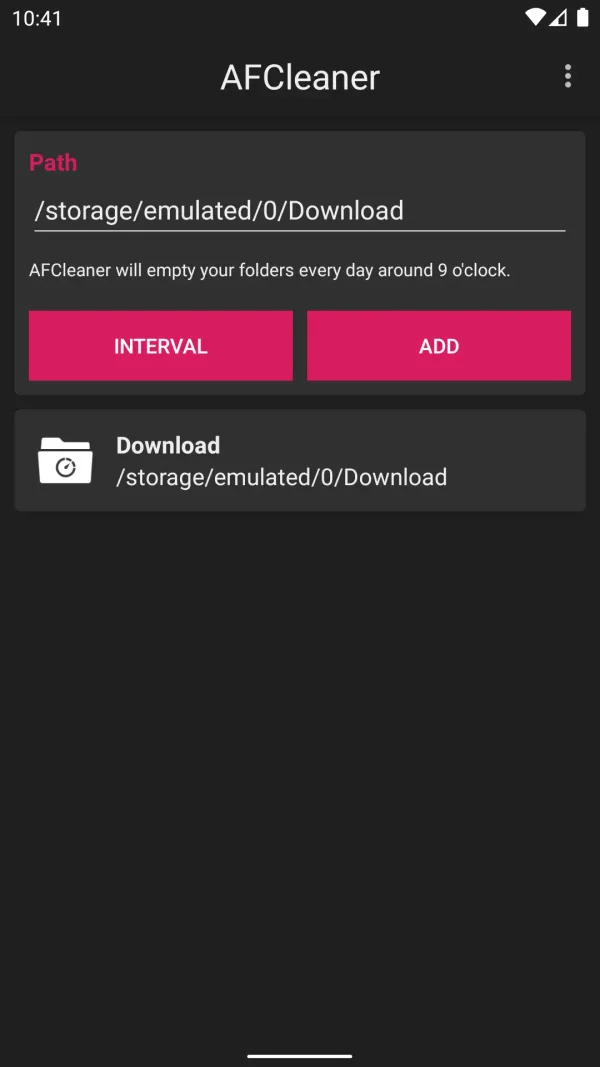
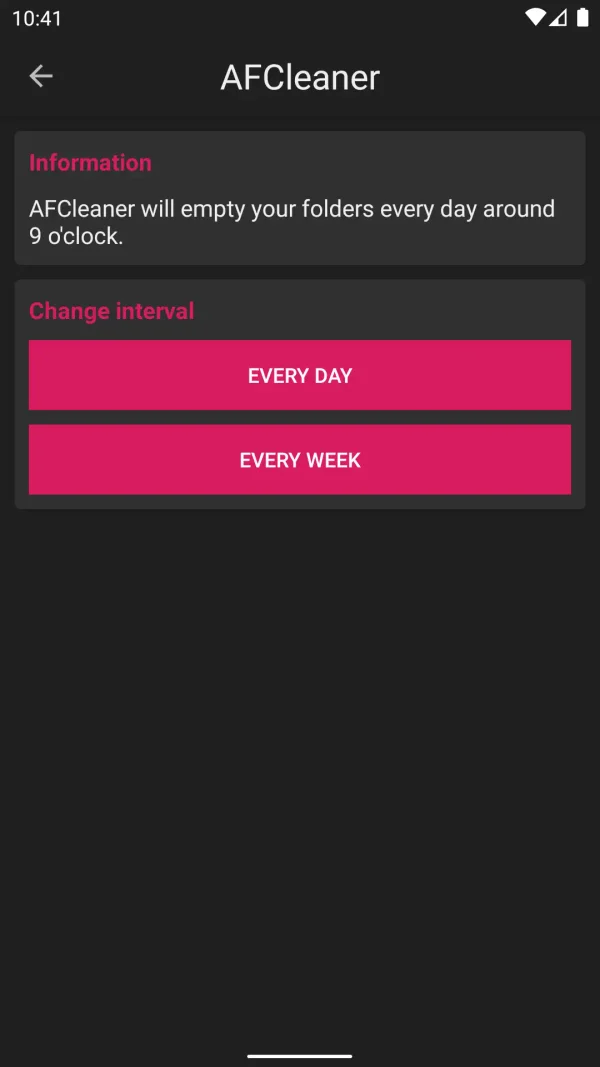
アプリでは、フォルダのリストを追加できます。設定に応じて、毎日または毎週、アプリはこれらのフォルダーの内容を自動的に削除します。これは、たとえば特定のフォルダにある一時的にダウンロードしたすべての画像を自動削除する場合に非常に役立ちます。または、スクリーンショットを定期的に自動削除する場合。アプリはこのプロセスを自動化します。
いくつかのヒント:
バッテリーの消費量はほとんどありません。
アプリが数日後にバックグラウンドでファイルを削除しなくなったことがわかった場合は、アプリが数日間開かれていない場合、デバイスにアプリの動作を停止するオプションがある可能性があります。最新のSamsung電話のいくつかにはこのオプションがあります。アプリを引き続き使用するには、バッテリーの例外リストにアプリを追加し、開いているかどうかに関係なく動作できるようにする必要があります。
デバイスを再起動した後、アプリがバックグラウンドでファイルを削除しなくなったことがわかった場合は、再起動後にアプリを自動起動できるようにする必要があります。通常、これは必要ありませんが、一部のXiaomiおよびHuaweiデバイスでは、アプリの自動起動をブロックするオプションがあり、これにより、再起動後にアプリが機能しなくなります。
原文を表示
The app will allow you to add a list of folders. Each day or each week according to your settings the app will automatically delete the contents of these folders. This is very helpful if you want to auto delete for example all of your temporary downloaded images in certain folder. Or if you want to auto delete your screenshots periodically. The app will automate this process.
A few tips:
Battery consumption should be almost non existent.
If you find out that the app is no longer deleting the files in the background after a few days then probably your device have an option to stop apps from working if they are not opened for a few days. Some of the latest Samsung phones have this option. To continue using the app you should add it to the battery exceptions list and allow it to work no matter if opened or not.
If you find out that after rebooting your device the app is no longer deleting the files in the background you should allow the app to auto launch after reboot. Usually this is not necessary but on some Xiaomi and Huawei devices there's an option to block apps from auto launching and this prevents app from working after reboot.
データ セーフティ
このアプリが収集・共有するデータについて、RADEFFFACTORYがGoogle Playで申告している内容です。
- このアプリはサードパーティと以下の種類のデータを共有することがあります位置情報、アプリのアクティビティ、他 2 件
- このアプリは以下の種類のデータを収集することがあります位置情報、アプリのアクティビティ、他 2 件
- データは送信中に暗号化されます
- データを削除するようリクエストできます
新機能
バージョン 2.6 · 2025/11/17
- added option to change the day of the interval
- bug fixes and performance improvements
開発元の連絡先
- ウェブサイトradefffactory.com
- メールyohohoasakura@gmail.com
- プライバシーポリシーradefffactory.com
- 住所Borima 17 b 5100 Gorna Oryahovitsa Bulgaria
情報
- 提供元
- RADEFFFACTORY
- カテゴリ
- ツール
- バージョン
- 2.6
- 更新日
- 2025/11/17
- リリース
- 2020/4/15
- 必要条件
- Android 6.0以降
- 対象年齢
- 3 歳以上
- 価格
- 無料
- パッケージ名
- com.radefffactory.autofoldercleaner