Pie Launcher version 2026
Beauty Apps StudioBerisi iklan · Pembelian dalam aplikasi
- Rating 3+Batasan usia
- PersonalisasiKategori
- 29/9/2026Diperbarui
- GratisHarga
Tertaut ke halaman resmi launcher.pie.launcher di Google Play. Terakhir diperiksa pada 27/11/2026.
Tangkapan layar
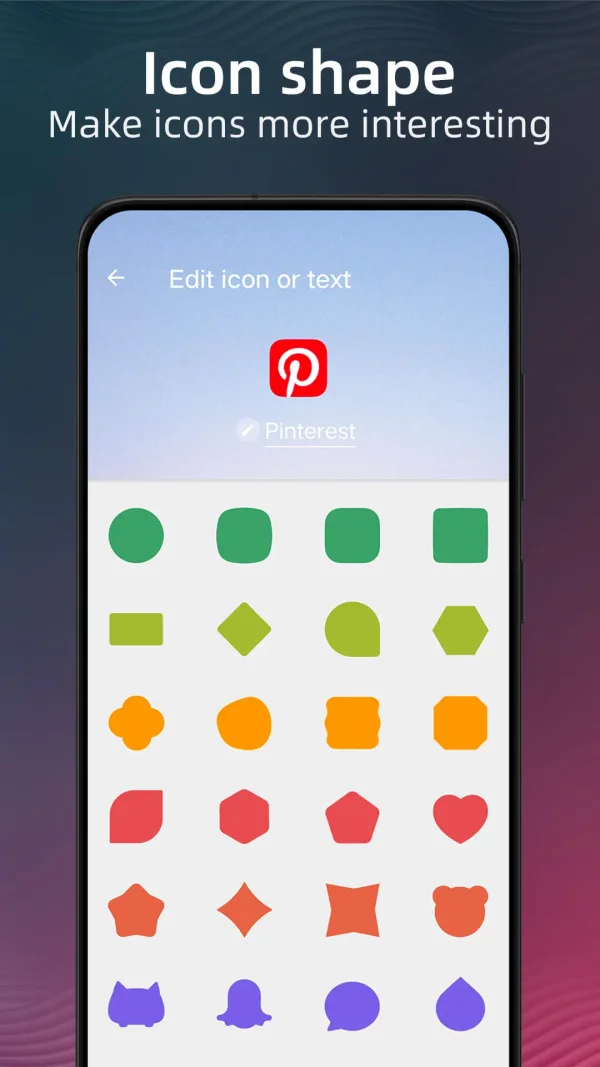
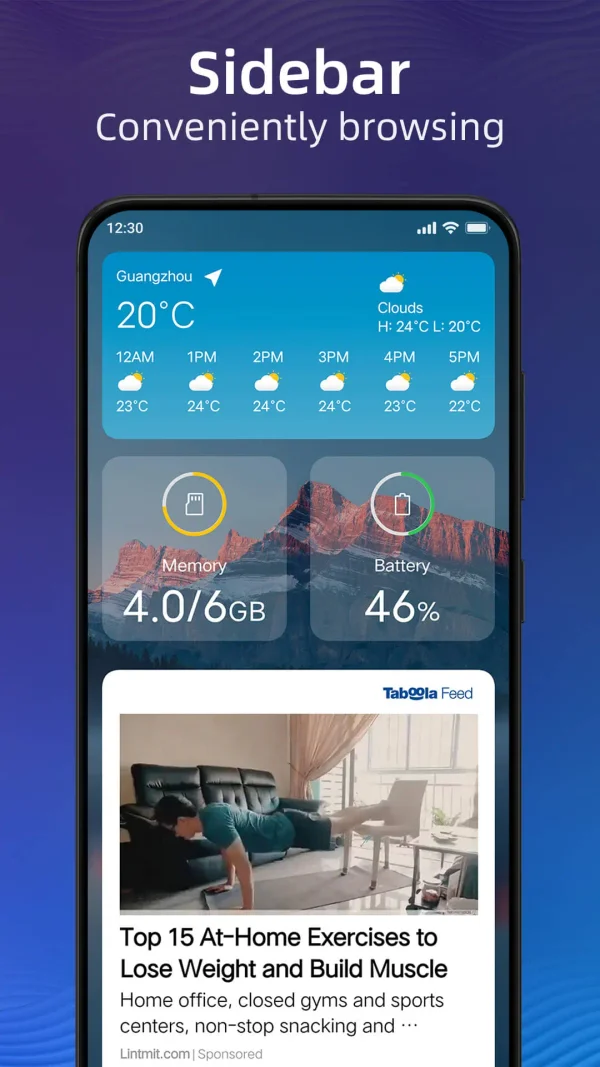
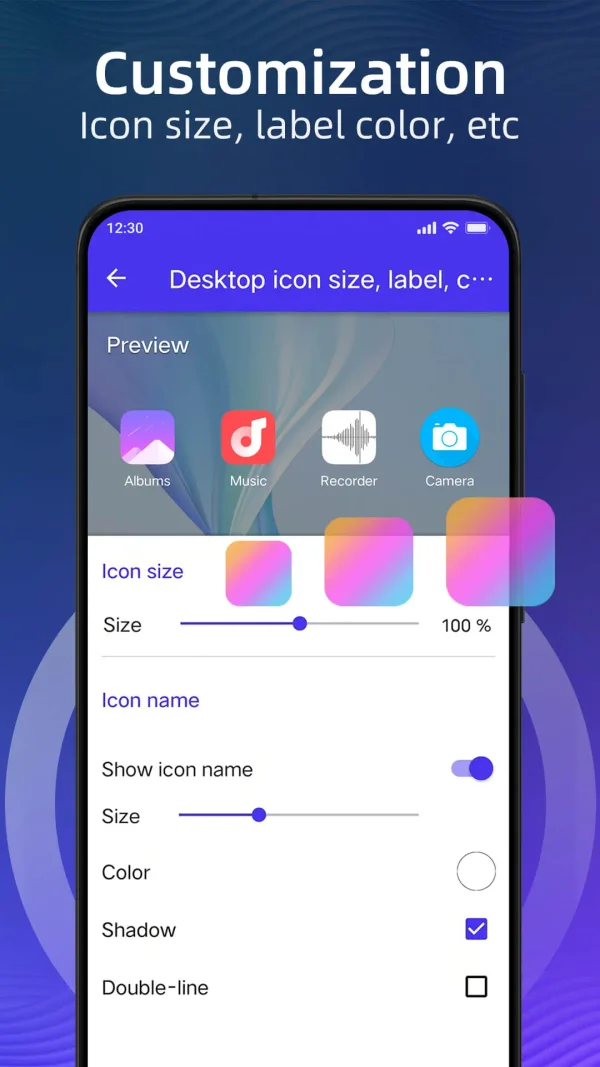
Tentang aplikasi ini
Terjemahan otomatis oleh Google. Bahasa asli: Inggris (Amerika Serikat).
Pie Launcher terinspirasi oleh peluncur Android, menambahkan banyak fitur berguna
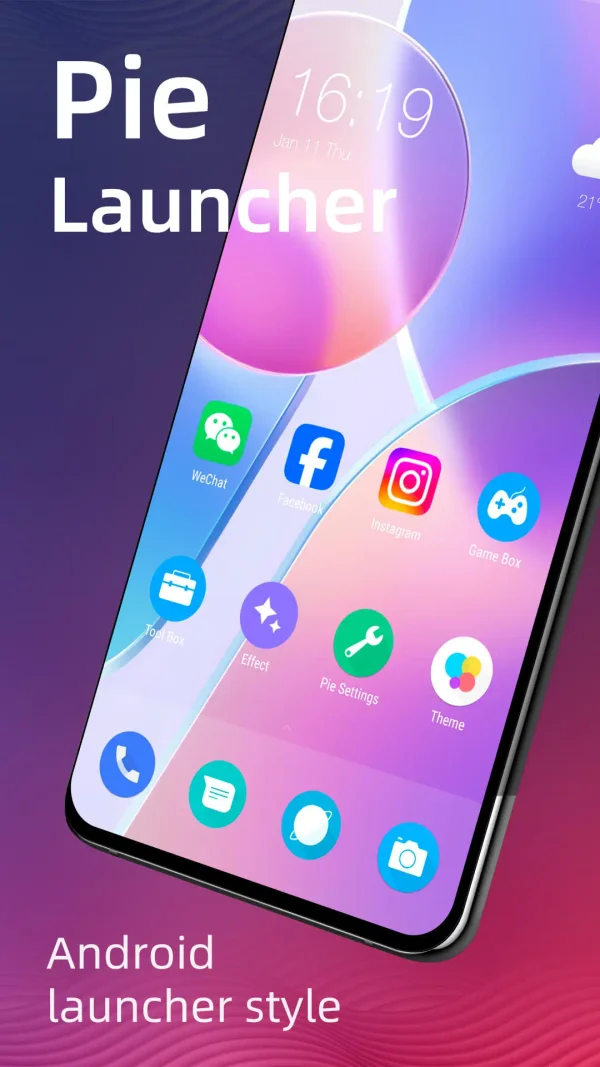
🔥 Pie Launcher terinspirasi oleh launcher Android™ 11 dan Android 16, menambahkan banyak fitur bermanfaat. Pie Launcher membuat ponsel Anda terlihat modern, dan memungkinkan Anda menggunakan fitur launcher Android 11/12/13/14/15/16 sebagai fitur utama.
👍 Fitur Pie Launcher:
> Dukungan tema, lebih dari 1000 tema keren
> Dukungan paket ikon, mendukung sebagian besar paket ikon di Google Play Store
> Berbasis pada kode peluncur Android 11, Android 16, dapat berjalan di semua perangkat Android 5.0+
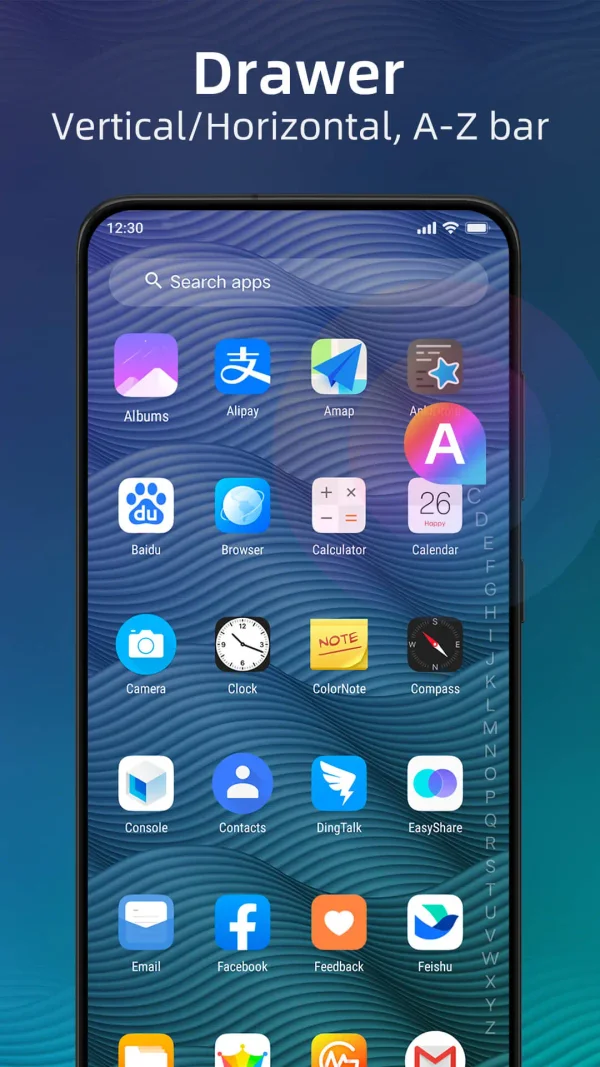
> Laci aplikasi dalam mode vertikal secara default, juga mendukung mode horizontal
> Pie Launcher mendukung menyembunyikan aplikasi yang tidak digunakan atau pribadi
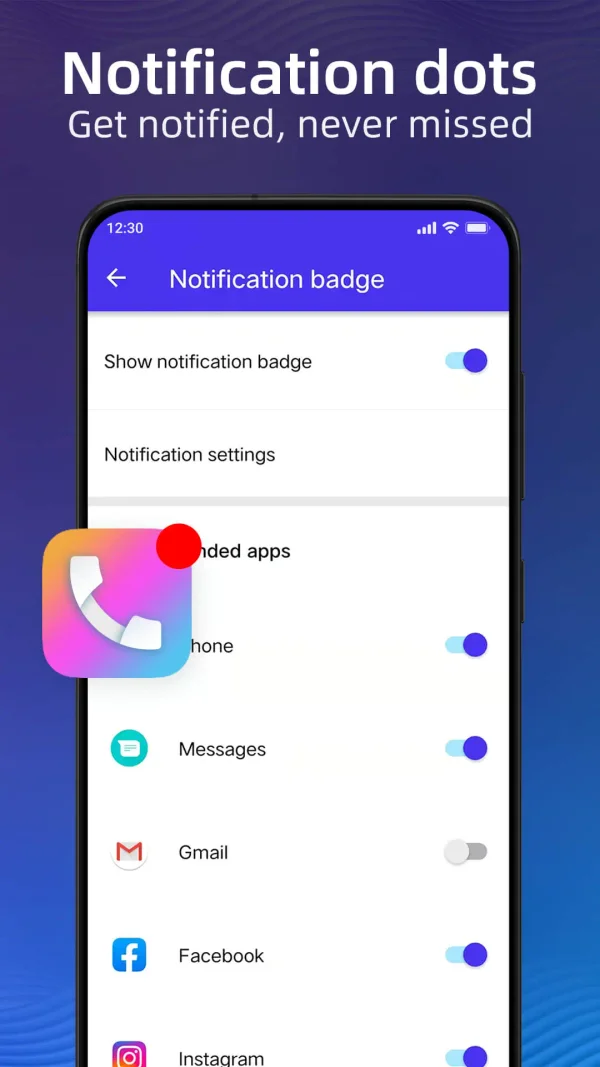
> Pie Launcher mendukung titik notifikasi
> Pie Launcher mendukung ✌️gerakan, seperti geser ke bawah/atas, cubit ke dalam/keluar, ketuk dua kali, geser ke bawah/atas (dua jari)
> Pie Launcher mendukung fitur Gerakan ✌️ yang praktis di peluncur Android P 9.0: Geser ke atas untuk semua laci aplikasi, Geser ke bawah kembali ke desktop
> Banyak wallpaper online yang indah untuk pilihan Anda
> Banyak pilihan, Anda dapat mengubah ukuran grid, ukuran ikon, ukuran dan warna label, dll
> Anda dapat mengunci desktop untuk menghindari kekacauan
> Latar belakang laci mendukung pencahayaan, Gelap, buram, transparan, dan kustom
> Latar belakang dock mendukung bentuk persegi panjang, bulat, lengkung, platform, atau tanpa latar belakang
> Bilah pencarian mendukung berbagai gaya, Anda dapat memilihnya
> Opsi pengguliran wallpaper atau tidak
> Laci widget Android terbaru
Catatan:
1. Android™ adalah merek dagang terdaftar dari Google, Inc. Pie Launcher terinspirasi oleh Android Launcher, tetapi harap diperhatikan bahwa ini BUKAN produk resmi Google.
❤️ Kami bekerja keras untuk membuat Pie Launcher lebih baik, beri kami peringkat jika Anda menyukainya, terima kasih!
Tampilkan teks asli
🔥 Pie Launcher is inspired by Android™ 11, Android 16 launcher, adding many useful features, Pie Launcher make your phone look modern, and let you use Android 11/12/13/14/15/16 launcher features in the first place.
👍 Pie Launcher features:
> Theme support, more than 1000+ cool themes
> Icon pack support, support most of the icon pack in Google Play Store
> Base on Android 11, Android 16 launcher code, can run on all Android 5.0+ devices
> Apps drawer is vertical mode by default, it also support horizontal mode
> Pie Launcher support hide unused or private apps
> Pie Launcher support notification dots
> Pie Launcher support ✌️gestures, such as swipe down/up, pinch in/out, double tap, swipe down/up(two fingers)
> Pie Launcher support handy ✌️Gesture feature in Android launcher P 9.0: Swipe up for all app drawer, Swipe down back to desktop
> Many beautiful online wallpapers for your choice
> Many options, you can change grid size, icon size, label size and color, etc
> You can lock desktop to avoid being messed up
> Drawer background support light, dark, blur, transparent and custom
> Dock background support rectangle, rounded, arc, platform or none
> Search bar support various style, you have the choice
> Wallpaper scrolling or not option
> Latest Android widgets drawer
Notice:
1. Android™ is a registered trademark of Google, Inc. Pie Launcher is inspired by Android Launcher, but please be noted that it is NOT Google official product.
❤️ We are working hard to make Pie Launcher better, please rate us if you like, thanks!
Keamanan data
Yang dinyatakan Beauty Apps Studio di Google Play tentang data yang dikumpulkan dan dibagikan aplikasi ini.
- Tidak ada data yang dibagikan kepada pihak ketigaPelajari lebih lanjut cara developer menyatakan pembagian data
- Aplikasi ini dapat mengumpulkan jenis data berikutKalender, Aktivitas aplikasi, dan 2 lainnya
- Data dienkripsi saat dalam pengiriman
- Data tidak dapat dihapus
Yang baru
Versi 13.8 · 29/9/2026
1. Updated all icons to a clean, unified solid look
2. Upgraded target API level to 36
3. Fixed an issue where icon shapes did not change after selecting the circle theme
Kontak pengembang
- Emailbeautyappsstudio@gmail.com
- Kebijakan Privasictool.oss-cn-shenzhen.aliyuncs.com
- Alamat环市东路333号大院16号1204房 越秀区, 广州市, 广东省 China 510188
Informasi
- Ditawarkan oleh
- Beauty Apps Studio
- Kategori
- Personalisasi
- Versi
- 13.8
- Diperbarui
- 29/9/2026
- Dirilis
- 23/6/2018
- Memerlukan
- Android 6.0 atau yang lebih baru
- Batasan usia
- Rating 3+
- Harga
- Gratis
- Pembelian dalam aplikasi
- Rp 59.000 - Rp 159.000 per item
- Nama paket
- launcher.pie.launcher
Aplikasi serupa
-
 POCO Launcher 2.0
Personalisasi
-
 CMM Launcher 2.0
Personalisasi
-
 Square Home Launcher - Tile UI
Personalisasi
-
 Hi-tech Circuit Launcher
Personalisasi
-
 DNA Launcher ‧ Home Screen
Personalisasi
-
 Cool Mi Launcher - CC Launcher
Personalisasi
-
 Color Launcher, cool themes
Personalisasi
-
 Wallpaper 4K
Personalisasi
-
 Lumina Wallpapers
Personalisasi
-
 Newlook Launcher - Galaxy Star
Personalisasi
-
 Zeel: Wallpaper 4K Aesthetic
Personalisasi
-
 OxygenOS 16 Icon pack
Personalisasi