Pie Launcher version 2026
Beauty Apps Studio広告を含む · アプリ内課金
- 3 歳以上対象年齢
- カスタマイズカテゴリ
- 2026/9/29更新日
- 無料価格
launcher.pie.launcherのGoogle Play公式ページにリンクしています。最終確認:2026/11/27。
スクリーンショット
このアプリについて
Googleによる英語 (アメリカ合衆国)からの自動翻訳です。
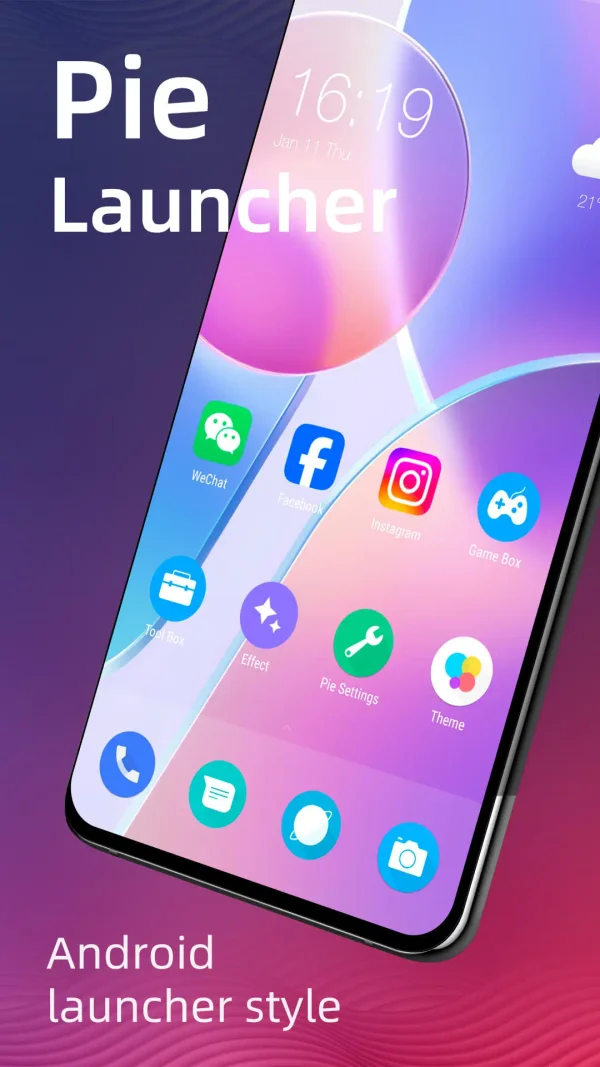
Pie Launcher は Android ランチャーに触発され、多くの便利な機能を追加しています
🔥 Pie Launcher は Android™ 11、Android 16 ランチャーにインスパイアされており、多くの便利な機能が追加されています。Pie Launcher を使用すると、スマートフォンの外観がモダンになり、Android 11/12/13/14/15/16 ランチャーの機能をすぐに使用できるようになります。
👍 Pieランチャーの機能:
> テーマサポート:1000種類以上のクールなテーマ
> アイコンパックサポート:Google Playストアにあるほとんどのアイコンパックに対応
> Android 11、Android 16のランチャーコードに基づいており、Android 5.0以降のすべてのデバイスで実行可能
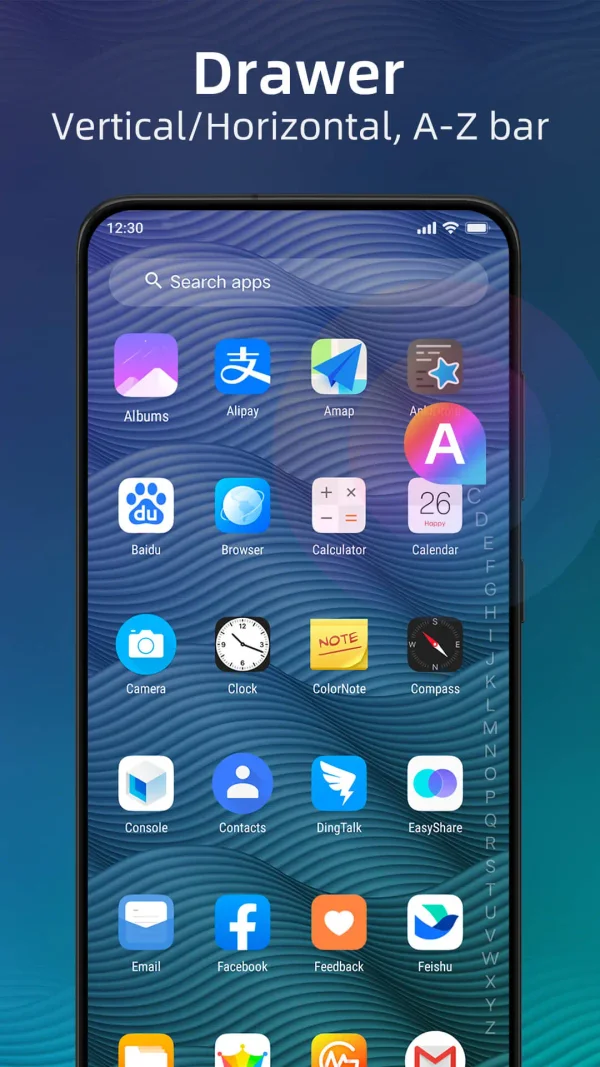
> アプリドロワーはデフォルトで縦向きですが、横向きにも対応しています
> Pieランチャーは未使用アプリやプライベートアプリの非表示に対応
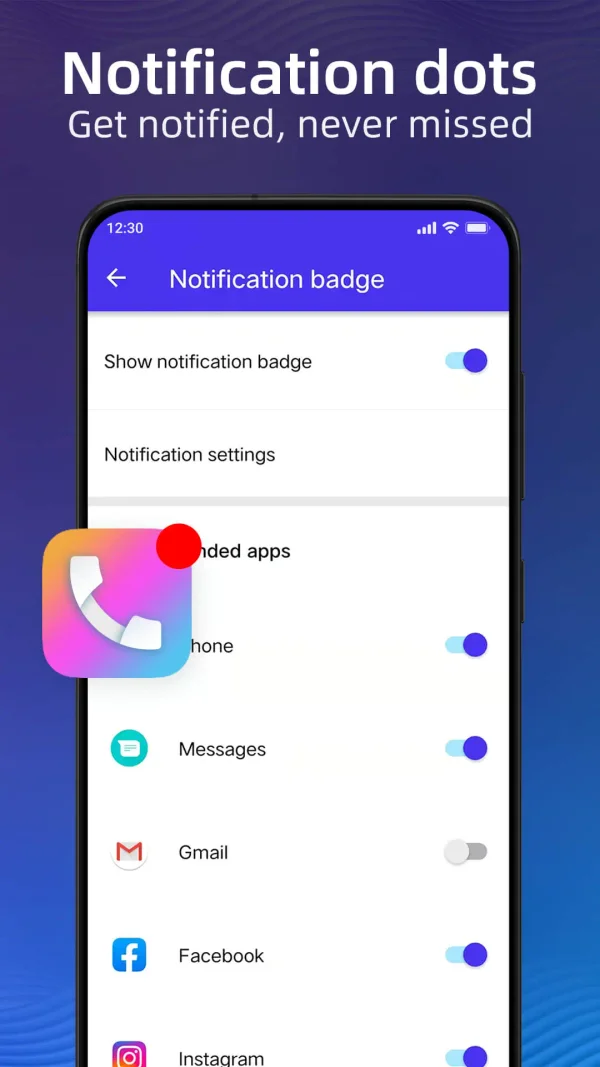
> Pieランチャーは通知ドットに対応
> Pieランチャーは✌️ジェスチャーに対応:上下スワイプ、ピンチイン/アウト、ダブルタップ、上下スワイプ(2本指)など
> PieランチャーはAndroidランチャーP 9.0の便利な✌️ジェスチャー機能に対応:上スワイプですべてのアプリドロワーを表示、下スワイプでデスクトップに戻る
> 美しいオンライン壁紙を多数ご用意
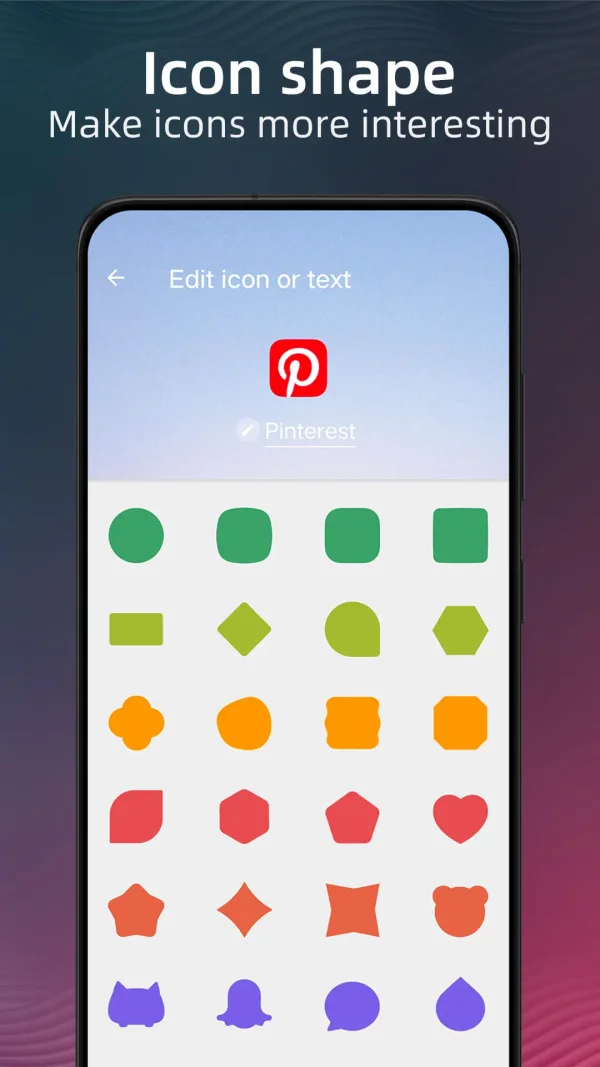
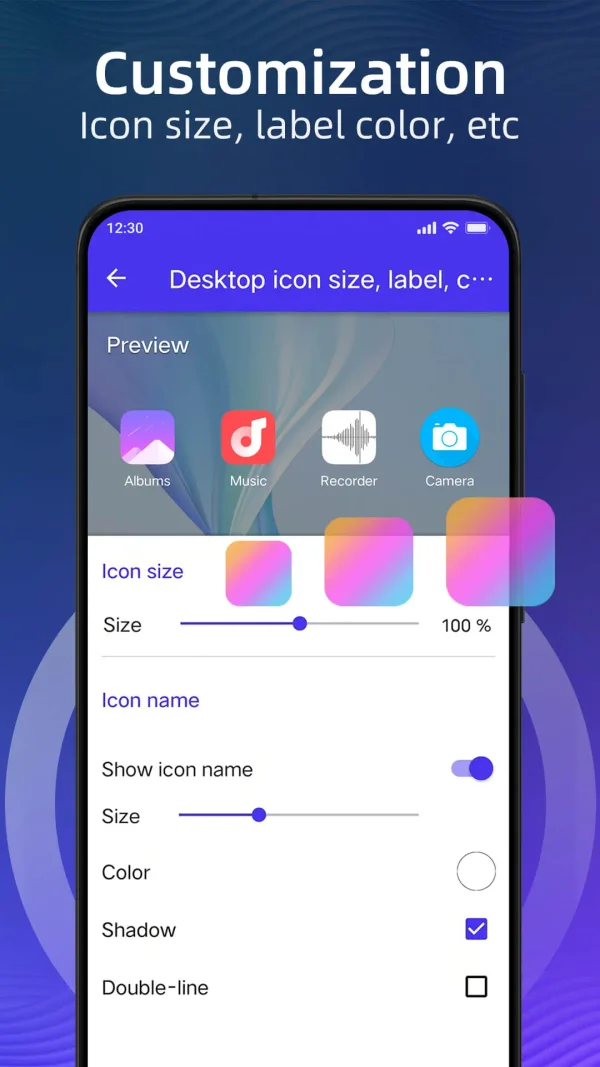
> 豊富なオプション:グリッドサイズ、アイコンサイズ、ラベルサイズ、色などを変更できます
>デスクトップをロックして、混乱を回避しましょう。
> ドロワー背景は、明るい、暗い、ぼかし、透明、カスタムに対応しています。
> ドック背景は、長方形、角丸、円弧、プラットフォーム、または背景なしに対応しています。
> 検索バーは様々なスタイルに対応しており、お好みのスタイルをお選びいただけます。
> 壁紙のスクロール表示/非表示オプション
> 最新のAndroidウィジェットドロワー
お知らせ:
1. Android™はGoogle, Inc.の登録商標です。Pie LauncherはAndroid Launcherをベースに開発されていますが、Google公式製品ではありませんのでご注意ください。
❤️ Pie Launcherをより良くするために日々努力しています。気に入っていただけましたら、ぜひ評価をお願いします。ありがとうございます!
原文を表示
🔥 Pie Launcher is inspired by Android™ 11, Android 16 launcher, adding many useful features, Pie Launcher make your phone look modern, and let you use Android 11/12/13/14/15/16 launcher features in the first place.
👍 Pie Launcher features:
> Theme support, more than 1000+ cool themes
> Icon pack support, support most of the icon pack in Google Play Store
> Base on Android 11, Android 16 launcher code, can run on all Android 5.0+ devices
> Apps drawer is vertical mode by default, it also support horizontal mode
> Pie Launcher support hide unused or private apps
> Pie Launcher support notification dots
> Pie Launcher support ✌️gestures, such as swipe down/up, pinch in/out, double tap, swipe down/up(two fingers)
> Pie Launcher support handy ✌️Gesture feature in Android launcher P 9.0: Swipe up for all app drawer, Swipe down back to desktop
> Many beautiful online wallpapers for your choice
> Many options, you can change grid size, icon size, label size and color, etc
> You can lock desktop to avoid being messed up
> Drawer background support light, dark, blur, transparent and custom
> Dock background support rectangle, rounded, arc, platform or none
> Search bar support various style, you have the choice
> Wallpaper scrolling or not option
> Latest Android widgets drawer
Notice:
1. Android™ is a registered trademark of Google, Inc. Pie Launcher is inspired by Android Launcher, but please be noted that it is NOT Google official product.
❤️ We are working hard to make Pie Launcher better, please rate us if you like, thanks!
データ セーフティ
このアプリが収集・共有するデータについて、Beauty Apps StudioがGoogle Playで申告している内容です。
- 第三者と共有されるデータはありません詳しくは、デベロッパーが共有を申告する方法についての説明をご覧ください
- このアプリは以下の種類のデータを収集することがありますカレンダー、アプリのアクティビティ、他 2 件
- データは送信中に暗号化されます
- データを削除できません
新機能
バージョン 13.8 · 2026/9/29
1. Updated all icons to a clean, unified solid look
2. Upgraded target API level to 36
3. Fixed an issue where icon shapes did not change after selecting the circle theme
開発元の連絡先
- メールbeautyappsstudio@gmail.com
- プライバシーポリシーctool.oss-cn-shenzhen.aliyuncs.com
- 住所环市东路333号大院16号1204房 越秀区, 广州市, 广东省 China 510188
情報
- 提供元
- Beauty Apps Studio
- カテゴリ
- カスタマイズ
- バージョン
- 13.8
- 更新日
- 2026/9/29
- リリース
- 2018/6/23
- 必要条件
- Android 6.0以降
- 対象年齢
- 3 歳以上
- 価格
- 無料
- アプリ内課金
- ¥430~¥1,540/アイテム
- パッケージ名
- launcher.pie.launcher
類似のアプリ
-
 POCO Launcher 2.0 - Customize,
カスタマイズ
-
 CMM Launcher 2.0
カスタマイズ
-
 スクエアホームランチャー - タイルレイアウト
カスタマイズ
-
 Hi-tech Circuit Launcher
カスタマイズ
-
 DNA Launcher ‧ Home Screen
カスタマイズ
-
 Cool Mi Launcher - CC Launcher
カスタマイズ
-
 Color Launcher, cool themes
カスタマイズ
-
 4K壁紙
カスタマイズ
-
 Lumina Wallpapers
カスタマイズ
-
 Newlook Launcher - Galaxy Star
カスタマイズ
-
 Zeel 壁紙: 4K高画質の待ち受け・アニメ・黒
カスタマイズ
-
 OxygenOS 16 Icon pack
カスタマイズ