Satellite Director
Zekitez- Rating 3+Batasan usia
- Alat Kategori
- 15/8/2025Diperbarui
- GratisHarga
Tertaut ke halaman resmi zekitez.com.satellitedirector di Google Play. Terakhir diperiksa pada 27/11/2026.
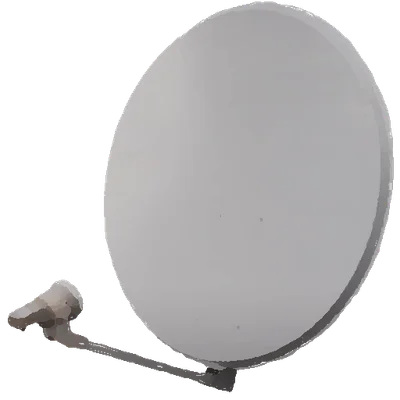
Tangkapan layar

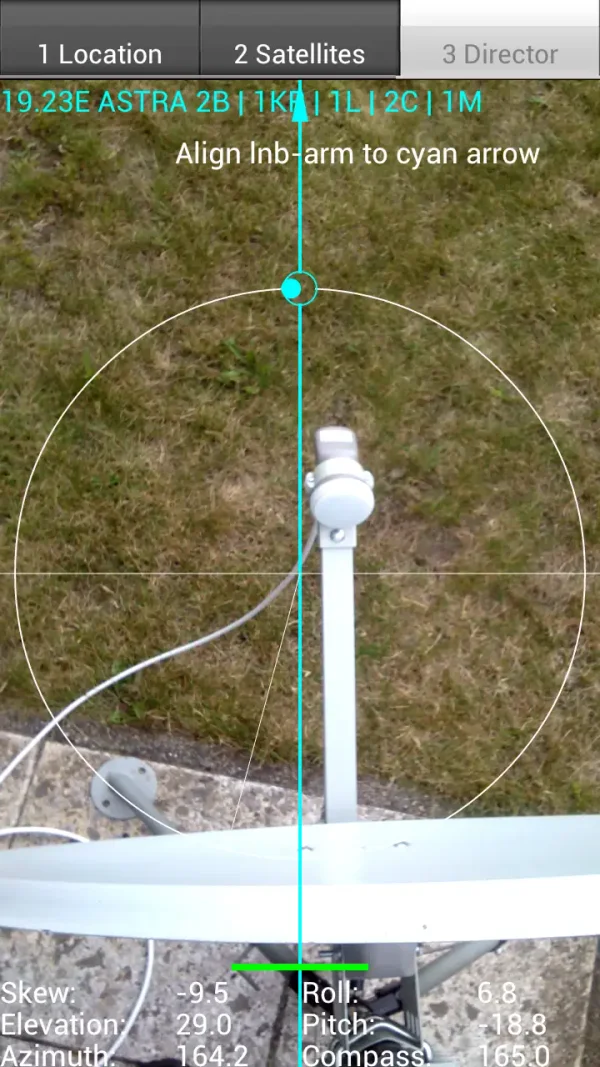
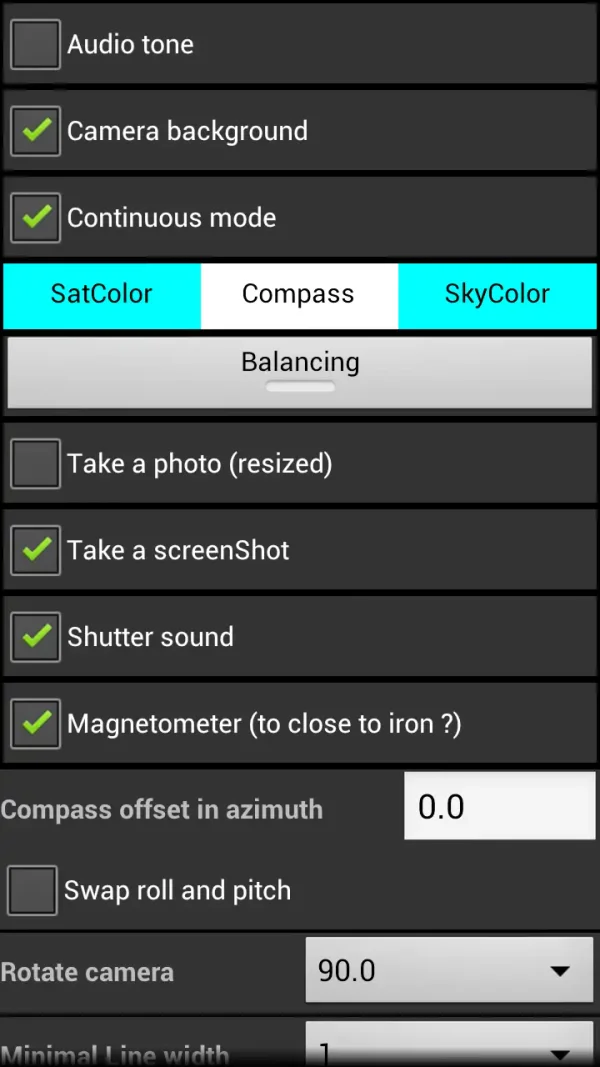
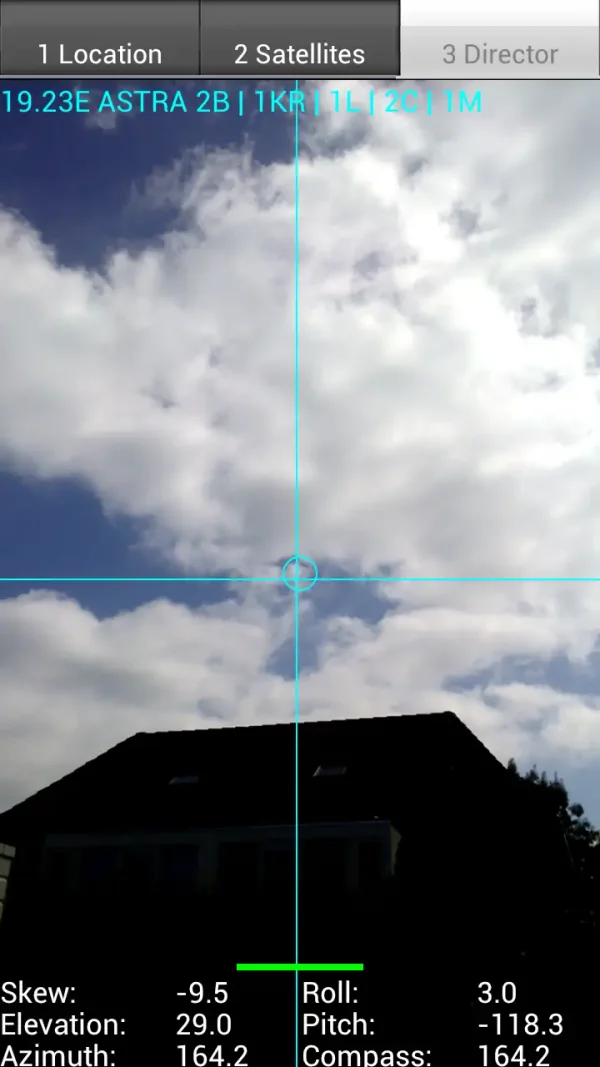

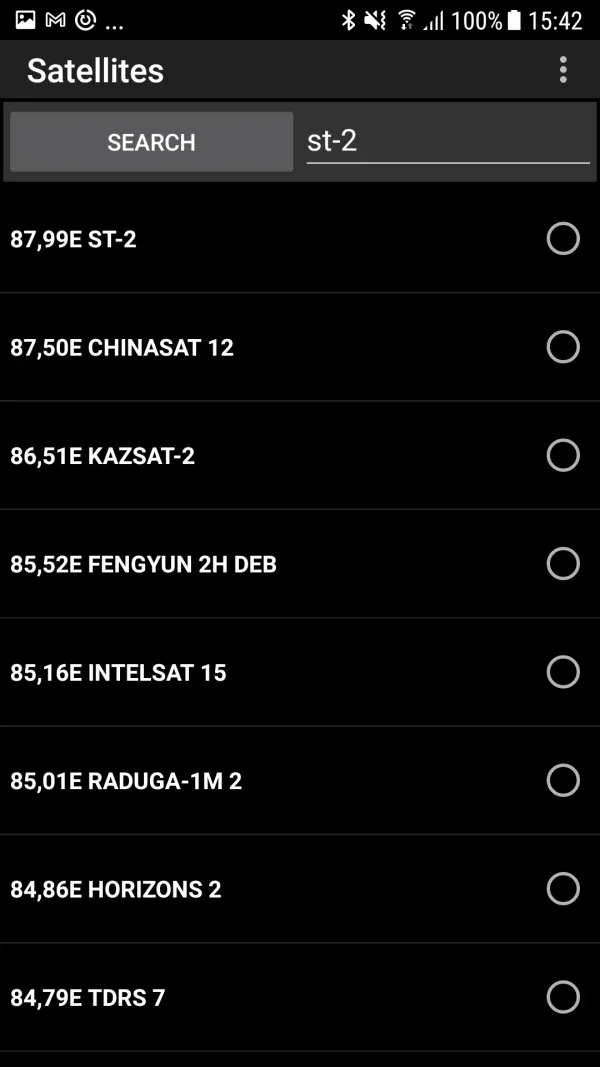
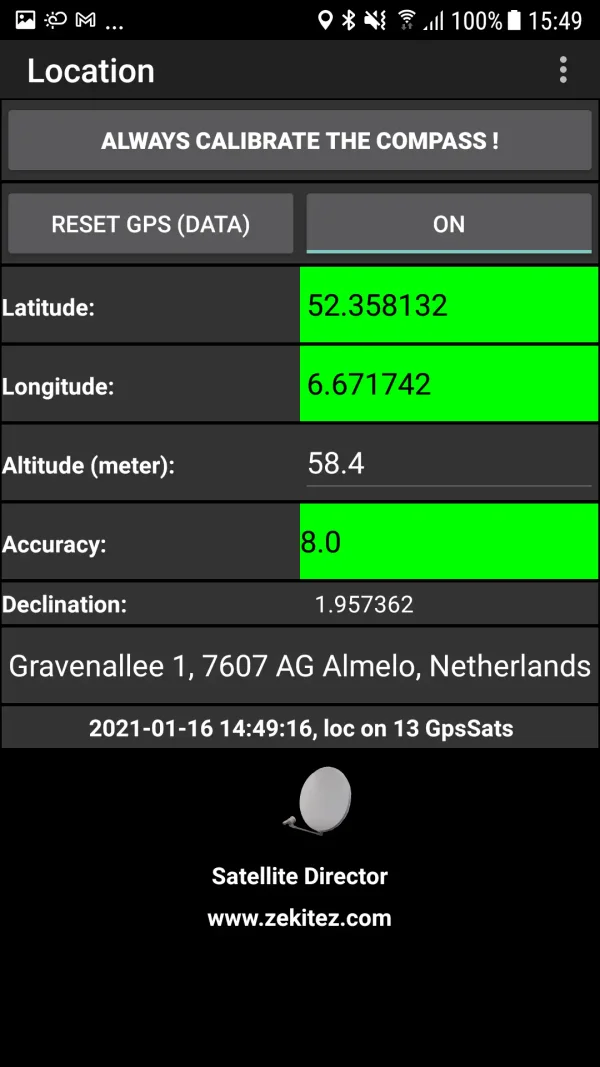
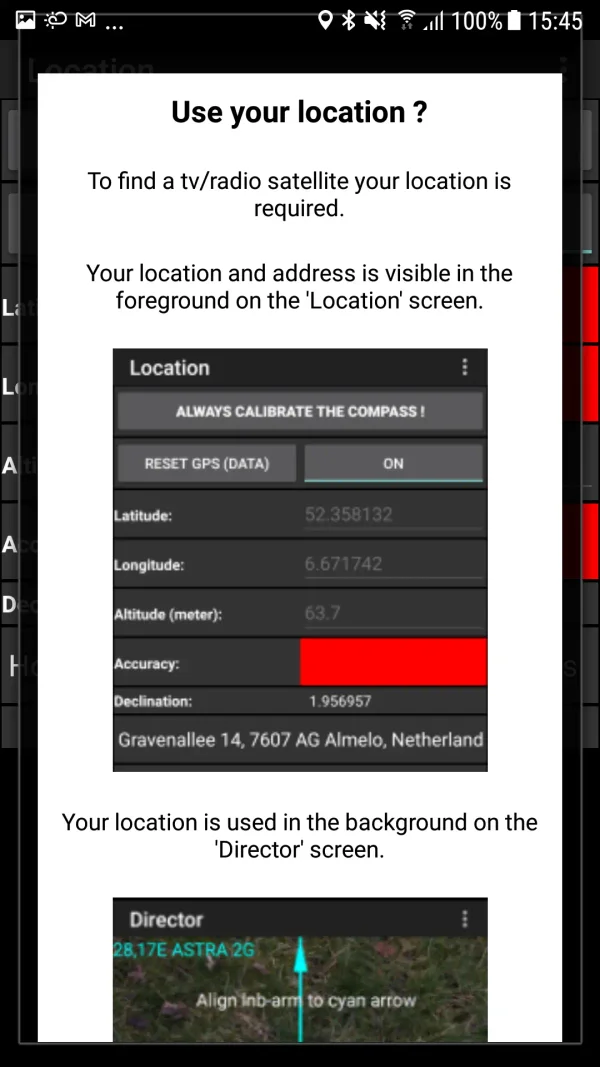
Tentang aplikasi ini
Terjemahan otomatis oleh Google. Bahasa asli: Inggris (Amerika Serikat).
Menemukan satelit TV, di azimut, sulit. Direktur Satellite membantu.
Menemukan satelit TV atau antena, secara azimuth, bisa sangat sulit. Sebelum Anda dapat menemukannya dengan kompas, Anda harus melakukan beberapa perhitungan menggunakan lokasi GPS, variasi magnetik, azimut kompas, dan posisi satelit.
Direktur Satelit menggantikan semua itu. Lihat tips sukses di bawah ini.
Akses ke data sensor (lokasi GPS dan kompas) diperlukan untuk menghitung posisi satelit di langit.
Akses ke penyimpanan internal / eksternal diperlukan untuk menyimpan tangkapan layar atau untuk menyimpan daftar satelit yang diubah (Anda dapat menghapus / menambah / mengubah satelit).
Akses ke kamera diperlukan untuk meniru 'lihat melalui tampilan' atau 'efek cermin' yang memungkinkan untuk menyelaraskan parabola (lengan lnb) dengan panah yang ditampilkan.
Satellite Director tidak mengumpulkan atau membagikan data pribadi atau non-pribadi. Direktur Satelit tidak menggunakan bentuk iklan apa pun.
Português: Telepon sem bússola não pode baixar este aplicativo.
PERINGATAN: PONSEL atau TABLET ANDA HARUS MEMILIKI KOMPAS !!!!
TANPA KOMPAS ANDA TIDAK DAPAT MENGUNDUH APLIKASI INI.
Periksa "Satellite Locator" yang menggunakan lokasi GPS untuk menemukan satelit.
Beberapa kompas ponsel / tablet benar-benar buruk, jadi bandingkan kompas ponsel / tablet Anda dengan kompas asli !!
Sayangnya Anda harus mengkalibrasi kompas sebelum menggunakannya.
Penutup logam / casing atau penutup / casing dengan penutup logam / magnet akan mempengaruhi / mengganggu kompas ponsel atau tablet Anda. Jangan gunakan penutup ini !! Kompas ponsel Anda juga bisa menjadi tidak akurat karena dipengaruhi oleh medan elektro-magnetis lain, besi atau karena melemah oleh usia. Mengkalibrasi kompas mungkin tidak membantu lagi.
PRESISI BERGANTUNG PADA KUALITAS PERANGKAT KERAS PONSEL ANDA.
Peringatan: Jika Anda menggunakan Cyanogenmod / Cymod maka Anda mungkin mengalami masalah kompatibilitas Android dan aplikasi mungkin tidak berfungsi. Anda kemudian harus mengeluh kepada Cyanogenmod / Cymod dan bukan kepada saya.
Aplikasi ini bebas tambahan!
Bantu saya untuk melanjutkan pekerjaan di aplikasi ini dan menonton beberapa video saya di Youtube. Iklan di video menyediakan sejumlah uang yang dibutuhkan (jam kerja, telepon untuk diuji, peralatan satelit, dll.).
Bagaimana cara kerjanya ?
Cukup aktifkan GPS di ponsel Anda atau masukkan lokasi GPS Anda, pilih lokasi satelit atau antena TV yang diinginkan dan arahkan ponsel Anda ke langit untuk menargetkan (menemukan) satelit TV. Anda telah menemukan satelit saat bola putih ada di lingkaran putih dan bola cyan di lingkaran cyan. Sejajarkan, dalam azimuth, lengan offset parabola ke panah cyan pada tampilan ponsel dan parabola sejajar dalam azimuth dengan satelit.
Nada audio yang dapat dipilih, pratinjau kamera, mode kontinu (tanpa jeda), pemilih warna atau posisi satelit yang ditentukan pengguna dapat memudahkan Anda menemukan satelit TV yang diinginkan. Daftar satelit berisi 280 satelit.
Opsional Anda dapat mengambil foto (diubah ukurannya) / tangkapan layar dengan menyentuh pada tab sutradara. Foto / tangkapan layar HANYA disimpan di kartu memori ponsel.
Opsional: Anda bisa mendapatkan indikasi kapan Anda akan dekat dengan besi (piringan / tiang) dalam bentuk batang hijau / kuning / merah.
Posisi satelit diperoleh dari database Agi. Beberapa posisi mungkin tampak tidak akurat (contoh: Hispasat 30 ° w pada 29.96 ° w dalam daftar satelit) tetapi sangat akurat.
Ponsel baru dengan Android 4: jika kompas salah membaca layar "Pengaturan" memiliki opsi untuk mengoreksi pembacaan kompas !!!!
Versi sebelumnya tersedia dari situs web saya.
Jika Anda memiliki pertanyaan, permintaan, atau masalah, TOLONG tulis email.
Semua terjemahan bahasa oleh Google Translator.
3 tips untuk sukses:
1- JANGAN mendekati piringan besi, lengan lnb besi atau tiang besi (jaga jarak minimal 30 cm)
2 - kalibrasi kompas telepon dengan melambaikannya pada gambar 8 sebelum Anda mulai
3- opsional: kalibrasi kompas ponsel dengan memutar ponsel Anda sepanjang sumbu panjangnya sekitar 2-3 putaran (berfungsi pada beberapa ponsel)
Tampilkan teks asli
Finding a TV satellite or an antenna, in azimuth, can be pretty difficult. Before you can find it with a compass you have to do some calculations using your GPS location, magnetic variation, compass azimuth and satellite position.
Satellite Director replaces all of that. See tips to success below.
Access to sensor data (GPS location and compass) is required to calculate the position of the satellite in the sky.
Access to internal/external storage is required to store a screenshot or to store a changed list of satellites (you can delete/add/change satellites).
Access to a camera is required to imitate a 'look through view' or 'mirror effect' which allows to align the satellite dish (lnb arm) with the displayed arrow.
Satellite Director does not collect or share any personal or non-personal data. Satellite Director does not use any form of advertising.
Português: Telefones sem bússola não pode baixar este aplicativo.
WARNING: YOUR PHONE or TABLET MUST HAVE A COMPASS !!!!
WITHOUT COMPASS YOU CANNOT DOWNLOAD THIS APP.
Check "Satellite Locator" which uses GPS locations to find a satellite.
Some phone/tablet compass are really bad so compare your phone/tablet compass with a real compass !!
Unfortunately you have to calibrate the compass before using it.
Metal covers/cases or covers/cases with metal/magnetic closure will influence/disrupt the compass of your phone or tablet. Do not use these covers !! The compass of your phone can also get inaccurate because it is affected by other electro - magnetic fields, iron or because it is weakened by age. Calibrating the compass may not help anymore.
PRECISION DEPENDS ON THE QUALITY OF YOUR PHONES HARDWARE.
Warning: If you use Cyanogenmod / Cymod then you may run into Android compatibility issues and the app may not work. You should then complain to Cyanogenmod / Cymod and not to me.
This app is add-free !
Help me to continue the work on this app and watch some of my videos on Youtube. The advertising in the videos provides some required money (houres of work, phones to test on, satellite equipment, etc.).
How does it work ?
Just enable the GPS in your phone or enter your GPS location, select the desired TV satellite or antenna location and point your phone to the sky to target (find) the TV satellite. You have found the satellite when the white ball is in the white circle and the cyan ball is in the cyan circle. Align, in azimuth, the offset arm of the satellite dish to the cyan arrow on the phones display and the satellite dish is aligned in azimuth with the satellite.
Selectable audio tone, camera preview, continuous mode (no pause), color pickers or a user defined satellite position may make it easier for you to find the desired TV satellite. The satellite list contains 280 satellites.
Optional you can take a photo (resized)/screenshot by touching on the director tab. The photo/screenshot is ONLY stored on the phones memory card.
Optional: you can get an indication when you are to close to iron (dish/pole) in the form of an green/yellow/red bar.
Satellite positions are derived from Agi's database. Some positions may seem not accurate (example: Hispasat 30°w is at 29.96°w in the satellite list) but they are very accurate.
New phones with Android 4: in case of a wrong compass reading the "Settings" screen has options to correct the compass readings !!!!
Previous versions are available from my website.
If you have any questions, requests or problems PLEASE write an email.
All language translations by Google Translator.
3 tips to success:
1- do NOT go to close to the iron dish, iron lnb arm or iron pole (keep at least 30 cm distance)
2- calibrate the compass of the phone by waving it in a figure 8 before you start
3- optional: calibrate the compass of the phone by rolling your phone along its length axis about 2-3 turns (works on some phones)
Keamanan data
Yang dinyatakan Zekitez di Google Play tentang data yang dikumpulkan dan dibagikan aplikasi ini.
- Tidak ada data yang dibagikan kepada pihak ketigaPelajari lebih lanjut cara developer menyatakan pembagian data
- Tidak ada data yang dikumpulkanPelajari lebih lanjut cara developer menyatakan pengumpulan data
Yang baru
Versi 2.6.5 · 15/8/2025
Solved: change language not possible on some devices.
Kontak pengembang
- Situs webzekitez.com
- Emailzekitez@gmail.com
- Kebijakan Privasizekitez.github.io
- AlamatDe Mees 53 7609 JT Almelo Netherlands
Informasi
- Ditawarkan oleh
- Zekitez
- Kategori
- Alat
- Versi
- 2.6.5
- Diperbarui
- 15/8/2025
- Dirilis
- 3/11/2011
- Memerlukan
- Android 5.0 atau yang lebih baru
- Batasan usia
- Rating 3+
- Harga
- Gratis
- Nama paket
- zekitez.com.satellitedirector
Aplikasi serupa
-
 SkyView® Lite
Pendidikan
-
 Nokia WiFi
Gaya Hidup
-
 NetShare - no-root-tethering
Komunikasi
-
 Ajax Security System
Alat
-
 Pengukur Suara : dB Meter
Alat
-
 ASUS Router
Alat
-
 XPENG
Alat
-
 Radio Garden
Musik & Audio
-
 Digital Compass
Alat
-
 Sky Tonight - Star Gazing App
Buku & Referensi
-
 Frequency Sound Generator
Alat
-
 MarineRadar: Pelacak Kapal
Peta & Navigasi