Smart Connect
Motorola Mobility LLC.- Rating 3+Batasan usia
- ProduktivitasKategori
- 29/10/2026Diperbarui
- GratisHarga
Tertaut ke halaman resmi com.motorola.mobiledesktop di Google Play. Terakhir diperiksa pada 20/11/2026.
Tangkapan layar
Tentang aplikasi ini
Terjemahan otomatis oleh Google. Bahasa asli: Inggris (Amerika Serikat).
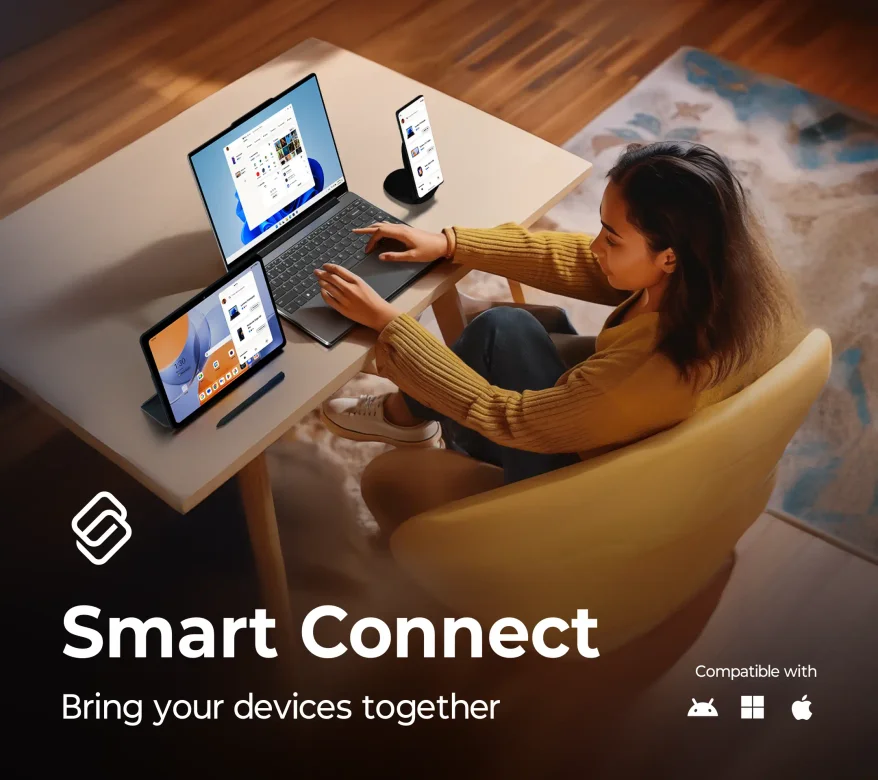
Satukan perangkat Anda
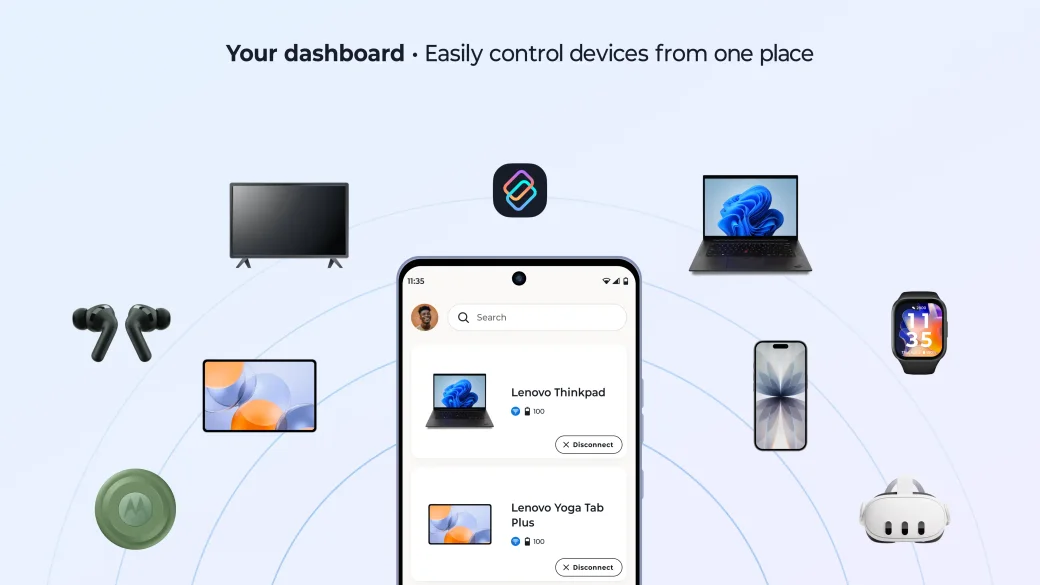
Smart Connect menyatukan kehidupan digital Anda di ponsel, tablet, dan PC. Berpindah antar layar tanpa hambatan. Kontrol, bagikan, dan streaming konten di mana pun dalam ekosistem Anda.
Fitur utama:
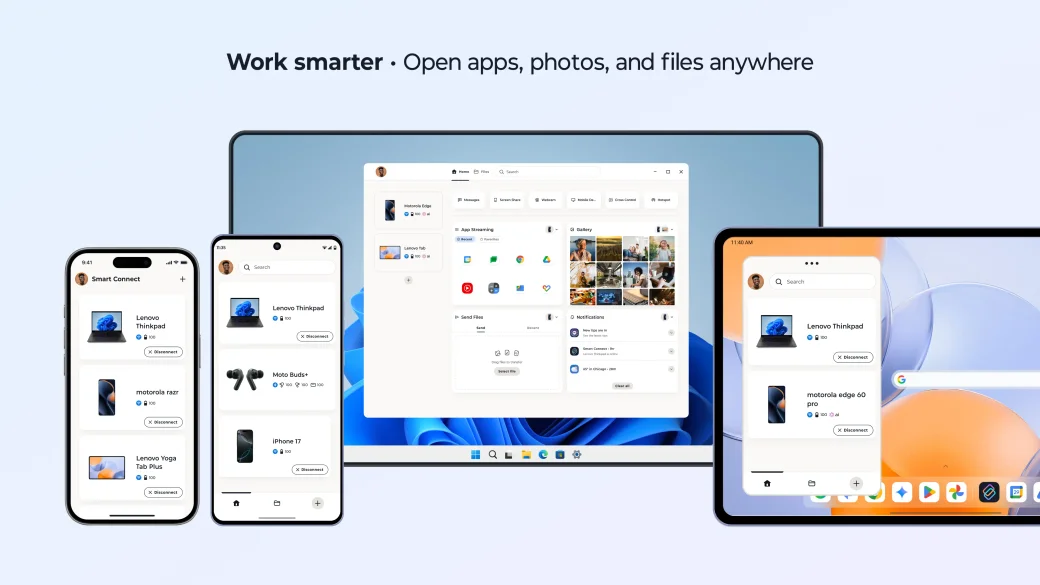
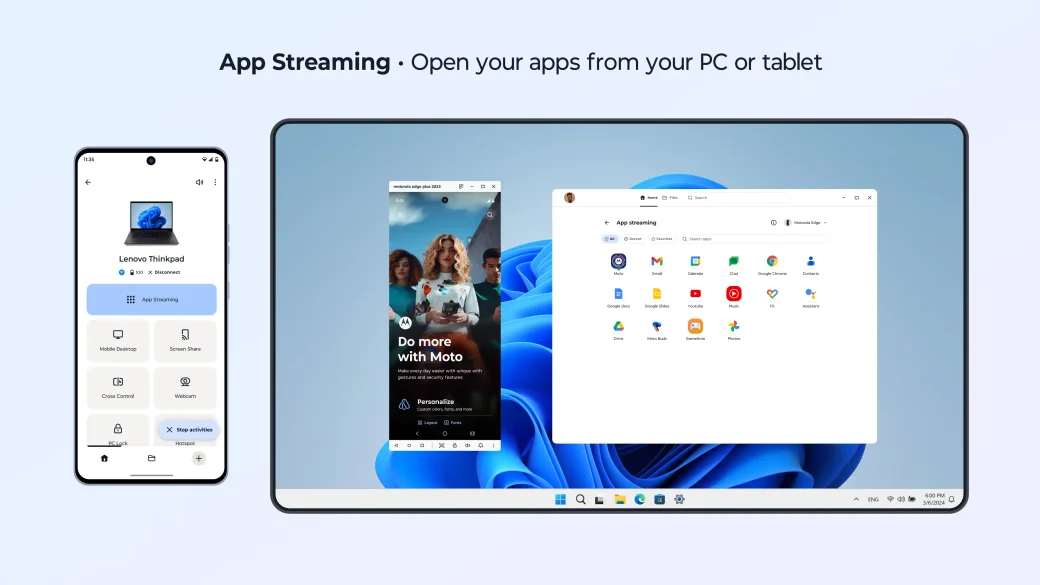
• Streaming aplikasi dan media favorit Anda dari ponsel atau tablet ke PC atau layar pintar Anda.
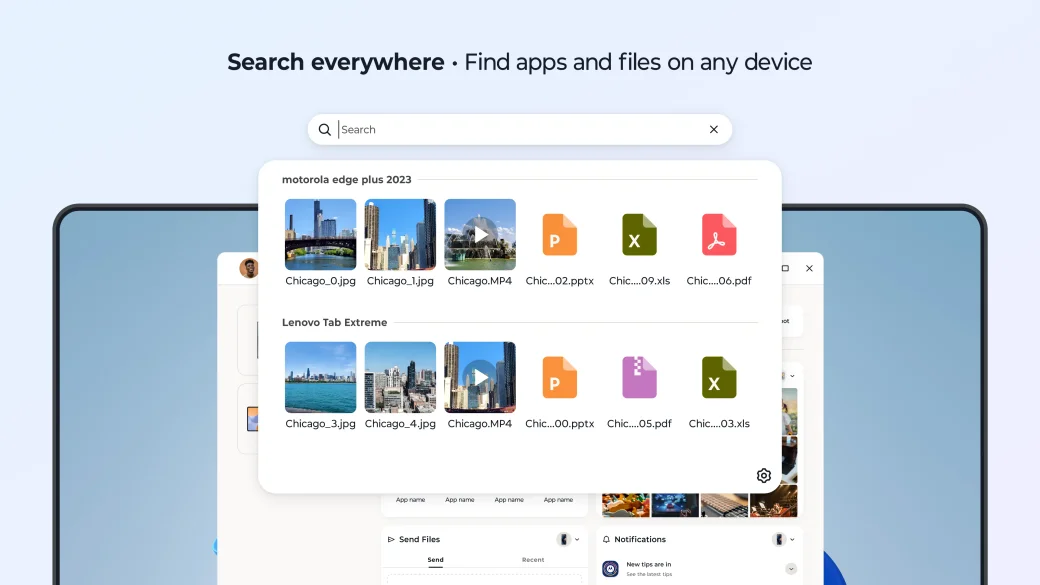
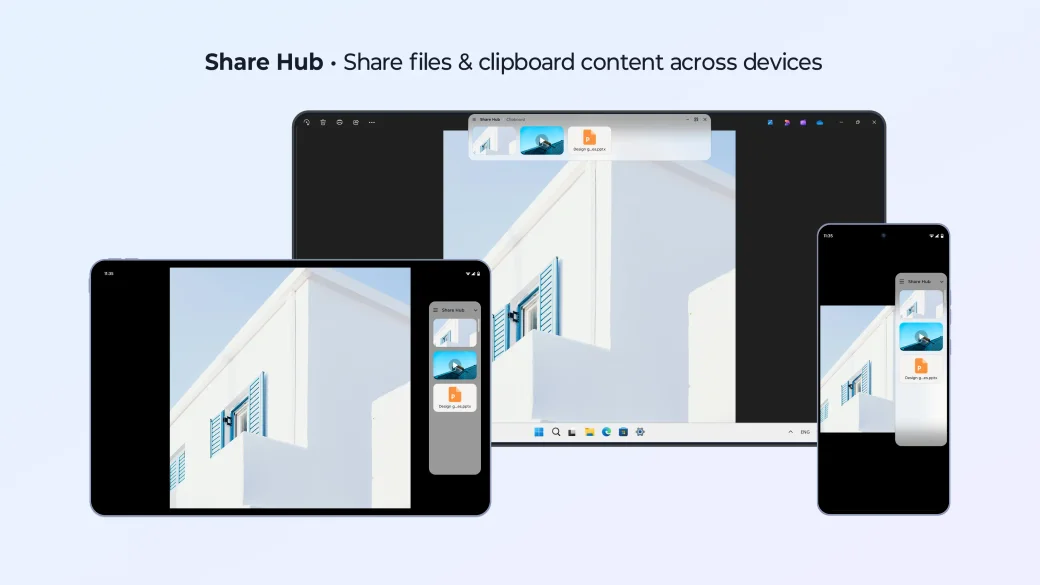
• Temukan dan bagikan file, foto, dan konten di semua perangkat Anda dengan Hub Pencarian dan Berbagi lintas perangkat.
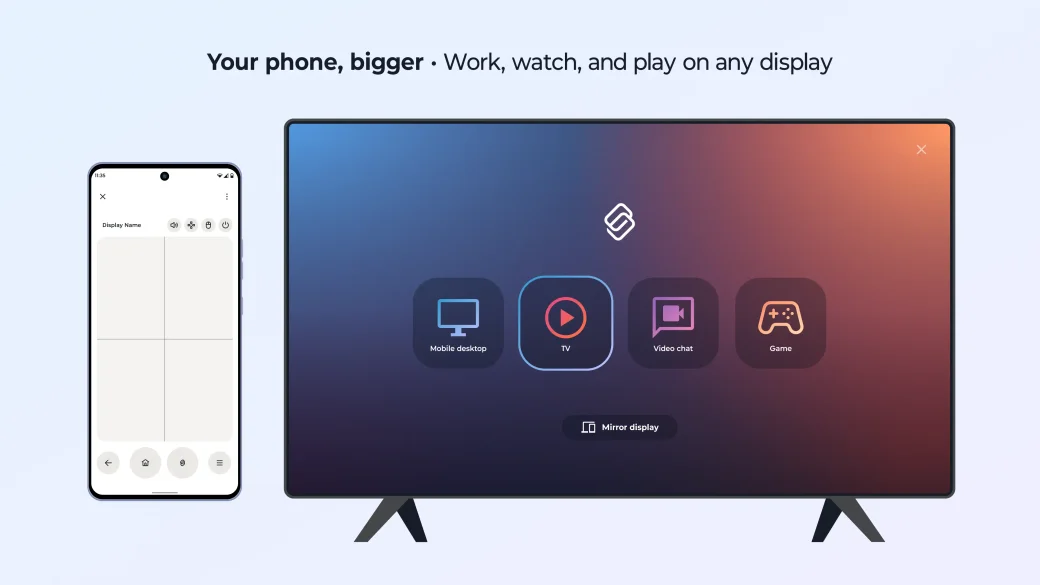
• Ubah ponsel Anda menjadi ruang kerja bergaya desktop untuk multitasking di mana saja dengan Desktop Seluler.
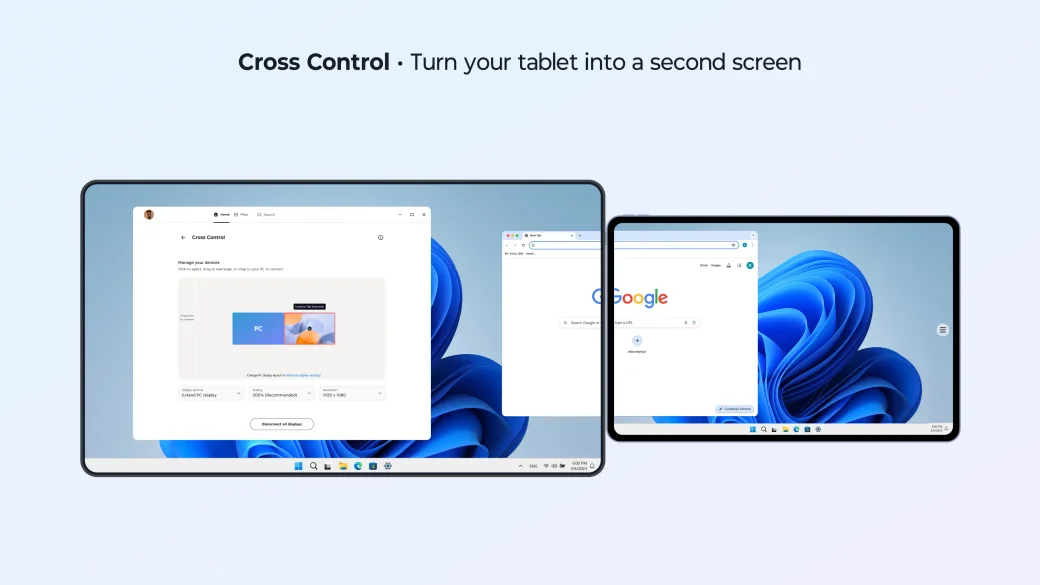
• Gunakan Kontrol Silang untuk memperluas atau mencerminkan layar PC Anda ke tablet.
• Periksa dan balas Pesan ponsel Anda dari dasbor PC.
• Gunakan kamera beresolusi tinggi ponsel atau tablet Anda dengan Webcam untuk panggilan video yang jernih dan profesional.
• Salin teks atau tangkapan layar di satu perangkat dan tempel di perangkat lain dengan Clipboard.
Smart Connect memerlukan izin yang lebih tinggi untuk menginstal dan menggunakan aplikasi ini.
Diperlukan PC Windows 10 atau 11 dengan Bluetooth dan ponsel atau tablet yang kompatibel.
Kompatibilitas fitur dapat bervariasi tergantung perangkat. Klik tautan untuk melihat apakah ponsel atau tablet Anda kompatibel: https://help.motorola.com/hc/apps/smartconnect/?t=compatible
Tampilkan teks asli
Smart Connect unifies your digital life across phone, tablet and PC. Move between screens without missing a beat. Control, share and stream content anywhere in your ecosystem.
Key features:
• Stream your favourite apps and media from your phone or tablet to your PC or smart display.
• Find and share files, photos and content across all of your devices with cross-device Search and Share hub.
• Turn your phone into a full desktop-style workspace for multitasking on the go with Mobile desktop.
• Use Cross Control to extend or mirror your PC screen on your tablet.
• Check and reply to your phone's Messages from the PC dashboard.
• Use your phone or tablet's high-resolution camera with webcam for clear, professional video calls.
• Copy text or screenshots on one device and paste them on another with Clipboard.
Smart Connect requires elevated permissions to install and use this app.
A Windows 10 or 11 PC with Bluetooth and a compatible phone or tablet are required.
Feature compatibility may vary by device. Click the link to see if your phone or tablet is compatible: https://help.motorola.com/hc/apps/smartconnect/?t=compatible
Keamanan data
Yang dinyatakan Motorola Mobility LLC. di Google Play tentang data yang dikumpulkan dan dibagikan aplikasi ini.
- Tidak ada data yang dibagikan kepada pihak ketigaPelajari lebih lanjut cara developer menyatakan pembagian data
- Tidak ada data yang dikumpulkanPelajari lebih lanjut cara developer menyatakan pengumpulan data
- Data dienkripsi saat dalam pengiriman
- Anda dapat meminta agar data dihapus
Yang baru
Versi 09.0.4.005.0 · 29/10/2026
• Stability improvements and bug fixes.
Kontak pengembang
- Situs webmotorola.com
- Emailplaystor@motorola.com
- Kebijakan Privasimotorola.com
- Alamat222 Merchandise Mart Plz Ste 1800 Chicago, IL 60654 United States
Informasi
- Ditawarkan oleh
- Motorola Mobility LLC.
- Kategori
- Produktivitas
- Versi
- 09.0.4.005.0
- Diperbarui
- 29/10/2026
- Dirilis
- 21/9/2021
- Batasan usia
- Rating 3+
- Harga
- Gratis
- Nama paket
- com.motorola.mobiledesktop
Aplikasi serupa
-
 Tombol Akses
Alat
-
 Remote Mouse: Kontrol komputer
Alat
-
 Microsoft Launcher
Personalisasi
-
 Peluncur HiOS - Cepat
Personalisasi
-
 Nothing X
Alat
-
 Peluncur XOS -Bergaya
Personalisasi
-
 Google Fi Wireless
Alat
-
 Blynk IoT
Alat
-
 SmartThings
Gaya Hidup
-
 Yubii Home
Rumah & Griya
-
 INKBIRD
Alat
-
 AnyDesk Remote Desktop
Bisnis