Solid Explorer File Manager
NeatBytesBerisi iklan · Pembelian dalam aplikasi
- Rating 3+Batasan usia
- ProduktivitasKategori
- 16/11/2026Diperbarui
- GratisHarga
Tertaut ke halaman resmi pl.solidexplorer2 di Google Play. Terakhir diperiksa pada 21/11/2026.
Tangkapan layar
Tentang aplikasi ini
Terjemahan otomatis oleh Google. Bahasa asli: Inggris (Amerika Serikat).
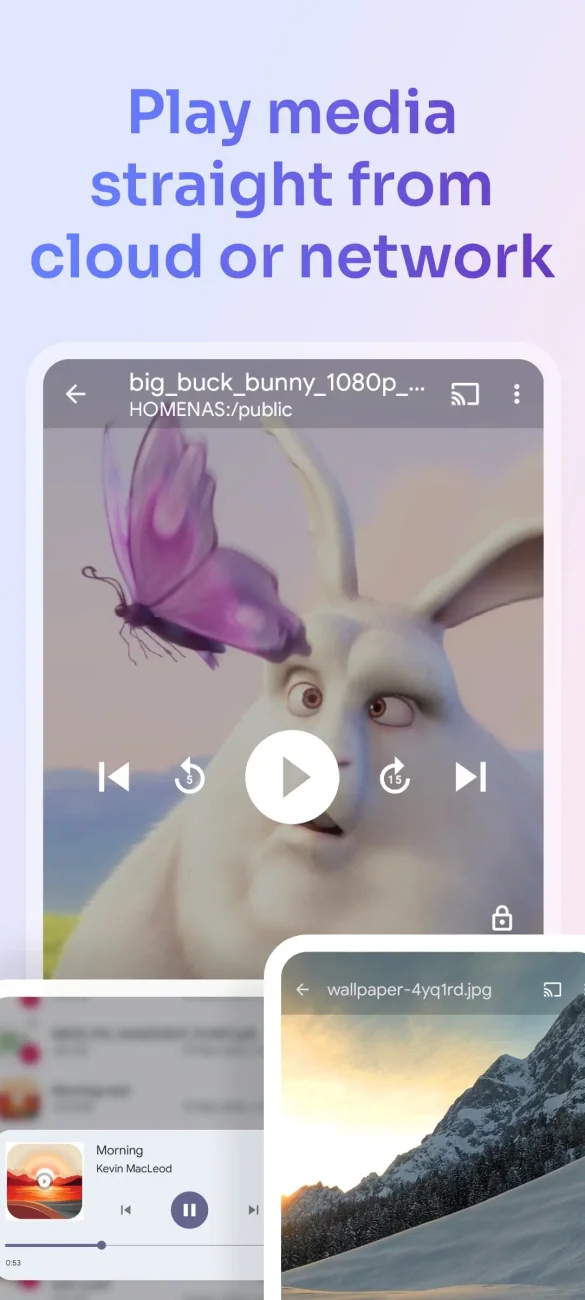
Pengelola file dua panel yang andal untuk penyimpanan lokal, cloud, dan jaringan.
Solid Explorer adalah pengelola file yang andal yang memberi Anda kendali penuh atas file di perangkat Anda, di cloud, dan di seluruh jaringan Anda.
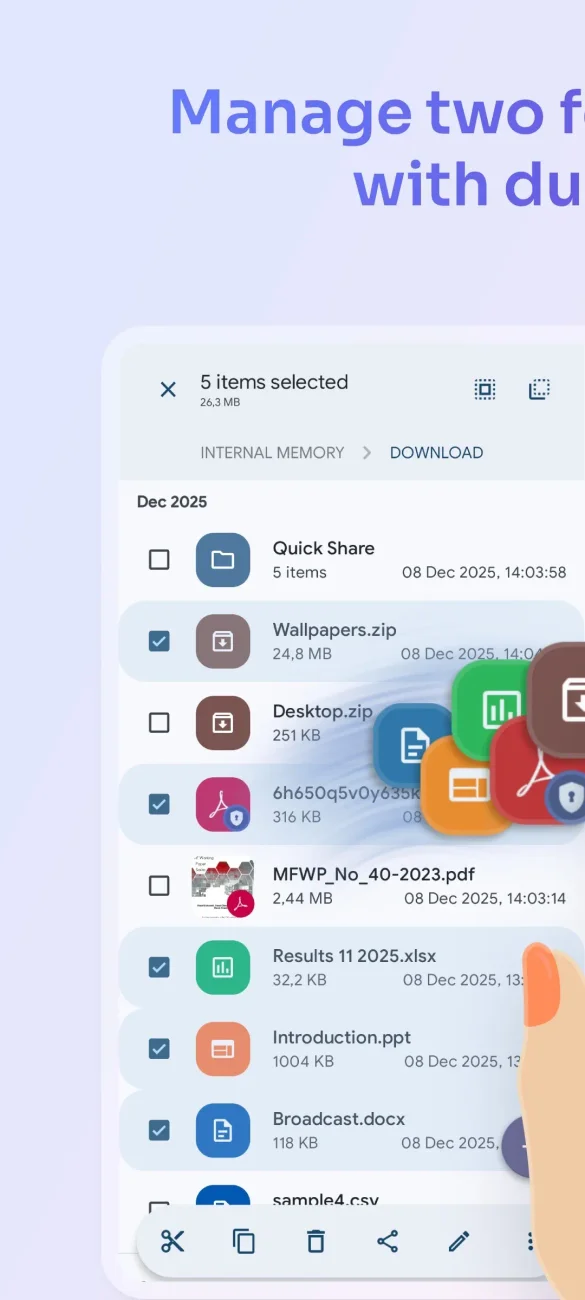
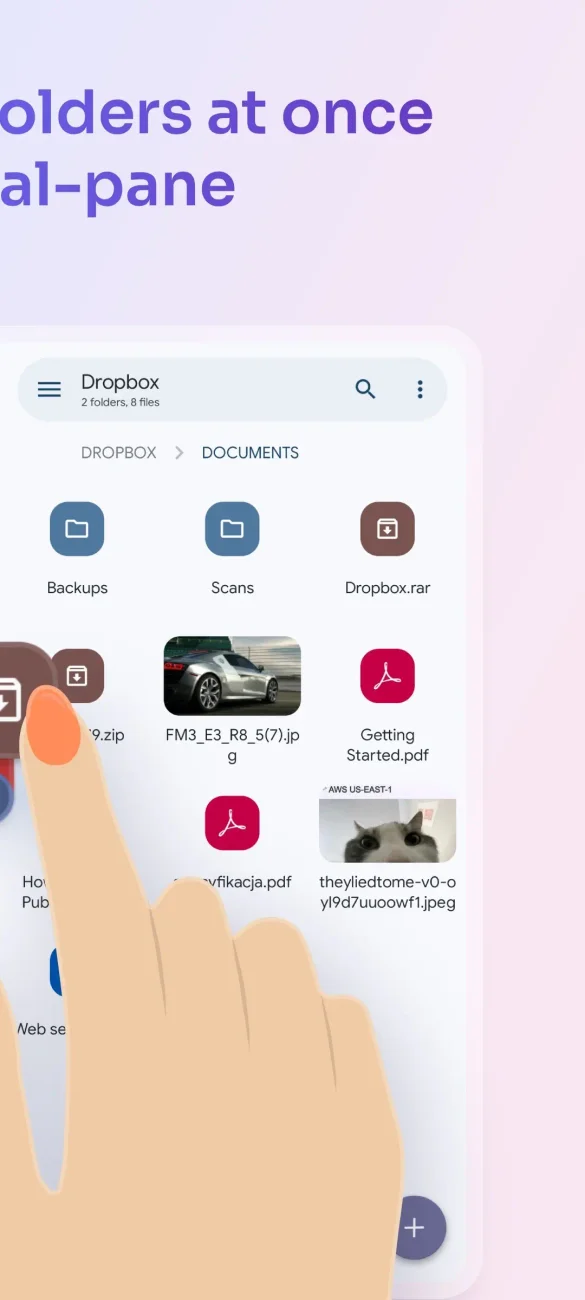
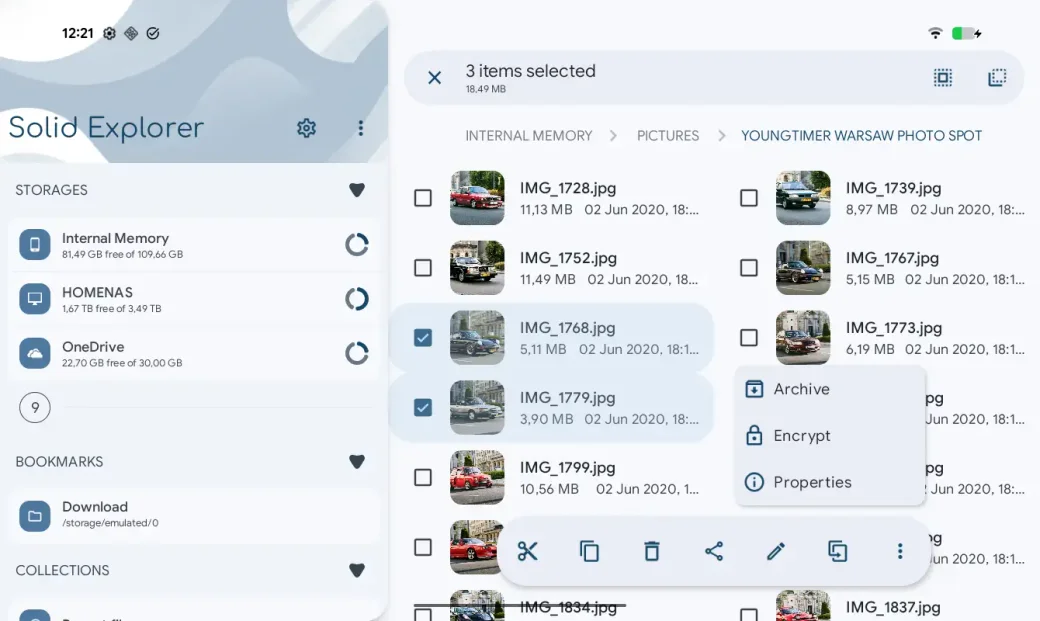
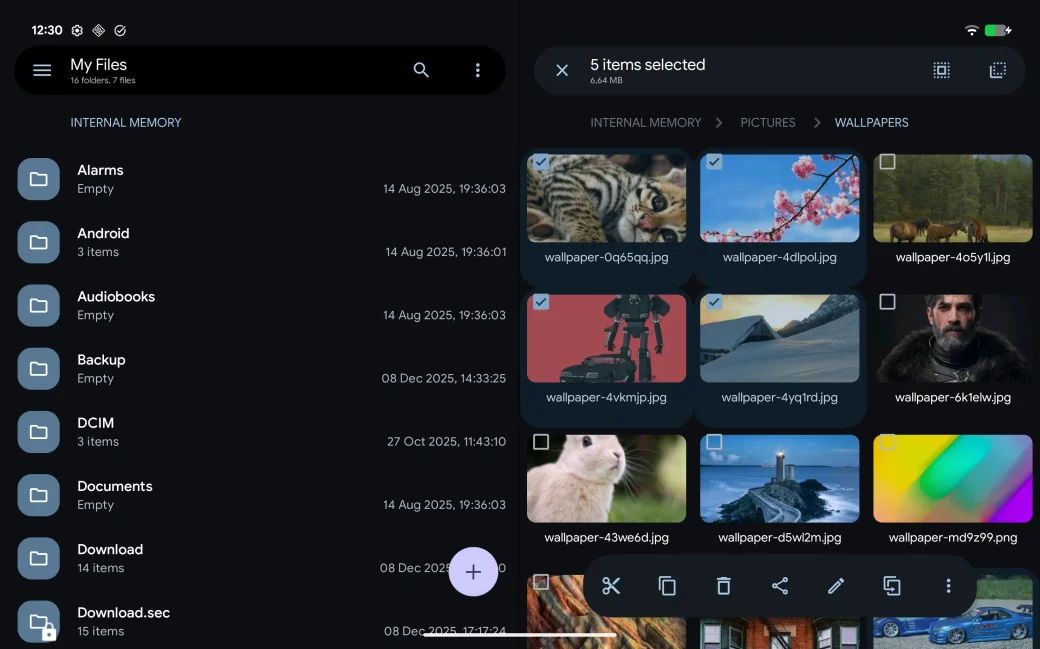
🗄️ Tata letak dua panel — seret dan lepas file di antara dua panel
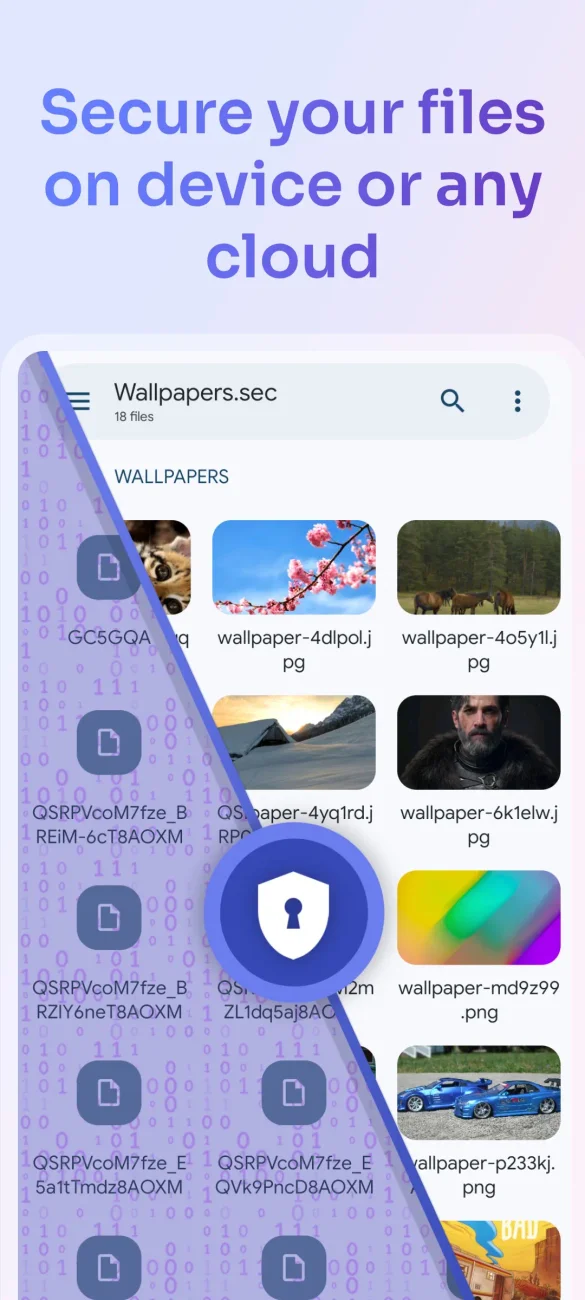
🔐 Enkripsi AES-256 — kunci file dengan kata sandi atau sidik jari
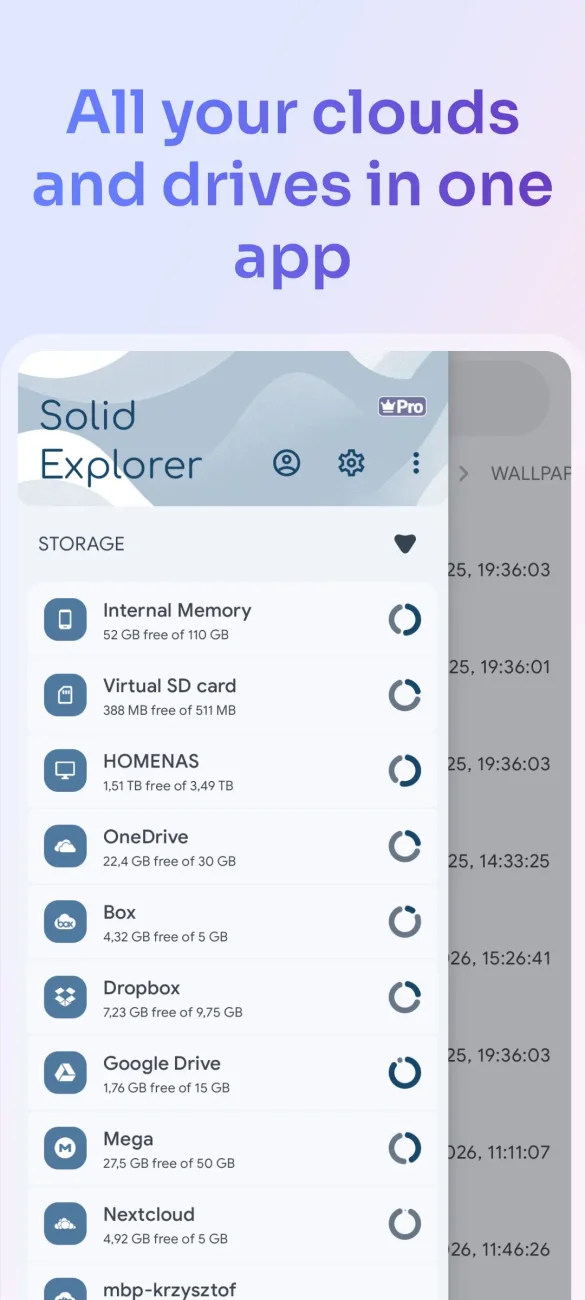
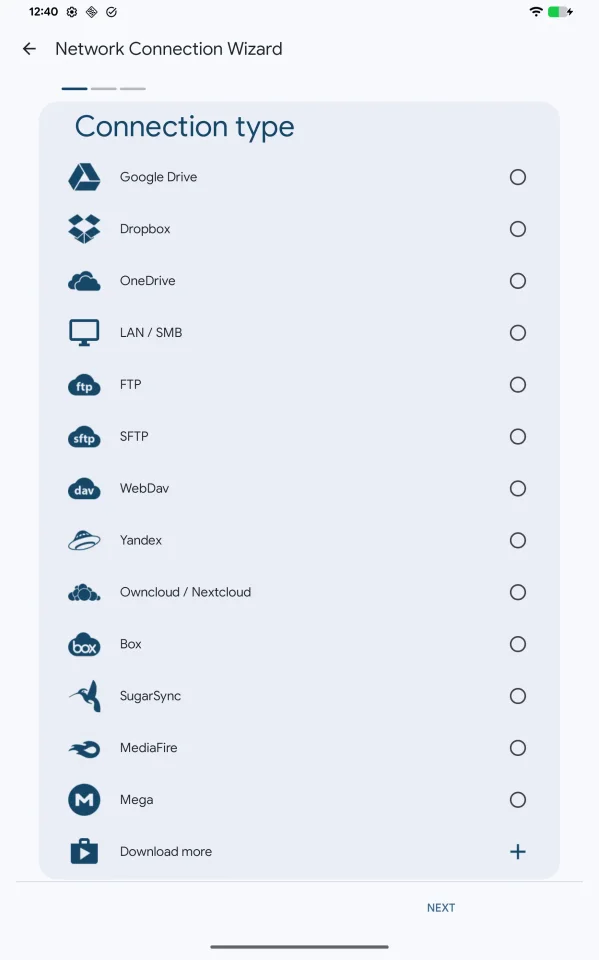
🖥️ Akses cloud & jaringan — Google Drive, OneDrive, Dropbox, SMB, SFTP, FTP & lainnya
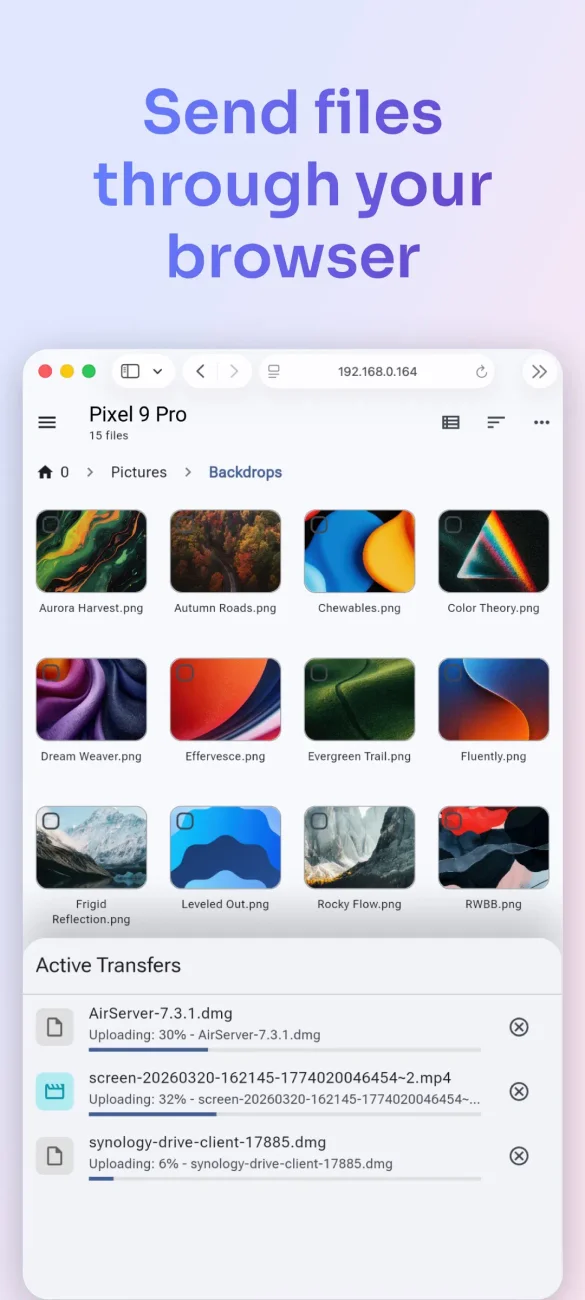
🌐 Berbagi file web — kirim file ke perangkat apa pun dengan browser web
Kelola file sesuai keinginan Anda
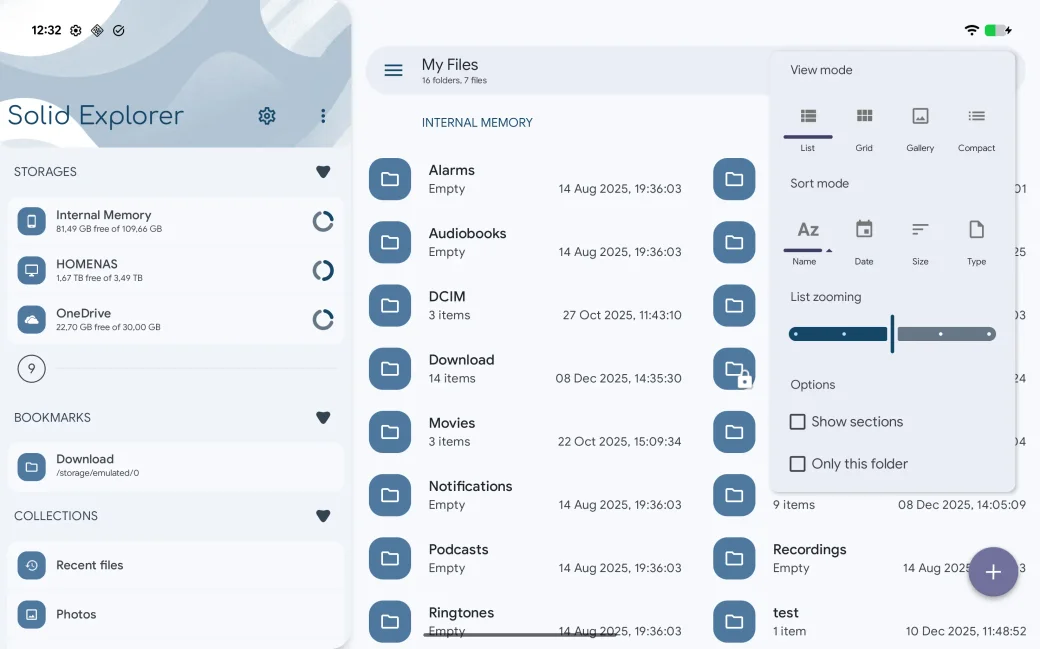
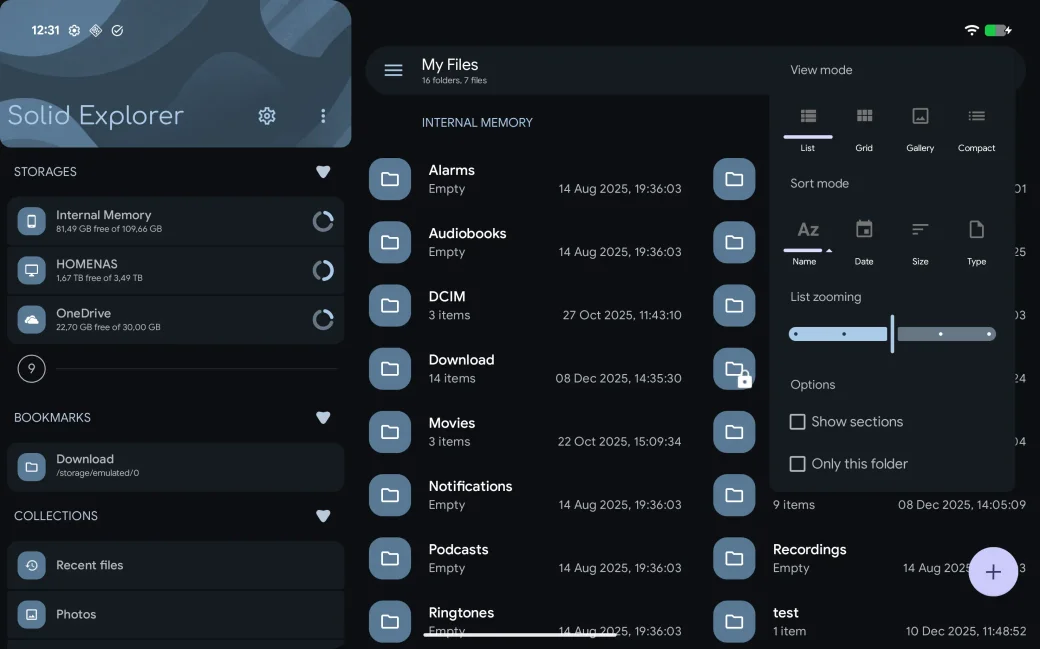
Jelajahi dua folder berdampingan dan seret file di antara panel — cara tercepat untuk mengatur penyimpanan. Gunakan pencarian terindeks untuk menemukan apa pun secara instan, ganti nama file secara massal dengan pola, dan telusuri koleksi yang secara otomatis mengurutkan Unduhan, Foto, Video, Musik, Dokumen, dan Aplikasi Anda.
Akses semua penyimpanan Anda dalam satu aplikasi
Hubungkan ke Google Drive, OneDrive, Dropbox, Box, Mega*, MediaFire, Yandex, Owncloud, dan SugarSync. Akses drive dan server NAS melalui SMB/CIFS (Samba), SFTP, FTP, dan WebDAV. Transfer file antara dua lokasi mana pun — cloud ke cloud, server ke ponsel, atau kartu SD ke NAS — cukup seret antar panel.
Bagikan file dengan perangkat apa pun
Mulai server web bawaan dan bagikan file dengan ponsel, tablet, atau komputer apa pun di jaringan Anda — perangkat lain hanya membutuhkan browser web. Tidak perlu instalasi aplikasi di sisi penerima.
Jaga kerahasiaan file Anda
Enkripsi file sensitif dengan AES-256 dan kunci dengan kata sandi atau sidik jari. File yang dienkripsi tetap terlindungi bahkan jika Anda menghapus aplikasi — tidak diperlukan akun.
Bersihkan dan bebaskan ruang penyimpanan
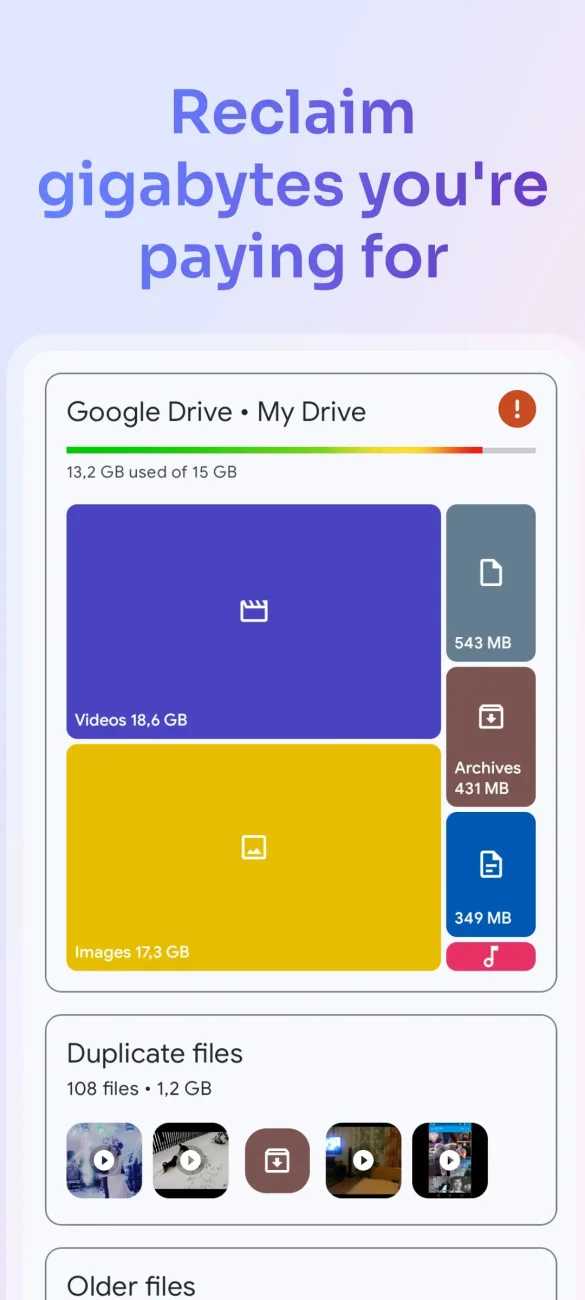
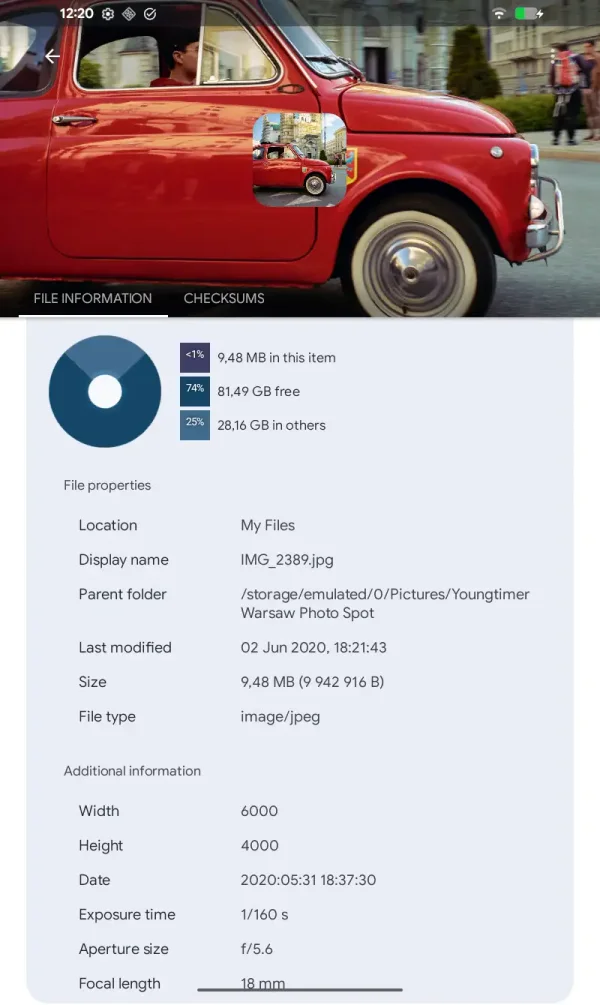
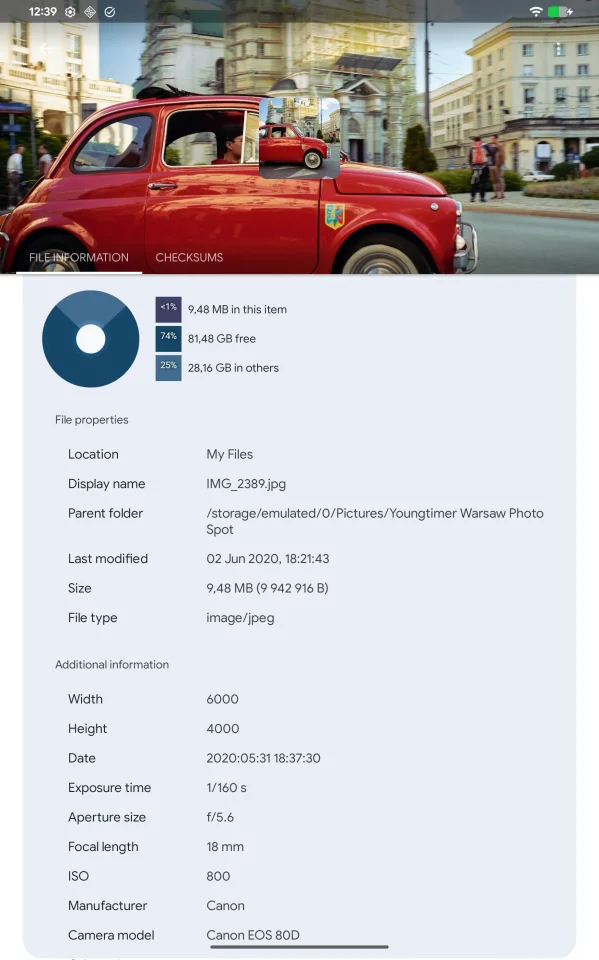
Analisis apa yang memakan ruang, temukan file duplikat dan berukuran besar, serta bersihkan sampah — mirip dengan aplikasi pembersih khusus, tetapi terintegrasi langsung ke dalam pengelola file Anda. Berfungsi di seluruh penyimpanan internal, kartu SD, drive USB OTG, dan bahkan penyimpanan cloud seperti Google Drive, OneDrive, dan Dropbox.
Daftar fitur lengkap:
• Tata letak dua panel — kelola dua folder berdampingan
• Penyimpanan cloud — Google Drive, OneDrive, Dropbox, Box, NextCloud, SugarSync, MediaFire, Yandex, Mega*
• Protokol jaringan — FTP, SFTP, SMB/CIFS (Samba), WebDAV
• Berbagi file web — berbagi file dengan perangkat apa pun melalui browser
• Penganalisis penyimpanan — temukan duplikat, file besar, dan sampah untuk dibersihkan
• Enkripsi file — AES-256 dengan kata sandi dan sidik jari
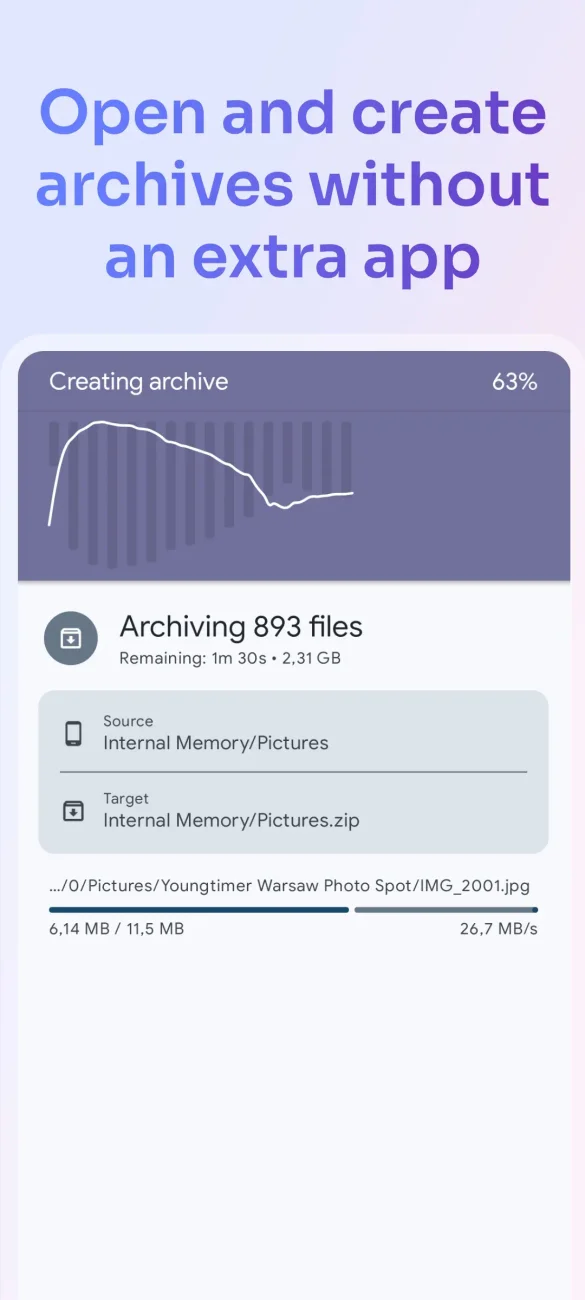
• Arsip — buat dan ekstrak ZIP, 7ZIP, RAR, TAR
• Penjelajah root — jelajahi file sistem pada perangkat yang di-root
• Pencarian terindeks — temukan Buka file secara instan dengan filter
• Koleksi — Unduhan, Terbaru, Foto, Video, Musik, Dokumen, Aplikasi
• Media bawaan — penampil gambar, pemutar musik, pemutar video, editor teks
• Ganti nama massal — ganti nama beberapa file dengan pola
• Server FTP — akses file ponsel Anda dari PC
• Tema dan set ikon — kustomisasi yang kaya
• Dukungan Chromebook & tablet — input mouse, keyboard, dan trackpad
Ikuti kami di Reddit: https://www.reddit.com/r/NeatBytes/
* dengan add-on berbayar
Tampilkan teks asli
Solid Explorer is a powerful file manager that gives you full control over files on your device, in the cloud, and across your network.
🗄️ Dual-pane layout — drag and drop files between two panels
🔐 AES-256 encryption — lock files with password or fingerprint
🖥️ Cloud & network access — Google Drive, OneDrive, Dropbox, SMB, SFTP, FTP & more
🌐 Web file sharing — send files to any device with a web browser
Manage files your way
Navigate two folders side by side and drag files between panels — the fastest way to organize storage. Use indexed search to find anything instantly, batch rename files with patterns, and browse collections that automatically sort your Downloads, Photos, Videos, Music, Documents, and Apps.
Access all your storage in one app
Connect to Google Drive, OneDrive, Dropbox, Box, Mega*, MediaFire, Yandex, Owncloud and SugarSync. Access NAS drives and servers over SMB/CIFS (Samba), SFTP, FTP, and WebDAV. Transfer files between any two locations — cloud to cloud, server to phone, or SD card to NAS — just drag between panels.
Share files with any device
Start the built-in web server and share files with any phone, tablet, or computer on your network — the other device just needs a web browser. No app install needed on the receiving end.
Keep your files private
Encrypt sensitive files with AES-256 and lock them behind a password or fingerprint. Encrypted files stay protected even if you uninstall the app — no account required.
Clean up and free storage
Analyze what takes up space, find duplicate and large files, and clean up junk — similar to dedicated cleaner apps, but built right into your file manager. Works across internal storage, SD cards, USB OTG drives, and even cloud storage like Google Drive, OneDrive, and Dropbox.
Full feature list:
• Dual-pane layout — manage two folders side by side
• Cloud storage — Google Drive, OneDrive, Dropbox, Box, NextCloud, SugarSync, MediaFire, Yandex, Mega*
• Network protocols — FTP, SFTP, SMB/CIFS (Samba), WebDAV
• Web file sharing — share files with any device via browser
• Storage analyzer — find duplicates, large files, and junk to clean up
• File encryption — AES-256 with password and fingerprint
• Archives — create and extract ZIP, 7ZIP, RAR, TAR
• Root explorer — browse system files on rooted devices
• Indexed search — find files instantly with filters
• Collections — Downloads, Recent, Photos, Videos, Music, Documents, Apps
• Built-in media — image viewer, music player, video player, text editor
• Batch rename — rename multiple files with patterns
• FTP Server — access your phone's files from PC
• Themes and icon sets — rich customization
• Chromebook & tablet support — mouse, keyboard and trackpad input
Follow us on Reddit: https://www.reddit.com/r/NeatBytes/
* with paid add-on
Keamanan data
Yang dinyatakan NeatBytes di Google Play tentang data yang dikumpulkan dan dibagikan aplikasi ini.
- Aplikasi ini dapat membagikan jenis data ini kepada pihak ketigaInfo dan performa aplikasi dan Perangkat atau ID lainnya
- Aplikasi ini dapat mengumpulkan jenis data berikutAktivitas aplikasi, Info dan performa aplikasi, dan Perangkat atau ID lainnya
- Data dienkripsi saat dalam pengiriman
- Data tidak dapat dihapus
Yang baru
Versi 3.6.5 · 16/11/2026
v3.6.5
• fixed case file rename
• video thumbnails on SFTP, improved streaming
• foldable layout improvements
• restored system folder visibility on unrooted devices
v3.6.4
• root access more reliable
• export and install split APK bundles (.apks), new APK viewer
• Fixed OneDrive uploads
v3.6.3
• WebFS: reading encrypted files, collections
• option to open target folder after "Save to"
• fixed licensing issues
Kontak pengembang
- Situs webneatbytes.com
- Emailfeedback@neatbytes.com
- Kebijakan Privasineatbytes.com
- AlamatUl. Piękna 24/26a 00-549 Warszawa Poland
Informasi
- Ditawarkan oleh
- NeatBytes
- Kategori
- Produktivitas
- Versi
- 3.6.5
- Diperbarui
- 16/11/2026
- Dirilis
- 1/7/2015
- Memerlukan
- Android 6.0 atau yang lebih baru
- Batasan usia
- Rating 3+
- Harga
- Gratis
- Pembelian dalam aplikasi
- Rp 3.000 - Rp 250.000 per item
- Nama paket
- pl.solidexplorer2
Aplikasi serupa
-
 Cx File Explorer
Alat
-
 Material Files
Alat
-
 Deleted Photo & Video Recovery
Alat
-
 EX Manajer File : zip rar 7zip
Alat
-
 UltData: Pulihkan Foto & Data
Alat
-
 RAR
Alat
-
 File Manager
Produktivitas
-
 Manajer File ASD
Alat
-
 1Tap Cleaner (Versi Indonesia)
Alat
-
 MediaFire
Produktivitas
-
 Samsung My Files
Alat
-
 Mi File Manager
Alat