Solid Explorer File Manager
NeatBytesContains ads · In-app purchases
- EveryoneAge rating
- ProductivityCategory
- Nov 16, 2026Updated
- FreePrice
Links to the official Google Play listing of pl.solidexplorer2. Last checked on Nov 21, 2026.
Screenshots
About this app
A powerful dual-pane file manager for local, cloud & network storage.
Solid Explorer is a powerful file manager that gives you full control over files on your device, in the cloud, and across your network.
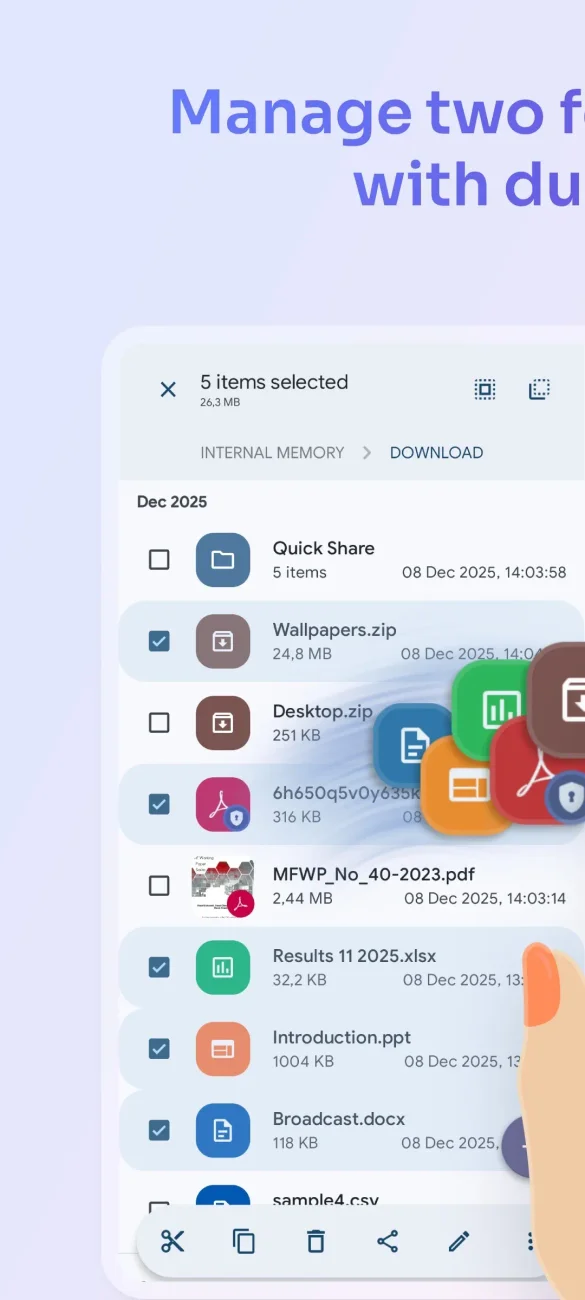
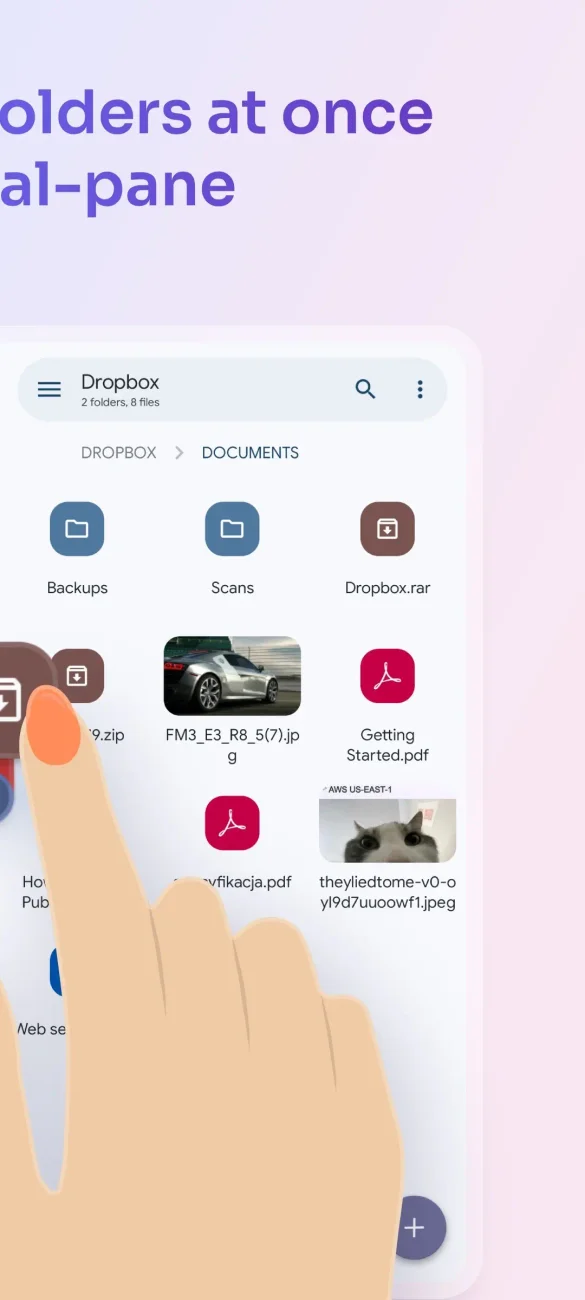
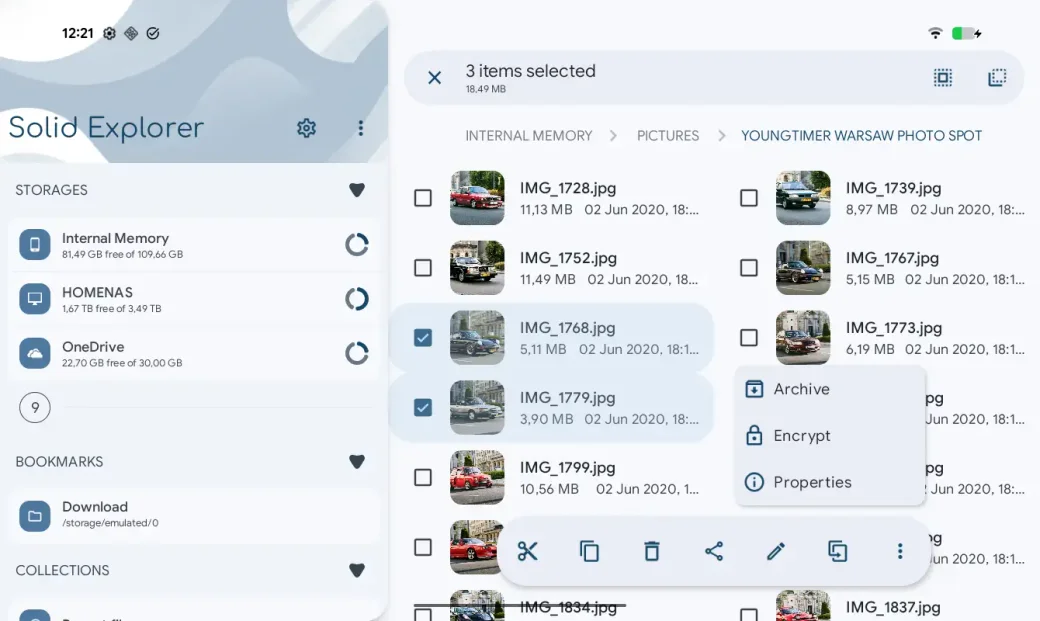
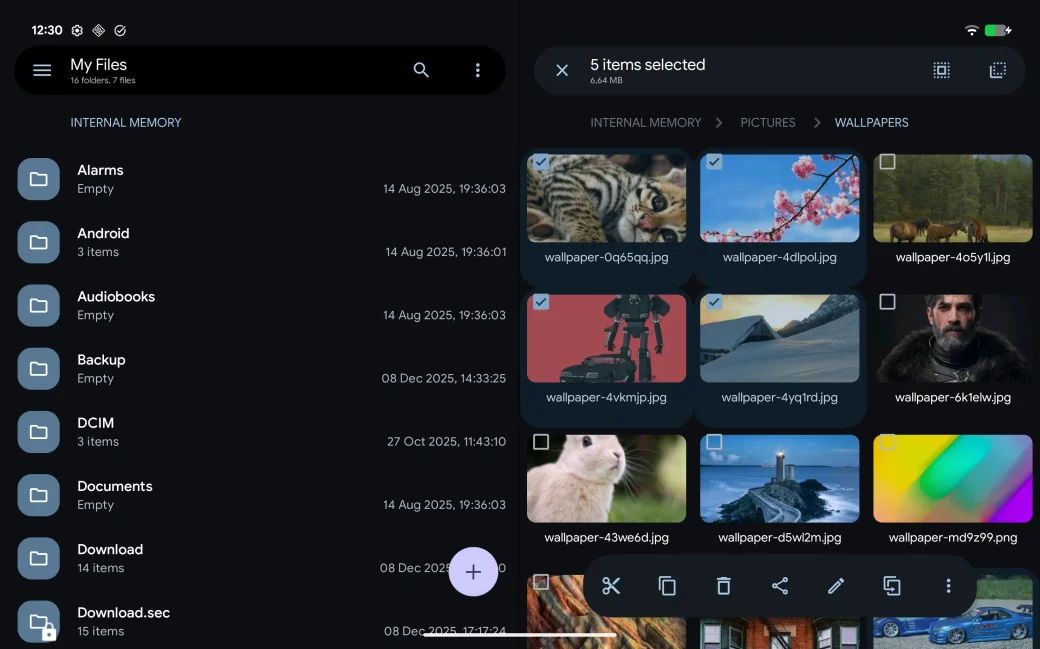
🗄️ Dual-pane layout — drag and drop files between two panels
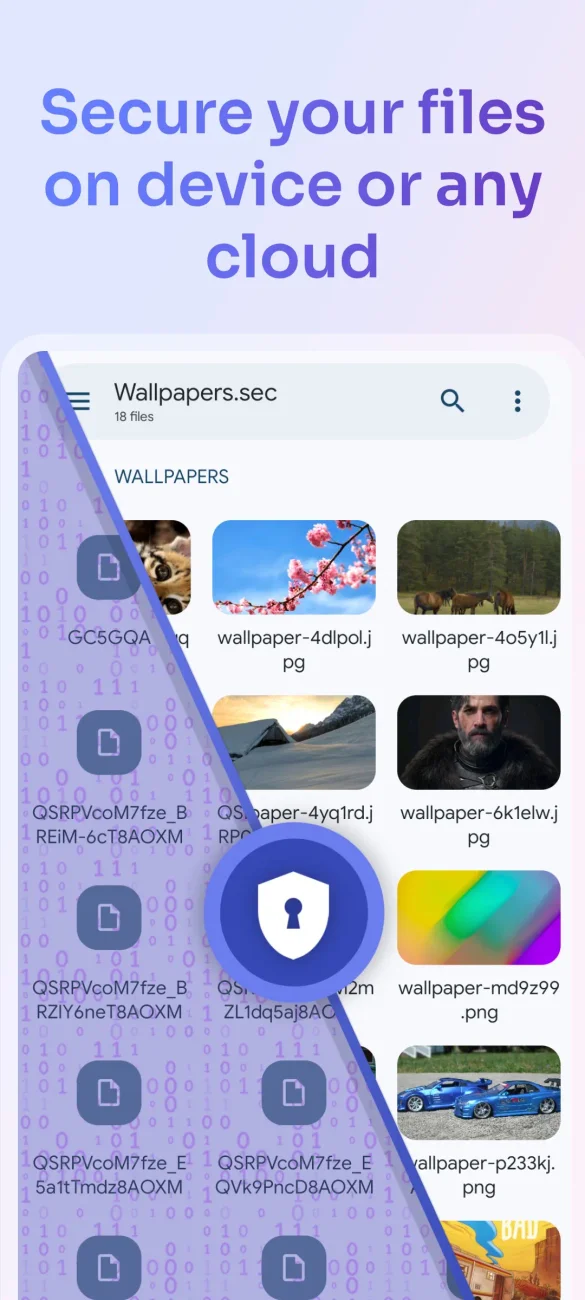
🔐 AES-256 encryption — lock files with password or fingerprint
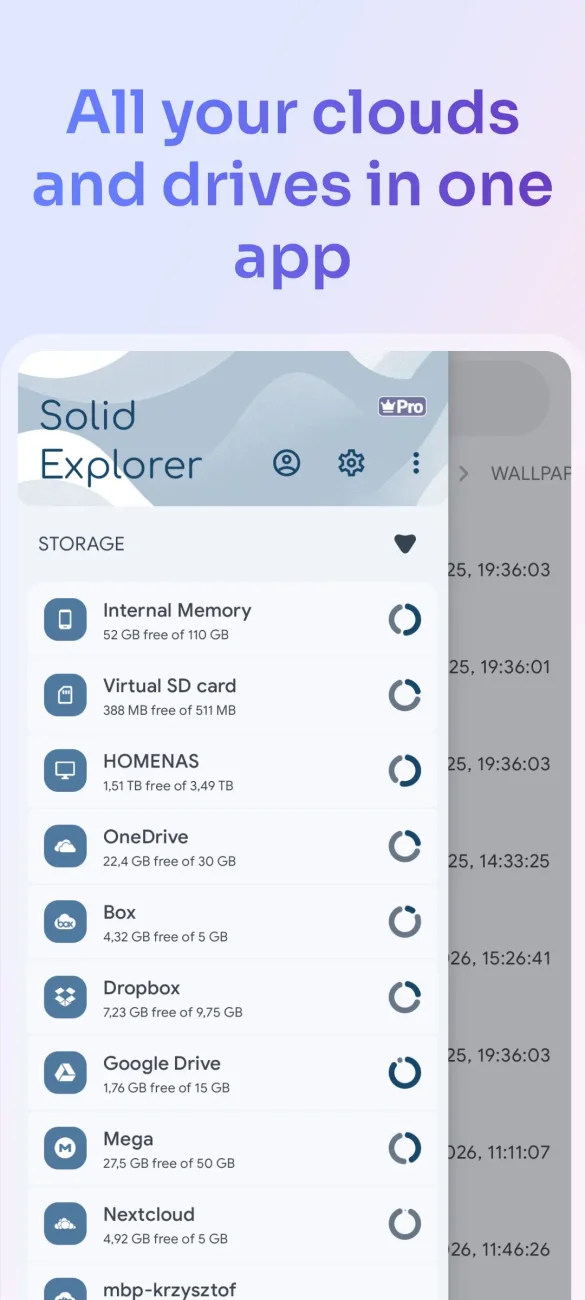
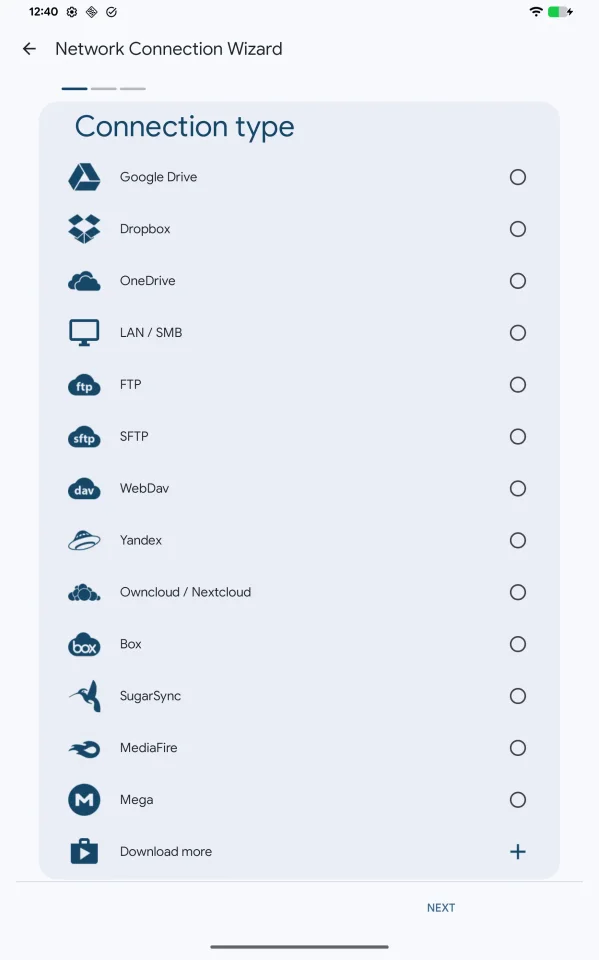
🖥️ Cloud & network access — Google Drive, OneDrive, Dropbox, SMB, SFTP, FTP & more
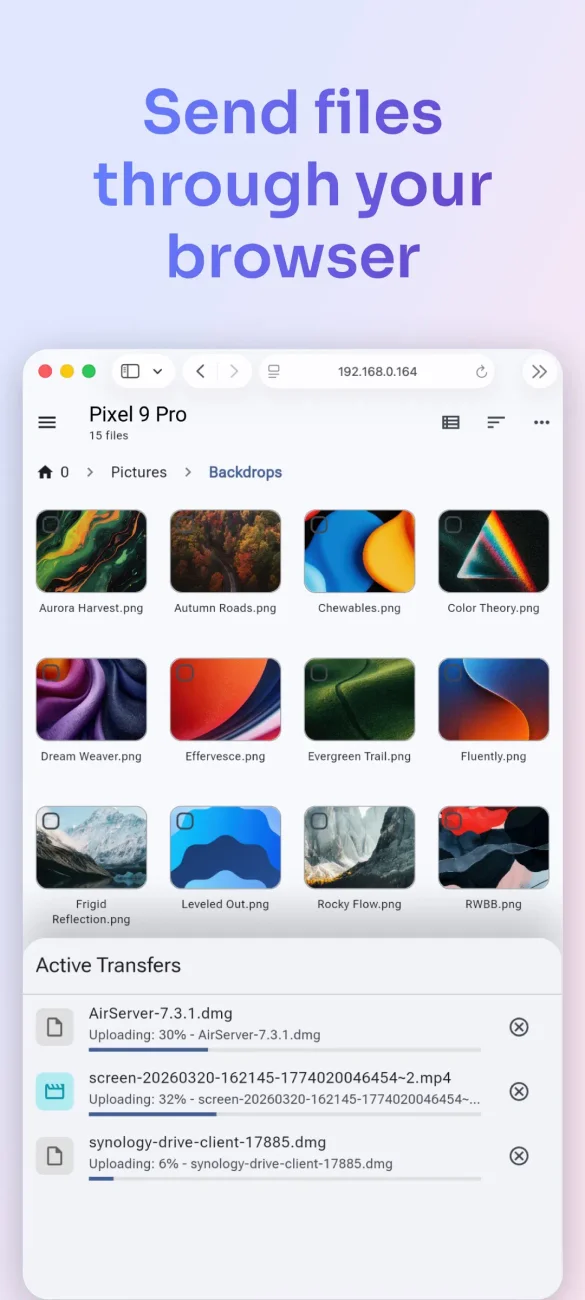
🌐 Web file sharing — send files to any device with a web browser
Manage files your way
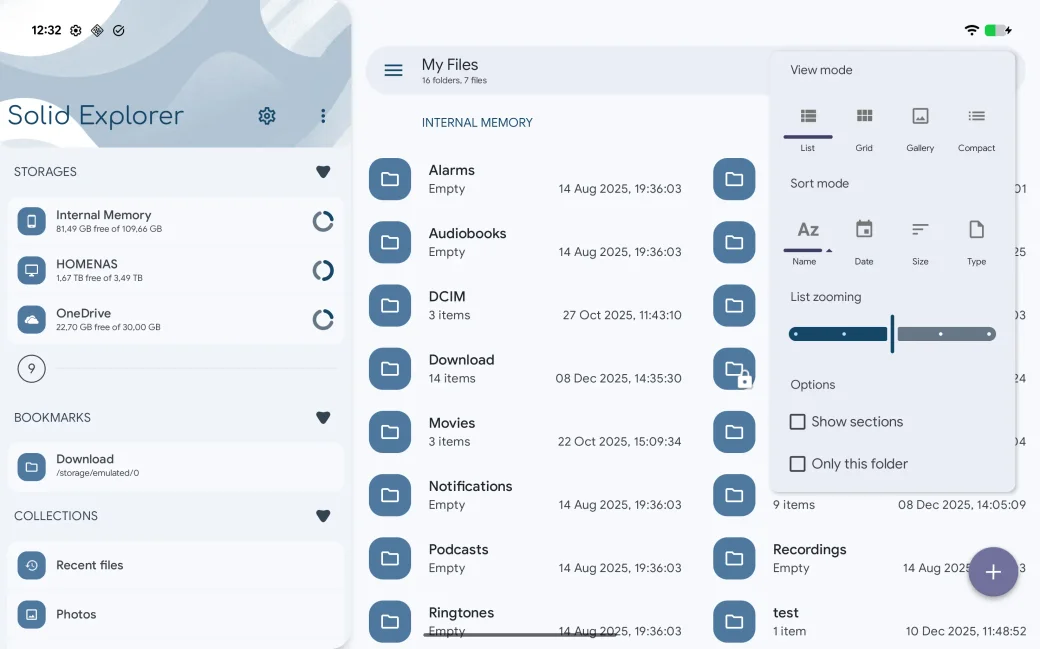
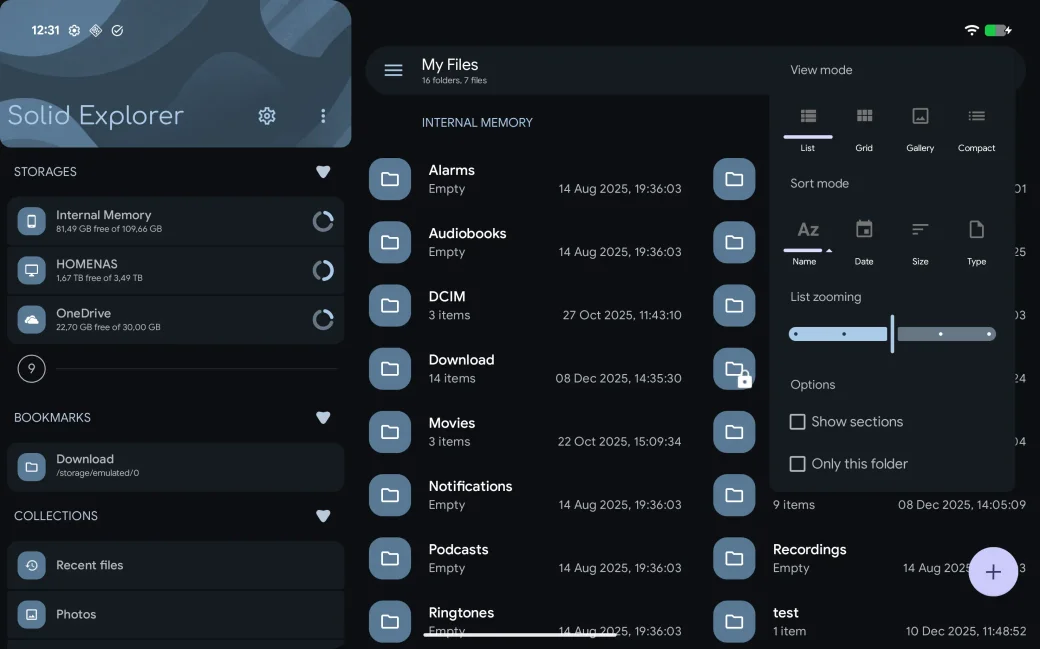
Navigate two folders side by side and drag files between panels — the fastest way to organize storage. Use indexed search to find anything instantly, batch rename files with patterns, and browse collections that automatically sort your Downloads, Photos, Videos, Music, Documents, and Apps.
Access all your storage in one app
Connect to Google Drive, OneDrive, Dropbox, Box, Mega*, MediaFire, Yandex, Owncloud and SugarSync. Access NAS drives and servers over SMB/CIFS (Samba), SFTP, FTP, and WebDAV. Transfer files between any two locations — cloud to cloud, server to phone, or SD card to NAS — just drag between panels.
Share files with any device
Start the built-in web server and share files with any phone, tablet, or computer on your network — the other device just needs a web browser. No app install needed on the receiving end.
Keep your files private
Encrypt sensitive files with AES-256 and lock them behind a password or fingerprint. Encrypted files stay protected even if you uninstall the app — no account required.
Clean up and free storage
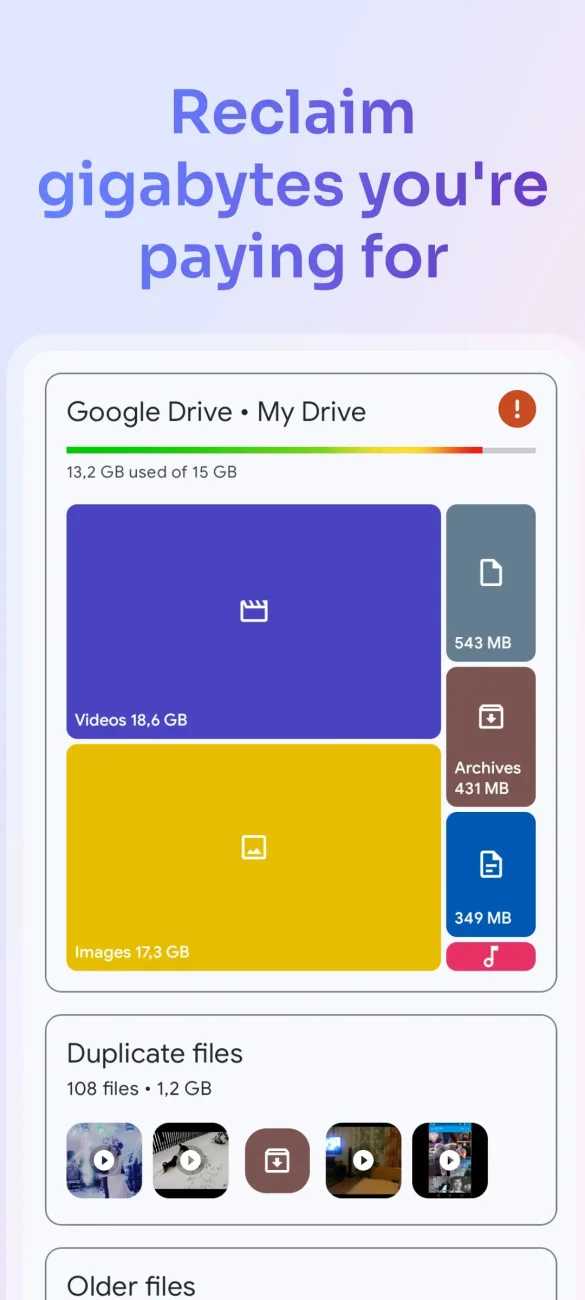
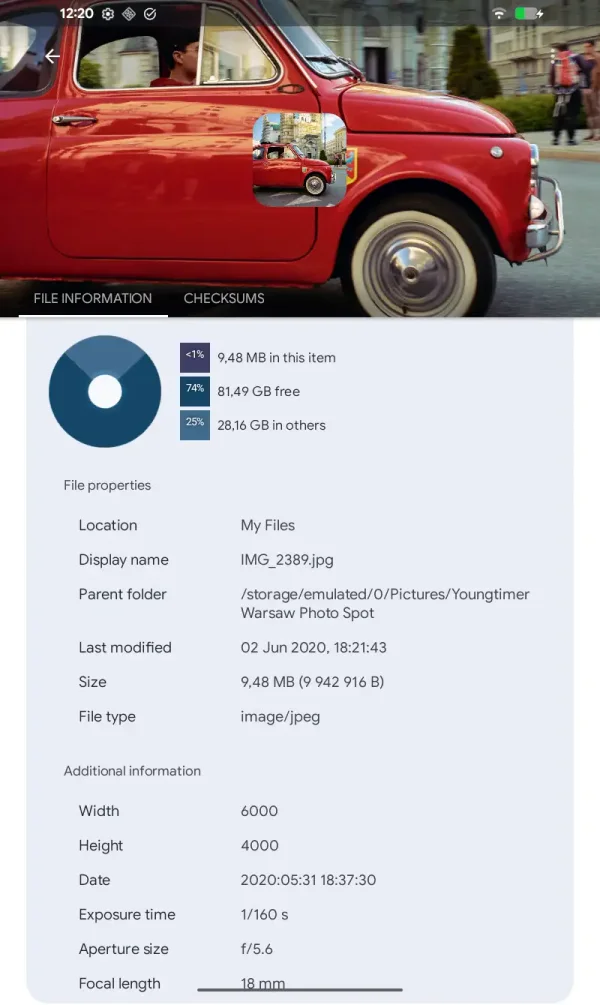
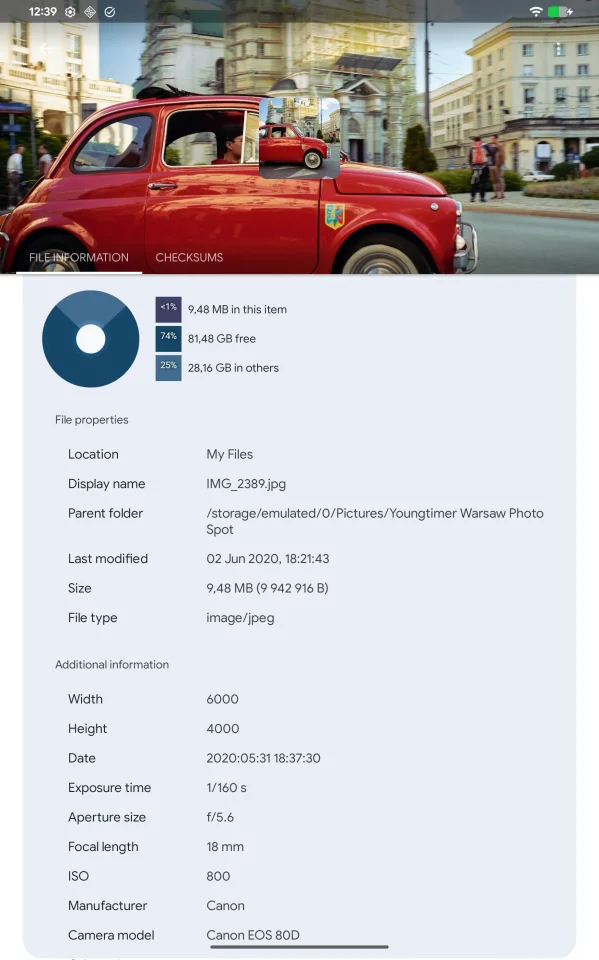
Analyze what takes up space, find duplicate and large files, and clean up junk — similar to dedicated cleaner apps, but built right into your file manager. Works across internal storage, SD cards, USB OTG drives, and even cloud storage like Google Drive, OneDrive, and Dropbox.
Full feature list:
• Dual-pane layout — manage two folders side by side
• Cloud storage — Google Drive, OneDrive, Dropbox, Box, NextCloud, SugarSync, MediaFire, Yandex, Mega*
• Network protocols — FTP, SFTP, SMB/CIFS (Samba), WebDAV
• Web file sharing — share files with any device via browser
• Storage analyzer — find duplicates, large files, and junk to clean up
• File encryption — AES-256 with password and fingerprint
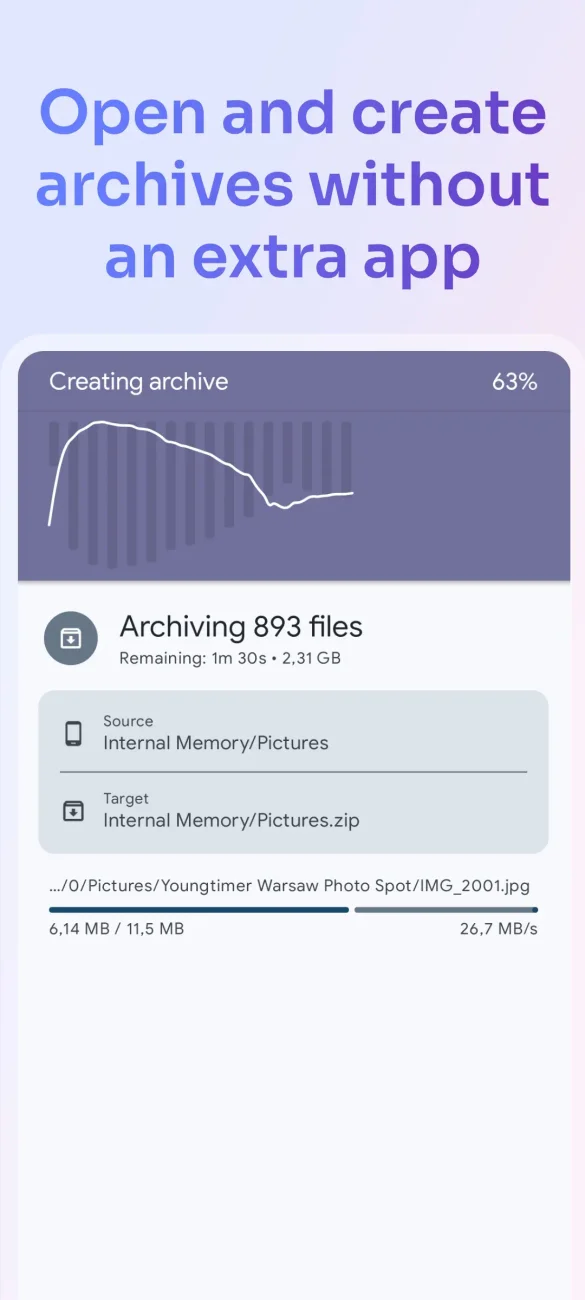
• Archives — create and extract ZIP, 7ZIP, RAR, TAR
• Root explorer — browse system files on rooted devices
• Indexed search — find files instantly with filters
• Collections — Downloads, Recent, Photos, Videos, Music, Documents, Apps
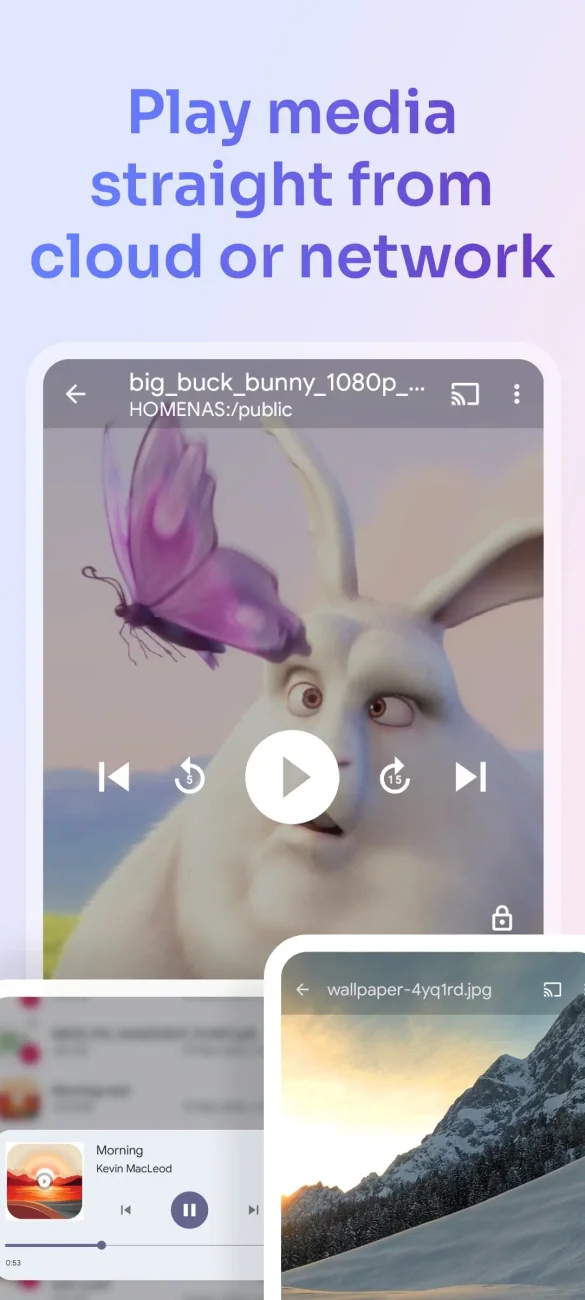
• Built-in media — image viewer, music player, video player, text editor
• Batch rename — rename multiple files with patterns
• FTP Server — access your phone's files from PC
• Themes and icon sets — rich customization
• Chromebook & tablet support — mouse, keyboard and trackpad input
Follow us on Reddit: https://www.reddit.com/r/NeatBytes/
* with paid add-on
Data safety
What NeatBytes declares on Google Play about the data this app collects and shares.
- This app may share these data types with third partiesApp info and performance and Device or other IDs
- This app may collect these data typesApp activity, App info and performance, and Device or other IDs
- Data is encrypted in transit
- Data can’t be deleted
What’s new
Version 3.6.5 · Nov 16, 2026
v3.6.5
• fixed case file rename
• video thumbnails on SFTP, improved streaming
• foldable layout improvements
• restored system folder visibility on unrooted devices
v3.6.4
• root access more reliable
• export and install split APK bundles (.apks), new APK viewer
• Fixed OneDrive uploads
v3.6.3
• WebFS: reading encrypted files, collections
• option to open target folder after "Save to"
• fixed licensing issues
Developer contact
- Websiteneatbytes.com
- Emailfeedback@neatbytes.com
- Privacy policyneatbytes.com
- AddressUl. Piękna 24/26a 00-549 Warszawa Poland
Information
- Offered by
- NeatBytes
- Category
- Productivity
- Version
- 3.6.5
- Updated
- Nov 16, 2026
- Released
- Jul 1, 2015
- Requires
- Android 6.0 or later
- Age rating
- Everyone
- Price
- Free
- In-app purchases
- $0.99 - $39.99 per item
- Package name
- pl.solidexplorer2