VLC for Android
Videolabs- Rating 3+Batasan usia
- Pemutar & Editor VideoKategori
- 14/10/2026Diperbarui
- GratisHarga
Tertaut ke halaman resmi org.videolan.vlc di Google Play. Terakhir diperiksa pada 20/11/2026.
Tangkapan layar
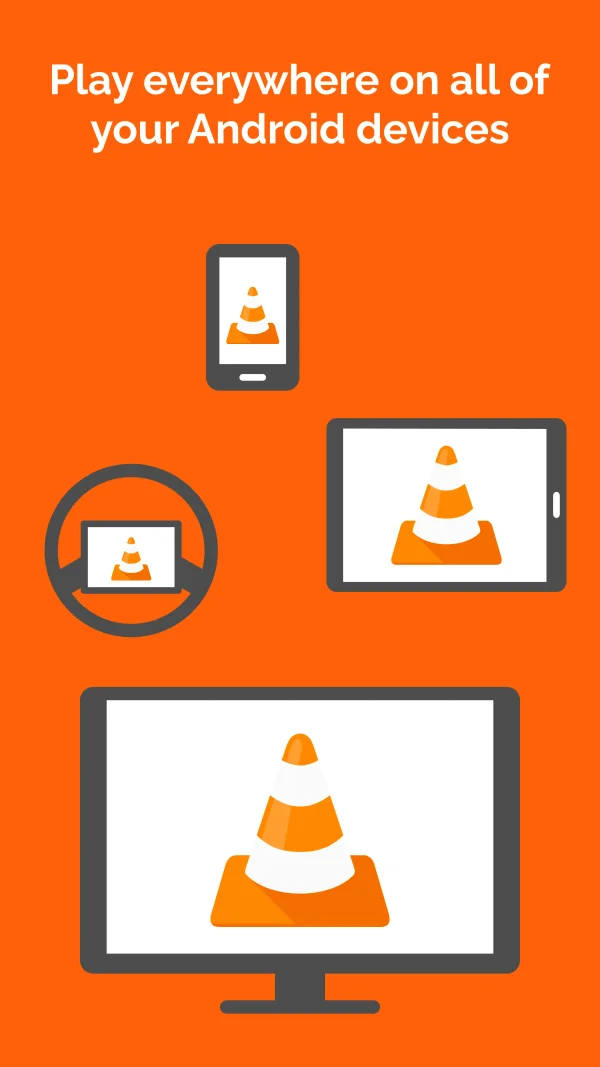
Tentang aplikasi ini
Terjemahan otomatis oleh Google. Bahasa asli: Inggris (Amerika Serikat).
VLC untuk Android adalah yang terbaik video dan pemutar musik open source, mudah dan cepat!
Pemutar media VLC adalah pemutar multimedia lintas platform sumber terbuka dan gratis yang memutar sebagian besar file multimedia serta cakram, perangkat, dan protokol streaming jaringan.
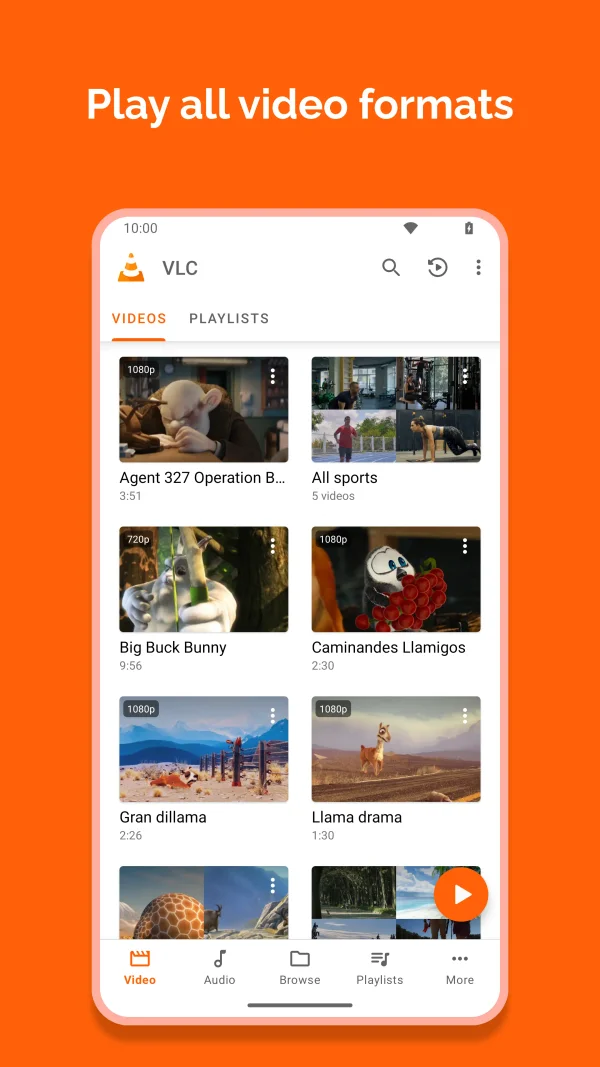
Ini adalah port pemutar media VLC ke platform Android™. VLC untuk Android dapat memutar file video dan audio apa pun, serta aliran jaringan, berbagi jaringan dan drive, dan ISO DVD, seperti versi desktop VLC.
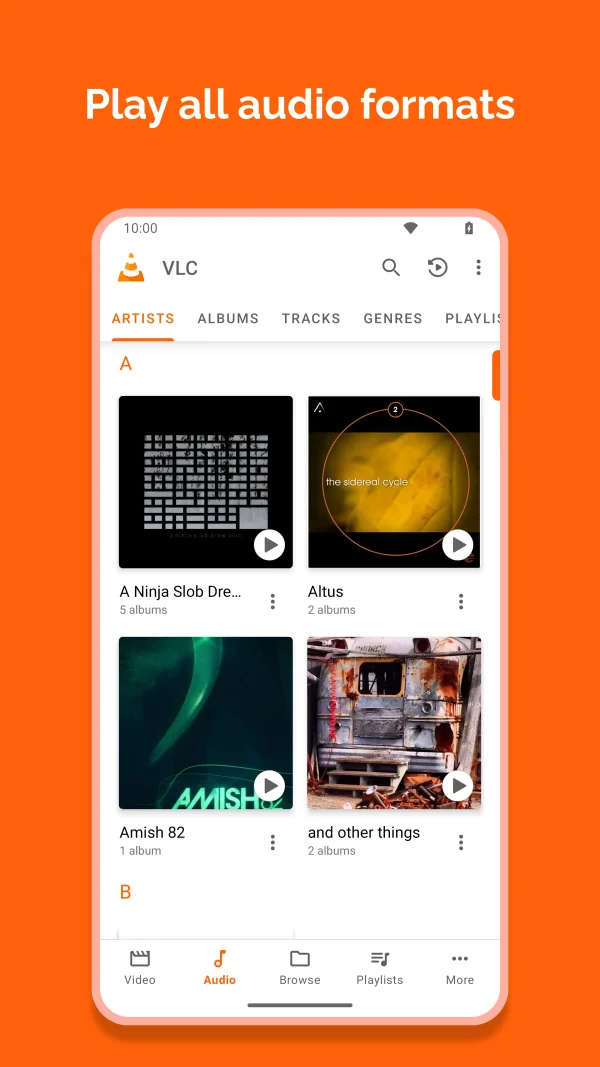
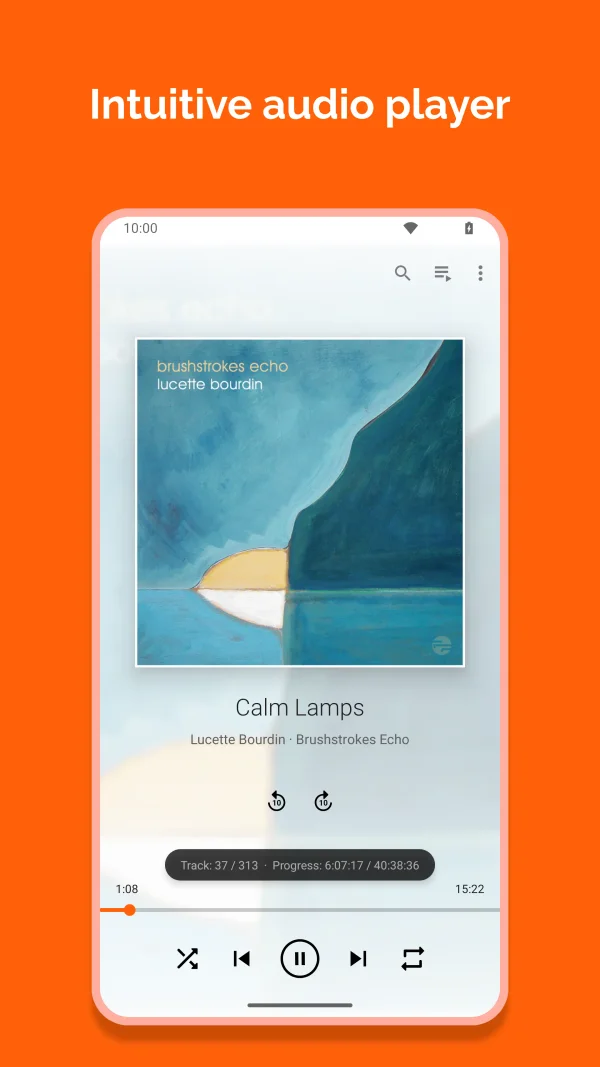
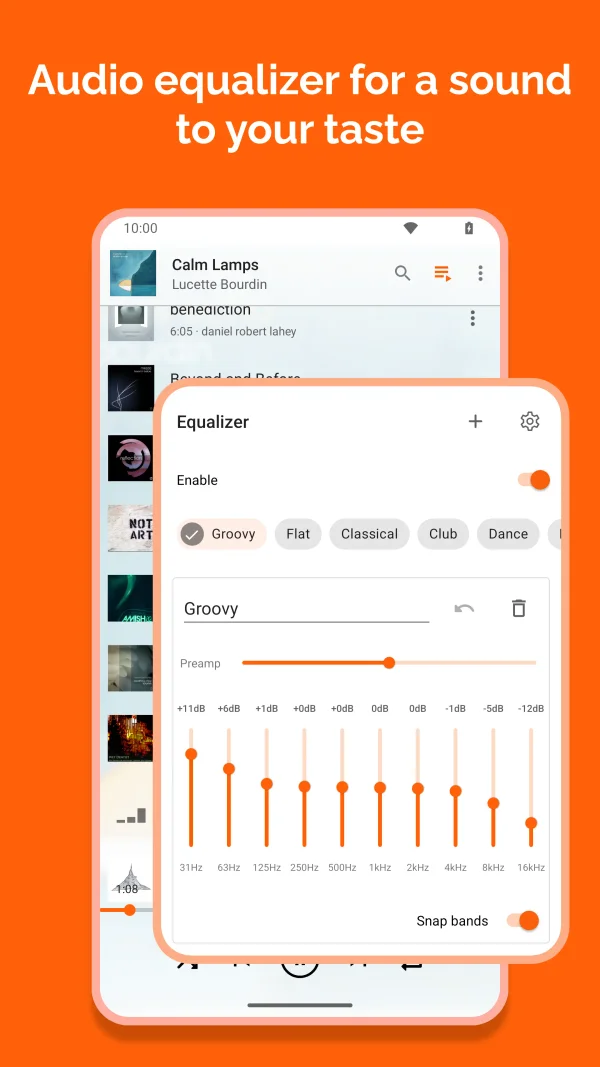
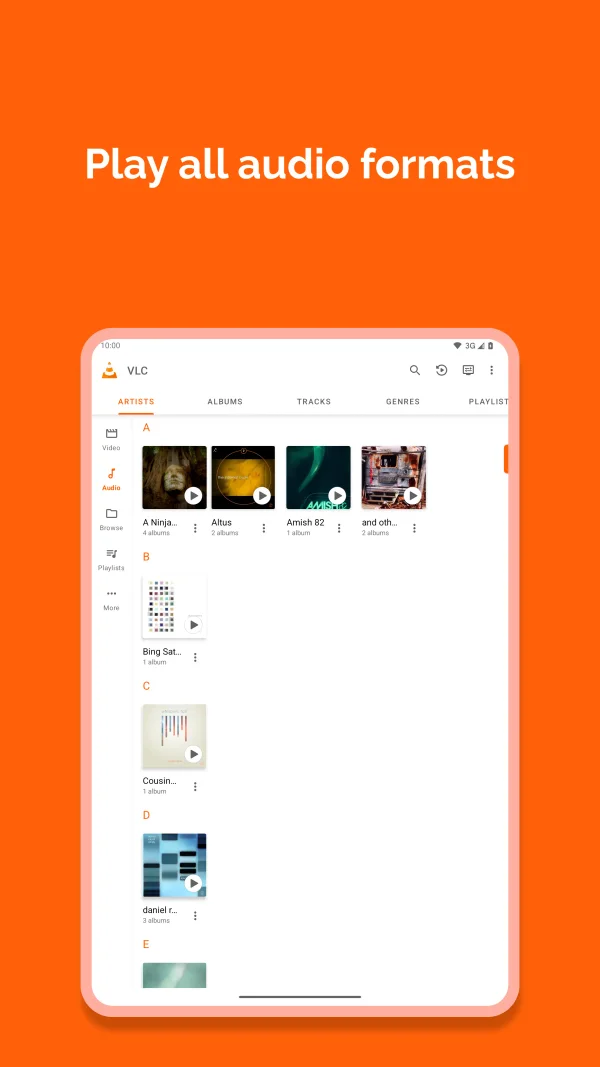
VLC untuk Android adalah pemutar audio lengkap, dengan database lengkap, equalizer dan filter, memainkan semua format audio yang aneh.
VLC ditujukan untuk semua orang, benar-benar gratis, tidak memiliki iklan, tidak ada pembelian dalam aplikasi, tidak ada mata-mata dan dikembangkan oleh sukarelawan yang bersemangat. Semua kode sumber tersedia secara gratis.
fitur
––––––––
VLC untuk Android™ memutar sebagian besar file video dan audio lokal, serta aliran jaringan (termasuk streaming adaptif), ISO DVD, seperti VLC versi desktop. Ini juga mendukung pembagian disk.
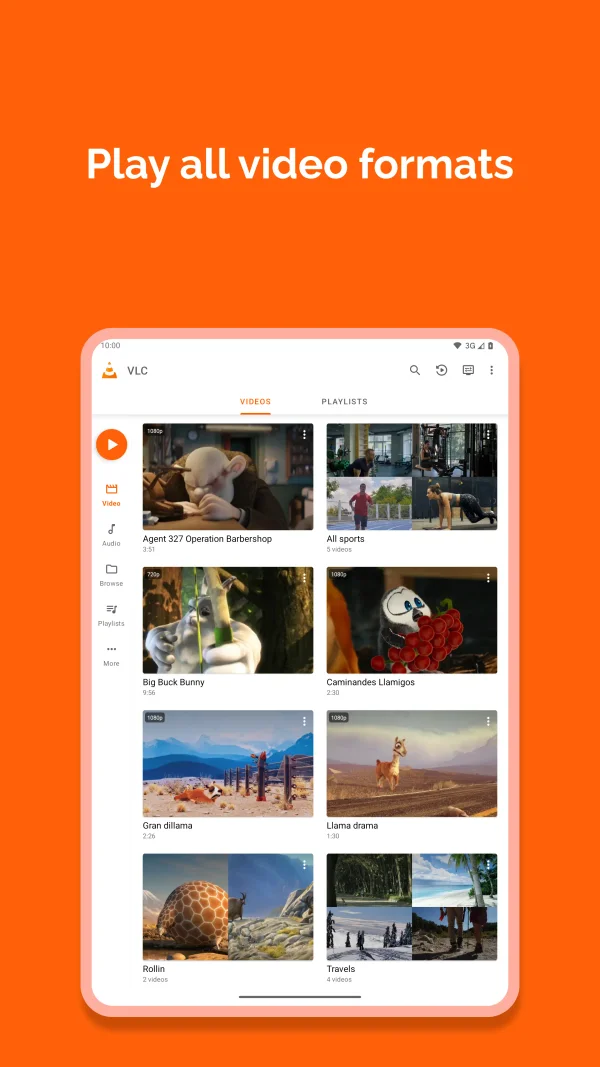
Semua format didukung, termasuk MKV, MP4, AVI, MOV, Ogg, FLAC, TS, M2TS, Wv, dan AAC. Semua codec disertakan tanpa unduhan terpisah. Ini mendukung subtitle, Teleteks dan Teks Tertutup.
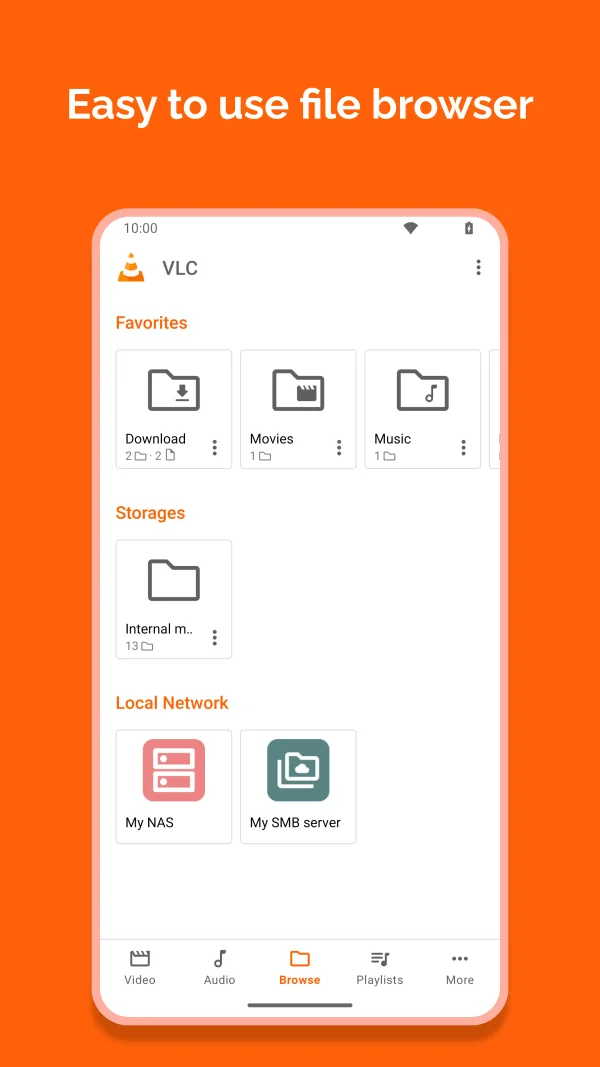
VLC untuk Android memiliki perpustakaan media untuk file audio dan video, dan memungkinkan untuk menelusuri folder secara langsung.
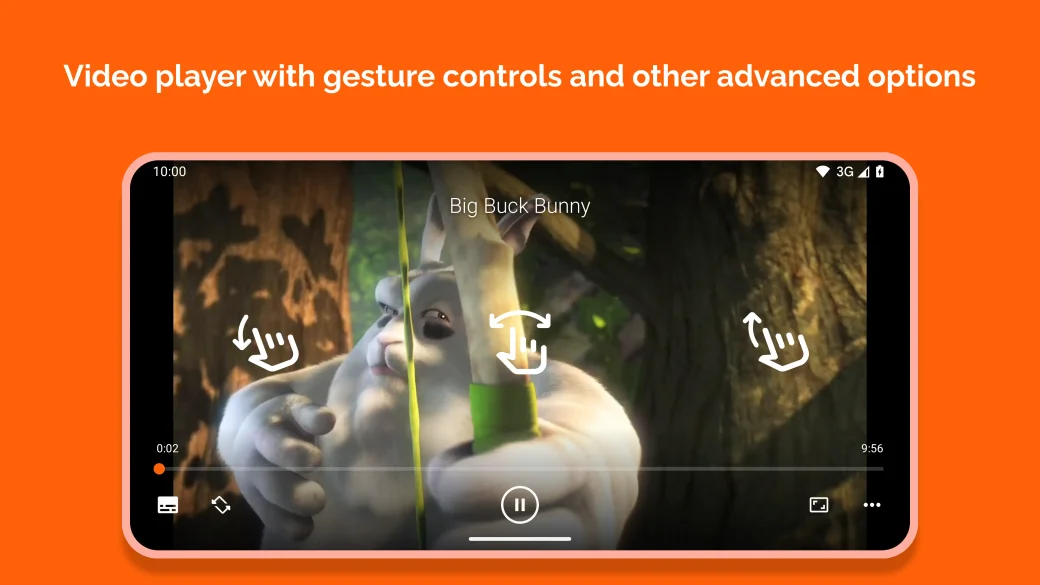
VLC memiliki dukungan untuk audio dan subtitle multi-track. Ini mendukung rotasi otomatis, penyesuaian rasio aspek, dan gerakan untuk mengontrol volume, kecerahan, dan pencarian.
Ini juga termasuk widget untuk kontrol audio, mendukung kontrol headset audio, cover art dan perpustakaan media audio yang lengkap.
Izin
–––––––––––––
VLC untuk Android membutuhkan akses ke kategori tersebut:
• "Foto/Media/File" untuk membaca semua file media Anda :)
• "Penyimpanan" untuk membaca semua file media Anda di kartu SD :)
• "Lainnya" untuk memeriksa koneksi jaringan, mengubah volume, mengatur nada dering, menjalankan Android TV dan menampilkan tampilan popup, lihat di bawah untuk detailnya.
Detail Izin:
• Perlu "membaca isi penyimpanan USB Anda", untuk membaca file media Anda di dalamnya.
• Perlu "memodifikasi atau menghapus isi penyimpanan USB Anda", untuk memungkinkan penghapusan file dan sub judul toko.
• Perlu "akses jaringan penuh", untuk membuka jaringan dan aliran internet.
• Perlu "mencegah ponsel dari tidur" untuk mencegah ... ponsel Anda dari tidur saat menonton video.
• Perlu "mengubah pengaturan audio Anda", untuk mengubah volume audio.
• Perlu "memodifikasi pengaturan sistem", untuk memungkinkan Anda mengubah nada dering audio Anda.
• Perlu "melihat koneksi jaringan" untuk memantau apakah perangkat terhubung atau tidak.
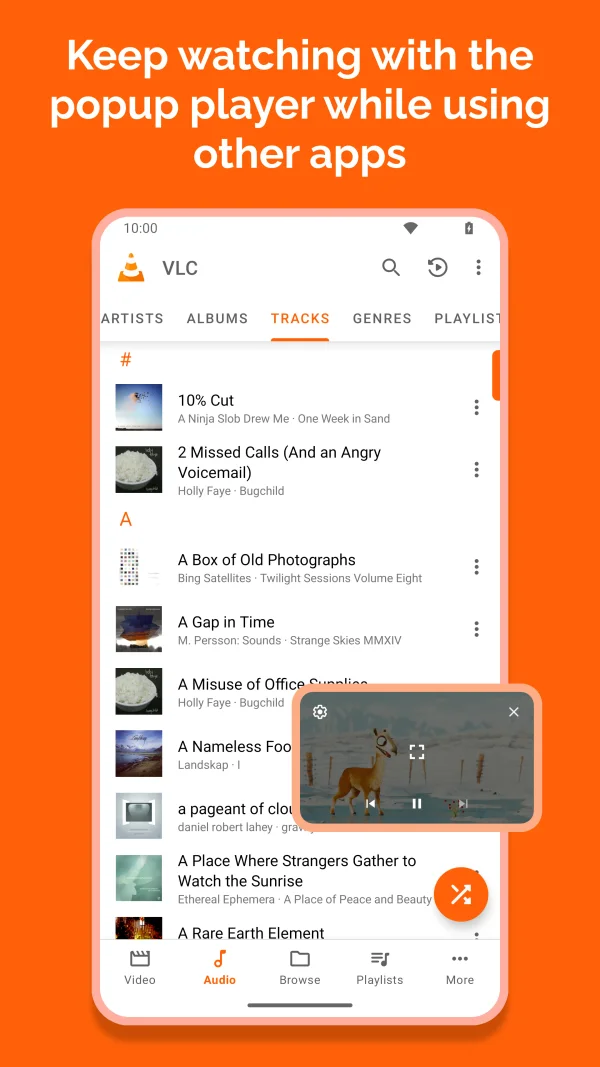
• Perlu "menggambar di atas aplikasi lain" untuk memulai widget gambar-dalam-gambar khusus.
• Diperlukan "getaran kontrol" untuk memberikan umpan balik pada kontrol.
• Perlu "dijalankan saat startup" untuk menyetel rekomendasi di layar peluncur Android TV, hanya digunakan pada perangkat Android TV.
• Perlu "mikrofon" untuk menyediakan pencarian suara di perangkat Android TV, hanya ditanyakan di perangkat Android TV.
Tampilkan teks asli
VLC media player is a free and open source cross-platform multimedia player that plays most multimedia files as well as discs, devices, and network streaming protocols.
This is the port of VLC media player to the Android™ platform. VLC for Android can play any video and audio files, as well as network streams, network shares and drives, and DVD ISOs, like the desktop version of VLC.
VLC for Android is a full audio player, with a complete database, an equalizer and filters, playing all weird audio formats.
VLC is intended for everyone, is totally free, has no ads, no in-app-purchases, no spying and is developed by passionate volunteers. All the source code is available for free.
Features
––––––––
VLC for Android™ plays most local video and audio files, as well as network streams (including adaptive streaming), DVD ISOs, like the desktop version of VLC. It also support disk shares.
All formats are supported, including MKV, MP4, AVI, MOV, Ogg, FLAC, TS, M2TS, Wv and AAC. All codecs are included with no separate downloads. It supports subtitles, Teletext and Closed Captions.
VLC for Android has a media library for audio and video files, and allows to browse folders directly.
VLC has support for multi-track audio and subtitles. It supports auto-rotation, aspect-ratio adjustments and gestures to control volume, brightness and seeking.
It also includes a widget for audio control, supports audio headsets control, cover art and a complete audio media library.
Permissions
––––––––––––
VLC for Android needs access to those categories:
• "Photos/Media/Files" to read your all media files :)
• "Storage" to read your all media files on SD cards :)
• "Other" to check network connections, change the volume, set the ringtone, run on Android TV and display the popup view, see below for details.
Permission Details :
• It needs "read the contents of your USB storage", in to order to read your media files on it.
• It needs "modify or delete the contents of your USB storage", in order to allow deletion of files and store subtitles.
• It needs "full network access", to open network and internet streams.
• It needs "prevent phone from sleeping" in order to prevent... your phone from sleeping when watching a video.
• It needs "change your audio settings", in order to change audio volume.
• It needs "modify system settings", in order to allow you to change your audio ringtone.
• It needs "view network connections" in order to monitor whether device is connected or not.
• It needs "draw over other apps" to start the custom picture-in-picture widget.
• It needs "control vibration" to give feedback on the controls.
• It needs "run at startup" to set recommendations on Android TV launcher screen, only used on Android TV devices.
• It needs "microphone" to provide voice search on Android TV devices, only asked on Android TV devices.
Keamanan data
Yang dinyatakan Videolabs di Google Play tentang data yang dikumpulkan dan dibagikan aplikasi ini.
- Tidak ada data yang dibagikan kepada pihak ketigaPelajari lebih lanjut cara developer menyatakan pembagian data
- Tidak ada data yang dikumpulkanPelajari lebih lanjut cara developer menyatakan pengumpulan data
Yang baru
14/10/2026
* Remote Access improvements and audio/subtitle tracks management
* Video player fixes: 4K crop issue and screen off resume
* TV equalizer improvements and volume reset fix
* Audio player: load album arts at display resolution
* General crash, security, and behavior fixes
Kontak pengembang
- Situs webvideolan.org
- Emailandroid-support@videolan.org
- Kebijakan Privasivideolan.org
- Alamat9 RUE DES COLONNES 75002 PARIS France
Informasi
- Ditawarkan oleh
- Videolabs
- Kategori
- Pemutar & Editor Video
- Diperbarui
- 14/10/2026
- Dirilis
- 4/2/2015
- Batasan usia
- Rating 3+
- Harga
- Gratis
- Nama paket
- org.videolan.vlc
Aplikasi serupa
-
 YouTube Kids
Hiburan
-
 IXL - Maths and English
Pendidikan
-
 ScratchJr
Pendidikan
-
 Vlad dan Niki: Game & Video
Hiburan
-
 Kidjo TV: Videos for Kids
Hiburan
-
 Super Simple - Kids Songs
Pendidikan
-
 PBS KIDS Video
Pendidikan
-
 Stop Motion Studio
Fotografi
-
 MusiQuest ECE: Sketch-a-Song
Musik & Audio
-
 Synthesia
Musik & Audio
-
 Google Classroom
Pendidikan
-
 ABC Abjad Baby Shark
Pendidikan