VLC for Android
Videolabs- 3 tuổi trở lênĐộ tuổi
- Xem và sửa videoDanh mục
- 14/10/2026Cập nhật
- Miễn phíGiá
Dẫn đến trang Google Play chính thức của org.videolan.vlc. Kiểm tra lần cuối: 20/11/2026.
Ảnh chụp màn hình
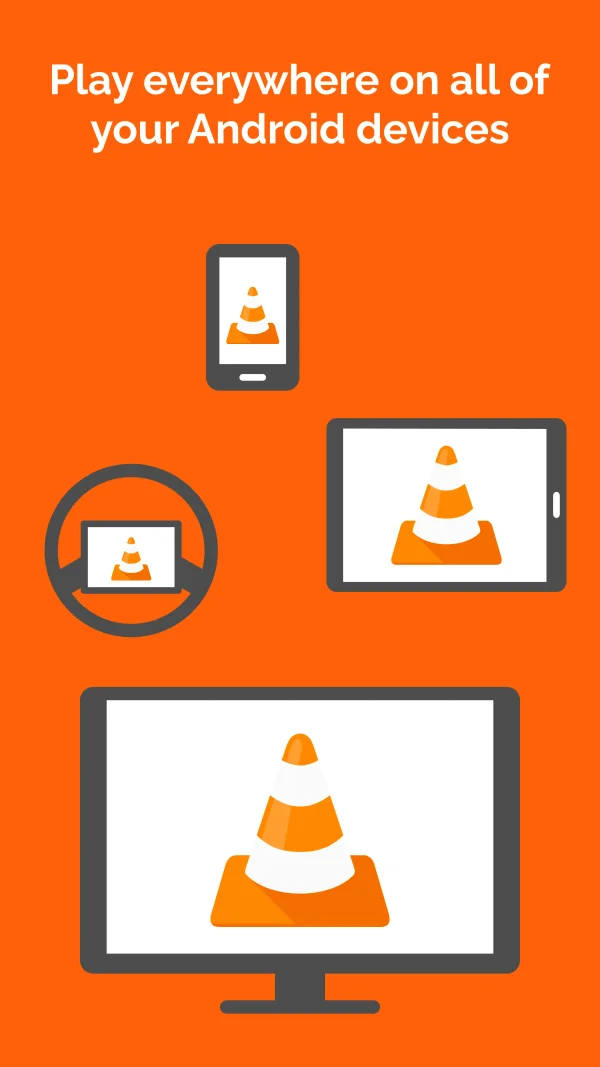
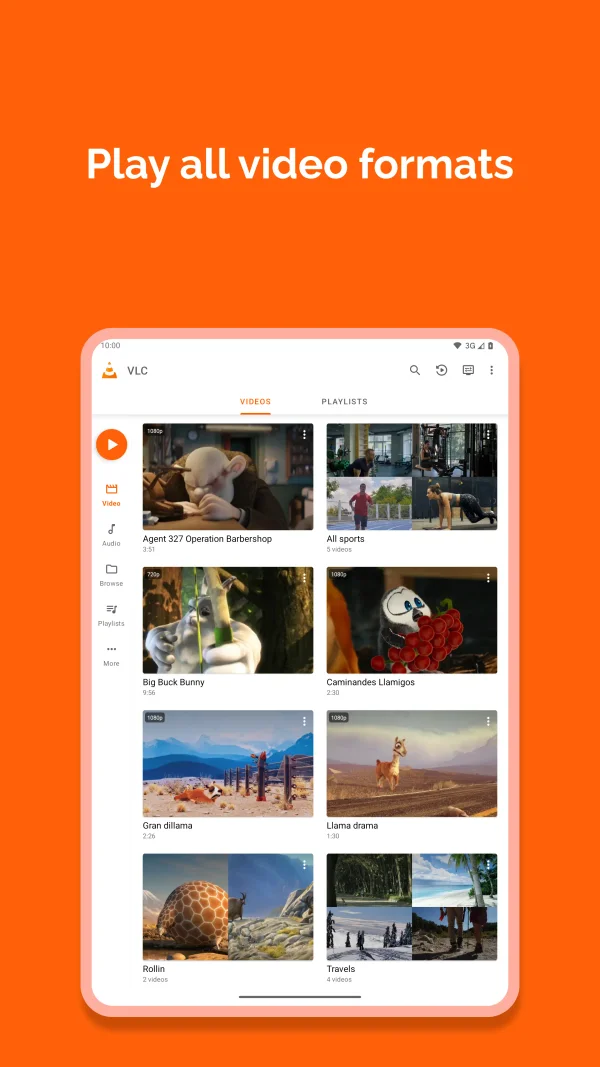
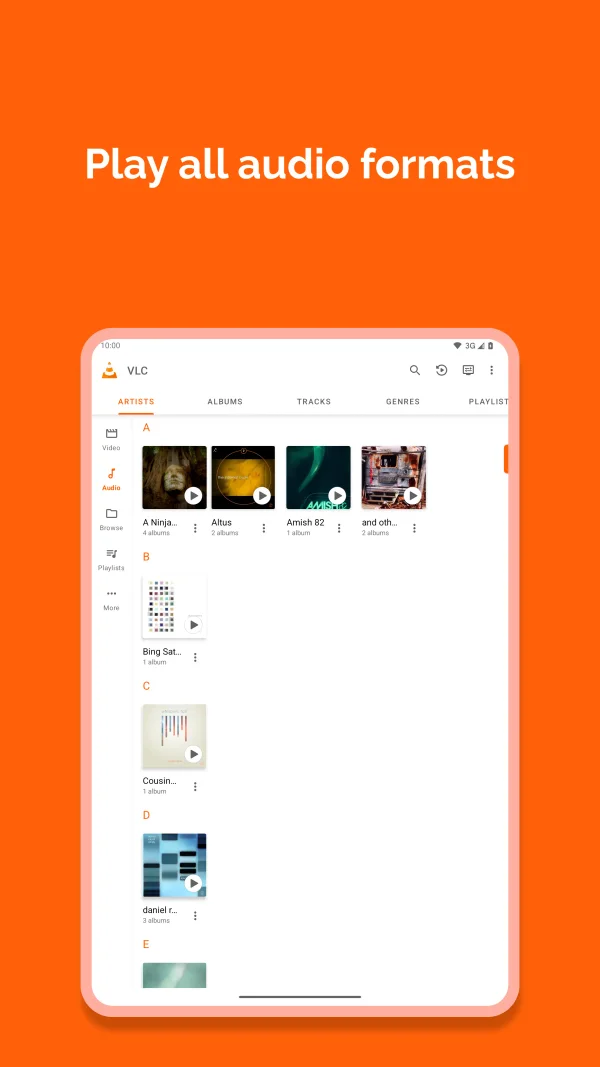
Thông tin về ứng dụng này
Bản dịch tự động của Google. Ngôn ngữ gốc: Tiếng Anh (Hoa Kỳ).
VLC cho Android là video và nghe nhạc mã nguồn mở tốt nhất, nhanh chóng và dễ dàng!
VLC media player là một trình phát đa phương tiện đa nền tảng miễn phí và mã nguồn mở, phát hầu hết các tệp đa phương tiện cũng như đĩa, thiết bị và giao thức phát trực tuyến mạng.
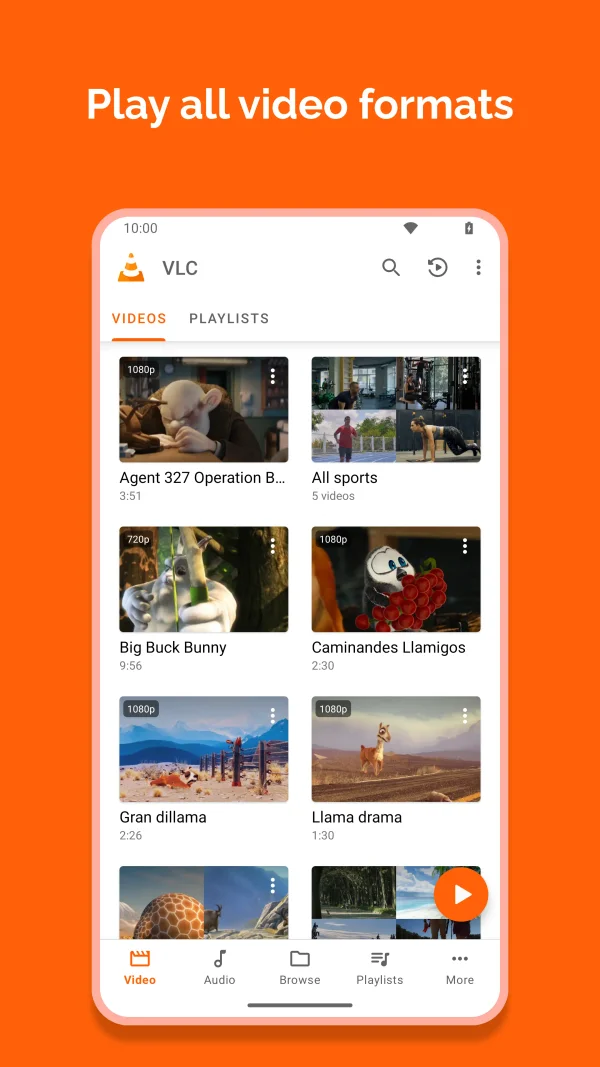
Đây là cổng của trình phát phương tiện VLC sang nền tảng Android ™. VLC dành cho Android có thể phát bất kỳ tệp video và âm thanh nào, cũng như các luồng mạng, chia sẻ mạng và ổ đĩa và DVD ISO, giống như phiên bản VLC dành cho máy tính để bàn.
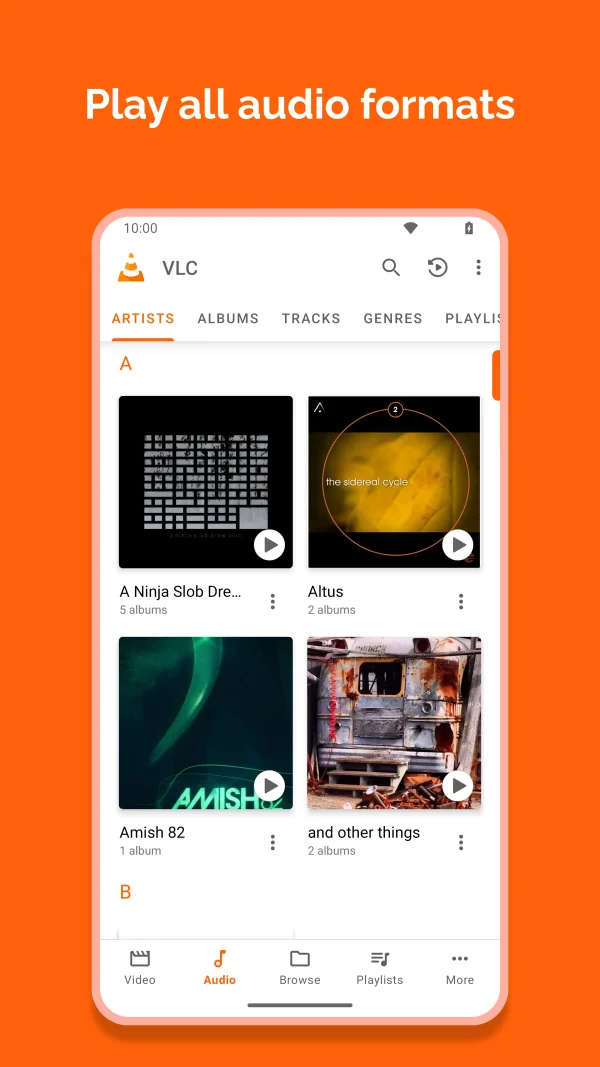
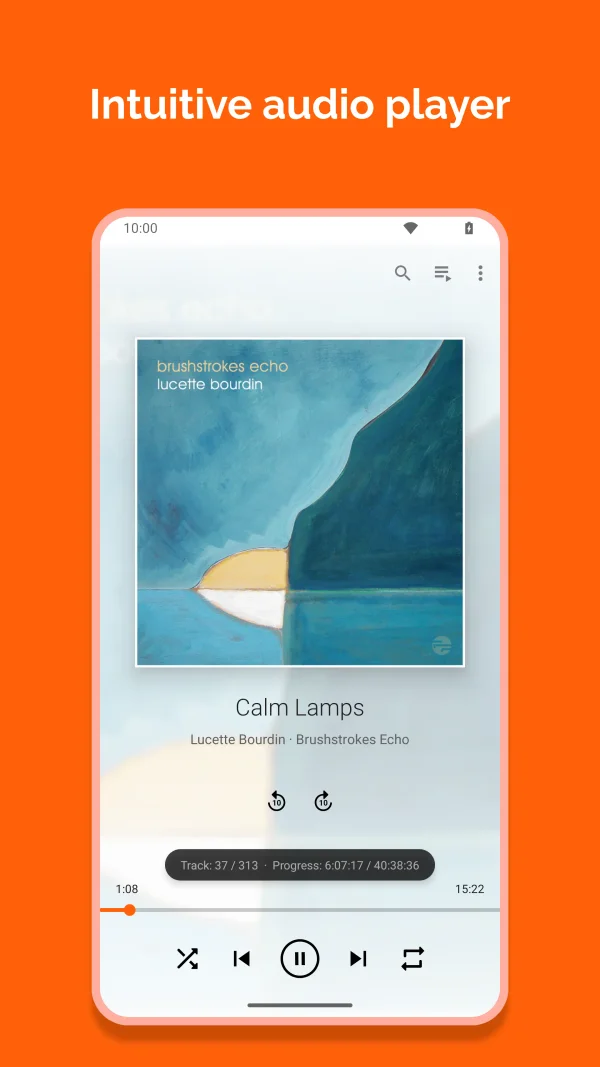
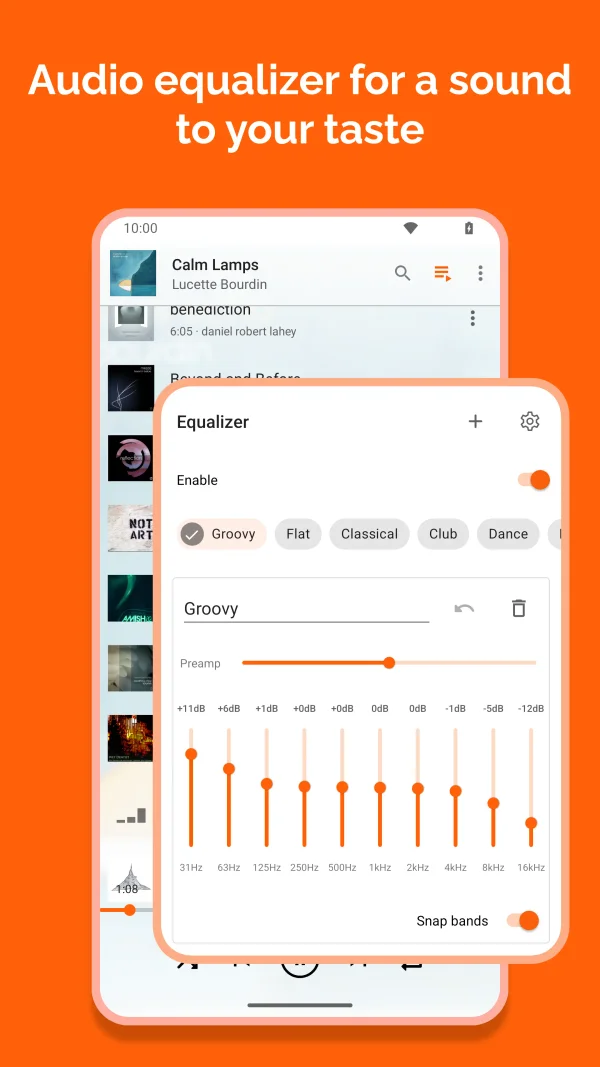
VLC cho Android là trình phát âm thanh đầy đủ, với cơ sở dữ liệu hoàn chỉnh, bộ cân bằng và bộ lọc, chơi tất cả các định dạng âm thanh kỳ lạ.
VLC dành cho tất cả mọi người, hoàn toàn miễn phí, không có quảng cáo, không mua hàng trong ứng dụng, không gián điệp và được phát triển bởi những tình nguyện viên đầy nhiệt huyết. Tất cả mã nguồn đều có sẵn miễn phí.
Đặc trưng
––––––––
VLC cho Android ™ phát hầu hết các tệp video và âm thanh cục bộ, cũng như các luồng mạng (bao gồm truyền trực tuyến thích ứng), DVD ISO, giống như phiên bản VLC dành cho máy tính để bàn. Nó cũng hỗ trợ chia sẻ đĩa.
Tất cả các định dạng đều được hỗ trợ, bao gồm MKV, MP4, AVI, MOV, Ogg, FLAC, TS, M2TS, Wv và AAC. Tất cả các codec được bao gồm mà không có bản tải xuống riêng biệt. Nó hỗ trợ phụ đề, Teletext và Phụ đề đóng.
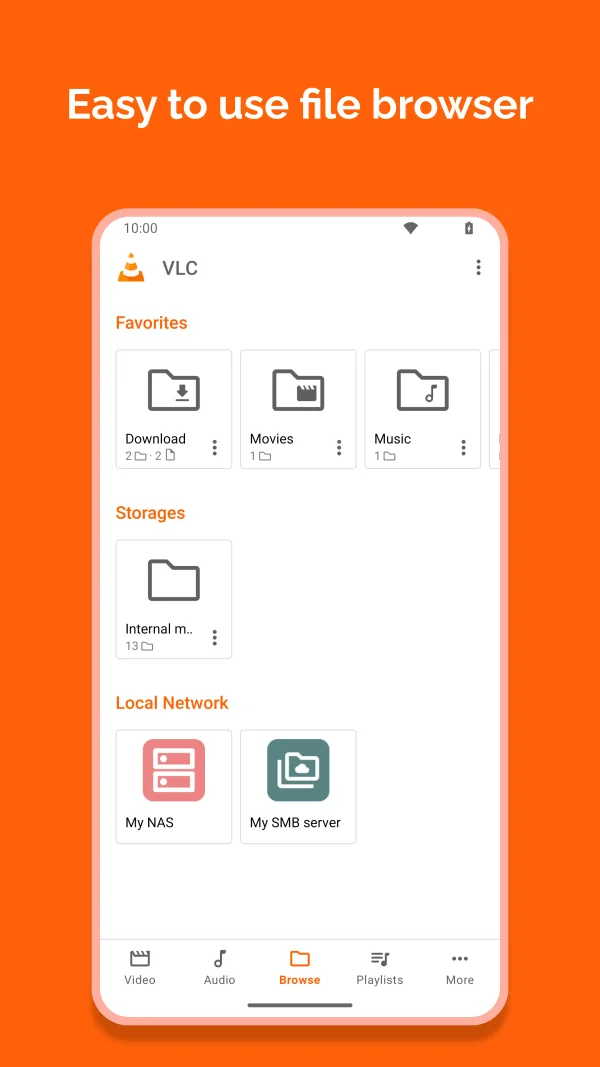
VLC cho Android có thư viện phương tiện cho các tệp âm thanh và video, đồng thời cho phép duyệt trực tiếp các thư mục.
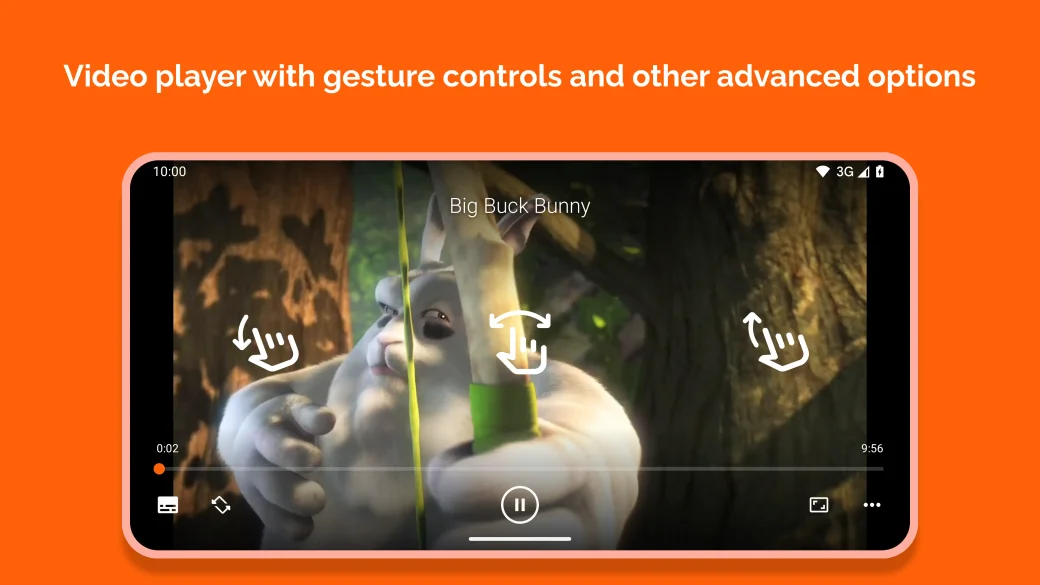
VLC có hỗ trợ cho phụ đề và âm thanh đa rãnh. Nó hỗ trợ tự động xoay, điều chỉnh tỷ lệ khung hình và cử chỉ để điều khiển âm lượng, độ sáng và tìm kiếm.
Nó cũng bao gồm một tiện ích để điều khiển âm thanh, hỗ trợ điều khiển tai nghe âm thanh, ảnh bìa và một thư viện phương tiện âm thanh hoàn chỉnh.
Quyền
––––––––––––
VLC cho Android cần quyền truy cập vào các danh mục đó:
• "Ảnh / Phương tiện / Tệp" để đọc tất cả các tệp phương tiện của bạn :)
• "Bộ nhớ" để đọc tất cả các tệp phương tiện của bạn trên thẻ SD :)
• "Khác" để kiểm tra kết nối mạng, thay đổi âm lượng, cài nhạc chuông, chạy trên Android TV và hiển thị dạng xem cửa sổ bật lên, xem chi tiết bên dưới.
Chi tiết quyền:
• Nó cần "đọc nội dung của bộ lưu trữ USB của bạn", để đọc các tệp phương tiện của bạn trên đó.
• Nó cần "sửa đổi hoặc xóa nội dung trong bộ lưu trữ USB của bạn", để cho phép xóa các tệp và lưu trữ phụ đề.
• Nó cần "toàn quyền truy cập mạng", để mở các luồng mạng và internet.
• Nó cần "ngăn điện thoại ở chế độ ngủ" để ngăn ... điện thoại của bạn ngủ khi xem video.
• Nó cần "thay đổi cài đặt âm thanh của bạn", để thay đổi âm lượng âm thanh.
• Nó cần "sửa đổi cài đặt hệ thống", để cho phép bạn thay đổi nhạc chuông âm thanh của mình.
• Nó cần "xem các kết nối mạng" để theo dõi xem thiết bị có được kết nối hay không.
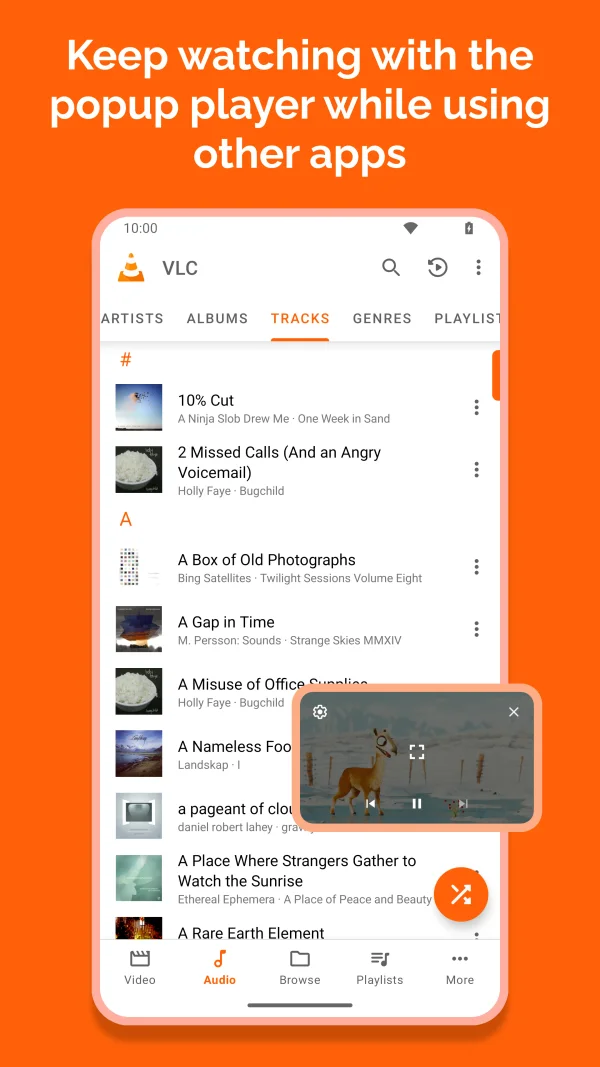
• Nó cần "vẽ qua các ứng dụng khác" để khởi động tiện ích ảnh trong ảnh tùy chỉnh.
• Nó cần "rung điều khiển" để đưa ra phản hồi về các điều khiển.
• Nó cần "chạy khi khởi động" để đặt các đề xuất trên màn hình trình khởi chạy Android TV, chỉ được sử dụng trên các thiết bị Android TV.
• Nó cần "micrô" để cung cấp tìm kiếm bằng giọng nói trên thiết bị Android TV, chỉ được hỏi trên thiết bị Android TV.
Hiện văn bản gốc
VLC media player is a free and open source cross-platform multimedia player that plays most multimedia files as well as discs, devices, and network streaming protocols.
This is the port of VLC media player to the Android™ platform. VLC for Android can play any video and audio files, as well as network streams, network shares and drives, and DVD ISOs, like the desktop version of VLC.
VLC for Android is a full audio player, with a complete database, an equalizer and filters, playing all weird audio formats.
VLC is intended for everyone, is totally free, has no ads, no in-app-purchases, no spying and is developed by passionate volunteers. All the source code is available for free.
Features
––––––––
VLC for Android™ plays most local video and audio files, as well as network streams (including adaptive streaming), DVD ISOs, like the desktop version of VLC. It also support disk shares.
All formats are supported, including MKV, MP4, AVI, MOV, Ogg, FLAC, TS, M2TS, Wv and AAC. All codecs are included with no separate downloads. It supports subtitles, Teletext and Closed Captions.
VLC for Android has a media library for audio and video files, and allows to browse folders directly.
VLC has support for multi-track audio and subtitles. It supports auto-rotation, aspect-ratio adjustments and gestures to control volume, brightness and seeking.
It also includes a widget for audio control, supports audio headsets control, cover art and a complete audio media library.
Permissions
––––––––––––
VLC for Android needs access to those categories:
• "Photos/Media/Files" to read your all media files :)
• "Storage" to read your all media files on SD cards :)
• "Other" to check network connections, change the volume, set the ringtone, run on Android TV and display the popup view, see below for details.
Permission Details :
• It needs "read the contents of your USB storage", in to order to read your media files on it.
• It needs "modify or delete the contents of your USB storage", in order to allow deletion of files and store subtitles.
• It needs "full network access", to open network and internet streams.
• It needs "prevent phone from sleeping" in order to prevent... your phone from sleeping when watching a video.
• It needs "change your audio settings", in order to change audio volume.
• It needs "modify system settings", in order to allow you to change your audio ringtone.
• It needs "view network connections" in order to monitor whether device is connected or not.
• It needs "draw over other apps" to start the custom picture-in-picture widget.
• It needs "control vibration" to give feedback on the controls.
• It needs "run at startup" to set recommendations on Android TV launcher screen, only used on Android TV devices.
• It needs "microphone" to provide voice search on Android TV devices, only asked on Android TV devices.
An toàn dữ liệu
Những gì Videolabs khai báo trên Google Play về dữ liệu mà ứng dụng này thu thập và chia sẻ.
- Không chia sẻ dữ liệu với bên thứ baTìm hiểu thêm về cách nhà phát triển khai báo thông tin về hoạt động chia sẻ dữ liệu
- Không thu thập dữ liệu nàoTìm hiểu thêm về cách nhà phát triển khai báo thông tin về hoạt động thu thập dữ liệu
Có gì mới
14/10/2026
* Remote Access improvements and audio/subtitle tracks management
* Video player fixes: 4K crop issue and screen off resume
* TV equalizer improvements and volume reset fix
* Audio player: load album arts at display resolution
* General crash, security, and behavior fixes
Liên hệ nhà phát triển
- Trang webvideolan.org
- E-mailandroid-support@videolan.org
- Chính sách quyền riêng tưvideolan.org
- Địa chỉ9 RUE DES COLONNES 75002 PARIS France
Thông tin
- Cung cấp bởi
- Videolabs
- Danh mục
- Xem và sửa video
- Cập nhật
- 14/10/2026
- Phát hành
- 04/02/2015
- Độ tuổi
- 3 tuổi trở lên
- Giá
- Miễn phí
- Tên gói
- org.videolan.vlc
Ứng dụng tương tự
-
 YouTube Kids
Giải trí
-
 IXL - Maths and English
Giáo dục
-
 ScratchJr
Giáo dục
-
 Vlad và Niki: trò chơi & video
Giải trí
-
 Kidjo TV: Videos for Kids
Giải trí
-
 Super Simple - Kids Songs
Giáo dục
-
 PBS KIDS Video
Giáo dục
-
 Stop Motion Studio
Nhiếp ảnh
-
 MusiQuest ECE: Sketch-a-Song
Nhạc và Âm thanh
-
 Synthesia
Nhạc và Âm thanh
-
 Google Lớp học
Giáo dục
-
 Baby Shark ABC Phonics
Giáo dục