
- Batasan usia4+
- KategoriMusik
- PengembangLinTech
- BahasaInggris+ 1 lainnya
- Ukuran30,0 MB
Tertaut ke halaman resmi App Store
Download.org tidak menyimpan file AirLino® apa pun. Tombol ini membuka halaman aplikasi di App Store, tempat LinTech menerbitkannya. Halaman terakhir diperiksa pada 16/11/2026.
Tangkapan layar

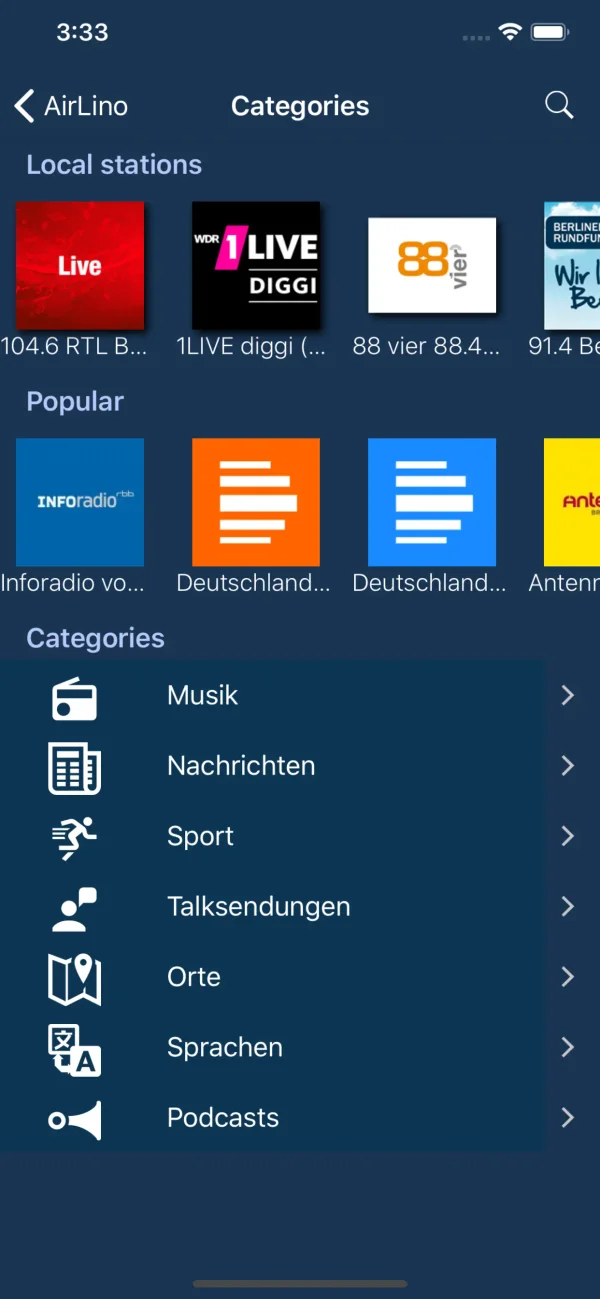
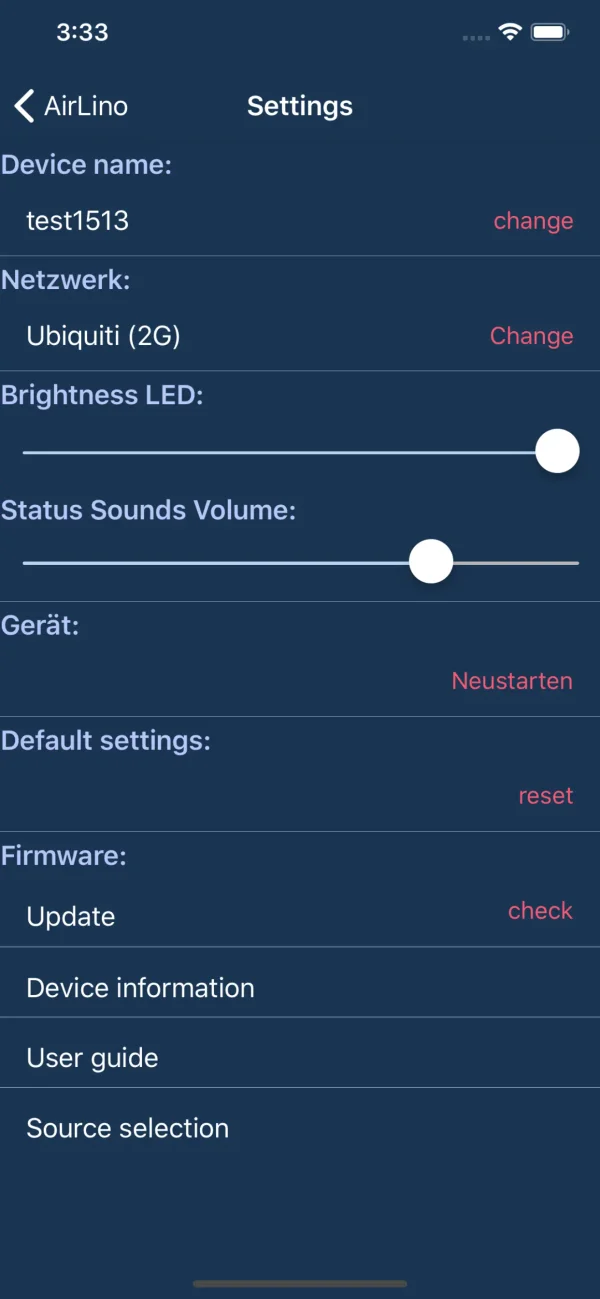
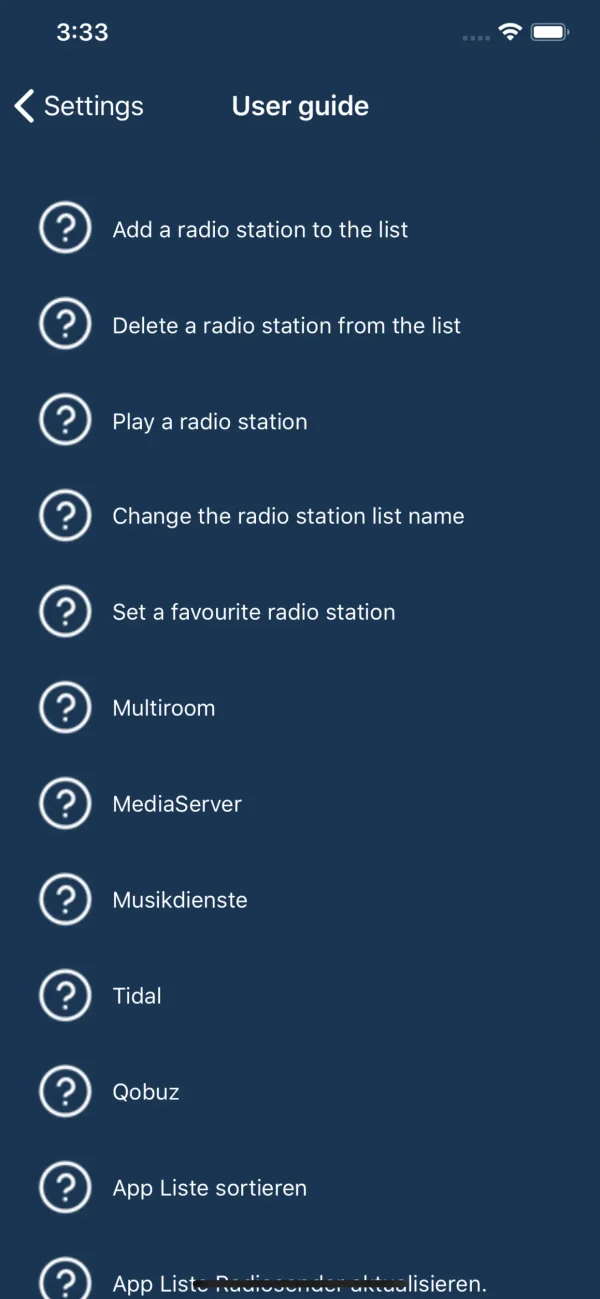
Tentang
Pengembang belum menyediakan teks ini dalam bahasa Anda.
With the AirLino® App connect your LinTech AirLino® WLAN music receiver in few steps to your home network, to play music over AirPlay, Spotify Connect, UPnP or internet radio on the AirLino®.
And so easily you can do that:
1) Select your AirLino in the WLAN settings and start the AirLino App.
2) Select the desired AirLino® from the list of found devices.
3) Select a device name, with which AirLino® can be identified in the network.
4) Select your home network, in which AirLino® should connect to.
5) The AirLino® connects itself in network and is available as WLAN music receiver.
Once connected into the home network, the AirLino® app allows you to access more than 100,000 channels thanks to the integrated Internet radio function and save your favourite stations on the AirLino®.
Hint:
To play music over AirPlay, Spotify Connect or UPnP additional Apps or Application are required.
For more information:
http://www.lintech.de/produkt/airlino-wlan-airplay-dlna-musikempfaenger
Yang baru
Versi 2.7.8 · 15/2/2024
Error when creating a new radio station has been fixed
Privasi aplikasi
Yang dinyatakan LinTech di App Store tentang cara aplikasi ini menangani data.
-
Data tidak dikumpulkan
Pengembang tidak mengumpulkan data apa pun dari aplikasi ini.
Praktik privasi dapat bervariasi, misalnya berdasarkan fitur yang Anda gunakan atau usia Anda.
Informasi
- Penjual
- LinTech GmbH
- Kategori
- Musik
- Versi
- 2.7.8
- Diperbarui
- 15/2/2024
- Dirilis
- 13/10/2017
- Ukuran
- 30,0 MB
- Memerlukan
- iOS 12.1 atau yang lebih baru
- Batasan usia
- 4+
- Harga
- Gratis
- Bahasa
- Inggris, Jerman
- Hak cipta
- © LinTech GmbH