
- Age rating4+
- CategoryMusic
- DeveloperLinTech
- LanguagesEnglish+ 1 more
- Size30.0 MB
Links to the official App Store page
Download.org hosts no file of AirLino®. The button opens its official App Store page, published by LinTech. Listing last checked on Nov 16, 2026.
Screenshots

About
With the AirLino® App connect your LinTech AirLino® WLAN music receiver in few steps to your home network, to play music over AirPlay, Spotify Connect, UPnP or internet radio on the AirLino®.
And so easily you can do that:
1) Select your AirLino in the WLAN settings and start the AirLino App.
2) Select the desired AirLino® from the list of found devices.
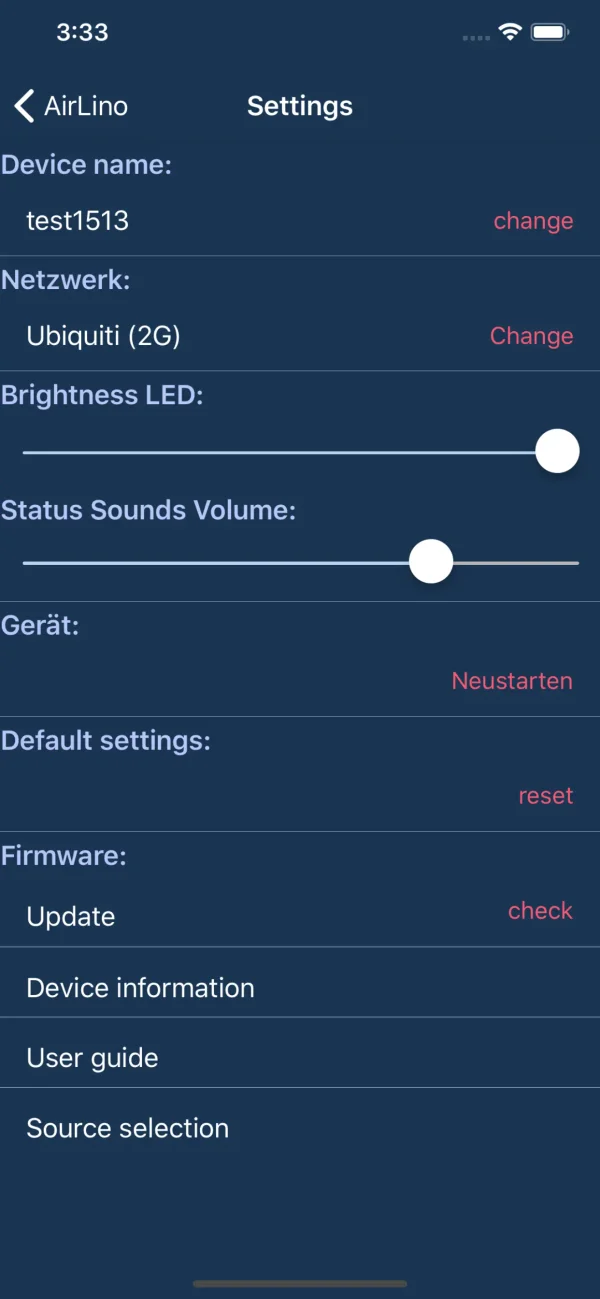
3) Select a device name, with which AirLino® can be identified in the network.
4) Select your home network, in which AirLino® should connect to.
5) The AirLino® connects itself in network and is available as WLAN music receiver.
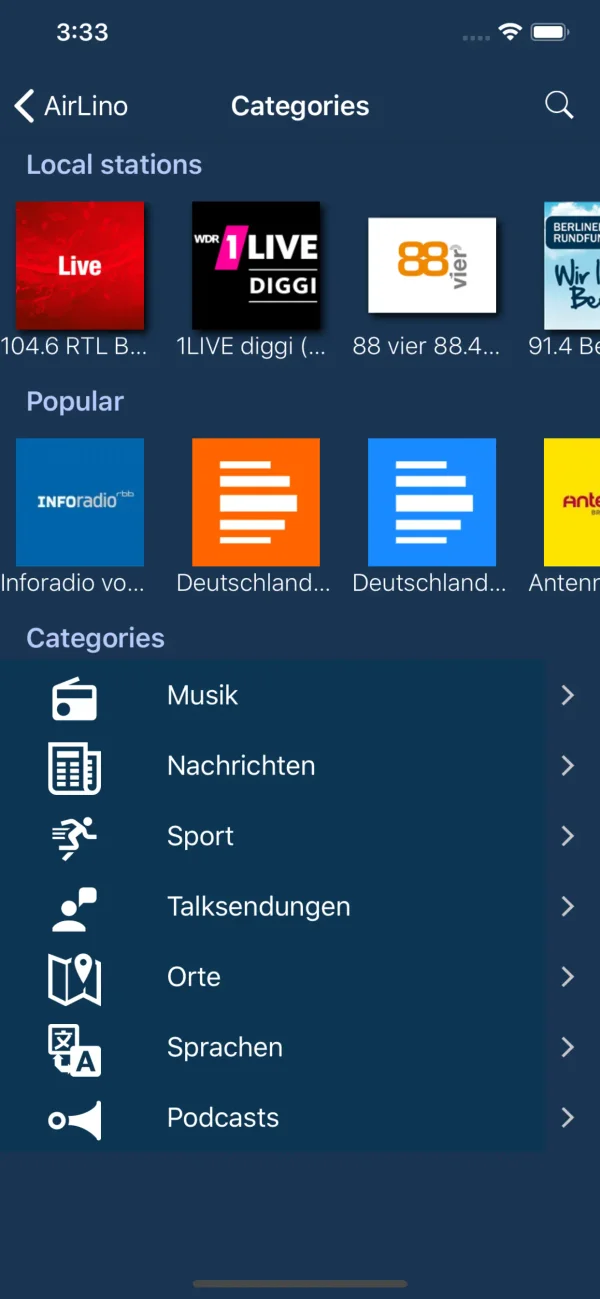
Once connected into the home network, the AirLino® app allows you to access more than 100,000 channels thanks to the integrated Internet radio function and save your favourite stations on the AirLino®.
Hint:
To play music over AirPlay, Spotify Connect or UPnP additional Apps or Application are required.
For more information:
http://www.lintech.de/produkt/airlino-wlan-airplay-dlna-musikempfaenger
What’s new
Version 2.7.8 · Feb 15, 2024
Error when creating a new radio station has been fixed
App privacy
What LinTech declares on the App Store about how this app handles data.
-
Data not collected
The developer does not collect any data from this app.
Privacy practices may vary, for example with the features you use or your age.
Information
- Seller
- LinTech GmbH
- Category
- Music
- Version
- 2.7.8
- Updated
- Feb 15, 2024
- Released
- Oct 13, 2017
- Size
- 30.0 MB
- Requires
- iOS 12.1 or later
- Age rating
- 4+
- Price
- Free
- Languages
- English, German
- Copyright
- © LinTech GmbH