
Airothy - Remote for Mac
Trackpad & keyboard for Mac
Dirancang untuk iPhone, iPad
Gratis · Pembelian dalam aplikasi
- Batasan usia4+
- KategoriKegunaan
- PengembangHunwoo Kim
- BahasaInggris+ 7 lainnya
- Ukuran32,9 MB
Tertaut ke halaman resmi App Store
Download.org tidak menyimpan file Airothy - Remote for Mac apa pun. Tombol ini membuka halaman aplikasi di App Store, tempat Hunwoo Kim menerbitkannya. Halaman terakhir diperiksa pada 20/11/2026.
Tangkapan layar



Tentang
Pengembang belum menyediakan teks ini dalam bahasa Anda.
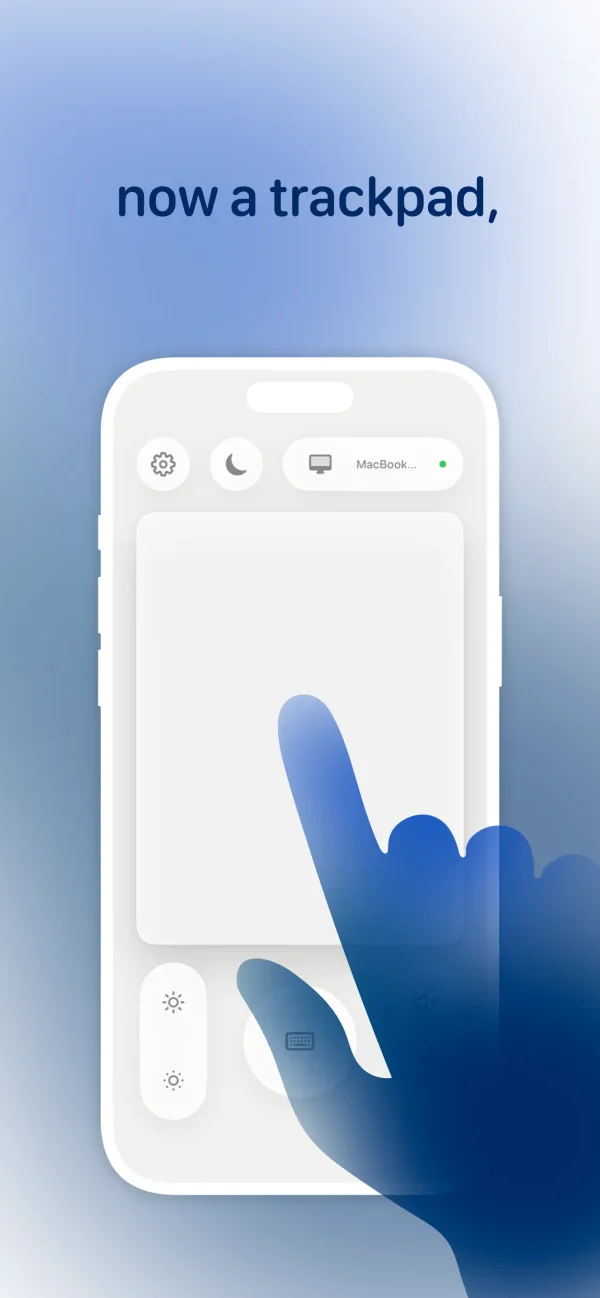
Airothy turns your iPhone into a wireless trackpad and keyboard for your Mac. Control your Mac from across the room. Gestures, typing, and shortcuts, right in your hand.
A REAL TRACKPAD, IN YOUR HAND
• One finger moves the pointer, with smooth acceleration that feels like a Mac trackpad
• Tap to click, two-finger tap to right-click, double-tap to double-click
• Two fingers to scroll and pinch to zoom
• Three-finger swipes for Mission Control and switching Spaces
• Long-press to drag and drop
A FULL KEYBOARD, TWO WAYS
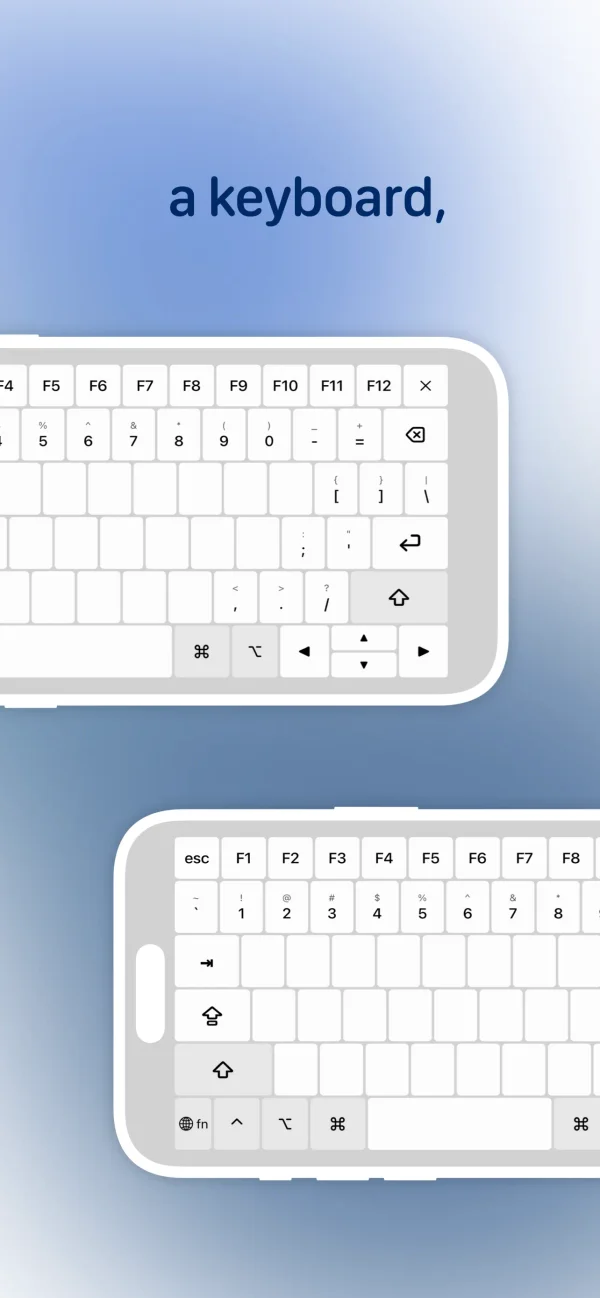
• Full-screen Mac Keyboard with hold-to-combine modifier keys, key repeat, and haptic feedback
• A function row that matches your Mac: brightness, media, mute, and volume
• Or type with the familiar iOS keyboard, with a Cmd / Opt / Ctrl / Shift bar and a Mac keys panel
PRIVATE BY DESIGN
• iPhone and Mac talk directly over your local network. What you type and tap never touches the internet
• Every connection is encrypted and authenticated
• Your Mac only accepts commands from devices you personally approved, one controller at a time
GETTING STARTED
1. Install the free Mac companion app from airothy.com
2. Open Airothy on your iPhone and scan the QR code shown on your Mac, or enter the 6-digit code
3. That's it. Pair once and you stay paired
FREE AND PRO
The core experience is free forever: pointer, clicks, scrolling, and typing with the iOS keyboard. Pro features like the Mac Keyboard, Mac modifier and function keys, drag and drop, pinch to zoom, three-finger gestures, and remote system controls come with a 14-day free trial, then unlock with a single one-time purchase. No subscription.
Yang baru
Versi 1.2 · 13/11/2026
• New: widgets, Control Center and Siri. Open Airothy from Control Center, the Lock Screen or the Action Button. With Pro, change your Mac's brightness and volume or turn off its display from a Home Screen widget or Control Center, or ask Siri.
• Easier setup: when your Mac doesn't show up, Airothy now tells you why and how to fix it.
• Bug fixes and improvements.
• We updated our privacy policy. Details at airothy.com/privacy.
Privasi aplikasi
Yang dinyatakan Hunwoo Kim di App Store tentang cara aplikasi ini menangani data.
-
Data yang tidak ditautkan dengan Anda
Dapat dikumpulkan, tetapi tidak ditautkan dengan identitas Anda.
- Pembelian
- Pengenal
- Data penggunaan
Praktik privasi dapat bervariasi, misalnya berdasarkan fitur yang Anda gunakan atau usia Anda.
Informasi
- Penjual
- Hunwoo Kim
- Kategori
- Kegunaan
- Versi
- 1.2
- Diperbarui
- 13/11/2026
- Dirilis
- 15/9/2026
- Ukuran
- 32,9 MB
- Memerlukan
- iOS 26.0 atau yang lebih baru
- Batasan usia
- 4+
- Harga
- Gratis
- Pembelian dalam aplikasi
- Ya
- Bahasa
- Inggris, Arab, Prancis, Jerman, Jepang, Korea, Tionghoa Sederhana, Spanyol
- Hak cipta
- © 2026 Easterve