Altimeter Elevation Watch
Altimeter for CarPlay
Dirancang untuk iPhone, iPad
Gratis · Pembelian dalam aplikasi
- Batasan usia4+
- KategoriNavigasi
- PengembangBernhard Hering
- BahasaInggris+ 4 lainnya
- Ukuran9,3 MB
Tertaut ke halaman resmi App Store
Download.org tidak menyimpan file Altimeter Elevation Watch apa pun. Tombol ini membuka halaman aplikasi di App Store, tempat Bernhard Hering menerbitkannya. Halaman terakhir diperiksa pada 25/11/2026.
Tangkapan layar
Tentang
Pengembang belum menyediakan teks ini dalam bahasa Anda.
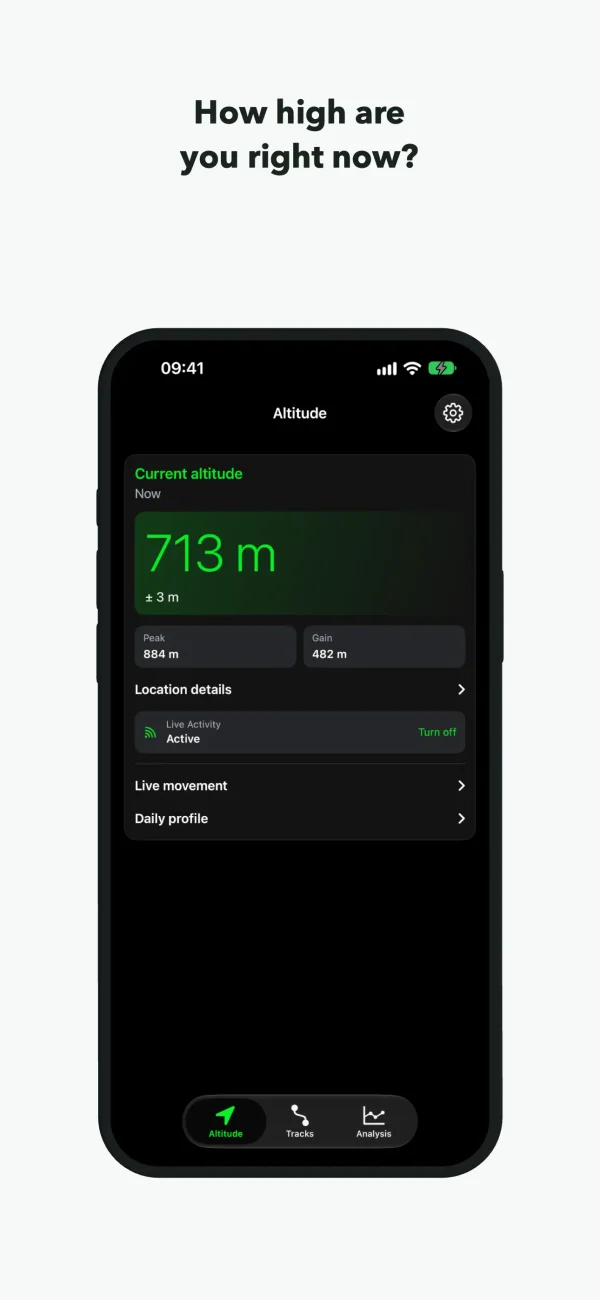
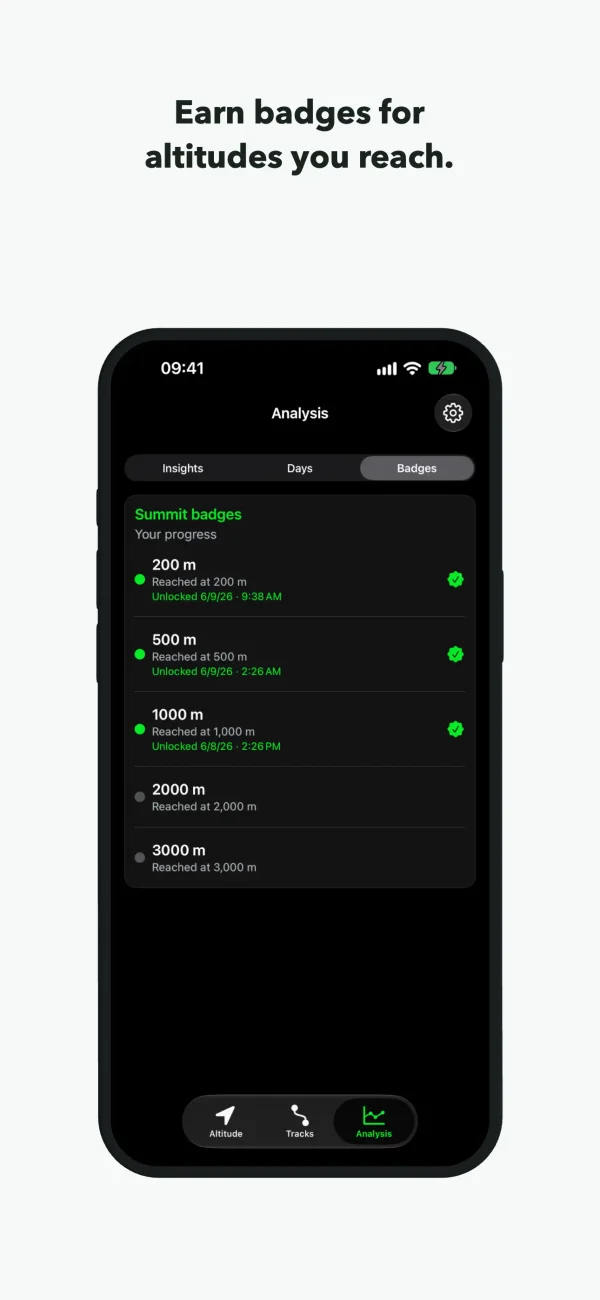
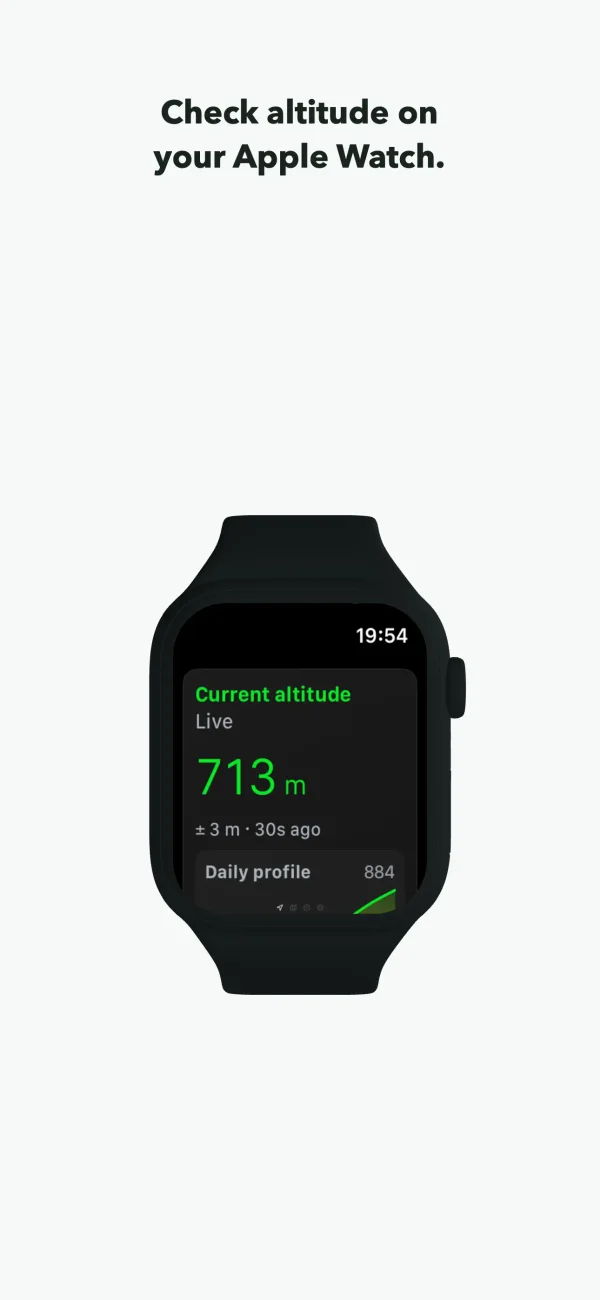
Check your current altitude and see how much you have climbed. Altimeter shows your altitude, daily peak and elevation gain on hikes, bike rides and mountain drives. Use it on iPhone and Apple Watch, or view your altitude in CarPlay.
ALTITUDE IN YOUR CAR
The native CarPlay app has its own view for altitude, climb or descent per minute, grade, direction, peak and gain. It is an altitude display, not a navigation app. Set it up before driving.
ALTITUDE WITHOUT SWITCHING APPS
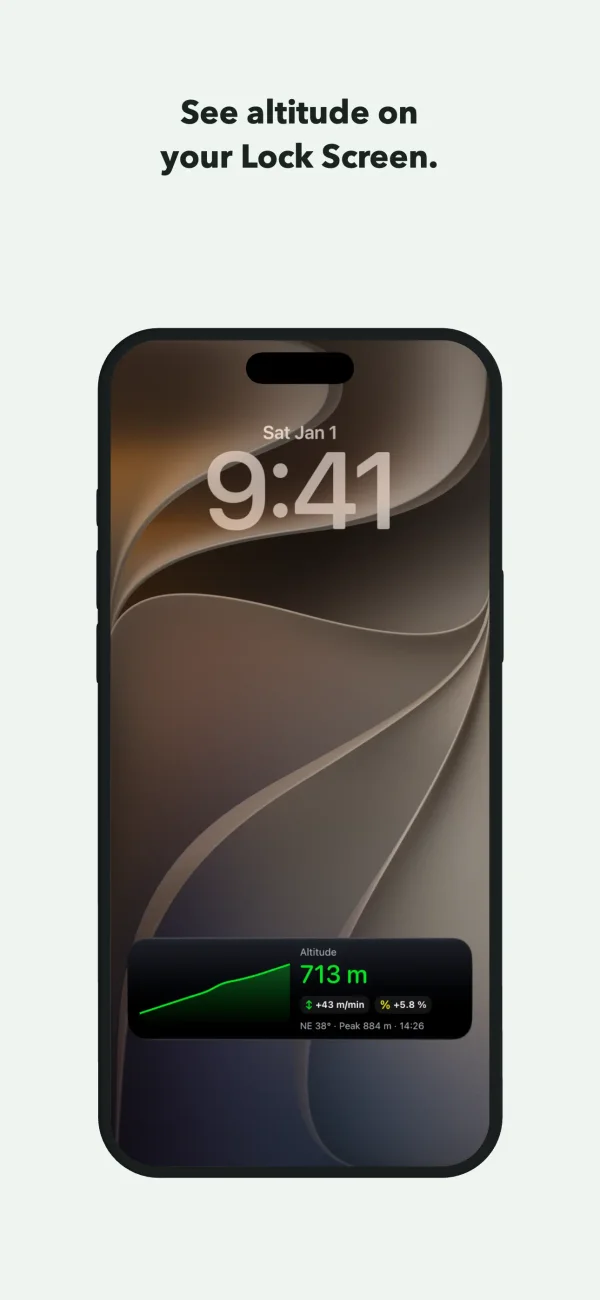
Start a Live Activity on iPhone to see altitude, peak and gain on the Lock Screen. Compatible iPhones also show these values in the Dynamic Island. Live Activity and the native CarPlay app are separate features. Widgets and Watch complications show your latest available altitude data.
LOOK BACK AT YOUR ROUTE
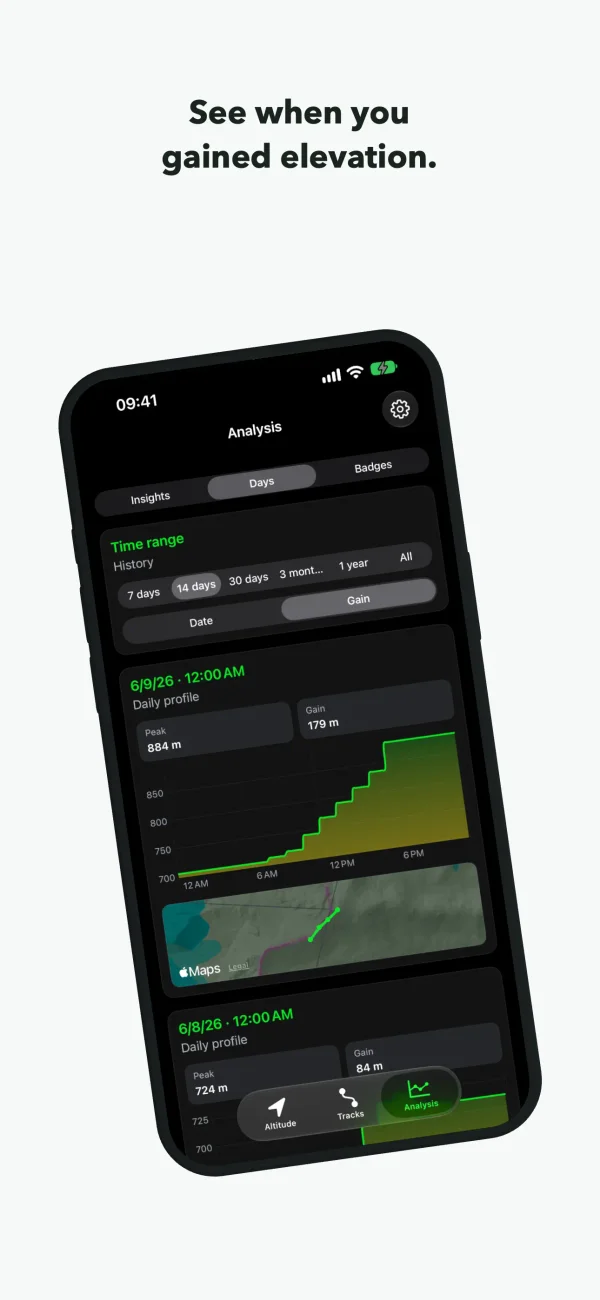
Record a track and open it on the map later. The line is colored by elevation; the color scale shows lower and higher sections. Daily history shows your altitude profile, peak and ascent. Monthly and yearly views help you compare your altitude history.
FIT IT TO YOUR DAY
• Display altitude in meters or feet
• Check altitude on Apple Watch
• Use Siri or Shortcuts to start a Live Activity or ask for your altitude
• Optionally use existing Flights Climbed data from Apple Health in your analysis
BEFORE YOU START
Readings depend on GPS reception, sensors and location permissions. Background features require appropriate permissions. iOS and watchOS limit widget and complication refreshes; these are not continuously live displays. The app does not replace professional measurement equipment, navigation or safety equipment.
ACCESS
New users can try the app for two days. Continued access then requires a monthly subscription, annual subscription or one-time lifetime purchase. Existing purchases can be restored in the app.
Terms of Use (EULA): https://www.apple.com/legal/internet-services/itunes/dev/stdeula/
Yang baru
Versi 4.8.23 · 23/11/2026
In CarPlay, “Checking access…” now clears as soon as the access check finishes, instead of lingering until the next altitude refresh.
Privasi aplikasi
Yang dinyatakan Bernhard Hering di App Store tentang cara aplikasi ini menangani data.
-
Data yang tidak ditautkan dengan Anda
Dapat dikumpulkan, tetapi tidak ditautkan dengan identitas Anda.
- Pengenal
- Data penggunaan
Praktik privasi dapat bervariasi, misalnya berdasarkan fitur yang Anda gunakan atau usia Anda.
Informasi
- Penjual
- Bernhard Hering
- Kategori
- Navigasi
- Versi
- 4.8.23
- Diperbarui
- 23/11/2026
- Dirilis
- 6/11/2017
- Ukuran
- 9,3 MB
- Memerlukan
- iOS 17.6 atau yang lebih baru
- Batasan usia
- 4+
- Harga
- Gratis
- Pembelian dalam aplikasi
- Ya
- Bahasa
- Inggris, Prancis, Jerman, Italia, Spanyol
- Hak cipta
- © Bernhard Hering
Mungkin Anda juga suka
-
 Pressure Altimeter TrackerNavigasi
-
 Altimeter: Elevation & GPSNavigasi
-
 Altitude DriveAltimeter untuk CarPlay
-
 Pro Altimeter for WatchNavigasi
-
 Altimeter DashboardNavigasi
-
 Alti-watcherPerjalanan
-
 Peak - Altimeter GPS BarometerKetinggian, kompas & mendaki
-
 Altimeter: Ketinggian MDPL GPSKompas, Barometer, Koordinat
-
 Altimeter+Navigasi
-
 RV-PilotNavigasi