
Apportice: SSH & Cloud Shell
Fast & Secure Server Access
Dirancang untuk iPhone, iPad, Mac
Gratis
- Batasan usia4+
- KategoriAlat Pengembang
- PengembangAbdol Hamid Yousefi
- BahasaInggris
- Ukuran8,5 MB
Tertaut ke halaman resmi App Store
Download.org tidak menyimpan file Apportice: SSH & Cloud Shell apa pun. Tombol ini membuka halaman aplikasi di App Store, tempat Abdol Hamid Yousefi menerbitkannya. Halaman terakhir diperiksa pada 23/11/2026.
Tangkapan layar
Tentang
Pengembang belum menyediakan teks ini dalam bahasa Anda.
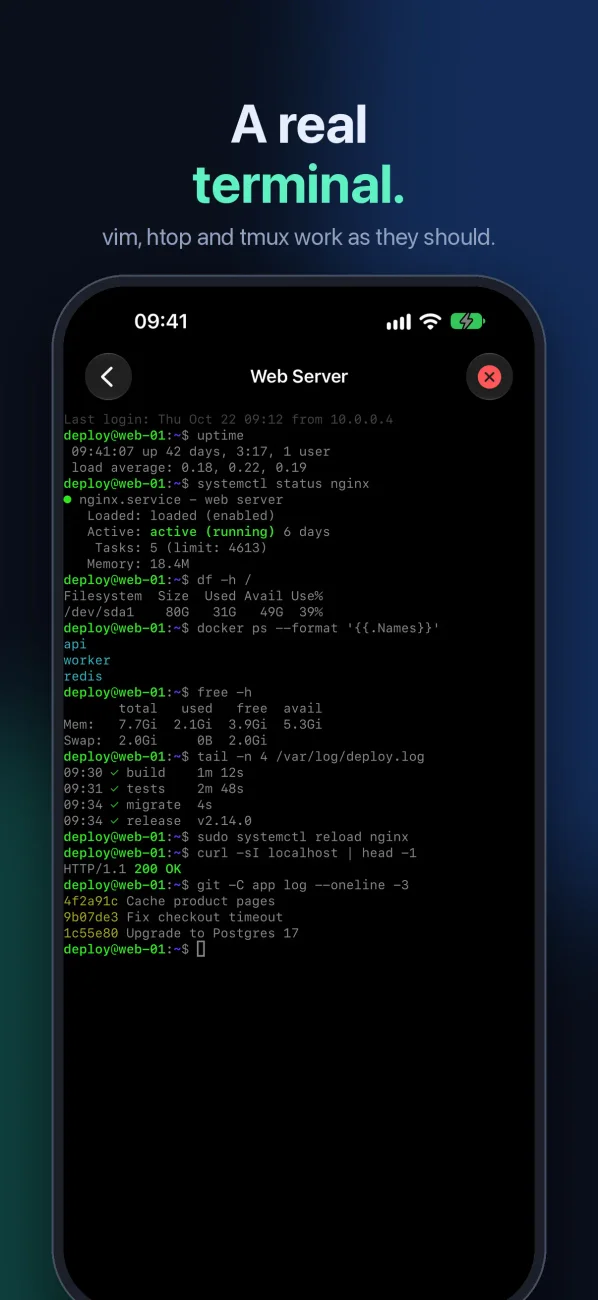
Apportice is a fast, private SSH client for Mac, iPhone and iPad, with AWS Session Manager built in. Connect to your servers over SSH, or open a shell on any EC2 instance without SSH keys or open ports, all from one app.
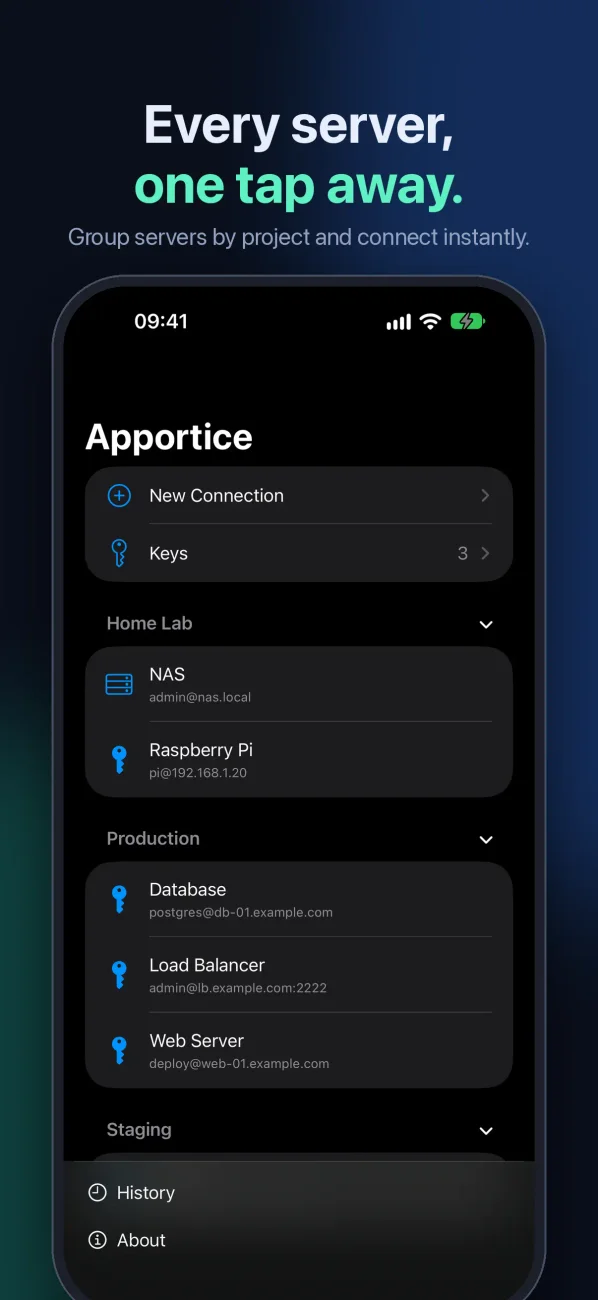
EVERY SERVER, ONE KEYSTROKE AWAY
• Quick Connect: type user@host, a saved server or an EC2 instance and you're in
• Save servers once with their host, port, user and key, then connect with a tap or double-click
• Recent SSH and AWS sessions on the Home screen, plus a full connection history
• Run many SSH and Session Manager terminals at once and switch between them instantly
• Keyboard shortcuts for new connections, switching sessions and disconnecting
SHELL INTO EC2, NO SSH NEEDED
• Open Session Manager shells on EC2 instances registered with AWS Systems Manager
• No bastion hosts, no inbound ports, no SSH keys to hand out
• Sign in the way you already do: AWS console sign-in (with MFA), IAM Identity Center, or access keys
• Short-term credentials renew automatically for as long as your sign-in allows
• Paste credentials straight from the AWS access portal or the AWS CLI
• Add as many accounts and regions as you need
KEYS THAT NEVER LEAVE YOUR DEVICE
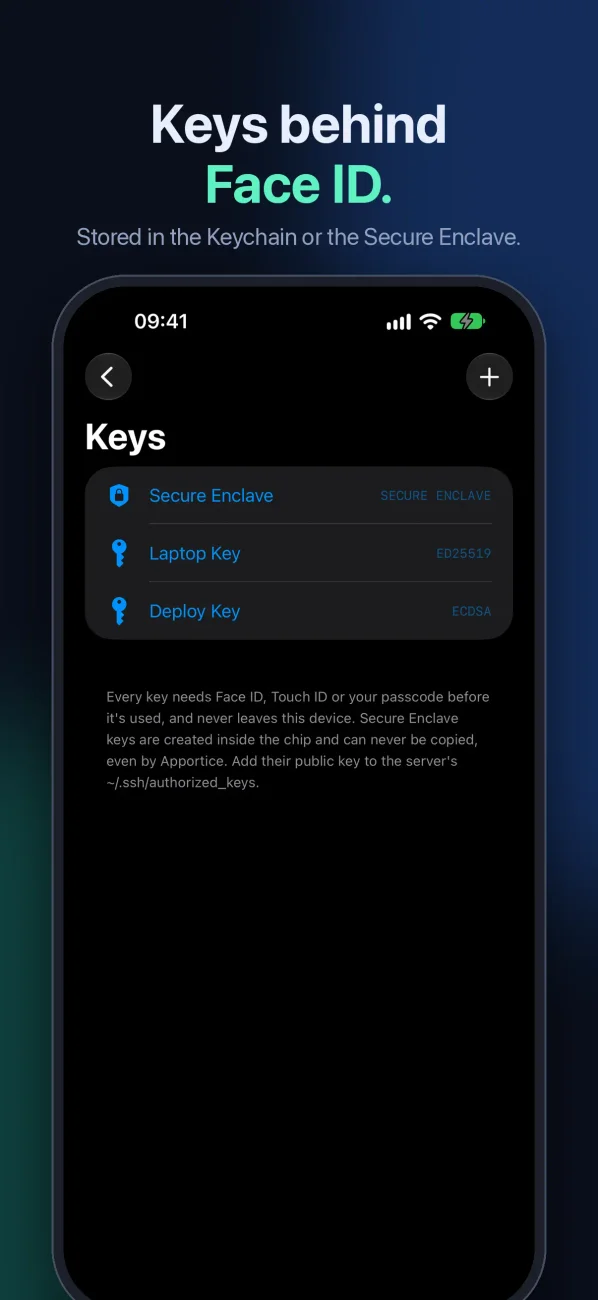
• Generate Secure Enclave keys: the private key is created inside your device's security hardware and can never be copied out
• Import Ed25519 and ECDSA (P-256, P-384, P-521) keys, including passphrase-protected OpenSSH keys
• Keys and AWS credentials live in the Keychain, unlocked with Face ID or Touch ID
• Copy or share any public key in one tap to add it to authorized_keys
• AWS accounts lock again after the period of inactivity you choose
SECURITY YOU CAN VERIFY
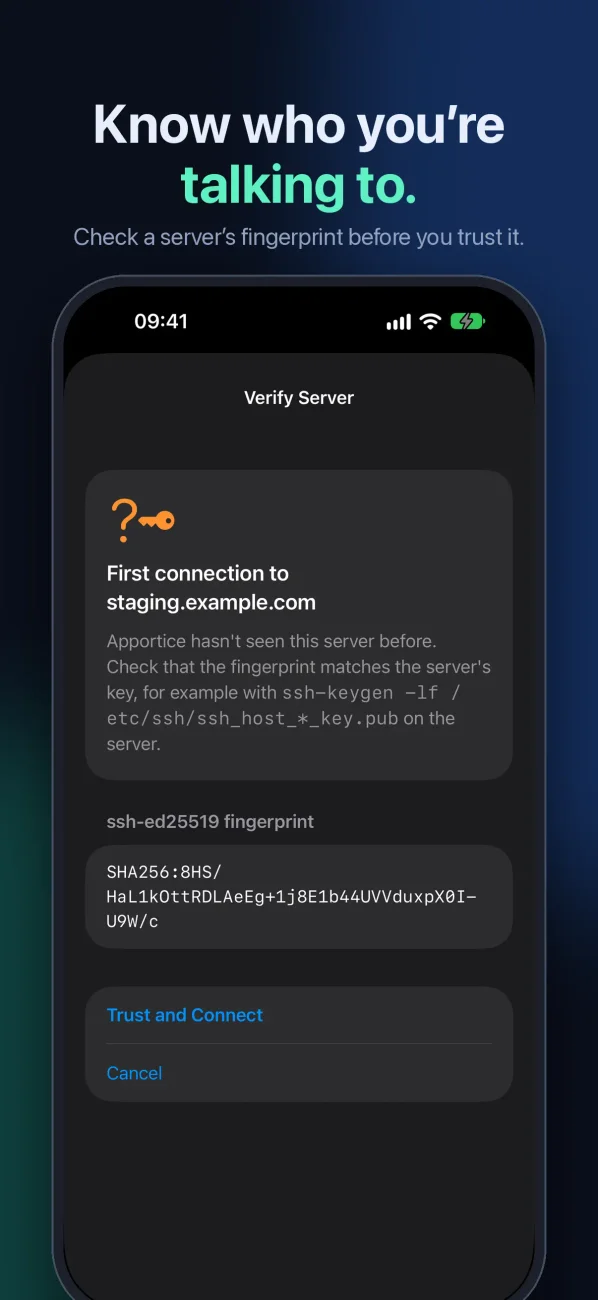
• Every new server's host key fingerprint is shown before you connect
• A clear warning if a server's key ever changes, so an intercepted connection doesn't go unnoticed
• Sign in with a key or a password
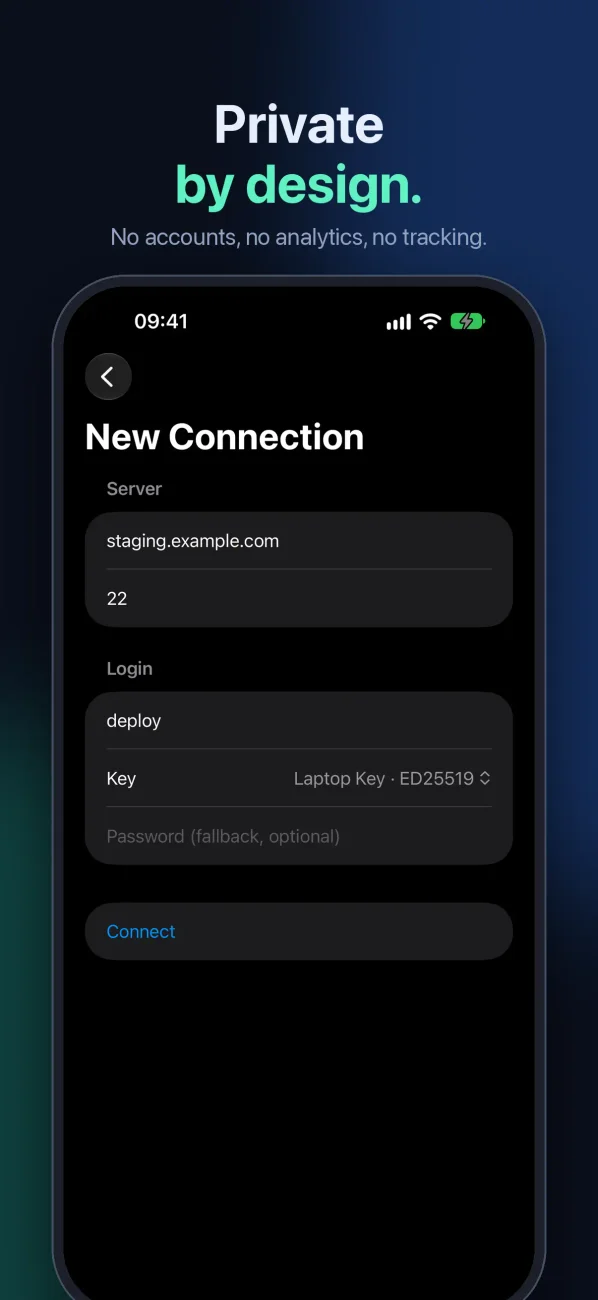
PRIVATE BY DESIGN
• No accounts, no analytics, no tracking
• Apportice talks only to the servers you connect to, and to AWS when you use it
• Your servers, keys and history stay on your device
Session Manager needs the SSM Agent on your instances and an IAM role that allows Systems Manager (for example AmazonSSMManagedInstanceCore). The in-app Support page walks through setup and common problems.
Yang baru
Versi 2.0 · 16/11/2026
Apportice 2.0 is our biggest update yet.
NEW: AWS SESSION MANAGER
Open a shell on your EC2 instances without SSH keys or open ports. Sign in with the AWS console, IAM Identity Center or access keys. Short-term credentials renew automatically.
NEW: APPORTICE FOR MAC
Apportice now runs natively on the Mac, with menu commands and keyboard shortcuts.
ALSO NEW
• Home screen with Quick Connect: type user@host, a saved server or an EC2 instance to connect
• Run several sessions at once and switch between them instantly
• Import passphrase-protected OpenSSH keys
• AWS accounts lock again after a period of inactivity you choose
• A Support page with answers to common connection problems
SECURITY
• Programs running on a server can't read or change your clipboard
• Only web links in the terminal can be opened
CHANGED
• Server groups have been removed. Your saved servers are kept and listed by name.
Plus many smaller fixes and improvements.
Privasi aplikasi
Yang dinyatakan Abdol Hamid Yousefi di App Store tentang cara aplikasi ini menangani data.
-
Data tidak dikumpulkan
Pengembang tidak mengumpulkan data apa pun dari aplikasi ini.
Praktik privasi dapat bervariasi, misalnya berdasarkan fitur yang Anda gunakan atau usia Anda.
Informasi
- Penjual
- Abdol Hamid Yousefi
- Kategori
- Alat Pengembang
- Versi
- 2.0
- Diperbarui
- 16/11/2026
- Dirilis
- 11/11/2026
- Ukuran
- 8,5 MB
- Memerlukan
- iOS 17.0 atau yang lebih baru
- Batasan usia
- 4+
- Harga
- Gratis
- Bahasa
- Inggris
- Hak cipta
- © @2026 Apportice
Mungkin Anda juga suka
-
 VMPal RemoteAlat Pengembang
-
 BaudHub: Modbus AssistantAlat Pengembang
-
 SymbolCraft: Developer ToolCari simbol dan salin
-
 Search Panel - Search ConsoleGoogle Search Console data
-
 CodeSSH - Code EditorAlat Pengembang
-
 LM PocketAlat Pengembang
-
 LL Pair: Developer ModeAlat Pengembang
-
 Wireless DebugAlat Pengembang
-
 P-ToolkitAlat Pengembang
-
 SQLite database clientAlat Pengembang