ArchCam: Perspective Camera
Straight Lines & Natural Faces
Dirancang untuk iPhone
Gratis · Pembelian dalam aplikasi
- Batasan usia4+
- KategoriFoto & Video
- BahasaInggris
- Ukuran18,2 MB
Tertaut ke halaman resmi App Store
Download.org tidak menyimpan file ArchCam: Perspective Camera apa pun. Tombol ini membuka halaman aplikasi di App Store, tempat menerbitkannya. Halaman terakhir diperiksa pada 15/11/2026.
Tangkapan layar


Tentang
Pengembang belum menyediakan teks ini dalam bahasa Anda.
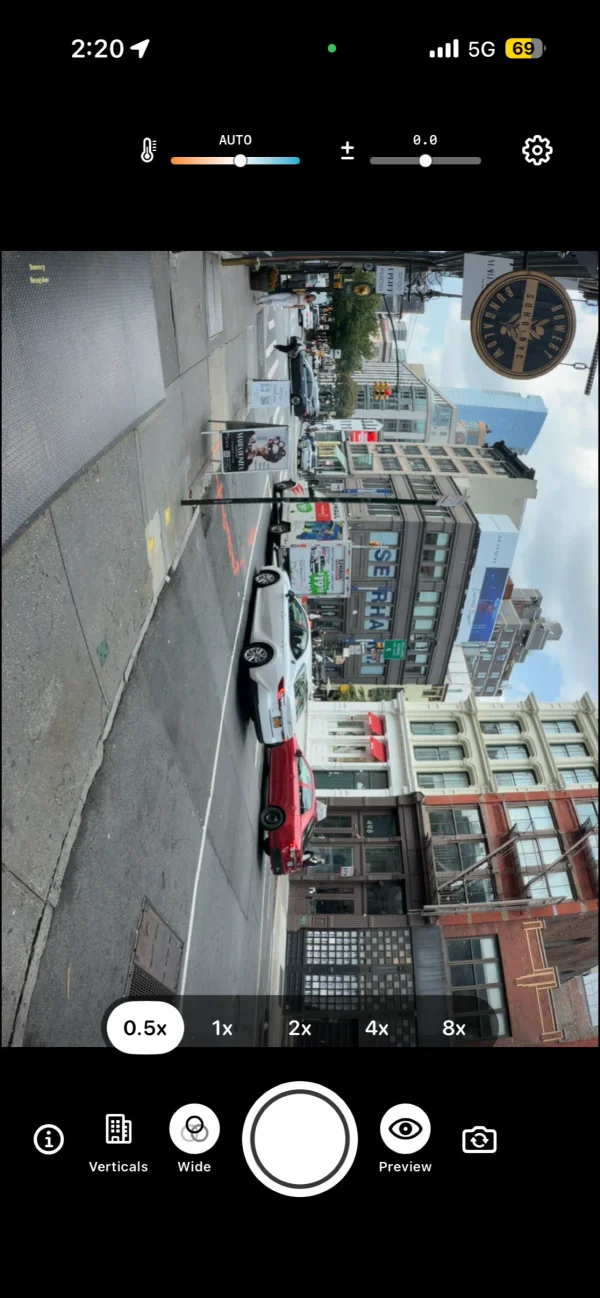
ArchCam keeps buildings upright, horizons level, and people looking more natural near the edges of wide photos. See corrections while you shoot, then refine them in Studio Editor. Your original stays recoverable.
AUTOMATIC VERTICAL PERSPECTIVE
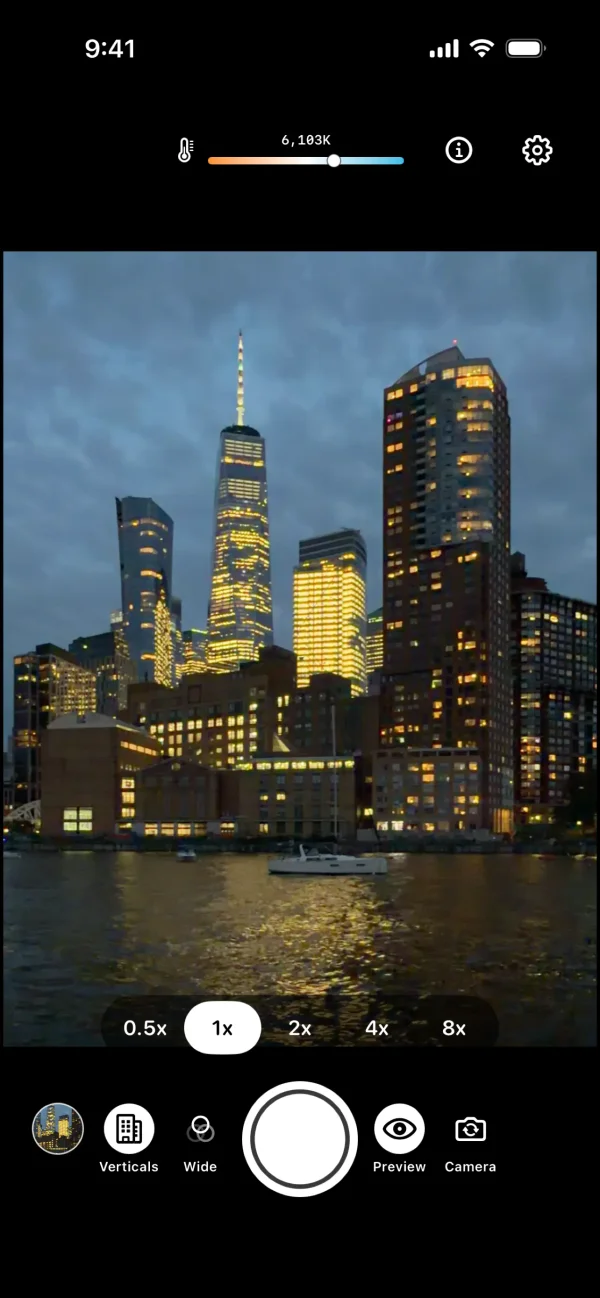
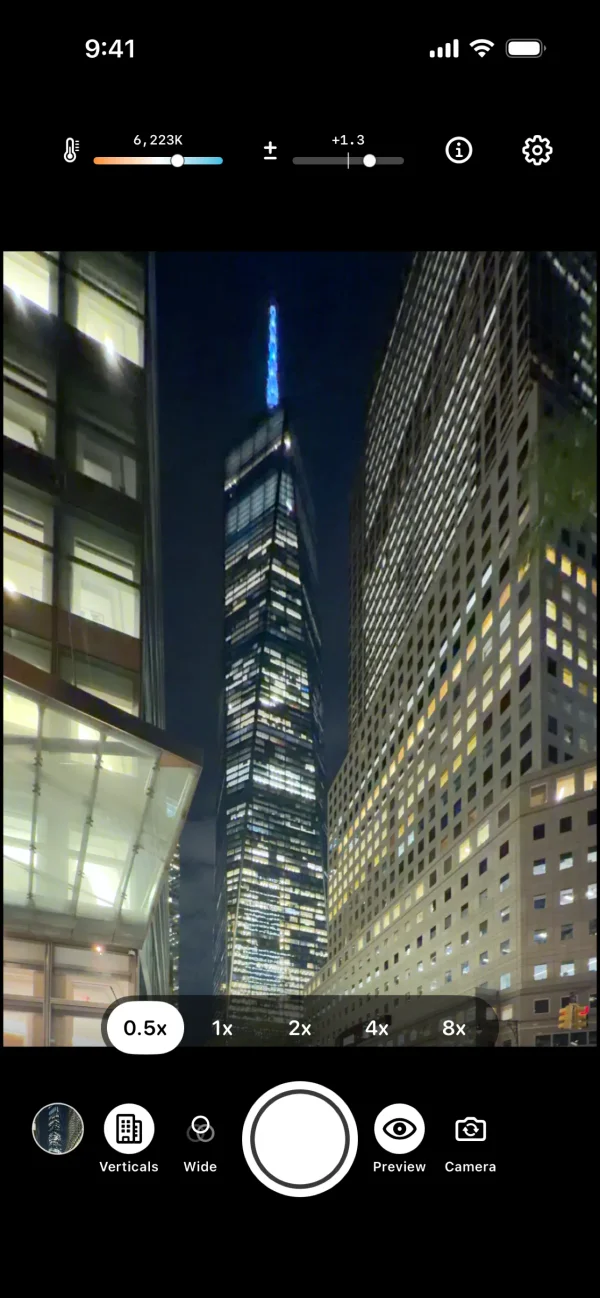
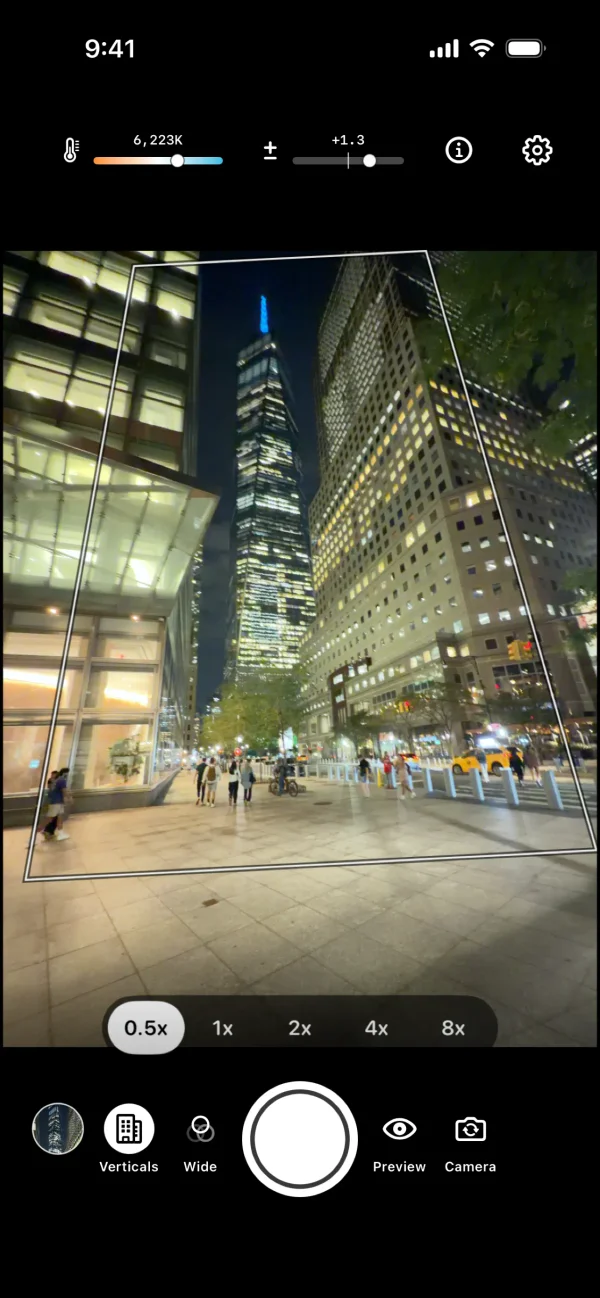
Point the camera up or down at buildings or interiors. Verticals uses camera orientation and lens information to straighten converging upright lines, similar to the shift movement of a perspective-control lens.
MORE NATURAL WIDE PHOTOS
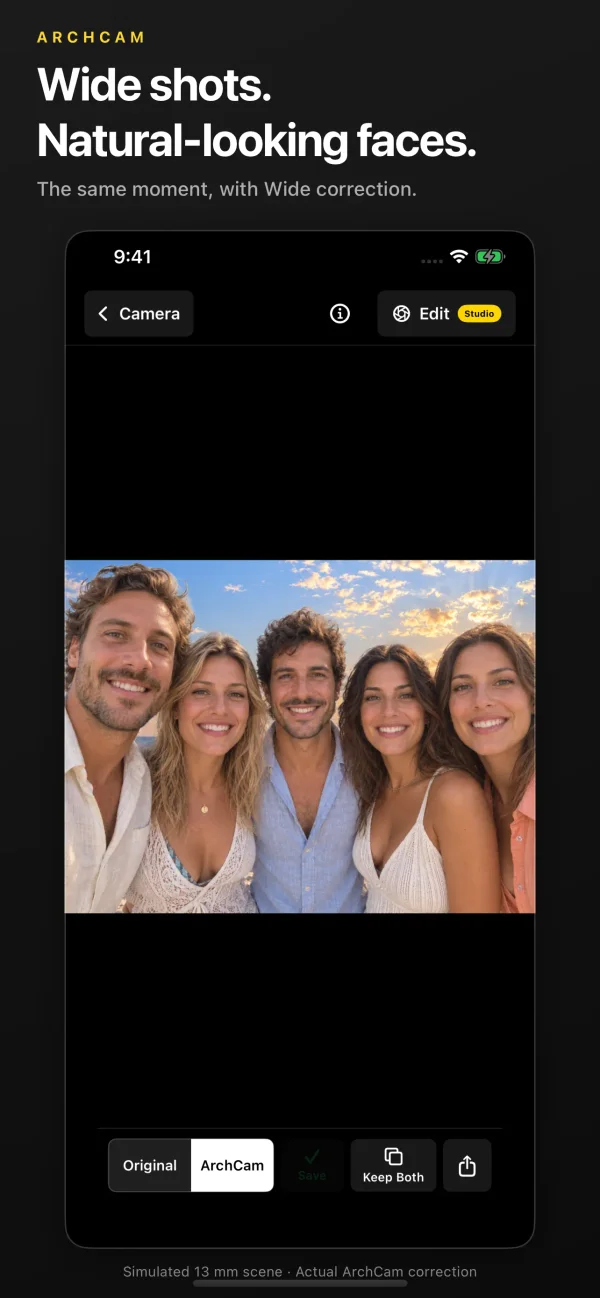
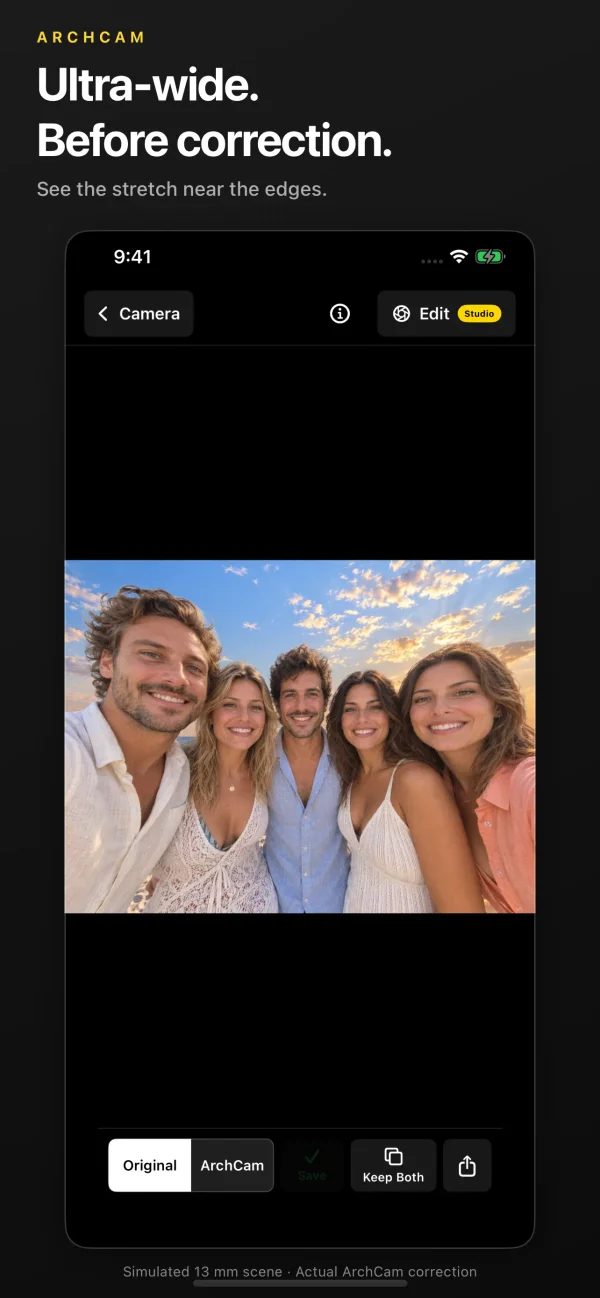
Reduce stretching of faces and figures near frame edges in group photos and selfies. Wide uses a curved, fisheye-like projection, so straight lines may bend. It works with front and rear cameras, not just ultra-wide lenses.
LEVEL HORIZONS
Automatically straighten tilted horizons. For most everyday photos, this is the only correction you need. Turn it off for deliberately angled compositions.
DOCUMENT AND ARTWORK MODES
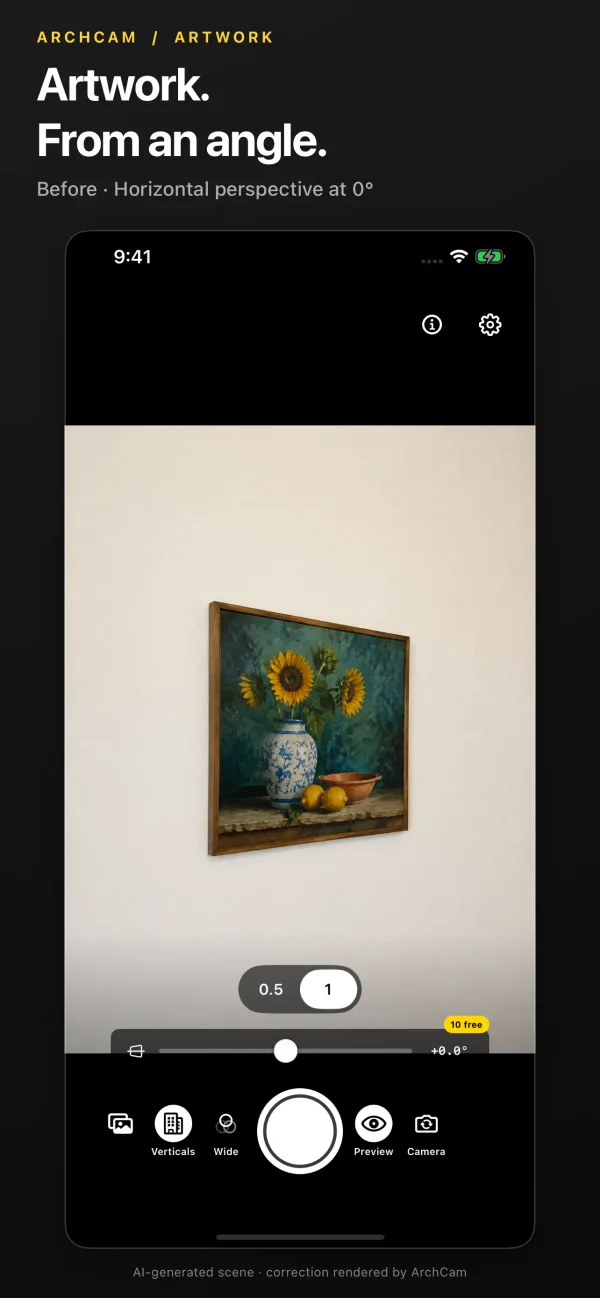
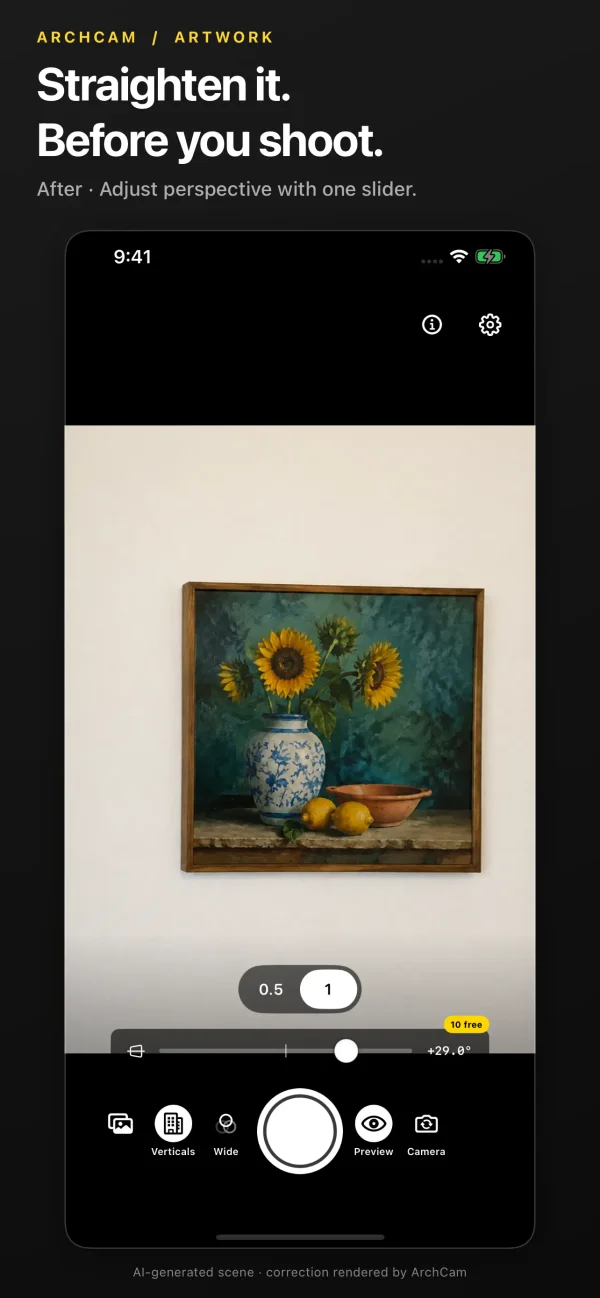
Document mode straightens flat subjects photographed from above with the rear camera. Artwork mode adds manual horizontal perspective for paintings, posters, and building facades photographed from one side.
PREVIEW OR OUTLINE
See enabled corrections live in Preview, or use Outline to show the future corrected frame with less processing and typically lower battery use. Both save the same enabled corrections.
REFINE IN STUDIO EDITOR
Edit ArchCam or library photos with Horizon, Vertical and Horizontal perspective, 4-Corner, Wide, and Color tools. Live Photo editing retains motion and sound; geometry edits preserve the chosen Portrait appearance.
COMPARE AND KEEP
Compare Original and ArchCam versions, save either, or keep both as separate photos. Review actions are free. Studio Editor and Artwork capture share 10 free saves; an optional one-time purchase removes the limit.
LIVE PHOTO CAPTURE
Capture motion around the full-resolution still photo, with optional sound.
APPLE WATCH REMOTE
Frame shots with a live view on Apple Watch, zoom with the Digital Crown, toggle Wide correction, and use a shutter timer. Keep ArchCam open on your paired, unlocked iPhone.
CAMERA CONTROLS
Adjust exposure and white balance, pinch to zoom, switch cameras, and shoot with either volume button. Tap to focus or touch and hold for focus and exposure lock.
PRIVATE PHOTO PROCESSING
Photos are processed on your iPhone, with no ArchCam account, advertising, analytics, tracking, or image-processing backend. Apple handles Studio purchases; Photos may sync through your iCloud settings.
Yang baru
Versi 1.5.1 · 27/10/2026
Improved Live Photo capture, with a more responsive shutter, better front-camera support, and smoother switching between Live and still photos.
Privasi aplikasi
Yang dinyatakan di App Store tentang cara aplikasi ini menangani data.
-
Data tidak dikumpulkan
Pengembang tidak mengumpulkan data apa pun dari aplikasi ini.
Praktik privasi dapat bervariasi, misalnya berdasarkan fitur yang Anda gunakan atau usia Anda.
Informasi
- Penjual
- Alpine Dog Apps LLC
- Kategori
- Foto & Video
- Versi
- 1.5.1
- Diperbarui
- 27/10/2026
- Dirilis
- 27/8/2026
- Ukuran
- 18,2 MB
- Memerlukan
- iOS 17.0 atau yang lebih baru
- Batasan usia
- 4+
- Harga
- Gratis
- Pembelian dalam aplikasi
- Ya
- Bahasa
- Inggris
- Hak cipta
- © 2026 Alpine Dog Apps LLC
Mungkin Anda juga suka
-
 FlyingShot - Wide CameraFoto & Video
-
 Perspective LabFoto & Video
-
 PaintingLensFoto & Video
-
 RectilinearFoto & Video
-
 Plumb: Perspective CameraFoto & Video
-
 PersCrop - Perspective CropFoto & Video
-
 Camera Grid: Photo ComposerFoto & Video
-
 GlowplumeFoto & Video
-
 QShot - Game Day CamFoto & Video
-
 Look - Disposable CameraFoto & Video