
Rectilinear
Perspective & Lens Correction
Dirancang untuk iPhone, iPad, Mac
Gratis
- Batasan usia4+
- KategoriFoto & Video
- PengembangFederico Bruni
- BahasaInggris+ 1 lainnya
- Ukuran1,3 MB
Tertaut ke halaman resmi App Store
Download.org tidak menyimpan file Rectilinear apa pun. Tombol ini membuka halaman aplikasi di App Store, tempat Federico Bruni menerbitkannya. Halaman terakhir diperiksa pada 18/11/2026.
Tangkapan layar
Tentang
Pengembang belum menyediakan teks ini dalam bahasa Anda.
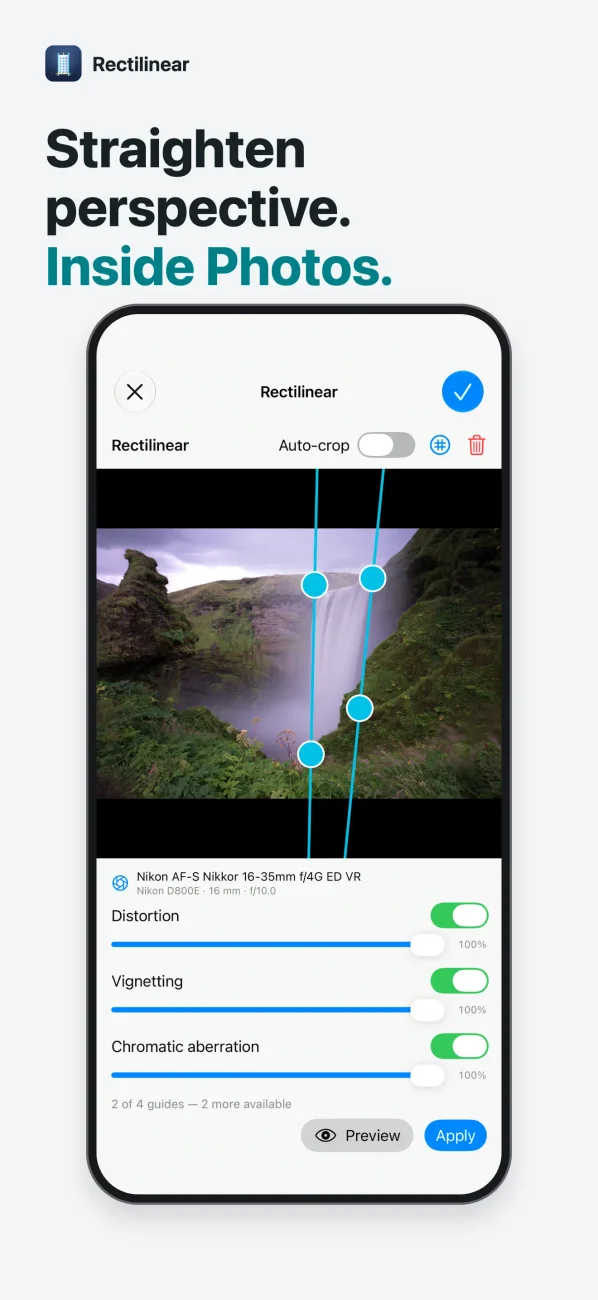
Rectilinear straightens perspective in your photos, right inside the Photos app on iPhone, iPad and Mac. Wide-angle lenses and shooting from below make buildings lean and lines converge: draw a few guides along the edges that should be straight, and Rectilinear corrects the photo so they are.
GUIDED PERSPECTIVE CORRECTION
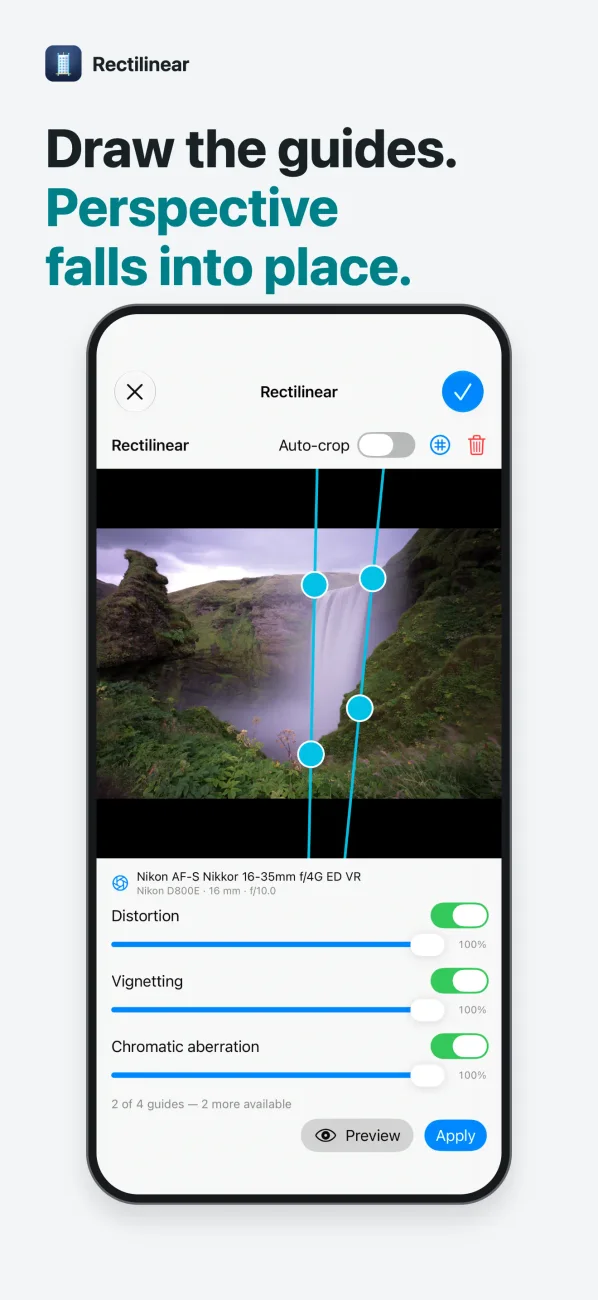
• Draw 2 to 4 guide lines along edges that should be vertical or horizontal
• One line levels the photo; two verticals fix converging verticals; a vertical and a horizontal correct both directions at once
• Hold Preview to compare the result with the original
• Auto-crop trims the empty border to the largest rectangle that keeps the photo's proportions, or crop by hand with an optional aspect-ratio lock
AUTOMATIC LENS CORRECTION
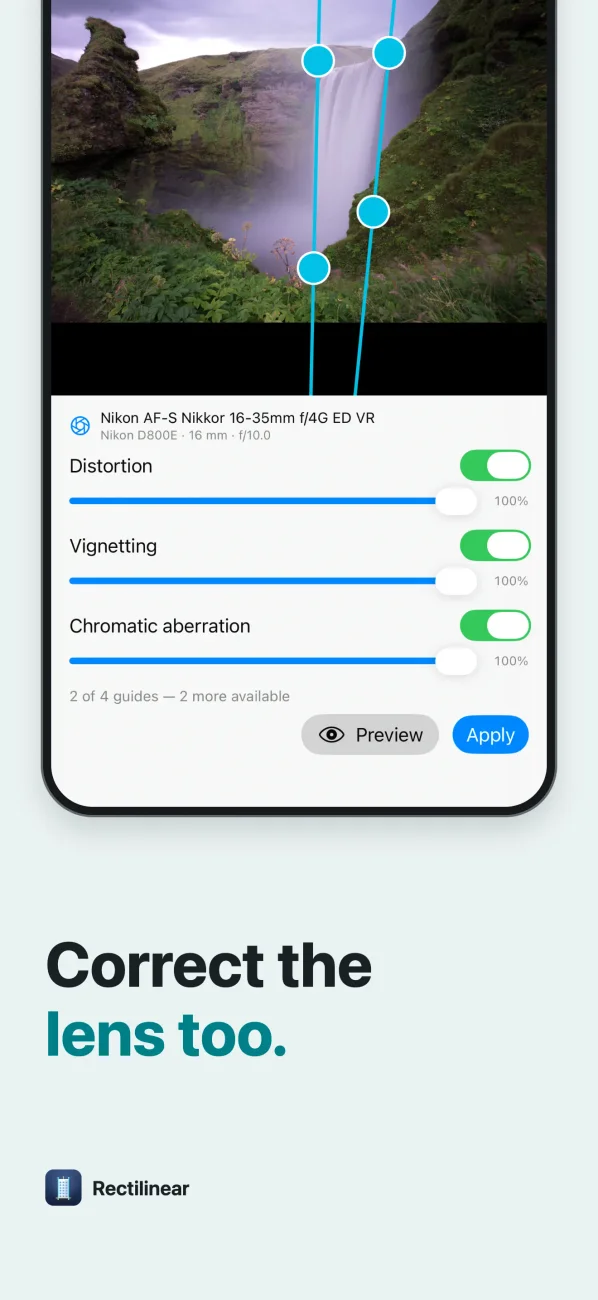
• Reads the camera and lens from the photo's metadata and matches them against more than 1,500 lens profiles
• Removes barrel and pincushion distortion, vignetting and chromatic aberration before you draw any guide, so straight lines are already straight
• Each correction has its own switch and strength
• Photos from phones, already corrected by the camera, are recognised and left alone by default
QUALITY FIRST
• Lens correction and perspective are applied in a single high-quality resampling pass, for the sharpest possible result
• Raw files are decoded with the newest decoder available, and saved as 10-bit HEIF where possible
• Keeps the photo's colour space, such as Display P3
NON-DESTRUCTIVE
• Works as a Photos extension: open a photo, tap Edit, then ••• and choose Rectilinear
• The guides, the crop and the lens settings are saved with the edit, so you can reopen and adjust it at any time, or revert to the original
• Live Photos are supported: the still and the video are corrected together
PRIVATE
• Everything happens on your device. No account, no tracking, no internet connection.
Lens profiles from the Lensfun database, licensed CC BY-SA 3.0.
Privasi aplikasi
Yang dinyatakan Federico Bruni di App Store tentang cara aplikasi ini menangani data.
-
Data tidak dikumpulkan
Pengembang tidak mengumpulkan data apa pun dari aplikasi ini.
Praktik privasi dapat bervariasi, misalnya berdasarkan fitur yang Anda gunakan atau usia Anda.
Informasi
- Penjual
- Federico Bruni
- Kategori
- Foto & Video
- Versi
- 1.0
- Diperbarui
- 11/10/2026
- Dirilis
- 8/10/2026
- Ukuran
- 1,3 MB
- Memerlukan
- iOS 26.5 atau yang lebih baru
- Batasan usia
- 4+
- Harga
- Gratis
- Bahasa
- Inggris, Italia
- Hak cipta
- © 2026 Federico Bruni
Mungkin Anda juga suka
-
 Fault CameraFoto & Video
-
 Zoty CameraFoto & Video
-
 ArchCam: Perspective CameraFoto & Video
-
 Efecto — hand-crafted filtersFoto & Video
-
 Helio Black&White Film CameraFoto & Video
-
 PersCrop - Perspective CropFoto & Video
-
 Shuffle Album – Your MemoriesRandom feed for photos&videos
-
 PlastipicFoto & Video
-
 ROLLCAFoto & Video
-
 ApolloOne GO: Photo CullingFoto & Video