AskLink-Remote Desktop
Secure cross-platform access
Dirancang untuk iPhone, iPad, Mac, iPod touch
Gratis · Pembelian dalam aplikasi
- Batasan usia4+
- KategoriBisnis
- PengembangShanghai Kongkong Technology Co., Ltd
- BahasaInggris+ 6 lainnya
- Ukuran57,9 MB
Tertaut ke halaman resmi App Store
Download.org tidak menyimpan file AskLink-Remote Desktop apa pun. Tombol ini membuka halaman aplikasi di App Store, tempat Shanghai Kongkong Technology Co., Ltd menerbitkannya. Halaman terakhir diperiksa pada 25/11/2026.
Tangkapan layar

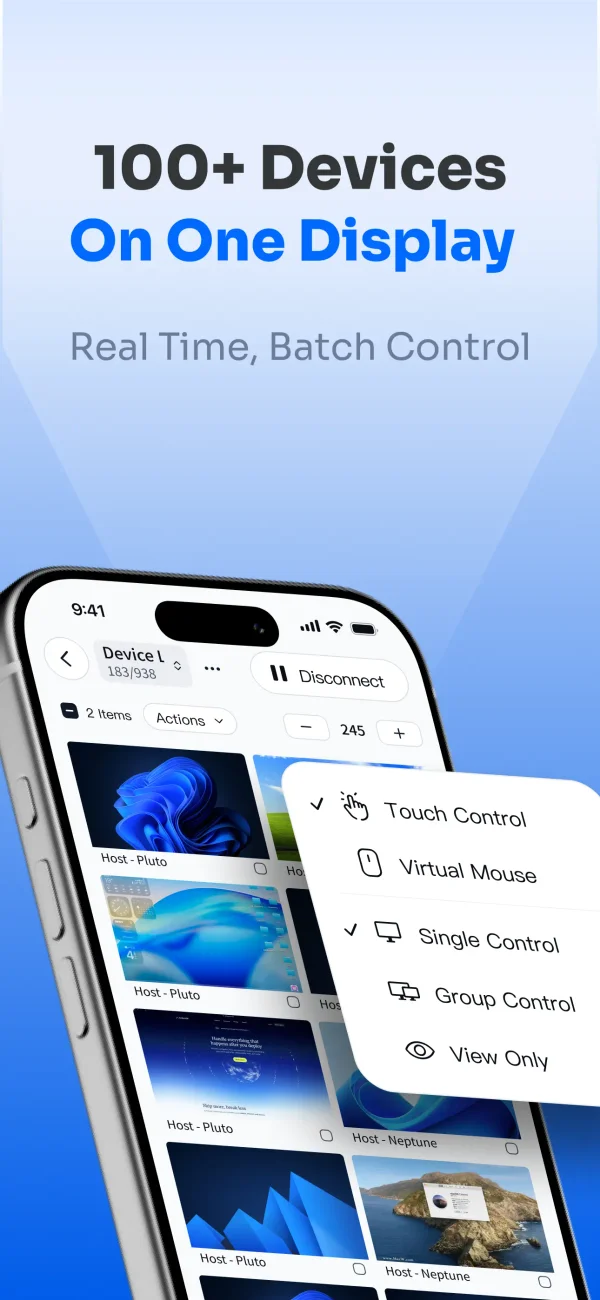
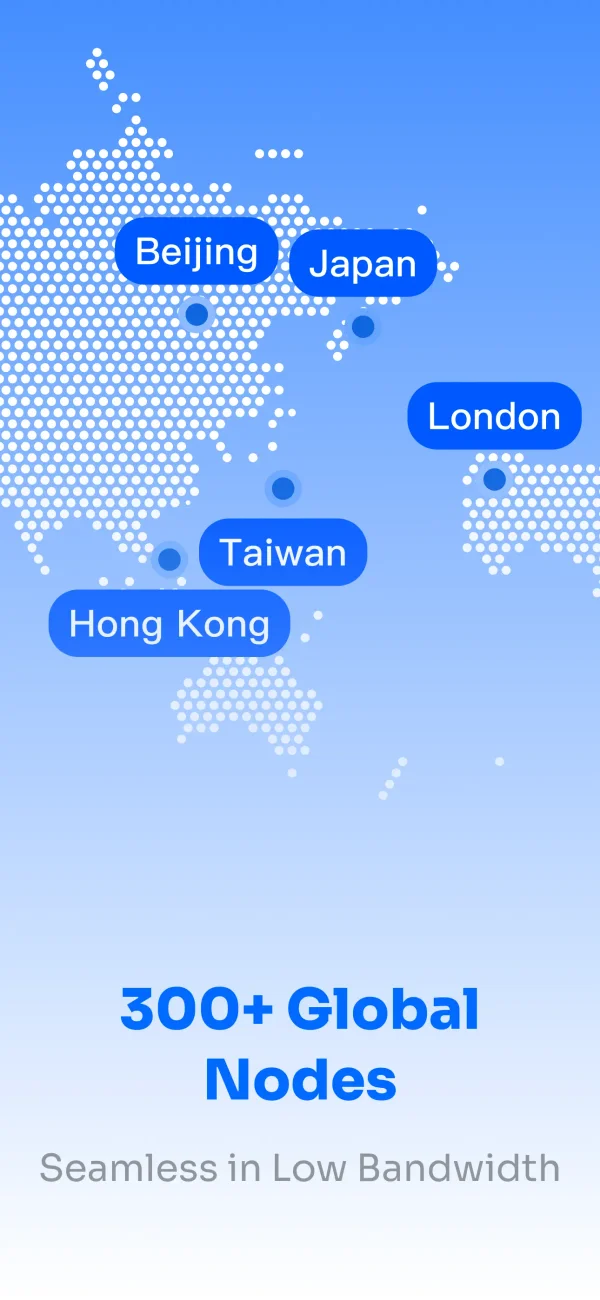
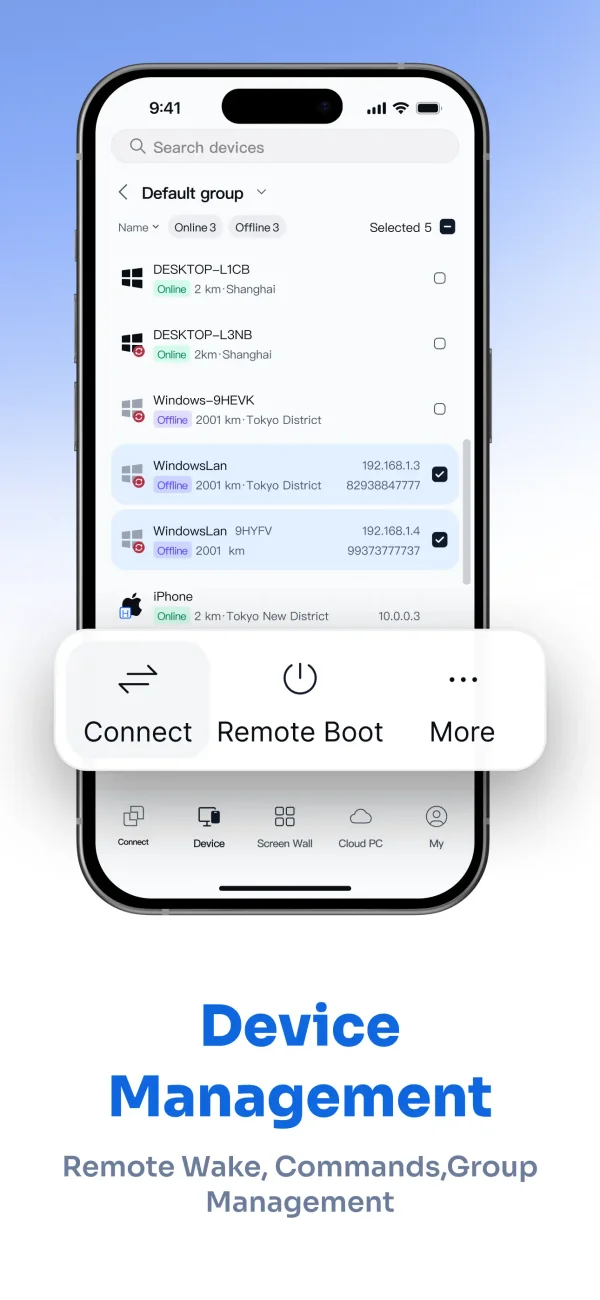
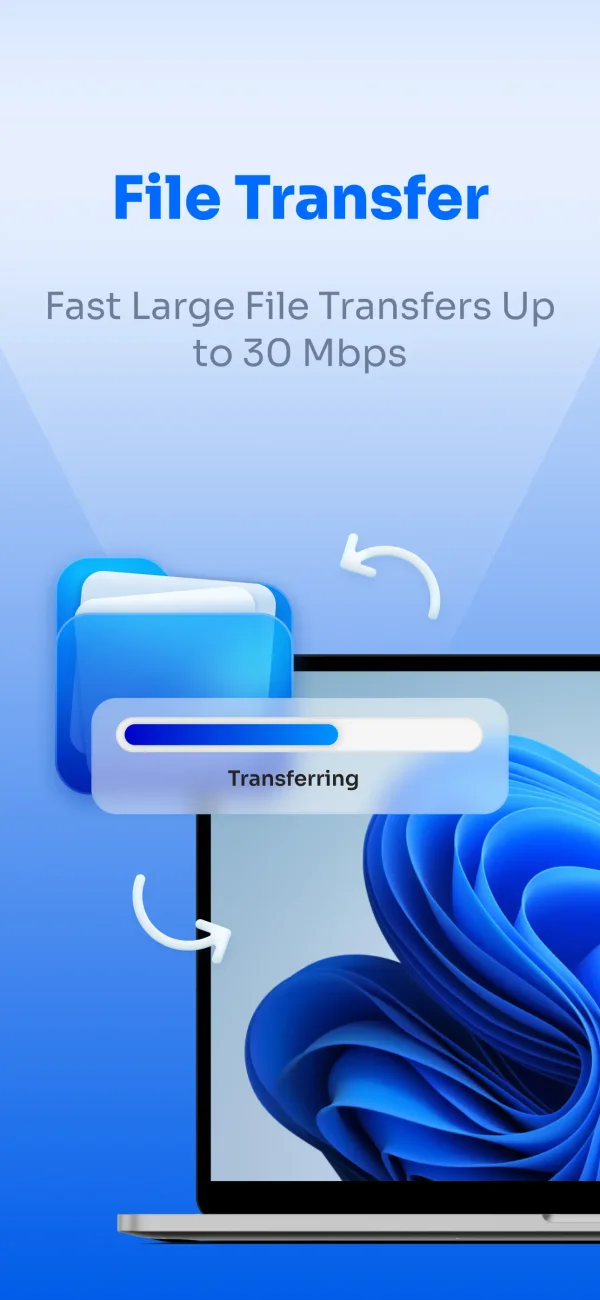
Tentang
Pengembang belum menyediakan teks ini dalam bahasa Anda.
AskLink is a simple, secure, and efficient cross-platform remote control app built for remote access and productivity.
You can use your phone, tablet, or computer to remotely control Windows, macOS, and Linux devices. Access your remote desktop, manage computers, share screens, provide remote assistance, and maintain devices from anywhere. Whether you are working remotely, providing IT support, managing devices, operating cloud PCs, or handling urgent work while away from your desk, AskLink delivers a stable, smooth, and secure remote connection experience.
AskLink is designed for individual users, remote workers, IT support teams, business teams, device administrators, e-commerce operators, cloud PC users, and anyone who needs to remotely manage multiple devices over time.
Why choose AskLink?
1. Cross-platform remote control
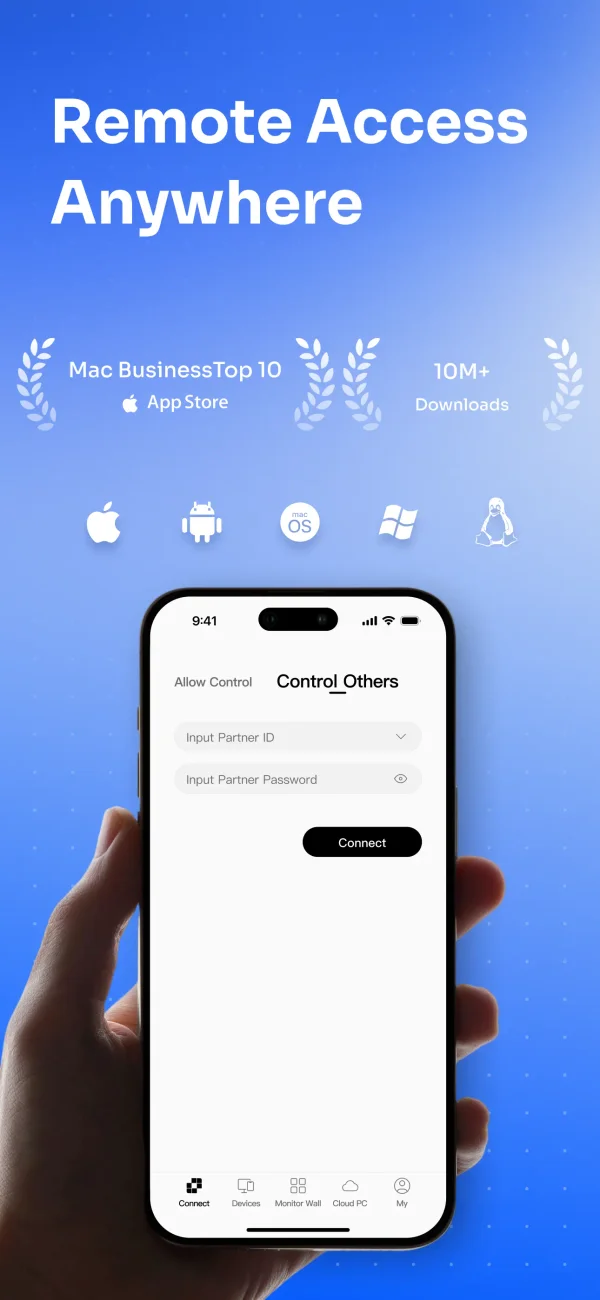
AskLink supports iPhone, iPad, Windows, macOS, and Linux. You can control a computer from your phone, or manage remote devices from your computer, making it easy to access different devices across platforms.
2. Smooth, high-definition remote desktop experience
AskLink supports high-quality and high-frame-rate remote control. Even under weak network conditions, it intelligently optimizes connection quality to reduce lag, latency, and disconnections, making remote work, device management, and remote operation smoother.
3. High-speed connection acceleration
AskLink provides high-speed connection capabilities for cross-network, weak-network, and complex network environments. It helps improve remote connection stability and smoothness.
4. Secure and reliable connection
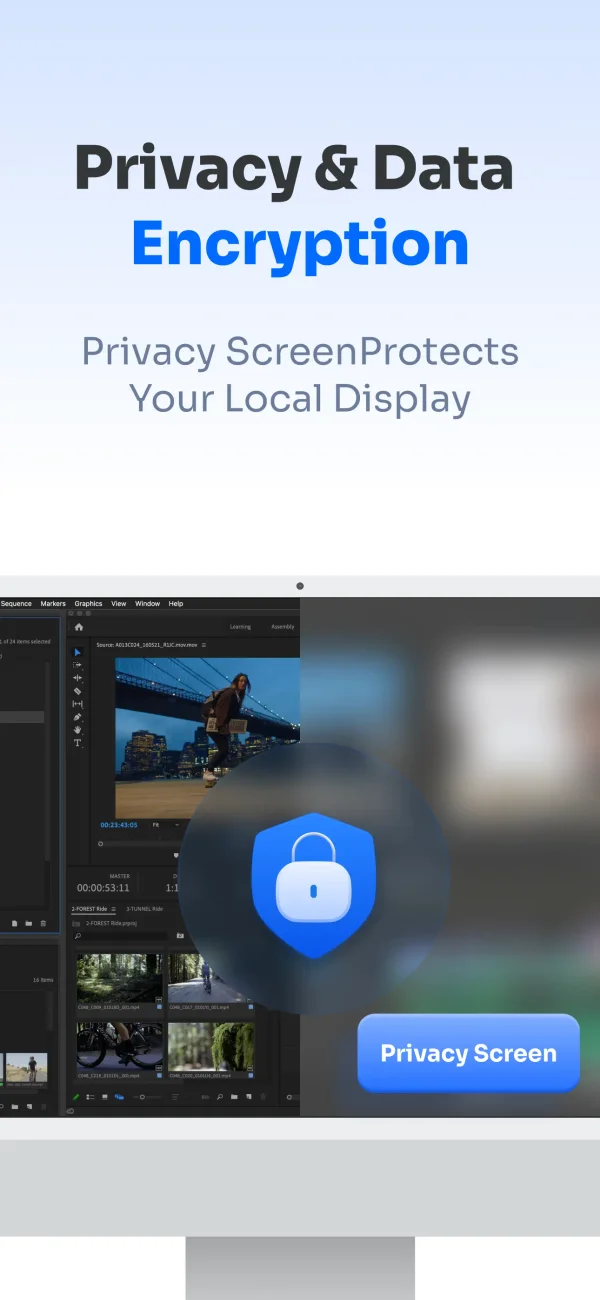
AskLink provides device verification, access passwords, encrypted connections, unattended access, and privacy screen features to help protect your account, devices, and data during remote access.
5. Built for multiple remote access scenarios
AskLink supports remote work, remote IT support, cloud PC management, device maintenance, screen sharing, remote collaboration, remote game management, and unattended remote control.
Key use cases
1. Remote work and collaboration
With AskLink, you can access computers in your office, home, or server room from your phone, tablet, or computer at any time. Whether you need to work on documents, run office software, check work files, or provide temporary remote assistance to a colleague, AskLink helps you get it done quickly.
2. Remote IT support and device maintenance
AskLink is suitable for IT administrators, technical support teams, and device management staff who need to maintain computers and endpoints remotely. Without being on site, you can check issues, operate the system, resolve problems, and assist users with configuration.
3. Control your computer from your phone
Use your iPhone or iPad to remotely access Windows, macOS, or Linux computers. When you are away from your desk, you can still view your desktop, work on documents, run software, and manage tasks.
4. Remote gaming and cloud PC management
AskLink supports low-latency remote desktop connections, making it suitable for checking computer status, managing game processes, operating cloud PCs remotely, and managing long-running tasks.
5. Screen sharing and remote assistance
AskLink can be used for remote demos, remote assistance, device training, and troubleshooting. Users can quickly share screens, check device status, and provide real-time operation support through remote connections.
It is suitable for customer support, technical assistance, helping family and friends remotely, and internal team collaboration.
Learn more:
www.asklink.com
For questions or feedback, contact us at:
support@asklink.com
Yang baru
Versi 4.3.9.0 · 24/11/2026
Improved Monitor Wall performance fourfold.
Improved Monitor Wall image quality, with support for resolutions up to 1080p.
Fixed an issue that prevented P2P connections on some networks.
Privasi aplikasi
Yang dinyatakan Shanghai Kongkong Technology Co., Ltd di App Store tentang cara aplikasi ini menangani data.
-
Data yang ditautkan dengan Anda
Dapat dikumpulkan dan ditautkan dengan identitas Anda.
- Info kontak
- Konten pengguna
- Pengenal
- Diagnostik
-
Data yang tidak ditautkan dengan Anda
Dapat dikumpulkan, tetapi tidak ditautkan dengan identitas Anda.
- Lokasi
- Konten pengguna
- Pengenal
- Diagnostik
Praktik privasi dapat bervariasi, misalnya berdasarkan fitur yang Anda gunakan atau usia Anda.
Informasi
- Penjual
- Shanghai Kongkong Technology Co., Ltd
- Kategori
- Bisnis
- Versi
- 4.3.9.0
- Diperbarui
- 24/11/2026
- Dirilis
- 27/4/2025
- Ukuran
- 57,9 MB
- Memerlukan
- iOS 15.0 atau yang lebih baru
- Batasan usia
- 4+
- Harga
- Gratis
- Pembelian dalam aplikasi
- Ya
- Bahasa
- Inggris, Prancis, Jepang, Korea, Tionghoa Sederhana, Spanyol, Tionghoa Tradisional
- Hak cipta
- © Shanghai Kongkong Technology Co., Ltd.