AskLink-Remote Desktop
Secure cross-platform access
Projetado para iPhone, iPad, Mac, iPod touch
Grátis · Compras no app
- Classificação etária4+
- CategoriaNegócios
- DesenvolvedorShanghai Kongkong Technology Co., Ltd
- IdiomasInglêse mais 6
- Tamanho57,9 MB
Leva à página oficial na App Store
O Download.org não hospeda nenhum arquivo de AskLink-Remote Desktop. O botão abre a página do app na App Store, onde Shanghai Kongkong Technology Co., Ltd o publica. Página verificada pela última vez em 25/11/2026.
Capturas de tela
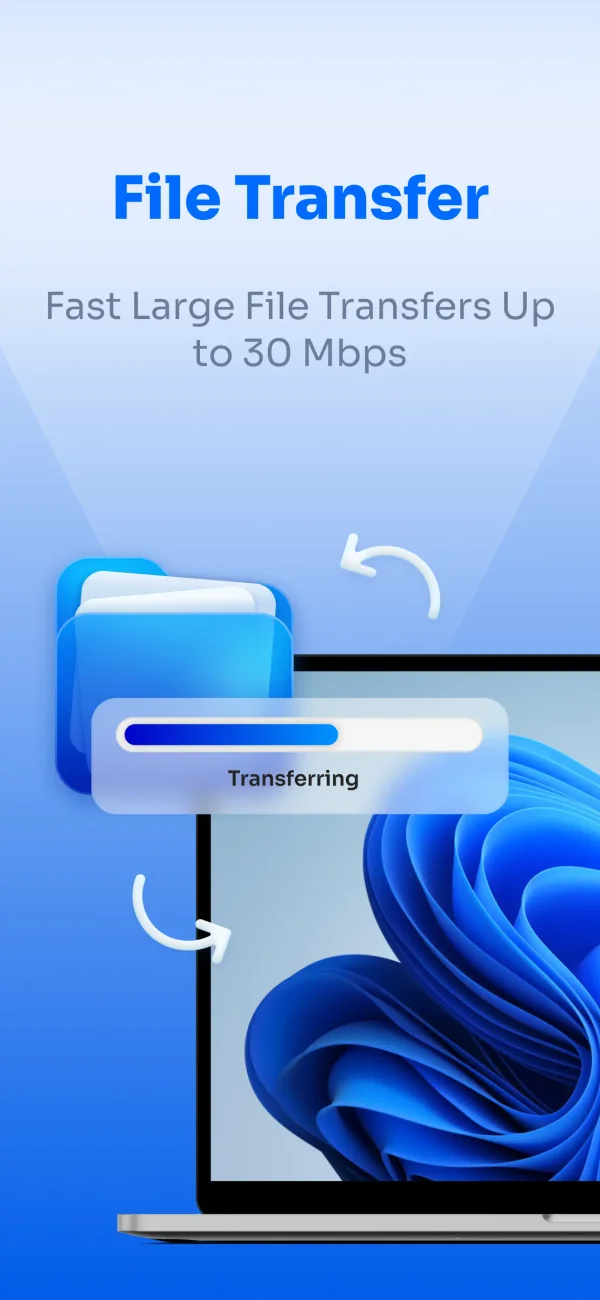
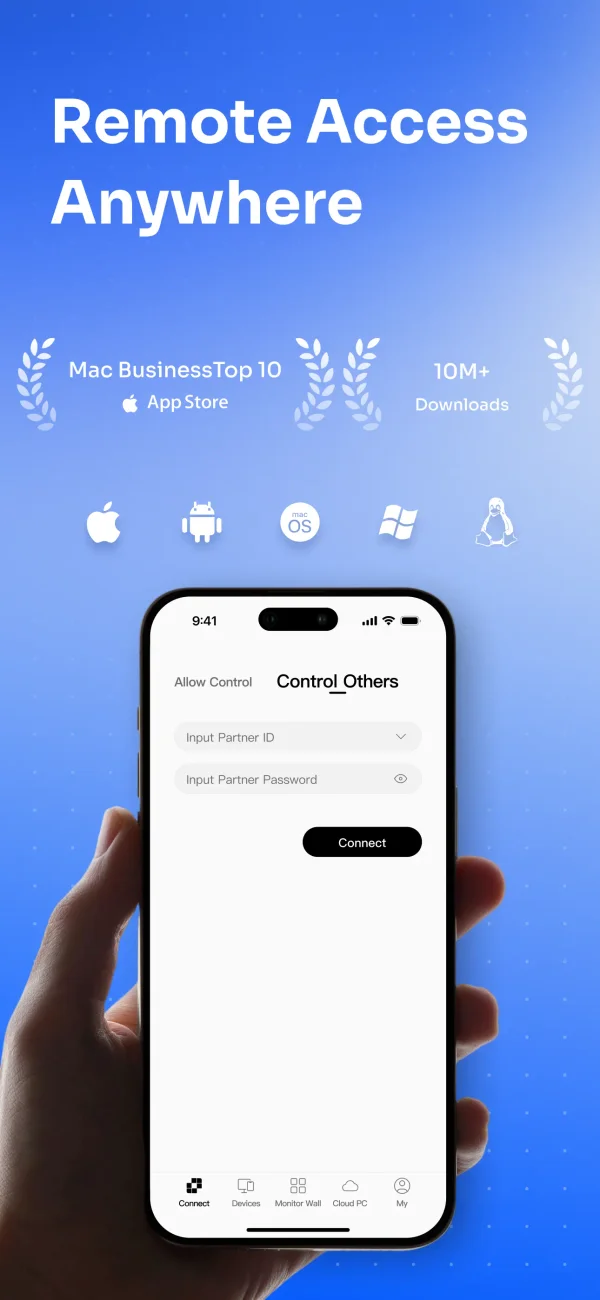

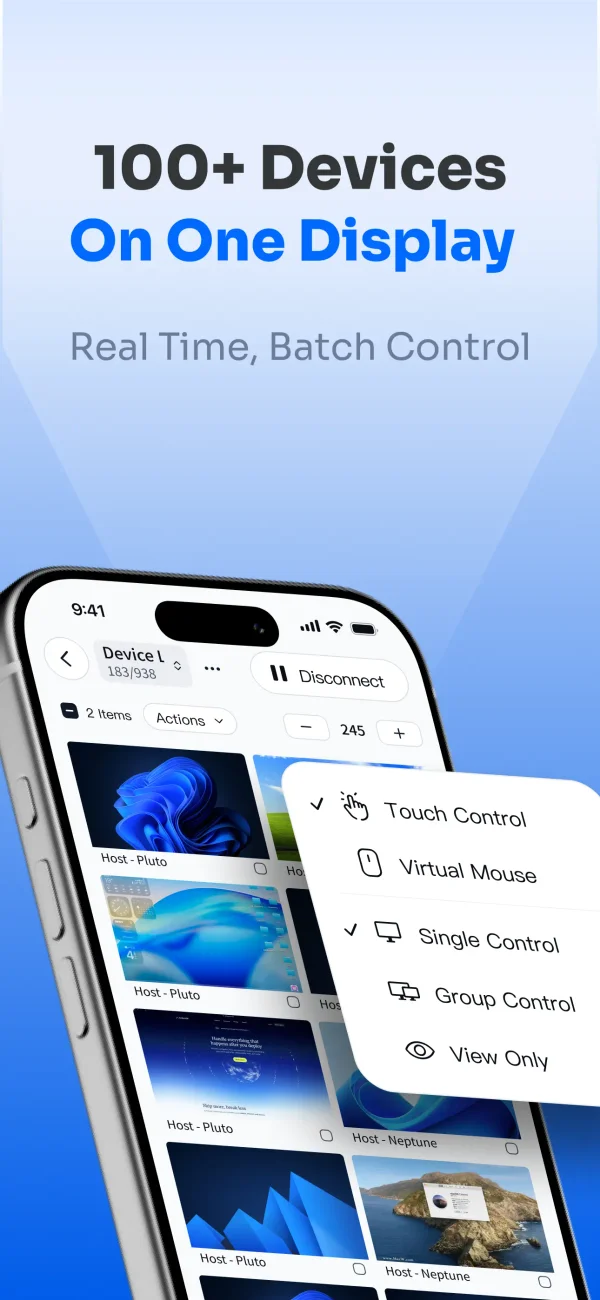
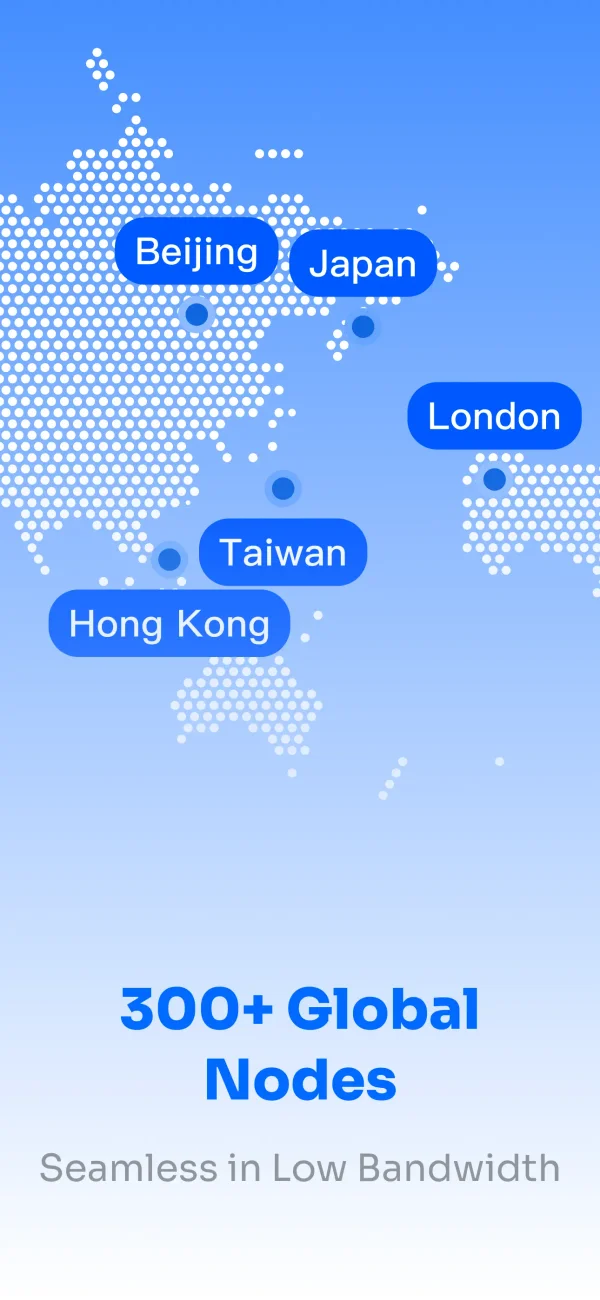
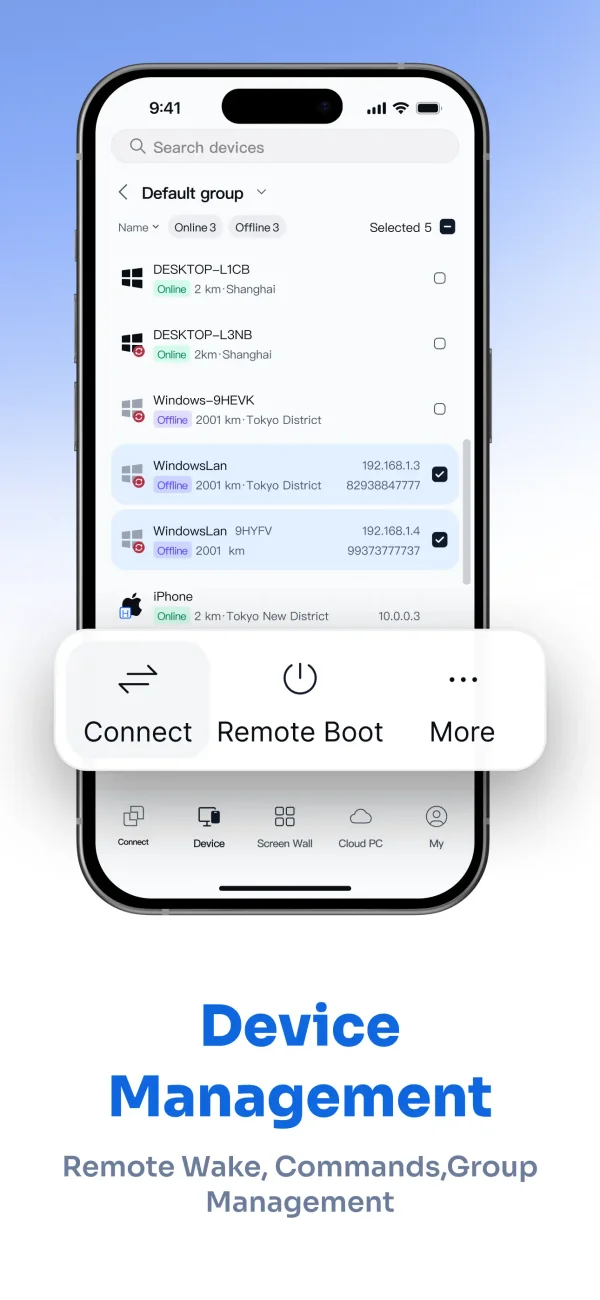
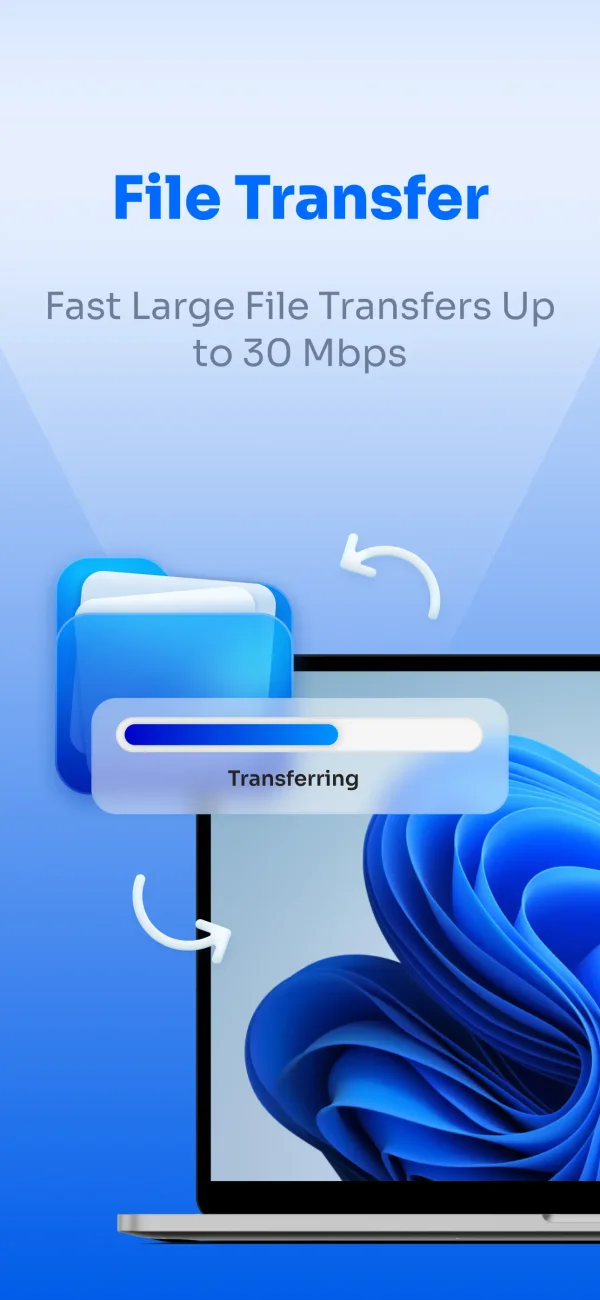
Sobre
O desenvolvedor não forneceu este texto no seu idioma.
AskLink is a simple, secure, and efficient cross-platform remote control app built for remote access and productivity.
You can use your phone, tablet, or computer to remotely control Windows, macOS, and Linux devices. Access your remote desktop, manage computers, share screens, provide remote assistance, and maintain devices from anywhere. Whether you are working remotely, providing IT support, managing devices, operating cloud PCs, or handling urgent work while away from your desk, AskLink delivers a stable, smooth, and secure remote connection experience.
AskLink is designed for individual users, remote workers, IT support teams, business teams, device administrators, e-commerce operators, cloud PC users, and anyone who needs to remotely manage multiple devices over time.
Why choose AskLink?
1. Cross-platform remote control
AskLink supports iPhone, iPad, Windows, macOS, and Linux. You can control a computer from your phone, or manage remote devices from your computer, making it easy to access different devices across platforms.
2. Smooth, high-definition remote desktop experience
AskLink supports high-quality and high-frame-rate remote control. Even under weak network conditions, it intelligently optimizes connection quality to reduce lag, latency, and disconnections, making remote work, device management, and remote operation smoother.
3. High-speed connection acceleration
AskLink provides high-speed connection capabilities for cross-network, weak-network, and complex network environments. It helps improve remote connection stability and smoothness.
4. Secure and reliable connection
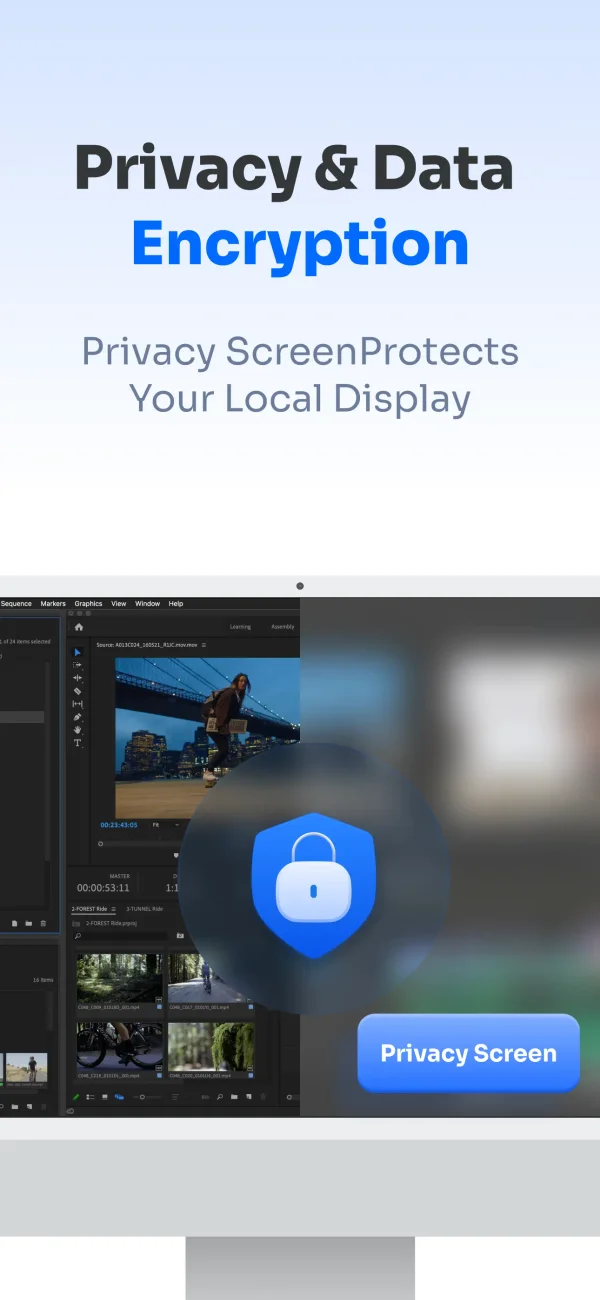
AskLink provides device verification, access passwords, encrypted connections, unattended access, and privacy screen features to help protect your account, devices, and data during remote access.
5. Built for multiple remote access scenarios
AskLink supports remote work, remote IT support, cloud PC management, device maintenance, screen sharing, remote collaboration, remote game management, and unattended remote control.
Key use cases
1. Remote work and collaboration
With AskLink, you can access computers in your office, home, or server room from your phone, tablet, or computer at any time. Whether you need to work on documents, run office software, check work files, or provide temporary remote assistance to a colleague, AskLink helps you get it done quickly.
2. Remote IT support and device maintenance
AskLink is suitable for IT administrators, technical support teams, and device management staff who need to maintain computers and endpoints remotely. Without being on site, you can check issues, operate the system, resolve problems, and assist users with configuration.
3. Control your computer from your phone
Use your iPhone or iPad to remotely access Windows, macOS, or Linux computers. When you are away from your desk, you can still view your desktop, work on documents, run software, and manage tasks.
4. Remote gaming and cloud PC management
AskLink supports low-latency remote desktop connections, making it suitable for checking computer status, managing game processes, operating cloud PCs remotely, and managing long-running tasks.
5. Screen sharing and remote assistance
AskLink can be used for remote demos, remote assistance, device training, and troubleshooting. Users can quickly share screens, check device status, and provide real-time operation support through remote connections.
It is suitable for customer support, technical assistance, helping family and friends remotely, and internal team collaboration.
Learn more:
www.asklink.com
For questions or feedback, contact us at:
support@asklink.com
Novidades
Versão 4.3.9.0 · 24/11/2026
Improved Monitor Wall performance fourfold.
Improved Monitor Wall image quality, with support for resolutions up to 1080p.
Fixed an issue that prevented P2P connections on some networks.
Privacidade do app
O que Shanghai Kongkong Technology Co., Ltd declara na App Store sobre como este app lida com os dados.
-
Dados vinculados a você
Podem ser coletados e vinculados à sua identidade.
- Informações de contato
- Conteúdo do usuário
- Identificadores
- Diagnóstico
-
Dados não vinculados a você
Podem ser coletados, mas não são vinculados à sua identidade.
- Localização
- Conteúdo do usuário
- Identificadores
- Diagnóstico
As práticas de privacidade podem variar, por exemplo, com base nos recursos que você usa ou na sua idade.
Informações
- Vendedor
- Shanghai Kongkong Technology Co., Ltd
- Categoria
- Negócios
- Versão
- 4.3.9.0
- Atualizado
- 24/11/2026
- Lançamento
- 27/04/2025
- Tamanho
- 57,9 MB
- Requer
- iOS 15.0 ou posterior
- Classificação etária
- 4+
- Preço
- Grátis
- Compras no app
- Sim
- Idiomas
- Inglês, Francês, Japonês, Coreano, Chinês simplificado, Espanhol, Chinês tradicional
- Copyright
- © Shanghai Kongkong Technology Co., Ltd.