Authenticator App · 2FA
2FA: Two Factor Authentication
Dirancang untuk iPhone, iPad, Mac, iPod touch
Gratis · Pembelian dalam aplikasi
- Batasan usia17+
- KategoriKegunaan
- PengembangHainan FirstOrder Technology Co., Ltd
- BahasaInggris+ 12 lainnya
- Ukuran113,6 MB
Tertaut ke halaman resmi App Store
Download.org tidak menyimpan file Authenticator App · 2FA apa pun. Tombol ini membuka halaman aplikasi di App Store, tempat Hainan FirstOrder Technology Co., Ltd menerbitkannya. Halaman terakhir diperiksa pada 15/11/2026.
Tangkapan layar
Tentang
Pengembang belum menyediakan teks ini dalam bahasa Anda.
Authenticator App is a highly secure application designed to provide two-factor authentication (2FA) for your online accounts. By generating unique security token/time-based one-time password (TOTP/OTP), the 2FA Authenticator app provides an extra layer of protection to your accounts when logging in, mitigating the risks of unauthorized access and identity theft and managing all your device online apps 2-factor authentication codes with just one authentication app. Support logging in with passkeys and accounts synchronization across all kinds of smartphones, tablets and mac using iCloud & Google Cloud.
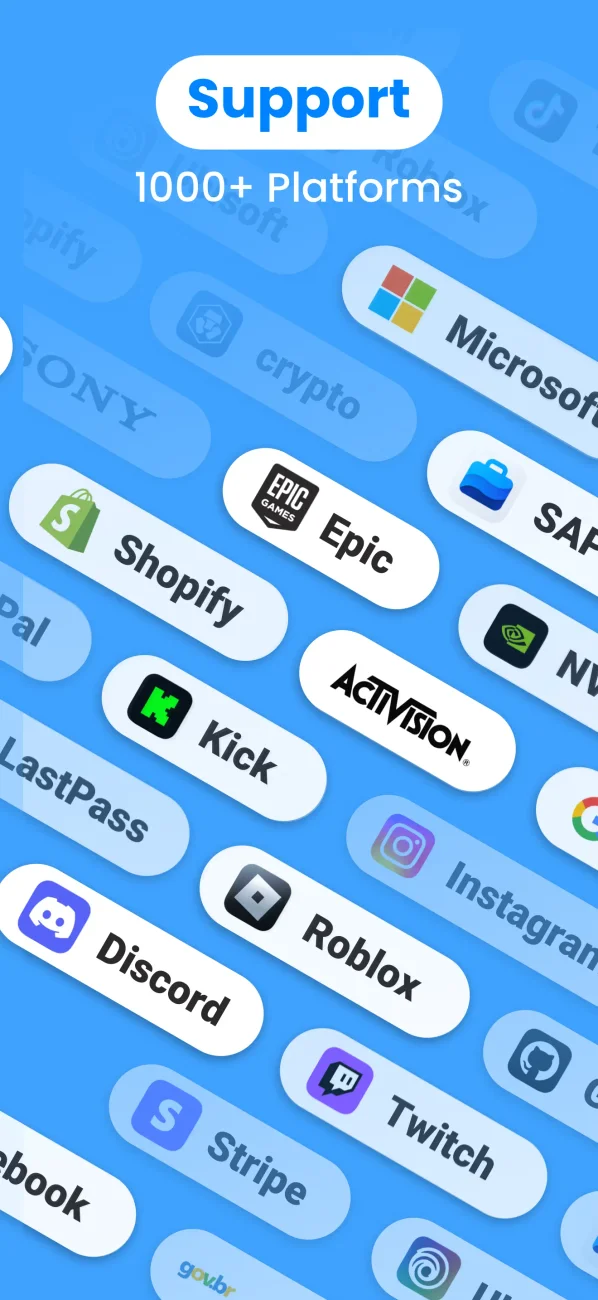
We support any service that provides 2 step verification, including the most popular services like Microsoft, Google, Facebook, TikTok, PayPal, Amazon, Snapchat, Coinbase, Roblox, Discord, Twitch, Reddit, Epic, SAP, Shopify, Login.gov, Kick, Activision, NVIDIA, LastPass, Sony, One Healthcare ID, crypto, Stripe, Rockstar, Sprintax, Sterling, Ubisoft, Autotask, Instagram, Air Force, GitHub, mo.gov. Our 2fa Authenticator app ensures the security of your personal data and Apple passwords, safeguarding them from hackers and malicious attacks. Download this authenticator (T)OTP manager now to fortify your digital security!
Key Features:
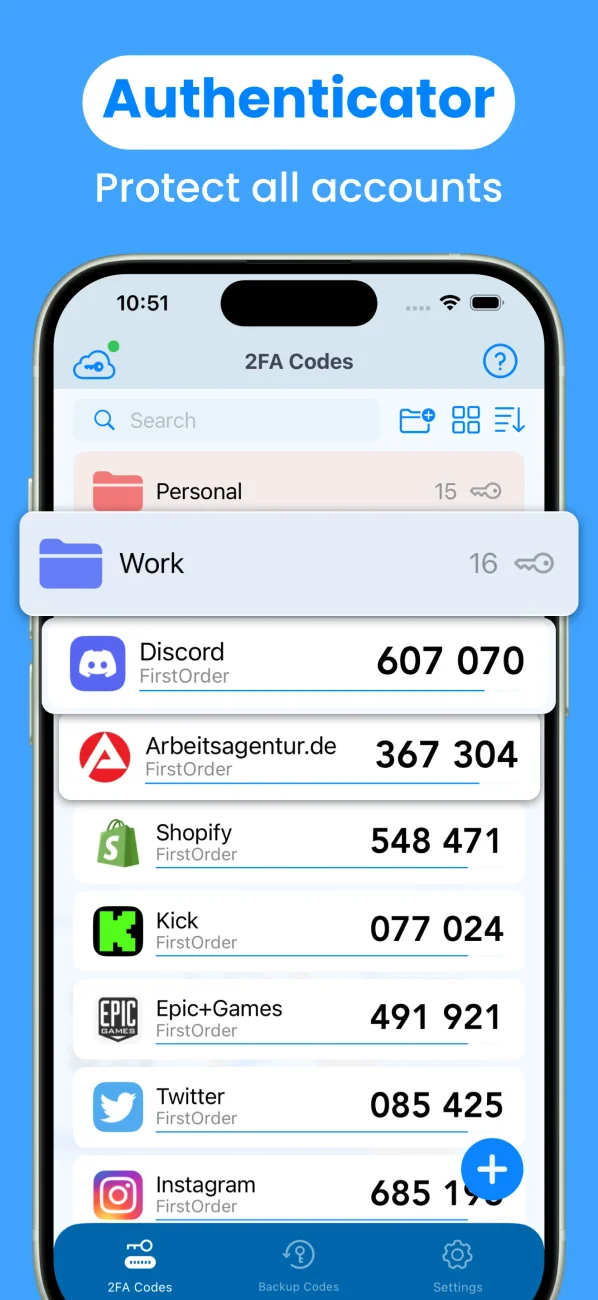
1. Store and generate 2-factor Authentication code/security token. The 2 step verification code will update to a new one every 30 seconds.
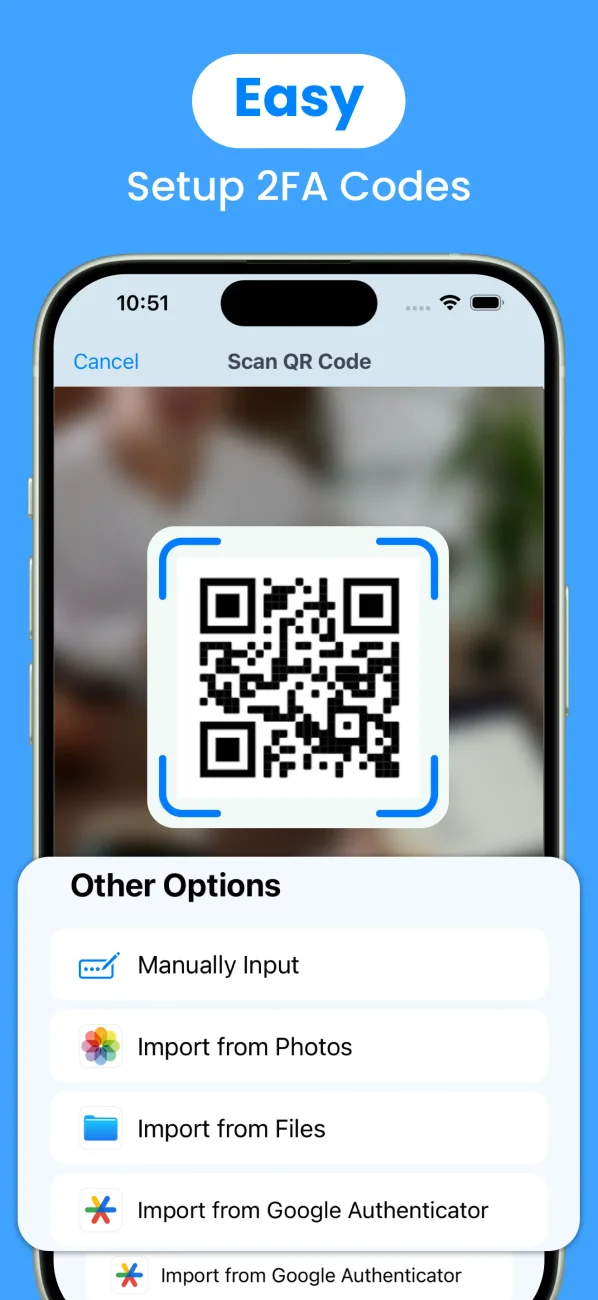
2. Easy to setup two-factor Authentication. Scan QR Code or enter manually to add Authenticator secure ID, support import from Google Authenticator.
3. User-friendly guide. The 2FA authentication application has instructions that describe basic steps, such as adding 2FA/MFA/(T)OTP Code.
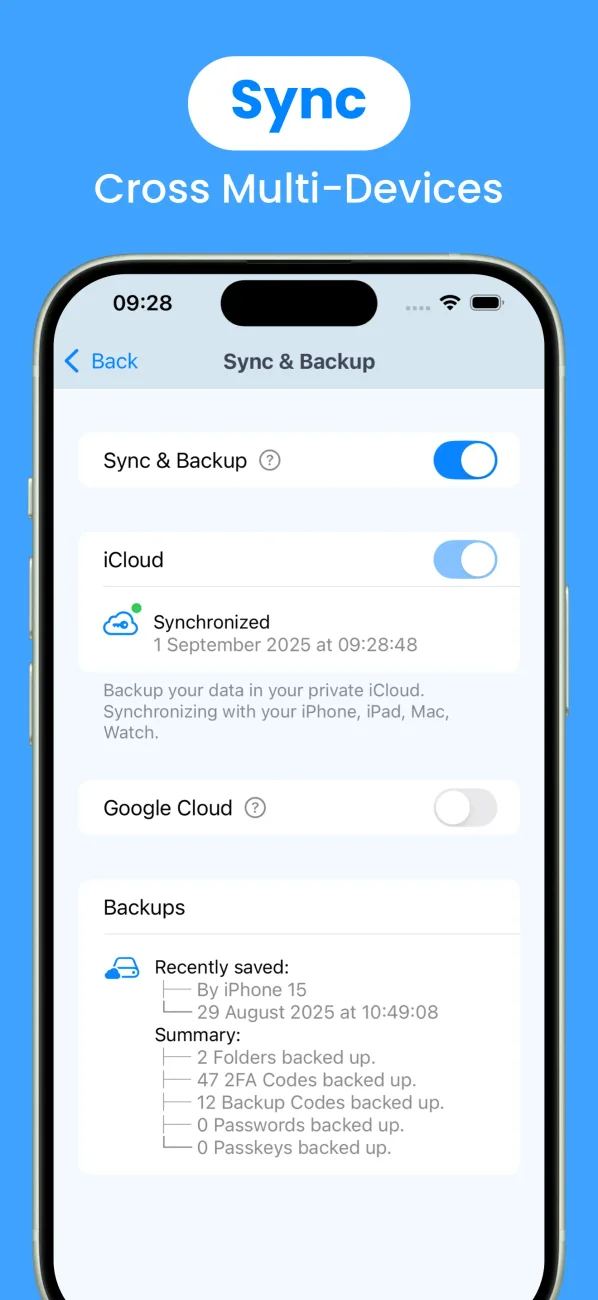
4. Encrypted sync & backup using iCloud & Google Cloud. Sync your accounts across iPhone, iPad, Mac, Apple Watch and any other smartphones or tablets.
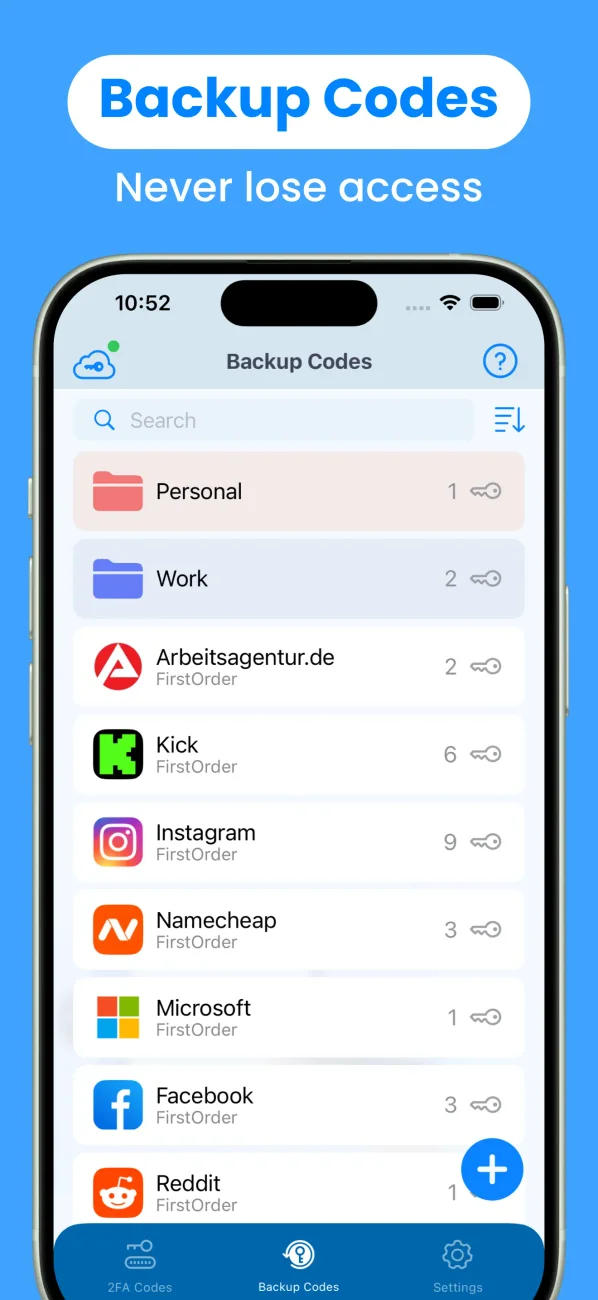
5. Backup codes & Recovery codes. Easily manage and recognize codes using OCR.
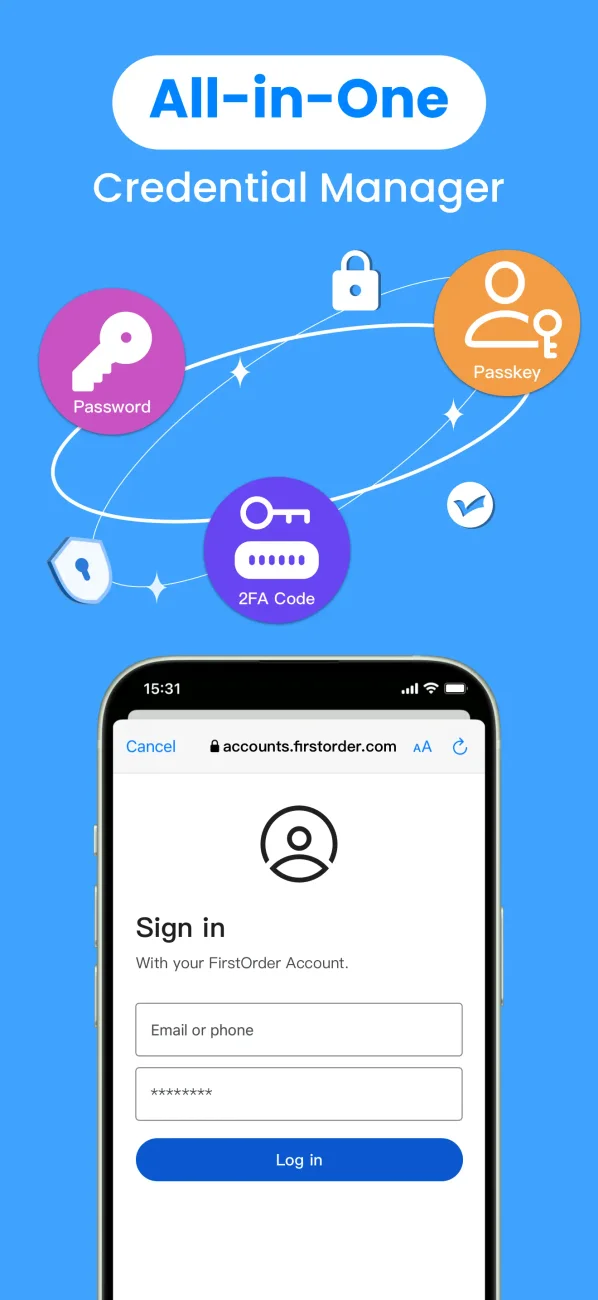
6. Support Passkeys. Enhance account security with passwordless logins and prevent hacking attacks.
7. Support Passwords. Auto generate strong passwords and enjoy AutoFill.
8. Widgets. You can access and copy your two factor Authentication Code on homescreen.
9. Live Activities. You can access the copied 2 step verification code & its validity time on Dynamic Island.
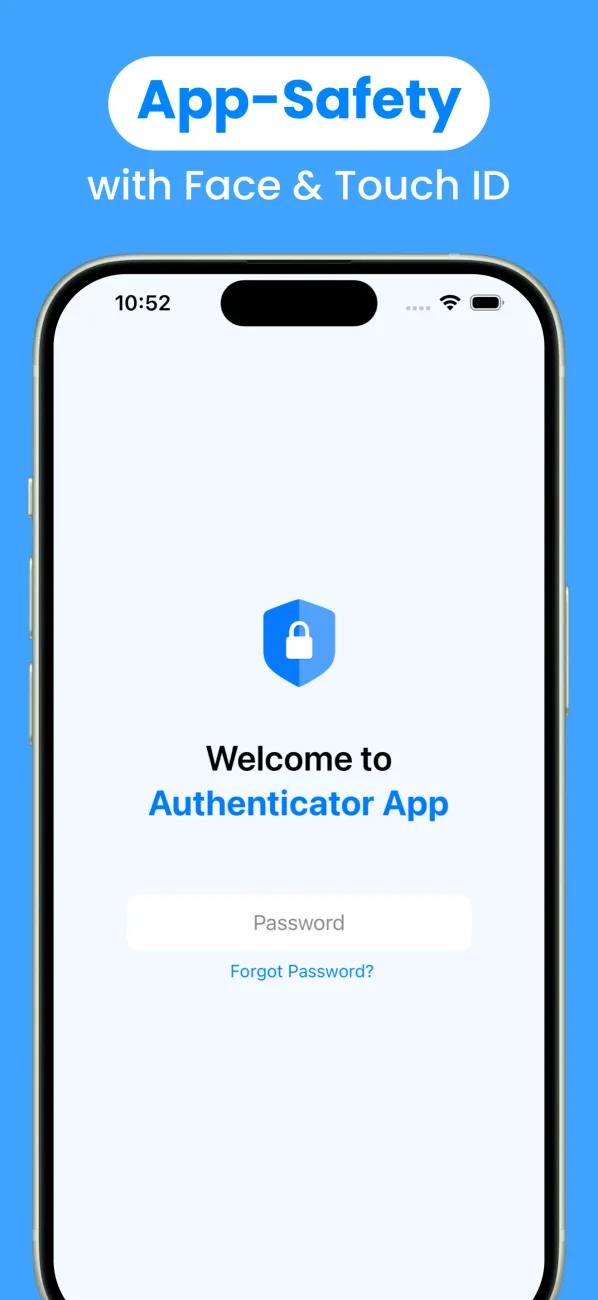
10. App level security by Face ID/Touch ID. You are the only one who can read your two factor authentication otp codes.
11. Folders. Too many keys? Don't worry, manage your keys with custom groups.
12. Support 14 languages: English, German, French, Japanese, Korean, Italian, Spanish, Portuguese, Russian, Simplified Chinese, Traditional Chinese, Polish, Ukrainian.
Subscription Terms:
This (T)OTP Apple password/passkey authentication app offers monthly or annual subscriptions to provide you with unlimited access to all features while you maintain an active subscription.
1. Payment will be charged to the credit card connected to your iTunes Account when you confirm the initial subscription purchase.
2. Subscriptions automatically renew unless auto-renew is turned off at least 24-hours before the end of the current subscription period.
3. Account will be charged for renewal within 24-hours before the end of the current period, and identify the cost of the renewal.
4. You may manage your subscription and auto-renewal may be turned off by going to your Account Settings after the purchase.
5. Any unused portion of a free trial period, if offered, will be forfeited when you purchase a subscription, where applicable.
If you have any thoughts, questions or suggestions about our security service app, please feel free to contact us at feedback@firstorder.ai.
Home Page: https://authenticator.firstorder.ai
Terms of Use: https://authenticator.firstorder.ai/terms-of-service
Privacy Policy: https://authenticator.firstorder.ai/privacy-policy-authenticator
Yang baru
Versi 4.5.2 · 11/4/2026
New update includes:
1. Fixed some minor bugs. Make your Authenticator App experience even smoother.
2. Added a bunch of missing icons.
Privasi aplikasi
Yang dinyatakan Hainan FirstOrder Technology Co., Ltd di App Store tentang cara aplikasi ini menangani data.
-
Data yang digunakan untuk melacak Anda
Dapat digunakan untuk melacak Anda di aplikasi dan situs web milik perusahaan lain.
- Pengenal
- Data penggunaan
-
Data yang tidak ditautkan dengan Anda
Dapat dikumpulkan, tetapi tidak ditautkan dengan identitas Anda.
- Pengenal
- Data penggunaan
- Diagnostik
Praktik privasi dapat bervariasi, misalnya berdasarkan fitur yang Anda gunakan atau usia Anda.
Informasi
- Penjual
- Hainan FirstOrder Technology Co., Ltd
- Kategori
- Kegunaan
- Versi
- 4.5.2
- Diperbarui
- 11/4/2026
- Dirilis
- 13/11/2023
- Ukuran
- 113,6 MB
- Memerlukan
- iOS 15.0 atau yang lebih baru
- Batasan usia
- 17+
- Harga
- Gratis
- Pembelian dalam aplikasi
- Ya
- Bahasa
- Inggris, Prancis, Jerman, Italia, Jepang, Korea, Polski (Polandia), Portugis, Rusia, Tionghoa Sederhana, Spanyol, Tionghoa Tradisional + 1 lainnya
- Hak cipta
- © 2023 FirstOrder.AI Ltd
Mungkin Anda juga suka
-
 Autentikator2FA, Dua Faktor Autentikasi
-
 Authenticator App ™Kegunaan
-
 Authenticator app - 2FA, MFAKegunaan
-
 BlazeAuth: MFA AuthenticatorAplikasi Autentikasi OTP,2FA
-
 Authenticator App†Kegunaan
-
 Authenticator App - AuthkeyTwo factor authentication, 2fa
-
 Authenticator App ¹Autentikasi Dua Faktor 2FA
-
 Authenticator App: Acct VaultKegunaan