Authenticator App · 2FA
2FA: Two Factor Authentication
Được thiết kế cho iPhone, iPad, Mac, iPod touch
Miễn phí · Mua hàng trong ứng dụng
- Độ tuổi17+
- Danh mụcTiện Ích
- Nhà phát triểnHainan FirstOrder Technology Co., Ltd
- Ngôn ngữTiếng Anh+ 12 ngôn ngữ khác
- Kích thước113,6 MB
Liên kết đến trang App Store chính thức
Download.org không lưu trữ tệp nào của Authenticator App · 2FA. Nút này mở trang ứng dụng trên App Store, nơi Hainan FirstOrder Technology Co., Ltd phát hành ứng dụng. Trang được kiểm tra lần cuối: 15/11/2026.
Ảnh chụp màn hình
Giới thiệu
Nhà phát triển chưa cung cấp nội dung này bằng ngôn ngữ của bạn.
Authenticator App is a highly secure application designed to provide two-factor authentication (2FA) for your online accounts. By generating unique security token/time-based one-time password (TOTP/OTP), the 2FA Authenticator app provides an extra layer of protection to your accounts when logging in, mitigating the risks of unauthorized access and identity theft and managing all your device online apps 2-factor authentication codes with just one authentication app. Support logging in with passkeys and accounts synchronization across all kinds of smartphones, tablets and mac using iCloud & Google Cloud.
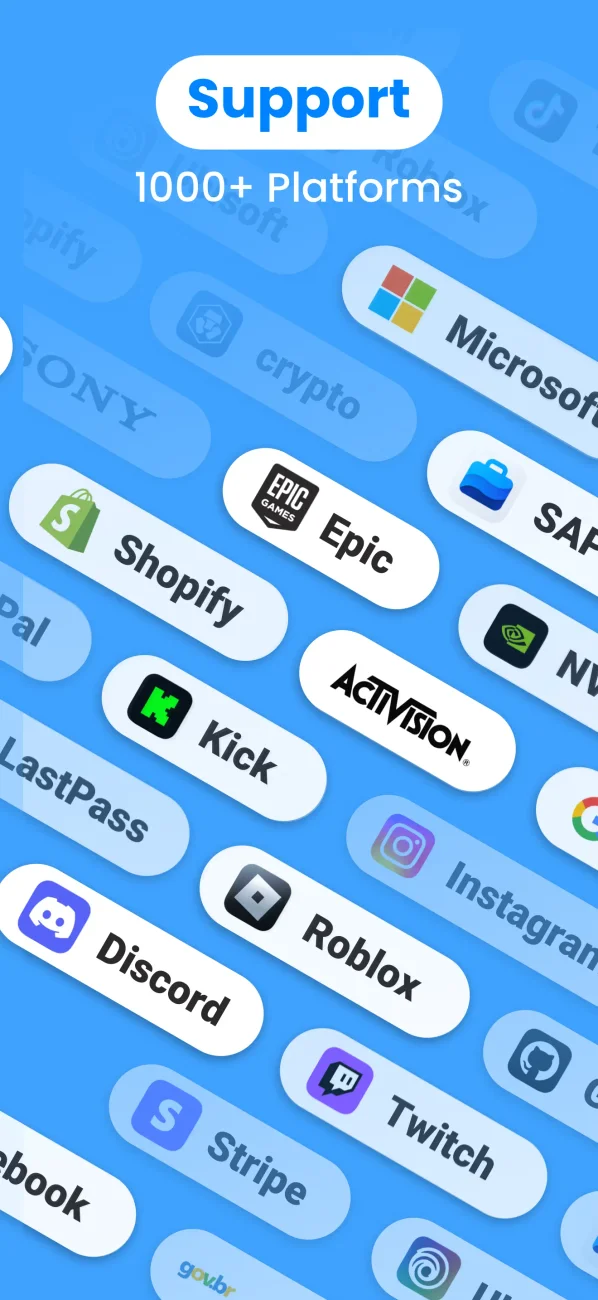
We support any service that provides 2 step verification, including the most popular services like Microsoft, Google, Facebook, TikTok, PayPal, Amazon, Snapchat, Coinbase, Roblox, Discord, Twitch, Reddit, Epic, SAP, Shopify, Login.gov, Kick, Activision, NVIDIA, LastPass, Sony, One Healthcare ID, crypto, Stripe, Rockstar, Sprintax, Sterling, Ubisoft, Autotask, Instagram, Air Force, GitHub, mo.gov. Our 2fa Authenticator app ensures the security of your personal data and Apple passwords, safeguarding them from hackers and malicious attacks. Download this authenticator (T)OTP manager now to fortify your digital security!
Key Features:
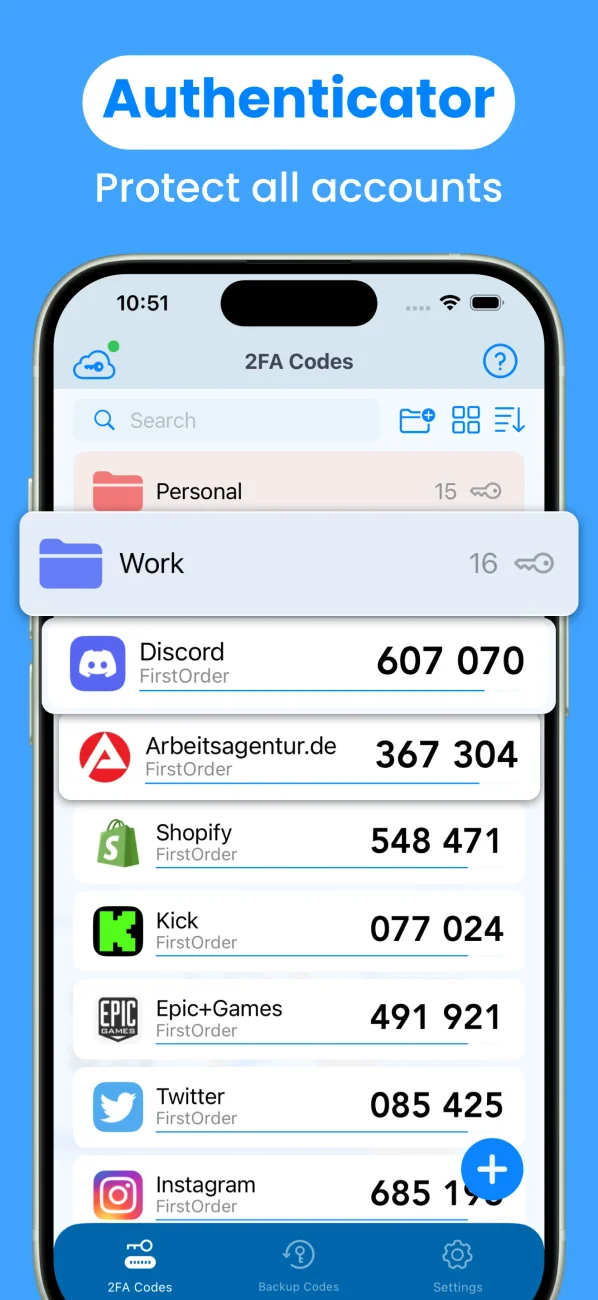
1. Store and generate 2-factor Authentication code/security token. The 2 step verification code will update to a new one every 30 seconds.
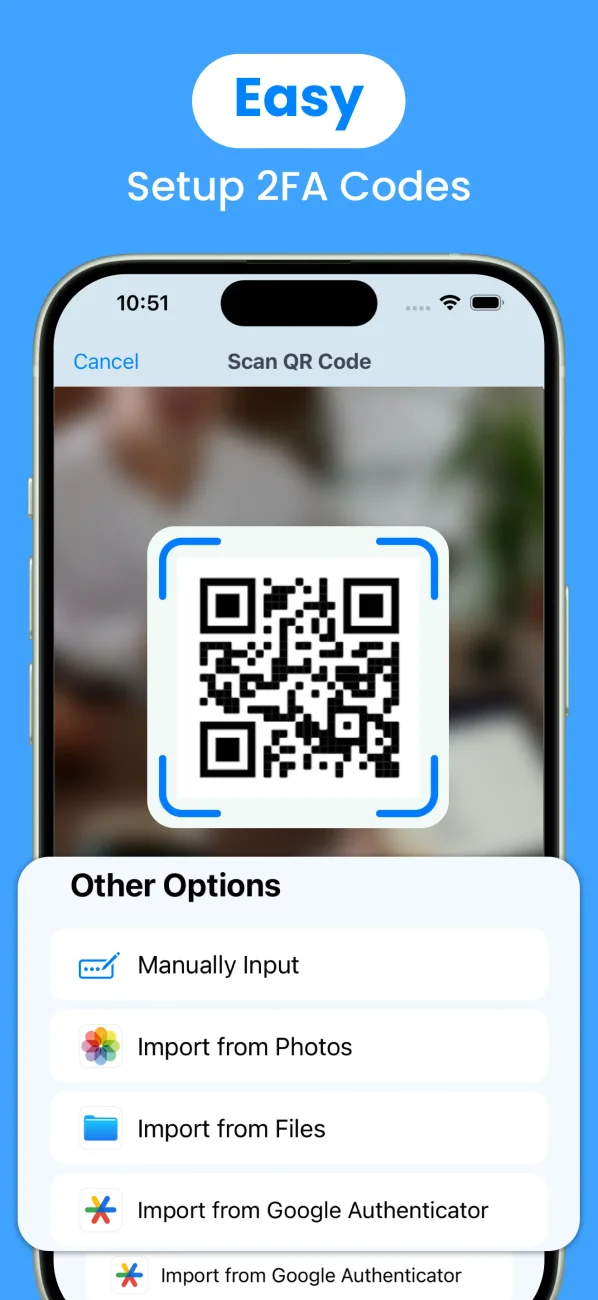
2. Easy to setup two-factor Authentication. Scan QR Code or enter manually to add Authenticator secure ID, support import from Google Authenticator.
3. User-friendly guide. The 2FA authentication application has instructions that describe basic steps, such as adding 2FA/MFA/(T)OTP Code.
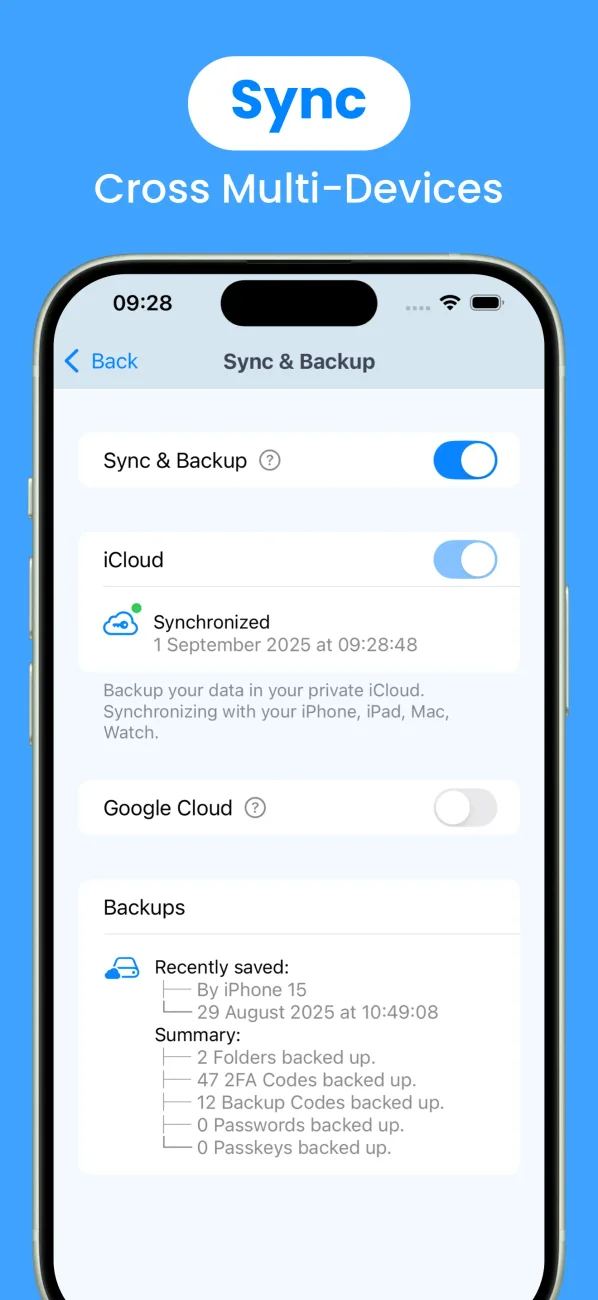
4. Encrypted sync & backup using iCloud & Google Cloud. Sync your accounts across iPhone, iPad, Mac, Apple Watch and any other smartphones or tablets.
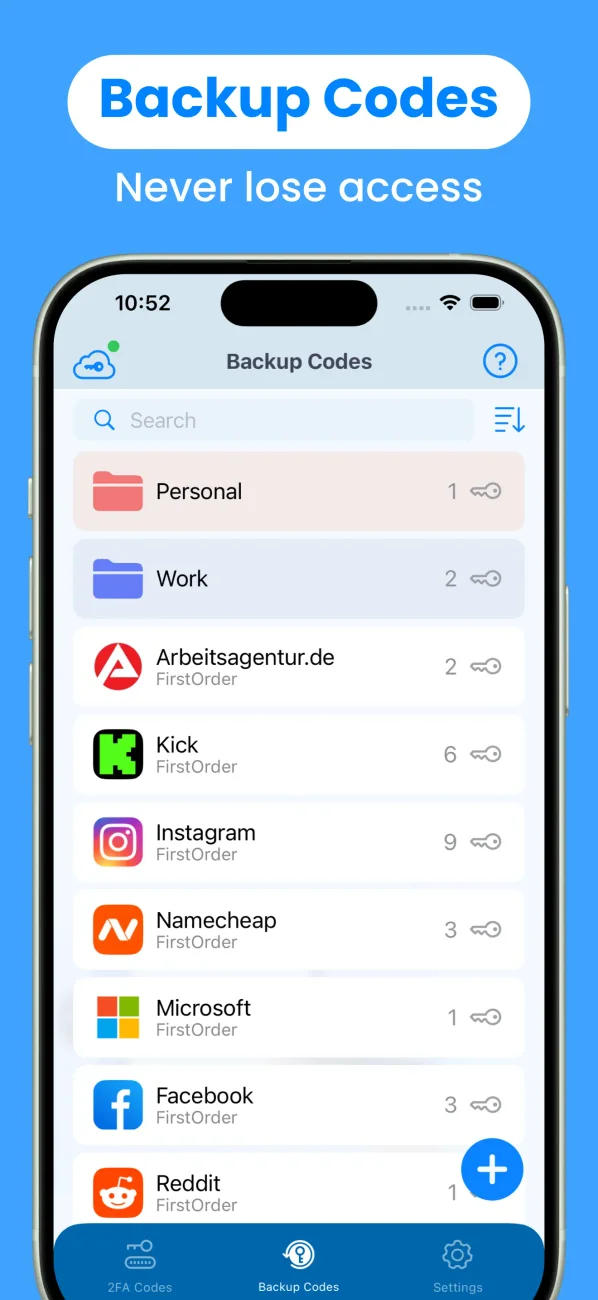
5. Backup codes & Recovery codes. Easily manage and recognize codes using OCR.
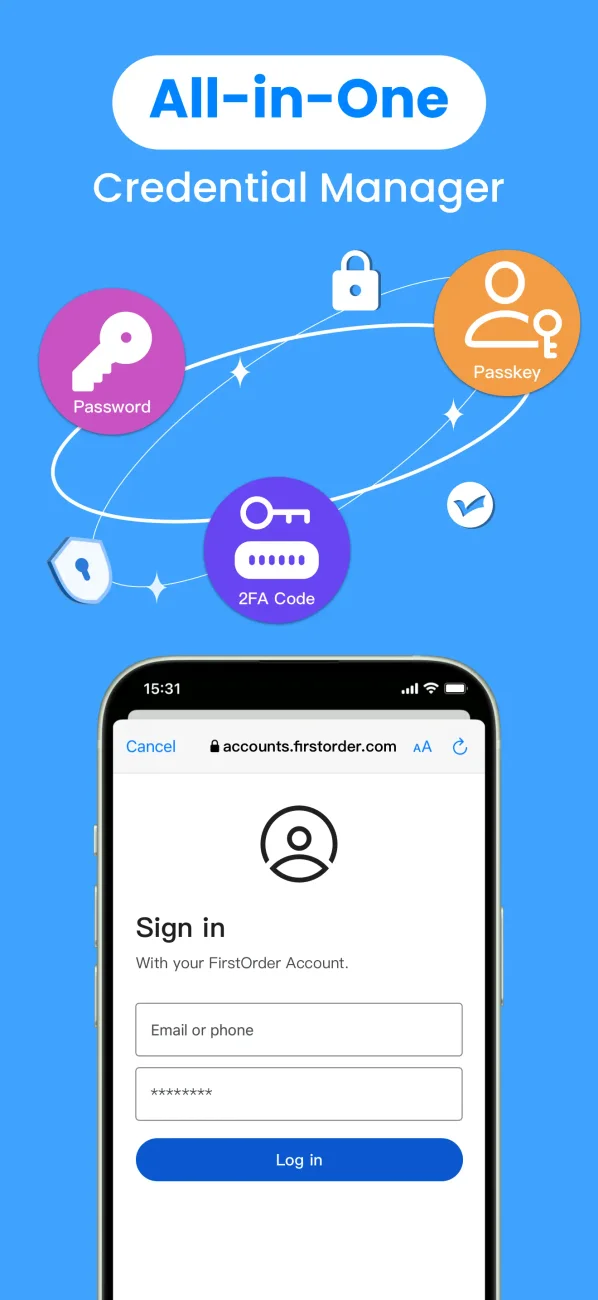
6. Support Passkeys. Enhance account security with passwordless logins and prevent hacking attacks.
7. Support Passwords. Auto generate strong passwords and enjoy AutoFill.
8. Widgets. You can access and copy your two factor Authentication Code on homescreen.
9. Live Activities. You can access the copied 2 step verification code & its validity time on Dynamic Island.
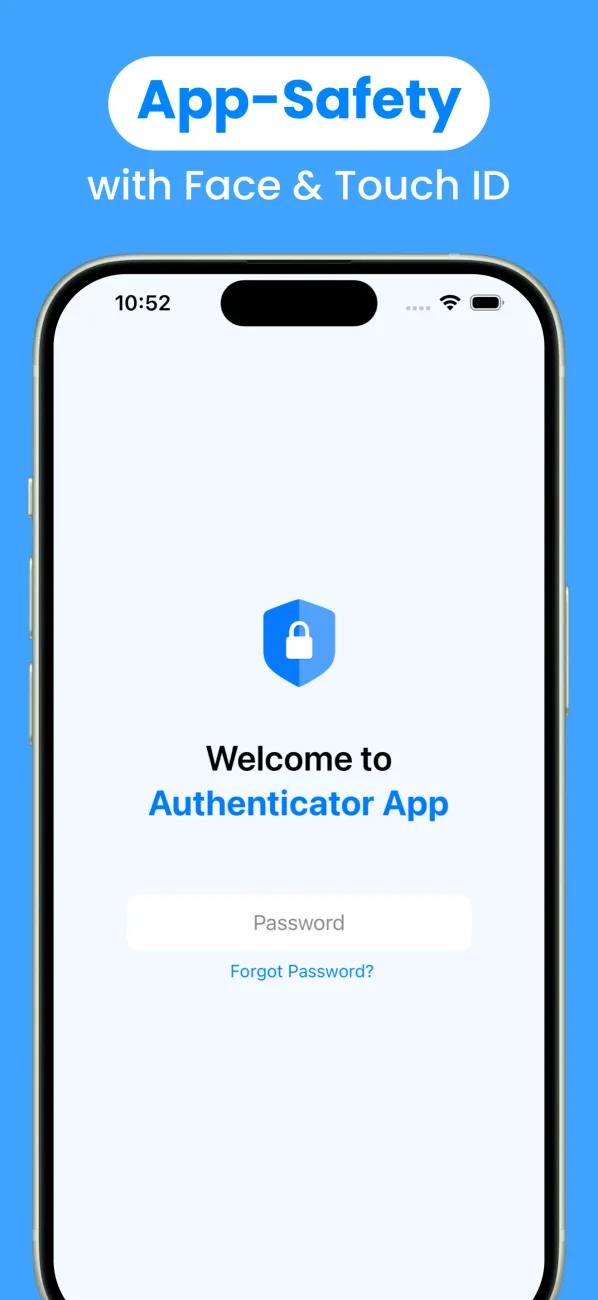
10. App level security by Face ID/Touch ID. You are the only one who can read your two factor authentication otp codes.
11. Folders. Too many keys? Don't worry, manage your keys with custom groups.
12. Support 14 languages: English, German, French, Japanese, Korean, Italian, Spanish, Portuguese, Russian, Simplified Chinese, Traditional Chinese, Polish, Ukrainian.
Subscription Terms:
This (T)OTP Apple password/passkey authentication app offers monthly or annual subscriptions to provide you with unlimited access to all features while you maintain an active subscription.
1. Payment will be charged to the credit card connected to your iTunes Account when you confirm the initial subscription purchase.
2. Subscriptions automatically renew unless auto-renew is turned off at least 24-hours before the end of the current subscription period.
3. Account will be charged for renewal within 24-hours before the end of the current period, and identify the cost of the renewal.
4. You may manage your subscription and auto-renewal may be turned off by going to your Account Settings after the purchase.
5. Any unused portion of a free trial period, if offered, will be forfeited when you purchase a subscription, where applicable.
If you have any thoughts, questions or suggestions about our security service app, please feel free to contact us at feedback@firstorder.ai.
Home Page: https://authenticator.firstorder.ai
Terms of Use: https://authenticator.firstorder.ai/terms-of-service
Privacy Policy: https://authenticator.firstorder.ai/privacy-policy-authenticator
Có gì mới
Phiên bản 4.5.2 · 11/04/2026
New update includes:
1. Fixed some minor bugs. Make your Authenticator App experience even smoother.
2. Added a bunch of missing icons.
Quyền riêng tư của ứng dụng
Những gì Hainan FirstOrder Technology Co., Ltd khai báo trên App Store về cách ứng dụng này xử lý dữ liệu.
-
Dữ liệu được sử dụng để theo dõi bạn
Có thể được sử dụng để theo dõi bạn trên các ứng dụng và trang web do công ty khác sở hữu.
- Mã định danh
- Dữ liệu sử dụng
-
Dữ liệu không liên kết với bạn
Có thể được thu thập nhưng không liên kết với danh tính của bạn.
- Mã định danh
- Dữ liệu sử dụng
- Chẩn đoán
Phương thức đảm bảo quyền riêng tư có thể khác nhau, chẳng hạn như tuỳ theo các tính năng bạn sử dụng hoặc độ tuổi của bạn.
Thông tin
- Người bán
- Hainan FirstOrder Technology Co., Ltd
- Danh mục
- Tiện Ích
- Phiên bản
- 4.5.2
- Cập nhật
- 11/04/2026
- Phát hành
- 13/11/2023
- Kích thước
- 113,6 MB
- Yêu cầu
- iOS 15.0 trở lên
- Độ tuổi
- 17+
- Giá
- Miễn phí
- Mua hàng trong ứng dụng
- Có
- Ngôn ngữ
- Tiếng Anh, Tiếng Pháp, Tiếng Đức, Tiếng Ý, Tiếng Nhật, Tiếng Hàn, Tiếng Ba Lan, Tiếng Bồ Đào Nha, Tiếng Nga, Tiếng Trung Giản thể, Tiếng Tây Ban Nha, Tiếng Trung Phồn thể + 1 ngôn ngữ khác
- Bản quyền
- © 2023 FirstOrder.AI Ltd
Có thể bạn cũng thích
-
 Authenticator ·2FA & OTP, One Time Password
-
 Authenticator App ™Tiện Ích
-
 Authenticator app - 2FA, MFATiện Ích
-
 BlazeAuth: Authenticator 2FAỨng Dụng Xác Thực - OTP & MFA
-
 Authenticator App†Tiện Ích
-
 Authenticator App - AuthkeyAuthenticator, 2fa
-
 Authenticator App ¹Xác thực 2 yếu tố 2FA & OTP
-
 Authenticator App: Acct VaultTiện Ích