- Batasan usia4+
- KategoriKegunaan
- PengembangYuuki Nishiyama
- BahasaJepang
- Ukuran19,8 MB
Tertaut ke halaman resmi App Store
Download.org tidak menyimpan file AWARE Client V3 apa pun. Tombol ini membuka halaman aplikasi di App Store, tempat Yuuki Nishiyama menerbitkannya. Halaman terakhir diperiksa pada 21/11/2026.
Tangkapan layar
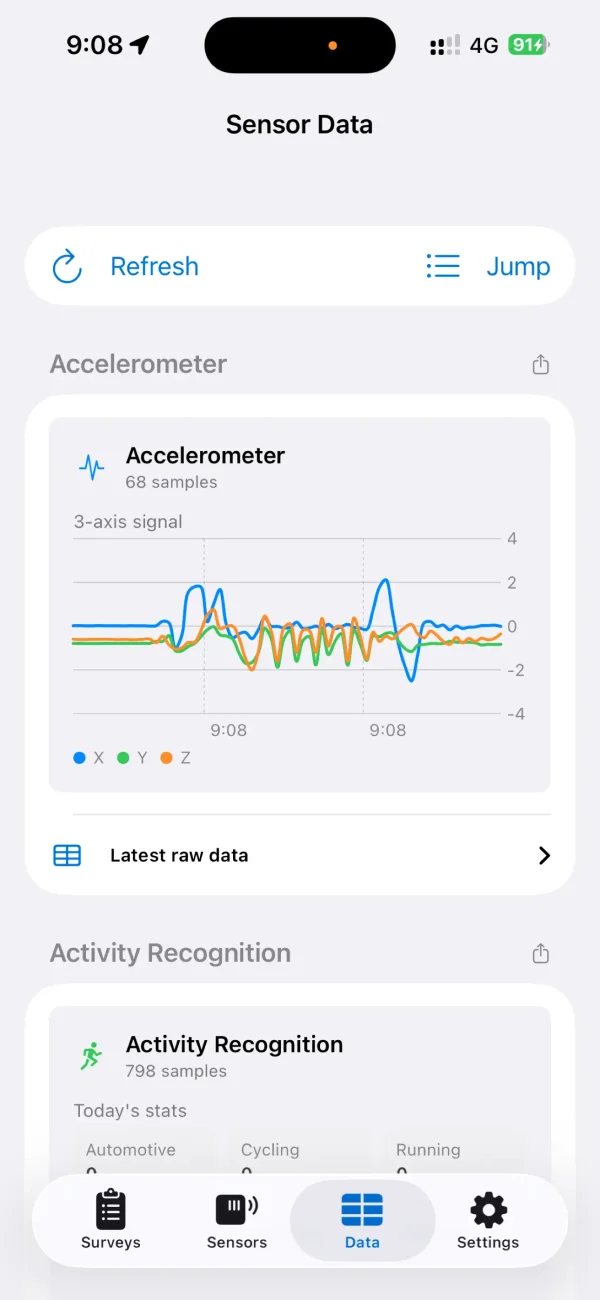
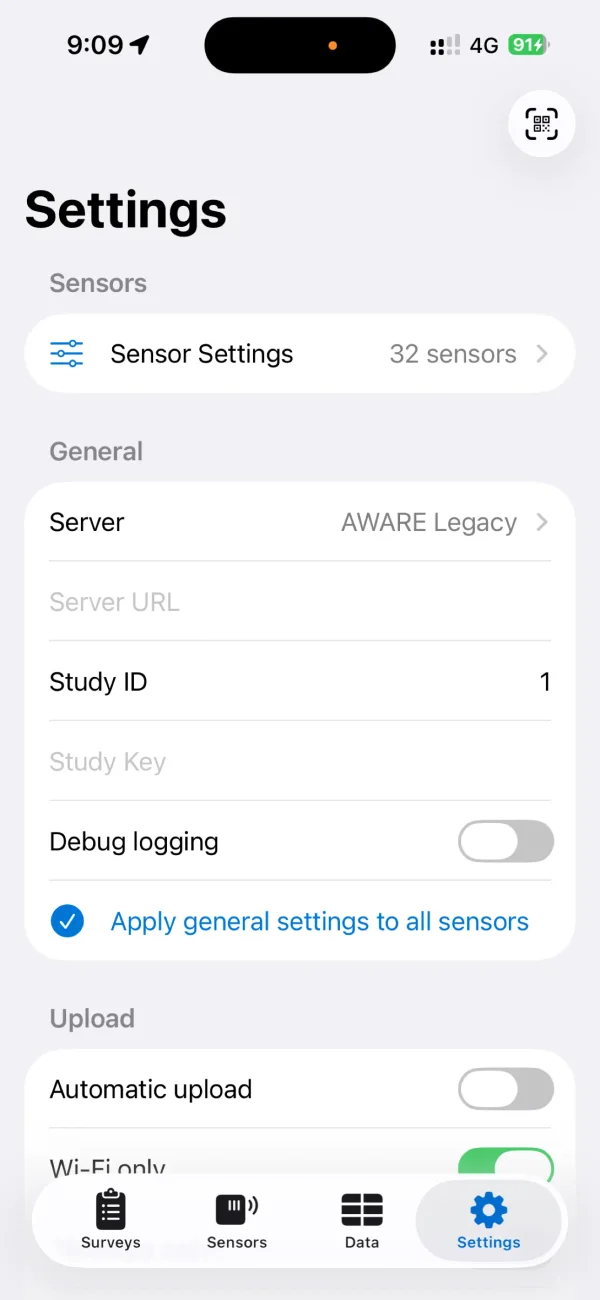
Tentang
Pengembang belum menyediakan teks ini dalam bahasa Anda.
AWARE Client V3 is a comprehensive mobile sensing platform designed for academic and behavioral research studies. It enables researchers to passively collect contextual sensor data from participants' iOS devices, if configured, and synchronize it to a secure research server.
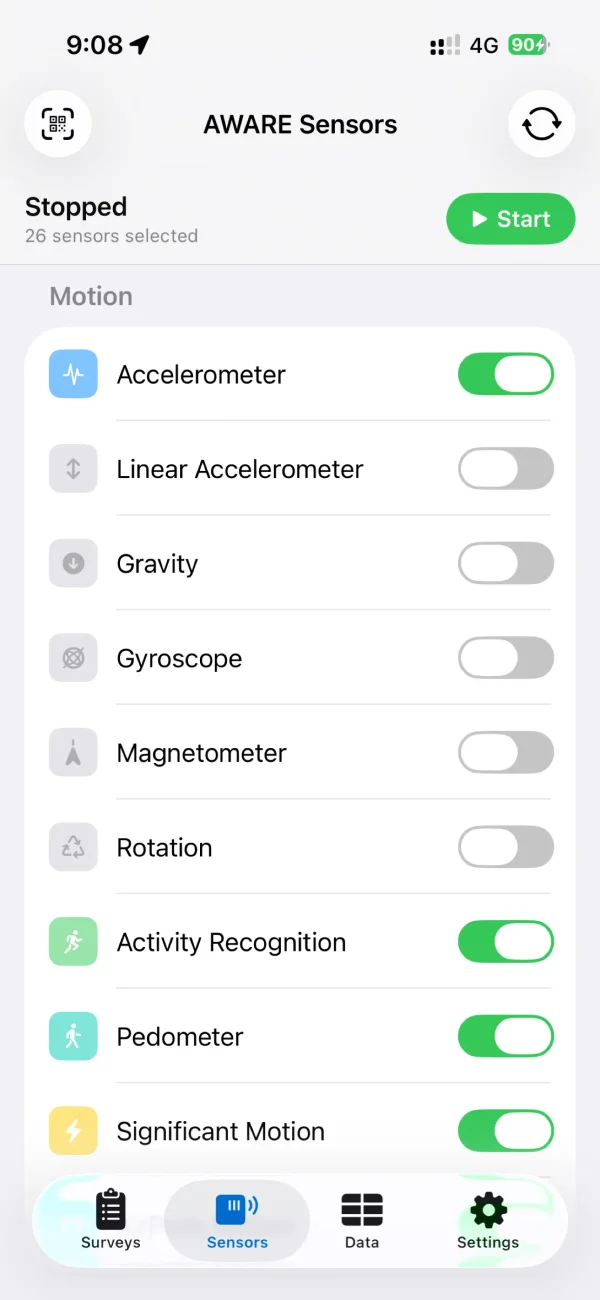
SENSORS INCLUDED IN THIS RELEASE:
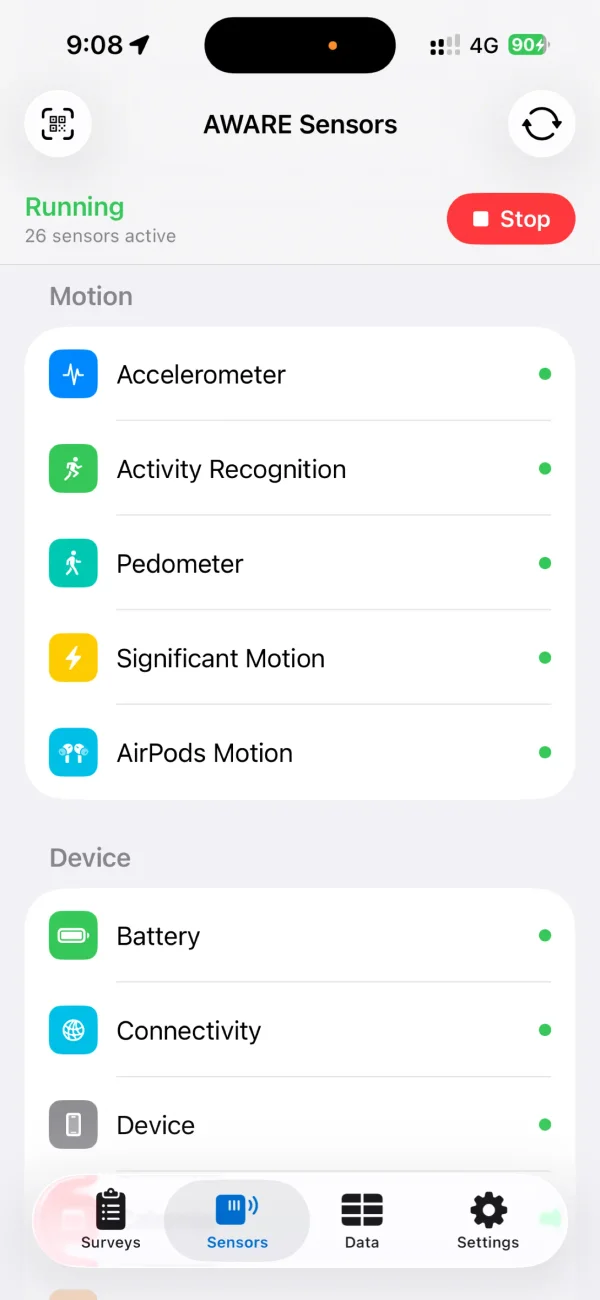
Motion & Activity
• Accelerometer — raw acceleration along 3 axes
• Gyroscope — rotational velocity
• Gravity — gravity vector
• Magnetometer — ambient magnetic field
• Linear Accelerometer — acceleration excluding gravity
• Rotation — full device orientation
• Barometer — atmospheric pressure and relative altitude
• Pedometer — step count, distance, and floors climbed
• Activity Recognition — walking, running, cycling, driving, or stationary
• Significant Motion — transitions between significant movement states
• AirPods Motion — supported AirPods head motion and orientation data
Device & Connectivity
• Battery — charge level and charging state
• Screen — screen on/off/locked/unlocked events
• Device — model, OS version, and hardware identifiers
• Processor — CPU and memory usage
• Network — internet availability and traffic counters
• Bluetooth — nearby Bluetooth Low Energy scan results
• Timezone — current timezone and changes
• HealthKit — selected Apple Health records such as heart rate, sleep, activity, workouts, ECG, activity summaries, and audiograms
• Apple Watch — supported Apple Watch sensor collection when paired with the iOS app
• Music — playback state and now-playing metadata from the system music player
• Photos — photo library asset metadata and optional on-device image recognition labels
• Keyboard — keyboard usage event metadata through the bundled custom keyboard extension
• App Logger — foreground/background lifecycle events
Environment & Location
• Locations — GPS coordinates, visited places, and compass heading
• Wi-Fi — nearby access point scan results
• iBeacon — nearby configured iBeacon ranging and region events
• Calls — call event metadata (no audio content is recorded)
• OpenWeather — current weather conditions via OpenWeather API
• Notification — push notification and silent command events
• Shortcuts — Apple Shortcuts personal automation triggers
HOW IT WORKS:
1. Scan the QR code provided by your study administrator
2. Select the sensors relevant to your study
3. Tap the main switch to start data collection
4. Data is stored locally on-device and uploaded to your research server on schedule
PRIVACY:
All data collection requires explicit user consent. HealthKit data is collected only when enabled for the study and authorized by the participant. Health update access is used only when a study enables saving selected study-generated health records to Apple Health. Music and Photos data collection requires the corresponding iOS permission and stores metadata or on-device recognition labels, not media files. Keyboard data collection requires enabling the bundled custom keyboard and Full Access in iOS Settings. The default keyboard storage mode stores only metadata and masks the key and text fields. Data is transmitted only to the server configured by your study administrator.
For research use only. Setup requires configuration by a study administrator.
Yang baru
Versi 1.7.0 · 23/7/2026
What's New
- Sampling frequency, save interval, and sample interval values in Settings can now be entered directly by tapping, not just adjusted with steppers.
- Fixed HealthKit data reading so historical records are displayed correctly alongside new data.
- Added location event logging to the location sensor and increased the number of location history entries shown.
- Tuned per-category fetch limits for the app logger so a full day of heartbeat data is reliably displayed.
Privasi aplikasi
Yang dinyatakan Yuuki Nishiyama di App Store tentang cara aplikasi ini menangani data.
-
Data yang ditautkan dengan Anda
Dapat dikumpulkan dan ditautkan dengan identitas Anda.
- Kesehatan dan kebugaran
- Lokasi
- Konten pengguna
- Pengenal
- Data penggunaan
- Info sensitif
- Diagnostik
Praktik privasi dapat bervariasi, misalnya berdasarkan fitur yang Anda gunakan atau usia Anda.
Informasi
- Penjual
- Yuuki Nishiyama
- Kategori
- Kegunaan
- Versi
- 1.7.0
- Diperbarui
- 23/7/2026
- Dirilis
- 28/6/2026
- Ukuran
- 19,8 MB
- Memerlukan
- iOS 16.6 atau yang lebih baru
- Batasan usia
- 4+
- Harga
- Gratis
- Bahasa
- Jepang
- Hak cipta
- © 2026 AWARE Framework