Barcode Scanner & Copy
Copy, Save & Email Lists
Dirancang untuk iPhone, iPad
Gratis · Pembelian dalam aplikasi
- Batasan usia4+
- KategoriKegunaan
- PengembangEasy Simple Smart
- BahasaInggris
- Ukuran3,7 MB
Tertaut ke halaman resmi App Store
Download.org tidak menyimpan file Barcode Scanner & Copy apa pun. Tombol ini membuka halaman aplikasi di App Store, tempat Easy Simple Smart menerbitkannya. Halaman terakhir diperiksa pada 12/11/2026.
Tangkapan layar
Tentang
Pengembang belum menyediakan teks ini dalam bahasa Anda.
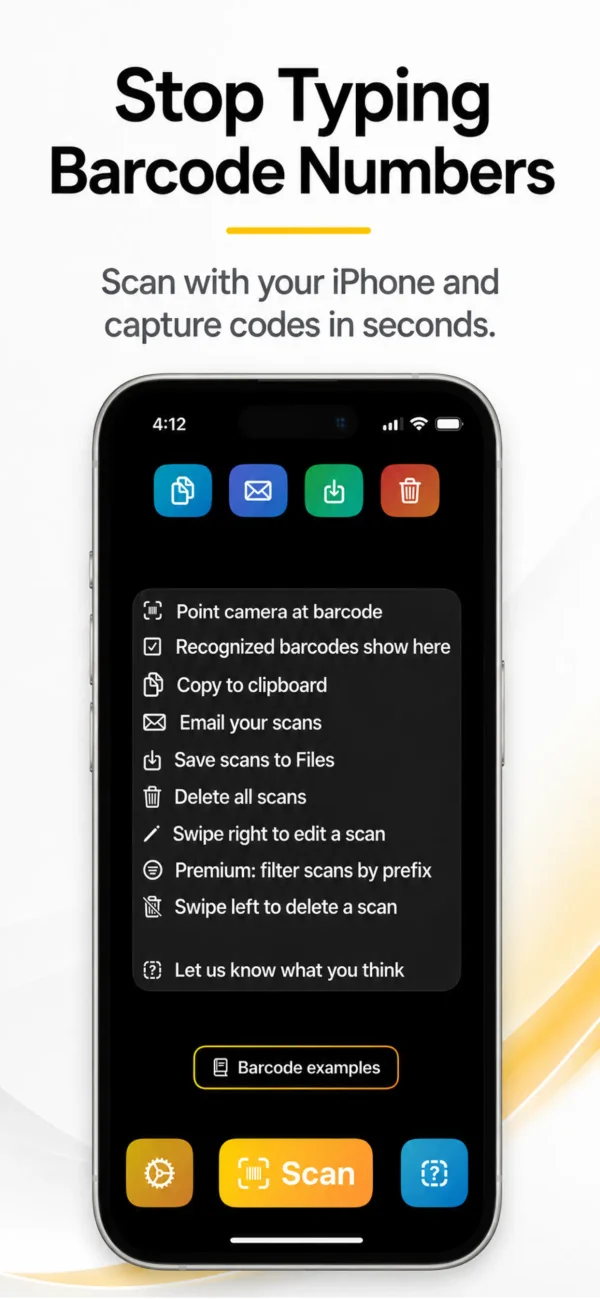
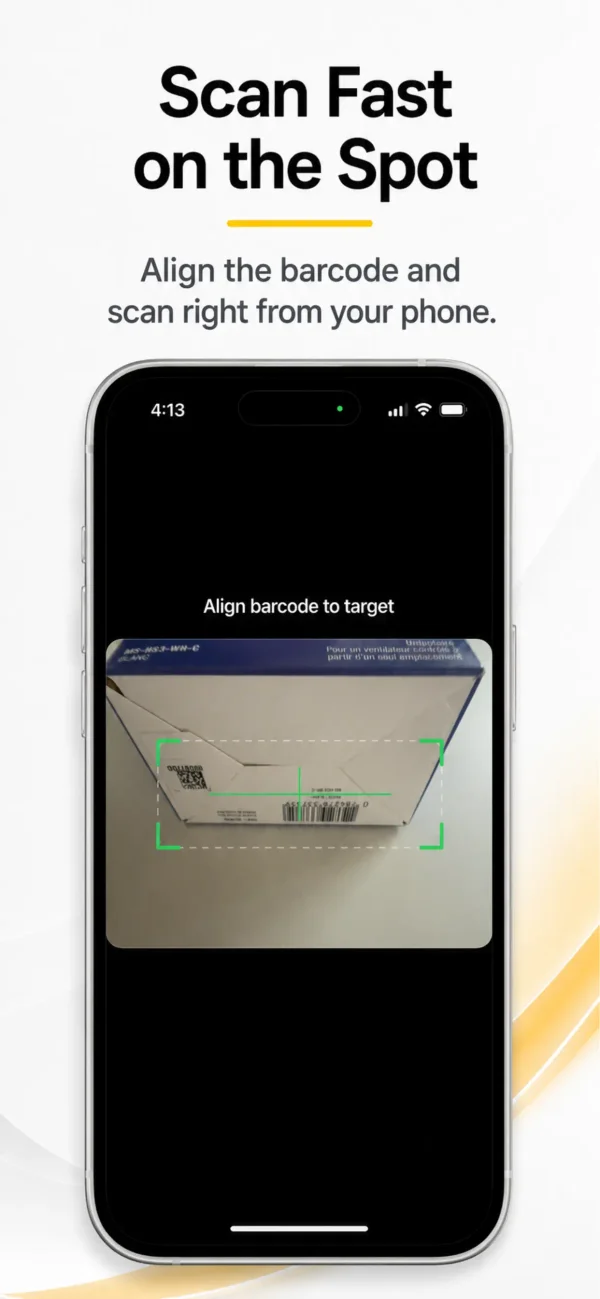
Stop typing barcode numbers by hand. Scan labels into an editable list, then copy, email, or save the results as a text file.
Barcode Scanner & Copy helps you collect product codes, equipment tag numbers, and other barcode text using your iPhone or iPad. No app account or complex setup required.
SCAN, COPY, AND SHARE — FREE
Build a Barcode List
Use the barcode scanner to capture codes one at a time. Review your list, edit individual values, and delete entries you no longer need. Your list is saved on your device between uses.
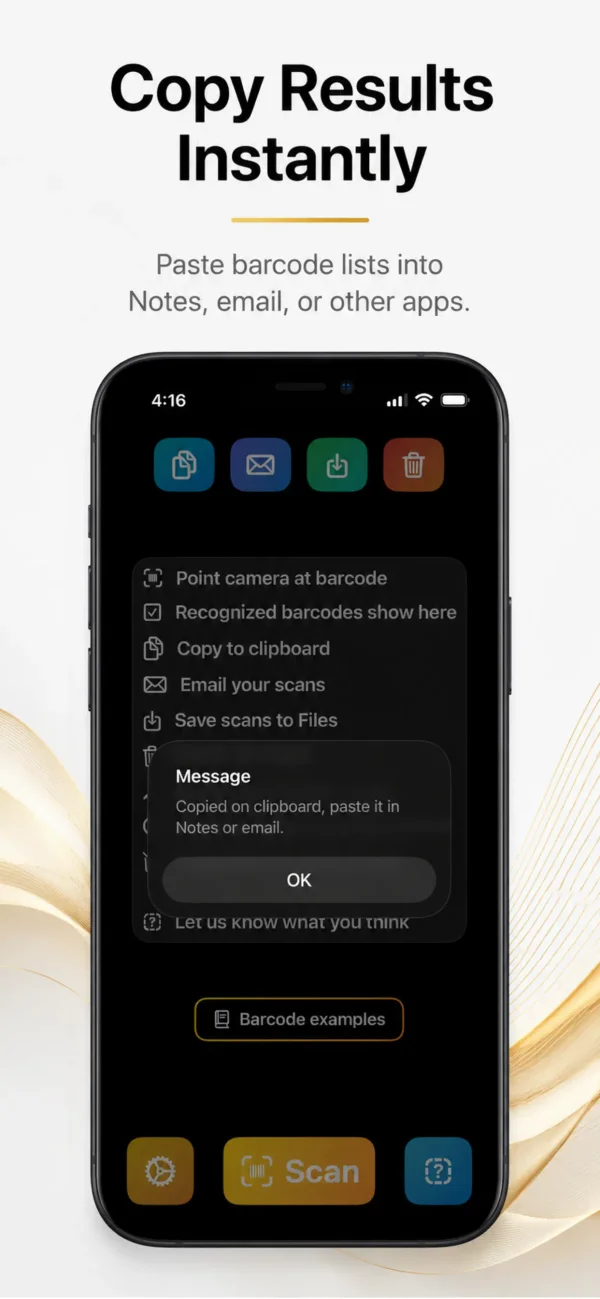
Copy and Paste Barcode Numbers
Copy your entire list to the clipboard in one tap. Paste the barcode text into Notes, messages, forms, or other apps without typing each number.
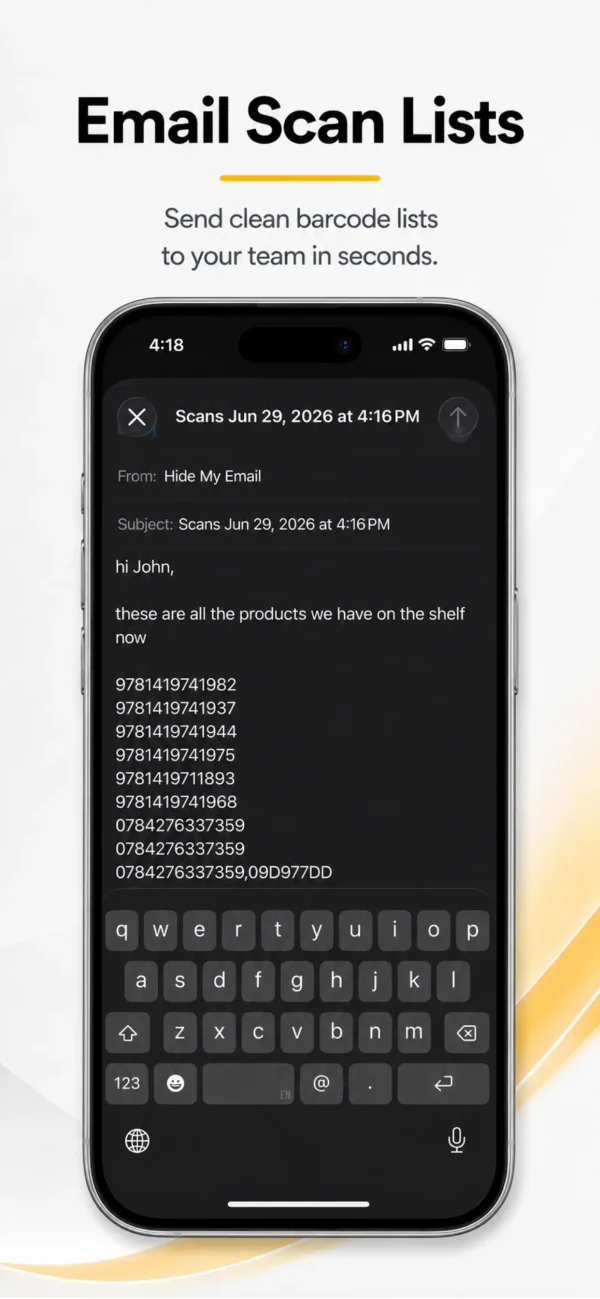
Email Your Barcode List
Send collected codes together using Apple Mail. Share product identifiers, equipment tag numbers, or other scanned values with a colleague.
Save Your Results
Export your list to Files as a plain-text file for later use. Clear the list when you are ready to begin a new task.
SCAN MULTIPLE BARCODES WITH PRO
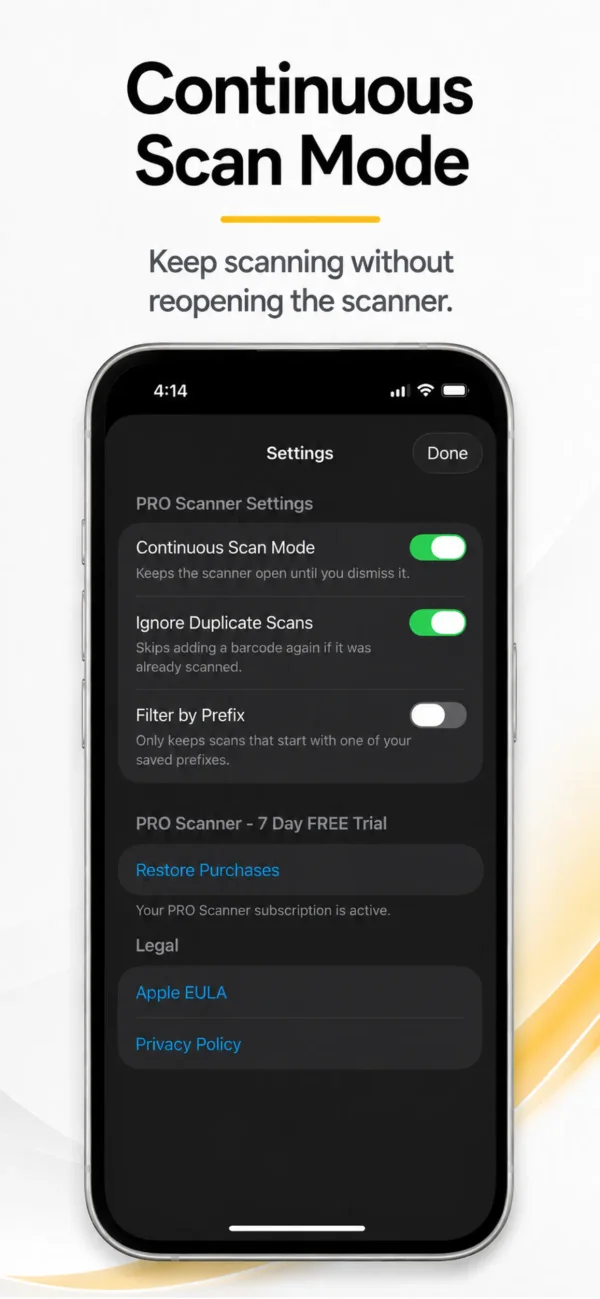
Continuous Scanning
Keep the camera open while scanning labels one after another. Collect multiple codes without reopening the scanner each time.
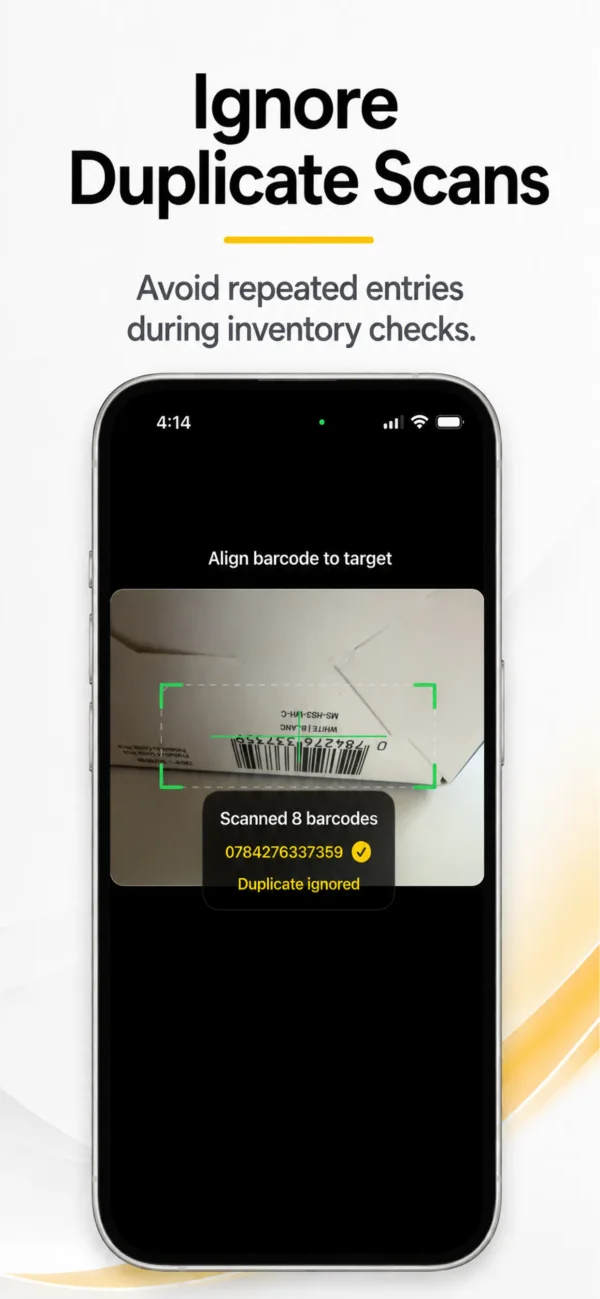
Ignore Duplicate Scans
Skip codes already in your saved list. Avoid repeated entries as you move between shelves, boxes, or equipment.
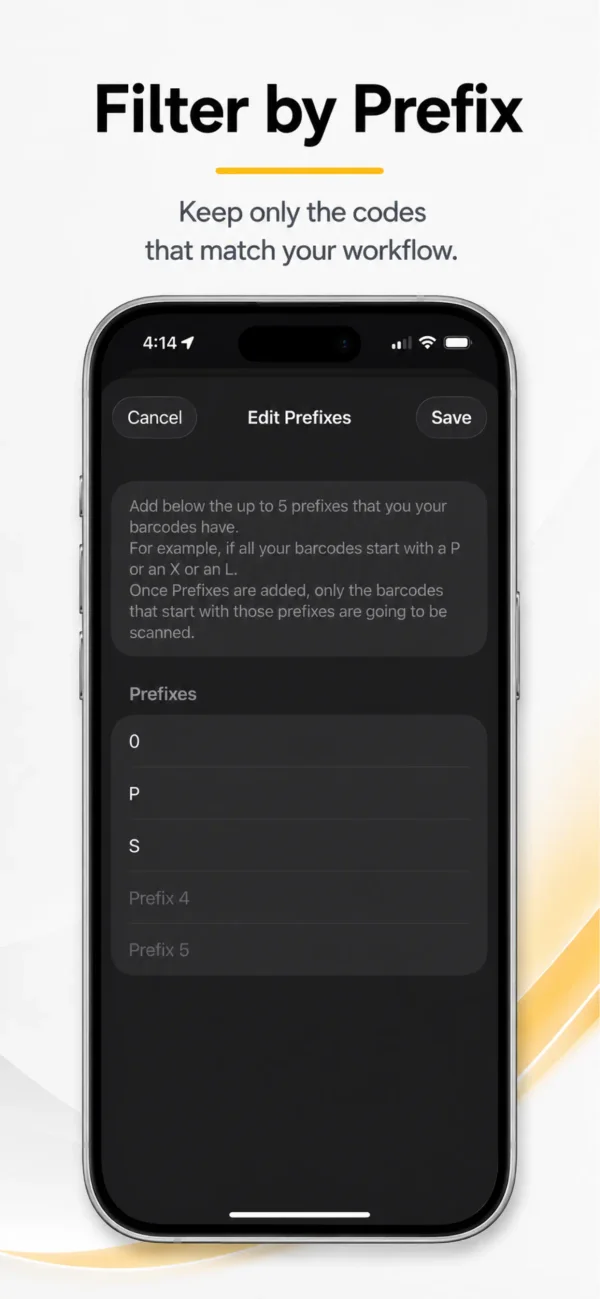
Filter by Prefix
Keep only codes that begin with your chosen characters. Save up to five prefixes to help collect the identifiers relevant to your task.
BUILT FOR EVERYDAY BARCODE TASKS
Collect barcode numbers during stock checks, record asset identifiers during equipment checks, or gather product codes for documentation. Copy, email, or save the list for use in your existing workflow.
The app collects barcode text; it does not look up product details or maintain stock quantities.
SIMPLE AND LOCAL
• Scan, edit, copy, and save files offline.
• Keep your scan list on your device.
• Start without creating an account.
• Use scanning and all export options for free.
• Unlock continuous scanning, duplicate filtering, and prefix filtering with a monthly or yearly PRO subscription.
WIDE BARCODE SUPPORT
Read common barcode formats including QR Code, Code 39, Code 128, EAN-8, EAN-13, UPC-E, Data Matrix, PDF417, Aztec, Codabar, and more.
Email requires an account configured in Apple Mail. Subscription purchases and restoration require internet access.
Terms of Use (EULA): https://www.apple.com/legal/internet-services/itunes/dev/stdeula/
Privacy Policy: https://easysimplesmart.com/apps/apps-privacy-policy
Yang baru
Versi 2.0 · 13/10/2026
improved barcode performance, improved auto-focus
Privasi aplikasi
Yang dinyatakan Easy Simple Smart di App Store tentang cara aplikasi ini menangani data.
-
Data tidak dikumpulkan
Pengembang tidak mengumpulkan data apa pun dari aplikasi ini.
Praktik privasi dapat bervariasi, misalnya berdasarkan fitur yang Anda gunakan atau usia Anda.
Informasi
- Penjual
- Easy Simple Smart
- Kategori
- Kegunaan
- Versi
- 2.0
- Diperbarui
- 13/10/2026
- Dirilis
- 29/10/2023
- Ukuran
- 3,7 MB
- Memerlukan
- iOS 18.6 atau yang lebih baru
- Batasan usia
- 4+
- Harga
- Gratis
- Pembelian dalam aplikasi
- Ya
- Bahasa
- Inggris
- Hak cipta
- © 2026 EasySimpleSmart
Mungkin Anda juga suka
-
 Decide For Me - Stop ThinkingKegunaan
-
 Friends Log - People JournalKegunaan
-
 B4U PostKegunaan
-
 XPS Viewer - XPS to PDFKegunaan
-
 CleanerBot: clean up storageKegunaan
-
 VocalaKegunaan
-
 Safe-Word: Voice SOS & SafetyKegunaan
-
 SnapContact - Face to ContactsKegunaan
-
 RustSpy Smart Alarm & TrackerKegunaan
-
 ContactableKegunaan