- 対象年齢4+
- カテゴリユーティリティ
- 開発元Easy Simple Smart
- 言語英語
- サイズ3.7 MB
App Storeの公式ページにリンクしています
Download.orgはBarcode Scanner & Copyのファイルを一切ホストしていません。ボタンを押すと、Easy Simple Smartが公開しているApp Storeのアプリページが開きます。ページの最終確認:2026/11/12。
スクリーンショット
概要
開発元はこのテキストをお使いの言語で提供していません。
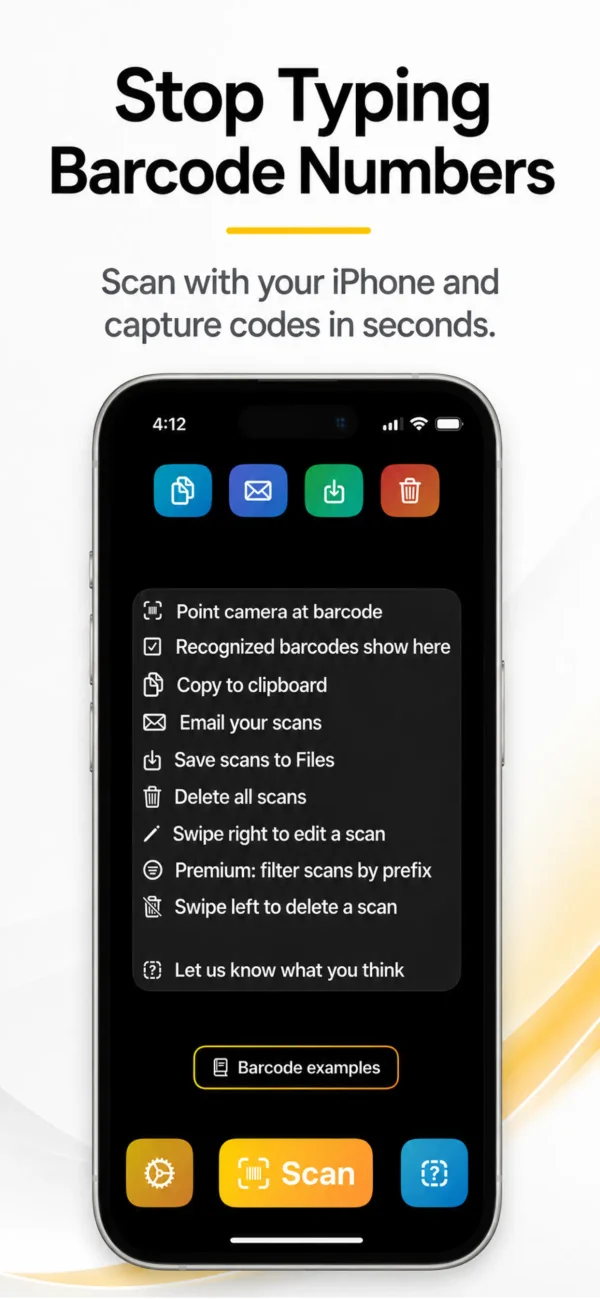
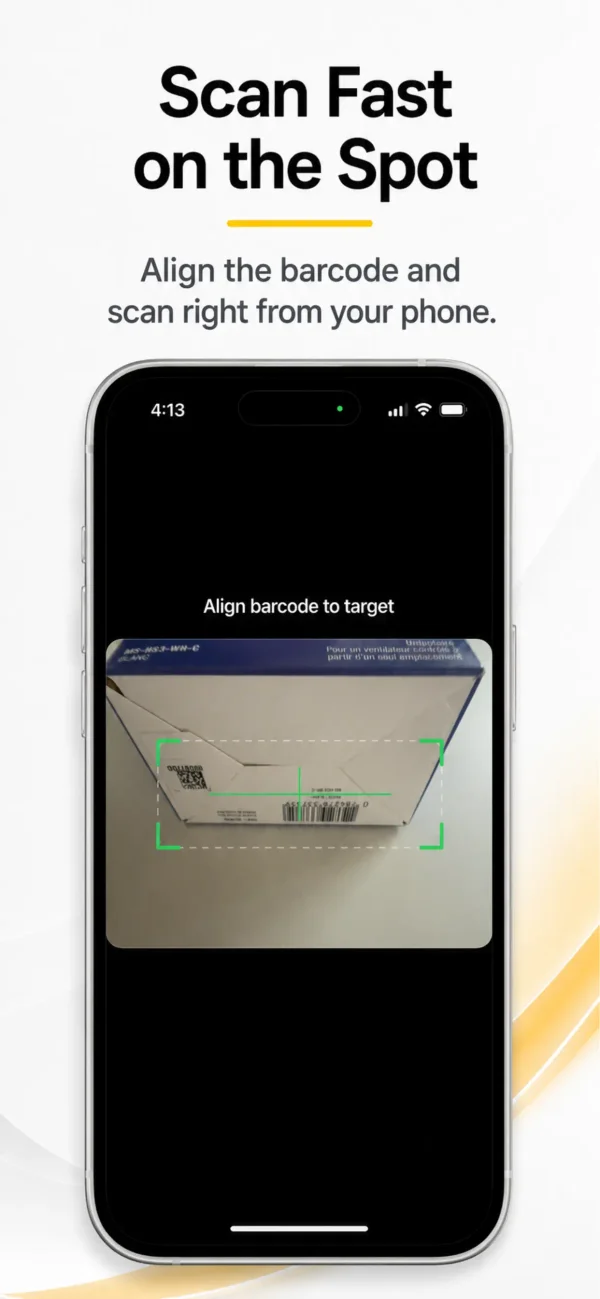
Stop typing barcode numbers by hand. Scan labels into an editable list, then copy, email, or save the results as a text file.
Barcode Scanner & Copy helps you collect product codes, equipment tag numbers, and other barcode text using your iPhone or iPad. No app account or complex setup required.
SCAN, COPY, AND SHARE — FREE
Build a Barcode List
Use the barcode scanner to capture codes one at a time. Review your list, edit individual values, and delete entries you no longer need. Your list is saved on your device between uses.
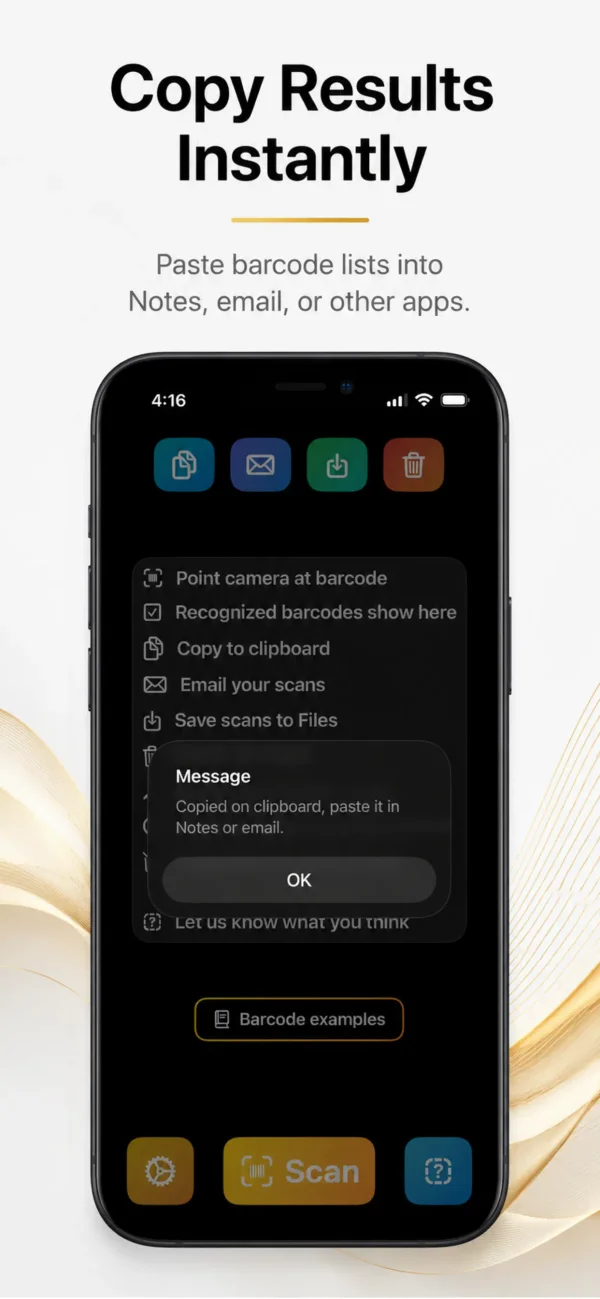
Copy and Paste Barcode Numbers
Copy your entire list to the clipboard in one tap. Paste the barcode text into Notes, messages, forms, or other apps without typing each number.
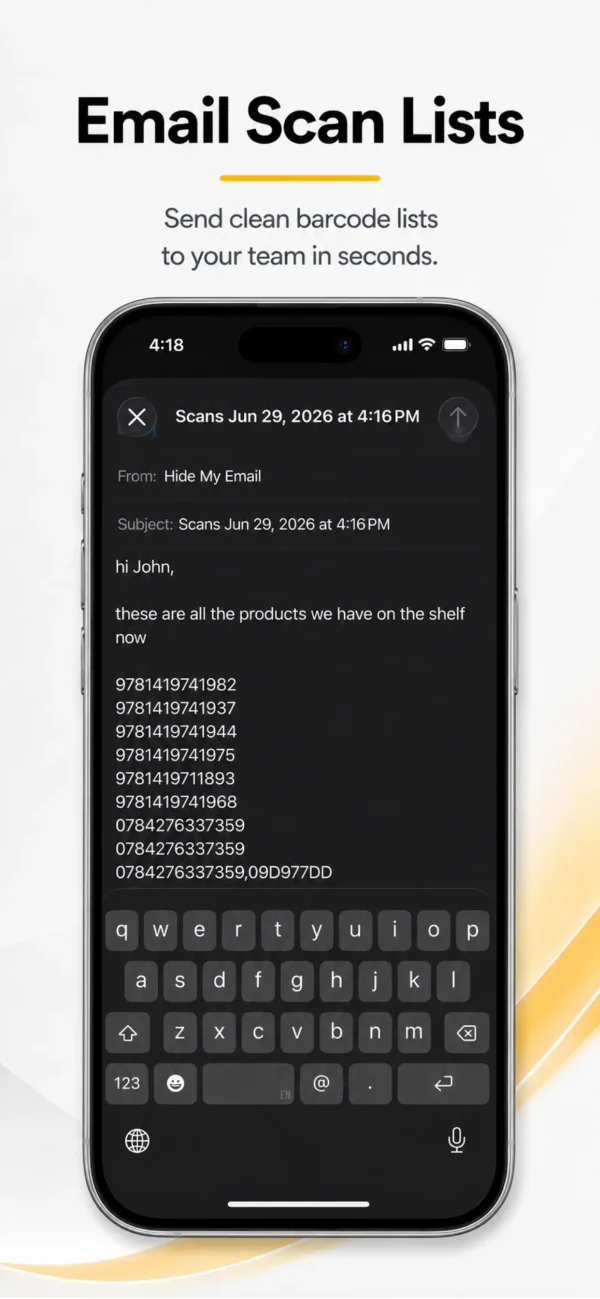
Email Your Barcode List
Send collected codes together using Apple Mail. Share product identifiers, equipment tag numbers, or other scanned values with a colleague.
Save Your Results
Export your list to Files as a plain-text file for later use. Clear the list when you are ready to begin a new task.
SCAN MULTIPLE BARCODES WITH PRO
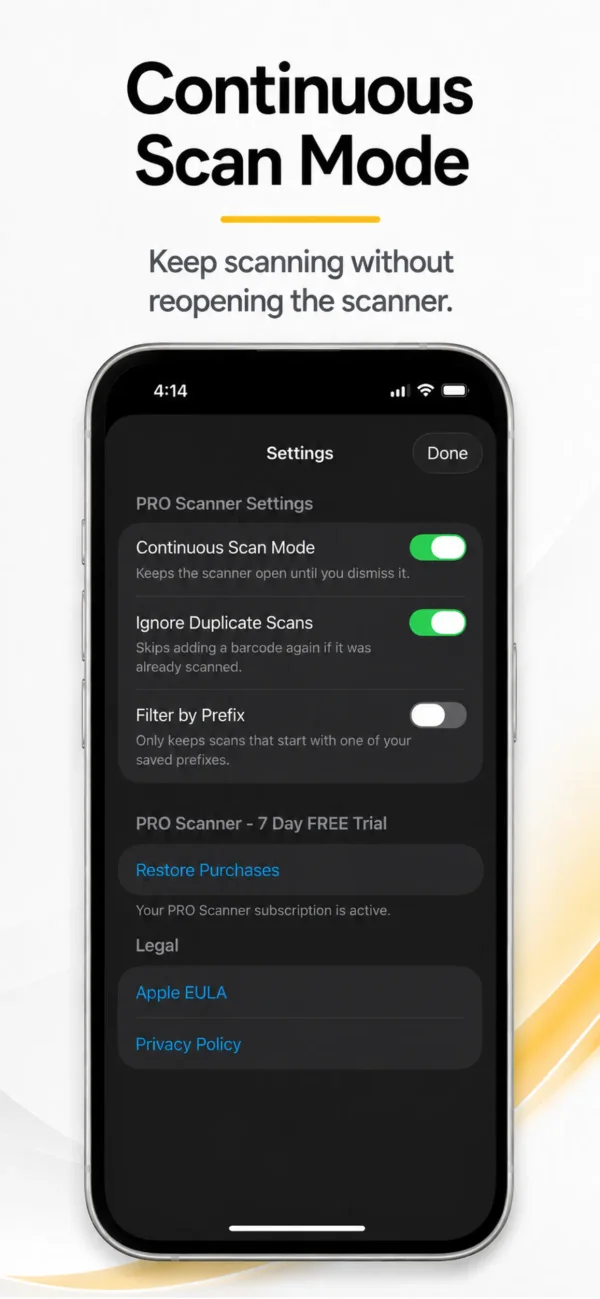
Continuous Scanning
Keep the camera open while scanning labels one after another. Collect multiple codes without reopening the scanner each time.
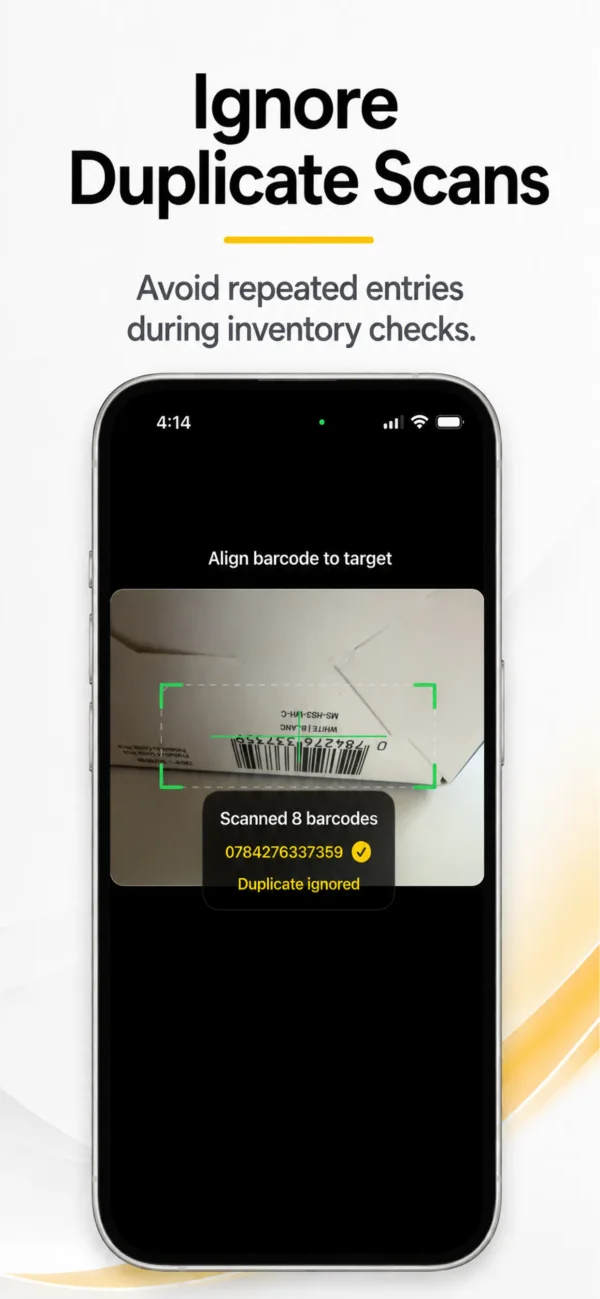
Ignore Duplicate Scans
Skip codes already in your saved list. Avoid repeated entries as you move between shelves, boxes, or equipment.
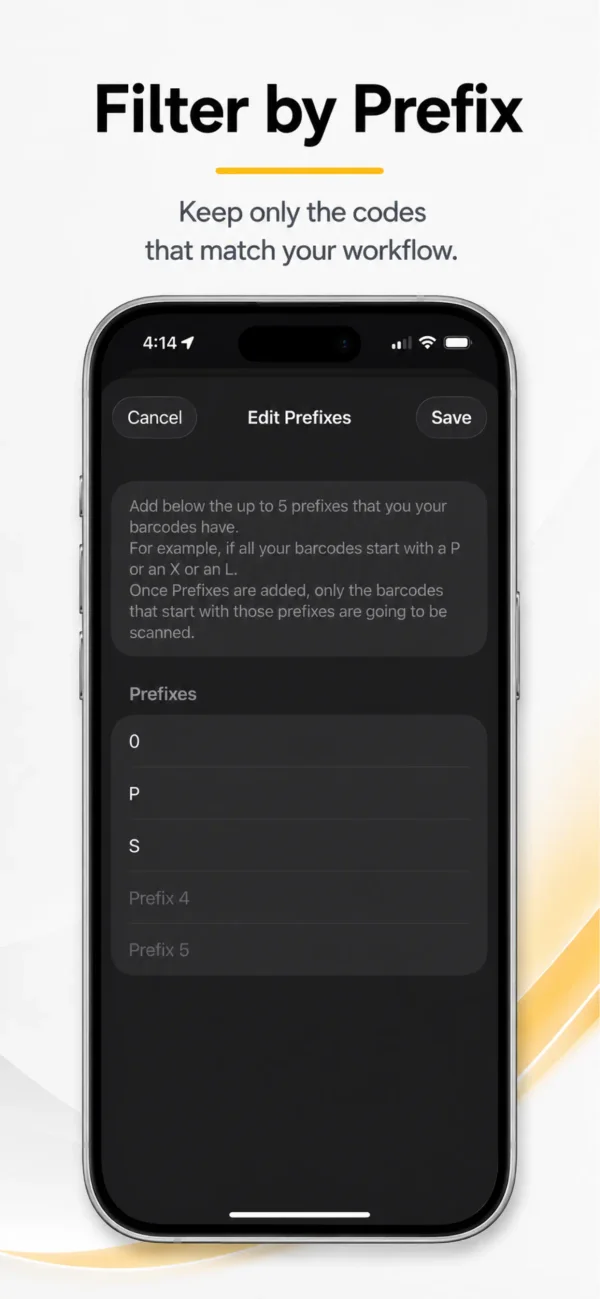
Filter by Prefix
Keep only codes that begin with your chosen characters. Save up to five prefixes to help collect the identifiers relevant to your task.
BUILT FOR EVERYDAY BARCODE TASKS
Collect barcode numbers during stock checks, record asset identifiers during equipment checks, or gather product codes for documentation. Copy, email, or save the list for use in your existing workflow.
The app collects barcode text; it does not look up product details or maintain stock quantities.
SIMPLE AND LOCAL
• Scan, edit, copy, and save files offline.
• Keep your scan list on your device.
• Start without creating an account.
• Use scanning and all export options for free.
• Unlock continuous scanning, duplicate filtering, and prefix filtering with a monthly or yearly PRO subscription.
WIDE BARCODE SUPPORT
Read common barcode formats including QR Code, Code 39, Code 128, EAN-8, EAN-13, UPC-E, Data Matrix, PDF417, Aztec, Codabar, and more.
Email requires an account configured in Apple Mail. Subscription purchases and restoration require internet access.
Terms of Use (EULA): https://www.apple.com/legal/internet-services/itunes/dev/stdeula/
Privacy Policy: https://easysimplesmart.com/apps/apps-privacy-policy
新機能
バージョン 2.0 · 2026/10/13
improved barcode performance, improved auto-focus
アプリのプライバシー
このアプリのデータの取り扱いについて、Easy Simple SmartがApp Storeで申告している内容です。
-
データの収集なし
開発元はこのアプリからデータを収集しません。
プライバシーの取り扱いは、ご利用の機能やお客様の年齢などに応じて異なる場合があります。
情報
- 販売元
- Easy Simple Smart
- カテゴリ
- ユーティリティ
- バージョン
- 2.0
- 更新日
- 2026/10/13
- リリース
- 2023/10/29
- サイズ
- 3.7 MB
- 必要条件
- iOS 18.6以降
- 対象年齢
- 4+
- 価格
- 無料
- アプリ内課金
- あり
- 言語
- 英語
- 著作権
- © 2026 EasySimpleSmart
こちらもおすすめ
-
 Decide For Me - Stop Thinkingユーティリティ
-
 Friends Log - People Journalユーティリティ
-
 B4U Postユーティリティ
-
 XPS Viewer - XPS to PDFOXPSを開く・PDFに変換
-
 CleanerBot: clean up storageユーティリティ
-
 Vocalaユーティリティ
-
 Safe-Word: Voice SOS & Safetyユーティリティ
-
 SnapContact - Face to Contactsユーティリティ
-
 RustSpy Smart Alarm & Trackerユーティリティ
-
 Contactableユーティリティ