BoardView Reader
Motherboard repair & diagnosis
Dirancang untuk iPhone, iPad, Mac
Gratis · Pembelian dalam aplikasi
- Batasan usia4+
- KategoriKegunaan
- Pengembangintergoldex llc
- BahasaInggris+ 6 lainnya
- Ukuran6,8 MB
Tertaut ke halaman resmi App Store
Download.org tidak menyimpan file BoardView Reader apa pun. Tombol ini membuka halaman aplikasi di App Store, tempat intergoldex llc menerbitkannya. Halaman terakhir diperiksa pada 17/11/2026.
Tangkapan layar
Tentang
Pengembang belum menyediakan teks ini dalam bahasa Anda.
BoardView Reader answers the two questions every motherboard repair tech asks: where do I measure this power rail, and which part do I replace? Open the board's boardview and schematic, locate the rail in one tap, test it with your multimeter and find the reference and value of the component to change — on your phone, tablet and computer.
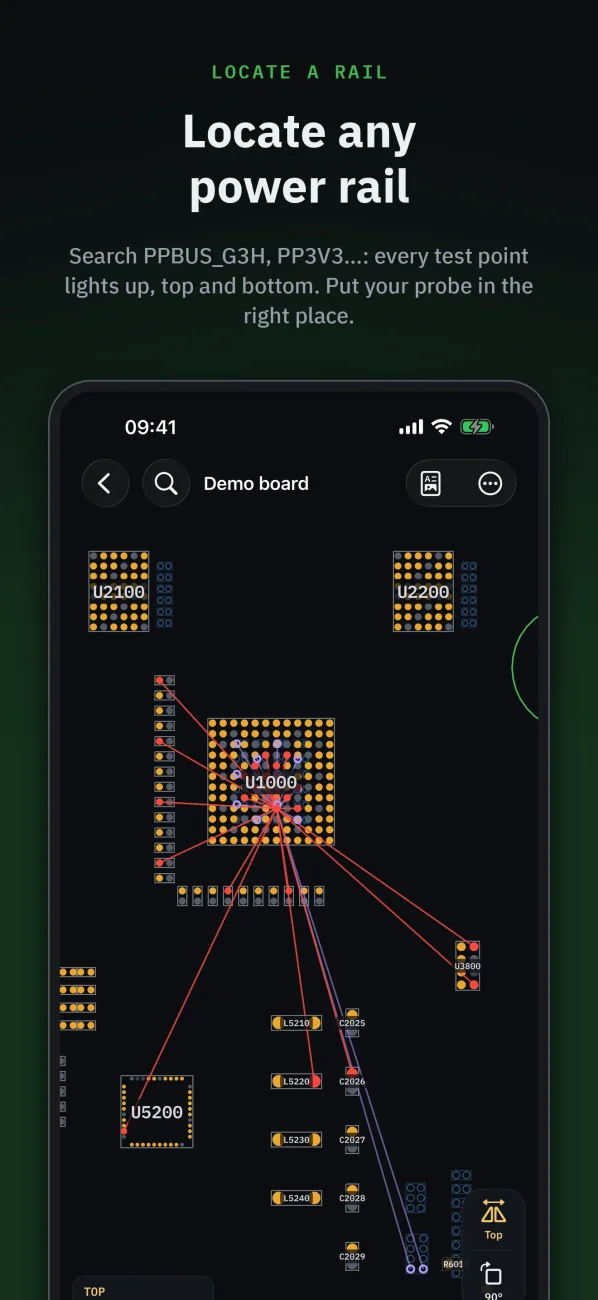
LOCATE A POWER RAIL
• Search a rail (PPBUS_G3H, PP3V3_S5, VCC_MAIN…) or a component in a single field
• Every point on the same net lights up on the board, top and bottom
• Spot the most accessible capacitor or test point to place your probe
• Flip the board, rotate 90°, show one side or both, just like on the bench
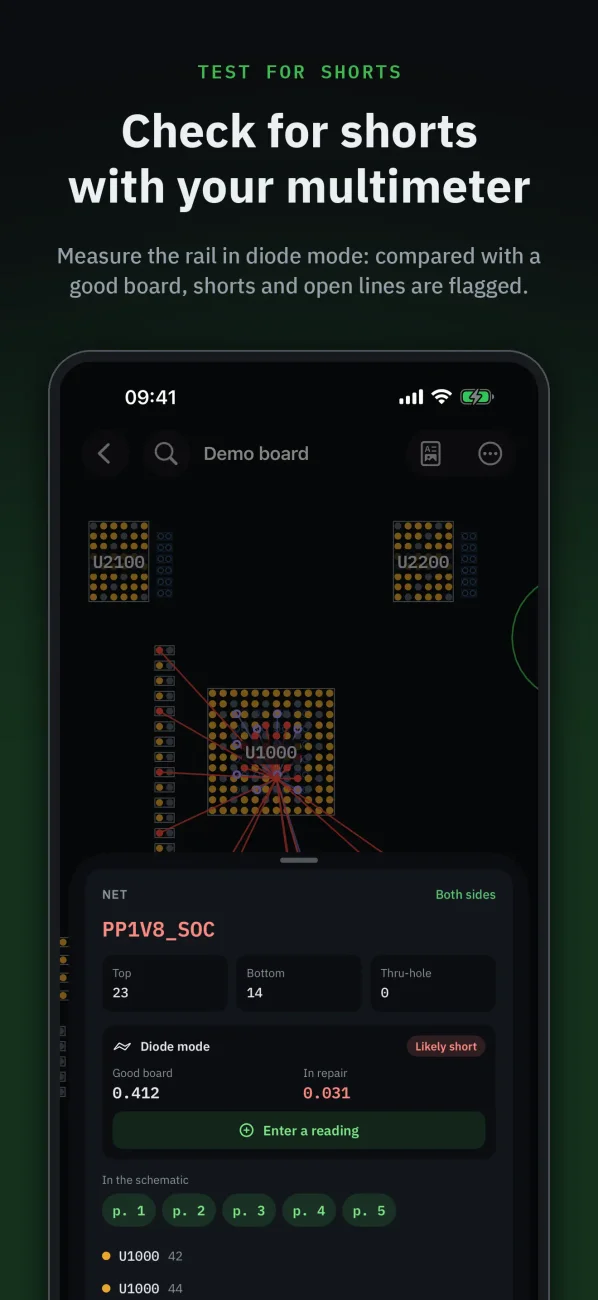
TEST FOR SHORTS
• Measure the rail in diode mode and log the reading in one tap
• Compared with a known-good board, it is judged at once: matches, slight difference, large difference, likely short, open line
• Your reference values apply to every board with the same number; share them as CSV
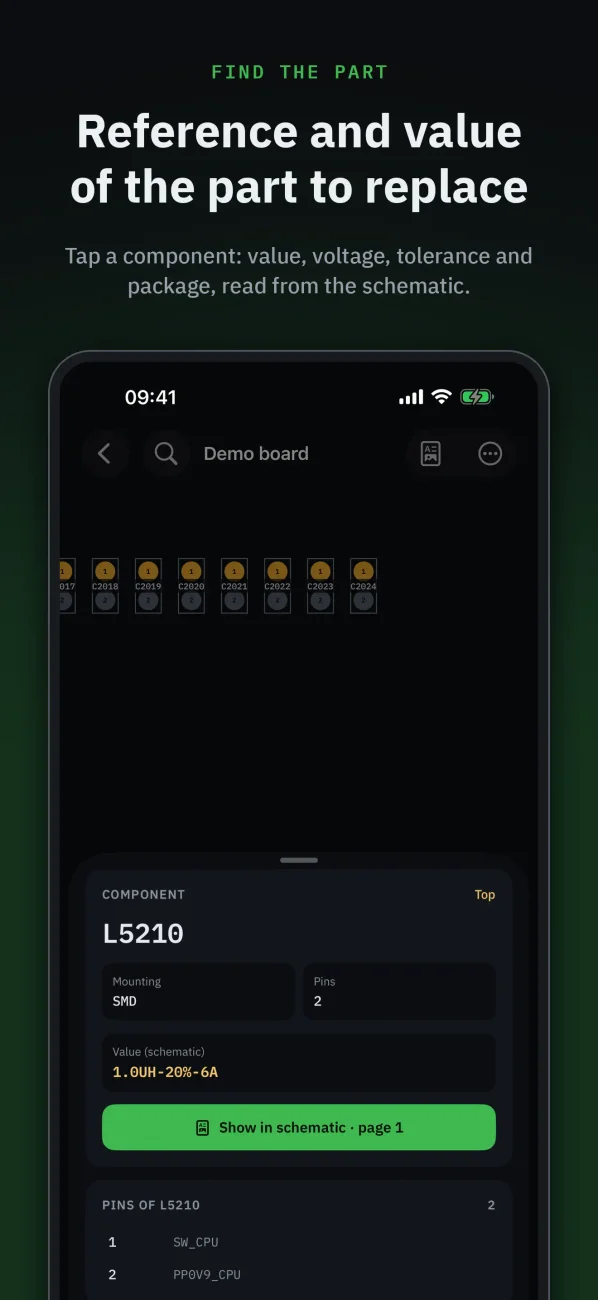
FIND THE PART TO REPLACE
• Tap a component: its reference, value, voltage, tolerance and package, read from the schematic
• Side, pin count and the net of each pin in the inspector
TAKE IT FROM A DONOR BOARD
• "Find in other boards" looks for the same component in your donor boards, or in any folder you choose
• Same part number, same value or same designator: results ranked from most to least certain
• Tap a result: the donor board opens on the component
THE SCHEMATIC IN THE RIGHT PLACE
• Import the board and its PDF schematic with the same name: they are paired automatically
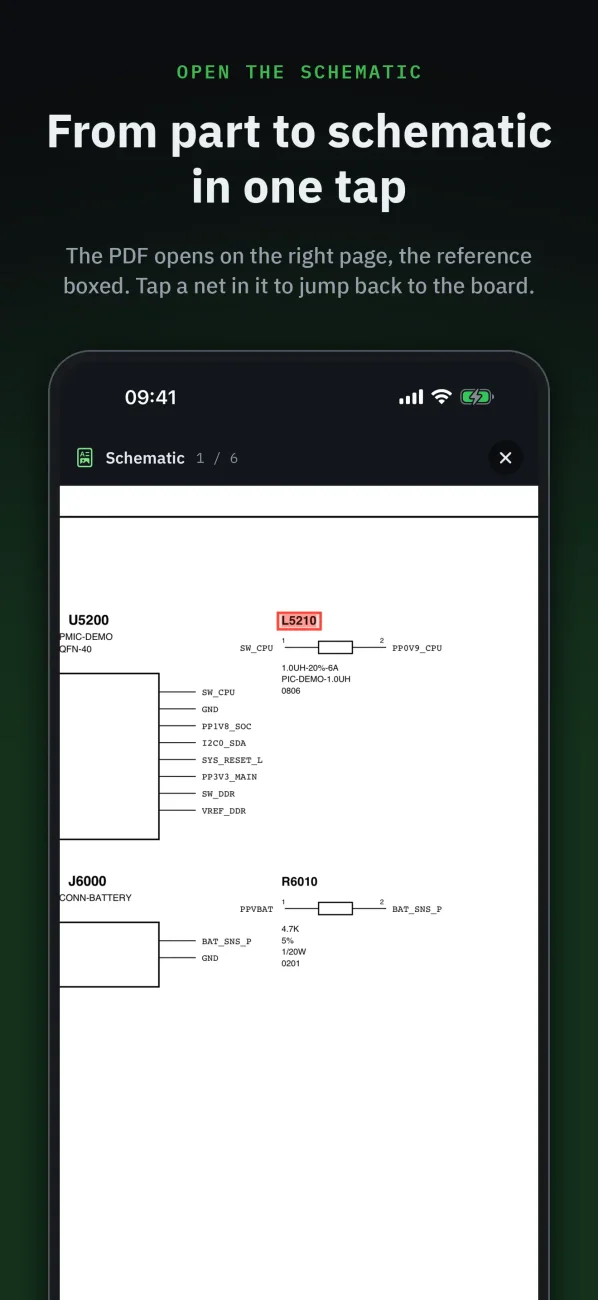
• Tap a component: the schematic opens on the right page, the reference boxed
• Tap a net or a reference in the schematic: "Show on board" takes you back
AN ORGANISED SHOP
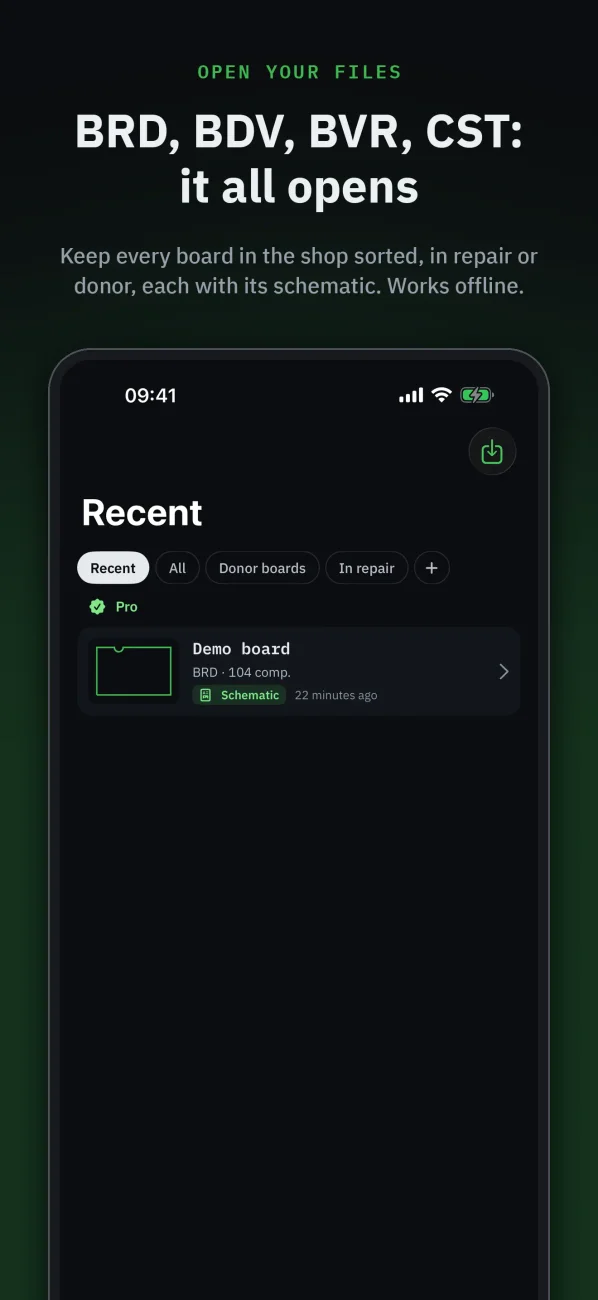
• Sort boards into folders: in repair, donors, customers…
• Import a board's folder: its boardview and schematic are linked under the folder's name
• Each board keeps its schematic and its readings
• On a computer: hover info with the mouse and customisable keyboard shortcuts
FORMATS: BRD (Test_Link, including encoded), BRD2, BDV, BVR and BVR3, CST, GenCAD (.cad), PCB (XZZ), on their own, in a folder or in a ZIP or RAR archive. Encrypted FZ files are not supported yet.
Bring your own files: the app does not include a boardview library. A file won't open? Send it to us from the app, we add the most requested formats.
A demo board and schematic are included so you can try everything right away.
FREE TO READ — Opening and reading boards is free. The linked schematic, diode-mode readings and the unlimited library are part of Pro: a one-time purchase, no subscription, with a full 48-hour free trial for 2 boards.
STEP-BY-STEP GUIDES — Link the PDF schematic, import a board, follow a power rail, diode mode readings, parts on donor boards: illustrated guides at https://geckofix.com/outils/boardview-reader/guides/en
No ads, no account, no ad tracking, works offline. Available in English, French, German, Italian, Spanish, Portuguese and Japanese.
Yang baru
Versi 2.4 · 11/11/2026
New: step-by-step user guides with screenshots, from the menu (“User guides”) and under “Attach schematic”. Some scrambled BRD files now open. Fixes.
Privasi aplikasi
Yang dinyatakan intergoldex llc di App Store tentang cara aplikasi ini menangani data.
-
Data yang tidak ditautkan dengan Anda
Dapat dikumpulkan, tetapi tidak ditautkan dengan identitas Anda.
- Riwayat pencarian
- Pengenal
- Data penggunaan
- Diagnostik
Praktik privasi dapat bervariasi, misalnya berdasarkan fitur yang Anda gunakan atau usia Anda.
Informasi
- Penjual
- djamal guellati
- Kategori
- Kegunaan
- Versi
- 2.4
- Diperbarui
- 11/11/2026
- Dirilis
- 22/10/2026
- Ukuran
- 6,8 MB
- Memerlukan
- iOS 17.0 atau yang lebih baru
- Batasan usia
- 4+
- Harga
- Gratis
- Pembelian dalam aplikasi
- Ya
- Bahasa
- Inggris, Prancis, Jerman, Italia, Jepang, Portugis, Spanyol
- Hak cipta
- © 2026 TheAppsFactory