
- Batasan usia4+
- KategoriProduktivitas
- PengembangHolger Imbery
- BahasaInggris+ 6 lainnya
- Ukuran2,0 MB
Tertaut ke halaman resmi App Store
Download.org tidak menyimpan file bridge365 apa pun. Tombol ini membuka halaman aplikasi di App Store, tempat Holger Imbery menerbitkannya. Halaman terakhir diperiksa pada 12/11/2026.
Tangkapan layar

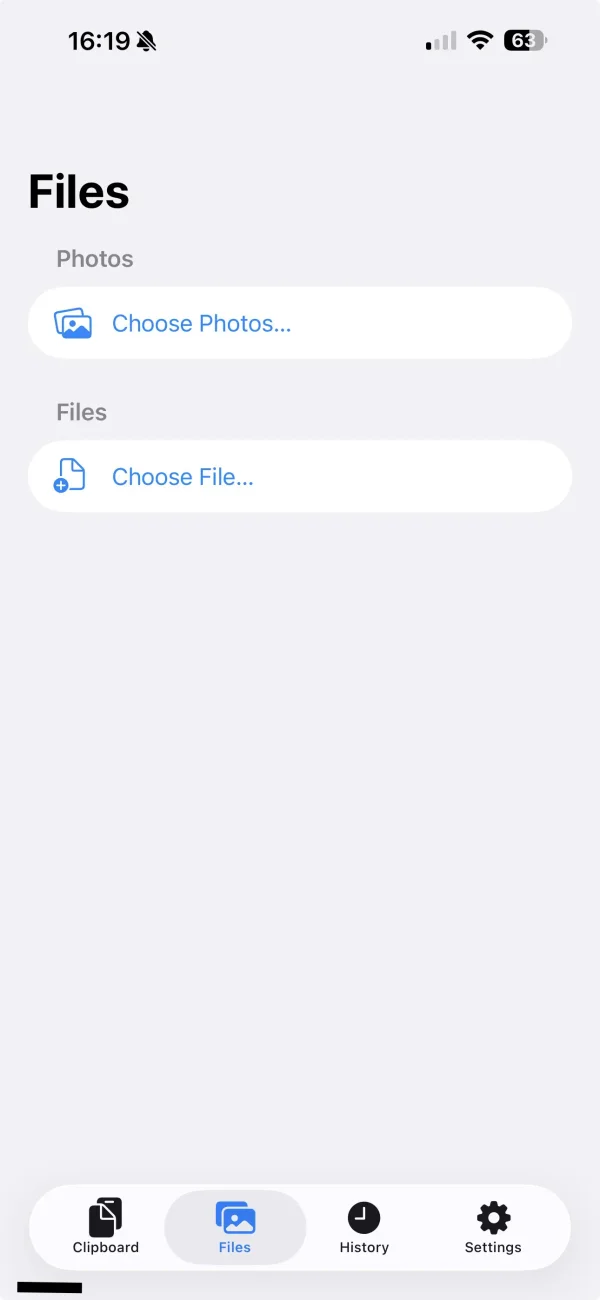
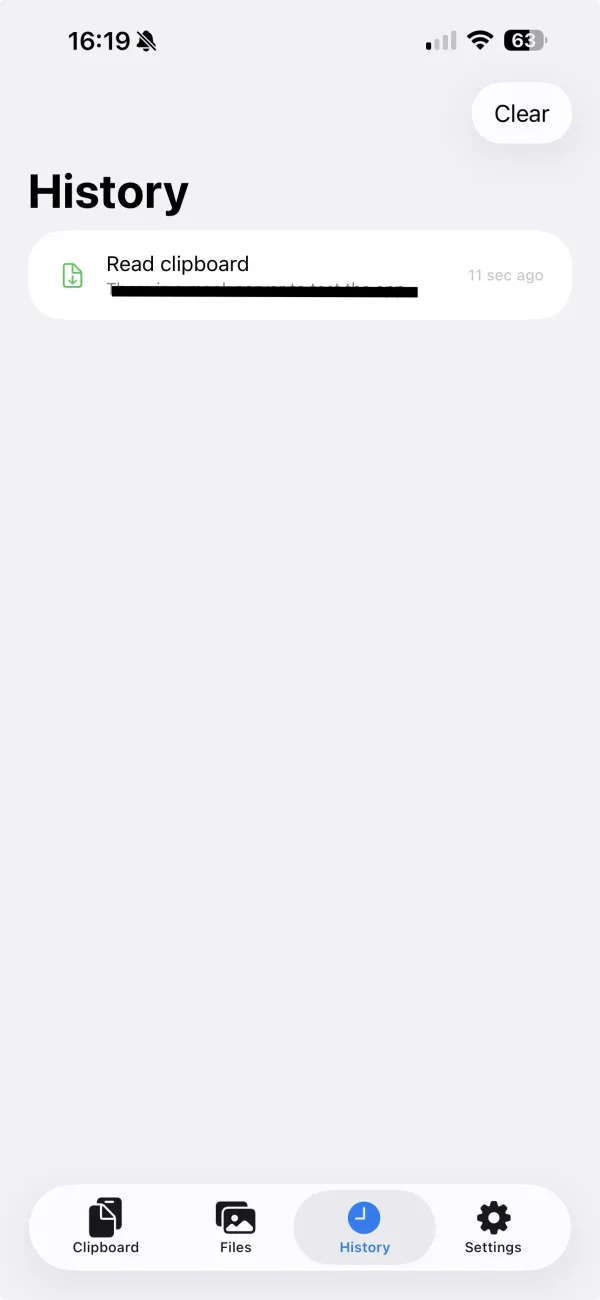
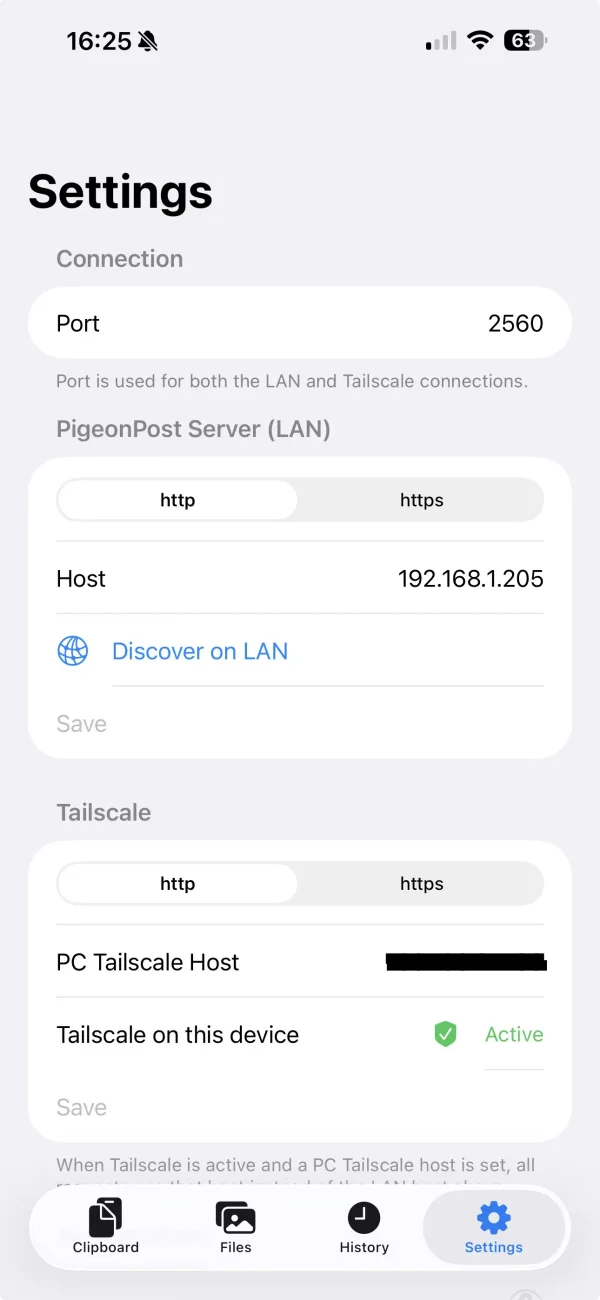
Tentang
Pengembang belum menyediakan teks ini dalam bahasa Anda.
Your iPhone. Your Windows PC. One simple bridge.
Bridge365 connects your iPhone or iPad to your Windows PC, making it easy to move clipboard text, photos, and files between your devices.
Send copied text to your PC’s clipboard with a tap, or retrieve text from your PC to your phone. Share photos, links, documents, and other files directly from compatible apps using the iOS Share Sheet.
COPY, SEND, KEEP GOING
• Send clipboard text from your iPhone or iPad to your Windows PC
• Retrieve text from your Windows clipboard
• Transfer photos and files to your PC’s Downloads folder
• Share from Photos, Safari, Files, Notes, and other compatible apps
• Discover nearby servers with Bonjour or enter a server address manually
• Save connection profiles and optionally sync settings through iCloud
AT HOME OR AWAY
Connect over your local Wi-Fi or LAN. For remote access, configure Tailscale on both devices and use your private network to reach your PC when you are away.
Local transfers do not require an internet connection. Remote access requires a working connection and an appropriate Tailscale configuration.
DIRECT BY DESIGN
Clipboard content and files transfer directly between your devices rather than through a Bridge365 cloud storage service. No separate Bridge365 account is required.
Optional server-token authentication controls access to your PC. Use a trusted local network or a properly configured Tailscale connection: ordinary HTTP connections are not encrypted.
GET STARTED
Install Bridge365 for Windows from Microsoft Store, open it on your PC, and connect the iOS app.
Requirements:
• iPhone or iPad with iOS/iPadOS 17 or later
• A Windows 11 PC running Bridge365
• A reachable local network, or Tailscale configured on both devices
Yang baru
Versi 1.5.1 · 6/11/2026
Improved Bonjour Routing
Privasi aplikasi
Yang dinyatakan Holger Imbery di App Store tentang cara aplikasi ini menangani data.
-
Data tidak dikumpulkan
Pengembang tidak mengumpulkan data apa pun dari aplikasi ini.
Praktik privasi dapat bervariasi, misalnya berdasarkan fitur yang Anda gunakan atau usia Anda.
Informasi
- Penjual
- Holger Imbery
- Kategori
- Produktivitas
- Versi
- 1.5.1
- Diperbarui
- 6/11/2026
- Dirilis
- 14/5/2026
- Ukuran
- 2,0 MB
- Memerlukan
- iOS 17.0 atau yang lebih baru
- Batasan usia
- 4+
- Harga
- Rp 19ribu
- Bahasa
- Inggris, Prancis, Jerman, Hindi, Italia, Tionghoa Sederhana, Spanyol
- Hak cipta
- © Holger Imbery
Mungkin Anda juga suka
-
 ClipMeshProduktivitas
-
 FastPaste - Clipboard SyncProduktivitas
-
 ShushProduktivitas
-
 mybrunnerProduktivitas
-
 SlideMemo 左右のスワイプ操作でメモを管理・簡単整理Produktivitas
-
 Magic CopyProduktivitas
-
 HLS Player - Streaming M3U8Pemutar Video HLS & M3U8
-
 Contacts Manager - Phone BookProduktivitas
-
 VPN Tracker – Remote AccessSecure Business Networks
-
 ChatCam - Kamera AITim asisten visi Anda