
- Age rating4+
- CategoryProductivity
- DeveloperHolger Imbery
- LanguagesEnglish+ 6 more
- Size2.0 MB
Links to the official App Store page
Download.org hosts no file of bridge365. The button opens its official App Store page, published by Holger Imbery. Listing last checked on Nov 12, 2026.
Screenshots

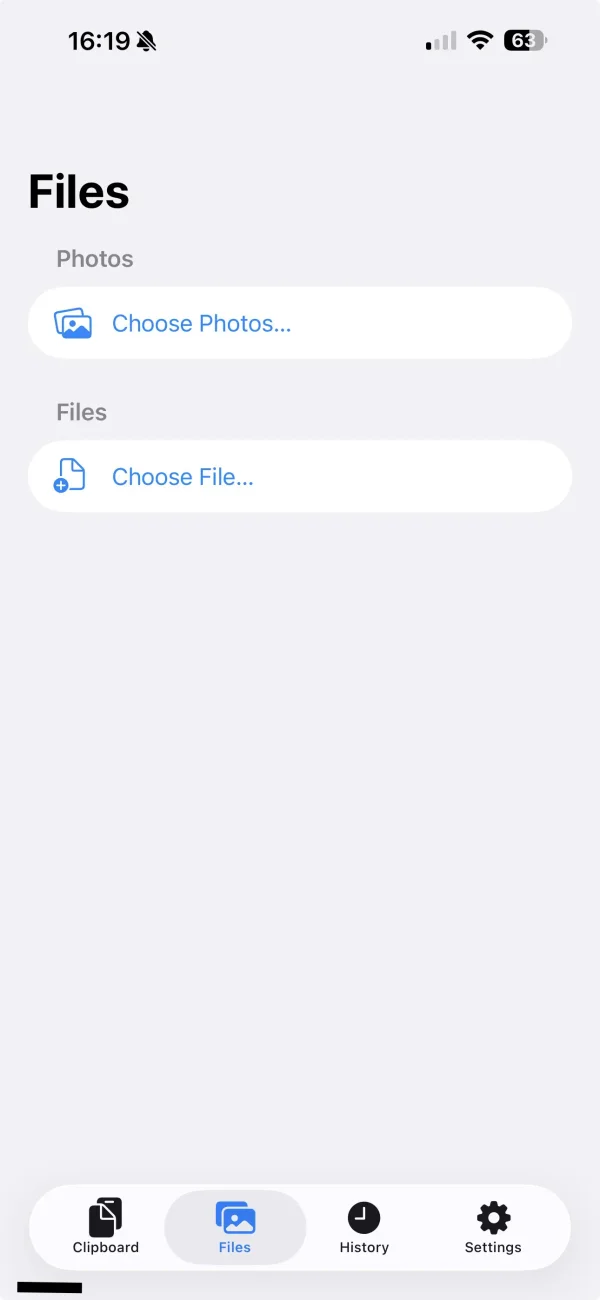
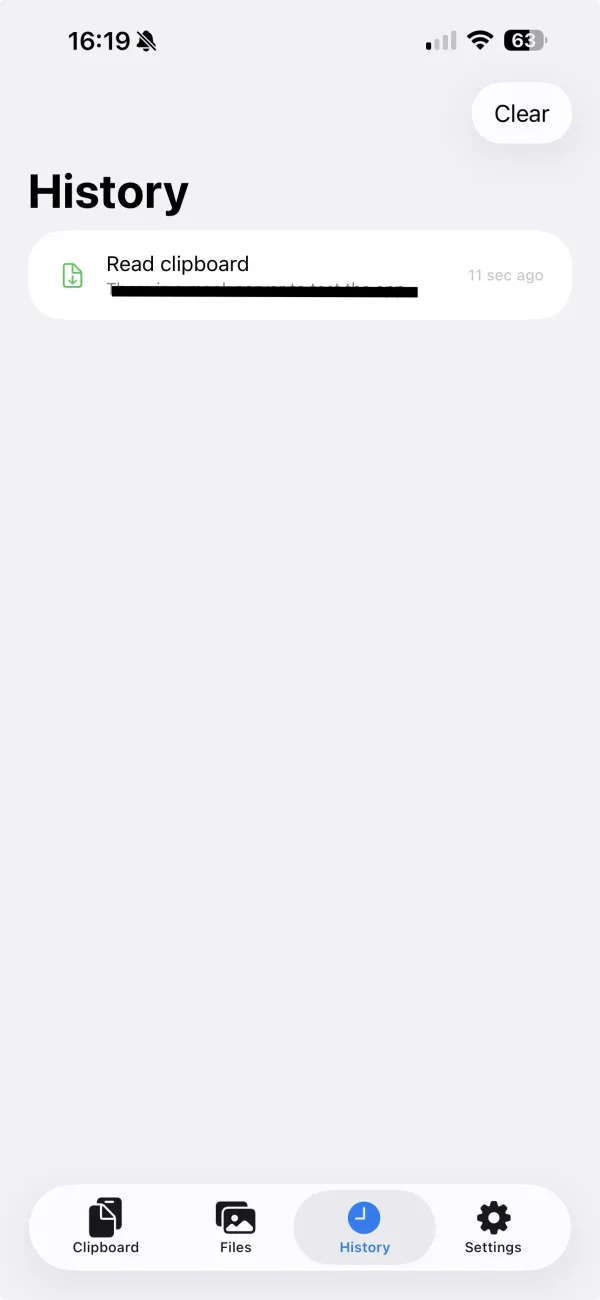
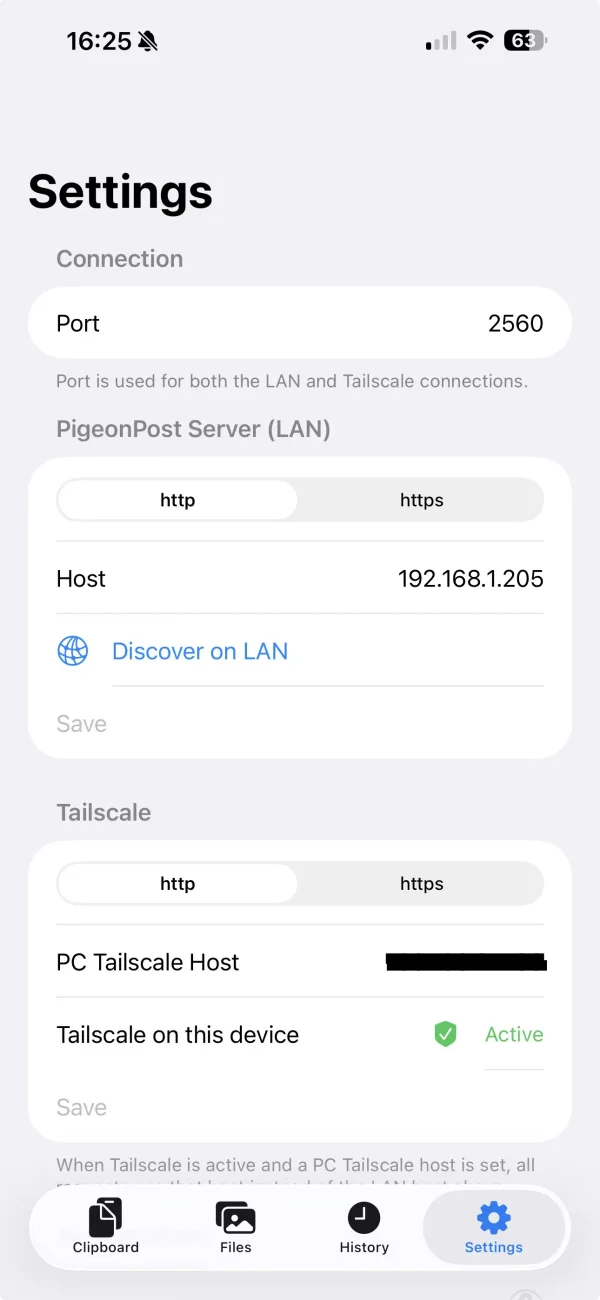
About
Your iPhone. Your Windows PC. One simple bridge.
Bridge365 connects your iPhone or iPad to your Windows PC, making it easy to move clipboard text, photos, and files between your devices.
Send copied text to your PC’s clipboard with a tap, or retrieve text from your PC to your phone. Share photos, links, documents, and other files directly from compatible apps using the iOS Share Sheet.
COPY, SEND, KEEP GOING
• Send clipboard text from your iPhone or iPad to your Windows PC
• Retrieve text from your Windows clipboard
• Transfer photos and files to your PC’s Downloads folder
• Share from Photos, Safari, Files, Notes, and other compatible apps
• Discover nearby servers with Bonjour or enter a server address manually
• Save connection profiles and optionally sync settings through iCloud
AT HOME OR AWAY
Connect over your local Wi-Fi or LAN. For remote access, configure Tailscale on both devices and use your private network to reach your PC when you are away.
Local transfers do not require an internet connection. Remote access requires a working connection and an appropriate Tailscale configuration.
DIRECT BY DESIGN
Clipboard content and files transfer directly between your devices rather than through a Bridge365 cloud storage service. No separate Bridge365 account is required.
Optional server-token authentication controls access to your PC. Use a trusted local network or a properly configured Tailscale connection: ordinary HTTP connections are not encrypted.
GET STARTED
Install Bridge365 for Windows from Microsoft Store, open it on your PC, and connect the iOS app.
Requirements:
• iPhone or iPad with iOS/iPadOS 17 or later
• A Windows 11 PC running Bridge365
• A reachable local network, or Tailscale configured on both devices
What’s new
Version 1.5.1 · Nov 6, 2026
Improved Bonjour Routing
App privacy
What Holger Imbery declares on the App Store about how this app handles data.
-
Data not collected
The developer does not collect any data from this app.
Privacy practices may vary, for example with the features you use or your age.
Information
- Seller
- Holger Imbery
- Category
- Productivity
- Version
- 1.5.1
- Updated
- Nov 6, 2026
- Released
- May 14, 2026
- Size
- 2.0 MB
- Requires
- iOS 17.0 or later
- Age rating
- 4+
- Price
- $0.99
- Languages
- English, French, German, Hindi, Italian, Simplified Chinese, Spanish
- Copyright
- © Holger Imbery
You might also like
-
 ClipMeshEncrypted clipboard sync
-
 FastPaste - Clipboard SyncProductivity
-
 ShushProductivity
-
 mybrunnerProductivity
-
 SlideMemo 左右のスワイプ操作でメモを管理・簡単整理Productivity
-
 Magic CopySimplest Universal Clipboard
-
 HLS Player - M3U8 StreamerLive HLS & M3U8 Video Player
-
 Contacts Manager - Phone BookBackup Contact & Business Card
-
 VPN Tracker – Remote AccessSecure Business Networks
-
 ChatCam - AI CameraYour vision assistant team