
Busymate DevTools
HTTP & API traffic inspector
Dirancang untuk iPhone, iPad
Gratis
- Batasan usia17+
- KategoriAlat Pengembang
- PengembangSergiu Toderascu
- BahasaInggris+ 13 lainnya
- Ukuran12,0 MB
Tertaut ke halaman resmi App Store
Download.org tidak menyimpan file Busymate DevTools apa pun. Tombol ini membuka halaman aplikasi di App Store, tempat Sergiu Toderascu menerbitkannya. Halaman terakhir diperiksa pada 14/11/2026.
Tangkapan layar
Tentang
Pengembang belum menyediakan teks ini dalam bahasa Anda.
Busymate DevTools is a network debugging tool for developers. It captures the HTTP and HTTPS requests made on your device, so you can inspect headers, bodies, status codes, and timing while you build and debug your own apps and websites.
It works like a desktop web-debugging proxy, but runs entirely on your iPhone or iPad — no Mac and no Wi-Fi proxy configuration required.
WHAT IT DOES
• Captures DNS and TCP traffic system-wide using Apple's NetworkExtension (a local, on-device VPN tunnel — nothing is routed through our servers).
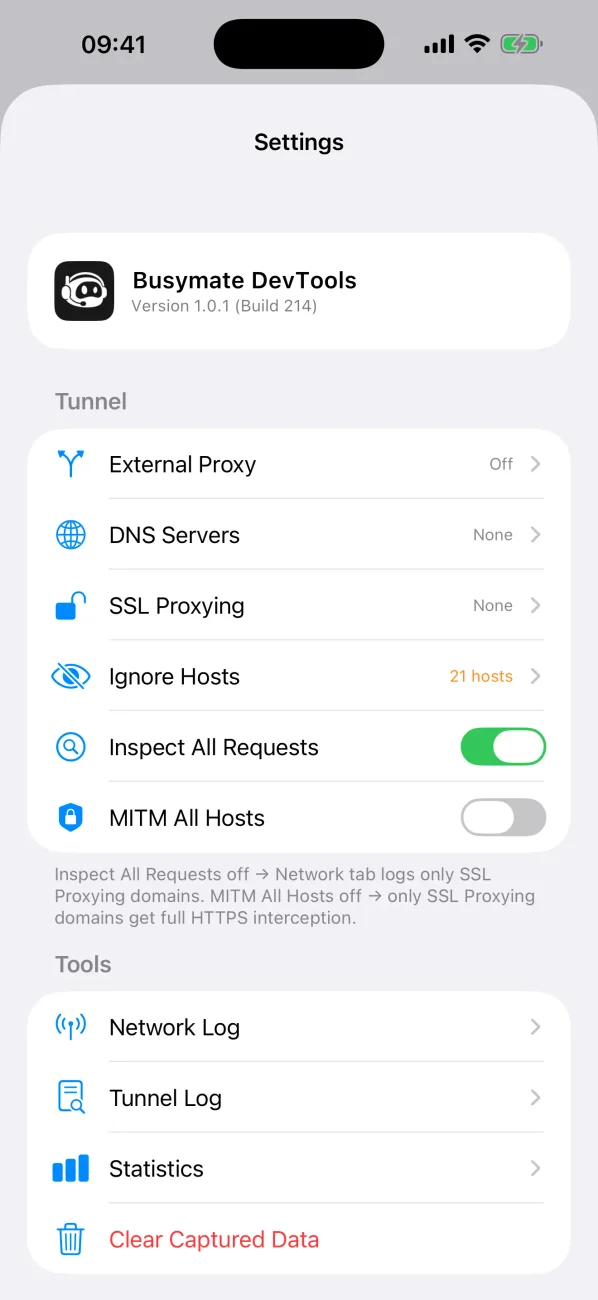
• Decrypts HTTPS only for the specific domains you add to the SSL-proxy list. Everything else stays end-to-end encrypted and is passed through untouched.
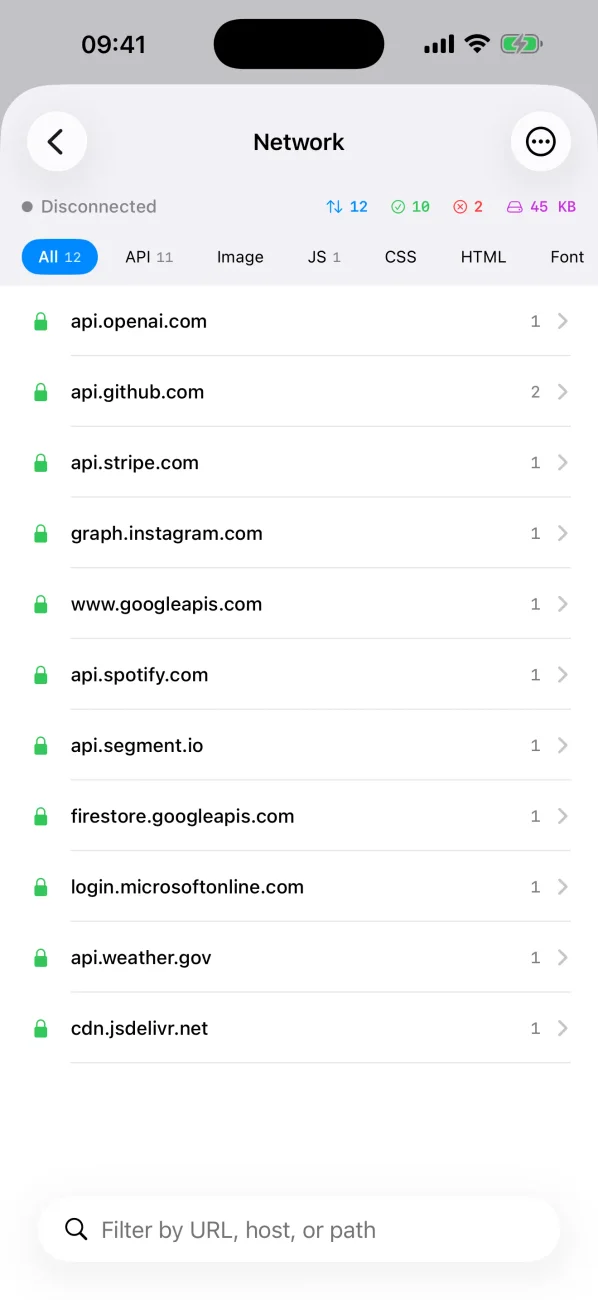
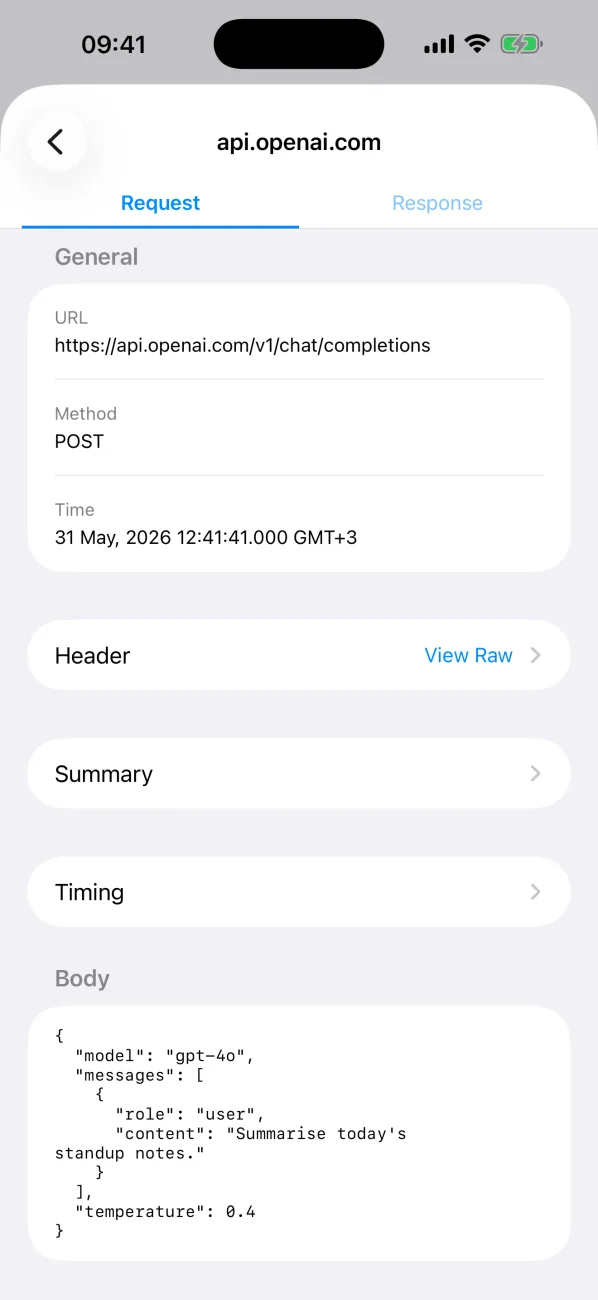
• Shows every request/response pair in a real-time feed: method, URL, status, headers, query, and body.
• Optionally syncs captures to your private Busymate dashboard at dash.busymate.dev so you can inspect them on a bigger screen, search, tag, and export to HAR.
ADVANCED
• Traffic rules — block, mock, or rewrite requests and responses that match your own rules, so you can test how your app handles errors, edge cases, and slow or missing responses.
• Upstream proxy — optionally route a device's outbound traffic through an external proxy you have configured.
• Deep links — open the app straight to a device or a request from a link.
YOU ARE IN CONTROL
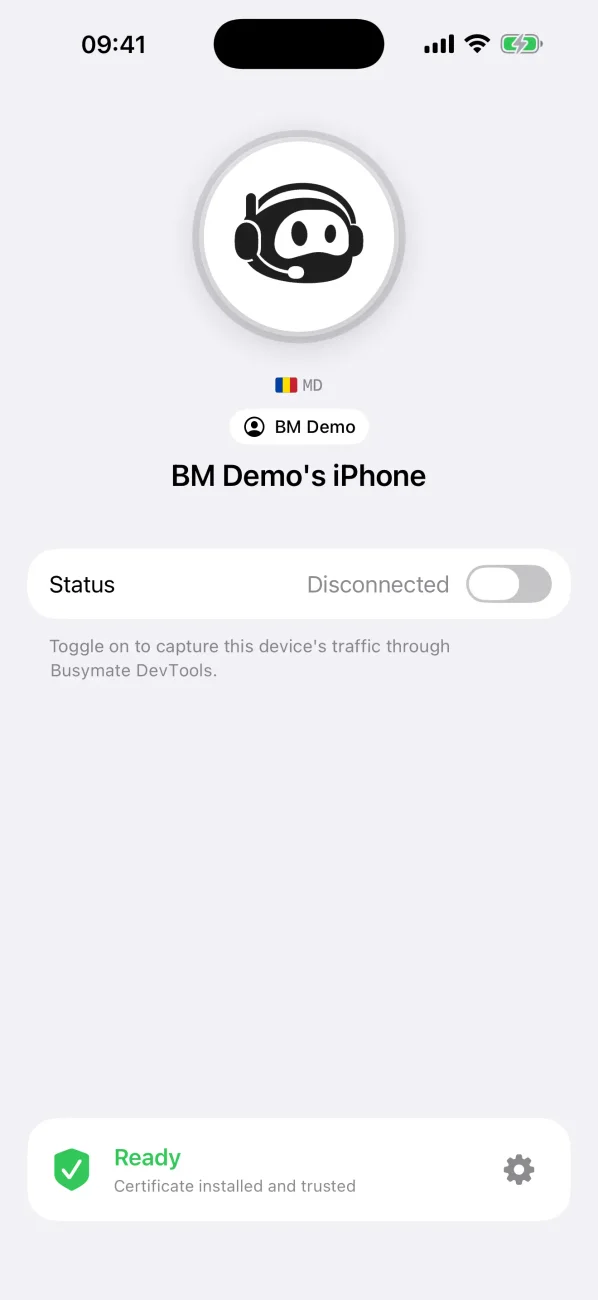
• Capture never starts until you explicitly turn it on and accept the on-screen disclosure.
• HTTPS is only ever decrypted for domains you choose. Add and remove them at any time.
• Decryption requires installing and trusting a root certificate, used only to decrypt your own HTTPS traffic for the domains you choose — guided step-by-step inside the app.
• You can stop capturing and remove the VPN profile from iOS Settings at any time.
PRIVACY
Busymate DevTools is built for inspecting traffic from apps and sites you own or are authorized to debug. Captured data can include sensitive values such as tokens and credentials, so only inspect domains you understand and control. Synced captures are stored under your own account and can be deleted at any time. See our privacy policy at busymate.dev/privacy.
REQUIREMENTS
• iOS / iPadOS 16.0 or later.
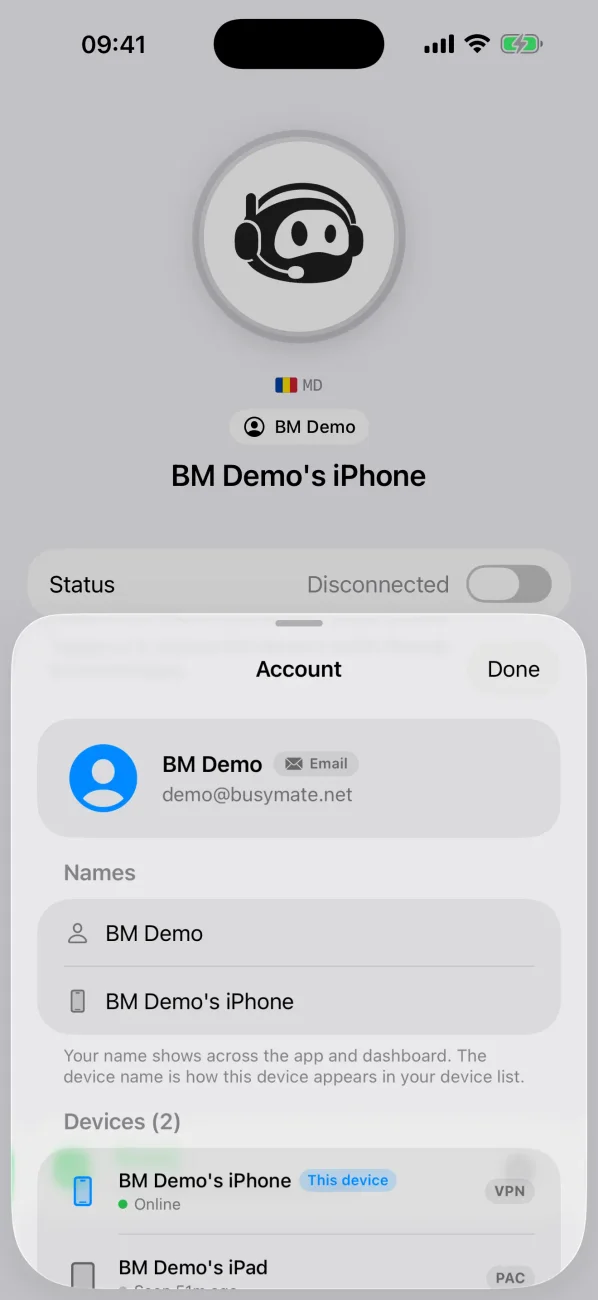
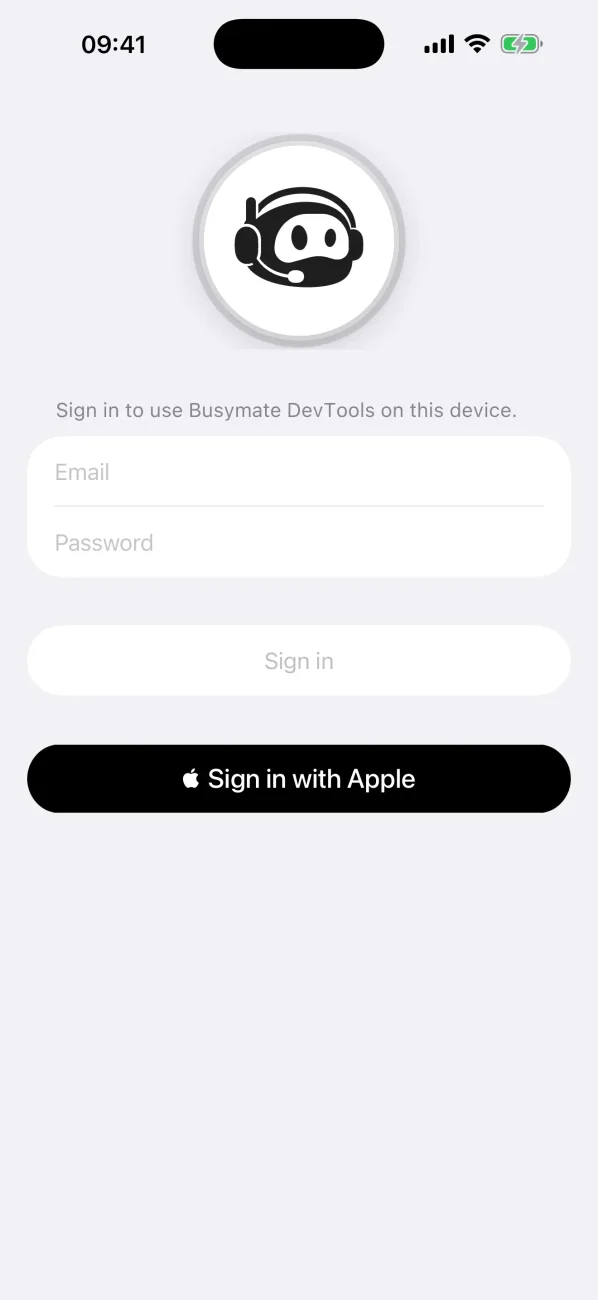
• A free Busymate account (sign in with Apple or email) to pair the device and, optionally, sync captures to the dashboard.
Busymate DevTools is intended for developers, QA engineers, and security testers working on their own software. It is not a tool for intercepting other people's traffic.
Yang baru
Versi 1.0.4 · 28/10/2026
When a screen share stops, the alert now tells you why and what to do next, in your language.
If this device is still linked to another account, sign-in now explains how to switch. Plus bug fixes.
Privasi aplikasi
Yang dinyatakan Sergiu Toderascu di App Store tentang cara aplikasi ini menangani data.
-
Data yang ditautkan dengan Anda
Dapat dikumpulkan dan ditautkan dengan identitas Anda.
- Lokasi
- Info kontak
- Pengenal
- Data penggunaan
- Diagnostik
- Data lainnya
Praktik privasi dapat bervariasi, misalnya berdasarkan fitur yang Anda gunakan atau usia Anda.
Informasi
- Penjual
- SERGIU TODERASCU, AI
- Kategori
- Alat Pengembang
- Versi
- 1.0.4
- Diperbarui
- 28/10/2026
- Dirilis
- 3/6/2026
- Ukuran
- 12,0 MB
- Memerlukan
- iOS 16.0 atau yang lebih baru
- Batasan usia
- 17+
- Harga
- Gratis
- Bahasa
- Inggris, Arab, Prancis, Jerman, Hindi, Italia, Jepang, Korea, Portugis, Rumania, Rusia, Tionghoa Sederhana + 2 lainnya
- Hak cipta
- © 2026 Busymate
Mungkin Anda juga suka
-
 NetScanner - HTTP CatcherAlat Pengembang
-
 DevSnoop - Developer BrowserAlat Pengembang
-
 PacketProAlat Pengembang
-
 Web DevTools+Alat Pengembang
-
 FlowSpy - AI Packet CaptureAlat Pengembang
-
 Eruda Browser ConsoleAlat Pengembang
-
 HTTPS Capture Traffic DecryptAlat Pengembang
-
 Cookie Editor untuk SafariEdit, impor, ekspor cookie
-
 Detektor konten AI, humanizerPeriksa & humanisasi teks AI
-
 ProxygenAlat Pengembang