- Batasan usia4+
- KategoriKegunaan
- PengembangBrian Kenneth Vogel
- BahasaInggris
- Ukuran1,4 MB
Tertaut ke halaman resmi App Store
Download.org tidak menyimpan file BVCalc apa pun. Tombol ini membuka halaman aplikasi di App Store, tempat Brian Kenneth Vogel menerbitkannya. Halaman terakhir diperiksa pada 23/11/2026.
Tangkapan layar


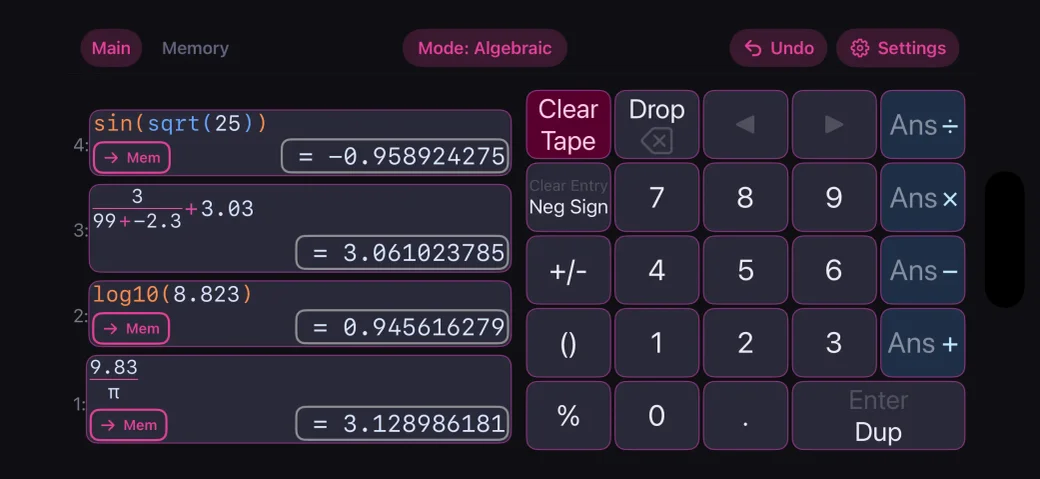

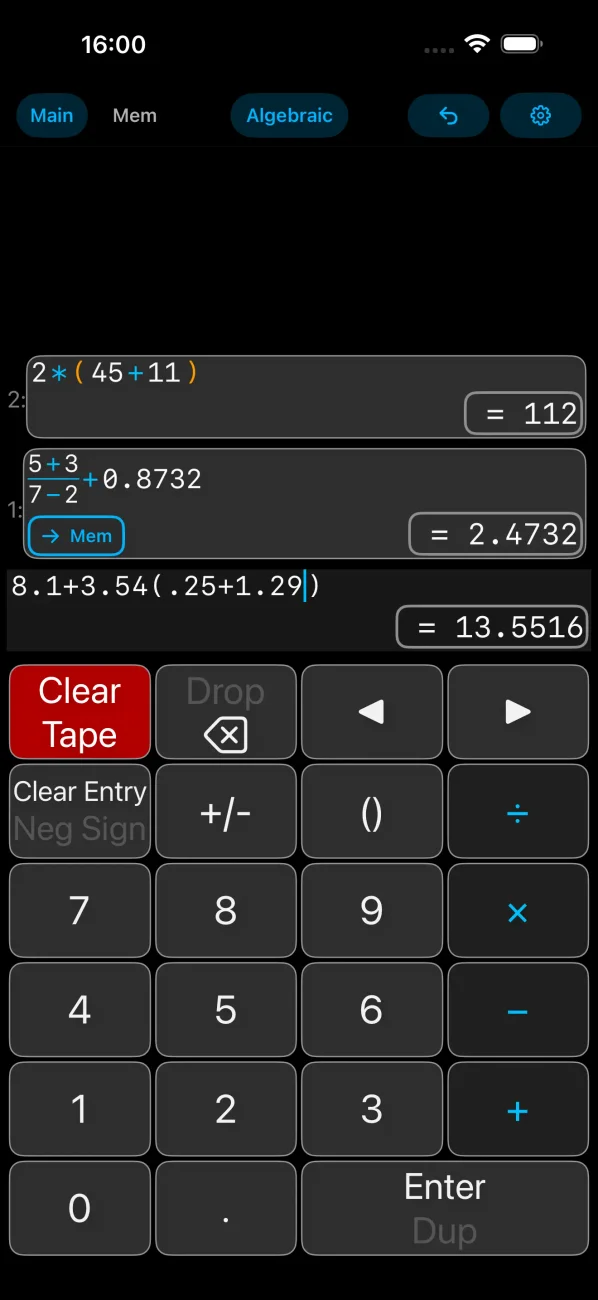
Tentang
Pengembang belum menyediakan teks ini dalam bahasa Anda.
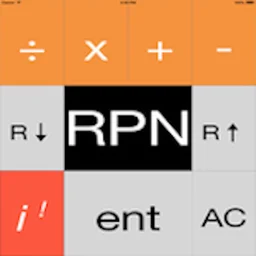
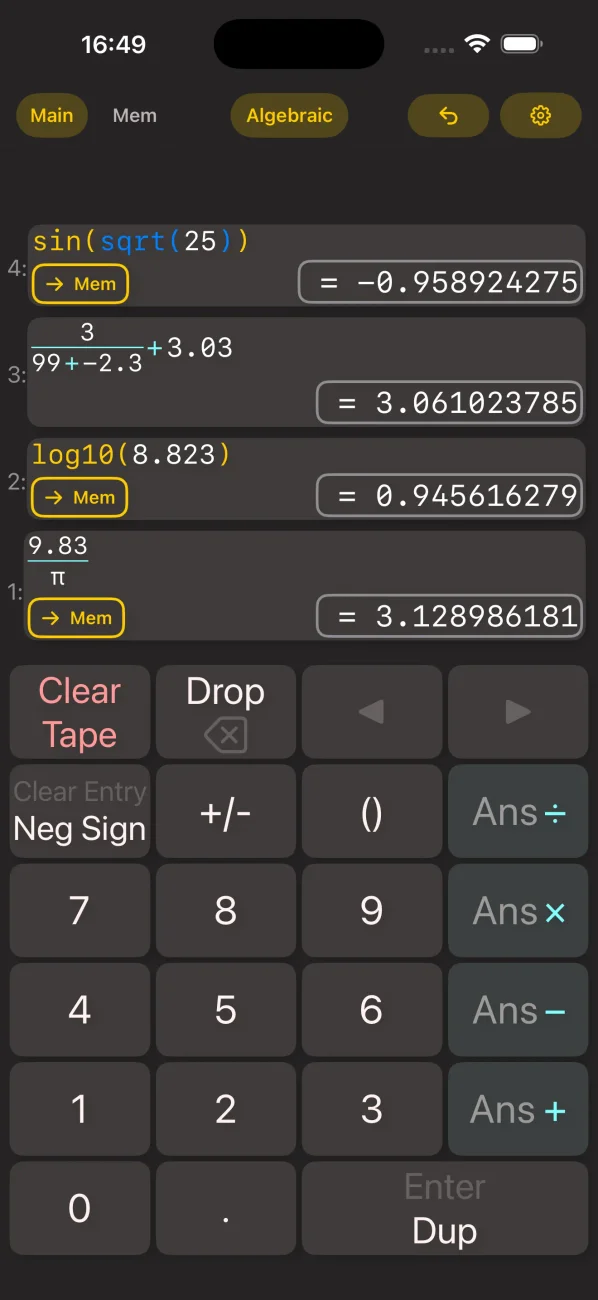
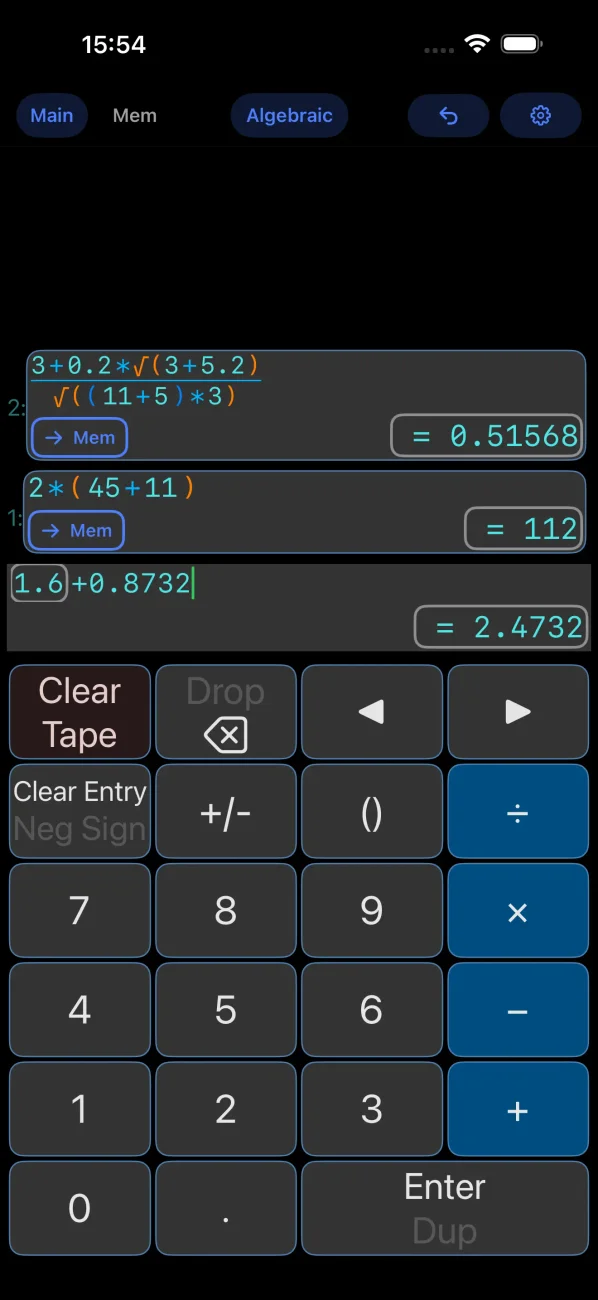
Calculate with confidence. Traditional calculators leave you staring at bare numbers with no easy way to verify how you got there. BVCalc pairs live-updating Algebraic entry with a readable RPN stack, displaying the full textbook-style expression behind every result so you can catch mistakes instantly and build complex calculations in partial steps.
CORE WORKFLOW
• Live results as you type, with no “=” key required
• Textbook-style formatting for fractions, roots, exponents, and color-coded nested parentheses
• Tap any past result to reuse its full expression, not just its numeric value
• Shared history tape and RPN stack, always shown in clear algebraic notation
• Switch between Algebraic and RPN anytime, even mid-calculation
• Unlimited history tape, RPN stack, and persistent Memory for saving expressions you reuse often
FAST & FORGIVING
• Touch-friendly RPN gestures (tap to swap or roll, press Enter to duplicate)
• Long-press (or right-click) any past entry to edit it; copy and paste expressions or results
• Undo nearly any action, including accidentally clearing the tape or memory
• Basic and Scientific keyboards, plus full external keyboard and shortcut support
• Built-in Usage Guide with worked examples
MADE TO FIT YOUR STYLE
• Wide selection of light, dark, and high-contrast themes
• Adjustable decimal precision (2 to 12 decimal places), font sizing, calculation depth, and auto-hiding input area
• No ads, no subscriptions, no clutter
BVCalc makes multi-step math fast and reliable: what you see is the math you actually entered.
Yang baru
Versi 1.0.4 · 22/11/2026
Updated for iOS 27, iPadOS 27, and macOS 27 with a refreshed Liquid Glass toolbar, adaptive layouts for iPhone Duo, 4 new color themes, menu bar shortcuts, and core reliability improvements.
WHAT'S NEW
• Refreshed Liquid Glass toolbar with a native Main / Mem switcher, Algebraic / RPN mode toggle, Undo, and Settings that adapts across themes and window sizes
• 4 new color themes: Warm Paper and Nordic Slate (light), plus Nordic Night and Obsidian Gold (dark)
• Adaptive layouts for portrait, landscape, iPadOS Split View / Stage Manager, macOS window resizing, and iPhone Duo outer and unfolded displays
• Expanded implicit multiplication after parentheses, functions, and reused history or memory items (for example, (6-2)8 and sin(π/2)2)
• Quick jump-to-latest button when scrolling through long history tapes or memory lists
• Improved accessibility and performance, including VoiceOver labels, better Dynamic Type scaling, and background autosave
• Expanded built-in Usage Guide covering keyboard shortcuts, menu bar commands, auto-hiding input area, and memory/RPN tips
BUG FIXES
• Prevented swiping down from scrolling the history tape or memory list completely out of view
• Fixed saving and restoring expressions using root(n, x) across app launches
• Improved handling of undefined/non-finite results (NaN / Infinity), RPN error edge cases, external keyboard comma entry in Algebraic mode, and fraction bar sizing
Privasi aplikasi
Yang dinyatakan Brian Kenneth Vogel di App Store tentang cara aplikasi ini menangani data.
-
Data tidak dikumpulkan
Pengembang tidak mengumpulkan data apa pun dari aplikasi ini.
Praktik privasi dapat bervariasi, misalnya berdasarkan fitur yang Anda gunakan atau usia Anda.
Informasi
- Penjual
- Brian Kenneth Vogel
- Kategori
- Kegunaan
- Versi
- 1.0.4
- Diperbarui
- 22/11/2026
- Dirilis
- 21/7/2024
- Ukuran
- 1,4 MB
- Memerlukan
- iOS 27.0 atau yang lebih baru
- Batasan usia
- 4+
- Harga
- Rp 99ribu
- Bahasa
- Inggris
- Hak cipta
- © 2024 Brian Vogel