
CameraPixels Lite
Unique photo and video camera
Dirancang untuk iPhone, iPad, iPod touch
Gratis · Pembelian dalam aplikasi
- Batasan usia4+
- KategoriFoto & Video
- PengembangNatalya Petrenko
- BahasaInggris+ 10 lainnya
- Ukuran7,6 MB
Tertaut ke halaman resmi App Store
Download.org tidak menyimpan file CameraPixels Lite apa pun. Tombol ini membuka halaman aplikasi di App Store, tempat Natalya Petrenko menerbitkannya. Halaman terakhir diperiksa pada 12/11/2026.
Tangkapan layar



Tentang
Pengembang belum menyediakan teks ini dalam bahasa Anda.
CameraPixels is a unique manual photography app. The premium tools and intuitive UI make CameraPixels the best choice for professional mobile photographers. CameraPixels participated in Berkley Eclipse Megamovie 2017 thanks to its extensive raw bracketing.
All-in-one
=============
CameraPixels is all-in-one capture solution, that supports multiple photo and video capture modes. Among them are Bracketing, Slow Shutter and Time-lapse modes. CameraPixels has the most advanced bracketing available on the iOS platform, which includes exposure and focus bracketing.
Best for macro photography
=============
With CameraPixels you can capture the best macro shots, be it a single image or a series of images, called focus bracketing, which can later be combined into one all-in-focus photo (requires external app for focus stacking). If you have an external macro lens, let CameraPixels save its name to the EXIF data for you, so later you can always remember which lens was used. Currently CameraPixels supports Olloclip™, Loupe System™ and Moment™ lenses.
Best for professional HDR photography
=============
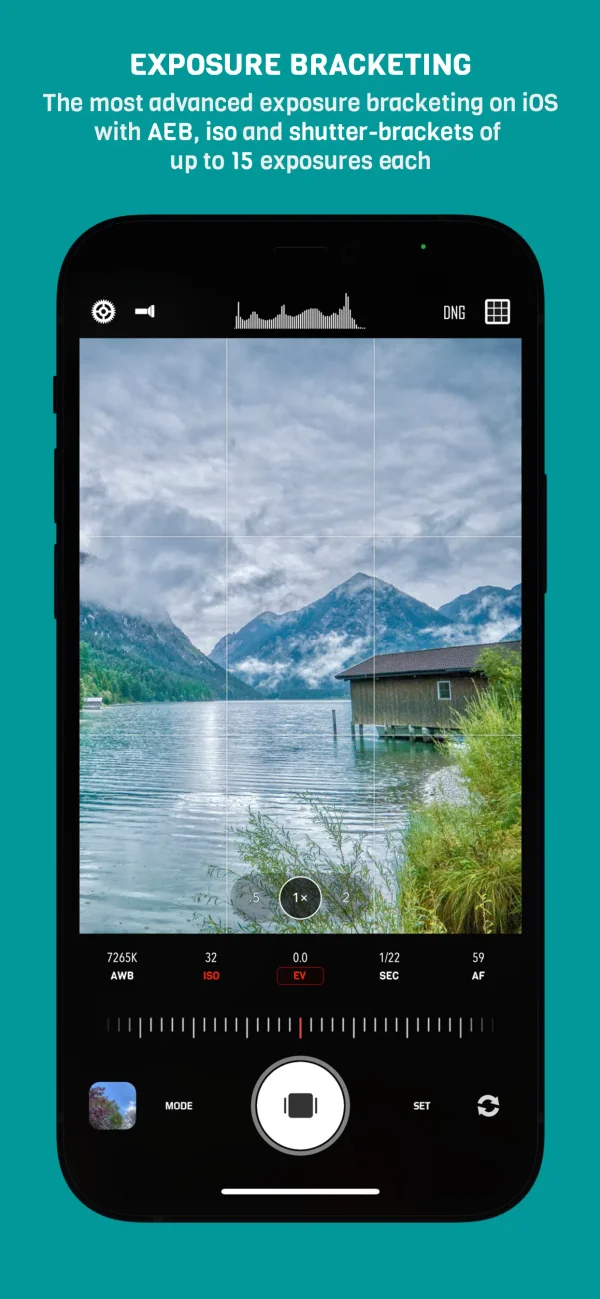
CameraPixels has the most advanced exposure bracketing on iOS. With up to 15 images per bracket you can capture even the most difficult lighting situations. CameraPixels support auto-, iso and shutter-brackets, with an optional flash frame. The captured images can be used to create stunning HDR photos using your favorite professional HDR software.
Intuitive UI
=============
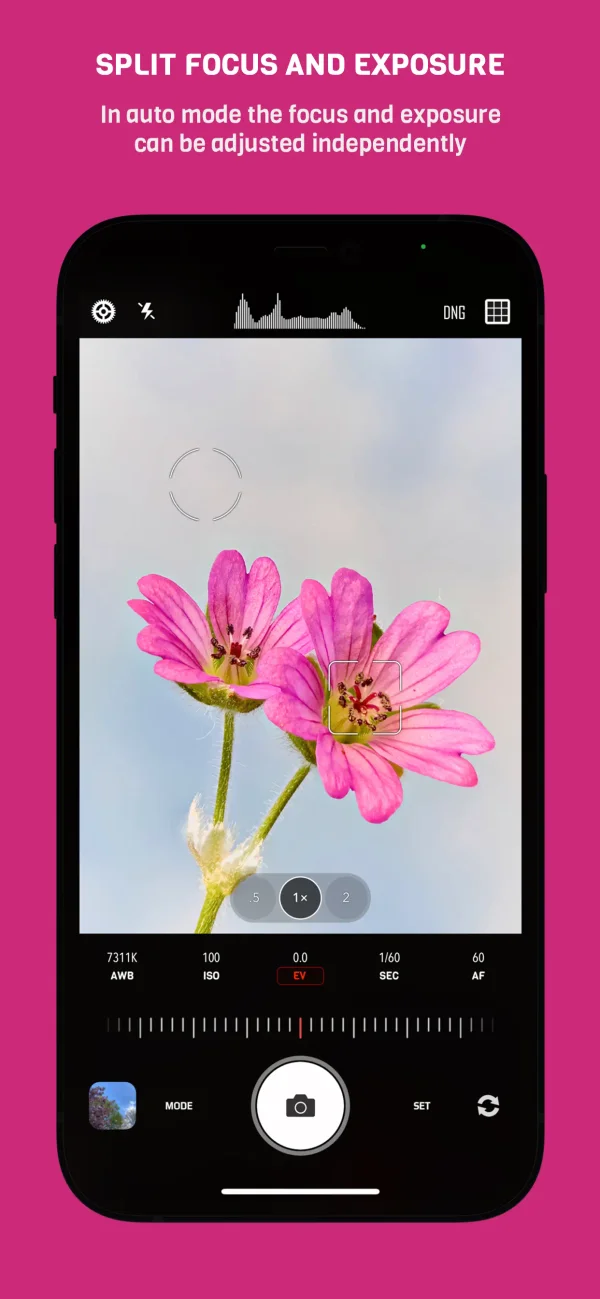
CameraPixels has a simple and efficient UI. The most important information is always in front of your eyes, and this allows you to avoid surprises like an unexpected flash fire or the wrong output photo or video format. Stop being distracted by the uncertainty of the settings, concentrate on your capture!
ISO/Shutter priority modes
=============
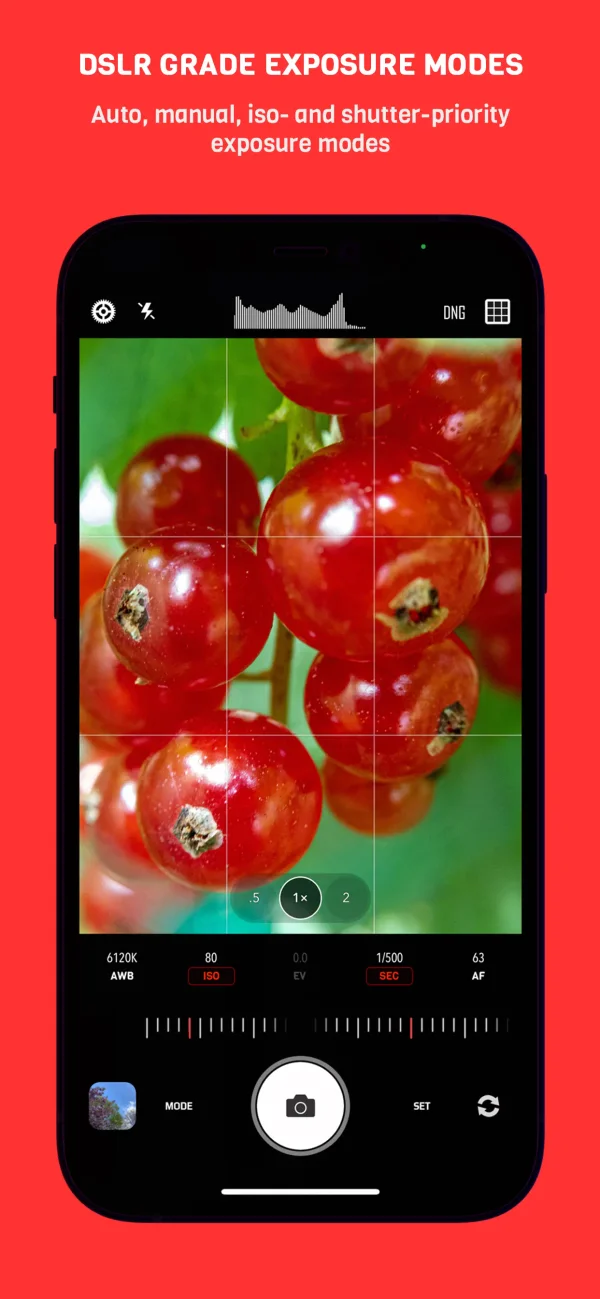
CameraPixels is among a few photography apps that support advanced exposure modes like ISO and Shutter priority. These modes are indispensable during dynamic photography when there is no time for adjusting manual exposure.
Histogram and clipping warnings
=============
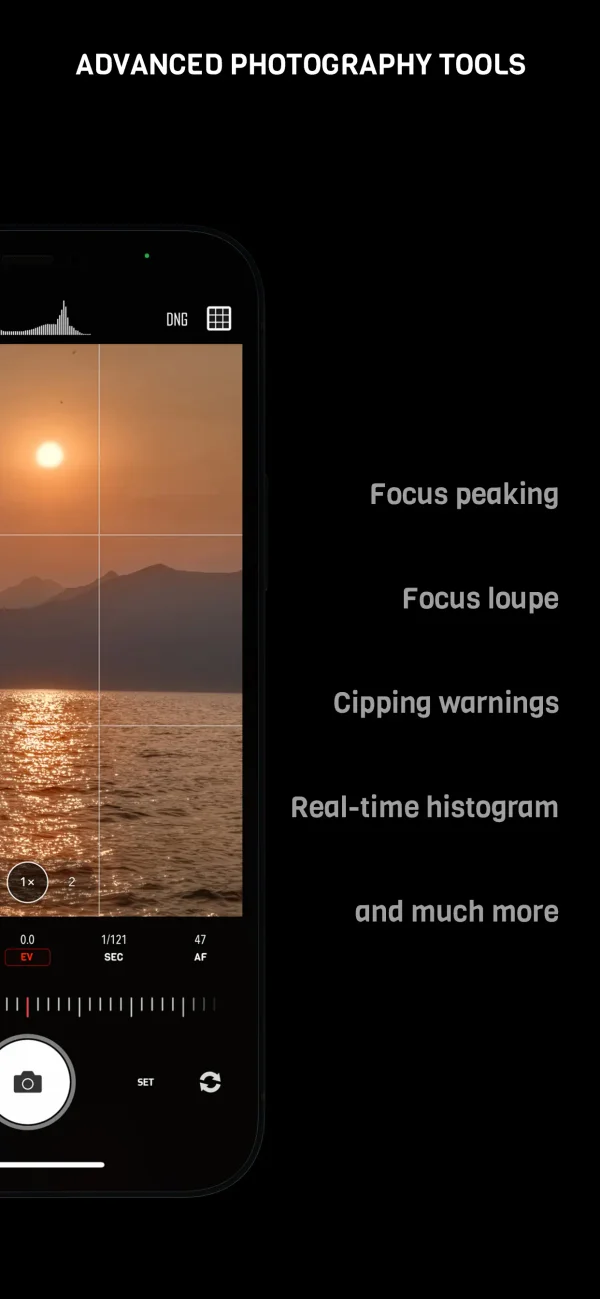
The histogram is a great tool to estimate your exposure. It can show you if the photo has under-exposed or over-exposed areas. Clipping warnings, on the other hand, can show you exactly where those under and over-exposed areas in your photo are.
Depth capture
=============
On dual/triple-camera devices, CameraPixels can capture depth information alongside the colour photo. If the photo has depth information, in the preview window, two additional buttons appear (depth and portrait) that allow you to inspect the depth of the image and apply it to simulate an aperture.
Presets
=============
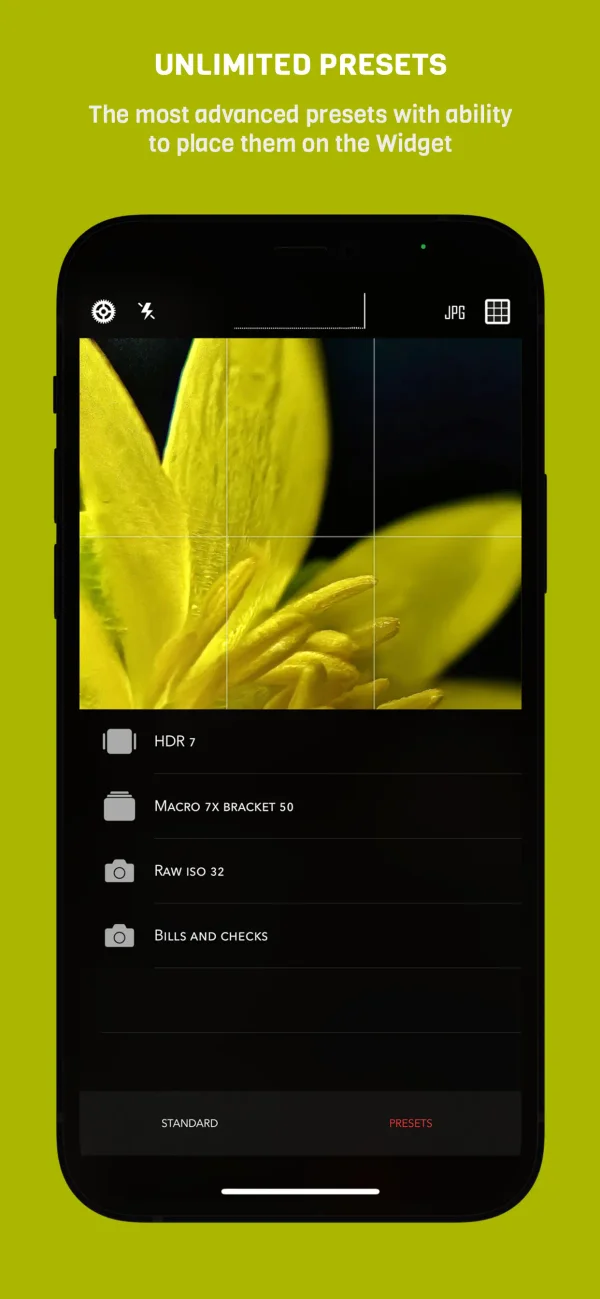
CameraPixels was designed for professional photographers that value efficiency of their workflow. The unlimited presets, including the possibility to expose them to Widget make CameraPixels the ultimate photography tool.
Features overview
=============
- UI optimized for manual capture
- RAW and ProRAW (on supported devices) photo capture
- Auto, manual and semi-automatic (ISO- and Shutter-priority) exposure modes
- Photo, Burst, Portrait, Slow Shutter, Exposure Bracket, Focus Bracket, Video and Time-lapse
- Clipping warnings to highlight under- and over-exposed areas in real time
- Focus peaking and loupe during the manual focus adjustments
- Single or series of Exposure Brackets with up to 15 images per bracket. AEB, ISO- and Shutter-brackets are available.
- Single or series of Focus Brackets with up to 100 images per bracket
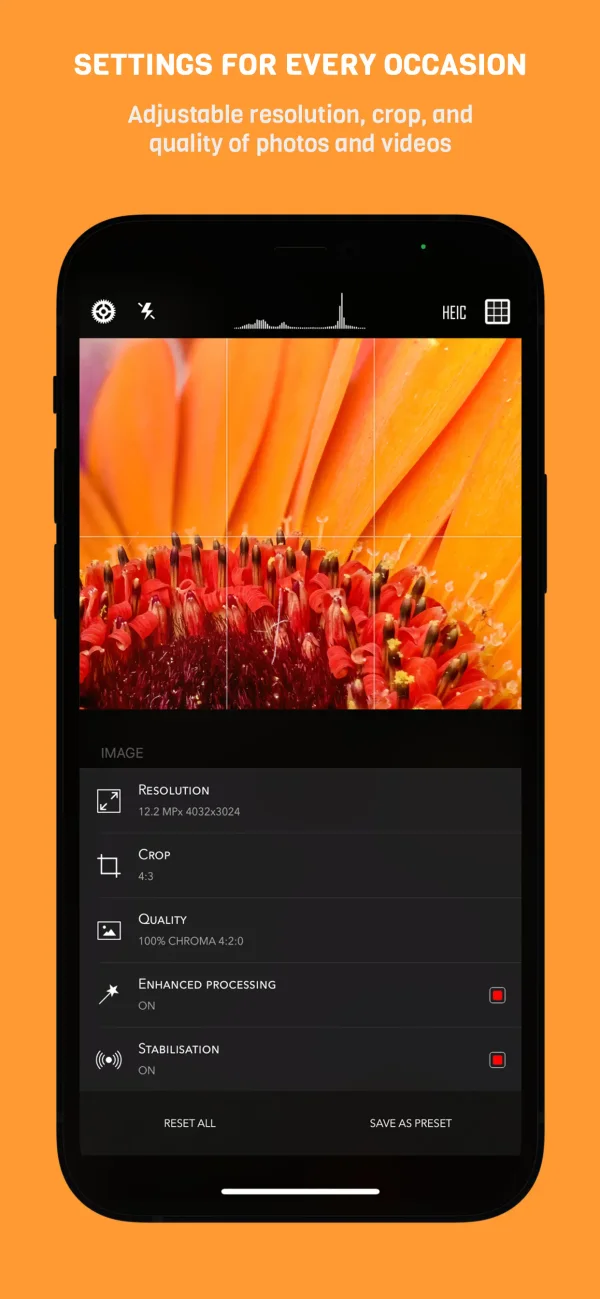
- Adjustable photo and video resolution
- Adjustable photo and video quality
- Advanced photo processing (Smart HDR and Deep fusion on supported devices)
- Unlimited presets with the possibility of exposing them to the widget
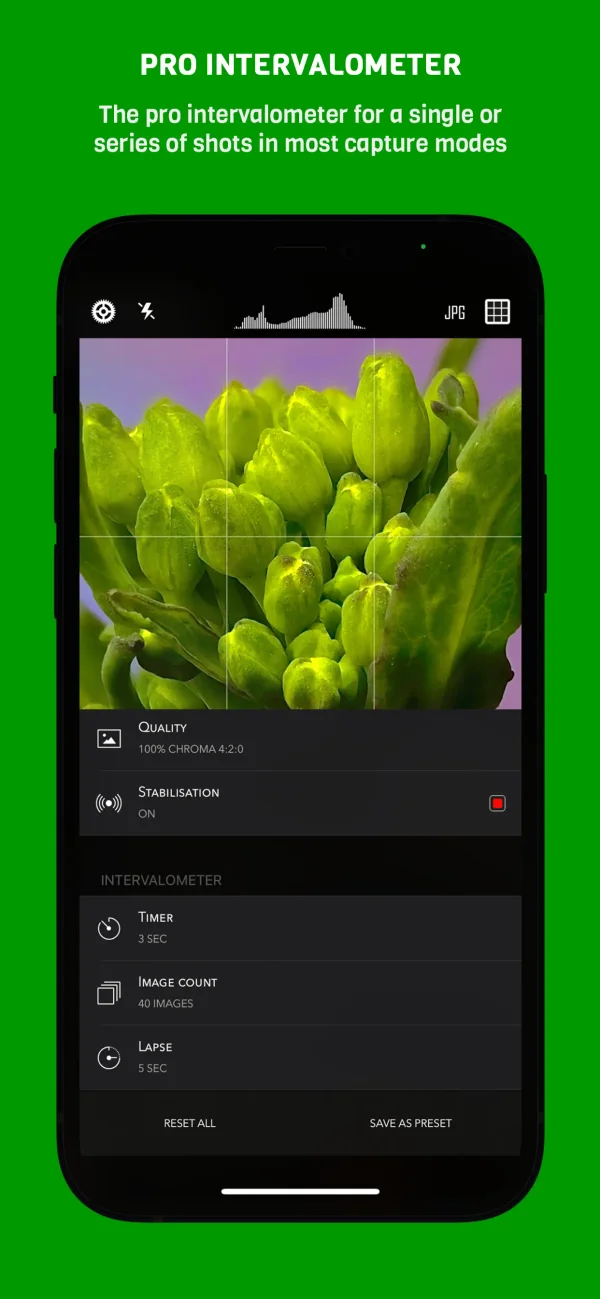
- Advanced intervalometer
- Multiple framing options
Yang baru
Versi 2026.1.1 · 29/6/2026
Fixed issue with Slow Shutter mode
Privasi aplikasi
Yang dinyatakan Natalya Petrenko di App Store tentang cara aplikasi ini menangani data.
-
Data tidak dikumpulkan
Pengembang tidak mengumpulkan data apa pun dari aplikasi ini.
Praktik privasi dapat bervariasi, misalnya berdasarkan fitur yang Anda gunakan atau usia Anda.
Informasi
- Penjual
- Natalya Petrenko
- Kategori
- Foto & Video
- Versi
- 2026.1.1
- Diperbarui
- 29/6/2026
- Dirilis
- 2/9/2016
- Ukuran
- 7,6 MB
- Memerlukan
- iOS 15.6 atau yang lebih baru
- Batasan usia
- 4+
- Harga
- Gratis
- Pembelian dalam aplikasi
- Ya
- Bahasa
- Inggris, Belanda, Prancis, Jerman, Italia, Jepang, Korea, Portugis, Rusia, Tionghoa Sederhana, Spanyol
- Hak cipta
- © Basic Pixels
Mungkin Anda juga suka
-
 AuraHDR CameraFoto & Video
-
 Light Stack CameraFoto & Video
-
 BlaX Macro CameraFoto & Video
-
 ReeXpose - RAW Long ExposureFoto & Video
-
 Pro Camera - ReeflexFoto & Video
-
 ProCam - Manual Video RecorderProfessional 4k HDR SLR Camera
-
 Helicon RemoteFoto & Video
-
 Manual Camera, Pro DSLR | RAW+Foto & Video
-
 Manual Camera – Focus, ISO, WBFoto & Video
-
 Pro Raw Manual Camera AppFoto & Video