AuraHDR Camera
RAW Brackets & Focus Stacking
Dirancang untuk iPhone
Gratis · Pembelian dalam aplikasi
- Batasan usia4+
- KategoriFoto & Video
- PengembangAppJud
- BahasaInggris
- Ukuran44,7 MB
Tertaut ke halaman resmi App Store
Download.org tidak menyimpan file AuraHDR Camera apa pun. Tombol ini membuka halaman aplikasi di App Store, tempat AppJud menerbitkannya. Halaman terakhir diperiksa pada 15/11/2026.
Tangkapan layar
Tentang
Pengembang belum menyediakan teks ini dalam bahasa Anda.
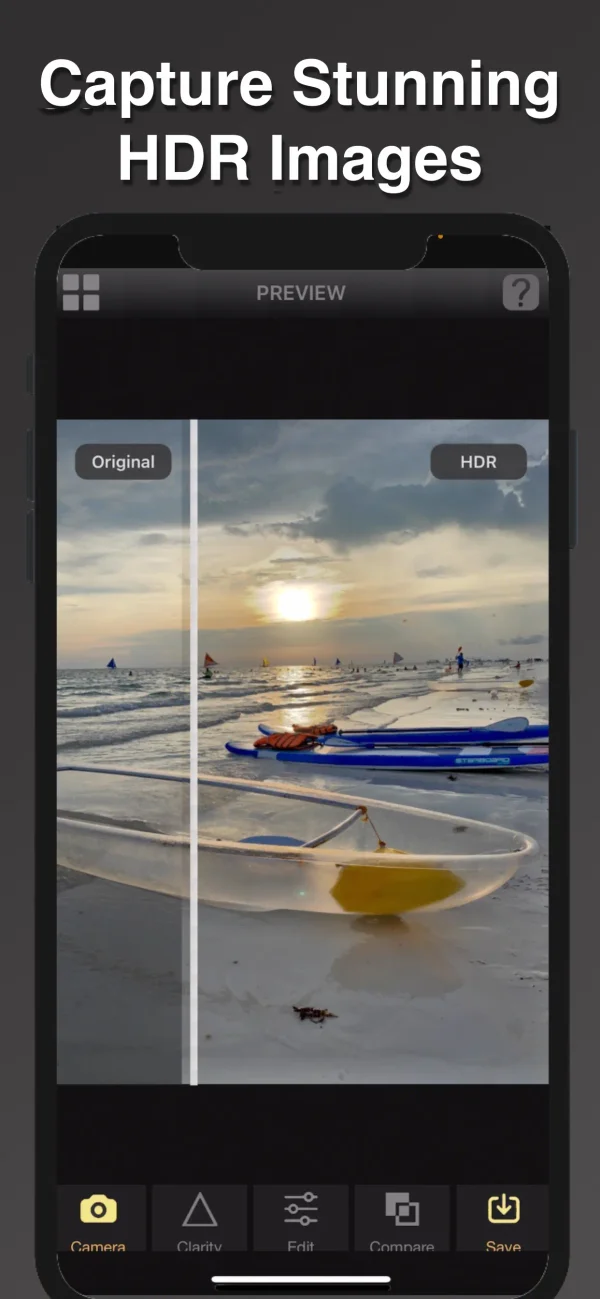
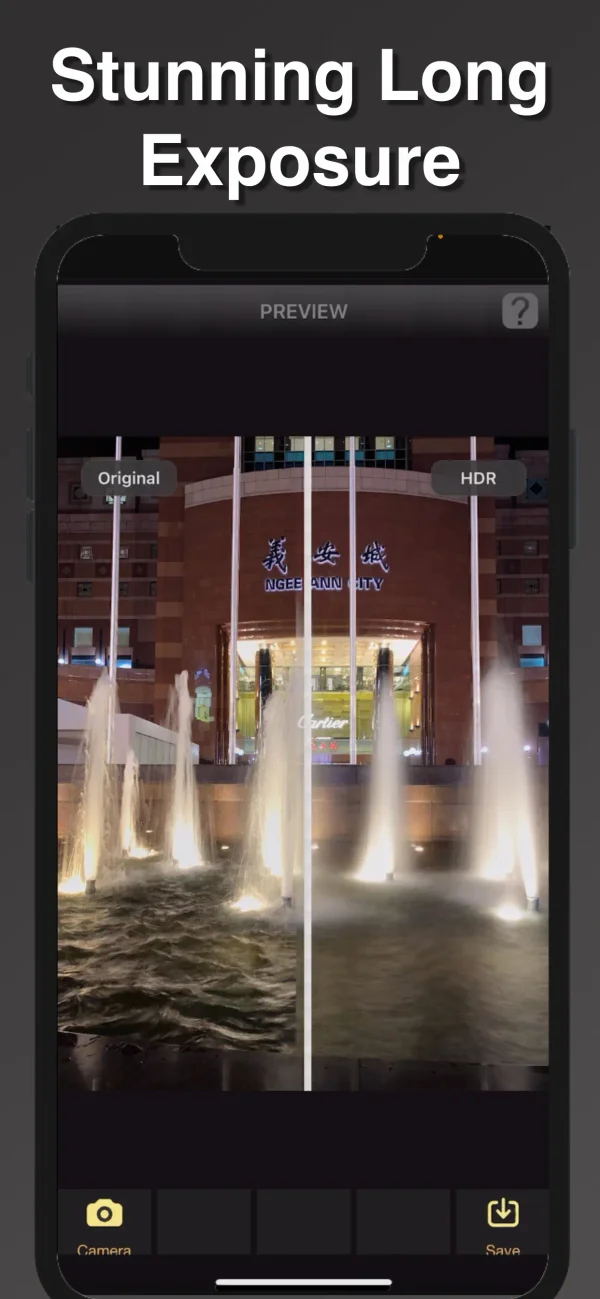
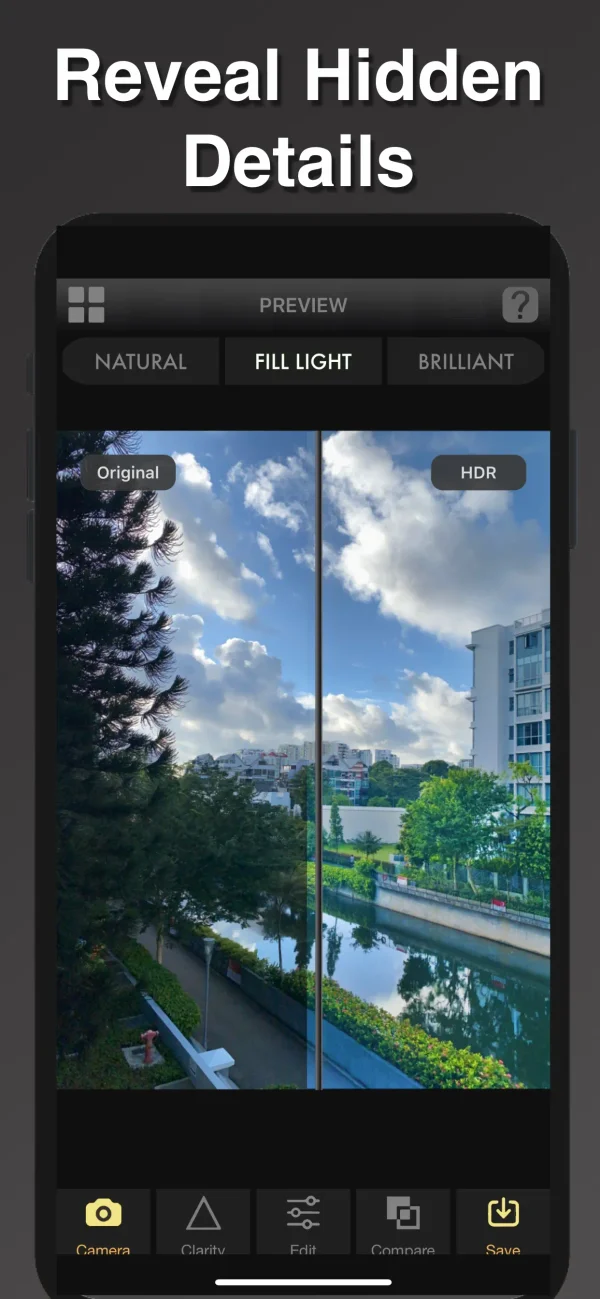
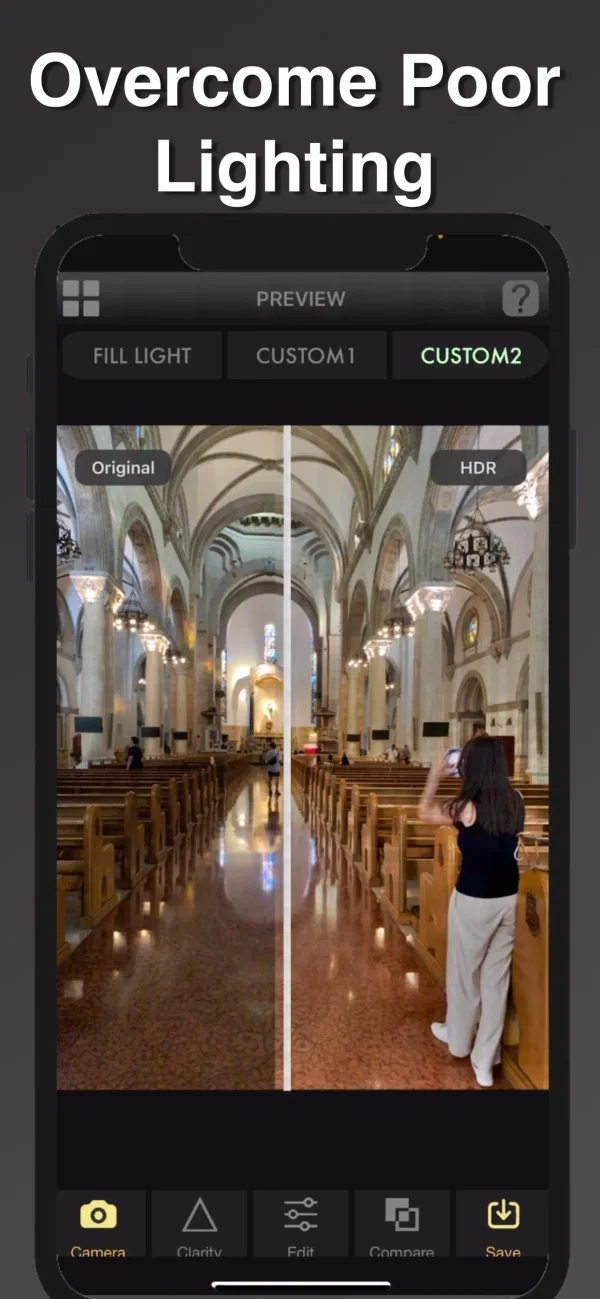
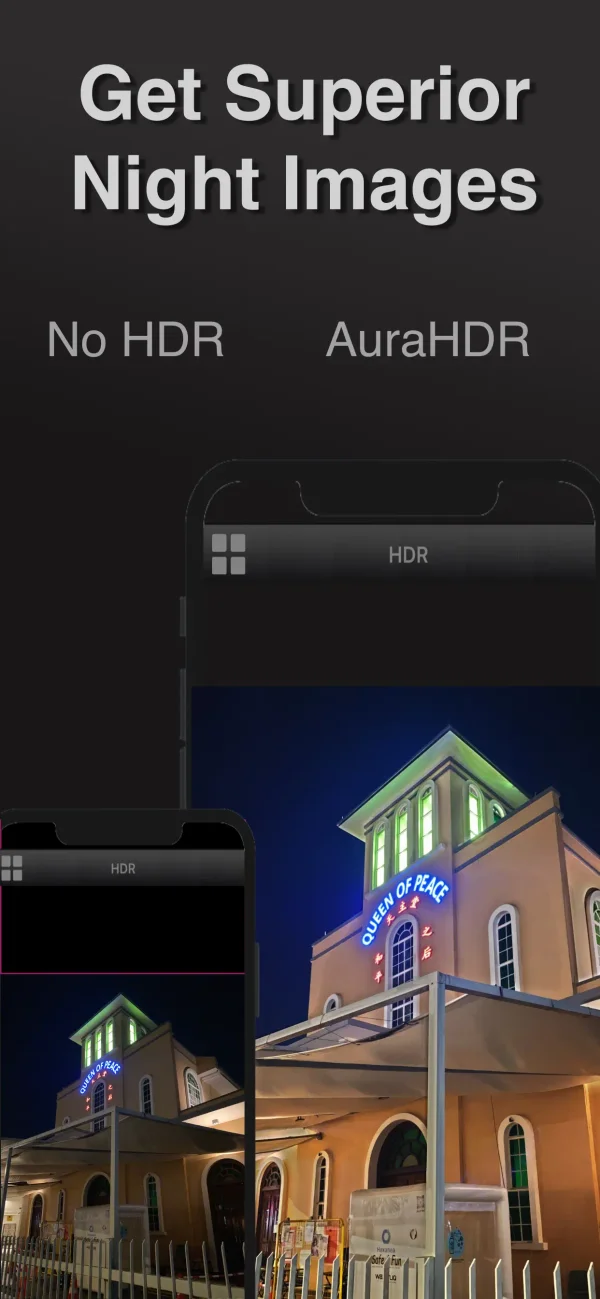
AuraHDR Camera gives iPhone photographers advanced tools for capturing scenes that ordinary camera apps struggle with. Create detailed HDR images with up to 16-stop RAW exposure bracketing, achieve edge-to-edge sharpness with focus bracketing and automatic focus stacking, and shoot in Bayer RAW or Apple ProRAW—all from one powerful camera app.
WHAT MAKES AURAHDR DIFFERENT?
ADVANCED HDR CAMERA
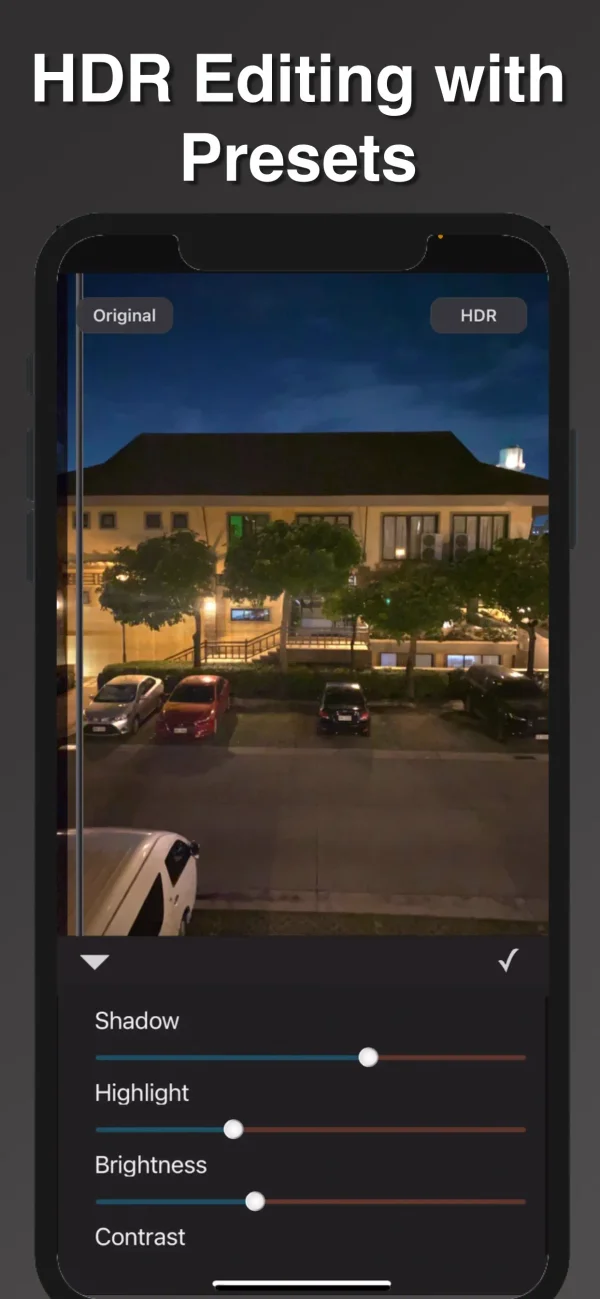
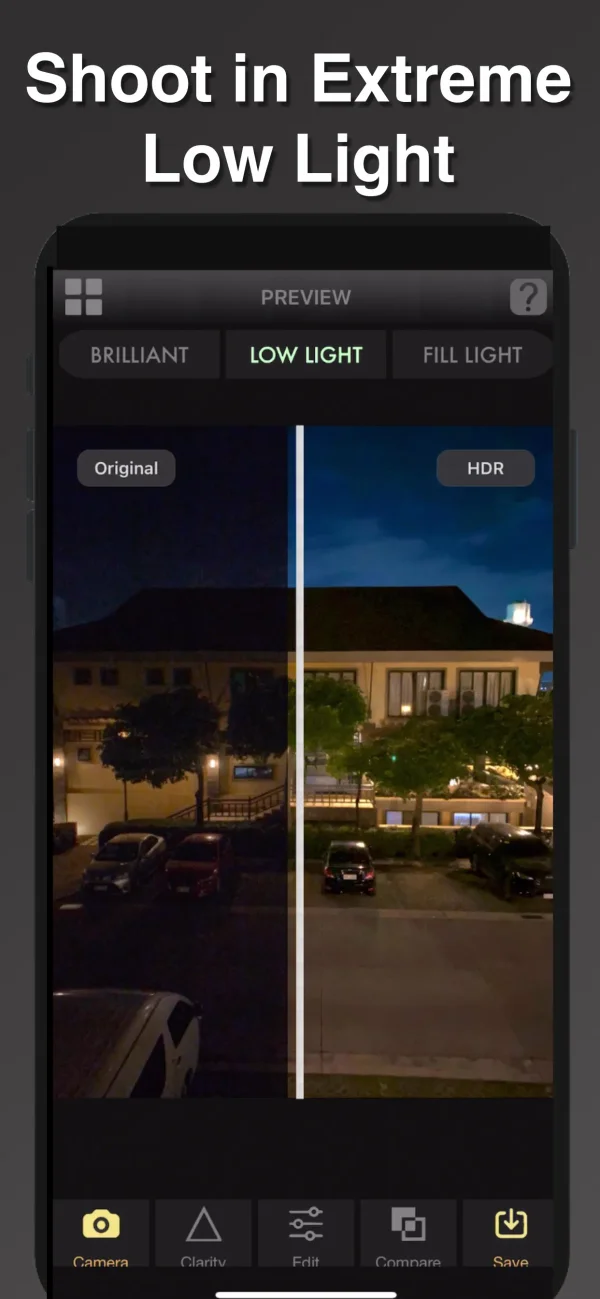
AuraHDR’s proprietary AuraEngine tone mapping recovers detail in challenging lighting conditions. Each scene is analyzed automatically, while built-in tone controls let you fine-tune the result. For darker scenes, the Low Light preset helps produce cleaner photographs with improved detail.
1. 16-STOP EXPOSURE BRACKETING
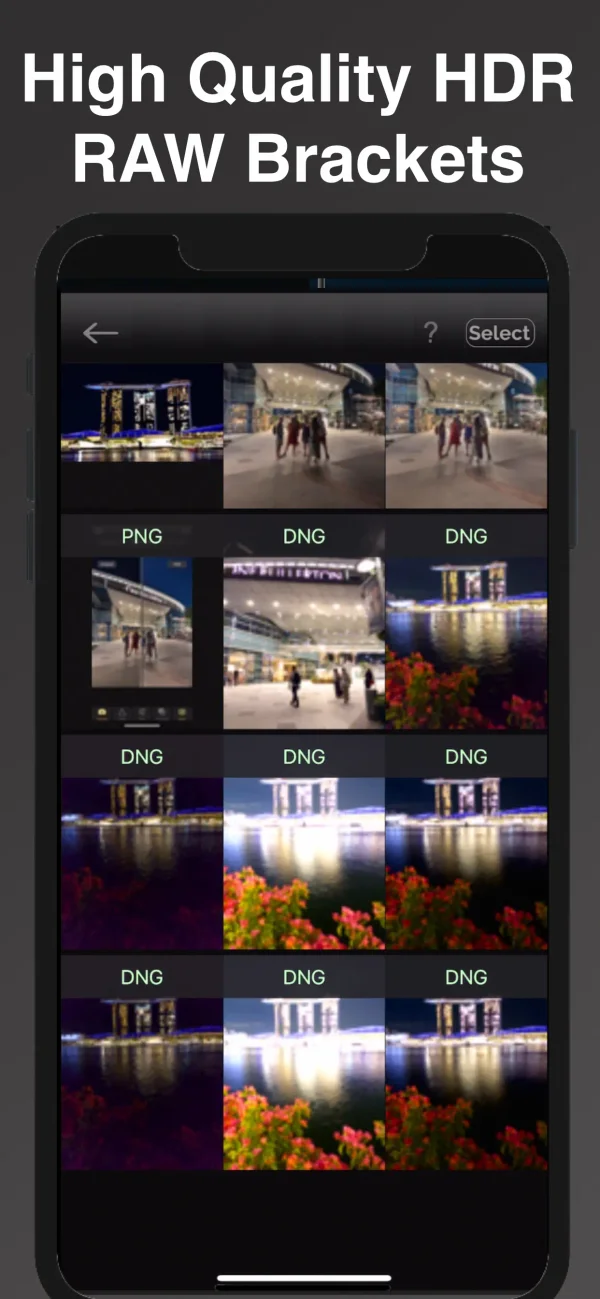
Capture RAW or JPEG exposure brackets across a range of up to 16 stops for merging in your preferred HDR software.
• Capture up to seven bracketed exposures.
• Customize the number of exposures and interval between them.
• High Quality Low Light mode uses a lower ISO for cleaner brackets.
• Supports Bayer RAW and Apple ProRAW on compatible iPhones.
2. RAW FOCUS BRACKETING
Capture tack-sharp close-ups and landscapes with greater depth of field.
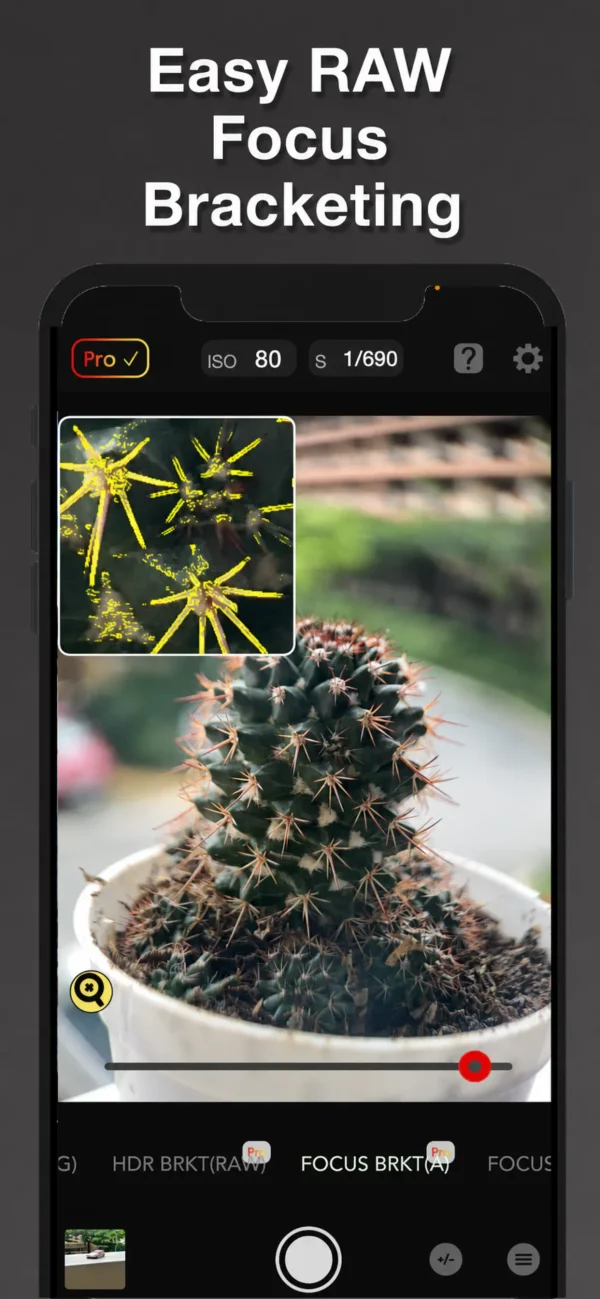
• Choose automatic or manual focus bracketing.
• Capture up to 100 bracketed images.
• Adjust the focus interval for different subjects.
• Capture in RAW or JPEG.
• Use the draggable magnifier and real-time focus peaking to identify areas of sharp focus.
In Auto mode, select the nearest focus point and let AuraHDR capture the sequence. In Manual mode, tap different areas of the frame to choose each focus position.
Import the frames into apps such as Affinity Photo or Luminar Neo to create images with edge-to-edge sharpness.
3. AUTOMATIC FOCUS STACKING CAMERA
Automatic Focus Stacking combines bracketed images inside AuraHDR and saves the completed result—no external stacking software required.
• Ideal for macro, product, and food photography.
• Select the nearest focus point and press the shutter.
• Both the bracketed sequence and focus-stacked image are saved.
• Designed for use with the iPhone’s main camera.
4. BAYER RAW AND APPLE PRORAW CAPTURE
Choose the RAW format that best suits your workflow.
• Capture minimally processed Bayer RAW files for maximum editing flexibility.
• Use Apple ProRAW for RAW flexibility with Apple’s computational processing.
• Capture Apple ProRAW at up to 48MP on supported Pro iPhones.
• Available formats and resolution depend on your iPhone model.
5. LONG EXPOSURE AND FRAME STACKING
Create smooth long exposures of flowing water, moving lights, and other moving subjects directly inside AuraHDR.
Frame Stacking captures a sequence of individual images for processing in compatible software. Blend them to simulate longer exposures or average them to reduce noise in static low-light scenes.
6. ADDITIONAL CAPABILITIES
Moon Mode captures four exposures to help photograph visible lunar detail.
A tripod is recommended for focus stacking, long exposures, frame stacking, and High Quality Low Light capture.
Visit the AuraHDR YouTube channel for tutorials covering HDR merging, focus stacking, frame stacking, and other features.
Yang baru
Versi 12.0.0 · 31/8/2026
AuraHDR Camera 12 is a major update featuring six enhancements that make the app more powerful and reliable:
Focus Peaking — See sharp edges highlighted in real time, making it easier to identify exactly what is in focus.
Draggable Magnifier — Move the magnifier anywhere in the frame so it doesn’t obstruct your subject.
RAW Format Selection — On supported Pro iPhones, easily choose between Bayer RAW and Apple ProRAW when capturing exposure or focus brackets.
More Reliable Long Exposures — Fixed an issue that could cause movement during long-exposure capture, resulting in soft images.
Improved Focus and Exposure Lock — Focus lock now remains active after pressing the shutter—ideal for panoramas and other multi-shot workflows.
Additional Improvements — Refined the exposure-compensation controls and other interface elements, while fixing several crashes and freezes.
Privasi aplikasi
Yang dinyatakan AppJud di App Store tentang cara aplikasi ini menangani data.
-
Data tidak dikumpulkan
Pengembang tidak mengumpulkan data apa pun dari aplikasi ini.
Praktik privasi dapat bervariasi, misalnya berdasarkan fitur yang Anda gunakan atau usia Anda.
Informasi
- Penjual
- justin monreal
- Kategori
- Foto & Video
- Versi
- 12.0.0
- Diperbarui
- 31/8/2026
- Dirilis
- 28/12/2018
- Ukuran
- 44,7 MB
- Memerlukan
- iOS 26.0 atau yang lebih baru
- Batasan usia
- 4+
- Harga
- Gratis
- Pembelian dalam aplikasi
- Ya
- Bahasa
- Inggris
- Hak cipta
- © Fixel 2026
Mungkin Anda juga suka
-
 HDR Effect CameraFoto & Video
-
 HDR Max - Photo EditorFoto & Video
-
 CameraPixels LiteFoto & Video
-
 CameraPixels PROFoto & Video
-
 Brackt: RAW to HDR MergeFoto & Video
-
 Simply HDRFoto & Video
-
 Light Stack CameraFoto & Video
-
 Zeus Focus StackingFoto & Video
-
 Pro Camera - ReeflexFoto & Video
-
 ReeXpose - RAW Long ExposureFoto & Video