
ChessSnap
Scan Chess Scoresheets to PGN
Dirancang untuk iPhone, iPad, iPod touch
Gratis · Pembelian dalam aplikasi
- Batasan usia4+
- KategoriPendidikan
- PengembangJunqing Zhang
- BahasaInggris
- Ukuran2,2 MB
Tertaut ke halaman resmi App Store
Download.org tidak menyimpan file ChessSnap apa pun. Tombol ini membuka halaman aplikasi di App Store, tempat Junqing Zhang menerbitkannya. Halaman terakhir diperiksa pada 18/11/2026.
Tangkapan layar


Tentang
Pengembang belum menyediakan teks ini dalam bahasa Anda.
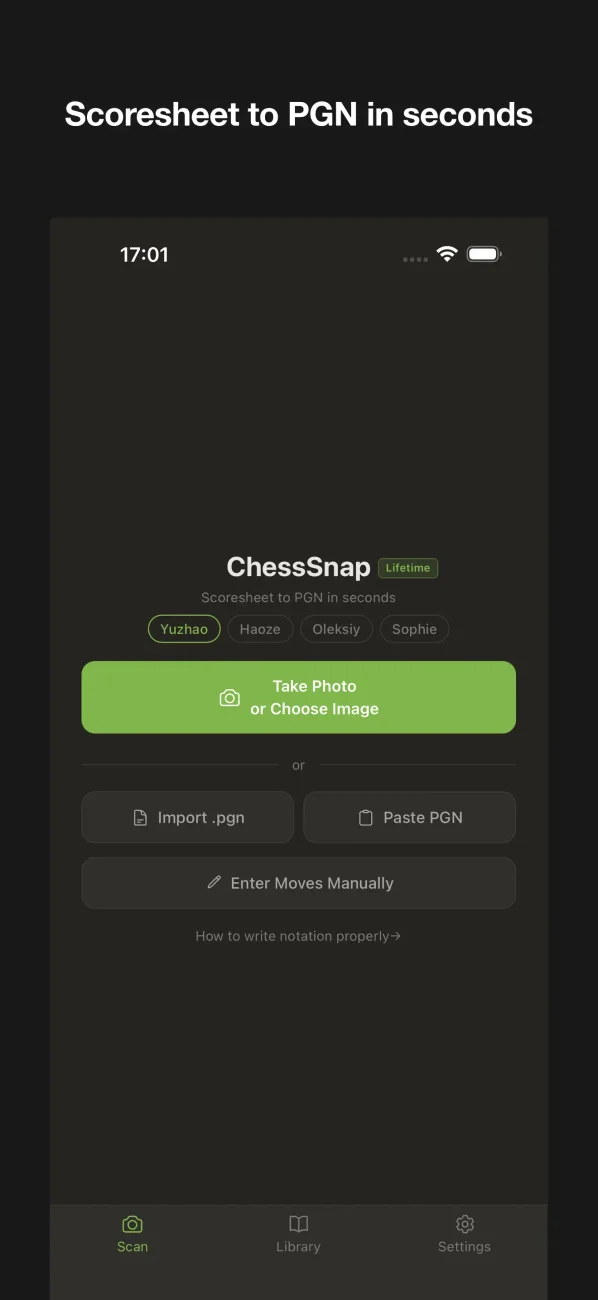
Turn handwritten chess scoresheets into PGN in seconds.
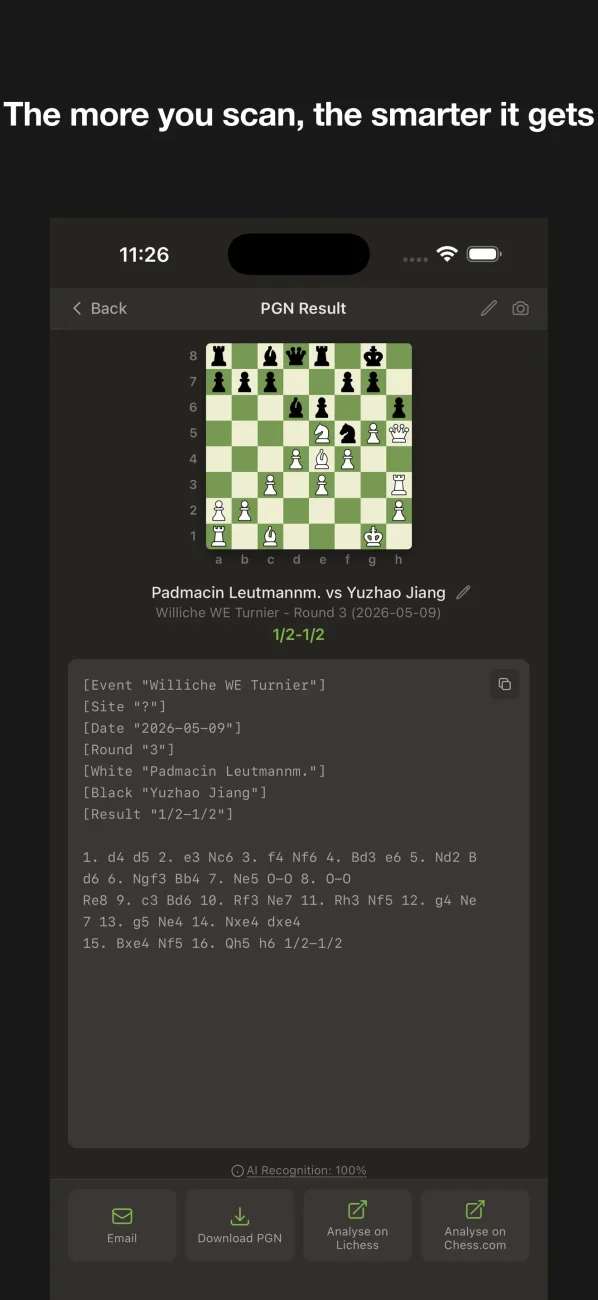
Just snap a photo. ChessSnap uses AI to read your moves, validates them with chess rules, and delivers a clean PGN ready for analysis in Lichess, Chess.com, or any engine.
HIGHLIGHTS
No more typing
Capture and convert instantly.
Smart move validation
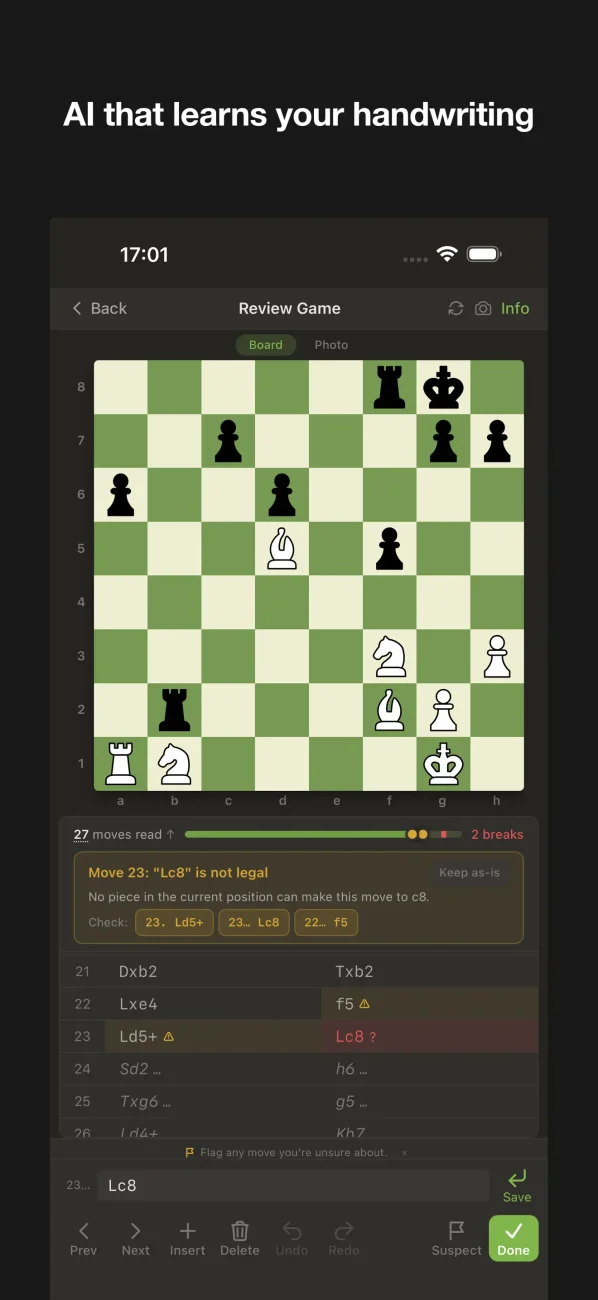
AI recognition + rule-based verification.
Learns your handwriting
Improves with every game.
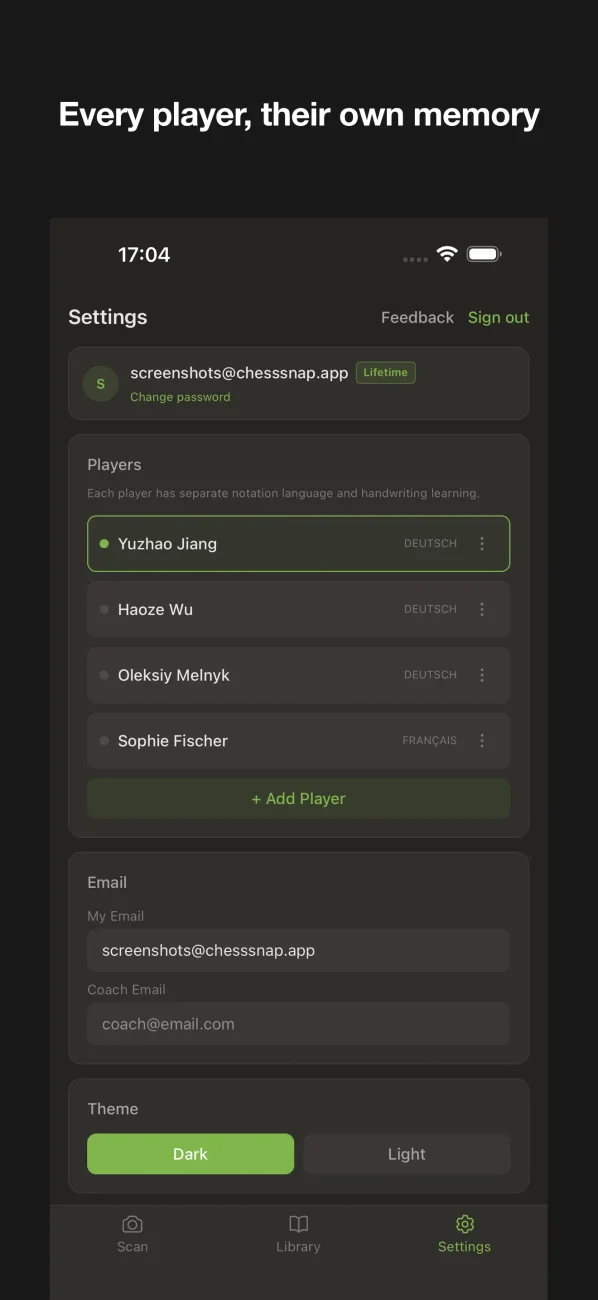
Multiple player profiles
Perfect for coaches, families, and clubs.
11 notation languages
Including English, German, French, Spanish, and more.
Cloud sync
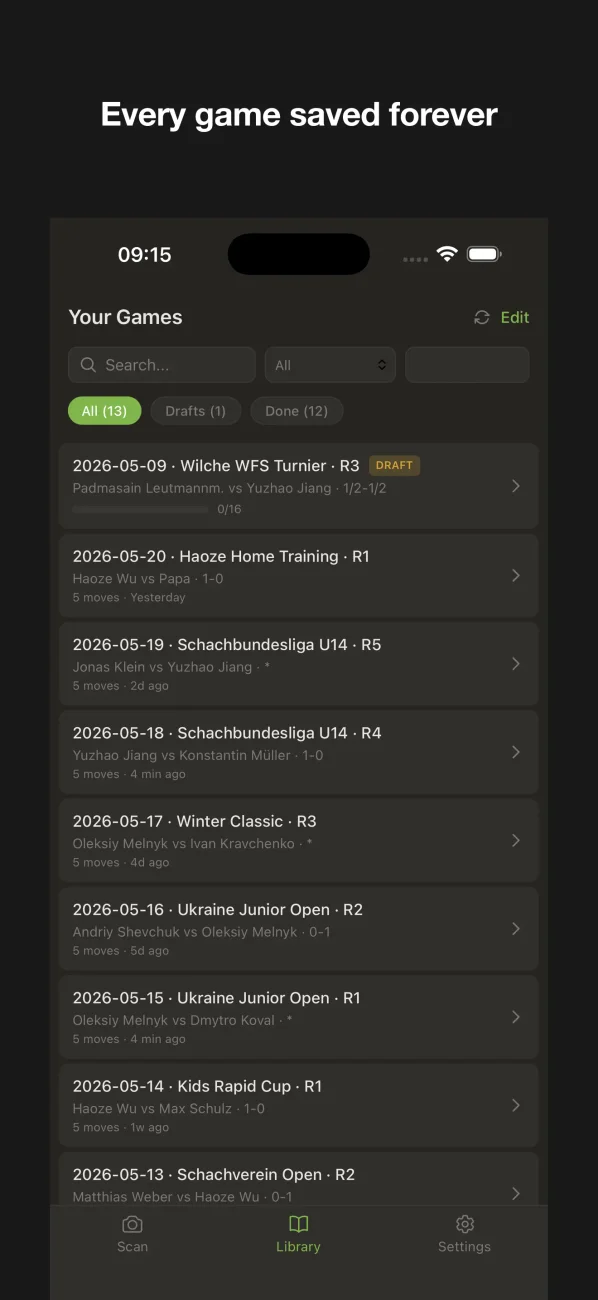
Access your games on all devices.
Share instantly
Open in Lichess or Chess.com, or export PGN.
FREE TRIAL & LIFETIME
Free trial:
5 scans in total, 1 player profile
Lifetime, one-time purchase:
Unlimited scans
Up to 10 player profiles
One purchase. No subscription, nothing to renew.
PRIVACY
Your data stays private.
No ads. No tracking.
EU-based secure storage.
PERFECT FOR
Tournament players
Coaches
Chess parents
Anyone digitizing scoresheets
Terms of Use (EULA): https://www.apple.com/legal/internet-services/itunes/dev/stdeula/
Privacy Policy: https://www.chesssnap.app/privacy
Yang baru
Versi 2.1 · 28/10/2026
Made for iPhone Duo. Review games on the inner display with the board, your scoresheet photo and the move list side by side. The outer display shows your library and guides you to unfold when you want to review.
Keyboard layouts rebuilt for every screen: the board stays put while you type, and the move you are editing is always visible above the keyboard.
Sign in now opens in Apple's dedicated sign-in window, so Google and Apple login return to the app reliably.
Faster photo storage: scoresheet photos no longer compete with your saved games for space.
Privasi aplikasi
Yang dinyatakan Junqing Zhang di App Store tentang cara aplikasi ini menangani data.
-
Data yang ditautkan dengan Anda
Dapat dikumpulkan dan ditautkan dengan identitas Anda.
- Pembelian
- Info kontak
- Konten pengguna
- Pengenal
- Data penggunaan
-
Data yang tidak ditautkan dengan Anda
Dapat dikumpulkan, tetapi tidak ditautkan dengan identitas Anda.
- Data penggunaan
- Diagnostik
Praktik privasi dapat bervariasi, misalnya berdasarkan fitur yang Anda gunakan atau usia Anda.
Informasi
- Penjual
- Junqing Zhang
- Kategori
- Pendidikan
- Versi
- 2.1
- Diperbarui
- 28/10/2026
- Dirilis
- 27/5/2026
- Ukuran
- 2,2 MB
- Memerlukan
- iOS 15.0 atau yang lebih baru
- Batasan usia
- 4+
- Harga
- Gratis
- Pembelian dalam aplikasi
- Ya
- Bahasa
- Inggris
- Hak cipta
- © 2026 Scop
Mungkin Anda juga suka
-
 ChessFan: Notation & PDFPendidikan
-
 Book2Board: Chess Book StudyPendidikan
-
 OpeningBookPendidikan
-
 Kaissa - Chess AnalysisPendidikan
-
 EdaraSmart LearnPendidikan
-
 Chess Openings: Learn & TrainPendidikan
-
 Rookaby: Catur untuk BalitaPelajaran yang dibacakan
-
 Academic AcePendidikan
-
 JapanColors: Traditional ColorReferensi
-
 PGN Trainer: Chess OpeningsPendidikan